8 Beautiful Wallpaper Themes to Refresh Your Samsung Galaxy A54 Display
The average smartphone user glances at their device over 150 times per day, yet most people never change the wallpaper that greets them each time. For Samsung Galaxy A54 owners, that habit represents a missed opportunity. The A54’s 6.4-inch Super AMOLED display, with its deep blacks and vivid color reproduction, is practically designed to showcase stunning visual themes. Exploring 8 Beautiful Wallpaper Themes to Refresh Your Samsung Galaxy A54 Display is one of the fastest, most cost-effective ways to make a mid-range device feel premium and personally yours.
Disclosure: This post contains affiliate links. As an Amazon Associate, we earn from qualifying purchases, and at no extra cost to you.
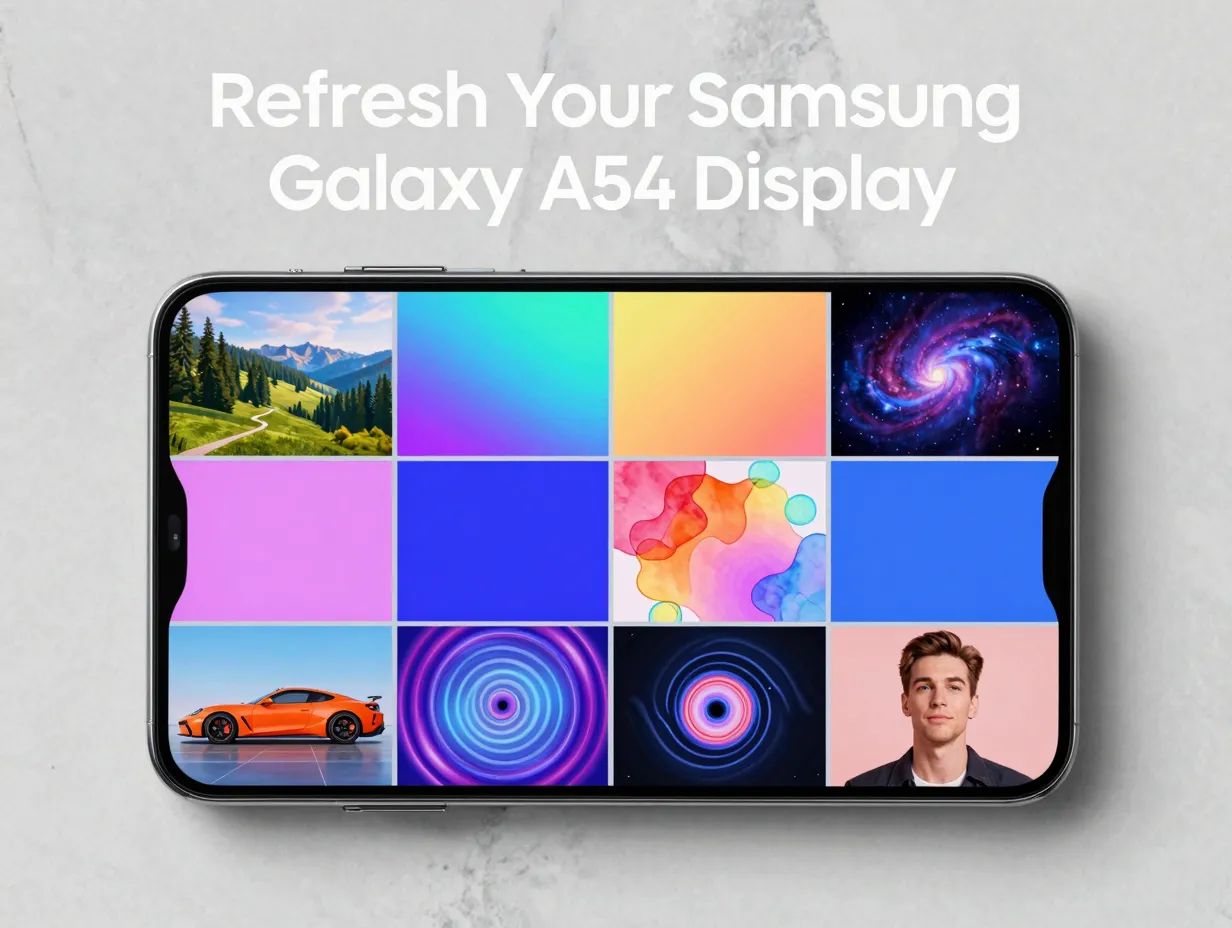
Whether the goal is a calming nature escape, a bold geometric statement, or a fully coordinated UI overhaul, the Galaxy A54 supports a surprisingly deep customization ecosystem. From Samsung’s own Galaxy Themes store to third-party apps and downloadable wallpaper packs, the options in 2026 are broader than ever. This guide walks through eight distinct theme directions, explains how to apply each one, and highlights the tools available to make the change stick.
Key Takeaways
- The Galaxy A54’s Wallpaper and style menu (accessed by long-pressing the Home screen) is the central hub for all wallpaper and theme changes [1]
- Samsung’s Galaxy Themes store delivers full theme packs that change wallpapers, icons, and UI colors in a single tap [11]
- The A54 ships with 21 preloaded static wallpapers across several visual categories, giving users a solid starting point without any downloads [6]
- Depth effects, frames, and AR Emoji video backgrounds are available for more dynamic, personalized themes [4][10]
- Third-party apps and wallpaper catalogs offer hundreds of A54-optimized backgrounds across categories like nature, abstract art, automotive, and gaming [8][14]
How to Change Wallpapers and Themes on the Galaxy A54
Before diving into the eight theme categories, it helps to understand the mechanics. Samsung has kept the process straightforward and consistent across recent One UI updates.
The standard wallpaper workflow on the Galaxy A54 involves three steps:
- Long-press an empty area on the Home screen
- Tap Wallpaper and style
- Select from preloaded images, Gallery photos, video wallpapers, or downloads from Galaxy Themes, then choose whether to apply to the Home screen, Lock screen, or both, and confirm [5]
For full theme packs that go beyond a single background image, the process branches slightly. After long-pressing the Home screen, tapping Themes opens a browsing interface with categories like Top and Free. Downloading and tapping Apply swaps the wallpaper, icon set, and UI color scheme simultaneously [11].
One UI also adds a color palette feature that automatically derives accent colors from the chosen wallpaper, creating a cohesive look across the entire interface [1]. An additional option, dim wallpaper when Dark mode is on, keeps the display comfortable at night without forcing a wallpaper change [1].
For users who select a photo of a person or animal, One UI enables depth effects that visually separate the subject from the background, adding a subtle three-dimensional quality to the Lock screen [10].
8 Beautiful Wallpaper Themes to Refresh Your Samsung Galaxy A54 Display
The following eight theme categories represent the most visually compelling and practically accessible options for Galaxy A54 owners in 2026. Each one is distinct in mood, source, and application method.
1. Nature and Landscape Photography

Few themes age as gracefully as high-resolution nature photography. Forests, mountain ranges, ocean horizons, and macro flower shots all translate exceptionally well onto the A54’s AMOLED panel, where deep blacks make foliage and water appear almost luminous.
Samsung’s preloaded wallpaper set includes nature-adjacent imagery within its 13 common One UI wallpapers and 4 One UI 5 wallpapers [6]. For users who want more variety, third-party catalogs on Zedge list hundreds of nature-tagged backgrounds sized specifically for the A54 5G [8]. The depth effect feature in One UI is particularly effective with landscape shots that include a clear foreground subject, a bird, a flower, a person, set against a sweeping background [10].
Best for: Users who want a calming, timeless aesthetic that works equally well in light and dark mode.
2. Abstract and Geometric Patterns
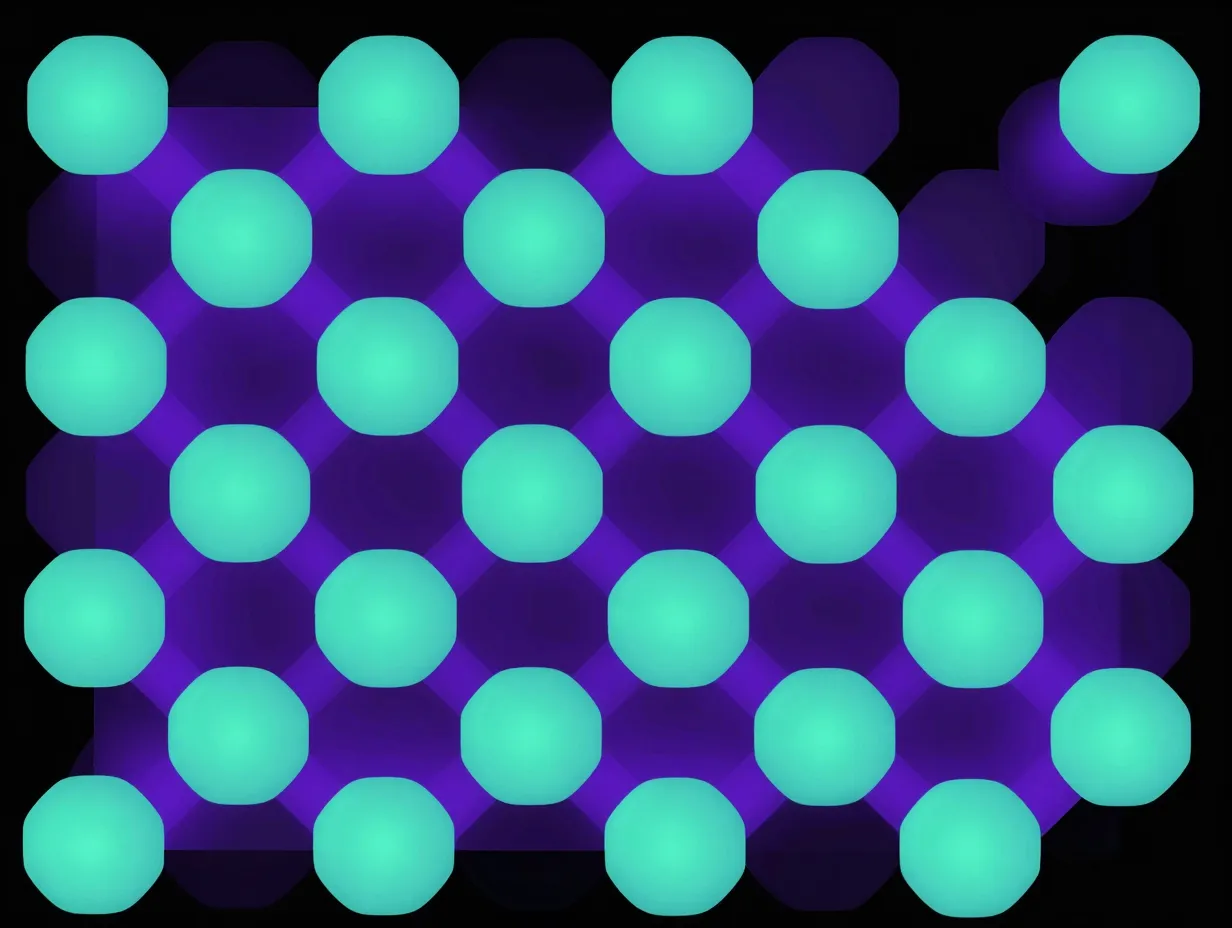
Abstract wallpapers, bold gradients, tessellating shapes, fluid ink-splash designs, are among the most popular choices for AMOLED displays because they leverage the screen’s ability to render pitch-black backgrounds alongside vivid color pops.
The Galaxy A54’s preloaded set includes 3 abstract pattern wallpapers as part of its stock firmware package [6]. These serve as a baseline, but the real depth comes from Galaxy Themes and third-party sources. A dedicated wallpaper pack for the Galaxy A54 and A34 includes 22 static and 2 live wallpapers in full original resolution, with several abstract options designed to make the screen look more premium [7].
One UI’s automatic color palette feature pairs especially well with abstract wallpapers. When a bold teal-and-purple gradient is set as the wallpaper, the system’s accent colors shift to match, creating a unified visual language across the notification shade, widgets, and app icons [1].
Best for: Users who want a modern, design-forward look with strong visual impact.
3. Minimalist and Clean Aesthetics

Minimalism is not about emptiness, it is about intentional simplicity. Solid color fields, subtle texture gradients, and single-object compositions (a lone geometric shape, a single line of calligraphy) all fall into this category.
This theme style is particularly practical for productivity-focused users because a clean background reduces visual noise and makes app icons easier to locate at a glance. Samsung’s One UI 5 wallpapers, included in the A54’s firmware, lean toward this aesthetic with muted, sophisticated palettes [6].
For users who want to go further, a Google Play app dedicated to Galaxy A54 5G wallpapers offers a curated selection of minimalist backgrounds that are updated over time, ensuring the collection stays fresh without requiring manual searches [13].
| Theme Style | Visual Complexity | AMOLED Performance | Battery Impact |
|---|---|---|---|
| Minimalist solid color | Very low | Excellent (dark tones save power) | Lowest |
| Abstract gradient | Medium | High | Low-medium |
| Nature photography | High | Very high | Medium |
| Live/video wallpaper | Very high | Maximum | Highest |
4. Space and Cosmic Imagery

Deep space photography, nebulae, star fields, galaxy clusters, is a perennial favorite for AMOLED displays, and for good reason. The vast black expanses of space imagery allow AMOLED pixels to switch off entirely, delivering true black and extending battery life while the colored gas clouds and star clusters provide dramatic contrast.
The A54’s display handles cosmic imagery with particular elegance. Third-party wallpaper catalogs carry extensive space-themed collections sized for the A54’s resolution [8]. A curated gallery specifically tagged for the Galaxy A54 offers 16 high-resolution items, some of which fall into the space and cosmic category, providing a quick entry point for users who want this aesthetic without extensive browsing [12].
Best for: Users who want dramatic visual impact with a practical battery-saving benefit from dark backgrounds.
5. Artistic and Illustrated Themes

Digital illustration, watercolor art, anime-style artwork, and hand-drawn designs represent a growing category of wallpaper content. These themes give the device a distinctly personal character that photography-based wallpapers cannot replicate.
The Galaxy Themes store carries illustrated theme packs that go beyond a single wallpaper, they include matching icon sets and UI colors that transform the entire interface into a cohesive artistic statement [11]. A multi-category wallpaper site lists A54-sized wallpapers with a dedicated “Games/Animated Chars” section containing 29 items, illustrating the demand for illustrated and character-based themes [14].
For users who want a launcher-level transformation, a dedicated Samsung Galaxy A54 Theme app on Google Play promises one-tap access to both wallpaper and UI theme changes that replicate or refresh the device’s default aesthetic in an illustrated style [15].
Best for: Users who want their device to reflect a specific artistic identity or fandom.
6. Automotive and Action Photography

High-energy photography, sports cars, motorcycles, motorsport action shots, appeals to users who want their device to project energy and movement. The A54’s color-accurate display renders metallic paint finishes and motion blur with impressive fidelity.
A multi-category wallpaper site dedicated to A54-compatible backgrounds lists 122 wallpapers in the “Cars/Bikes/Vehicles” category alone, making this one of the largest single-category collections available for the device [14]. This volume reflects genuine demand and ensures users can find imagery that matches a specific marque, era, or racing discipline.
Application tip: Automotive wallpapers with dark backgrounds (nighttime city streets, dark studio shots) work best on the A54’s AMOLED panel. Bright, overexposed images can look washed out under direct sunlight, even with the A54’s Vision Booster feature active.
Best for: Users who want a bold, high-energy aesthetic with strong personal identity.
7. Live and Video Wallpapers

Static images are the default, but the Galaxy A54 supports live and video wallpapers that bring genuine motion to the Home and Lock screens. This category represents the most dynamic of the 8 beautiful wallpaper themes to refresh your Samsung Galaxy A54 display.
The Galaxy A54’s Wallpaper and style menu includes a video wallpaper option, allowing users to set short clips from their Gallery as animated backgrounds [1]. The enterprise edition manual further confirms that AR Zone enables users to create AR Emoji videos specifically for use as wallpaper or call/lock-screen backgrounds, adding a layer of personal expression that static images cannot match [4].
A downloadable wallpaper pack for the A54 includes 2 live wallpapers alongside 22 static options, all in full original resolution [7]. For users who prefer curated motion content, Galaxy Themes carries animated theme packs that include looping video wallpapers as part of a complete visual overhaul.
Important consideration: Live and video wallpapers consume more battery than static images. Users who prioritize battery life should reserve this category for charging periods or use it selectively on the Lock screen only.
Best for: Users who want maximum visual dynamism and are less concerned about battery consumption.
8. Personalized Photo and Depth Effect Themes

The most personal of all theme options involves using the user’s own photographs, portraits, travel shots, family moments, as wallpaper. One UI’s depth effect feature elevates this category significantly by separating the subject from the background when the image contains a person or animal [10].
The workflow is straightforward: select a personal photo through Wallpaper and style, apply the depth effect if eligible, and optionally add frames or other visual effects [10]. The result is a Lock screen that feels more like a curated display than a simple background image.
For users who want to take this further, AR Zone’s ability to create short AR Emoji videos based on the user’s own face and set them as animated wallpaper creates a genuinely unique theme that no pre-made pack can replicate [4].
Best for: Users who want the most personal, emotionally resonant theme possible.
Comparing Your Options: A Quick Reference
The table below summarizes the eight theme categories by key decision factors.
| Theme Category | Primary Source | Setup Complexity | Battery Impact |
|---|---|---|---|
| 1. Nature and Landscape | Preloaded / Zedge | Low | Low |
| 2. Abstract and Geometric | Preloaded / Galaxy Themes | Low | Low |
| 3. Minimalist and Clean | One UI 5 / Play Store | Very Low | Lowest |
| 4. Space and Cosmic | Zedge / Curated galleries | Low | Low (dark tones) |
| 5. Artistic and Illustrated | Galaxy Themes / Play Store | Medium | Low-Medium |
| 6. Automotive and Action | Third-party catalogs | Low | Low-Medium |
| 7. Live and Video | Gallery / Galaxy Themes | Medium | High |
| 8. Personalized Photo | Personal Gallery / AR Zone | Low-Medium | Low (static) |
Where to Find Galaxy A54 Wallpapers and Themes in 2026
Understanding the sources available is as important as knowing which theme category to pursue. The Galaxy A54 ecosystem in 2026 supports several distinct channels:
Samsung Galaxy Themes Store
Accessible directly from the Home screen long-press menu, Galaxy Themes offers full theme packs, wallpaper, icons, and UI colors, in a single download. The Top and Free categories are the best starting points [11].
Preloaded Firmware Wallpapers
The A54’s firmware ships with 21 static images: 13 common One UI wallpapers, 4 One UI 5 wallpapers, 3 abstract pattern wallpapers, and 1 device-specific wallpaper [6]. These require no download and represent Samsung’s curated baseline.
Zedge
A large third-party catalog with hundreds of A54 5G-tagged backgrounds across technology, abstract art, nature, and other categories [8]. Free to use with ad support.
Downloadable Wallpaper Packs
Curated packs specifically assembled for the A54 and A34, such as a 24-wallpaper collection (22 static, 2 live) in full original resolution, are available from customization-focused blogs and communities [7].
Google Play Apps
Dedicated apps like “Galaxy A54 5G Wallpapers” provide a continuously updated library of creative backgrounds [13], while launcher-based apps like “Samsung Galaxy A54 Theme” bundle wallpaper and UI theme changes into a single interface [15].
Curated Galleries
Smaller, focused collections, such as a 16-item gallery tagged specifically for the Galaxy A54, offer a quick-browse experience for users who want quality over quantity [12].
Tips for Getting the Most from Your Galaxy A54 Wallpaper Theme
Applying a wallpaper is simple. Getting the most out of it requires a few additional considerations.
Match wallpaper tone to display mode. One UI’s option to dim the wallpaper when Dark mode is active means a vibrant daytime wallpaper can still work at night without causing eye strain [1]. Alternatively, choosing a dark-toned wallpaper from the start eliminates the need for dimming.
Use the color palette feature. After setting a new wallpaper, navigate to Wallpaper and style and review the automatically generated color palette. Selecting a palette derived from the wallpaper creates visual consistency across the entire One UI interface [1].
Consider the Lock screen separately. The Galaxy A54 allows different wallpapers for the Home screen and Lock screen [5]. A high-impact, detailed image works well on the Lock screen where it is seen briefly, while a cleaner, less distracting wallpaper on the Home screen improves usability.
Rotate themes seasonally. The breadth of the 8 beautiful wallpaper themes to refresh your Samsung Galaxy A54 display means there is no reason to commit to a single look indefinitely. Changing themes with the seasons, or simply when a new aesthetic appeals, keeps the device feeling current.
Conclusion
The Galaxy A54’s Super AMOLED display is one of its strongest assets, and the eight theme categories explored here represent the full range of what that screen can showcase. From the battery-efficient elegance of minimalist and cosmic themes to the personal resonance of depth-effect photo wallpapers and the kinetic energy of live video backgrounds, there is a clear option for every preference and use case.
Actionable next steps for 2026:
- Long-press the Home screen, open Wallpaper and style, and browse the 21 preloaded wallpapers to identify which of the eight theme directions appeals most, no download required [1][6]
- Visit the Galaxy Themes store (accessible from the same long-press menu) and filter by Free to explore full theme packs at no cost [11]
- Install a dedicated A54 wallpaper app from Google Play for a continuously updated library that goes beyond the stock selection [13]
- Enable the color palette feature after setting any new wallpaper to ensure the entire One UI interface reflects the chosen theme [1]
- Experiment with the depth effect on a personal photo to experience the most individualized theme the A54 can produce [10]
A display seen 150 times a day deserves more than the factory default. The tools to change that are already built into the device.
References
[1] Samsunga54usermanual – https://www.cox.com/content/dam/cox/residential/support/Mobile/Print_Media/samsungA54usermanual.pdf
[4] Galaxy A54 5g Enterprise Edition Usermanual – https://media.dustin.eu/media/d200001001936517/galaxy-a54-5g-enterprise-edition-usermanual.pdf
[5] Galaxy A54 5g – https://www.att.com/device-support/article/139732/samsung/galaxy-a54-5g/
[6] Samsung Galaxy A54 A34 Wallpapers Download – https://www.xda-developers.com/samsung-galaxy-a54-a34-wallpapers-download/
[7] Download Wallpaper Samsung A54 A34 Agar – https://www.umahdroid.com/2023/10/download-wallpaper-samsung-a54-a34-agar.html
[8] A54 5g – https://www.zedge.net/category/wallpapers/a54-5g
[10] doc.samsungmobile – https://doc.samsungmobile.com/SM-A546B/026477230324/eng.html