9 Original Samsung S25 Ultra Wallpapers To Personalize Your Device
The Samsung Galaxy S25 Ultra ships with a set of stock wallpapers so refined that display engineers at Samsung reportedly spent months perfecting the gradient transitions to match the titanium finish of the physical device. Yet most users never explore beyond the default home screen image. That gap between what the device offers and what owners actually use is the starting point for this guide to the 9 Original Samsung S25 Ultra Wallpapers To Personalize Your Device, a curated breakdown of the standout options available, where to find them, and how to get the most from each one.
Disclosure: This post contains affiliate links. As an Amazon Associate, we earn from qualifying purchases, and at no extra cost to you.
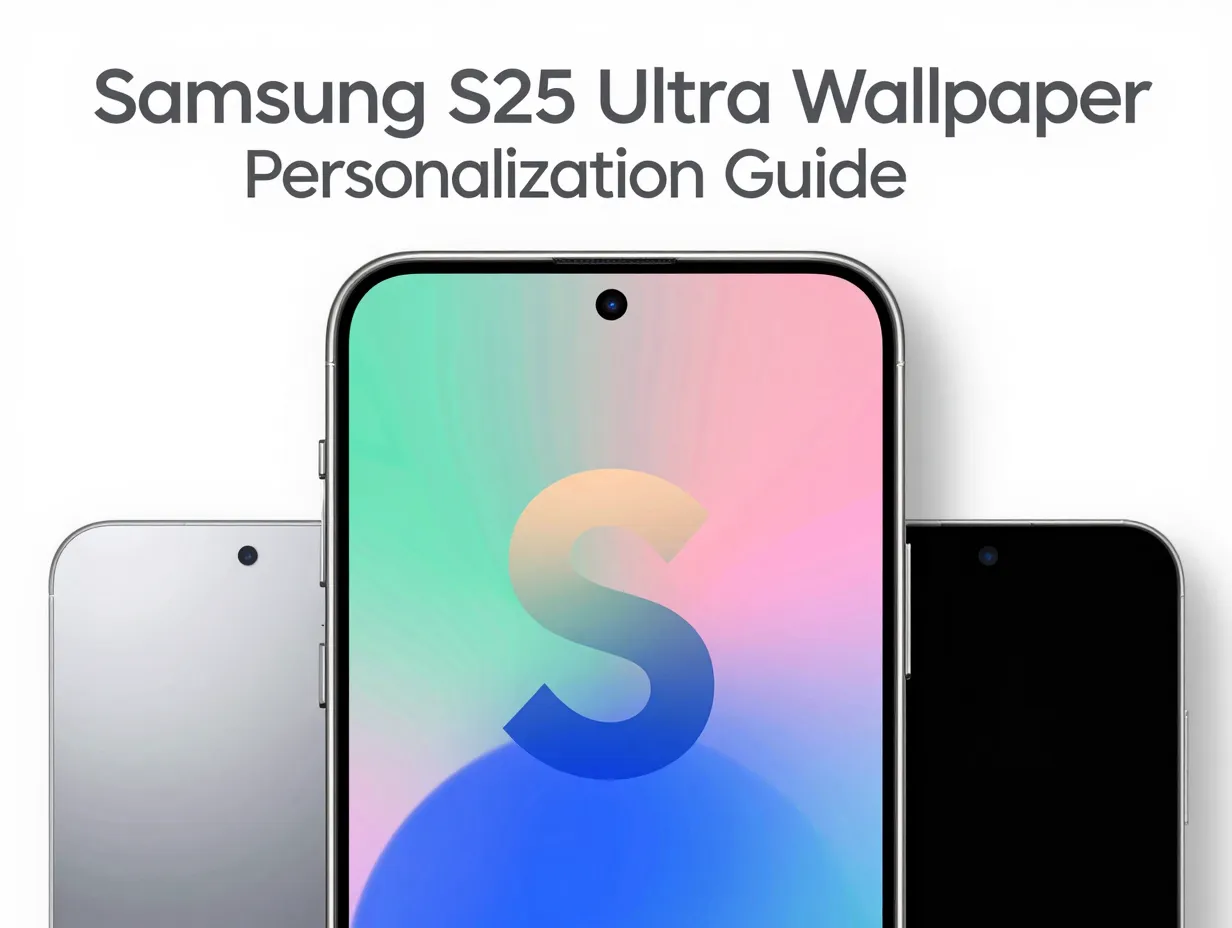
The S25 Ultra officially ships with 10 unique minimal stock wallpapers plus 5 DeX wallpapers, all rendered at a striking 3120×3120 resolution, alongside additional live wallpapers at 1440×3120 resolution [1][2]. This guide focuses on nine of the most distinctive and visually compelling options from that ecosystem, including both official stock designs and high-quality community-sourced alternatives optimized for the device’s AMOLED display.
Key Takeaways
- The Samsung Galaxy S25 Ultra includes 10 stock wallpapers and 5 DeX wallpapers at 3120×3120 resolution, plus live wallpapers at 1440×3120 resolution.
- The official aesthetic centers on titanium-inspired gradients built around a layered stylized “S” motif in shades including JadeGreen, PinkGold, SilverBlue, and Titanium Black.
- DeX wallpapers use darker, more subdued palettes suited to productivity and desktop-mode contexts.
- Beyond stock options, curated apps on Google Play and community platforms like Reddit, Zedge, and Walli 4K offer thousands of compatible high-resolution alternatives.
- Applying wallpapers correctly, choosing the right resolution and setting for home screen, lock screen, or both, makes a measurable difference in visual quality on the S25 Ultra’s display.
What Makes the Samsung S25 Ultra Wallpaper Collection Unique
The wallpaper set bundled with the Galaxy S25 Ultra is not a generic collection of nature photos or abstract patterns. Every design in the official lineup was built to complement the device’s physical colorways, which include Titanium JadeGreen, Titanium PinkGold, Titanium Black, Titanium SilverBlue, Titanium Gray, and Titanium WhiteSilver [1][2]. The result is a cohesive visual identity that extends from the phone’s chassis to its screen.
Central to the design language is a layered stylized “S” motif. This shape is not simply printed on the wallpaper as a flat logo. Instead, it is built from overlapping gradient layers that create a sense of depth and dimension, making the home screen feel three-dimensional even on a flat display [1]. The gradients shift subtly depending on the viewing angle, a quality that pairs well with the S25 Ultra’s Dynamic AMOLED 2X panel.
Resolution matters here. At 3120×3120, the stock wallpapers are larger than the screen itself, which allows the system to pan and parallax the image without any visible pixelation. This is particularly noticeable when the device is tilted or when switching between home screen panels.
The five DeX wallpapers follow a different philosophy. They use deep blues, blacks, and muted tones designed for a professional desktop environment [1][7]. When the S25 Ultra is connected to a monitor via DeX mode, these wallpapers create a workspace aesthetic rather than a consumer-device feel.
The 9 Original Samsung S25 Ultra Wallpapers To Personalize Your Device
The following nine wallpapers represent the most distinctive and widely recommended options from the S25 Ultra’s official and community-supported ecosystem. Each entry includes a description of the visual design, the context in which it works best, and practical notes on sourcing or applying it.
1. Titanium JadeGreen Gradient
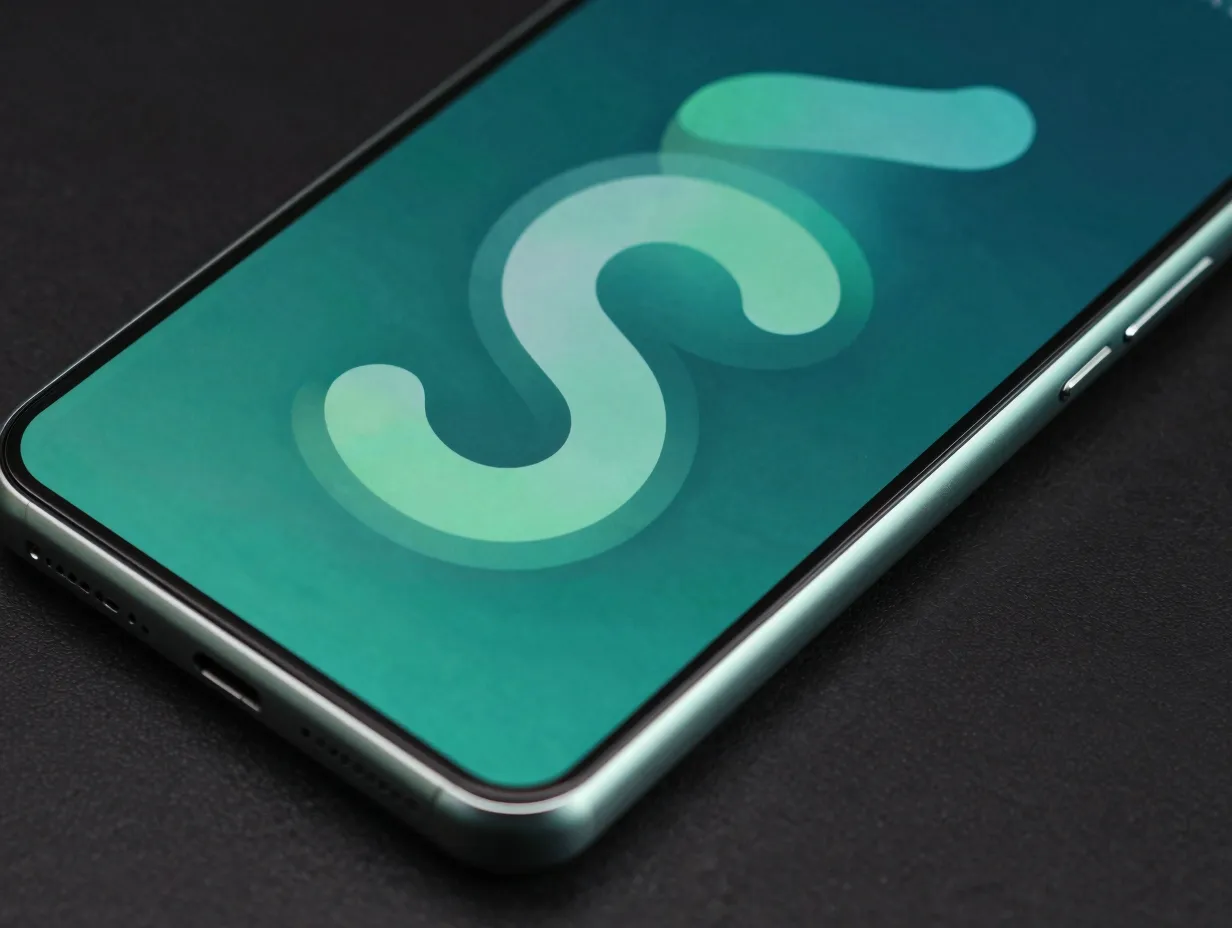
The Titanium JadeGreen wallpaper is one of the most visually striking entries in the official stock set. It pairs a deep teal base with a sage-green mid-tone, layered around the central “S” motif [1][2]. The gradient transitions are smooth enough to look almost photographic, and the color temperature sits in a range that is easy on the eyes during extended screen time. This wallpaper is particularly effective on the S25 Ultra’s AMOLED panel, where the deep greens render with exceptional saturation without appearing oversaturated.
Best use: Home screen, paired with the Titanium JadeGreen physical colorway or any dark icon theme.
2. Titanium PinkGold Gradient
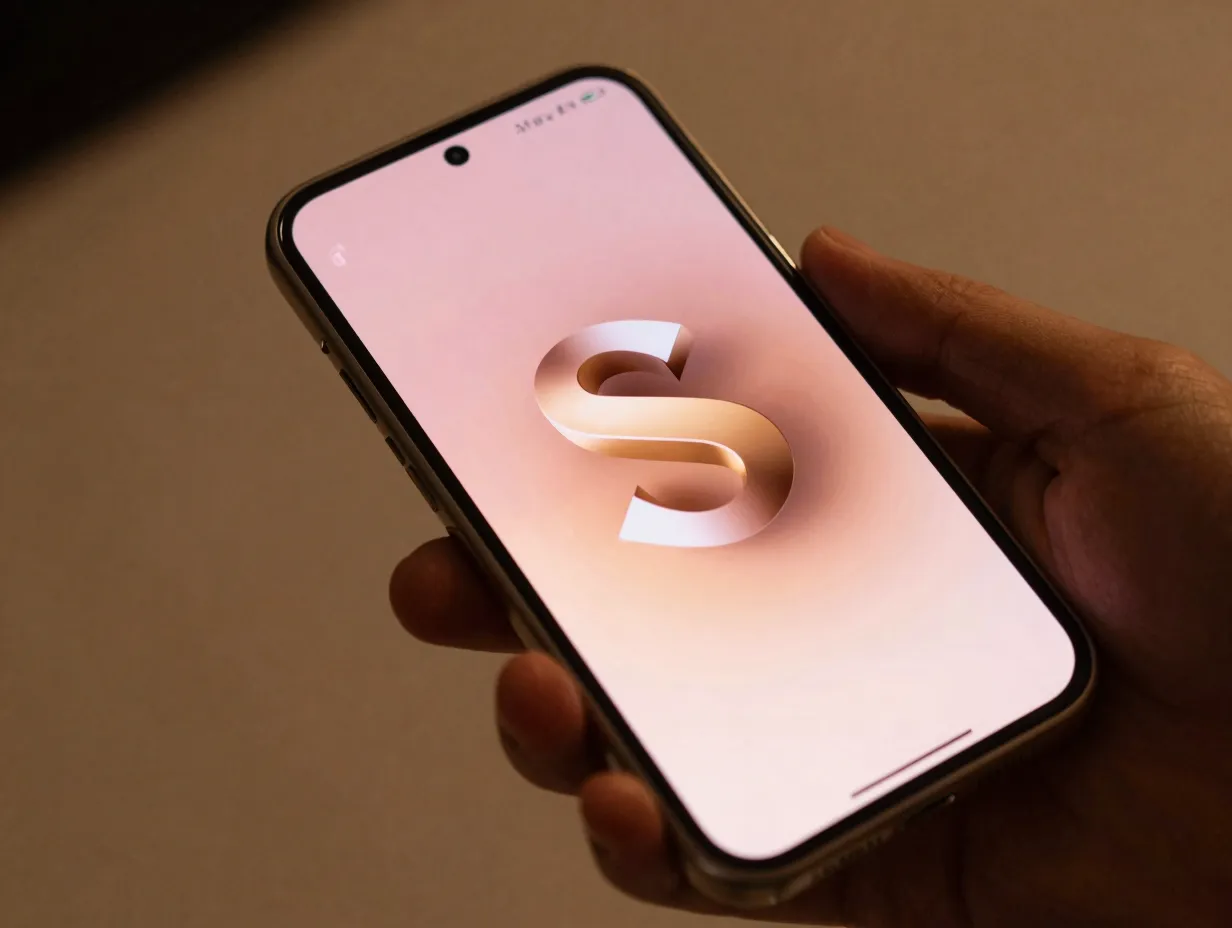
Warm, elegant, and immediately recognizable, the Titanium PinkGold wallpaper uses a rose-to-gold gradient that mirrors the metallic sheen of the corresponding device finish [1][2]. The layered “S” motif in this version catches the light in a way that suggests depth, and the overall palette leans feminine without being exclusive. It is one of the most downloaded options from third-party wallpaper repositories that host the S25 Ultra stock collection.
Best use: Lock screen, where the warm tones create an inviting first impression every time the device is picked up.
3. Titanium SilverBlue Gradient
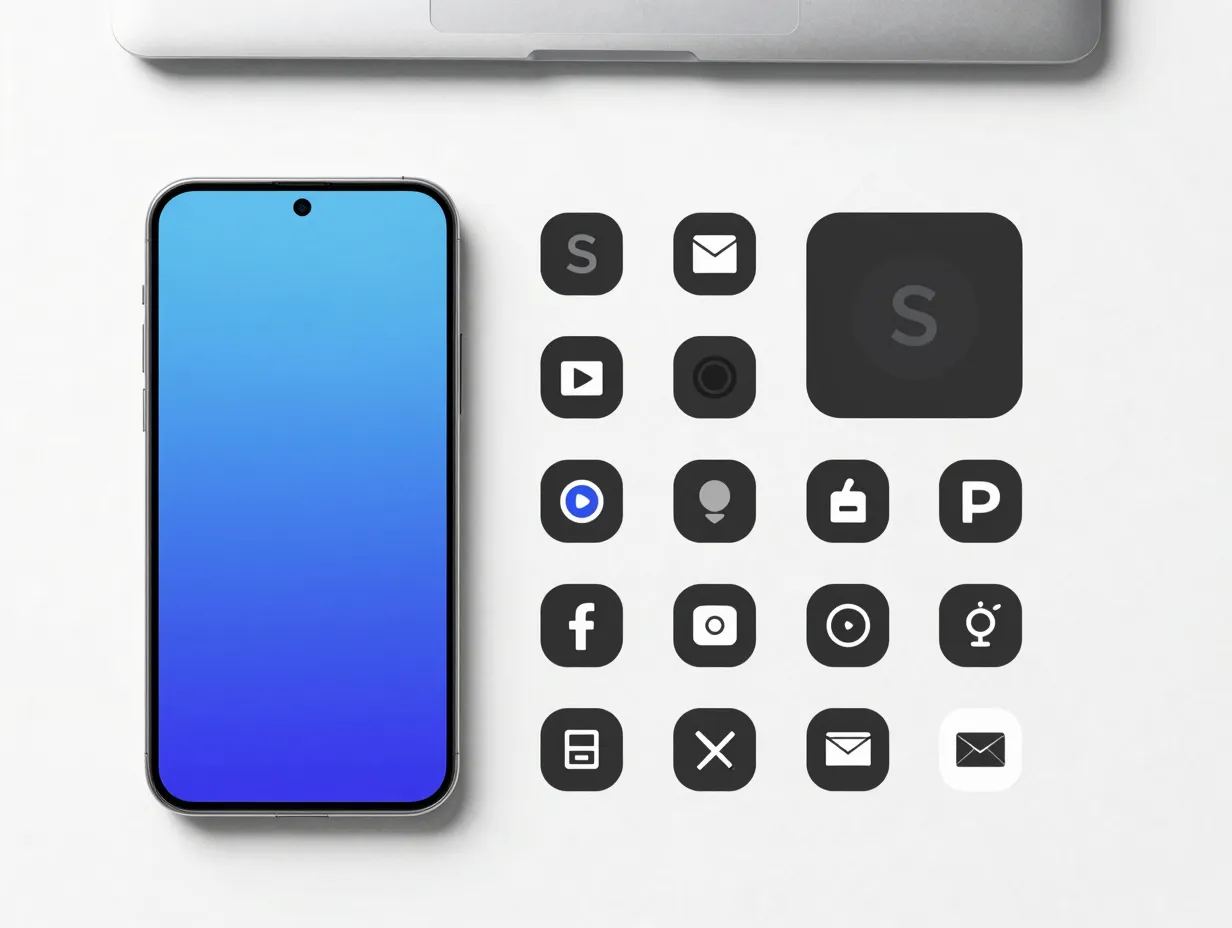
The SilverBlue variant is the most versatile of the titanium-themed wallpapers. Its cool silver-to-cobalt gradient works with a wide range of icon colors and widget styles, making it a reliable choice for users who change their home screen layout frequently [1][2]. The “S” motif in this version is more subtle than in some other variants, allowing the gradient itself to take center stage.
Best use: Home screen for users who prefer a clean, minimal aesthetic with dark or monochrome icons.
4. Titanium Black Deep Gradient
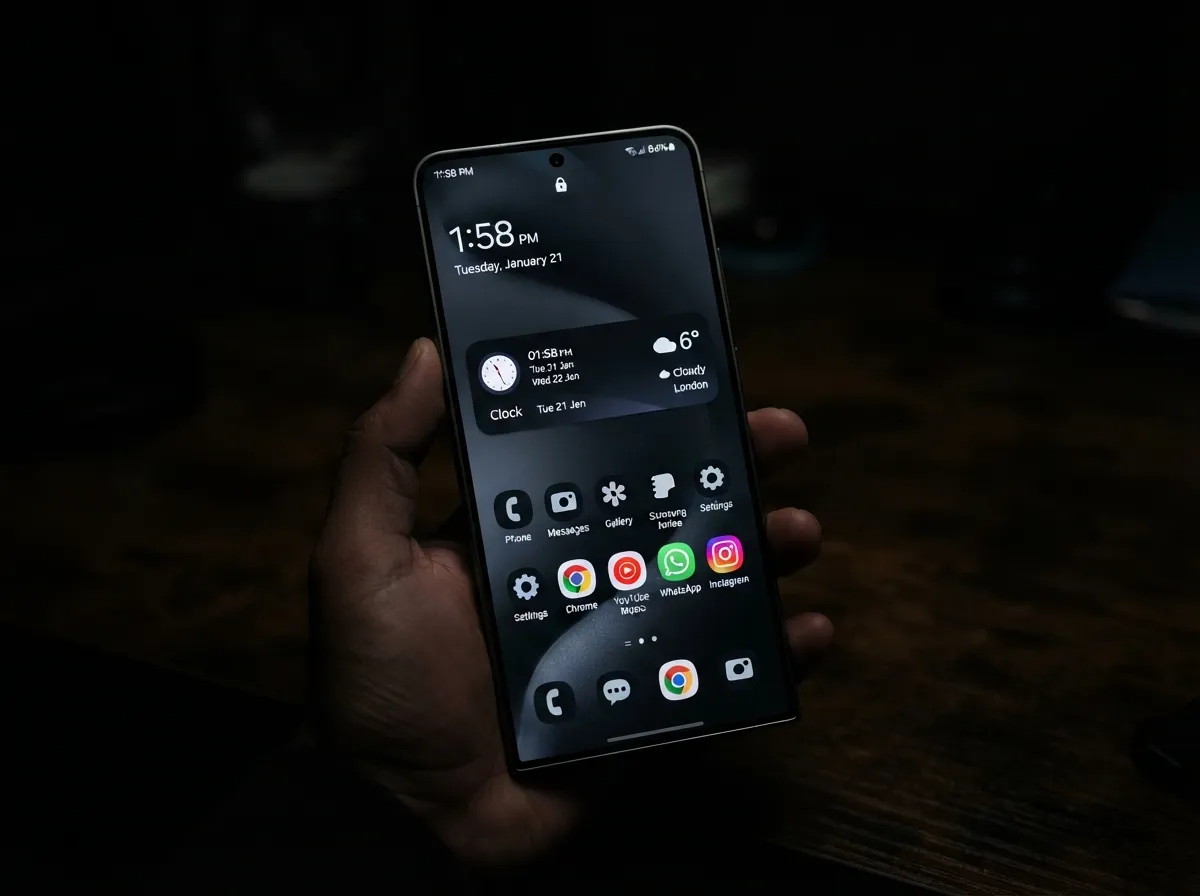
Dark mode users will find the Titanium Black wallpaper to be the definitive stock option for the S25 Ultra. The design uses a near-black base with micro-gradient shifts that reveal subtle blue and gray undertones when viewed in direct light [1][2]. On an AMOLED display, the darkest pixels are effectively switched off, which means this wallpaper delivers genuine battery savings alongside its visual appeal.
Best use: Both home and lock screen for users who prefer dark mode across all system apps.
5. Titanium Gray Minimal
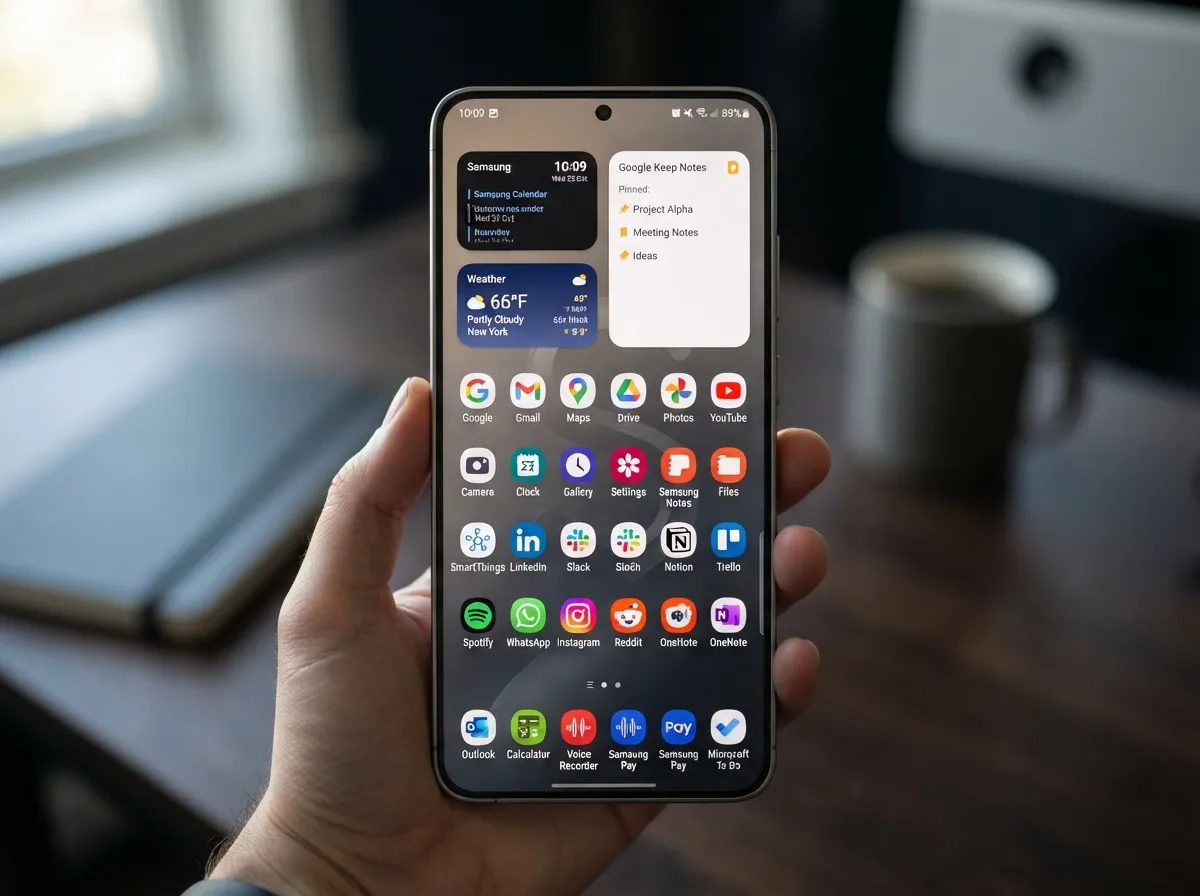
The Titanium Gray wallpaper strips the design language back to its most restrained form. The gradient range is narrow, moving from a warm mid-gray to a cooler charcoal, and the “S” motif is rendered with the lightest touch of any wallpaper in the set [1][2]. The result is a background that almost disappears behind app icons, letting the user’s chosen layout take full visual priority.
Best use: Productivity-focused home screens where widgets and app grids need to stand out clearly.
6. Titanium WhiteSilver Light Variant
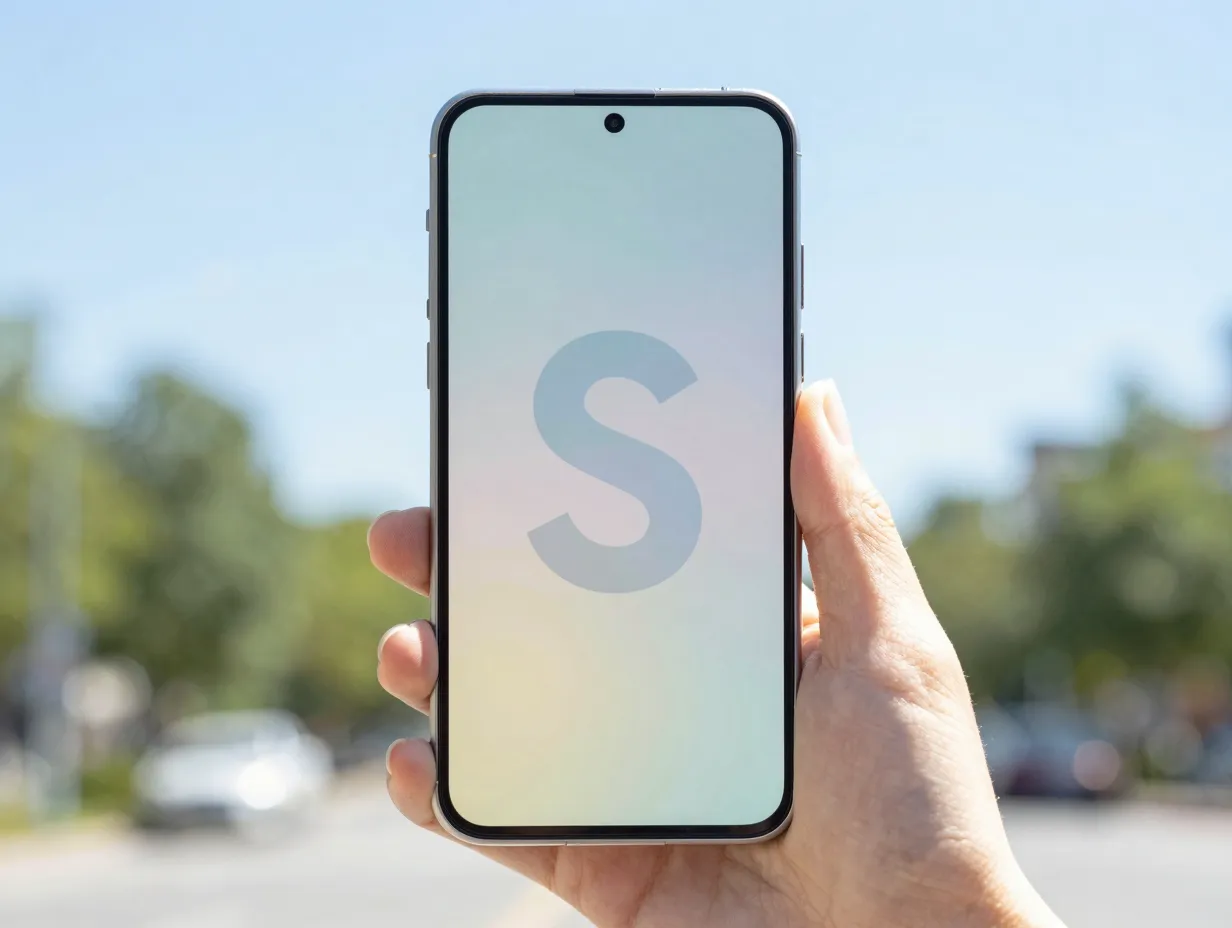
Pre-launch leaks in early January 2025 highlighted two “hero” wallpapers for the S25 Ultra: a light variant and a dark variant. The WhiteSilver light variant is the brighter of the two, featuring a soft gradient from light blue to pale yellow with the stylized “S” shape centered prominently [1][2]. This wallpaper performs exceptionally well outdoors, where high ambient light can wash out darker backgrounds.
Best use: Lock screen for users in bright environments, or as a daytime wallpaper paired with automatic dark/light mode switching.
7. Dark Hero Wallpaper (Deep Blue to Muted Green)
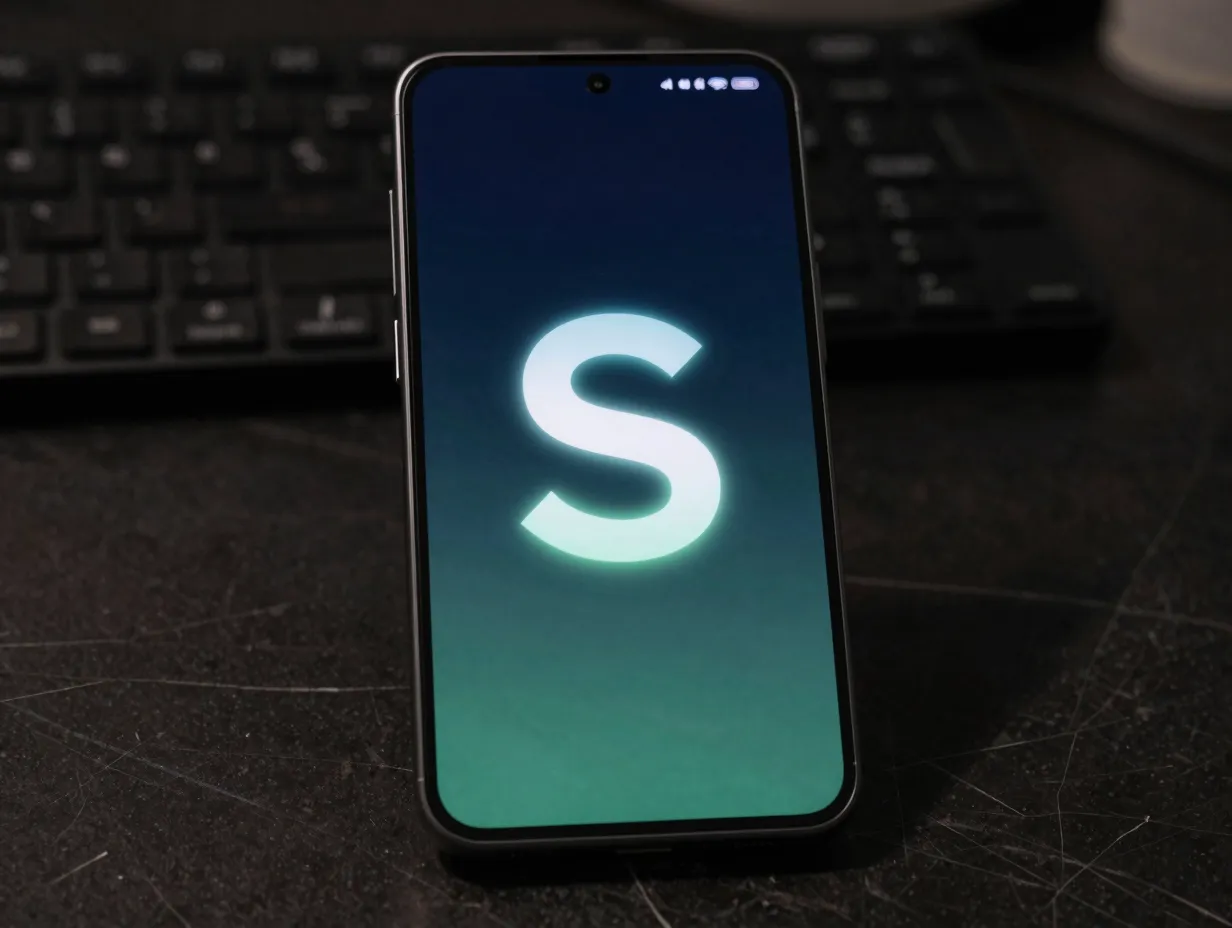
The dark hero wallpaper is the counterpart to the WhiteSilver light variant. It uses a deep gradient from dark blue to muted green, with the “S” motif rendered in a way that seems to glow from within the dark background [1][2]. This is arguably the most dramatic of the nine options and the one most likely to draw comments from other users. The color palette is sophisticated enough to work in professional contexts while remaining visually engaging.
Best use: Home screen for users who want a bold, distinctive look that still feels premium rather than flashy.
8. DeX Productivity Wallpaper (Deep Blue Professional)
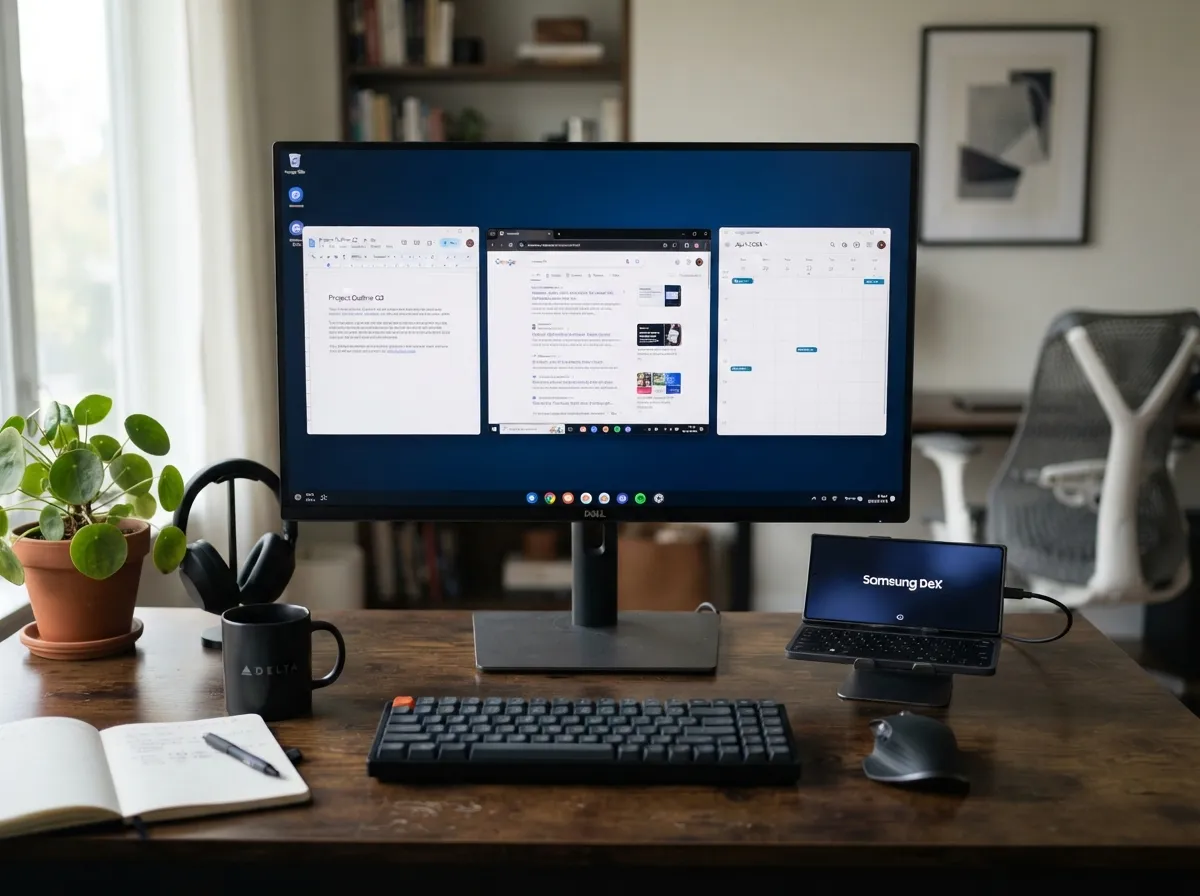
The DeX wallpaper collection takes the S25 Ultra’s design language in a different direction entirely. The deep blue professional variant uses a near-flat dark background with minimal gradient activity and no prominent “S” motif [1][7]. It is designed to function as a desktop background when the phone is connected to an external monitor, and it succeeds by staying out of the way of open windows and taskbars.
Best use: DeX mode on an external monitor, or as a lock screen for users who want a corporate-appropriate aesthetic.
Pull quote: “The DeX wallpapers are designed to disappear behind your work, they succeed precisely because they do not compete for attention.”
9. Community-Curated 4K AMOLED Wallpaper
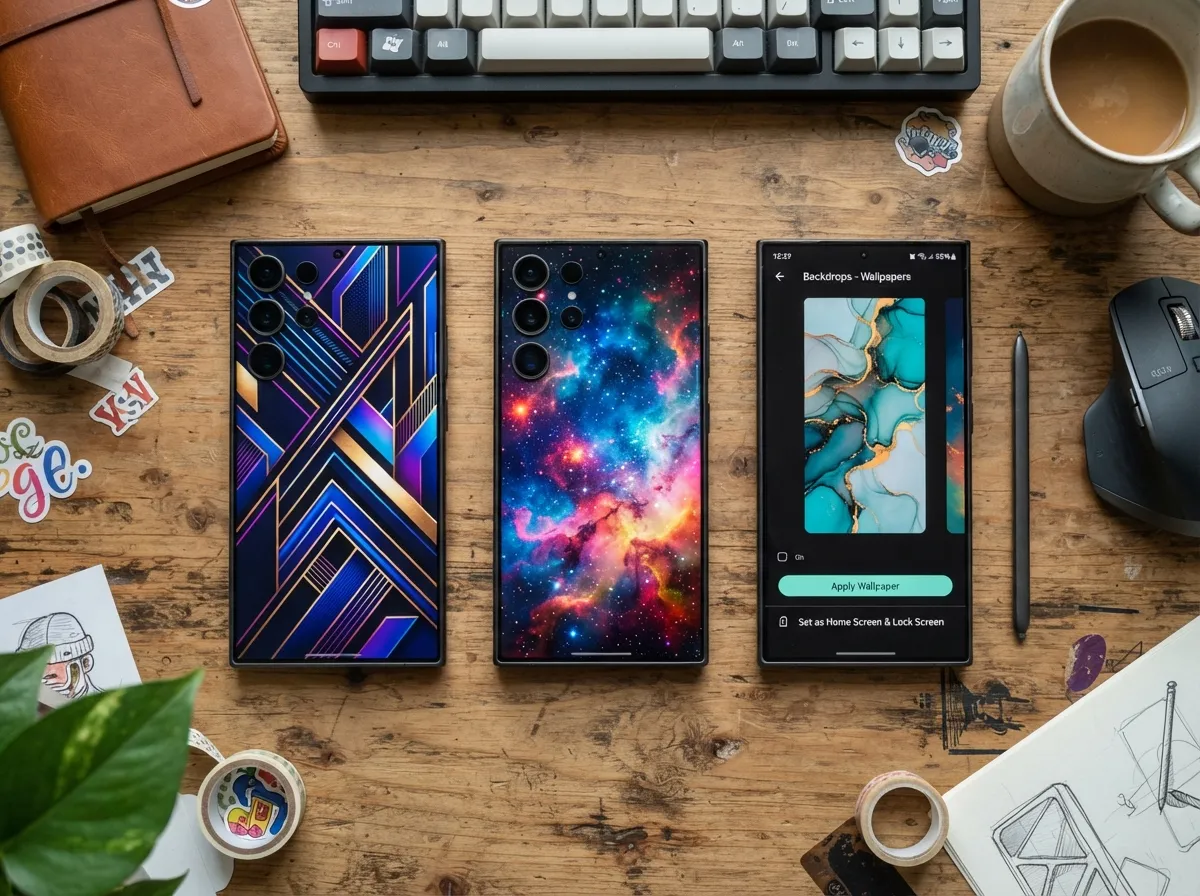
Beyond the official stock set, the S25 Ultra owner community has built a substantial library of compatible wallpapers. One Reddit thread references access to more than 1,000 wallpapers suitable for S24 and S25 Ultra devices, with recommendations pointing to sources including Zedge, Walli 4K, Unsplash, and Wallhaven [6][8]. Google Play apps dedicated to the S25 Ultra offer curated libraries of 4K and 8K backgrounds optimized specifically for AMOLED displays, with built-in options to set images on the home screen, lock screen, or both [4][5][9].
The best community-curated options share several qualities with the official stock wallpapers: high resolution (at minimum 3120×3120 for the S25 Ultra), AMOLED-optimized color profiles, and aspect ratios that account for the device’s punch-hole camera cutout.
Best use: Any screen, selected based on personal taste, the community library is large enough to accommodate virtually any aesthetic preference.
How To Find and Download These Wallpapers
Sourcing the 9 Original Samsung S25 Ultra Wallpapers To Personalize Your Device is straightforward once the right channels are identified. The table below summarizes the main options.
| Source Type | Platform / Location | Resolution Available | Cost |
|---|---|---|---|
| Official stock set | Stockwallp.com, Ytechb.com | 3120×3120 | Free |
| Google Play apps | S25 Ultra Wallpaper apps | 4K / 8K | Free / Freemium |
| Community platforms | Reddit, Zedge, Walli 4K, Wallhaven | Varies | Free |
| Digital marketplaces | Etsy (HD bundles) | HD / Ultra HD | Paid |
| Wallpaper galleries | Wallpapers.com, WallpaperCG | High resolution | Free |
Specialist wallpaper sites like Stockwallp.com and Ytechb.com host comprehensive stock wallpaper bundles for the S25 series, typically organized by device variant and including both light and dark versions of each design [1][2]. These are presented as full stock sets and are available for direct download without registration.
Google Play apps dedicated to Samsung S25 Ultra wallpapers (updated as recently as mid-2026) offer large curated libraries with built-in apply functions [4][5][9]. These apps are particularly convenient for users who want to browse and preview wallpapers directly on the device before committing to a change.
For users who want something beyond the official aesthetic, Etsy sellers offer paid bundles such as a “25 HD Backgrounds” pack marketed specifically for the Galaxy S25 Ultra, with tailored aspect ratios and high-resolution files [10]. These are a reasonable option for users who want exclusive designs not available through free channels.
How To Apply Wallpapers on the Samsung Galaxy S25 Ultra
Knowing where to find the 9 Original Samsung S25 Ultra Wallpapers To Personalize Your Device is only half the process. Applying them correctly ensures the best visual result on the S25 Ultra’s display.
The standard process on One UI (the interface running on the S25 Ultra in 2026) follows these steps:
- Download the wallpaper file to the device’s internal storage or gallery.
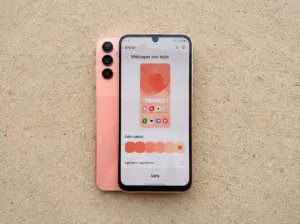
- Open the Settings app and navigate to Wallpaper and Style, or long-press on the home screen and select Wallpapers.
- Tap My Photos or browse the built-in wallpaper library to locate the downloaded file.
- Preview the wallpaper and use the pinch-to-zoom gesture to adjust the crop and positioning.
- Select the target screen: Home screen, Lock screen, or Home and Lock screens.
- Tap Apply to confirm the change.
Three practical tips for best results:
- Always use the original downloaded file rather than a screenshot, which compresses image quality.
- For live wallpapers at 1440×3120 resolution, ensure the file is in a supported format (typically MP4 or the proprietary Samsung live wallpaper format) before attempting to apply.
- When applying a wallpaper to both home and lock screens simultaneously, preview each screen separately to confirm the crop looks correct on both.
Choosing the Right Wallpaper for Your Usage Style
Not every wallpaper in the collection suits every user equally well. The choice between a light and dark variant, for example, has practical implications beyond aesthetics.
For battery-conscious users: The Titanium Black deep gradient and the DeX deep blue professional wallpaper are the strongest choices. On AMOLED displays, true black pixels consume virtually no power, so wallpapers with large dark areas contribute meaningfully to battery life over a full day of use.
For outdoor users: The Titanium WhiteSilver light variant and the Titanium PinkGold gradient are easier to see in bright sunlight. Darker wallpapers can make the home screen harder to read when ambient light is high.
For productivity-focused users: The Titanium Gray minimal and DeX productivity wallpapers keep the background neutral, allowing widgets, calendar cards, and app icons to stand out without visual competition from the background.
For users who prioritize visual impact: The Dark Hero wallpaper (deep blue to muted green) and the Titanium JadeGreen gradient are the most visually dramatic options in the collection. Both make a strong impression when the device is shown to others.
For personalization enthusiasts: The community-curated 4K AMOLED category is effectively unlimited. With access to platforms like Walli 4K, Wallhaven, and Reddit’s dedicated S25 Ultra community, the available library runs into the thousands [6][8].
Tips for Getting the Most From S25 Ultra Wallpapers
A few additional practices help maximize the visual quality and longevity of any wallpaper choice on the S25 Ultra.
Match the wallpaper to the icon pack. The S25 Ultra’s One UI supports themed icons that adapt their color to the dominant wallpaper tone. Enabling this feature in Wallpaper and Style settings creates a cohesive look where icons, widgets, and the background feel designed together rather than assembled separately.
Use the Always On Display (AOD) in coordination. The S25 Ultra’s AOD can display a simplified version of the lock screen wallpaper. Choosing a wallpaper with a clear focal point, such as the centered “S” motif in the official stock designs, ensures the AOD version looks intentional rather than cropped awkwardly.
Rotate wallpapers seasonally. Several Google Play apps for the S25 Ultra include scheduled wallpaper rotation features [4][5][9]. Setting a rotation schedule between two or three favorites keeps the device feeling fresh without requiring manual changes.
Check resolution before downloading. The S25 Ultra’s 3120×1440 display benefits most from source files at or above 3120×3120 resolution. Files sourced from low-resolution sites will appear slightly soft when zoomed or panned, which is particularly noticeable on a display as sharp as the S25 Ultra’s [1][2].
Conclusion
The Samsung Galaxy S25 Ultra’s wallpaper ecosystem is one of the most thoughtfully developed in the Android market. The 9 Original Samsung S25 Ultra Wallpapers To Personalize Your Device covered in this guide range from the officially designed titanium-gradient stock options to community-curated 4K AMOLED alternatives, giving every type of user a clear path to a home screen that feels genuinely personal.
Actionable next steps:
- Visit Stockwallp.com or Ytechb.com to download the full official stock set at 3120×3120 resolution and compare all variants side by side [1][2].
- Install one of the dedicated Samsung S25 Ultra wallpaper apps from Google Play to browse curated 4K and 8K alternatives with a built-in apply function [4][9].
- Check the Reddit communities for the S25 Ultra and the broader Samsung Galaxy subreddit for community recommendations and links to specialist sources like Walli 4K and Wallhaven [6][8].
- Enable One UI’s themed icon feature after applying a new wallpaper to create a fully coordinated home screen aesthetic.
- For users who want exclusive designs, explore the paid HD bundles available on Etsy, which offer tailored aspect ratios and files not available through free channels [10].
A well-chosen wallpaper does more than change the background. On a device as visually capable as the Samsung Galaxy S25 Ultra, it sets the tone for every interaction with the screen.
References
[1] Samsung Galaxy S25 Ultra Stock And Live Wallpapers – https://stockwallp.com/samsung-galaxy-s25-ultra-stock-and-live-wallpapers/
[2] Samsung Galaxy S25 Wallpapers – https://www.ytechb.com/samsung-galaxy-s25-wallpapers/
[3] Galaxy S25 Ultra – https://wallpapers.com/galaxy-s25-ultra
[4] Details – https://play.google.com/store/apps/details?id=com.samsungsultrass.samsungs25ultraandringtone&hl=es
[5] Details – https://play.google.com/store/apps/details?id=com.BinaryCores.S22UltraWallpapers&hl=en_US
[6] Wallpapers For S25 Ultra – https://www.reddit.com/r/samsunggalaxy/comments/1iicrco/wallpapers_for_s25_ultra/
[7] Samsung Galaxy S25 Ultra Wallpapers – https://wallpapercg.com/samsung-galaxy-s25-ultra-wallpapers
[8] Wallpapers – https://www.reddit.com/r/S25Ultra/comments/1jk0t3c/wallpapers/
[9] Details – https://play.google.com/store/apps/details?id=com.executrixapps.s24_ultra_wallpaper&hl=en_US
[10] Samsung Galaxy S25 Ultra Wallpaper 25 Hd – https://www.etsy.com/listing/4399363543/samsung-galaxy-s25-ultra-wallpaper-25-hd