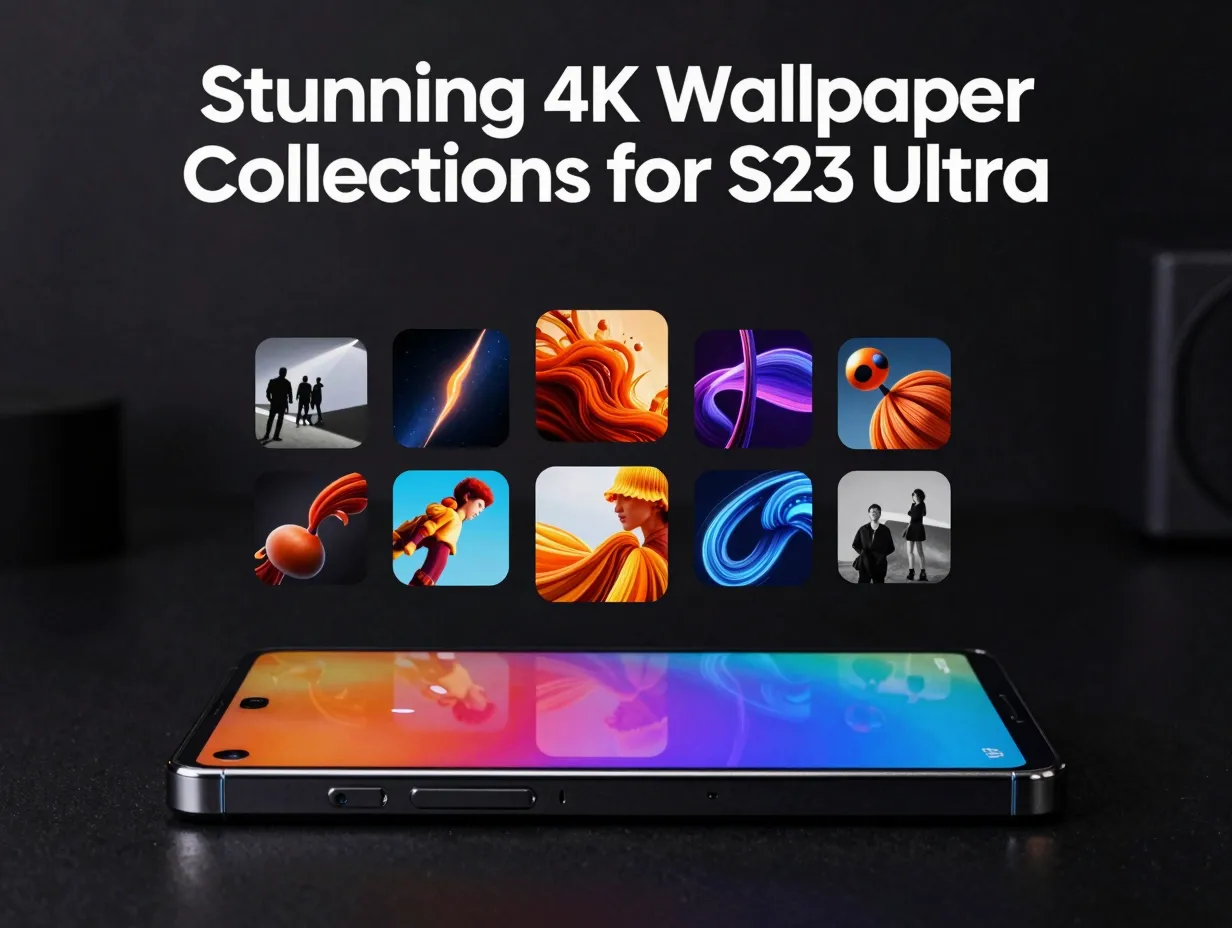
9 Stunning 4K Wallpaper Collections to Make Your S23 Ultra Screen Pop
The Samsung Galaxy S23 Ultra ships with a 6.8-inch Dynamic AMOLED 2X panel capable of rendering over one billion colors at a native resolution of 1440 x 3088 pixels, yet a surprising number of owners never move beyond the default gray gradient that ships out of the box. That is a significant waste of hardware that was engineered specifically to make every pixel count. This guide to the 9 stunning 4K wallpaper collections to make your S23 Ultra screen pop covers every major source, from Samsung’s own official packs to curated third-party apps, so the display gets the content it deserves.
Disclosure: This post contains affiliate links. As an Amazon Associate, we earn from qualifying purchases, and at no extra cost to you.
Key Takeaways
- The S23 Ultra’s native panel resolution is 1440 x 3088, meaning properly sourced 4K assets fill the screen without any upscaling blur.
- Samsung’s official stock pack includes eight color-matched static wallpapers plus a broader set of 23 static and four live wallpapers at 3200 x 3200 and 1440 x 3088 respectively.
- Third-party platforms such as AndroidSage, Wallpapers.com, and WallpapersWide offer hundreds of additional 4K options that go well beyond the factory defaults.
- Dedicated apps like the BinaryCores “Galaxy S23 Ultra Wallpapers” app and the “Wallpapers Galaxy S23 Ultra” app provide ongoing weekly or monthly updates.
- Applying wallpapers through Samsung’s built-in Gallery app or Galaxy Themes ensures color profiles and aspect ratios stay optimized for the Super AMOLED display.
Why 4K Wallpapers Matter on the S23 Ultra’s Super AMOLED Display
Before diving into the nine collections, it helps to understand what separates a true 4K wallpaper from a stretched 1080p image. The S23 Ultra’s Super AMOLED panel runs at 1440 x 3088 pixels with a pixel density of roughly 500 PPI. At that density, even minor compression artifacts or low-resolution upscaling become visible, especially on solid-color backgrounds and fine gradients.
True 4K assets, typically 3840 x 2160 for landscape-oriented images or 3200 x 3200 for square crops, contain enough raw pixel data to fill the panel completely. This matters most with AMOLED technology because individual pixels are switched off to produce true blacks, meaning any blurriness or banding in a dark wallpaper is immediately obvious against those absolute-black pixels.
Resolution quick-reference table:
| Asset Type | Common Resolution | Suitable for S23 Ultra |
|---|---|---|
| Full HD | 1080 x 1920 | Acceptable, not ideal |
| Quad HD | 1440 x 2560 | Good |
| 4K UHD (landscape) | 3840 x 2160 | Excellent |
| Square 4K | 3200 x 3200 | Excellent (official Samsung format) |
| Live wallpaper | 1440 x 3088 | Native match |
With that context established, here are the 9 stunning 4K wallpaper collections to make your S23 Ultra screen pop, ranked from the most official to the most community-driven.
The 9 Stunning 4K Wallpaper Collections to Make Your S23 Ultra Screen Pop
1. Samsung Official Stock Wallpapers (SamMobile Pack)
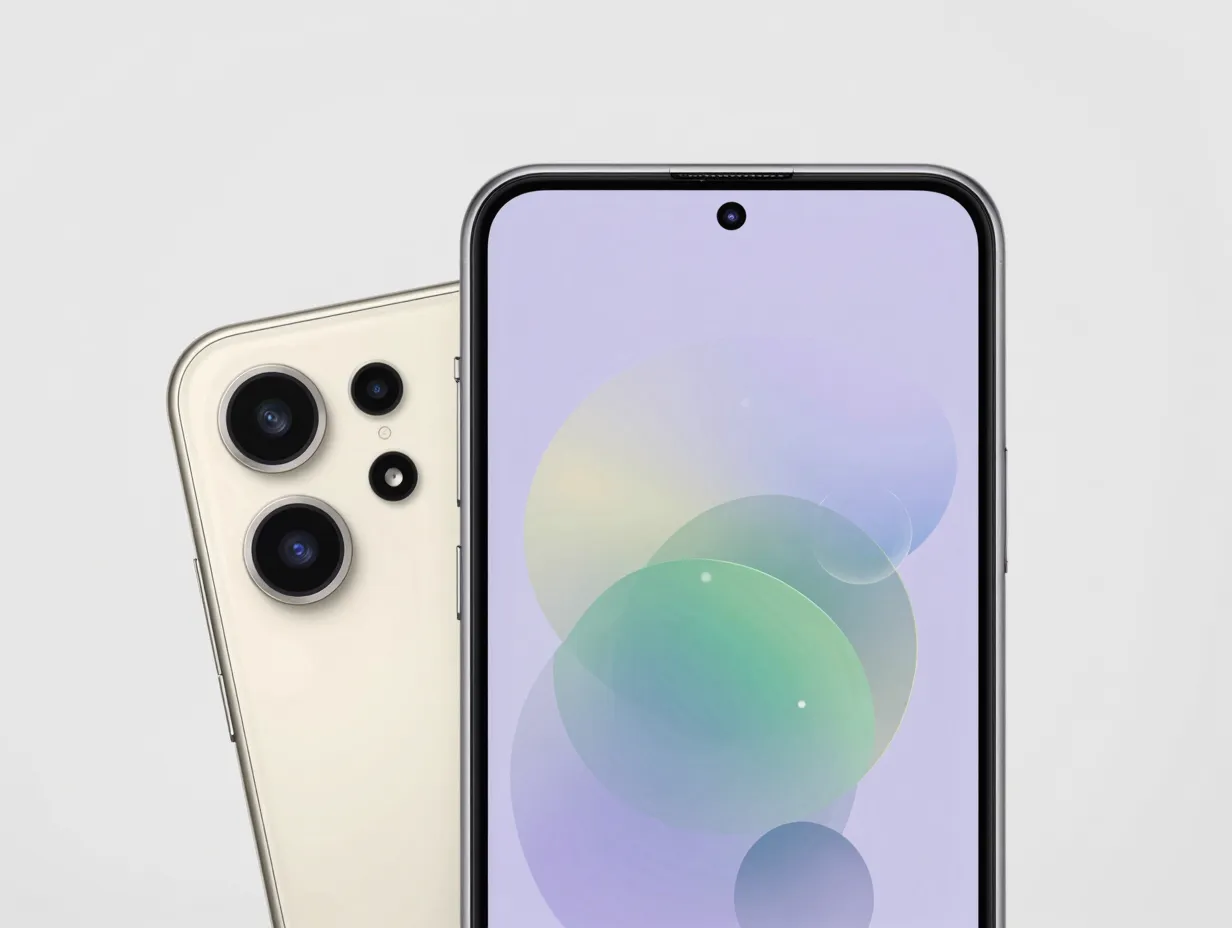
The most authoritative starting point is Samsung’s own factory wallpaper set, first published in early February 2023 alongside the device launch. The pack contains eight color-matched static wallpapers tied directly to the S23 Ultra’s four physical finishes: Phantom Black, Cream, Green, and Lavender [7]. Each image was designed to complement the device’s color story, so they feel intentional rather than generic.
What makes this collection stand out:
- Images are optimized for both the home screen and lock screen aspect ratios.
- Colors are tuned to the S23 Ultra’s AMOLED color gamut, not a generic sRGB profile.
- The pack is available as a free download from SamMobile, making it accessible to users who purchased the device second-hand or reset their phone and lost the originals [7].
This is the right first stop for anyone who wants the “pure Samsung” aesthetic without any third-party customization.
2. Extended Official Galaxy S23 Series Pack (27 Wallpapers)
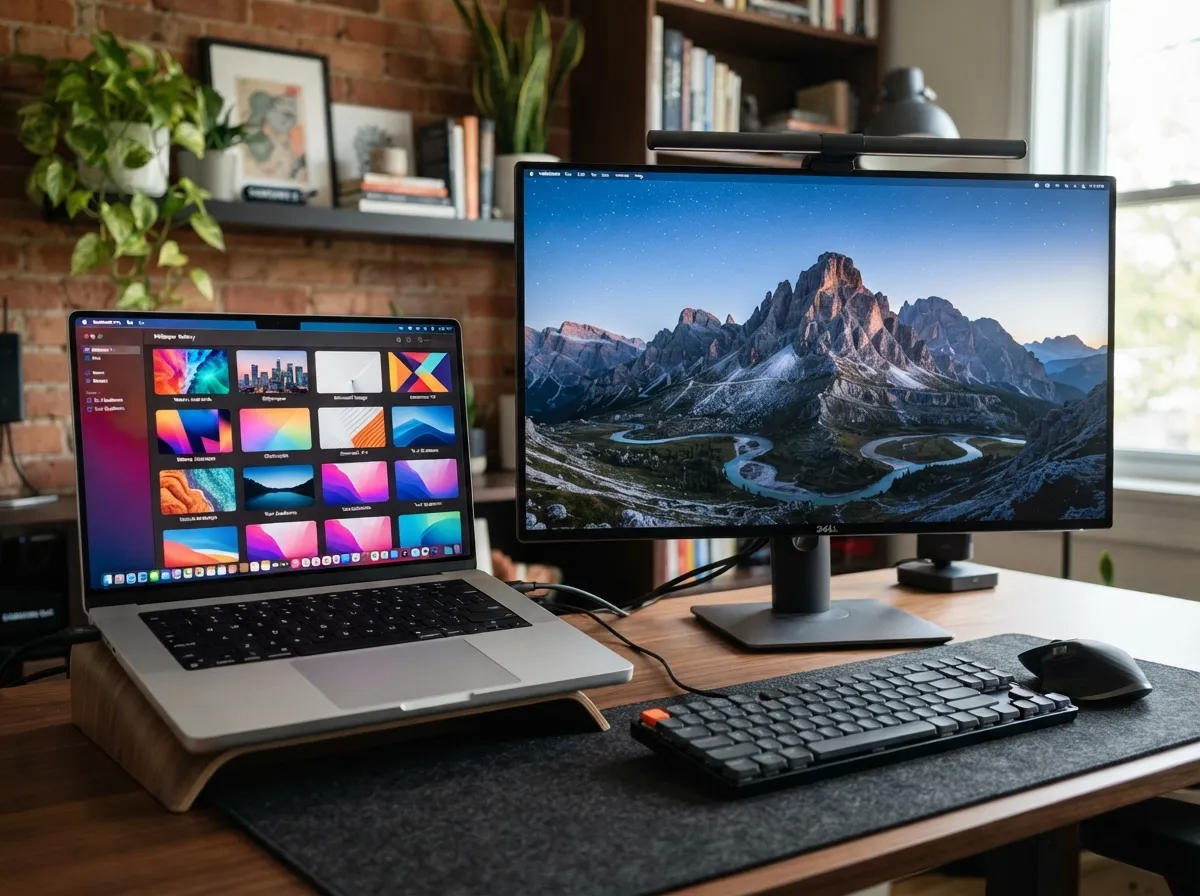
Beyond the eight color-matched images, a broader official-style collection exists that includes 23 static wallpapers and four live wallpapers for the entire Galaxy S23 lineup. Static images in this set are formatted at 3200 x 3200, and the live wallpapers match the panel’s native 1440 x 3088 resolution, making them effectively 4K-grade for phone use [1][12].
AndroidSage hosts a complete pack of 27 static, DeX, and live wallpapers extracted from the Galaxy S23 line in high-resolution formats [1]. The DeX-compatible versions are particularly useful for users who connect their S23 Ultra to an external monitor, as those assets are sized for desktop-class displays rather than phone screens.
“The DeX wallpapers in this pack are sized for desktop-class displays, giving S23 Ultra owners a cohesive visual experience whether they are using the phone or an external monitor.”
Pack breakdown:
- 23 static wallpapers at 3200 x 3200
- 4 live wallpapers at 1440 x 3088 (native panel match)
- DeX-specific versions for external display use
- Compatible with Galaxy S20 through S23 series
3. Samlover Galaxy S23 Ultra 4K Collection (Older Device Compatible)
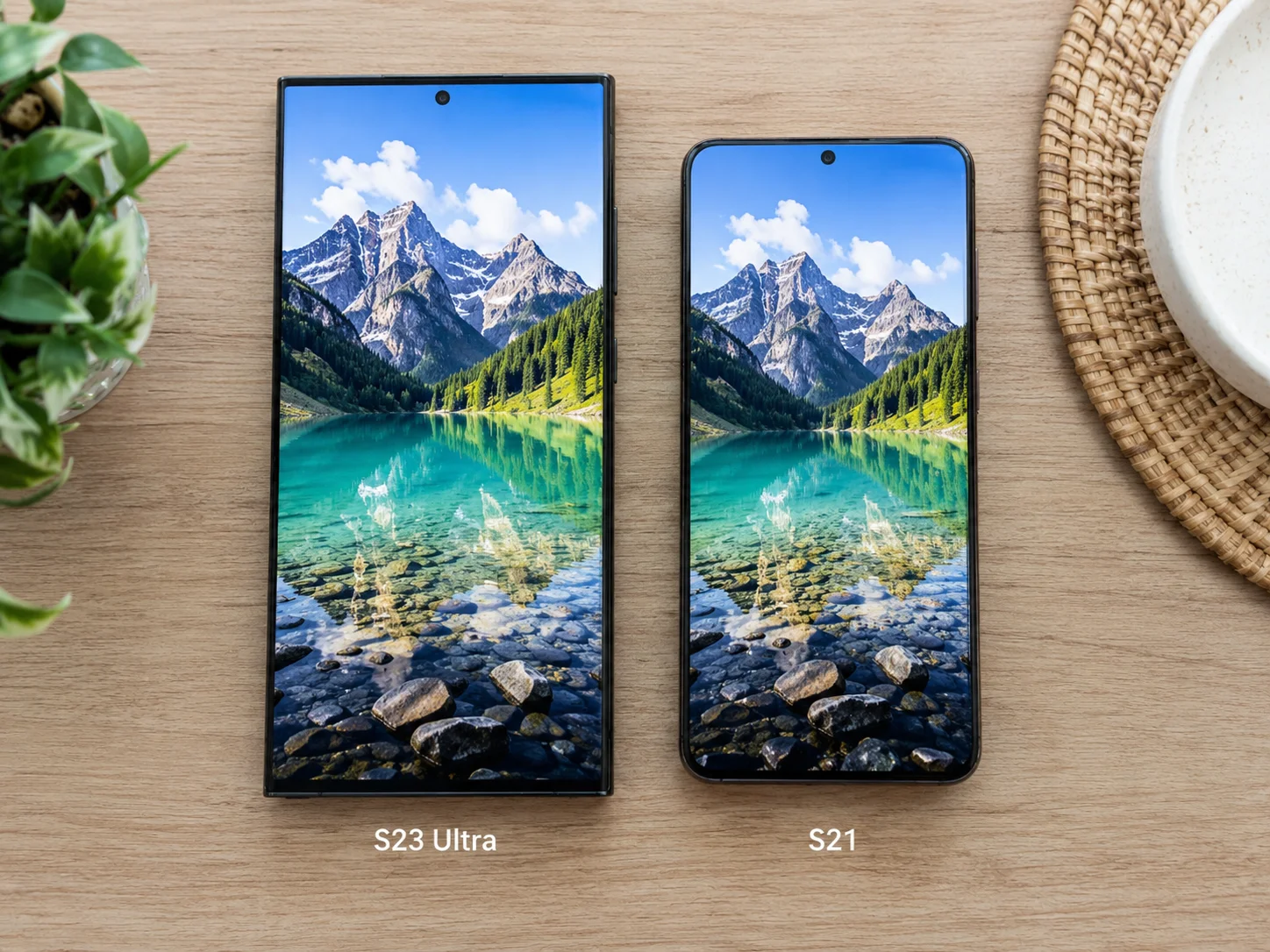
Samlover curates a dedicated Galaxy S23 Ultra 4K wallpaper set that is specifically framed for use on older Samsung Galaxy devices, not just the S23 Ultra itself [2]. This makes it a practical choice for households where multiple Galaxy models are in use and a consistent aesthetic is desired across devices.
The collection emphasizes a simple application workflow: download the images, open the Gallery app, tap the three-dot menu, and select “Set as wallpaper.” This straightforward process makes the Samlover collection one of the most beginner-friendly options in this roundup [2].
Best suited for:
- Owners of Galaxy S20, S21, or S22 devices who want S23 Ultra-grade visuals
- Users who prefer applying wallpapers through Samsung’s native Gallery app
- Anyone who wants 4K resolution without installing a third-party app
4. Wallpapers.com S23 Ultra Library (100+ Images)
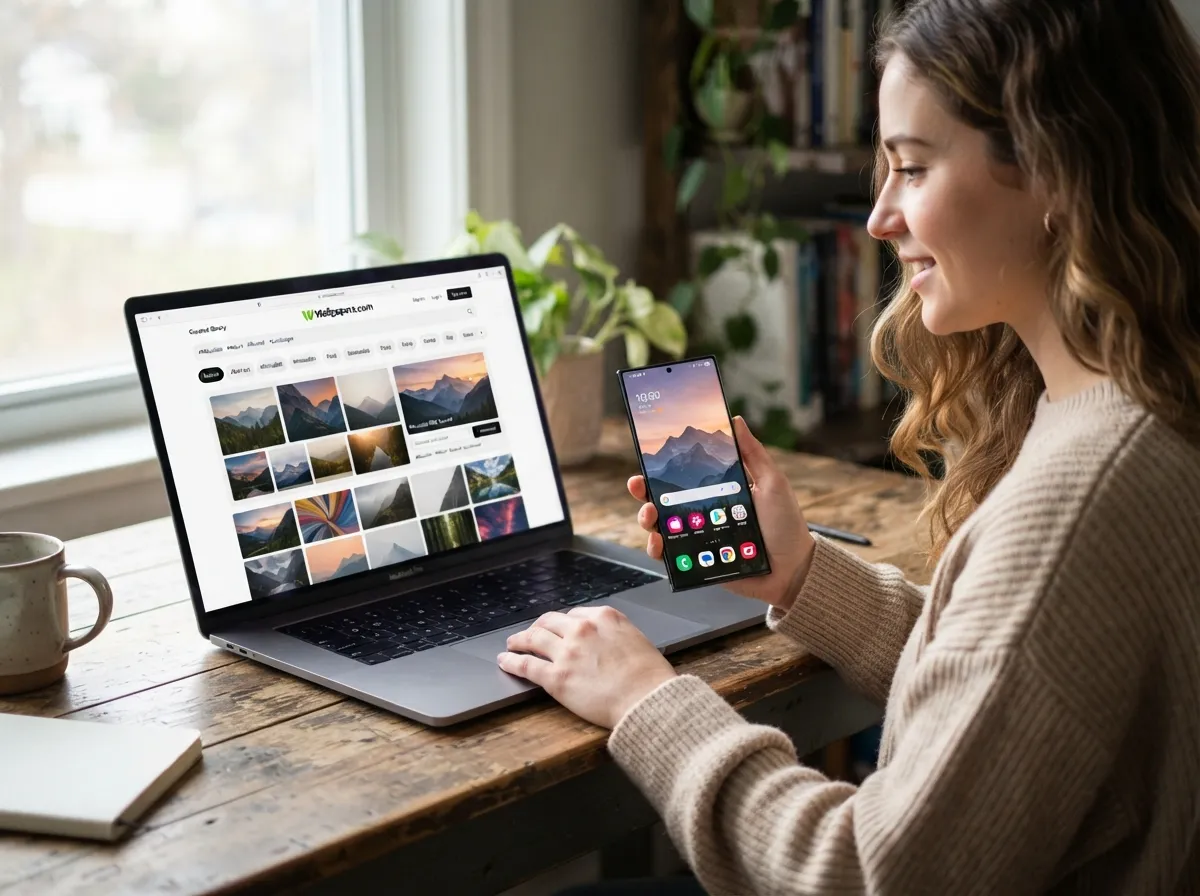
Wallpapers.com maintains a large, curated S23 Ultra wallpaper library with over 100 images optimized for different devices and screen sizes, including the 1440p and 4K-class panels on the S23 Ultra [3][6]. The library is updated periodically and organized by theme, making it easy to browse categories such as nature, abstract, architecture, and dark AMOLED.
The platform’s device-specific optimization is a meaningful differentiator. Rather than offering generic desktop wallpapers that happen to be high resolution, Wallpapers.com tags and previews images specifically for the S23 Ultra’s aspect ratio, so what is seen in the browser preview closely matches what appears on the phone screen [3].
Notable features of this collection:
- Over 100 device-specific images with regular updates
- Theme-based browsing for faster discovery
- Preview mode that simulates how the image looks on the S23 Ultra screen
- Free downloads with no account required for most images
5. WallpapersWide Samsung Galaxy S23 Ultra Collection
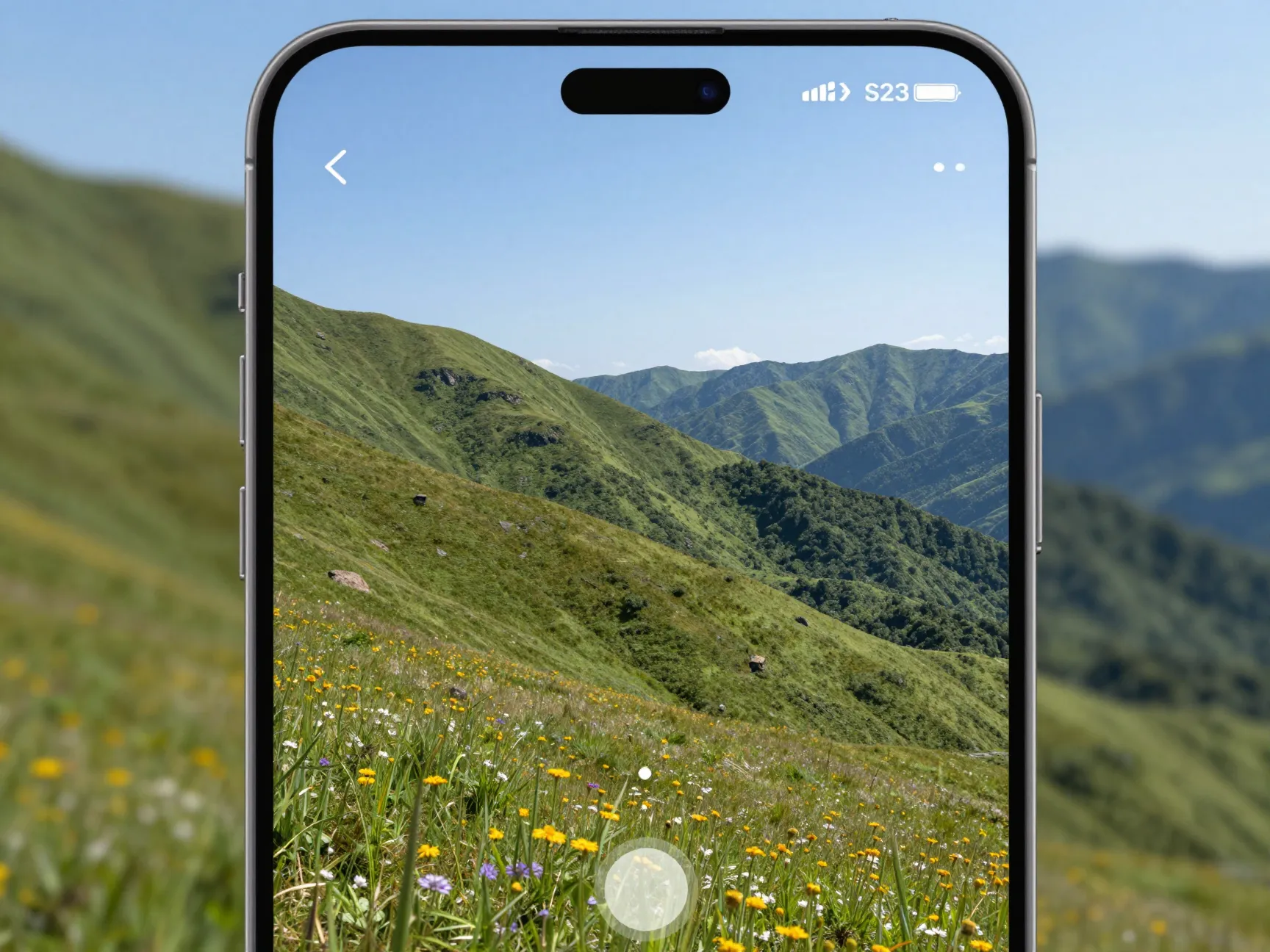
WallpapersWide offers high-resolution 4K UHD wallpapers for the Samsung Galaxy S23 Ultra at standard 3840 x 2160 (16:9) desktop resolutions, with multiple scaled variants available for phone use [5][9]. While the content is not exclusively S23-branded, the platform explicitly tags and previews S23 Ultra smartphone imagery under its “4K UHD” category, making relevant content easy to find.
The 16:9 source files at 3840 x 2160 are actually advantageous for the S23 Ultra because they contain more pixel data than the panel needs, which means the phone can crop and scale the image without any quality loss. This is the opposite of the blurring that occurs when a lower-resolution image is stretched to fill the screen [5].
Resolution advantage explained:
| Source Resolution | Panel Resolution | Result |
|---|---|---|
| 3840 x 2160 (4K UHD) | 1440 x 3088 | Downscaled, crisp |
| 1920 x 1080 (Full HD) | 1440 x 3088 | Upscaled, soft |
| 3200 x 3200 (Square 4K) | 1440 x 3088 | Cropped, crisp |
6. Magnific Designer-Grade S23 Ultra 4K Wallpapers
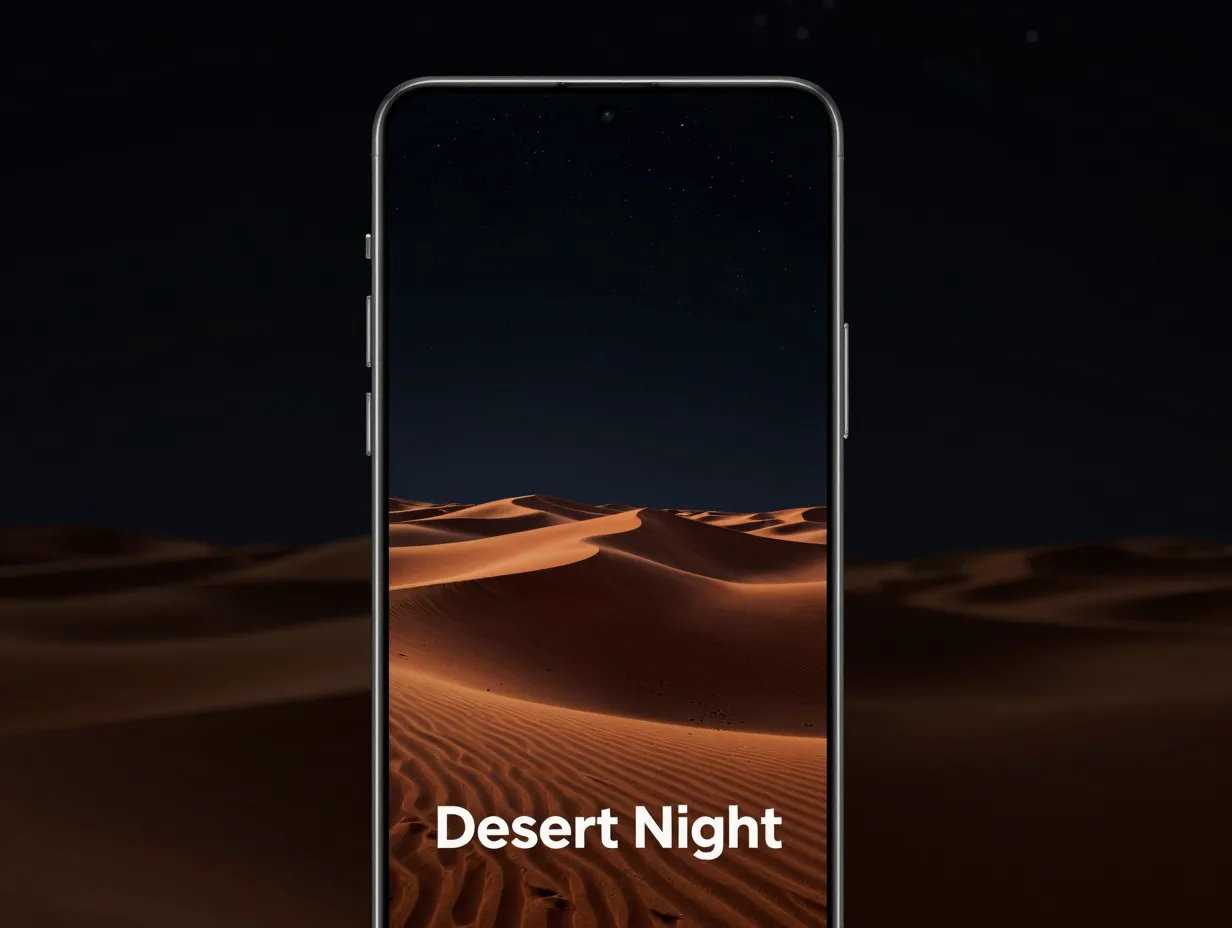
Magnific provides designer-grade Samsung S23 Ultra 4K wallpaper image sets, including multiple pages of curated visuals with stylized compositions such as “Desert Night” and other atmospheric scenes [4]. These collections have been updated into 2026, making them among the more recently refreshed non-official options available for 4K AMOLED displays.
The visual style on Magnific leans toward artistic and editorial rather than purely photographic. Compositions tend to feature rich color grading, intentional negative space, and high-contrast lighting, all characteristics that perform exceptionally well on AMOLED panels where deep blacks and saturated colors are rendered with maximum impact [4].
Ideal use cases for Magnific wallpapers:
- Users who want a more artistic, curated aesthetic rather than stock photography
- Dark-mode enthusiasts who want wallpapers that complement Samsung’s dark UI theme
- Creative professionals who want their phone to reflect a design-forward sensibility
7. Freepik Samsung S23 Ultra 4K Wallpaper Sets
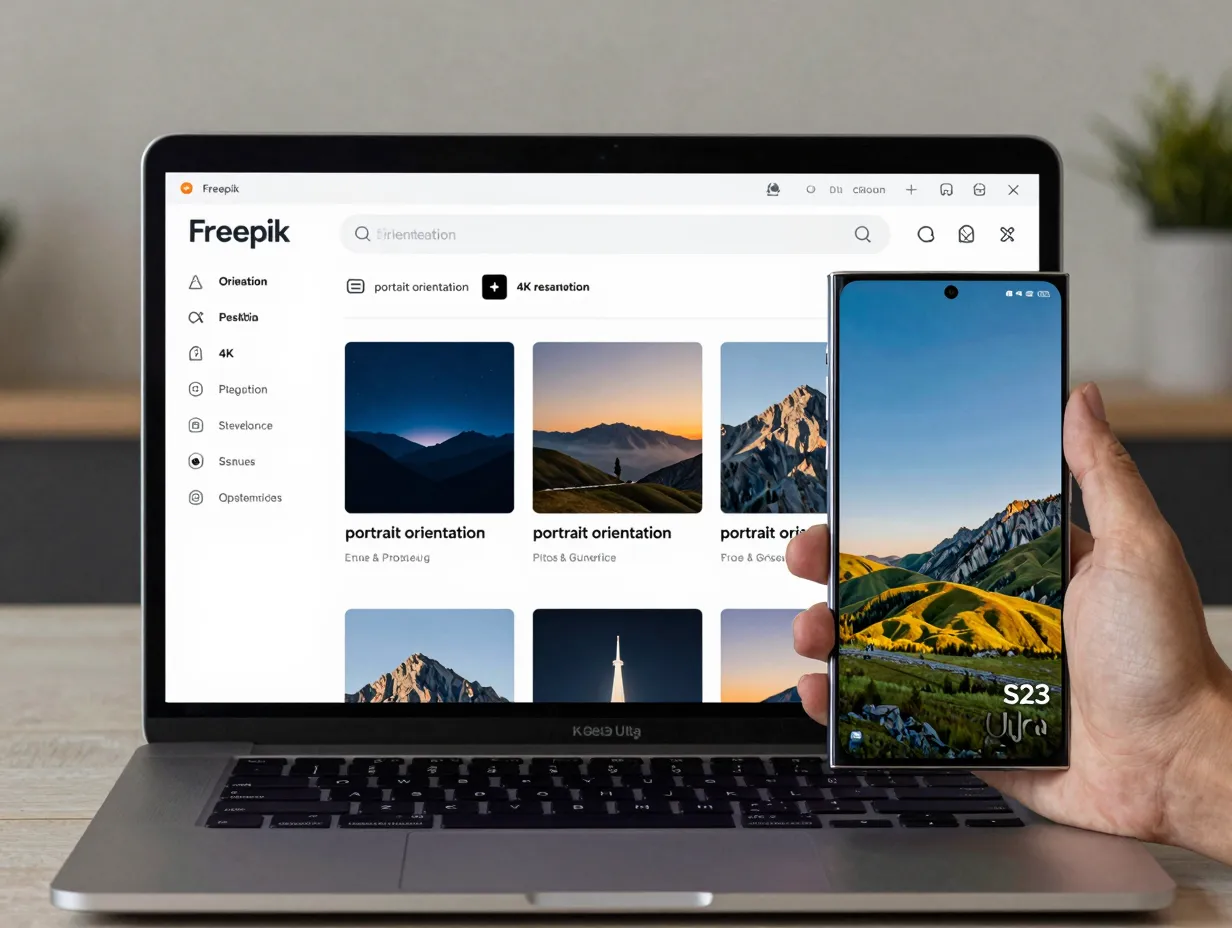
Freepik rounds out the designer-grade category with its own Samsung S23 Ultra 4K wallpaper image sets, offering multiple pages of curated visuals updated through late 2025 and into 2026 [4][11]. The platform’s contributor model means the collection is continuously expanding, with new styles added regularly across categories including futuristic, minimal, and nature-inspired themes.
One practical advantage of Freepik for this use case is the ability to filter by orientation and resolution. Users can search specifically for portrait-oriented 4K assets that match the S23 Ultra’s tall aspect ratio, reducing the need to manually crop landscape images before applying them.
Freepik collection highlights:
- Continuously updated through contributor submissions
- Filterable by orientation, resolution, and color palette
- Includes both photographic and illustrated styles
- Free tier available with attribution; premium tier removes watermarks
8. BinaryCores “Galaxy S23 Ultra Wallpapers” App
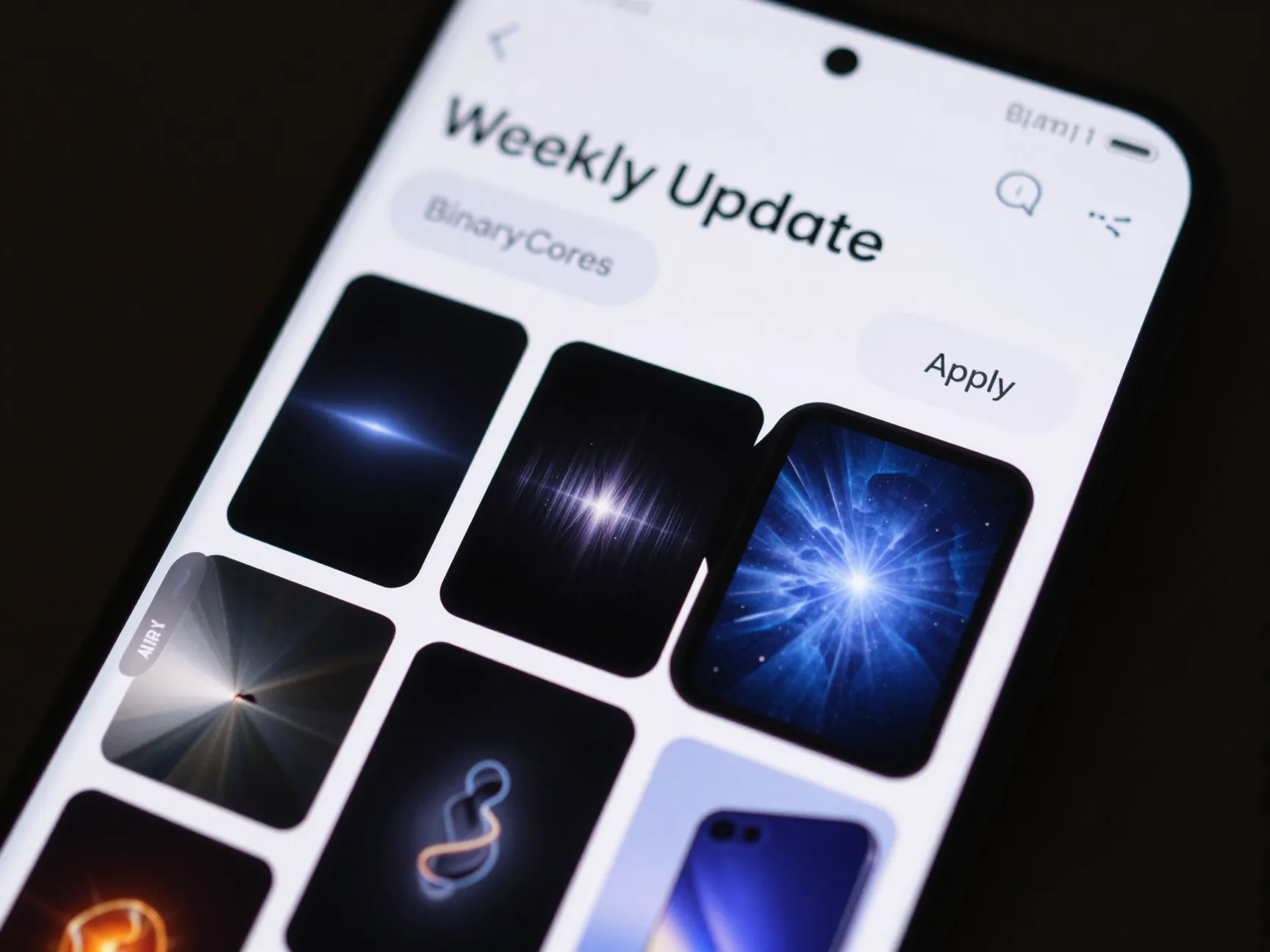
The “Galaxy S23 Ultra Wallpapers” app by BinaryCores on Google Play offers thousands of Full HD and 4K wallpapers explicitly optimized for the S23 Ultra’s Super AMOLED display [10]. The app features cloud-hosted collections, stock Samsung themes, dynamic AMOLED designs, and weekly updates, making it one of the most consistently refreshed sources on this list.
The app’s AMOLED-specific curation is its defining strength. Many general wallpaper apps include images that look fine on LCD screens but appear washed out or incorrectly saturated on AMOLED panels. BinaryCores specifically selects and formats images for the S23 Ultra’s color science, which means less manual adjustment after download [10].
App feature summary:
- Thousands of 4K and Full HD wallpapers
- Weekly content updates with new themed packs
- Stock Samsung theme reproductions
- Dynamic AMOLED designs that leverage true-black backgrounds
- Direct apply function, no need to save and open in Gallery
9. “Wallpapers Galaxy S23 Ultra” App (Google Play)
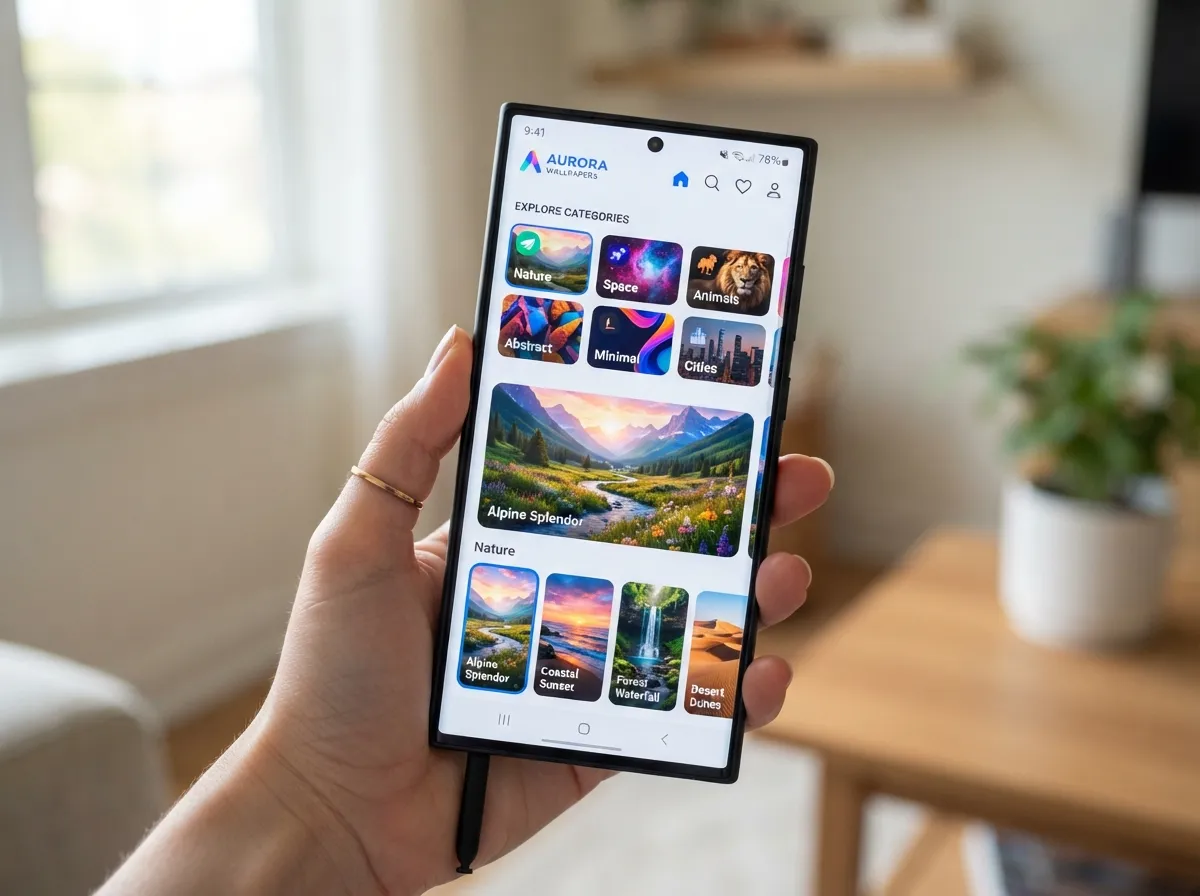
The “Wallpapers Galaxy S23 Ultra” app on Google Play aggregates 100+ high-quality images in Full HD, 2K, and 4K resolutions across themes including nature, space, abstract, and more [8]. The app is positioned as a free, easy-to-use way to browse and apply wallpapers for the S20 through S23 Ultra lineup, and its support notes show updates through early 2026, keeping the content current.
What distinguishes this app from the BinaryCores option is its breadth of theme categories. While BinaryCores leans heavily into AMOLED-optimized dark designs, this app covers a wider range of styles including bright nature photography, architectural photography, and illustrated art, making it the better choice for users who prefer lighter, more colorful wallpapers [8].
Theme categories available:
- Nature and landscapes
- Space and cosmos
- Abstract and geometric
- Architecture and cityscapes
- Minimalist and solid-color AMOLED
- Animals and wildlife
Bonus: Galaxy Themes and Community-Recommended Platforms
Beyond the nine primary collections, Samsung’s built-in Galaxy Themes store (accessible directly from the wallpaper settings menu on the S23 Ultra) acts as the official ongoing distribution channel for licensed and premium wallpapers. Galaxy Themes includes 4K-friendly designs, AMOLED-optimized dark themes, and collaborations with artists and brands that are not available anywhere else.
Community sources from the r/GalaxyS23Ultra subreddit also point to platforms such as Backdrops, Wallcraft, One4Wall, and Unsplash (via the Resplash app) as popular choices among enthusiasts who prioritize high-quality photography over branded Samsung content [13]. These platforms tend to attract professional photographers and designers, which means the average image quality is high even when resolution metadata is not explicitly labeled as “4K.”
Quick comparison of bonus sources:
| Platform | Content Type | Cost | Update Frequency |
|---|---|---|---|
| Galaxy Themes | Licensed, branded | Free + paid | Ongoing |
| Backdrops | Curated photography | Free + premium | Weekly |
| Wallcraft | Illustrated + photo | Free + premium | Daily |
| Unsplash / Resplash | Professional photography | Free | Continuous |
How to Apply 4K Wallpapers Correctly on the S23 Ultra
Having a high-resolution image is only half the equation. Applying it incorrectly, for example, by setting it through a third-party app that compresses the file, can reduce the visual quality before it ever reaches the screen.
Recommended application method:
- Download the wallpaper file to the phone’s internal storage or gallery.
- Open the Samsung Gallery app and locate the image.
- Tap the three-dot menu in the upper right corner.
- Select “Set as wallpaper.”
- Choose between home screen, lock screen, or both.
- Use the pinch-to-zoom and drag controls to position the image without cropping out important elements.
- Tap “Set” to confirm.
This method uses Samsung’s native image pipeline, which preserves the full color profile and resolution of the source file. Third-party launchers and wallpaper apps sometimes apply additional compression during the set process, which can soften fine details on the S23 Ultra’s high-density panel.
Pro tip: For live wallpapers downloaded as video files, use the “Live Focus Video” option in the wallpaper settings rather than a third-party live wallpaper app. This keeps the video rendering within Samsung’s optimized display pipeline.
What to Look for in a High-Quality S23 Ultra Wallpaper
Not every image labeled “4K” is equally well-suited to the S23 Ultra. Several factors beyond raw resolution determine whether a wallpaper will look genuinely impressive on the Super AMOLED panel.
Key quality indicators:
- True resolution: The file should be at least 3200 x 3200 or 3840 x 2160. Images labeled “4K” but sized at 1920 x 1080 with upscaling applied will look soft.
- Color profile: sRGB is standard, but images with a wide-gamut DCI-P3 profile will use more of the S23 Ultra’s color range.
- Compression format: PNG files preserve more detail than heavily compressed JPEGs. For wallpapers with fine gradients or dark backgrounds, PNG is preferable.
- Aspect ratio: Portrait-oriented images at roughly 9:21 (matching the S23 Ultra’s tall screen) require less cropping than standard 16:9 landscape images.
- AMOLED suitability: Images with large areas of pure black (hex #000000) allow the AMOLED panel to switch off those pixels entirely, saving battery and creating a visually striking effect.
Conclusion
The Samsung Galaxy S23 Ultra’s display is one of the most capable smartphone screens ever produced, and the 9 stunning 4K wallpaper collections to make your S23 Ultra screen pop covered in this guide give that hardware the content it was built to show. From Samsung’s official color-matched stock pack [7] to the continuously updated BinaryCores app [10] and the designer-grade visuals on Magnific and Freepik [4], there is a source and a style for every preference.
Actionable next steps:
- Start with the official SamMobile pack [7] to restore or upgrade the factory wallpapers with color-matched, AMOLED-tuned images.
- Install the BinaryCores “Galaxy S23 Ultra Wallpapers” app [10] for ongoing weekly updates without manual browsing.
- Bookmark Wallpapers.com [3] and WallpapersWide [5] for browsing sessions when a specific theme or color palette is needed.
- Check Galaxy Themes directly on the device for licensed content that cannot be found on third-party platforms.
- Always apply wallpapers through Samsung’s native Gallery app to preserve full resolution and color fidelity.
A display this capable deserves a wallpaper that matches its potential. With the sources listed above, finding a 4K image that genuinely makes the S23 Ultra screen pop takes minutes, not hours.
References
[1] Download Samsung Galaxy S23 Ultra Wallpapers 4k – https://www.androidsage.com/2023/02/02/download-samsung-galaxy-s23-ultra-wallpapers-4k/
[2] Download Galaxy S23 Ultra 4k Wallpapers For Your Older Galaxy Devices – https://samlover.com/2023/02/03/download-galaxy-s23-ultra-4k-wallpapers-for-your-older-galaxy-devices/
[3] Samsung S23 Ultra – https://wallpapers.com/samsung-s23-ultra
[4] Samsung S23 Ultra 4k Wallpaper – https://www.magnific.com/free-photos-vectors/samsung-s23-ultra-4k-wallpaper
[5] Samsung Galaxy S23 Ultra Smartphone Wallpapers – https://wallpaperswide.com/samsung_galaxy_s23_ultra_smartphone-wallpapers.html
[6] S23 Ultra – https://wallpapers.com/s23-ultra
[7] Download Samsung Galaxy S23 Ultra Wallpapers 4k – https://www.sammobile.com/news/download-samsung-galaxy-s23-ultra-wallpapers-4k/
[8] Details – https://play.google.com/store/apps/details?id=com.samstudio.wallpapers.galaxys23&hl=en_US
[9] Samsung Galaxy S23 S23 Plus S23 Ultra Smartphones Wallpapers – https://wallpaperswide.com/samsung_galaxy_s23_s23_plus_s23_ultra_smartphones-wallpapers.html
[10] Details – https://play.google.com/store/apps/details?id=com.BinaryCores.S23UltraWallpapers&hl=ar