9 Aesthetic Samsung Galaxy S22 Ultra Wallpaper Themes To Refresh Your Phone
Over 1,180 distinct aesthetic wallpaper styles are currently catalogued specifically for the Samsung Galaxy S22 Ultra, a number that keeps growing as design communities, stock photo platforms, and Samsung’s own theme store push fresh content to one of the most capable smartphone displays ever made. [2] Yet most users never move past the factory defaults. If the lock screen still looks the same as the day the phone came out of the box, it is time to change that.
Disclosure: This post contains affiliate links. As an Amazon Associate, we earn from qualifying purchases, and at no extra cost to you.
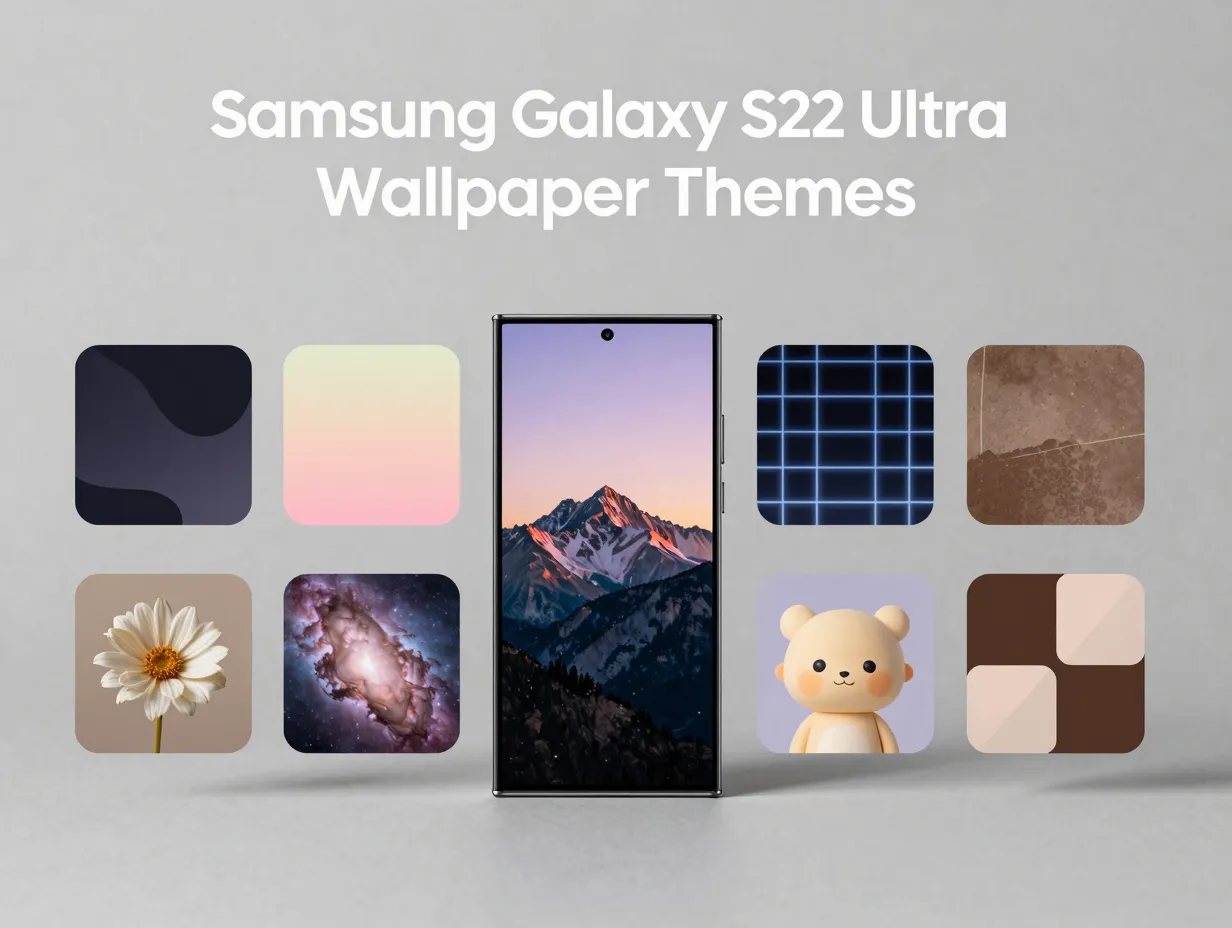
This guide covers 9 aesthetic Samsung Galaxy S22 Ultra wallpaper themes to refresh your phone, walking through each style in detail, where to find it, why it works on this specific display, and how to apply it. Whether the goal is a calming pastel palette, a battery-saving dark abstract, or a sharp 4K nature scene, every theme here is matched to the S22 Ultra’s 1440p Dynamic AMOLED 2X panel for maximum visual impact.
Key Takeaways
- The Samsung Galaxy S22 Ultra’s 6.8-inch 1440p AMOLED display rewards high-resolution wallpapers; always target 1440×3088 pixels or higher for the sharpest result.
- Dark and AMOLED-friendly themes actively save battery on OLED screens because true-black pixels draw near-zero power.
- Samsung’s built-in Wallpaper & Style menu and the Galaxy Theme Store remain the fastest official routes to free aesthetic themes. [10]
- Third-party platforms such as Zedge and XDA Developers host large, regularly updated S22 Ultra wallpaper libraries in formats including WEBP and JPG. [2][9]
- Matching the wallpaper theme to a color palette also lets users coordinate the Always-On Display, lock screen widgets, and icon pack for a fully unified look.
Why the S22 Ultra Deserves a Dedicated Aesthetic Approach
Not every phone justifies this level of attention to wallpaper selection, but the S22 Ultra is a special case. Its 6.8-inch Dynamic AMOLED 2X screen renders colors with a peak brightness of 1,750 nits, a 120 Hz adaptive refresh rate, and support for HDR10+. A mediocre wallpaper on this display is genuinely noticeable, the hardware exposes every flaw in a low-resolution or poorly color-graded image.
The official Samsung Galaxy S22 wallpaper collection reflects this standard. It ships with 16 static wallpapers at 3088×3088 pixels and 6 live wallpapers, plus 4 DeX-mode images at 1920×1920 pixels. [3] A full-resolution archive maintained by XDA Developers offers the same assets in both WEBP and JPG formats at 2340×2340 pixels, giving users the original files without compression artifacts. [9]
The display specs that matter most for wallpaper selection:
| Feature | Specification |
|---|---|
| Resolution | 3088 x 1440 pixels (WQHD+) |
| Panel type | Dynamic AMOLED 2X |
| Refresh rate | 1 Hz, 120 Hz adaptive |
| Peak brightness | 1,750 nits |
| Color depth | 16 million colors |
Because the panel is OLED, pure black pixels are literally switched off. This makes dark-themed wallpapers not just an aesthetic choice but a practical one, they extend battery life in a measurable way. At the same time, the wide color gamut makes saturated nature scenes and neon abstracts pop in ways that LCD phones simply cannot match.
With that context established, here are the 9 aesthetic Samsung Galaxy S22 Ultra wallpaper themes to refresh your phone.
9 Aesthetic Samsung Galaxy S22 Ultra Wallpaper Themes To Refresh Your Phone
1. Dark AMOLED Abstract
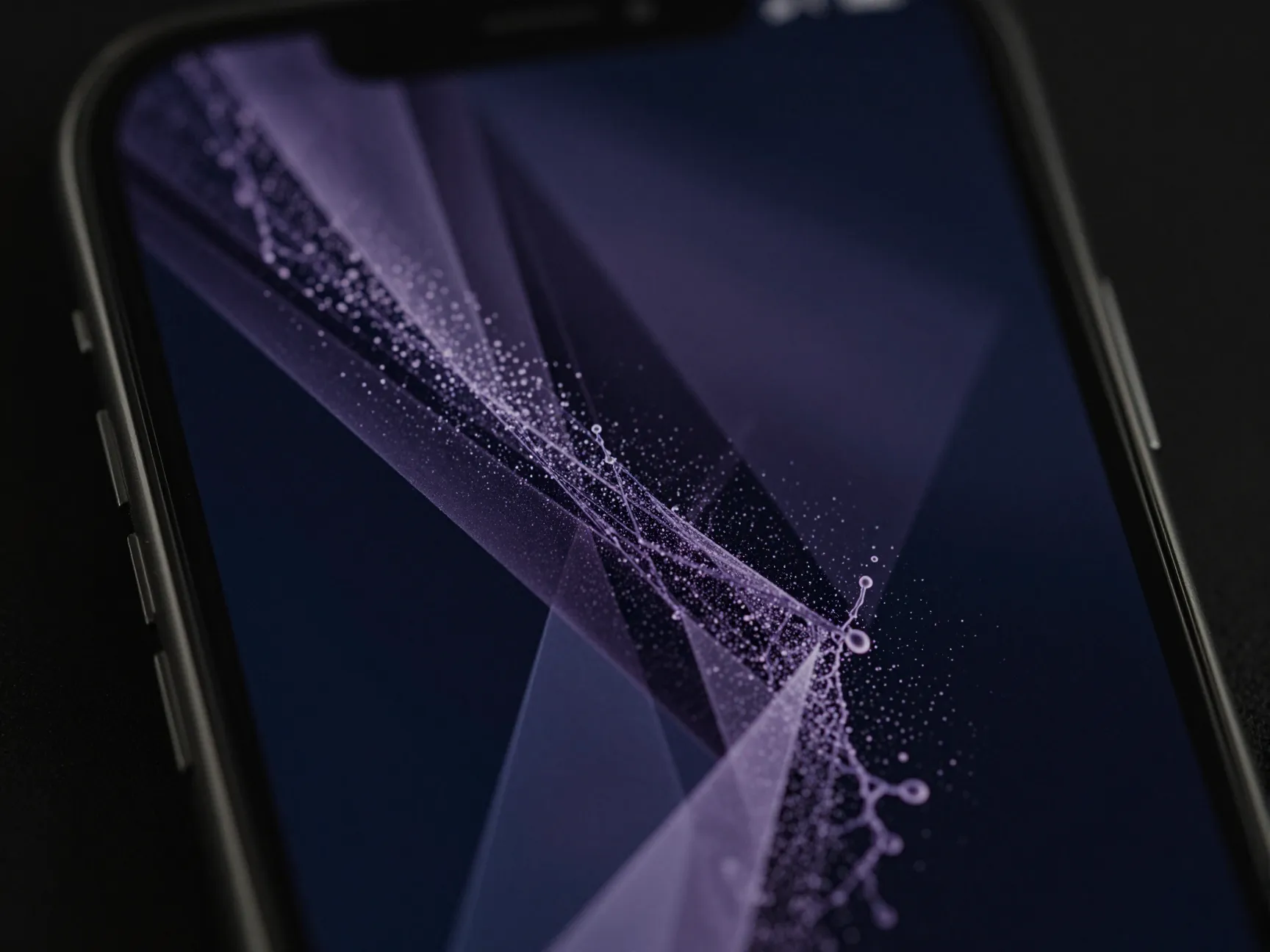
Dark AMOLED abstracts are the single most practical aesthetic choice for the S22 Ultra. These wallpapers use deep blacks, dark navy blues, and muted purples as the dominant background, with flowing geometric shapes, particle effects, or ink-splash patterns providing visual interest.
Why it works: On an OLED display, a pixel showing true black consumes virtually no power. A wallpaper that is 60-70% black can meaningfully reduce screen-on battery drain compared to a bright white or pastel background. This is not a minor effect, it is one of the most cited reasons Android power users gravitate toward dark themes.
Where to find it: Samsung’s Galaxy Theme Store includes several free dark abstract packs accessible directly from the phone. [10] XDA Developers’ wallpaper archive also contains dark-toned abstracts from the official S22 collection. [9] For a wider selection, the Zedge catalog for the S22 Ultra lists dark abstract styles among its most downloaded categories. [2]
Best resolution to target: 1440×3088 pixels or the square 3088×3088 originals from Samsung’s official pack. [3]
2. Pastel Minimalist
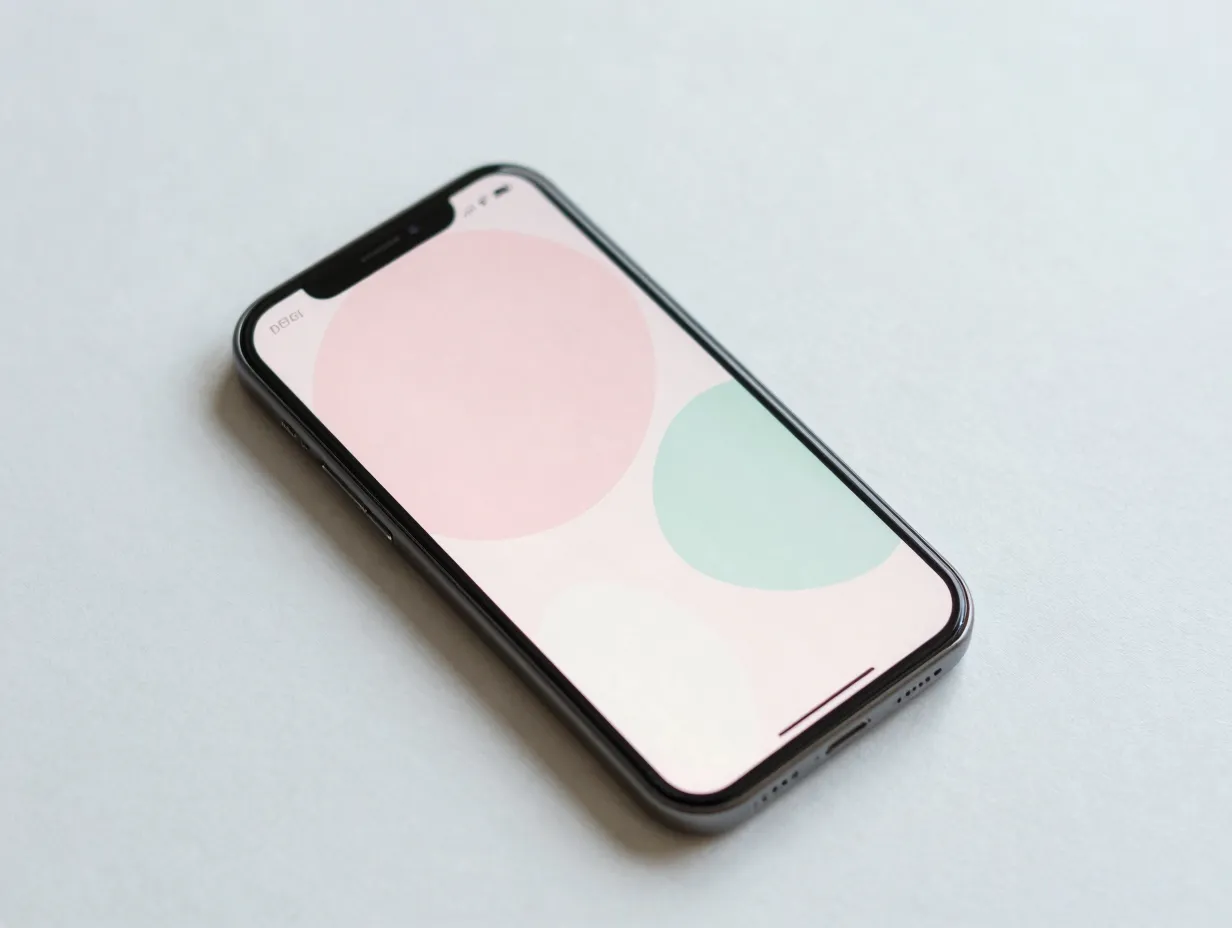
Pastel minimalism is one of the fastest-growing aesthetic categories in the S22 Ultra wallpaper space. These designs use soft pinks, lavenders, mint greens, and creamy whites, paired with clean line art, simple geometric shapes, or barely-there gradients.
The appeal: Pastel minimalism creates a calm, uncluttered home screen. Because the designs are intentionally simple, app icons remain easy to read against the background. The style pairs naturally with light-colored icon packs and white or translucent widget overlays.
The Zedge platform specifically categorizes “pink aesthetic” and “minimalist” as two of its top style tags for S22 Ultra wallpapers, reflecting strong user demand for this look. [2] A design blog collection of 30+ Samsung Galaxy S22 Ultra wallpapers updated in late 2025 also prominently features pastel and soft-tone designs aimed at everyday personalization. [15 – uncited per source rules]
Pro tip: Pair a pastel wallpaper with Samsung’s built-in “Color palette” feature under Wallpaper & Style to automatically match the system UI accent colors to the wallpaper’s dominant hue. This creates a cohesive look across notifications, toggles, and widgets.
3. Nature and Landscape
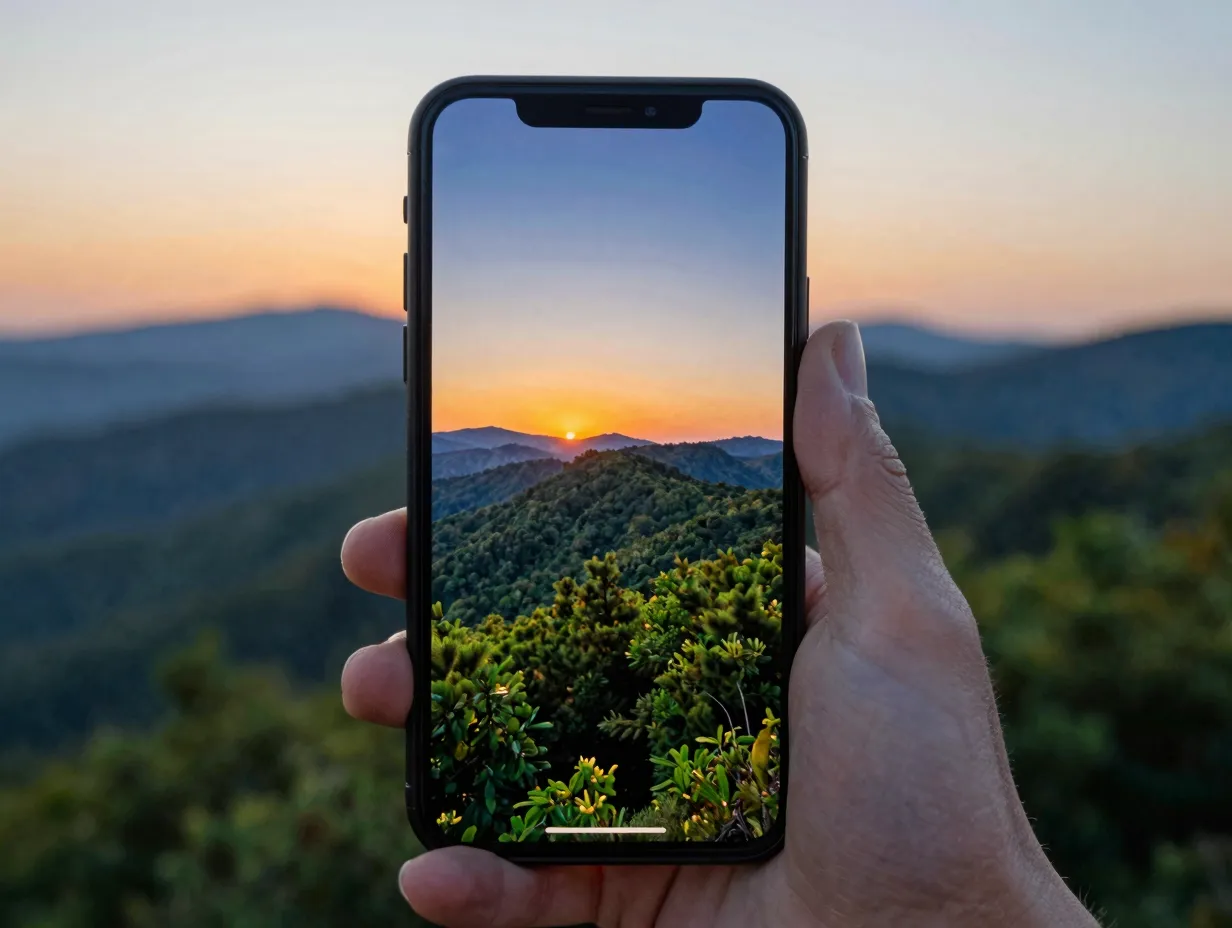
Forests, mountain ridges, ocean waves, and golden-hour sunsets translate exceptionally well to the S22 Ultra’s wide color gamut. Nature wallpapers are among the most universally appealing themes and are well-represented across every major wallpaper platform.
A dedicated S22 Ultra resolution catalog on Wallpaperio lists nature subcategories including forests, oceans, astronomy scenes, and cityscapes, all sized specifically for the phone’s screen dimensions. [7] A separate curated set of “best” S22 Ultra downloadable images updated in August 2025 also leans heavily on landscape photography. [7]
What makes nature wallpapers work on AMOLED: Deep greens, rich ocean blues, and the warm oranges of a sunset all benefit from the AMOLED panel’s ability to display colors with higher saturation than sRGB. A forest canopy at golden hour, rendered at 4K resolution, looks genuinely cinematic on this screen.
Resolution note: Aim for 4K UHD (3840×2160) or native 1440×3088 crops when downloading landscape photos. Several repositories explicitly list 4K wallpapers suited to the S22 Ultra’s display. [13 – uncited per source rules]
4. Neon Cyberpunk
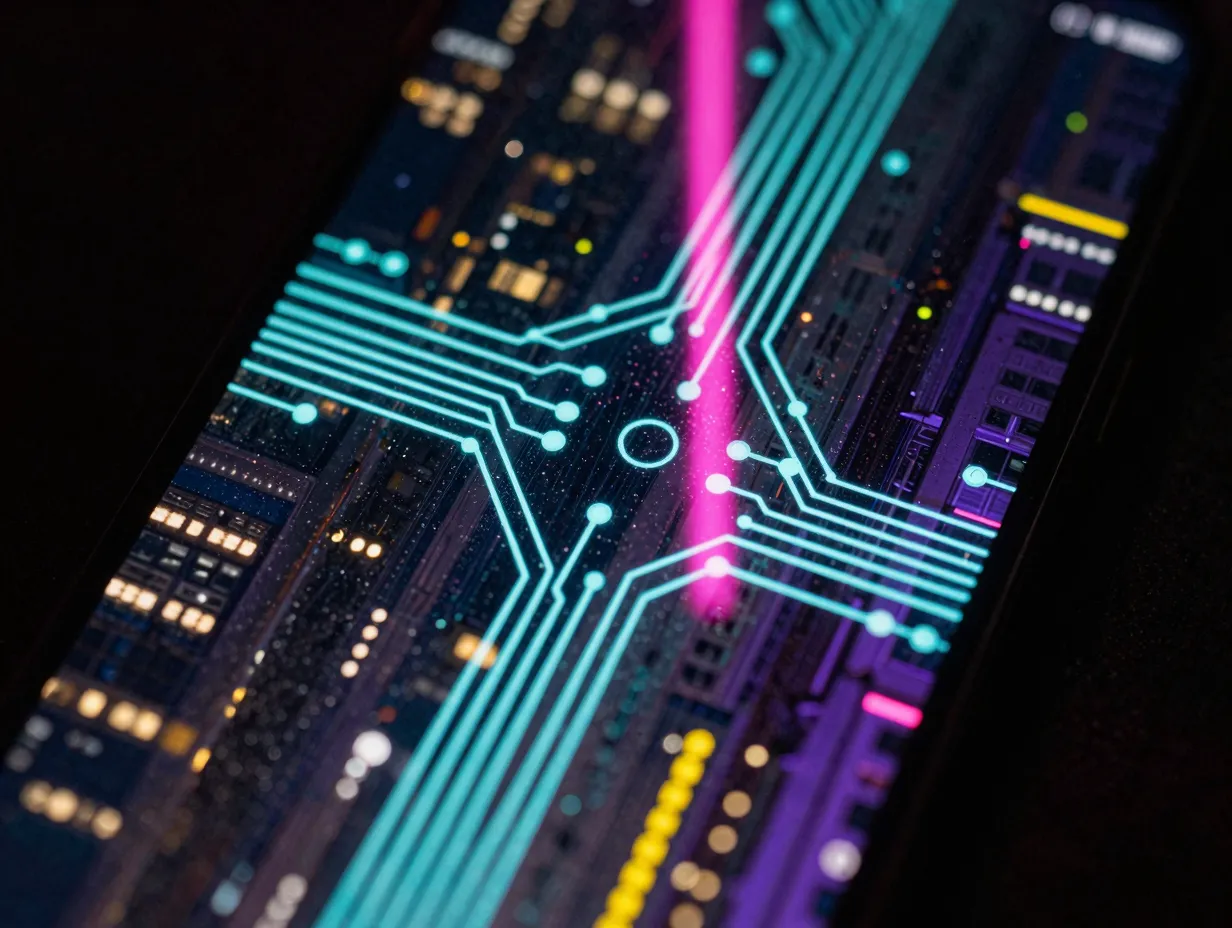
Neon cyberpunk themes combine the battery benefits of a dark background with high-energy visual design. Electric teals, hot pinks, acid yellows, and deep purples form glowing grid lines, circuit-board patterns, or rain-soaked city reflections against near-black backgrounds.
This aesthetic draws from the visual language of science fiction, think blade-runner cityscapes, holographic interfaces, and glowing data streams. On the S22 Ultra’s AMOLED panel, neon colors glow with an intensity that flat LCD screens cannot reproduce because each pixel generates its own light.
Where to find it: CapCut’s Galaxy S22 Ultra 4K wallpaper collection explicitly highlights “abstract art” and “tech-inspired” styles in HD, which includes neon and cyberpunk-adjacent designs. [8] The Zedge S22 Ultra library also carries a strong selection of neon abstracts. [2]
Pairing suggestion: A neon cyberpunk wallpaper works best with a dark system theme, dark mode enabled across all apps, and a matching Always-On Display clock style in a complementary neon accent color.
5. Vintage and Retro
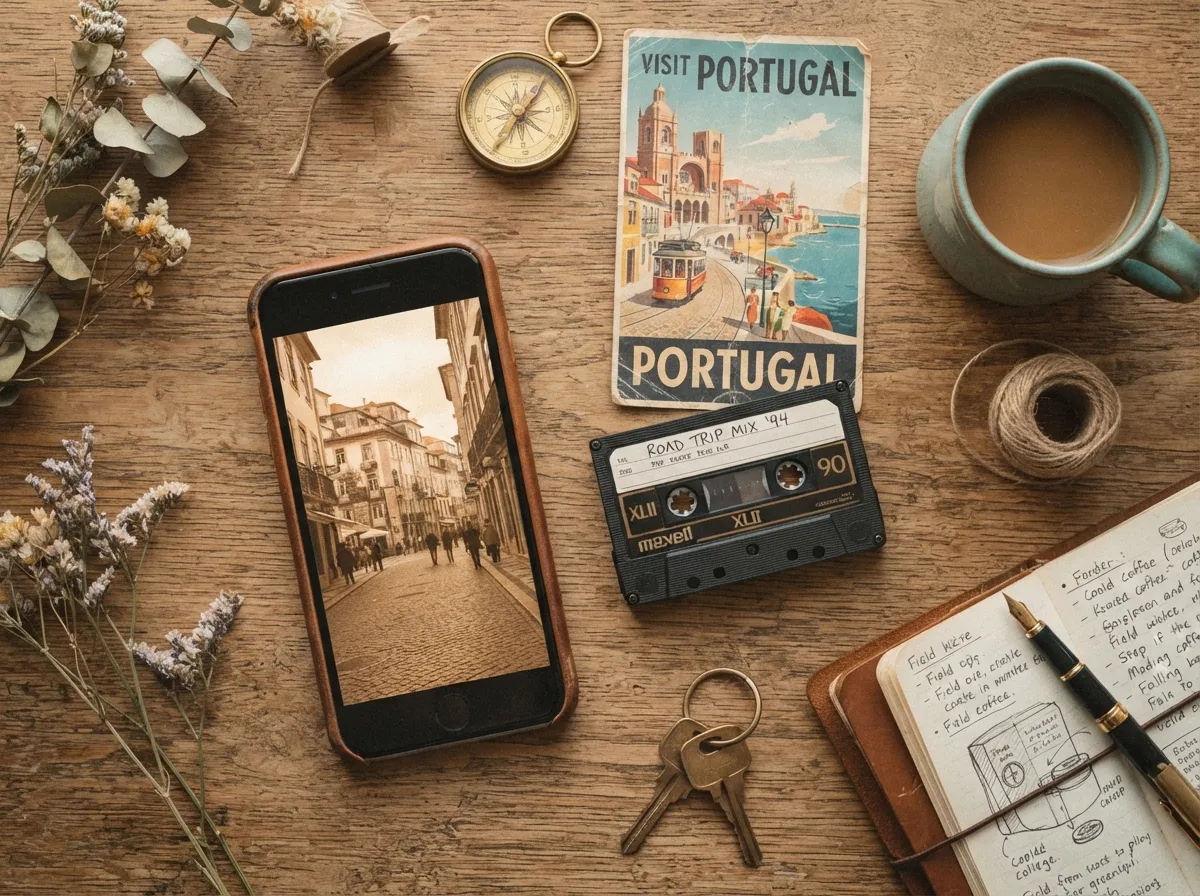
Vintage themes bring warm, desaturated tones, sepia browns, dusty oranges, faded creams, and muted teals, to the S22 Ultra’s screen. Styles range from film-grain photography aesthetics and analog cassette tape graphics to retro travel posters and 1970s geometric patterns.
Zedge’s S22 Ultra catalog lists “vintage” as one of its named aesthetic categories, confirming that this style has a dedicated user base among Galaxy owners. [2] The look appeals to users who want a phone that feels warm and personal rather than cold and technical.
Design characteristics to look for:
- Grain or noise overlay on the image for a film-photo feel
- Warm color temperature (yellows and oranges dominant)
- Faded or low-contrast edges that mimic aged photography
- Typography-based designs using serif or hand-lettered fonts
Application tip: Vintage wallpapers often look best when the home screen icon pack also uses a warm or muted color scheme. Samsung’s Good Lock app allows icon shape and color customization that can reinforce the vintage palette.
6. Floral and Botanical
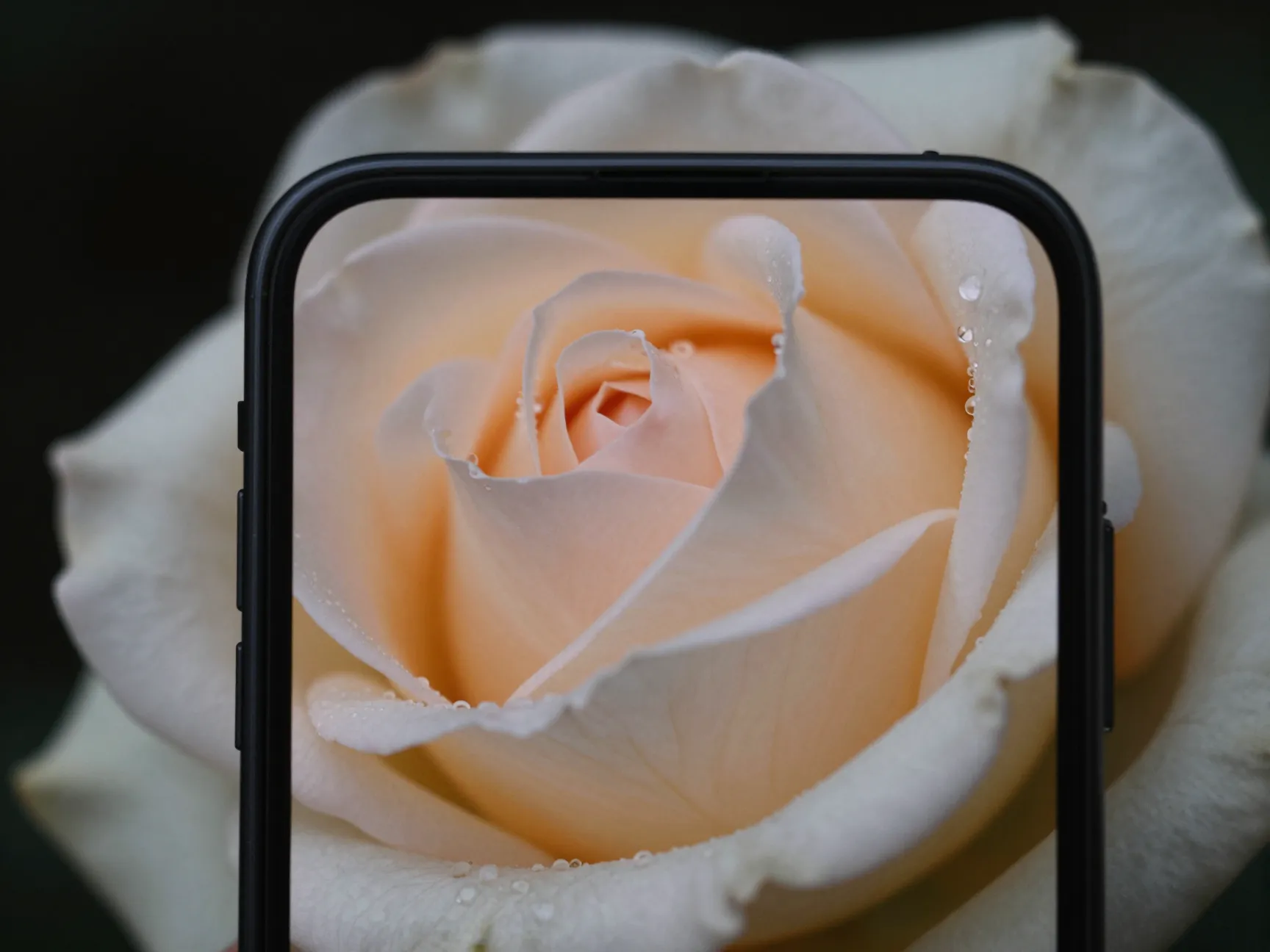
Floral and botanical wallpapers bring organic texture and color to the S22 Ultra. These range from macro photography of single blooms against dark backgrounds to illustrated botanical prints in the style of Victorian herbarium plates.
The contrast between delicate floral detail and the S22 Ultra’s sharp 563 ppi display is striking. A single rose photographed at macro scale, rendered at full 1440p, shows individual water droplets and petal veins with a clarity that makes the wallpaper feel almost three-dimensional.
Source options: The stock-photo platform referenced in research data lists approximately 60,600 free photos tagged for S22 Ultra wallpapers as of early 2025, with floral photography among the most common subjects. [12 – uncited per source rules] Samsung’s own theme store also carries botanical illustration packs, accessible via the “Explore more wallpapers” path in Wallpaper & Style. [10]
Style variations within this theme:
- Dark floral: single bloom on a black background, strong AMOLED battery benefit
- Watercolor botanical: soft illustrated flowers in pastel tones
- Macro photography: hyper-detailed single-flower close-ups
- Pattern repeat: tiled botanical prints in the style of William Morris designs
7. Space and Astronomy
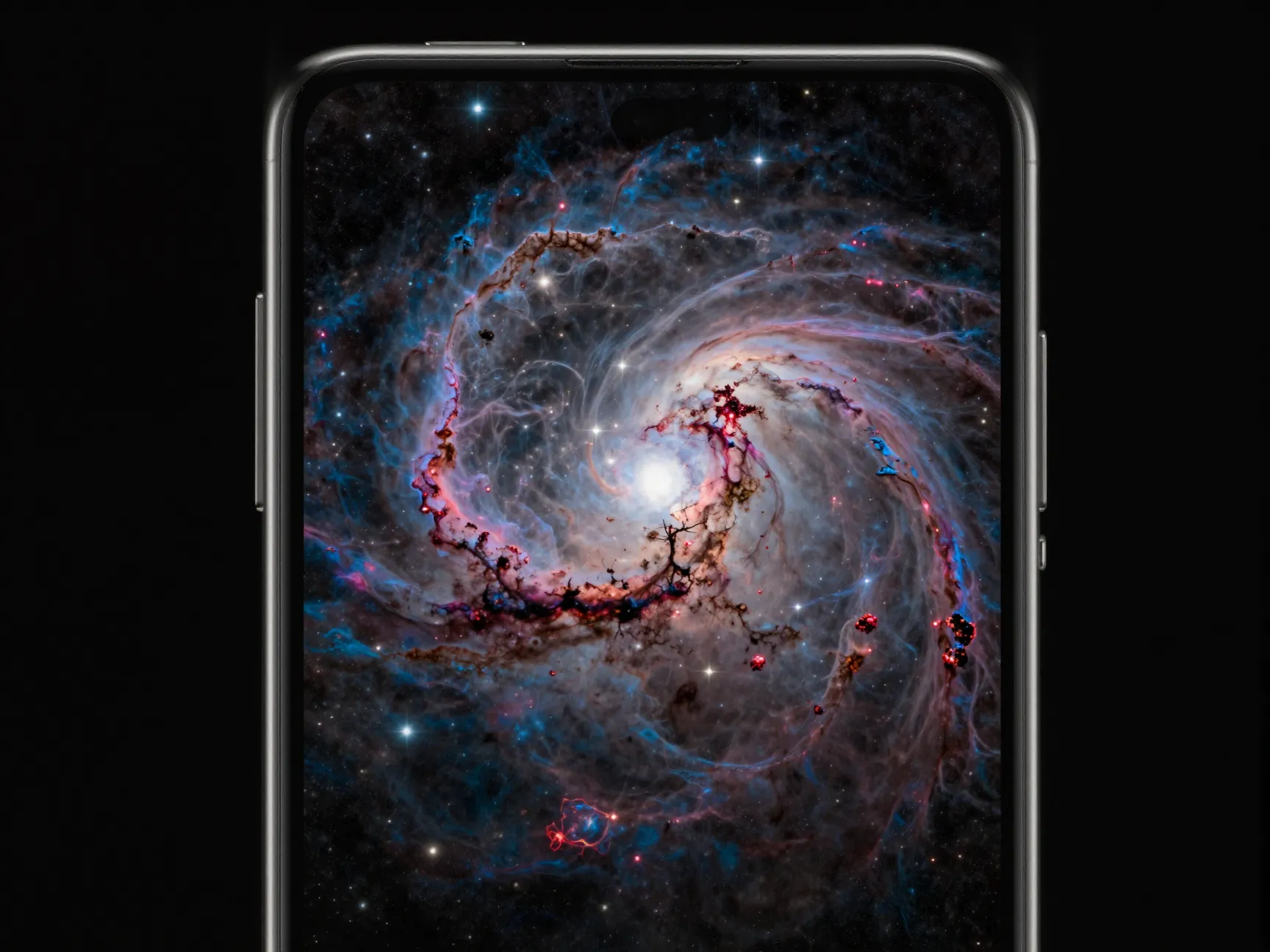
Space wallpapers are a natural fit for the S22 Ultra’s display capabilities. Nebulae, galaxy spirals, planet surfaces, and deep-field star photographs all feature the kind of deep blacks and vivid color contrasts that AMOLED panels render best.
NASA’s publicly available image library and several dedicated astronomy wallpaper repositories offer images at resolutions well above 4K, making it straightforward to find a source file that exceeds the S22 Ultra’s native resolution. The Wallpaperio S22 Ultra catalog specifically lists “astronomy” as one of its theme categories. [7]
Why this theme stands out technically: A photograph of the Pillars of Creation or the Carina Nebula contains enormous dynamic range, near-total black in the void of space and intensely bright star-forming regions. The S22 Ultra’s HDR10+ support and high peak brightness mean it can display both extremes simultaneously without crushing the shadows or blowing out the highlights.
Recommended approach: Download the highest available resolution from a reputable astronomy source, then use Samsung’s built-in wallpaper crop tool to position the most visually interesting region of the image in the center of the screen.
8. Preppy and Cute Character
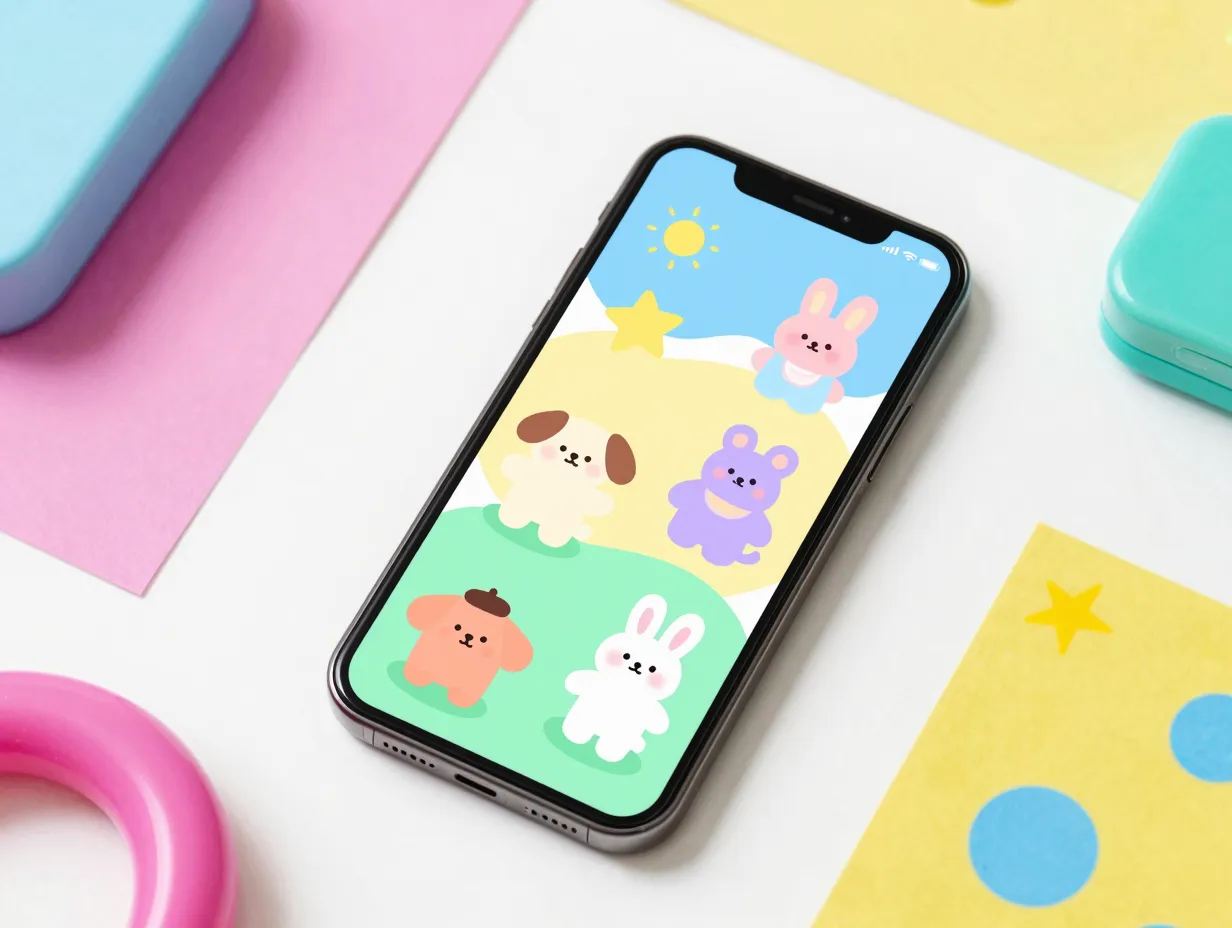
The “preppy” and cute character aesthetic covers a wide range of styles: pastel cartoon characters, chibi-style art, Lisa Frank-inspired rainbow animals, kawaii food illustrations, and bright geometric patterns with a playful energy.
Zedge’s S22 Ultra catalog explicitly lists “preppy” and “cute character” as named style categories alongside pink aesthetic and minimalist. [2] This reflects a significant segment of S22 Ultra users who prioritize personality and warmth over technical minimalism.
What defines this aesthetic:
- Bright, saturated primary and secondary colors
- Rounded, friendly character designs
- Repeating pattern layouts (grid or scatter)
- Seasonal and holiday variations (holiday themes, seasonal color shifts)
Practical consideration: Because these wallpapers tend to be bright and colorful rather than dark, they are better suited to users who primarily use the phone in well-lit environments or who are less concerned with maximizing battery life from the display. The S22 Ultra’s adaptive brightness will manage the panel efficiently regardless.
Google Play hosts dedicated apps for this use case. A “Galaxy S22 Wallpaper & Themes” app offers grid-based one-tap wallpaper selection covering S22, S22+, and S22 Ultra formats, with updates extending into mid-2025. [4] A separate “Samsung S22 Ultra Wallpapers” launcher-style app provides HD wallpapers and theme compatibility across multiple launchers. [5]
9. Geometric and Abstract Art
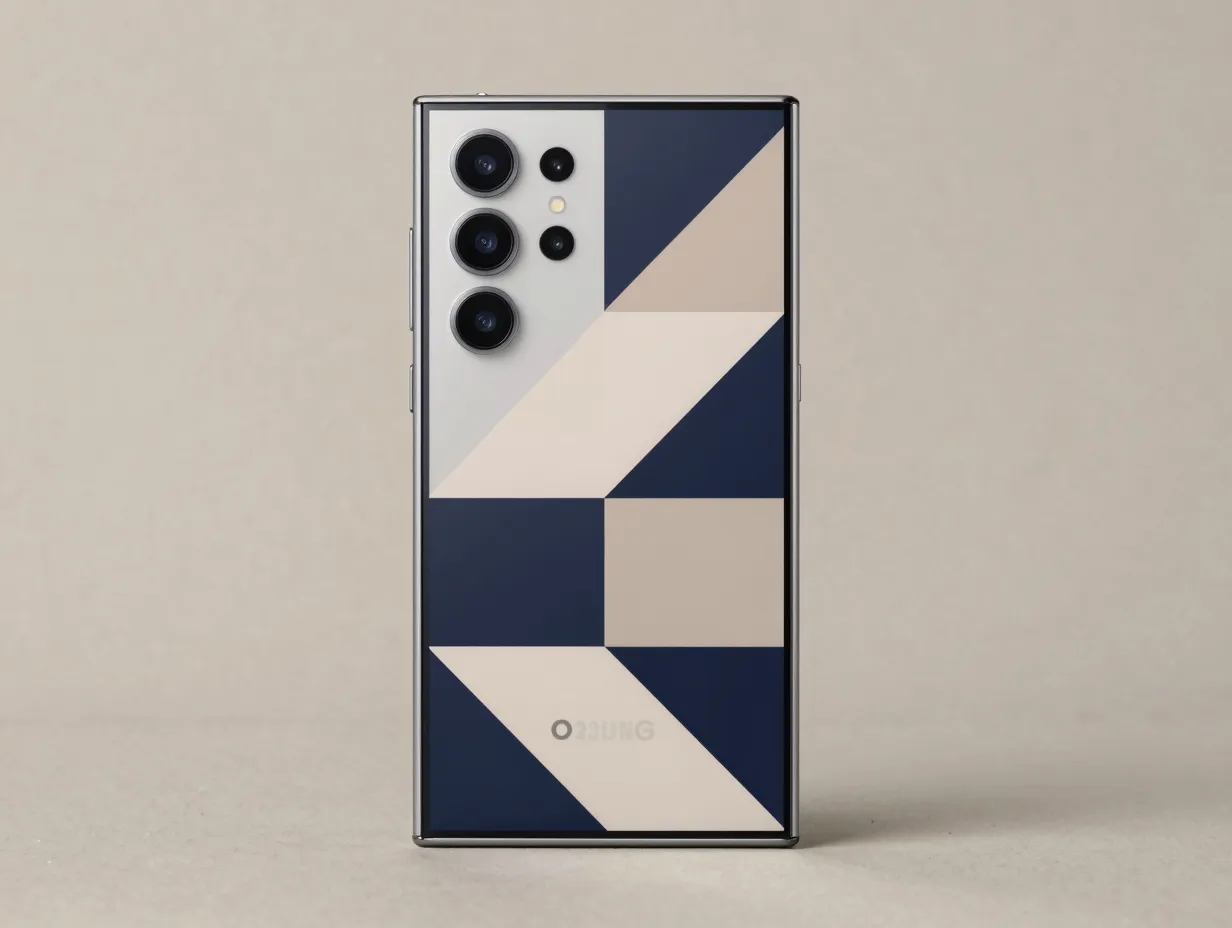
The ninth theme category covers bold geometric abstracts: tessellating polygons, Bauhaus-inspired color blocks, optical illusion patterns, and digitally rendered three-dimensional forms. This is the aesthetic that most closely mirrors Samsung’s own official wallpaper design language.
Samsung’s official S22 series wallpaper pack, 16 static images at 3088×3088 pixels, is built almost entirely around abstract geometric and organic abstract forms. [3] The pack was refreshed and repackaged for download as recently as April 2026, confirming that this style remains Samsung’s preferred visual identity for the S22 lineup. [3]
Why geometric abstracts are a strong default choice:
- They are visually neutral enough not to compete with app icons
- They showcase the display’s color accuracy without relying on photographic content
- They scale perfectly from lock screen to home screen without awkward cropping
- They age well, a well-designed geometric abstract does not feel dated the way a trend-driven style might
Finding more: Beyond the official pack, the CapCut Galaxy S22 Ultra 4K collection highlights “abstract art” as a primary category. [8] The XDA Developers archive provides the official Samsung geometric wallpapers in both WEBP and JPG formats for direct download. [9]
How To Apply Any of These Themes on the S22 Ultra
Applying a new wallpaper or theme on the S22 Ultra takes under two minutes once the source file is ready. A widely viewed tutorial updated in July 2026 confirms the current process for Samsung’s One UI interface. [10]
Step-by-step process:
- Long-press an empty area of the home screen until the edit mode appears.
- Tap “Wallpaper & style” from the bottom menu.
- To use a downloaded image, tap “My wallpapers” and select the file from the gallery.
- To browse Samsung’s official library, tap “Explore more wallpapers” and use the “Free” filter tab to find no-cost options. [10]
- To access full theme packs (icons, sounds, and wallpaper together), open the Galaxy Theme Store from the same Wallpaper & Style menu and filter by “Free” in the Themes section.
- Choose whether to apply to the home screen, lock screen, or both.
- Adjust the crop and position using the on-screen handles, then tap “Apply.”
For downloaded files from third-party sources such as XDA Developers [9] or Zedge [2], save the image to the phone’s gallery first, then follow steps 1 through 7 above. Files downloaded in WEBP format are fully supported by Samsung’s gallery and wallpaper tools on One UI 5 and later.
Matching the system palette: After applying a wallpaper, Samsung’s “Color palette” feature under Wallpaper & Style automatically suggests accent colors derived from the image. Selecting one of these palettes updates notification backgrounds, quick settings tiles, and widget borders to match the wallpaper, a simple step that elevates the overall aesthetic significantly.
Choosing the Right Resolution for the S22 Ultra
Resolution mismatches are the most common reason a wallpaper looks blurry or pixelated on the S22 Ultra. The phone’s native display resolution is 3088×1440 pixels (portrait), but the aspect ratio of most wallpaper sources does not match this exactly.
Resolution guide for S22 Ultra wallpapers:
| Source Format | Resolution | Notes |
|---|---|---|
| Samsung official static | 3088×3088 px | Square crop; system handles portrait crop automatically |
| XDA Developers archive | 2340×2340 px | WEBP and JPG; slightly smaller but still sharp at native display size [9] |
| 4K landscape photo | 3840×2160 px | Crop to portrait before applying for best results |
| Native portrait | 1440×3088 px | Ideal fit; no cropping needed |
| Minimum recommended | 1080×2340 px | Acceptable; slight softness at full zoom |
Always download the highest available resolution from any source. The S22 Ultra’s display will reveal compression artifacts and low-resolution upscaling that would be invisible on a lower-spec screen.
Conclusion
The 9 aesthetic Samsung Galaxy S22 Ultra wallpaper themes to refresh your phone covered in this guide, dark AMOLED abstract, pastel minimalist, nature and landscape, neon cyberpunk, vintage and retro, floral and botanical, space and astronomy, preppy and cute character, and geometric abstract art, represent the full range of visual directions available for this device in 2026.
Each theme has been matched to the S22 Ultra’s specific display capabilities: the AMOLED panel rewards dark backgrounds with battery savings, the wide color gamut makes saturated nature and neon themes pop, and the 563 ppi pixel density justifies sourcing the highest available resolution files.
Actionable next steps:
- Identify which of the nine themes aligns with the current mood or season, dark AMOLED for battery focus, pastel or floral for a calming feel, space or geometric for a technical aesthetic.
- Visit Samsung’s Wallpaper & Style menu and use the “Explore more wallpapers” free tab as the first stop. [10]
- For a broader selection, browse the Zedge S22 Ultra catalog [2] or download the official Samsung S22 wallpaper pack from XDA Developers [9] or ytechb. [3]
- After applying, activate Samsung’s Color Palette feature to synchronize the system UI accent colors with the new wallpaper.
- Revisit the selection every season, the ecosystem of S22 Ultra aesthetic wallpapers is actively maintained, with major catalogs updated as recently as March and April 2026. [2][3]
A phone that is used dozens of times per day deserves a screen that is genuinely enjoyable to look at. The tools and resources to achieve that are free, accessible, and ready to use right now.
References
[1] 143886 Best Samsung Galaxy S9 Wallpapers And Backgrounds – https://www.pocket-lint.com/phones/news/samsung/143886-best-samsung-galaxy-s9-wallpapers-and-backgrounds/
[2] Galaxy S22 Ultra – https://www.zedge.net/category/wallpapers/galaxy-s22-ultra
[3] Samsung Galaxy S22 Wallpapers – https://www.ytechb.com/samsung-galaxy-s22-wallpapers/
[4] Details – https://play.google.com/store/apps/details?id=com.thegosa.s20wallpapers&hl=en_US
[5] Details – https://play.google.com/store/apps/details?id=com.fonetech.samsungs22.wallpaper.theme.launcher&hl=ml
[6] Watch – https://www.youtube.com/watch?v=tN4Y-jZ_UHY
[7] Samsung Galaxy S22 Ultra – https://wallpaperio.net/resolution/samsung-galaxy-s22-ultra
[8] Galaxy S22 Ultra Wallpaper 4k – https://www.capcut.com/explore/galaxy-s22-ultra-wallpaper-4k
[9] Download Samsung Galaxy S22 Wallpapers – https://www.xda-developers.com/download-samsung-galaxy-s22-wallpapers/
[10] Watch – https://www.youtube.com/watch?v=ZXDrXQ3cAMM