8 Best Wallpaper Sources for Every Samsung Galaxy S Series Model
Samsung ships its Galaxy S series devices with some of the most precisely calibrated displays in the Android market, yet the default wallpaper selection covers only a fraction of what those screens can render. A single high-resolution image sourced from the wrong place can appear blurry, color-shifted, or poorly cropped on a 3120×1440 Dynamic AMOLED panel. Finding the right source matters as much as finding the right image. This guide to the 8 Best Wallpaper Sources for Every Samsung Galaxy S Series Model covers every reliable option available in 2026, from Samsung’s own official channels to community archives, third-party apps, and royalty-free photo libraries, so every Galaxy S owner can make the most of their display.
Disclosure: This post contains affiliate links. As an Amazon Associate, we earn from qualifying purchases, and at no extra cost to you.
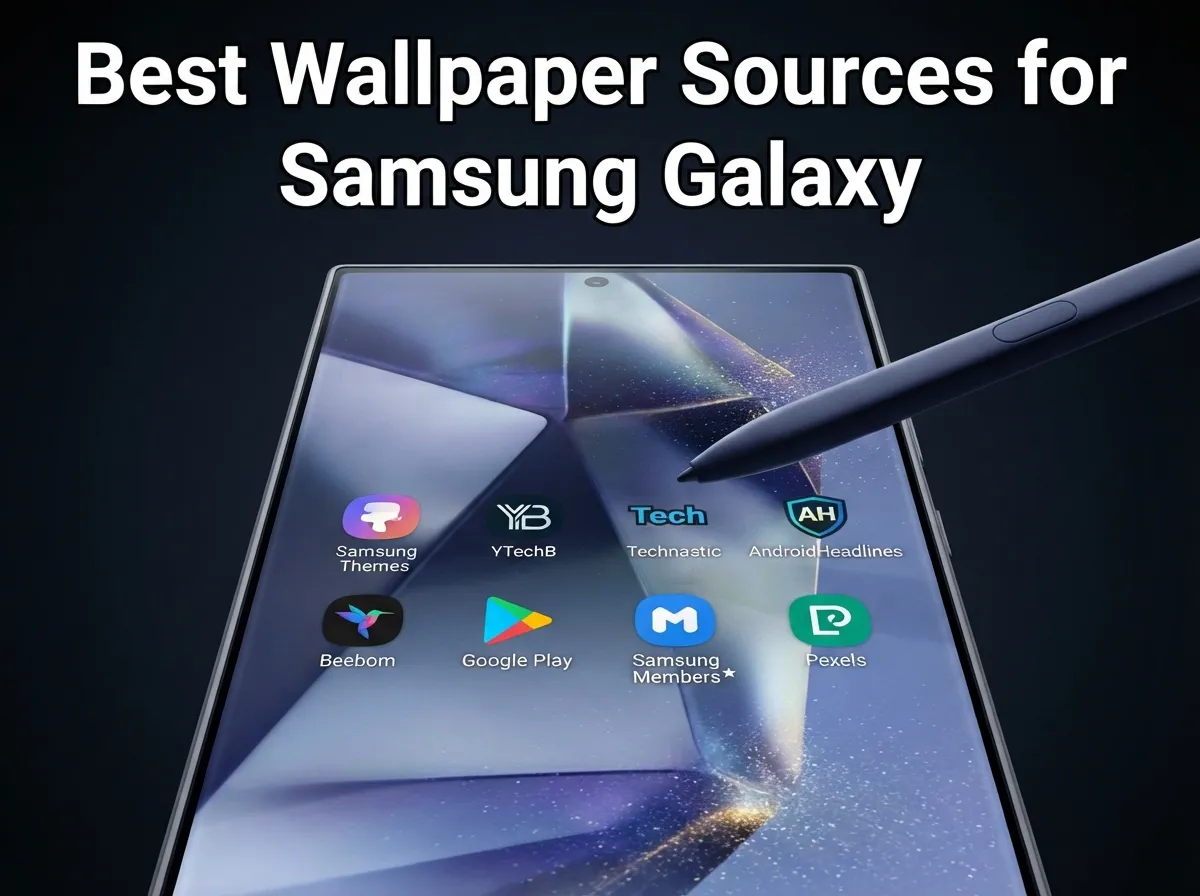
Key Takeaways
- The Samsung Galaxy Themes store remains the single most reliable official source for display-optimized wallpapers across all S-series models.
- Third-party tech publications such as YTechB, Technastic, AndroidHeadlines, and Beebom offer curated, high-resolution S24 wallpaper packs with direct download links.
- Dedicated Google Play apps provide AMOLED-optimized and live wallpaper content with offline access, ideal for users who want variety without repeated downloads.
- The Samsung Members community forum is a frequently overlooked but valuable source for original stock wallpapers verified by fellow Galaxy owners.
- Royalty-free libraries like Pexels offer cross-device compatibility and an enormous catalog that works equally well on older S-series models.
Why Wallpaper Quality Matters on Samsung Galaxy S Displays
The Galaxy S series, from the S21 through the S25 Ultra, uses Dynamic AMOLED panels with pixel densities exceeding 400 PPI. On screens this sharp, a low-resolution wallpaper becomes visibly pixelated within seconds of unlocking the phone. Beyond resolution, color accuracy is critical: Samsung’s Vivid display mode saturates colors aggressively, which means an image that looks neutral on a standard monitor can appear oversaturated on a Galaxy S screen.
Live wallpapers add another layer of complexity. A motion effect designed for the S24 Ultra’s 6.8-inch panel may not scale correctly on an S21’s 6.2-inch display. This is why sourcing wallpapers from platforms that specifically target the S series, or at minimum provide images at or above 3120×3120 pixels, produces noticeably better results than pulling random images from a general image search.
The following eight sources address these requirements across the full range of Galaxy S models. Each source is numbered in ascending order, from the most official to the most community-driven and creative.
The 8 Best Wallpaper Sources for Every Samsung Galaxy S Series Model
1. Samsung Galaxy Themes Store
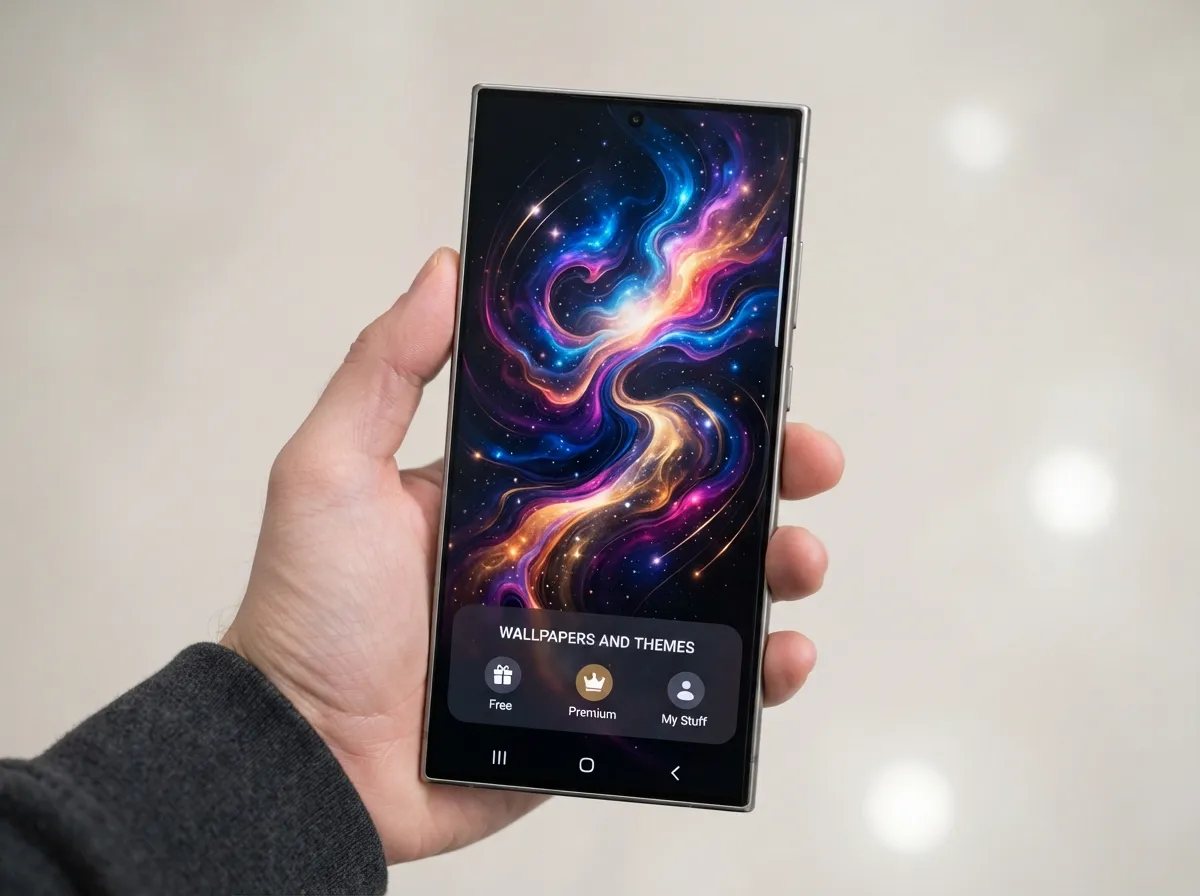
The Samsung Galaxy Themes store is the first place any Galaxy S owner should check. Accessible directly from Settings > Wallpapers and Themes on any Galaxy S device, the store offers content that Samsung has tested and optimized for its own hardware. Wallpapers here are calibrated for the specific color profiles and aspect ratios of each S-series model, which eliminates the guesswork involved in resizing or cropping images from external sources.
The Themes store carries both static and animated wallpapers. Premium animated themes are available for purchase, while a rotating selection of free wallpapers is updated regularly. Because the content is delivered through Samsung’s own infrastructure, compatibility issues are essentially nonexistent. Users running anything from a Galaxy S20 to an S25 Ultra will find relevant options without needing to manually verify resolution or aspect ratio.
Best for: Users who prioritize zero-effort compatibility and official quality assurance across all S-series models.
2. YTechB Samsung Galaxy S24 Wallpaper Packs
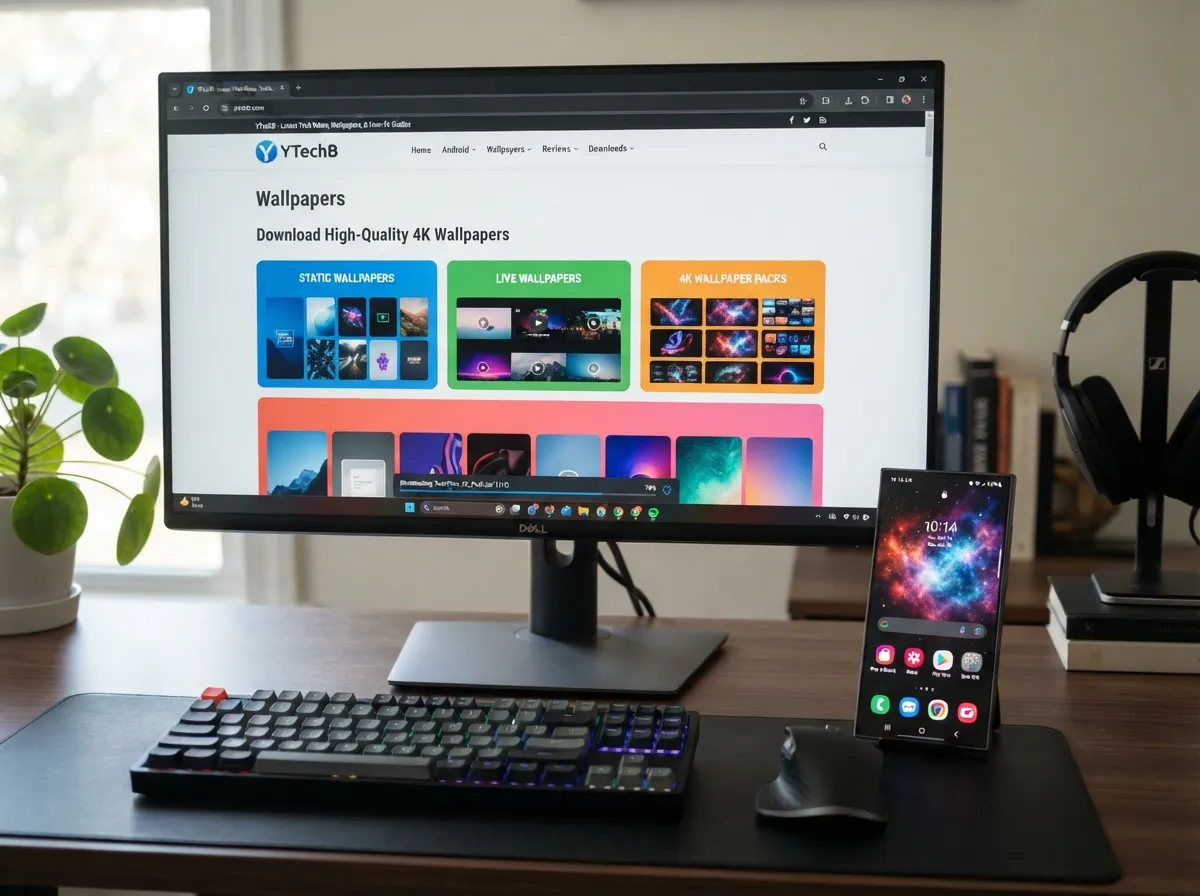
YTechB maintains one of the most comprehensive third-party wallpaper archives for the Galaxy S24 series, updated as recently as mid-2026 [5]. The site organizes downloads into clearly labeled categories: static wallpapers, live wallpapers, and 4K packs. Each category is available as a direct download, making the process straightforward for users who do not want to navigate app stores or streaming platforms.
The 4K static packs are particularly useful for Galaxy S24 Ultra owners, whose 6.8-inch QHD+ display benefits most from ultra-high-resolution source images. The live wallpaper files are formatted for direct installation on Samsung devices, reducing the manual steps required compared to sourcing motion content from general-purpose apps [5].
| Pack Type | Resolution | Best For |
|---|---|---|
| Static | Up to 4K | S24, S24+, S24 Ultra |
| Live | Variable | S24 series motion effects |
| 4K Bundle | 3840×2160+ | S24 Ultra QHD+ display |
Best for: S24 series owners who want organized, categorized packs with minimal friction.
3. Technastic Galaxy S24 and S24 Ultra Wallpaper Bundles
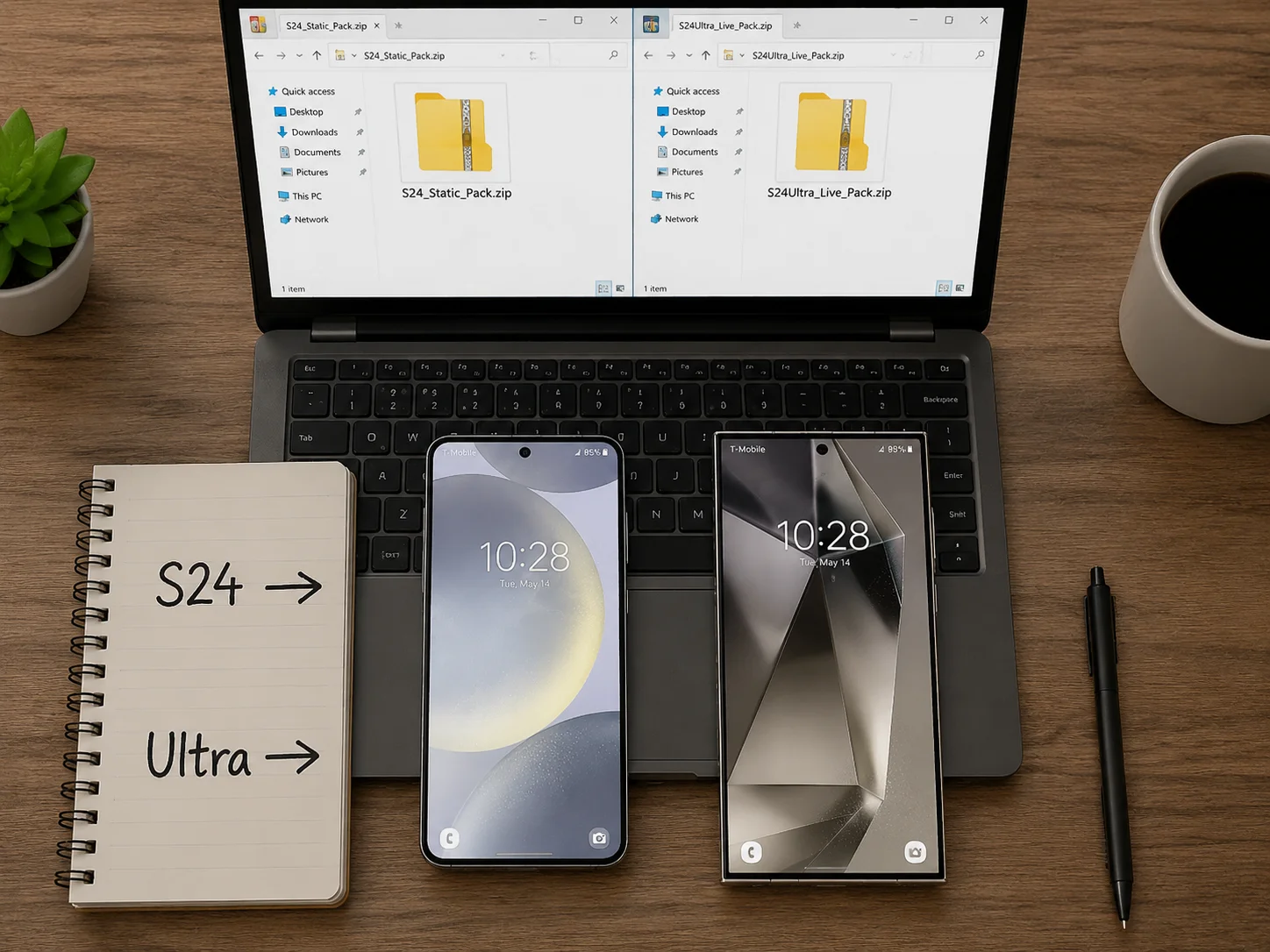
Technastic offers a detailed breakdown of both static and live wallpaper options for the Galaxy S24 and S24 Ultra, distributed as organized zip packs [3]. The site provides separate download links for the standard S24 and the Ultra variant, acknowledging the different aspect ratios and resolution targets of each model.
What distinguishes Technastic from general wallpaper repositories is the level of documentation accompanying each pack. Each zip file is labeled with the wallpaper type, resolution, and source model, which is helpful for users who own multiple Samsung devices and want to ensure the correct files are applied to each. The live wallpaper bundles include both the standard motion variants and the more elaborate animated backgrounds exclusive to the S24 Ultra [3].
“Sourcing wallpapers from a platform that documents resolution and model compatibility removes one of the most common causes of blurry or poorly cropped lock screens.”
Best for: Users who own multiple S-series devices and need clearly labeled, model-specific packs.
4. AndroidHeadlines High-Resolution S24 Stock Wallpapers
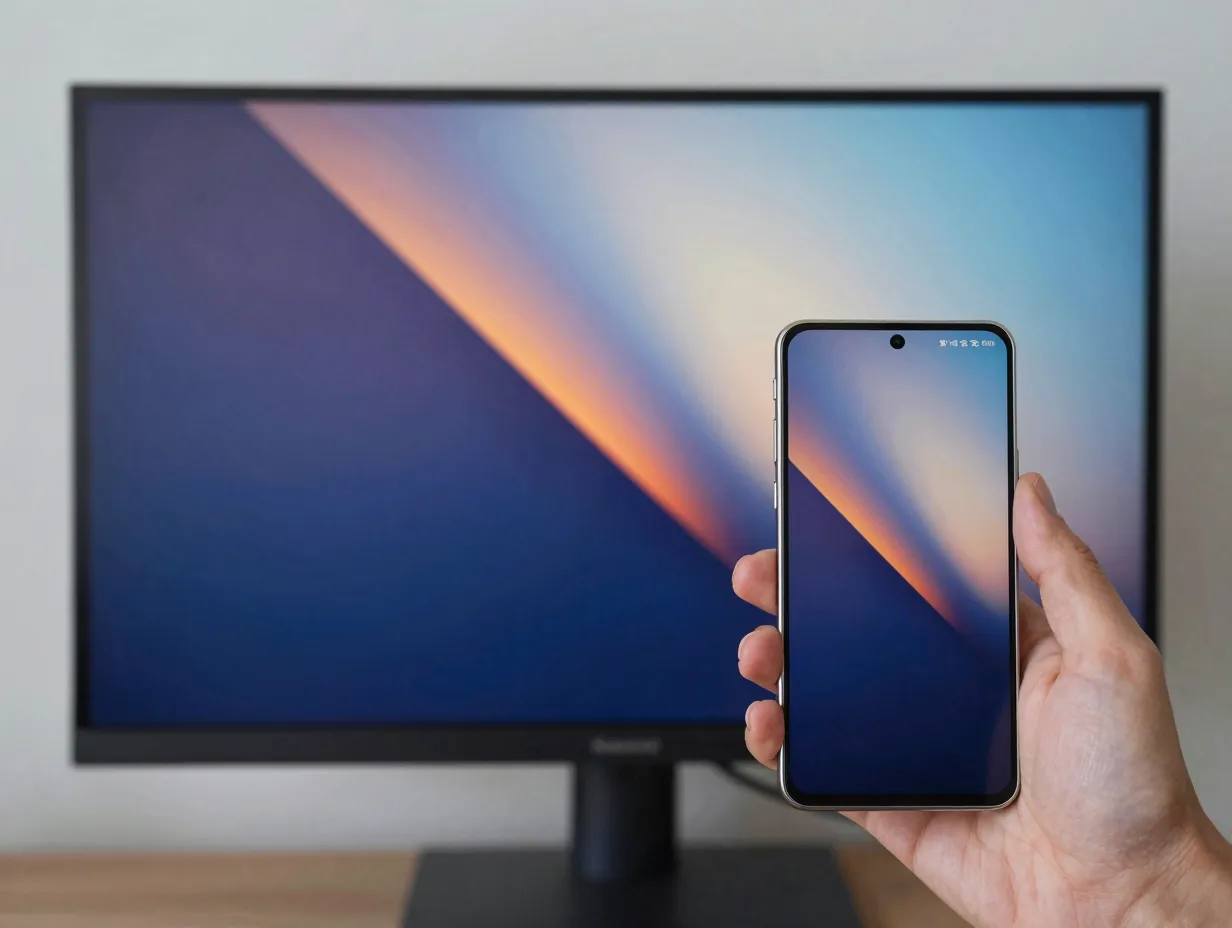
AndroidHeadlines aggregates official-style stock wallpapers for the Galaxy S24 series at a native resolution of 3120×3120 pixels [6]. This square-format resolution is intentional: it allows the image to be cropped and positioned correctly regardless of whether the device has a standard 19.5:9 aspect ratio or the slightly different proportions of the S24 Ultra’s display.
The AndroidHeadlines collection focuses on stock wallpapers, the images that ship with the S24 series out of the box, rather than third-party or community-created designs [6]. For users who have upgraded from an older S-series model and want the authentic S24 visual experience without purchasing a new device, this source provides a direct path to those images. The downloads are hosted reliably and do not require account creation or app installation.
Best for: Users upgrading from older S-series models who want authentic S24 stock imagery at maximum resolution.
5. Beebom Galaxy S24 Wallpaper Download Hub
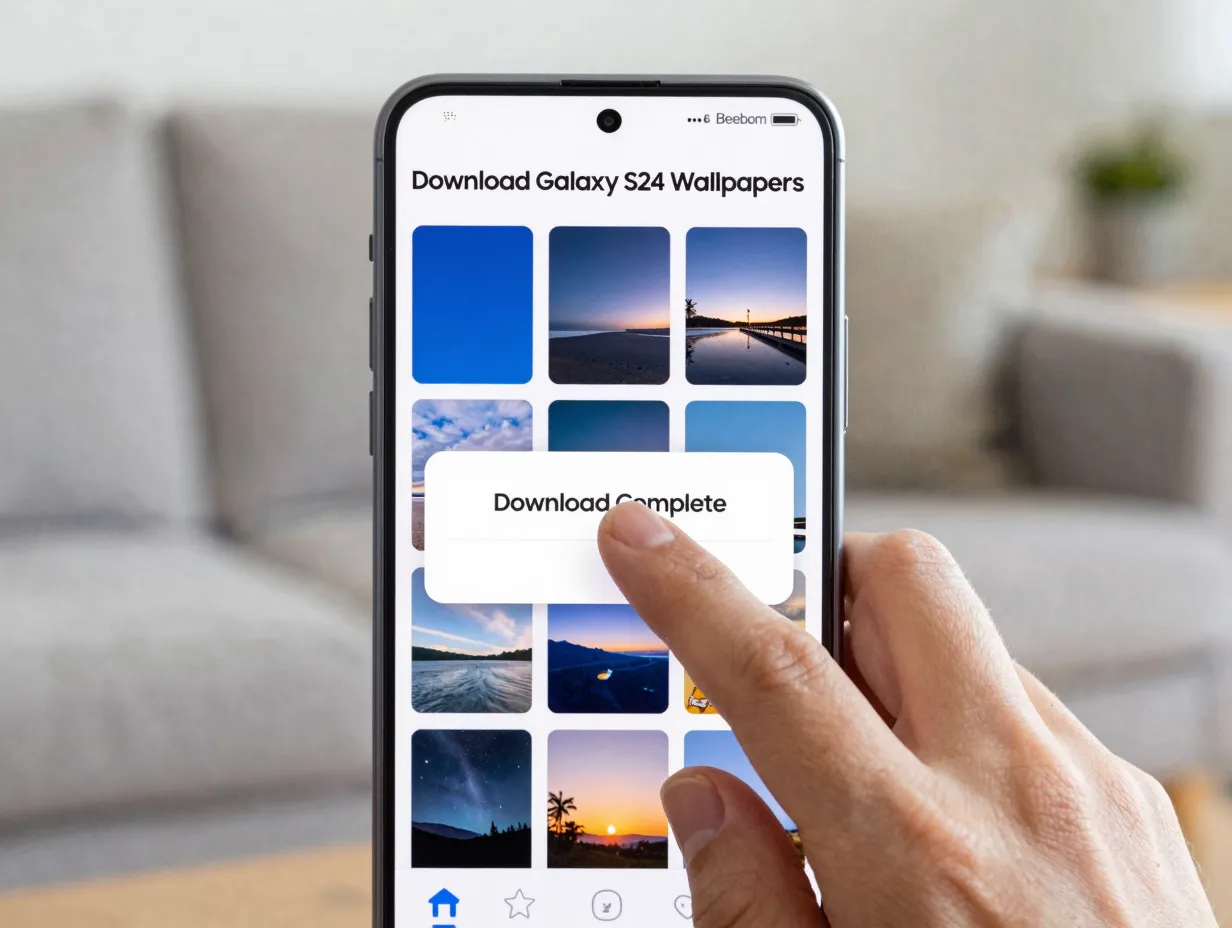
Beebom’s wallpaper download hub takes a user-experience-first approach to S24 wallpaper distribution [8]. The page is designed around simplicity: individual wallpapers are available as one-tap downloads, and the collection covers both the standard S24 lineup and the S24 Ultra’s exclusive designs. There is no requirement to download a zip archive or extract files manually.
The Beebom collection includes both the standard color variants of each stock wallpaper and the alternate versions that Samsung made available through software updates after the S24’s initial release [8]. This makes it one of the more complete single-page sources for S24 wallpaper content available in 2026. The site also provides brief descriptions of each wallpaper’s visual style, which helps users identify options without previewing every file individually.
Best for: Users who prefer a streamlined, one-tap download experience without zip files or extraction steps.
6. Google Play Apps for AMOLED-Optimized and Live Wallpapers
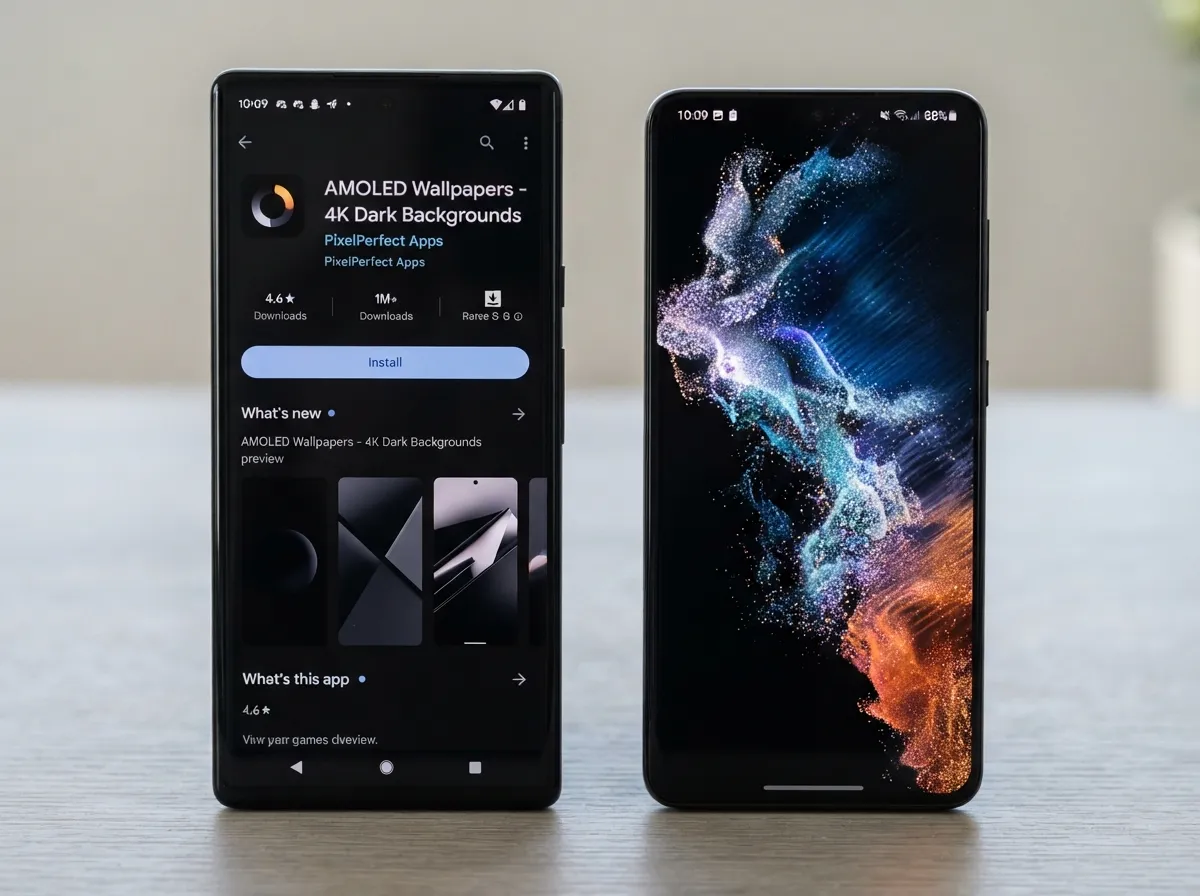
Two dedicated Google Play applications stand out for Galaxy S series wallpaper needs in 2026. The first is a specialized app offering 4K and AMOLED-optimized static wallpapers formatted specifically for the Galaxy S24 series [2]. The second is a live wallpaper application that brings motion effects native to the S24 series to older Galaxy S devices, including models as far back as the S21 [9].
The AMOLED optimization in these apps is a meaningful differentiator. Standard wallpaper apps often distribute images in sRGB color space, which can appear washed out on Samsung’s Vivid display profile. AMOLED-optimized images are processed to account for the panel’s wider color gamut, resulting in deeper blacks and more accurate midtones. The live wallpaper app [9] is particularly valuable for owners of older S-series models who want modern motion effects without purchasing a new device.
Key features of Play Store wallpaper apps:
- Offline access to preloaded content after initial download
- AMOLED color profile optimization for Samsung panels
- Live wallpaper motion effects compatible with multiple S-series generations
- Regular content updates without requiring manual re-downloads
Best for: Users who want ongoing access to new content and AMOLED-specific optimization without repeated manual downloads.
7. Samsung Members Community Forum
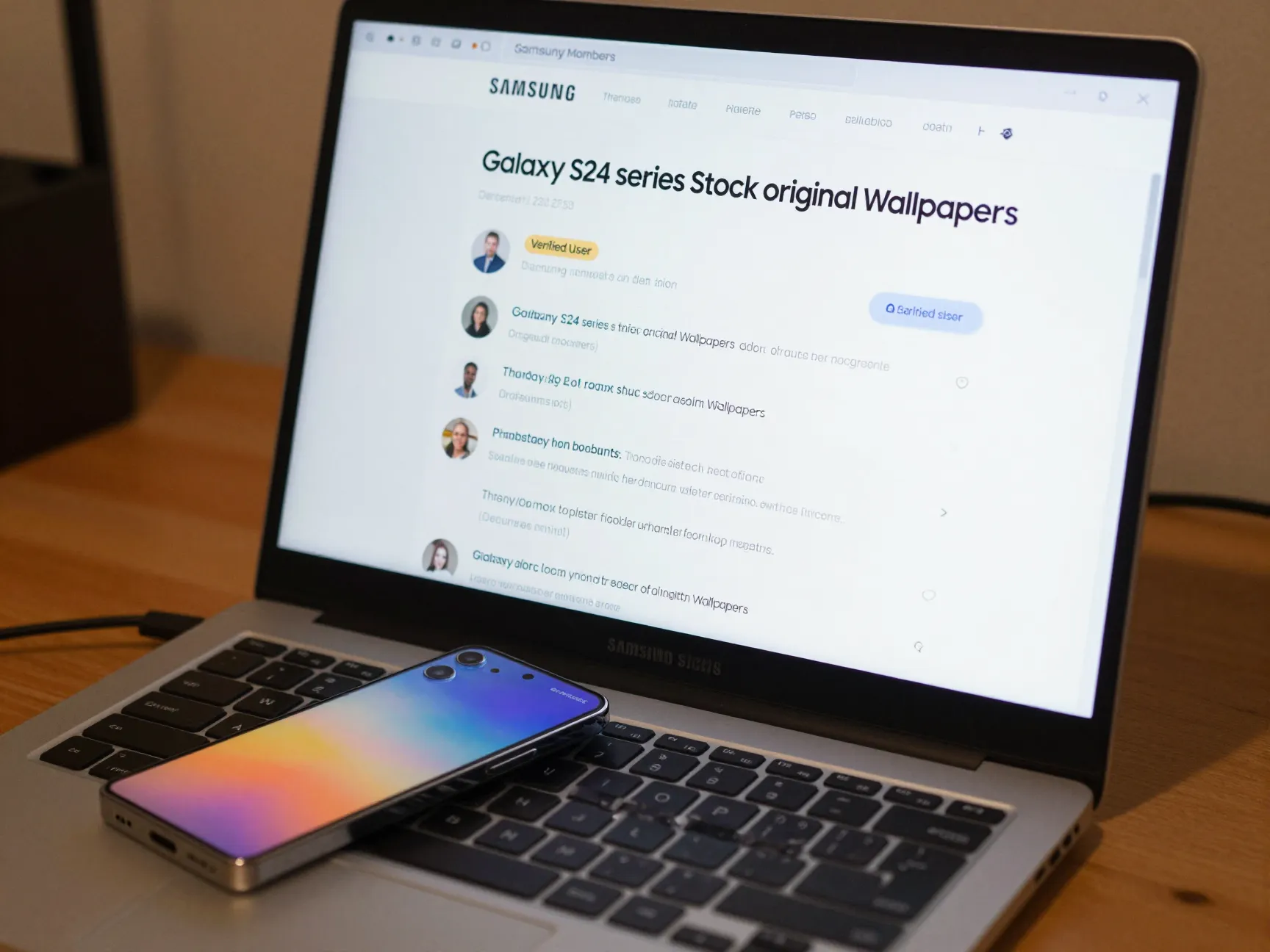
The Samsung Members forum is one of the most underutilized wallpaper sources for Galaxy S owners [7]. Community members, many of them long-term Samsung device users, regularly post original stock wallpaper files, including variants that were removed from official channels after software updates or regional releases.
The forum thread dedicated to Galaxy S24 series stock and original wallpapers [7] contains verified downloads contributed by community members who have confirmed the files against their own devices. Because the contributors are Galaxy S owners themselves, the files tend to be correctly formatted for Samsung’s aspect ratios and have been tested on actual hardware rather than emulators or desktop previews.
The forum also serves as a troubleshooting resource. If a wallpaper fails to display correctly on a specific S-series model, other community members can often identify the cause, whether it is a resolution mismatch, an incompatible file format, or a software version conflict.
Best for: Users looking for rare, regional, or update-exclusive stock wallpapers that are no longer available through official Samsung channels.
8. Pexels and High-Quality Royalty-Free Photo Libraries
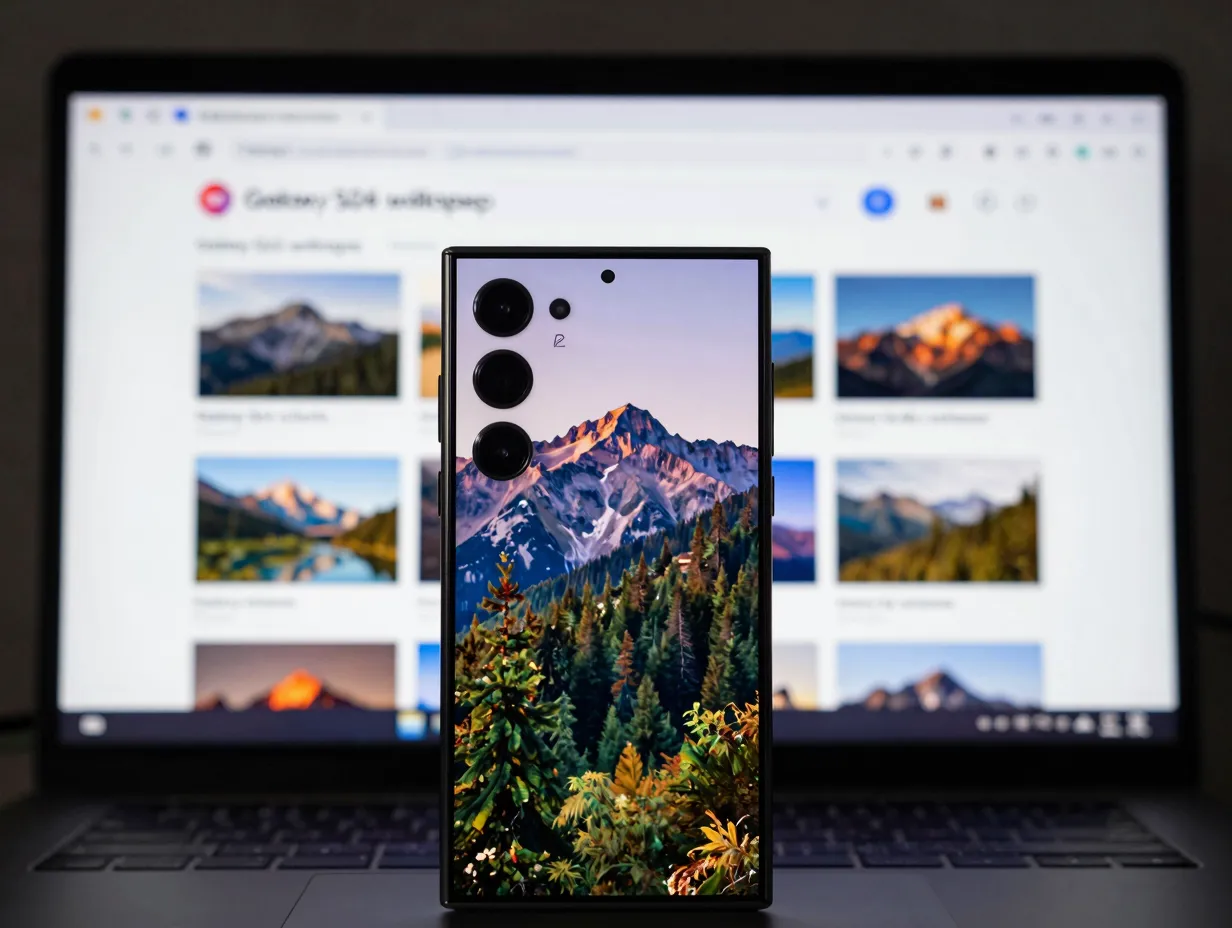
For Galaxy S owners who want wallpapers beyond the stock Samsung aesthetic, royalty-free photo libraries, particularly Pexels, offer an enormous catalog of high-resolution images that work across every S-series model [10]. Pexels hosts millions of photographs at resolutions suitable for even the S24 Ultra’s QHD+ display, and all content is available for free without attribution requirements.
The practical advantage of Pexels for Galaxy S users is resolution flexibility. Because the library includes images at 4K and above, there is no risk of pixelation on high-density Samsung panels. Users can search specifically for images matching their preferred aspect ratio or use Pexels’ built-in filtering tools to find vertical-format photographs optimized for smartphone display [10].
In 2026, AI-enhanced upscaling tools such as Magnific have made it possible to take standard Pexels images and increase their resolution further, producing wallpaper-ready files that exceed even the S24 Ultra’s native pixel density. This combination of a large free library and accessible upscaling tools makes royalty-free platforms a genuinely competitive alternative to purpose-built wallpaper apps.
Best for: Users who want creative freedom beyond Samsung’s stock aesthetic, with access to millions of high-resolution photographs at no cost.
How to Apply Wallpapers Correctly on Any Galaxy S Model
Downloading the right image is only half the process. Applying it correctly ensures the image fills the display without unwanted cropping or stretching. YouTube tutorials that walk through the download and application process on specific Galaxy S models are a reliable reference for users unfamiliar with Samsung’s wallpaper settings [4]. These videos typically cover the Settings > Wallpapers and Themes pathway, the difference between lock screen and home screen application, and how to use Samsung’s built-in crop tool to position images precisely.
Step-by-step application process for any Galaxy S model:
- Download the wallpaper file to the device’s local storage or Gallery app.
- Open Settings and navigate to Wallpapers and Themes.
- Select My Files or Gallery as the source.
- Locate the downloaded image and tap to preview.
- Use the crop and position tool to frame the image correctly for the display.
- Choose whether to apply to the home screen, lock screen, or both.
- Tap Apply to confirm.
For live wallpapers sourced from Google Play apps, the application process differs slightly: the app handles installation directly and the wallpaper appears in the Live Wallpapers section of the Themes menu rather than the standard Gallery pathway.
Comparing the 8 Best Wallpaper Sources for Every Samsung Galaxy S Series Model
The table below summarizes the key characteristics of each source to help Galaxy S owners choose the right option for their specific needs.
| Source | Content Type | Max Resolution | Cost | Best Model Range |
|---|---|---|---|---|
| Samsung Themes Store | Static, Live, Animated | Device-native | Free / Paid | All S-series |
| YTechB | Static, Live, 4K | 4K+ | Free | S24 series |
| Technastic | Static, Live (zip) | 4K | Free | S24, S24 Ultra |
| AndroidHeadlines | Static (stock) | 3120×3120 | Free | S24 series |
| Beebom | Static (stock) | High-res | Free | S24, S24 Ultra |
| Google Play Apps | 4K, AMOLED, Live | 4K | Free / Paid | S21 to S25 |
| Samsung Members Forum | Static (stock, rare) | Variable | Free | All S-series |
| Pexels | Photography | 4K+ | Free | All S-series |
Conclusion
The difference between a wallpaper that looks mediocre and one that genuinely enhances a Galaxy S display comes down to source quality, resolution accuracy, and color profile compatibility. The 8 Best Wallpaper Sources for Every Samsung Galaxy S Series Model covered in this guide address all three factors across a range of use cases, from users who want zero-friction official content to those who prefer community-verified rarities or creative photography from open libraries.
Actionable next steps:
- Start with the Samsung Galaxy Themes store for guaranteed compatibility on any S-series model.
- Download the YTechB or Technastic zip packs if the S24 or S24 Ultra is the primary device and 4K resolution is a priority.
- Install the AMOLED-optimized Google Play app [2] for ongoing access to new content without repeated manual downloads.
- Check the Samsung Members forum [7] for stock wallpapers that are no longer available through official Samsung channels.
- Use Pexels [10] when the goal is a personalized wallpaper that reflects individual taste rather than Samsung’s default aesthetic.
Every Galaxy S display deserves a wallpaper that matches its capabilities. With these eight sources, finding one is a straightforward process regardless of which S-series model is in hand.
References
[1] Download Samsung Galaxy S24 Wallpapers – https://www.androidauthority.com/download-samsung-galaxy-s24-wallpapers-3404063/
[2] Galaxy S24 Series Wallpaper App – https://play.google.com/store/apps/details?id=com.BinaryCoresWallpapers.GalaxyS24Series&hl=en_US
[3] Download Samsung Galaxy S24 Ultra Stock Wallpapers – https://technastic.com/download-samsung-galaxy-s24-ultra-stock-wallpapers/
[4] Galaxy S Wallpaper Tutorial – https://www.youtube.com/watch?v=PQlb83krcZI
[5] Samsung Galaxy S24 Wallpapers – https://www.ytechb.com/samsung-galaxy-s24-wallpapers/
[6] Galaxy S24 Stock Wallpapers Download – https://www.androidheadlines.com/2024/01/galaxy-s24-stock-wallpapers-download.html
[7] Galaxy S24 Series Stock Wallpapers Community Thread – https://r2.community.samsung.com/t5/Galaxy-S/Galaxy-S24-series-Stock-original-Wallpapers/td-p/16541662
[8] Download Galaxy S24 Wallpapers – https://beebom.com/download-galaxy-s24-wallpapers/
[9] Live Wallpaper App for Galaxy S24 – https://play.google.com/store/apps/details?id=com.androidwasabi.livewallpaper.s24&hl=en_US
[10] Pexels Galaxy S24 Wallpaper Search – https://www.pexels.com/de-de/suche/galaxy%20s24%20wallpaper/