9 Breathtaking 4K Wallpaper Downloads for Your Samsung S22 Ultra
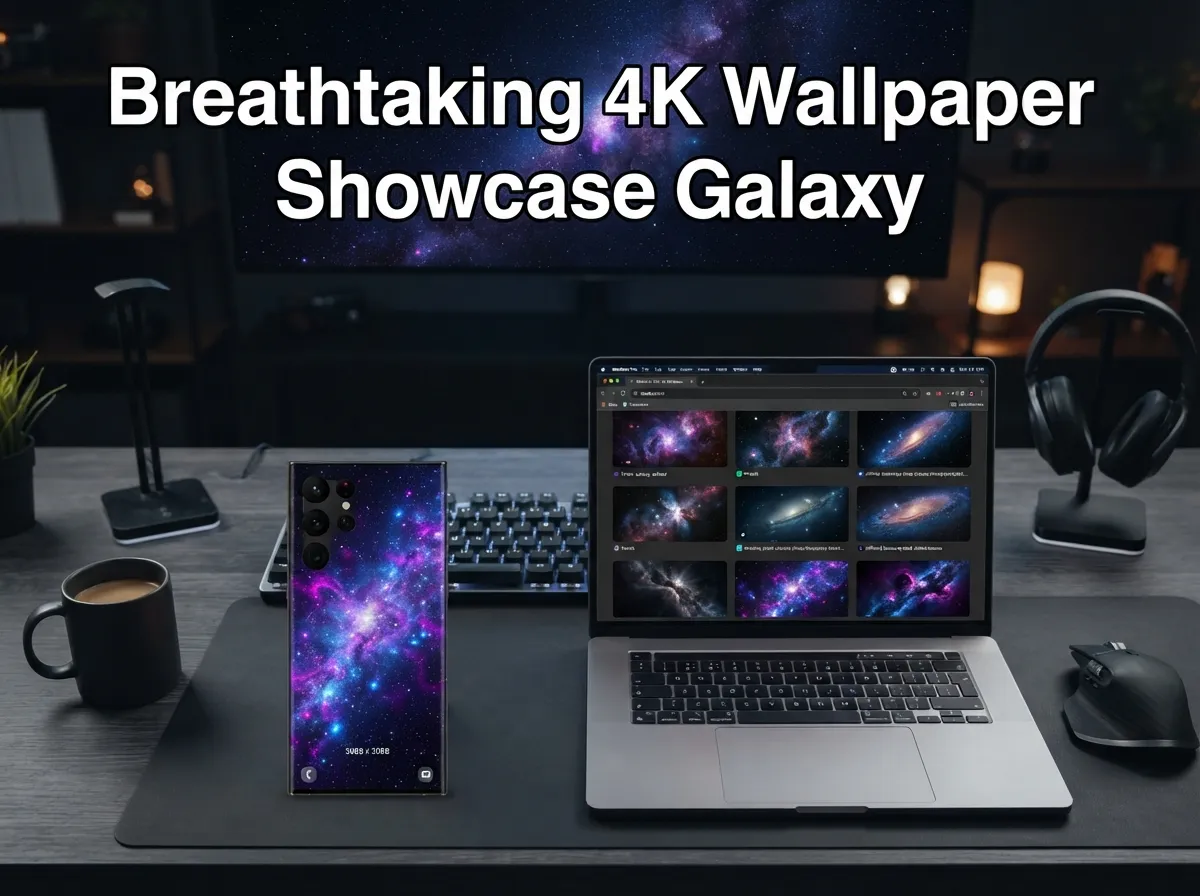
The Samsung Galaxy S22 Ultra ships with a 6.8-inch Dynamic AMOLED 2X display capable of rendering images at 1440 x 3088 pixels, a pixel density so sharp that a subpar wallpaper will look noticeably soft within seconds of unlocking the screen. Yet most users never replace the factory background. This guide to 9 breathtaking 4K wallpaper downloads for your Samsung S22 Ultra fixes that problem, walking through the best sources, the right resolutions, and the specific categories that make this display genuinely sing.
Disclosure: This post contains affiliate links. As an Amazon Associate, we earn from qualifying purchases, and at no extra cost to you.
Key Takeaways
- The S22 Ultra’s native resolution is 1440 x 3088 pixels, so true 4K-class wallpapers (QHD+ square crops around 3088 x 3088) are the authoritative target for sharp results.
- Official Samsung stock wallpaper packs, large community platforms like Zedge, and royalty-free libraries like Pexels all offer verified high-resolution options.
- Dedicated Google Play apps updated as recently as July 2026 continue to deliver fresh, device-optimized wallpapers for S22 Ultra owners.
- Live and animated 4K wallpapers are fully supported on the S22 Ultra’s 120 Hz panel without significant performance loss.
- Matching wallpaper resolution to the device’s aspect ratio (roughly 19.3:9) prevents unwanted cropping or blurring.
Why Resolution Matters on the Samsung S22 Ultra
The S22 Ultra is not a standard smartphone display. Its Dynamic AMOLED 2X panel pushes 563 pixels per inch, which means every pixel is individually addressable and visible to the naked eye at normal viewing distances. A wallpaper sourced at 1080p will be upscaled by the system, introducing subtle softness that undermines the premium feel of the hardware.
The authoritative resolution target for this device is the QHD+ square crop format, approximately 3088 x 3088 pixels for static wallpapers, or the full 1440 x 3088 for images that need to fill the entire panel without cropping. Samsung’s own official stock wallpaper packs confirm this standard: one widely referenced collection lists 16 static S22 series wallpapers at exactly 3088 x 3088, plus four DeX-optimized images at 1920 x 1920 and six live wallpapers at 1440 x 3088. [1]
Why does the square crop matter? Android’s wallpaper engine allows users to pan and zoom a background image. A square crop at 3088 x 3088 gives the system enough pixel data to fill the tall 19.3:9 aspect ratio at any pan position without ever running out of image. Using a wide 16:9 image on this device almost always results in black bars or forced zoom that degrades sharpness.
| Format | Recommended Resolution | Best Use Case |
|---|---|---|
| Static home screen | 3088 x 3088 px | Daily driver background |
| Full-panel static | 1440 x 3088 px | Lock screen, always-on |
| DeX mode | 1920 x 1920 px | Desktop extension display |
| Live / animated | 1440 x 3088 px | Dynamic home screen |
9 Breathtaking 4K Wallpaper Downloads for Your Samsung S22 Ultra
The nine categories and sources below represent the most reliable, highest-quality options available in 2026. Each entry includes where to find the wallpapers, what resolution to look for, and what makes that particular style work on the S22 Ultra’s display.
1. Official Samsung S22 Ultra Stock Wallpapers
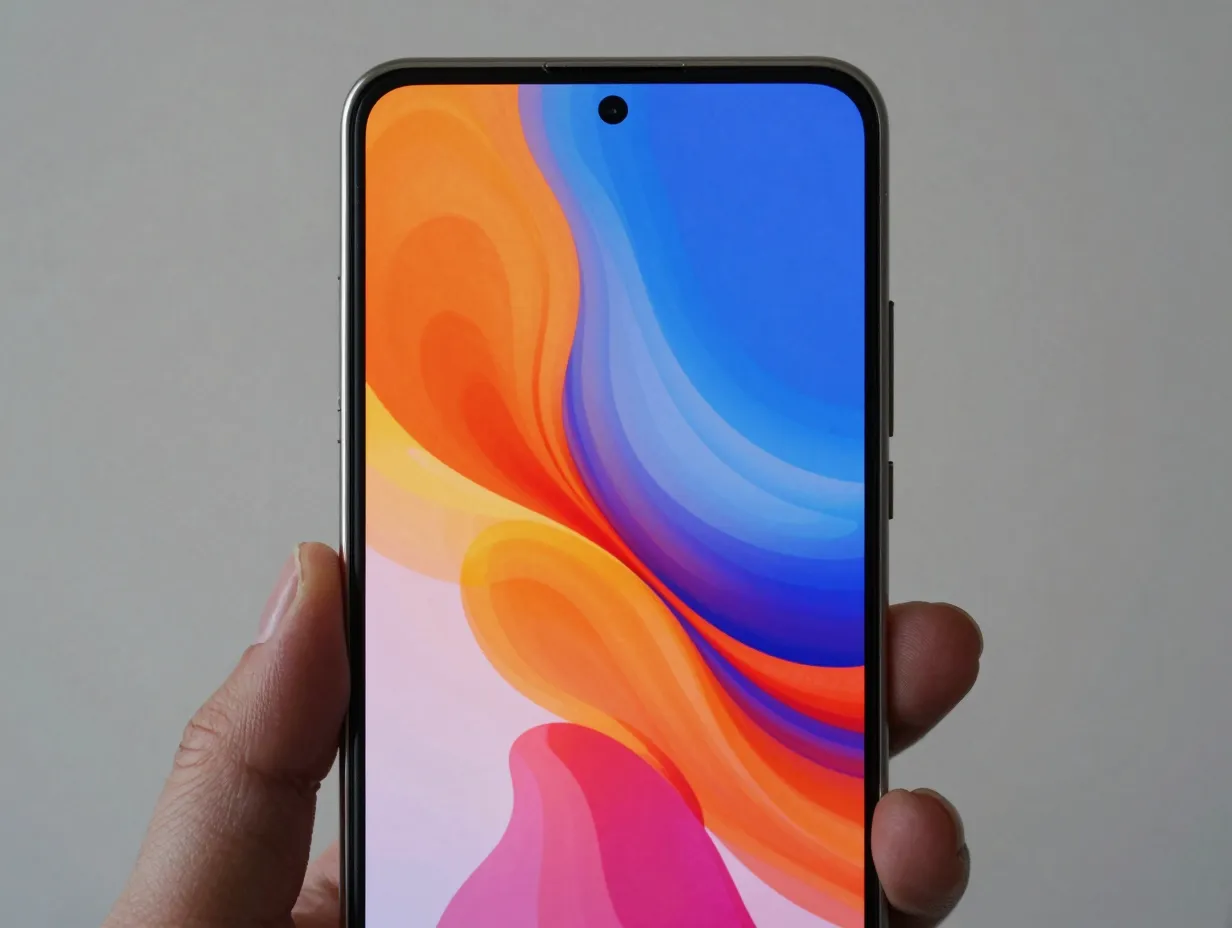
Samsung’s own factory wallpapers are the most technically precise starting point. Extracted directly from production units, these images are engineered to complement the S22 Ultra’s color calibration and contrast settings. One complete pack includes 12 home-screen images and 4 DeX images, all at the native 3088 x 3088 resolution. [1]
The stock collection features abstract fluid designs, bold color gradients, and geometric patterns, all rendered with the kind of color accuracy that takes full advantage of the panel’s wide color gamut. Because Samsung tuned these images to its own display pipeline, they tend to look more vivid and balanced than third-party alternatives.
Where to get them: Dedicated Samsung wallpaper extraction sites such as ytechb.com host complete packs for direct download, no account required. [1]
2. Extended S22 Series Community Packs (37+ Wallpapers)
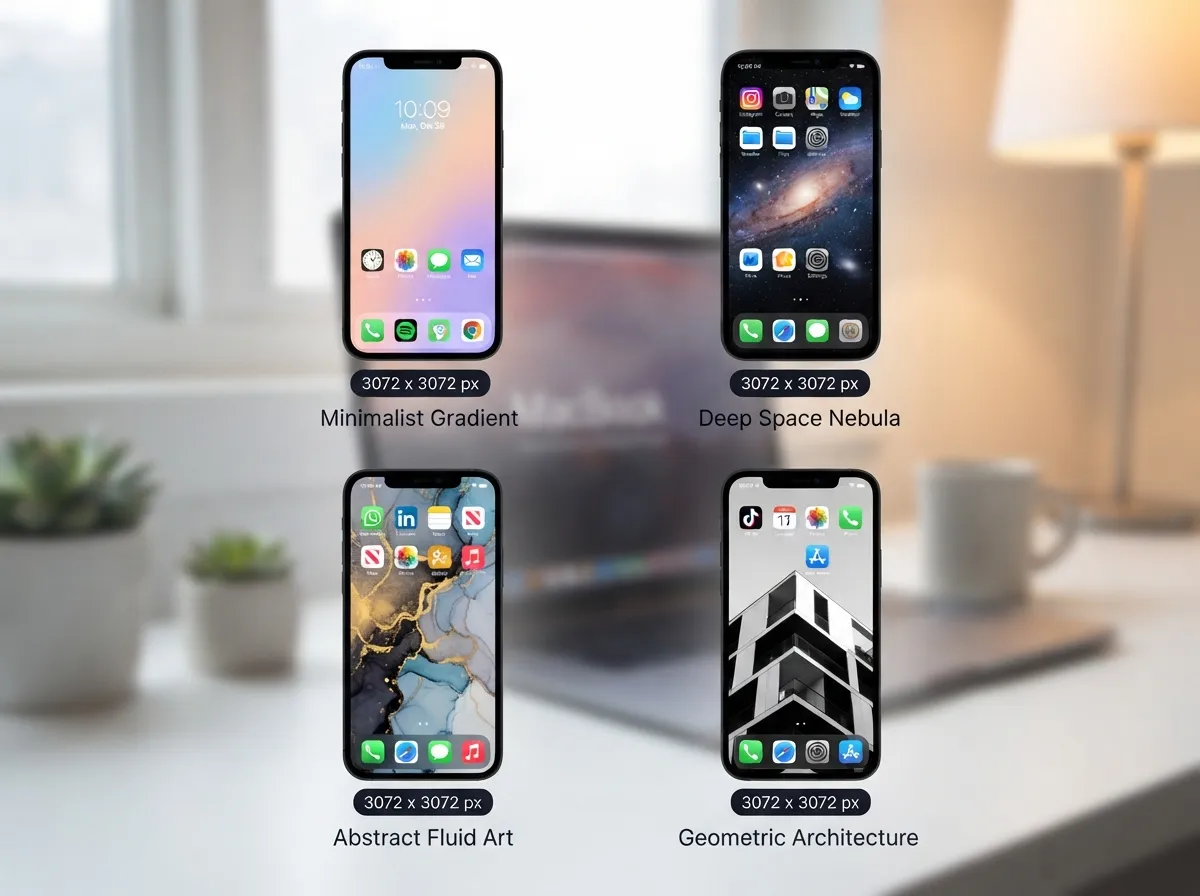
Beyond the official 16-image set, a broader community-aggregated pack pulls together over 37 static wallpapers plus multiple live and video wallpapers for the S22 series. Resolutions in this collection cluster around 3072 x 3072 pixels, close enough to native that the difference is imperceptible on screen.
This pack is particularly useful for users who want variety without browsing multiple sites. The collection spans minimalist gradients, deep-space photography, abstract ink textures, and high-contrast architectural shots. Because the pack was built from multiple sources, the stylistic range is wider than any single official release.
Pro tip: Download the full pack and use Samsung’s built-in wallpaper carousel feature to rotate through multiple images automatically, giving the home screen a fresh look each day.
3. Zedge Community Wallpapers (1,180+ Options)
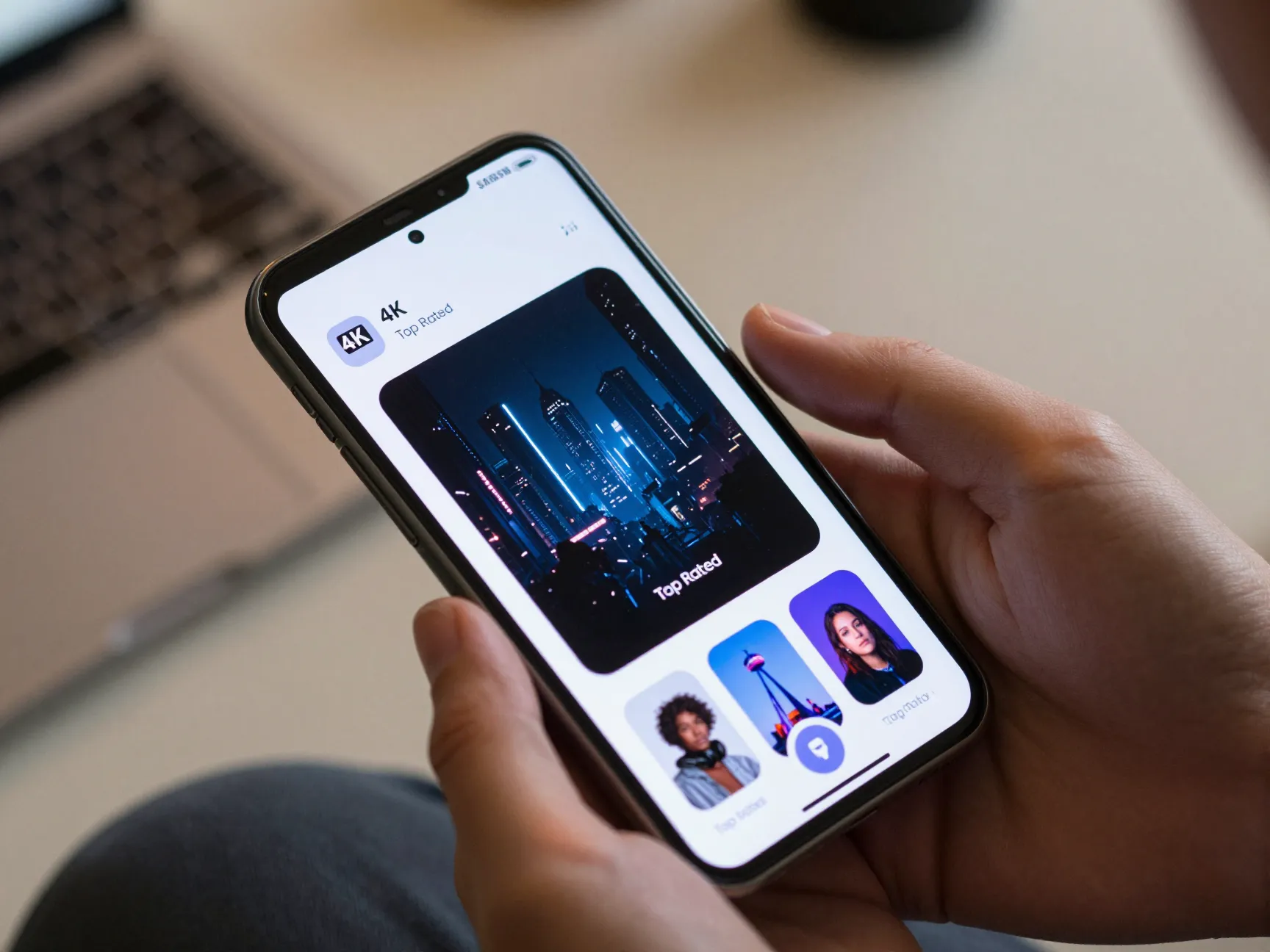
Zedge maintains one of the largest public repositories of Galaxy S22 Ultra-specific wallpapers, with over 1,180 items in a dedicated device category. [2] These are user-generated and community-curated, which means the quality varies, but the top-rated and most-downloaded entries consistently deliver 4K or HD resolution images that look excellent on the S22 Ultra’s panel.
The platform’s filtering system allows sorting by resolution, category, and popularity. For S22 Ultra owners, filtering by “4K” and sorting by “Top Rated” narrows the field to the genuinely breathtaking options quickly.
“Community-curated platforms like Zedge surface wallpaper trends that official packs never anticipate, from viral color palettes to niche aesthetic movements that resonate with specific user communities.”
Categories well represented on Zedge include dark-mode abstract art, cyberpunk cityscapes, botanical macro photography, and space imagery, all of which benefit from the S22 Ultra’s deep blacks and high contrast ratio.
4. Pexels High-Resolution Stock Photography
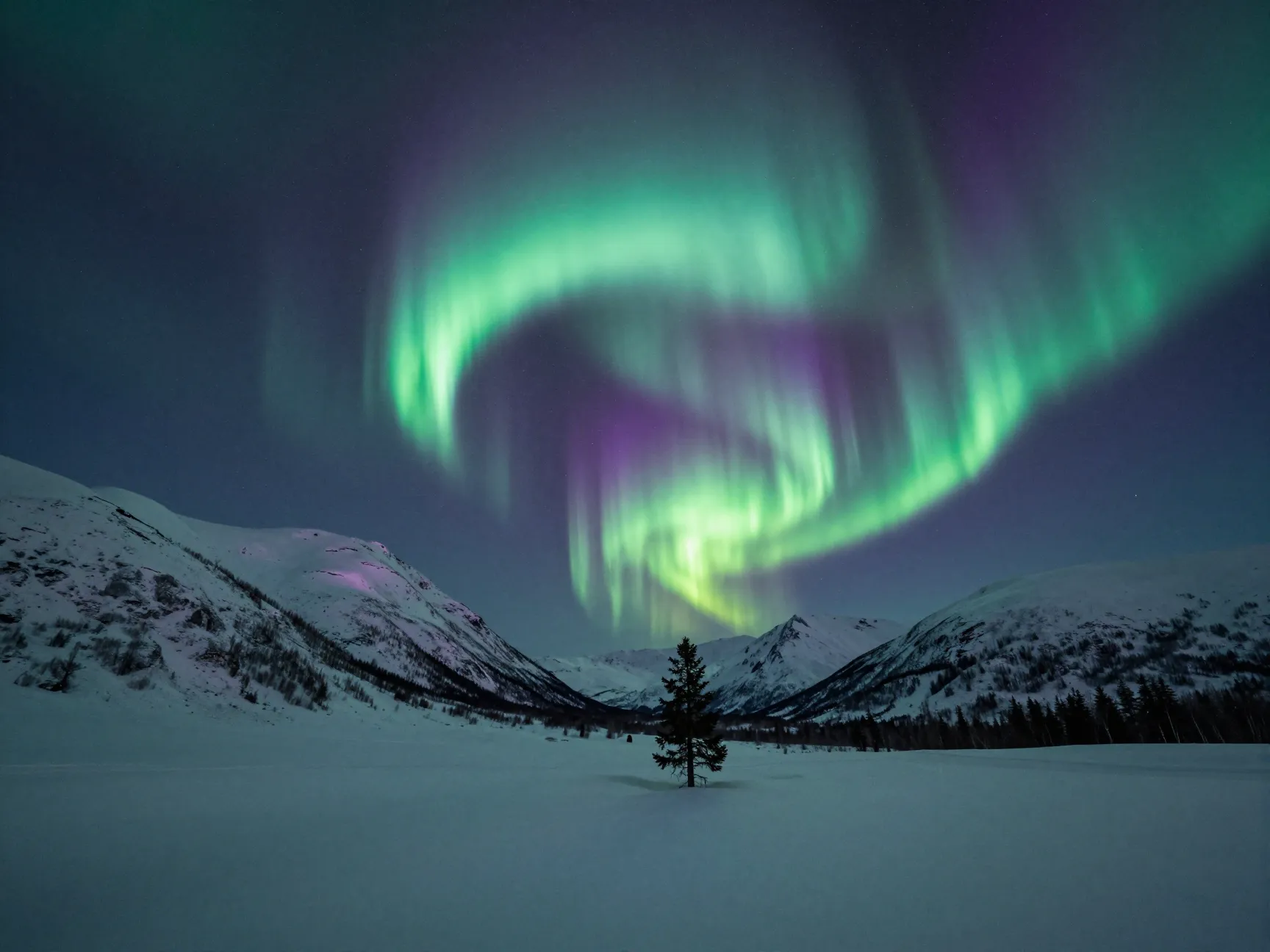
Pexels offers a search category for Samsung Galaxy S22 Ultra wallpapers that returns approximately 60,600 photos, a pool large enough to satisfy any aesthetic preference. [5] All images on Pexels are free for personal use, and many are sourced from professional photographers shooting at resolutions well above 4K.
The practical advantage of Pexels over dedicated wallpaper apps is the breadth of photographic subject matter. Users can search for specific themes, aurora borealis, underwater coral reefs, desert dunes at golden hour, and download the original file at full resolution. When the source image is 5000 pixels wide or more, cropping it to the S22 Ultra’s 3088 x 3088 target still leaves a crisp, detailed result.
Best search terms on Pexels for S22 Ultra:
- “night sky milky way vertical”
- “abstract fluid art 4K”
- “macro nature close-up”
- “neon city rain reflection”
- “mountain landscape blue hour”
5. CapCut Curated 4K Wallpaper Sets
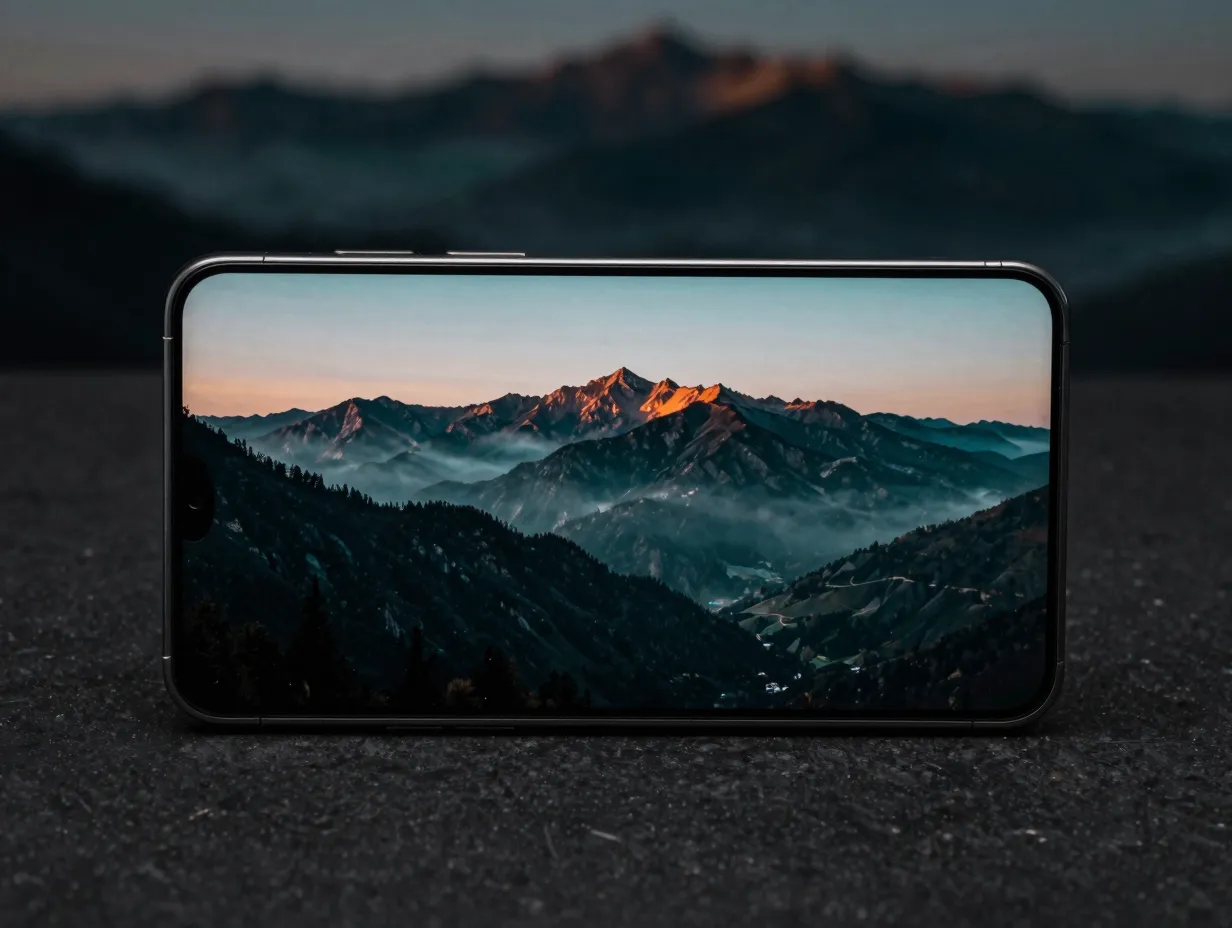
CapCut has built dedicated exploration pages for “S22 Ultra wallpaper 4K” and “Samsung S22 Ultra wallpaper 4K download,” positioning itself as a registration-free source for visually striking backgrounds optimized for the S22 Ultra’s high-resolution screen. [6][7] The collections are marketed as exclusive sets, and the download process requires no account creation.
What distinguishes CapCut’s offerings is the design sensibility. Many wallpapers in these sets lean toward cinematic color grading, teal-and-orange film looks, desaturated moody landscapes, and high-contrast black-and-white architectural photography. These styles are particularly effective on the S22 Ultra because the AMOLED panel’s infinite contrast ratio makes the dark regions genuinely black rather than dark gray.
6. WallpapersWide Samsung S22 Ultra Collection
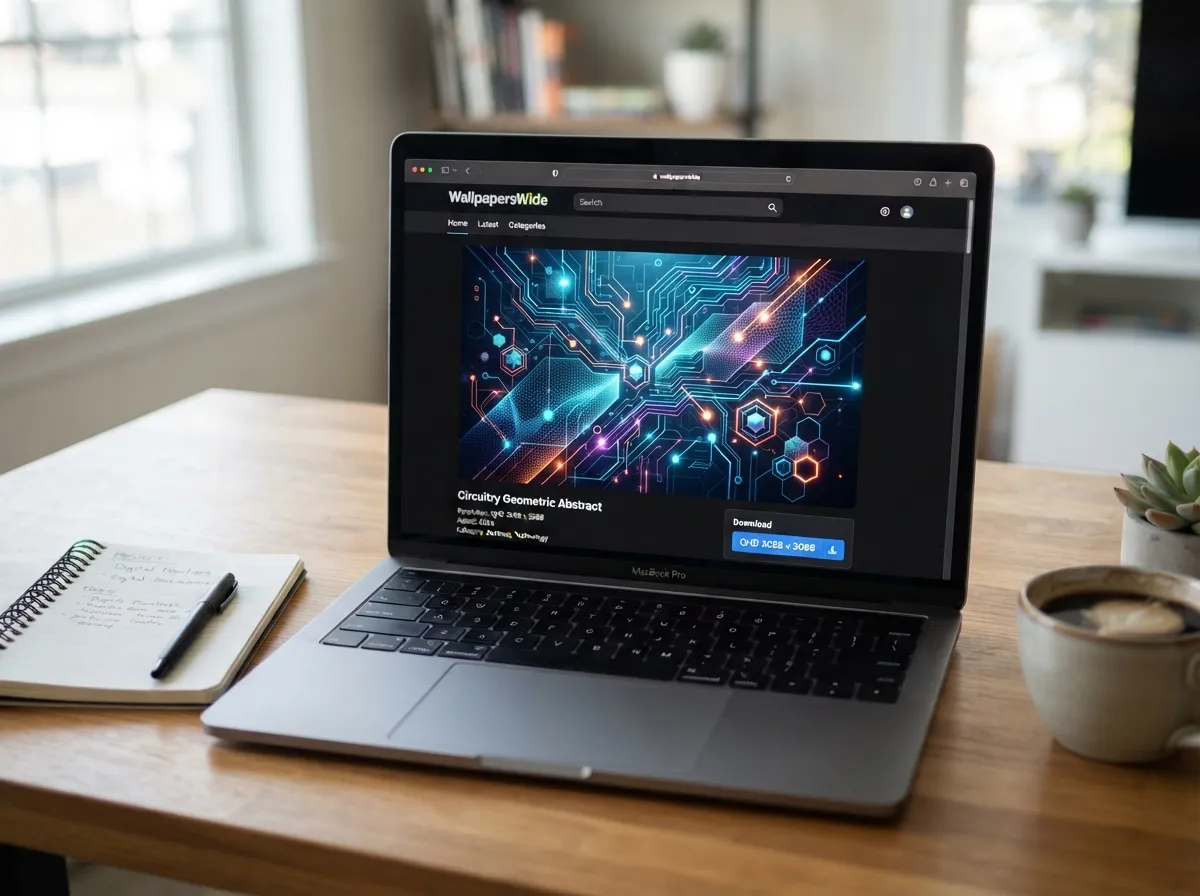
WallpapersWide hosts a dedicated Samsung Galaxy S22 Ultra smartphones category with multiple resolution options, including QHD and UHD variants tuned to the device’s aspect ratio. [8] The site emphasizes resolution accuracy, offering downloads at several sizes so users can select the one that matches their specific use case, home screen, lock screen, or always-on display.
The collection skews toward technology and abstract themes, making it a strong choice for users who prefer a clean, modern aesthetic over photographic realism. Geometric patterns, circuit-board-inspired designs, and gradient mesh backgrounds are well represented.
Key advantage: WallpapersWide labels each wallpaper with its exact pixel dimensions, removing the guesswork about whether a given image will look sharp on the S22 Ultra’s native panel. [8]
7. Google Play Wallpaper Apps (Dedicated S22 Ultra Apps)
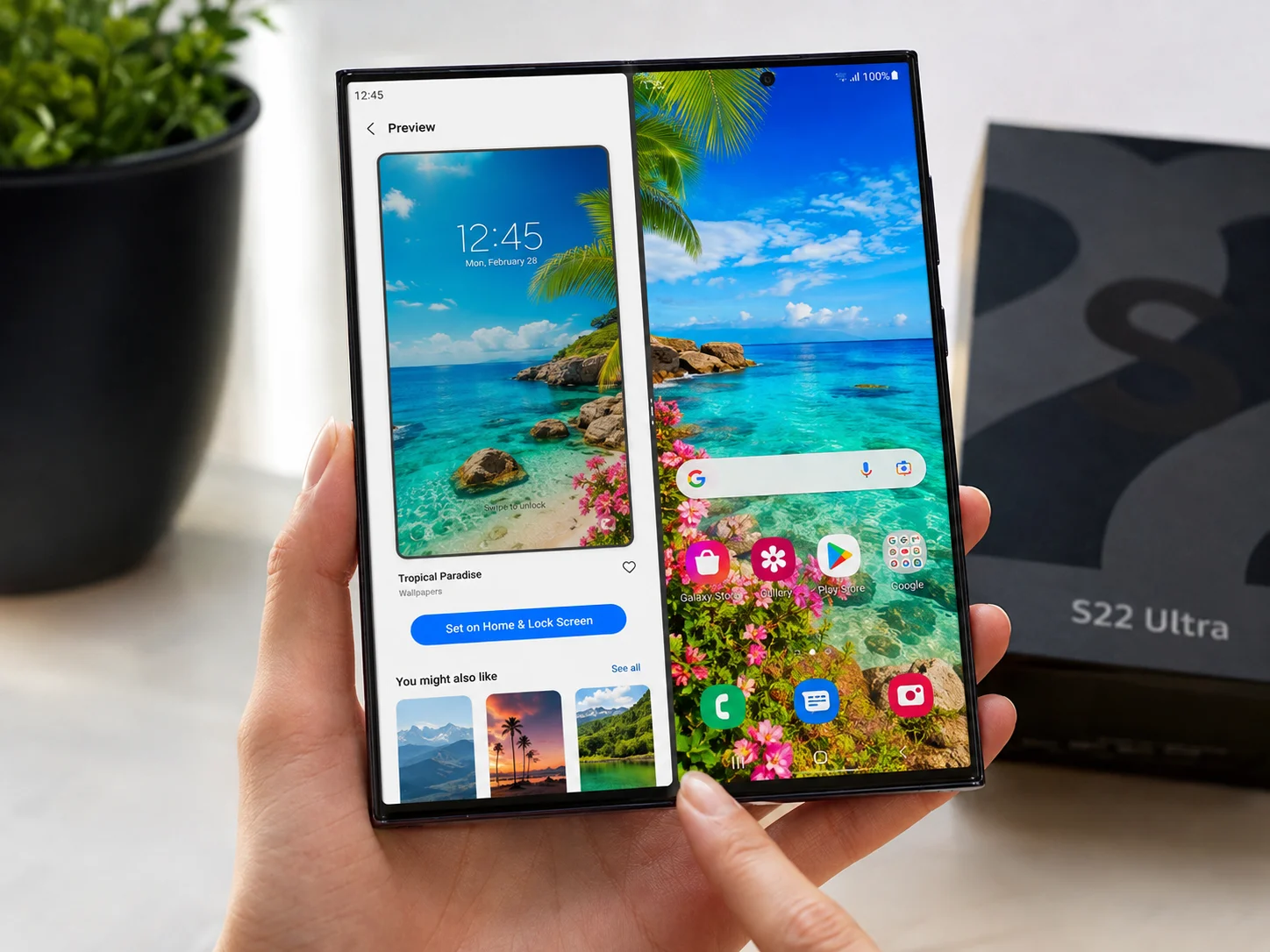
Two notable Google Play apps serve S22 Ultra owners specifically. The first, updated on 7 July 2026, markets itself as a specialized source of creative backgrounds with a wide range of free selections tailored to Galaxy S22 devices. [10] The second advertises that all wallpapers are free, high-definition, and include 4K options, with easy one-tap setting for both home and lock screens. [9]
The advantage of a dedicated app over a browser-based download is the integrated preview and apply workflow. Users can see exactly how a wallpaper will look on their specific screen before committing, and many apps support the S22 Ultra’s dual-screen wallpaper feature, setting a different image for the home screen and lock screen simultaneously.
Features to look for in a wallpaper app:
- Native 3088 x 3088 resolution support
- Separate home/lock screen assignment
- Offline download for use without a data connection
- “Most Visited” and “Top Rated” sorting to surface trending designs [9]
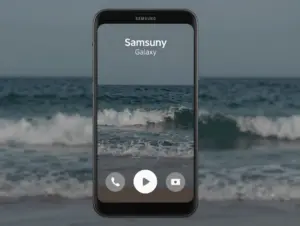
8. Wave Live Wallpapers and Animated 4K Backgrounds
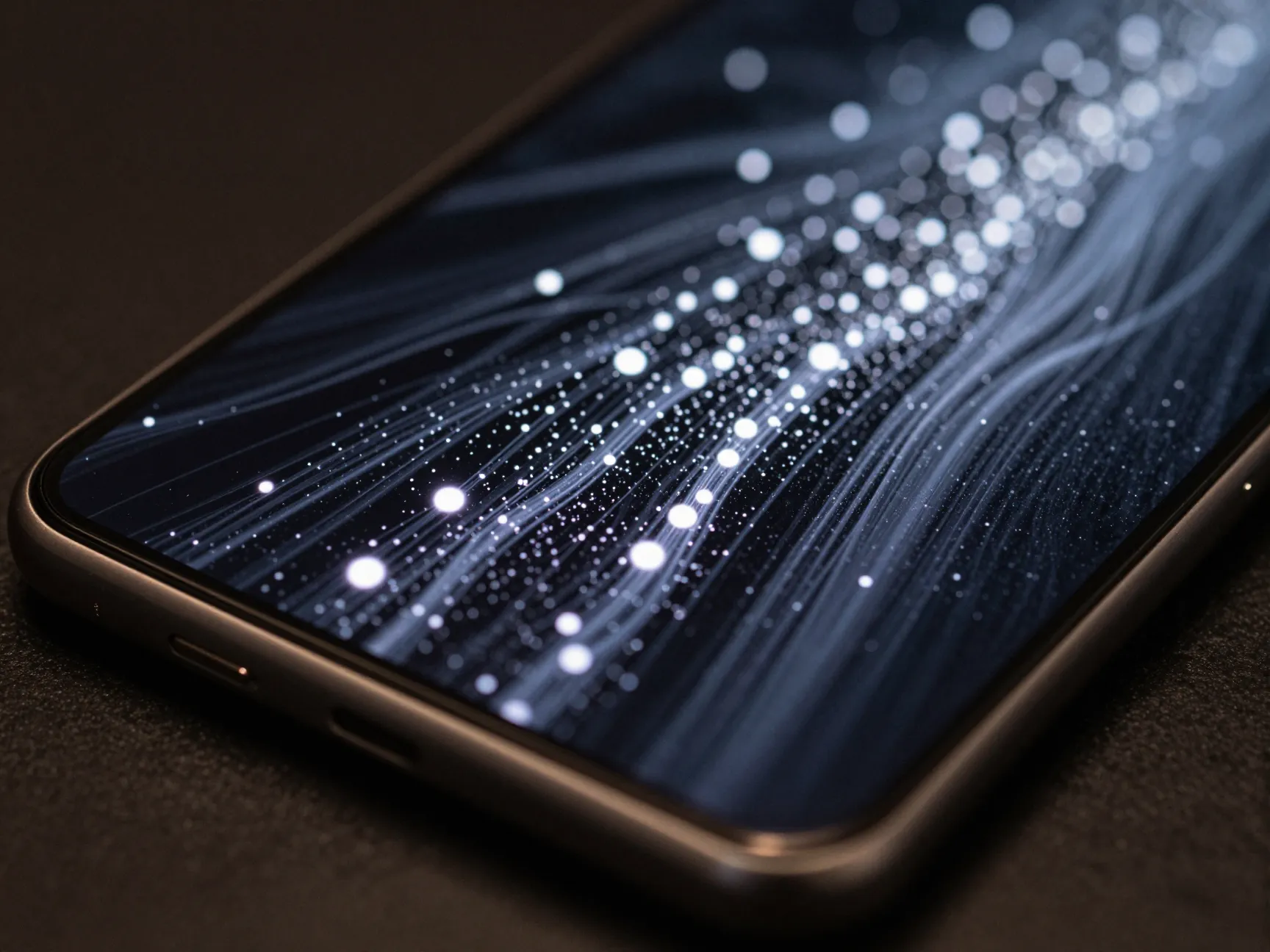
Live wallpapers represent a category that static images simply cannot replicate. Wave Live Wallpapers Maker and similar services offer 4K animated backgrounds explicitly tested on Samsung devices including the Galaxy S22 Ultra, with smooth performance maintained on the 120 Hz display.
The S22 Ultra’s 120 Hz adaptive refresh rate is a key enabler here. Most live wallpapers run at 30 or 60 frames per second, which the display handles without any perceptible stutter. The panel’s brightness, up to 1750 nits peak, also means that animated wallpapers remain visible and vivid in direct sunlight, unlike on lower-brightness displays where live backgrounds can wash out.
Popular live wallpaper categories that perform well on the S22 Ultra:
- Particle systems (floating light orbs, firefly simulations)
- Fluid simulations (ink in water, lava lamp effects)
- Weather-reactive backgrounds (rain, snow, aurora)
- Geometric morphing patterns
- Looping cinematic landscapes (time-lapse clouds, ocean waves)
Performance note: Live wallpapers do consume marginally more battery than static backgrounds. On the S22 Ultra’s 5000 mAh cell, the impact is minimal during normal use, but users who prioritize maximum battery life may prefer static 4K options.
9. Techlomedia and Specialist Resolution-Tuned Collections
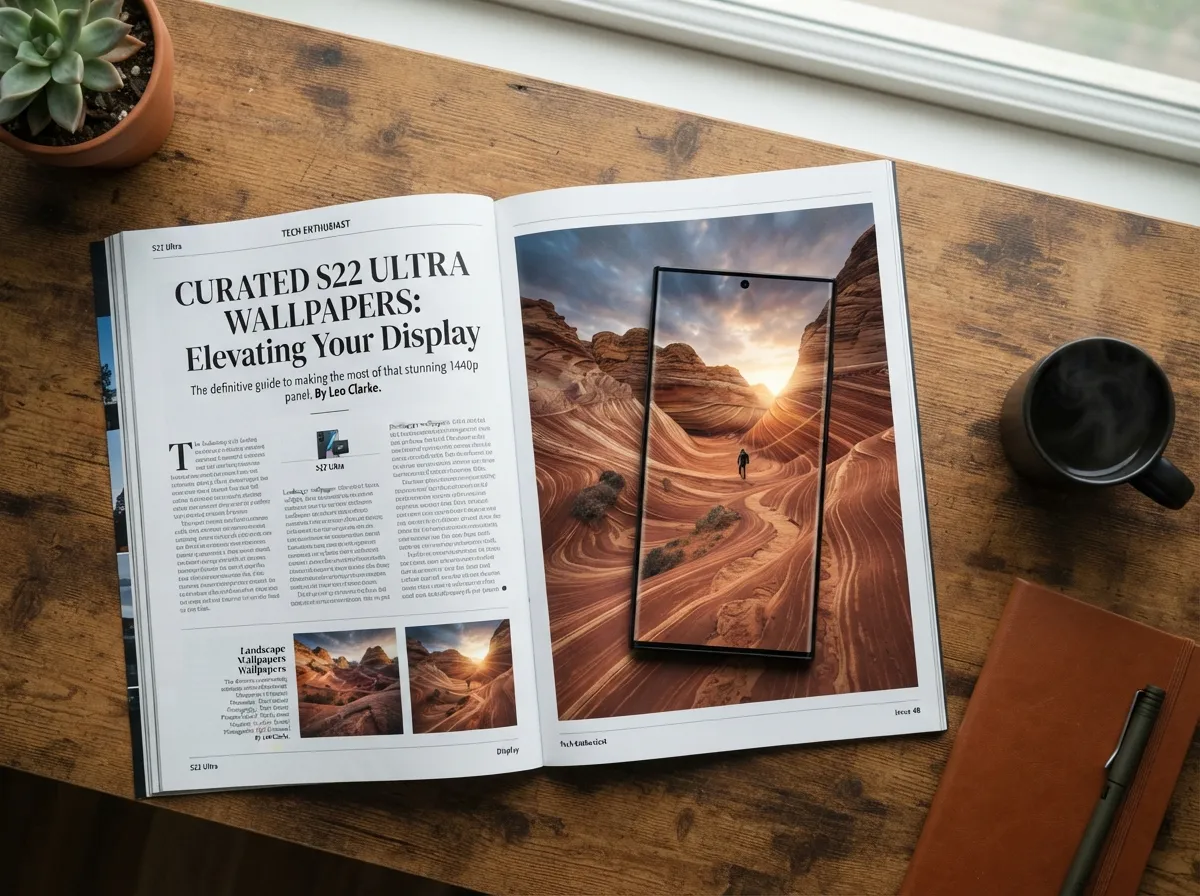
Specialist tech publications like Techlomedia host S22 Ultra-tagged wallpaper collections that emphasize multiple resolutions, including QHD and UHD options specifically tuned to the S22 Ultra’s aspect ratio and pixel density. These curated lists are built by editors who understand the technical requirements of the device, meaning every image in the collection has been verified to meet or exceed the native resolution.
What sets these editorial collections apart is the curation philosophy. Rather than aggregating thousands of images and leaving the user to filter, specialist sites pre-select a smaller number of genuinely high-quality options. The result is a tighter, higher-confidence download experience, particularly valuable for users who want a “best of” selection without spending time browsing large repositories.
Themes commonly featured in these specialist collections include:
- Ultra-wide landscape photography cropped to S22 Ultra dimensions
- Macro photography of natural textures (ice crystals, leaf veins, mineral surfaces)
- Architectural photography with strong leading lines
- Deep-space imagery from professional observatories
How to Apply 4K Wallpapers Correctly on the S22 Ultra
Finding a great wallpaper is only half the process. Applying it incorrectly, particularly with the wrong crop or zoom level, can negate the resolution advantage entirely. The following steps ensure the best possible result.
- Download the wallpaper at its highest available resolution, targeting 3088 x 3088 pixels or larger for static images.
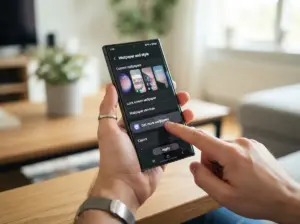
- Open the Settings app and navigate to Wallpaper and Style, then tap “Change Wallpapers.”
- Select the downloaded image from the Gallery.
- Use the crop tool to position the image. For a square 3088 x 3088 source, the default crop will fill the screen perfectly without zooming.
- Choose whether to apply to the home screen, lock screen, or both.
- Tap Apply and verify the result by locking and unlocking the device to check both screens.
Common mistake to avoid: Pinching to zoom in during the crop step reduces the effective resolution. If the source image requires significant zoom to fill the frame, it is not large enough for the S22 Ultra’s panel and should be replaced with a higher-resolution version.
Matching Wallpaper Style to S22 Ultra Display Strengths
The S22 Ultra’s display has specific technical strengths that certain wallpaper styles exploit better than others.
Deep blacks: AMOLED panels produce true black by turning off individual pixels. Wallpapers with large dark regions, space photography, dark abstract art, moody architectural shots, benefit enormously from this. The contrast between a lit star and a true-black background is simply not achievable on LCD displays.
Wide color gamut: The S22 Ultra covers the DCI-P3 color space, which is significantly wider than standard sRGB. Wallpapers with saturated, vivid colors, tropical landscapes, neon cityscapes, abstract gradients, will appear more intense and lifelike than on a standard display.
High brightness: At up to 1750 nits, the S22 Ultra can display bright wallpapers in direct sunlight without washing out. High-key photography, white sand beaches, snow landscapes, bright floral macro shots, remains legible and detailed even outdoors.
| Display Strength | Best Wallpaper Style | Example Subject |
|---|---|---|
| True black pixels | Dark-background art | Deep space, dark abstract |
| Wide color gamut | Saturated color | Neon cityscape, tropical flora |
| 1750-nit brightness | High-key photography | Snow landscape, bright floral |
| 120 Hz refresh | Live / animated | Fluid simulations, particle art |
Conclusion
The 9 breathtaking 4K wallpaper downloads for your Samsung S22 Ultra outlined in this guide span official Samsung stock packs, community platforms, royalty-free photography libraries, dedicated apps, and live wallpaper services. Each source has been selected because it meets the device’s demanding resolution requirements and takes advantage of the S22 Ultra’s specific display capabilities.
Actionable next steps:
- Start with the official Samsung stock pack from ytechb.com [1] to establish a baseline of technically perfect, device-native wallpapers.
- Install one of the dedicated Google Play wallpaper apps [9][10] for ongoing access to fresh, trending designs without manual browsing.
- Bookmark Pexels [5] and Zedge [2] for subject-specific searches when a particular theme or aesthetic is needed.
- Try at least one live wallpaper from Wave or a similar service to experience the S22 Ultra’s 120 Hz panel in a new context.
- Always verify the downloaded resolution before applying, 3088 x 3088 pixels or larger for static images, 1440 x 3088 for full-panel formats.
The S22 Ultra’s display is one of the finest panels ever placed in a consumer smartphone. Pairing it with a wallpaper that matches its resolution and exploits its contrast, color, and brightness capabilities is the simplest and most immediate upgrade any owner can make.
References
[1] Samsung Galaxy S22 Wallpapers – https://www.ytechb.com/samsung-galaxy-s22-wallpapers/
[2] Galaxy S22 Ultra – https://www.zedge.net/category/wallpapers/galaxy-s22-ultra
[5] Samsung Galaxy S22 Ultra Wallpapers – https://www.pexels.com/search/Samsung%20Galaxy%20S22%20Ultra%20Wallpapers/
[6] S22 Ultra Wallpaper 4k – https://www.capcut.com/explore/s22-ultra-wallpaper-4k
[7] Samsung S22 Ultra Wallpaper 4k Download – https://www.capcut.com/explore/samsung-s22-ultra-wallpaper-4k-download
[8] Samsung Galaxy S22 Ultra Smartphones Wallpapers – https://wallpaperswide.com/samsung_galaxy_s22_ultra_smartphones-wallpapers.html
[9] Galaxy Wallpaper App – https://play.google.com/store/apps/details?id=com.zkwallpape.galaxiwallpaper&hl=it
[10] GS22 Wallpaper App – https://play.google.com/store/apps/details?id=com.appsnetic.Gs22Wallpaper&hl=en_ZA