9 Best Samsung Galaxy S23 Ultra Wallpaper Sources For A Fresh Home Screen
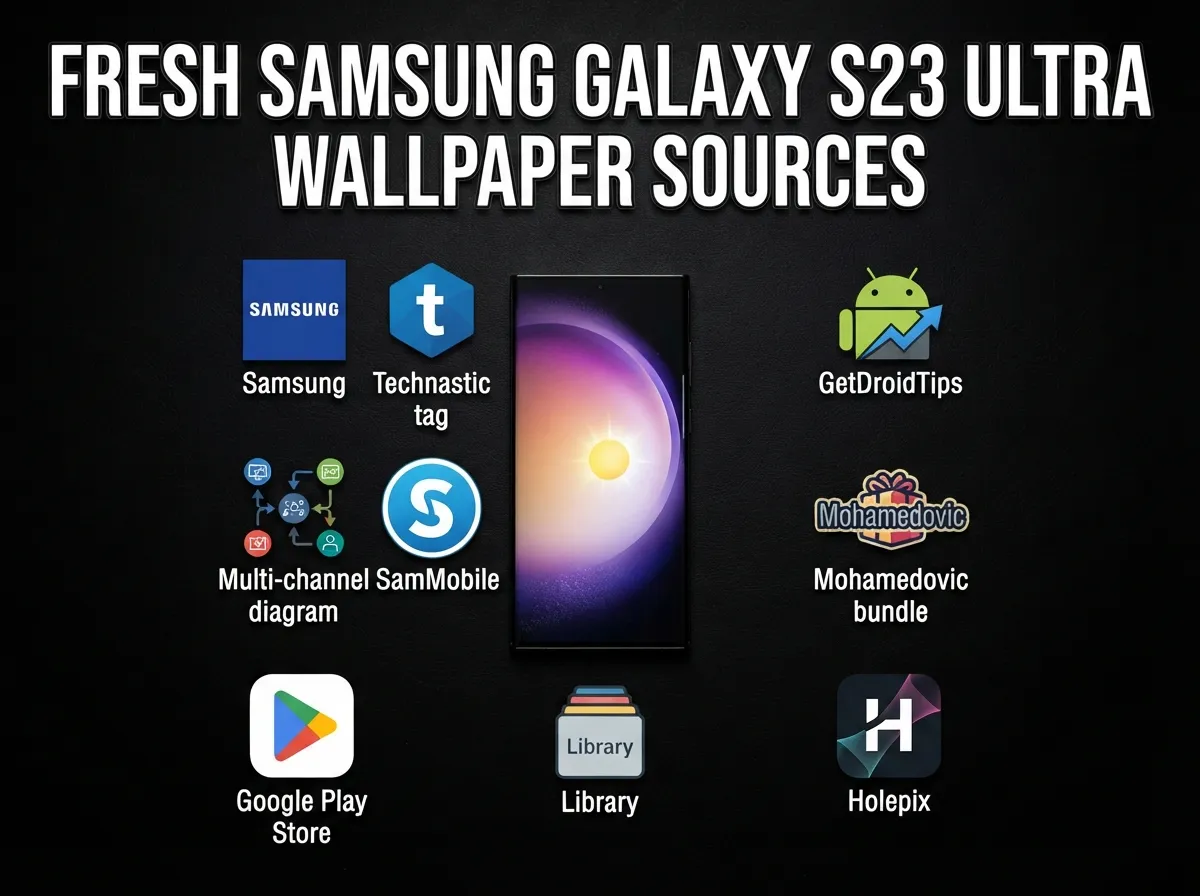
The average smartphone user glances at their home screen over 80 times per day, yet most Galaxy S23 Ultra owners never change the wallpaper that shipped with the device. That single swap takes less than 30 seconds and transforms the entire feel of a phone that costs over $1,000. This guide to the 9 Best Samsung Galaxy S23 Ultra Wallpaper Sources For A Fresh Home Screen cuts through the noise of thousands of scattered options and delivers the most reliable, highest-quality destinations, from Samsung’s own official packs to camera-cutout-aware designs built specifically for the S23 Ultra’s punch-hole display.
Disclosure: This post contains affiliate links. As an Amazon Associate, we earn from qualifying purchases, and at no extra cost to you.
Key Takeaways
- Samsung’s official stock collection includes at least 11 static and 8 DeX-mode wallpapers in QHD+ resolution, making it the safest starting point for quality and compatibility.
- Several independent sites and apps distribute original Samsung assets in 4K, so users never need to settle for compressed social-media reuploads.
- Camera-cutout-aware wallpapers, designs that integrate the punch-hole camera into the artwork, represent the most advanced aesthetic choice for S23 Ultra owners.
- Mixing official wallpapers, high-quality photography platforms, and dedicated apps produces the most varied and visually fresh home screen experience.
- Resolution matters: the S23 Ultra’s QHD+ display rewards wallpapers sourced at native or near-native resolution rather than upscaled images.
Why Wallpaper Quality Matters on the Galaxy S23 Ultra
The Samsung Galaxy S23 Ultra ships with a 6.8-inch Dynamic AMOLED 2X display running at QHD+ resolution (3088 x 1440 pixels). At that pixel density, a low-resolution wallpaper does not just look blurry, it actively works against the display’s strengths. Banding, compression artifacts, and washed-out colors become immediately visible in a way they would not on a budget device.
Beyond pure resolution, the S23 Ultra’s hardware introduces a specific design challenge: the punch-hole front camera sits at the top center of the screen. Generic wallpapers ignore this cutout entirely. The best sources, however, either optimize images to work around it or, in the most creative cases, incorporate it directly into the artwork.
The sources listed below address both concerns. Each one has been selected based on resolution quality, update frequency, ease of access, and relevance to the S23 Ultra’s specific display and design characteristics.
The 9 Best Samsung Galaxy S23 Ultra Wallpaper Sources For A Fresh Home Screen
1. Samsung’s Official Stock Wallpaper Collection
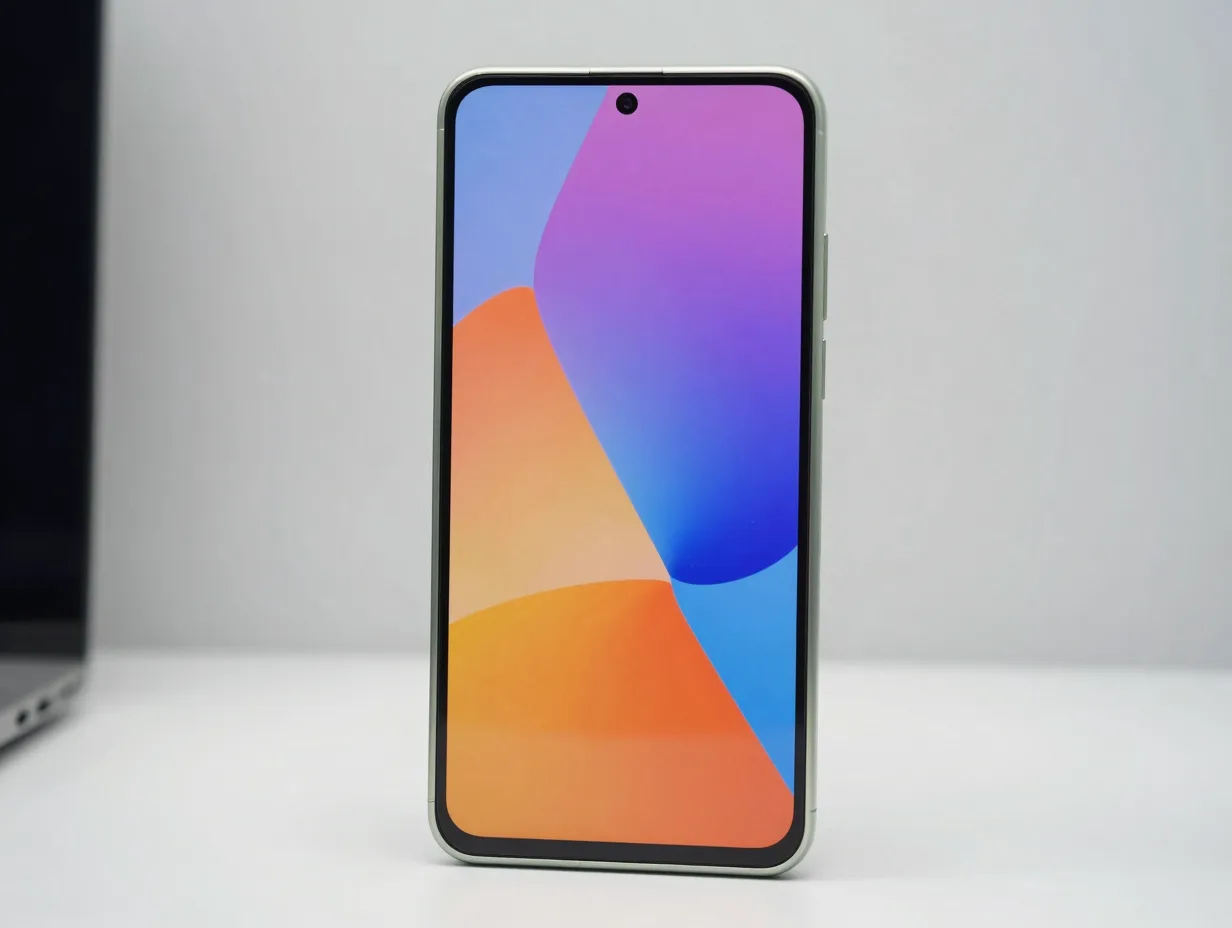
The most authoritative starting point for any S23 Ultra owner is Samsung’s own design team. The official Galaxy S23 series ships with at least 11 static wallpapers and 8 DeX-mode-optimized wallpapers, all rendered at QHD+ resolution [3]. These backgrounds are engineered to complement the phone’s hardware finishes, Phantom Black, Green, Cream, and Lavender, which means color grading, contrast levels, and saturation are calibrated to look correct on the actual device rather than on a generic monitor.
What makes this source stand out:
- Wallpapers are tuned to the S23 Ultra’s AMOLED color profile
- DeX-mode variants are formatted for wide-screen desktop use
- No third-party compression or quality loss
- Available via GuidingTech’s catalog in original resolution [3]
A widely cited guide updated in August 2026 catalogs and distributes these official images, making them accessible without requiring users to extract system files manually [3]. For anyone who wants a clean, Samsung-styled home screen, this collection is the non-negotiable baseline.
2. Technastic’s Three-Category Breakdown
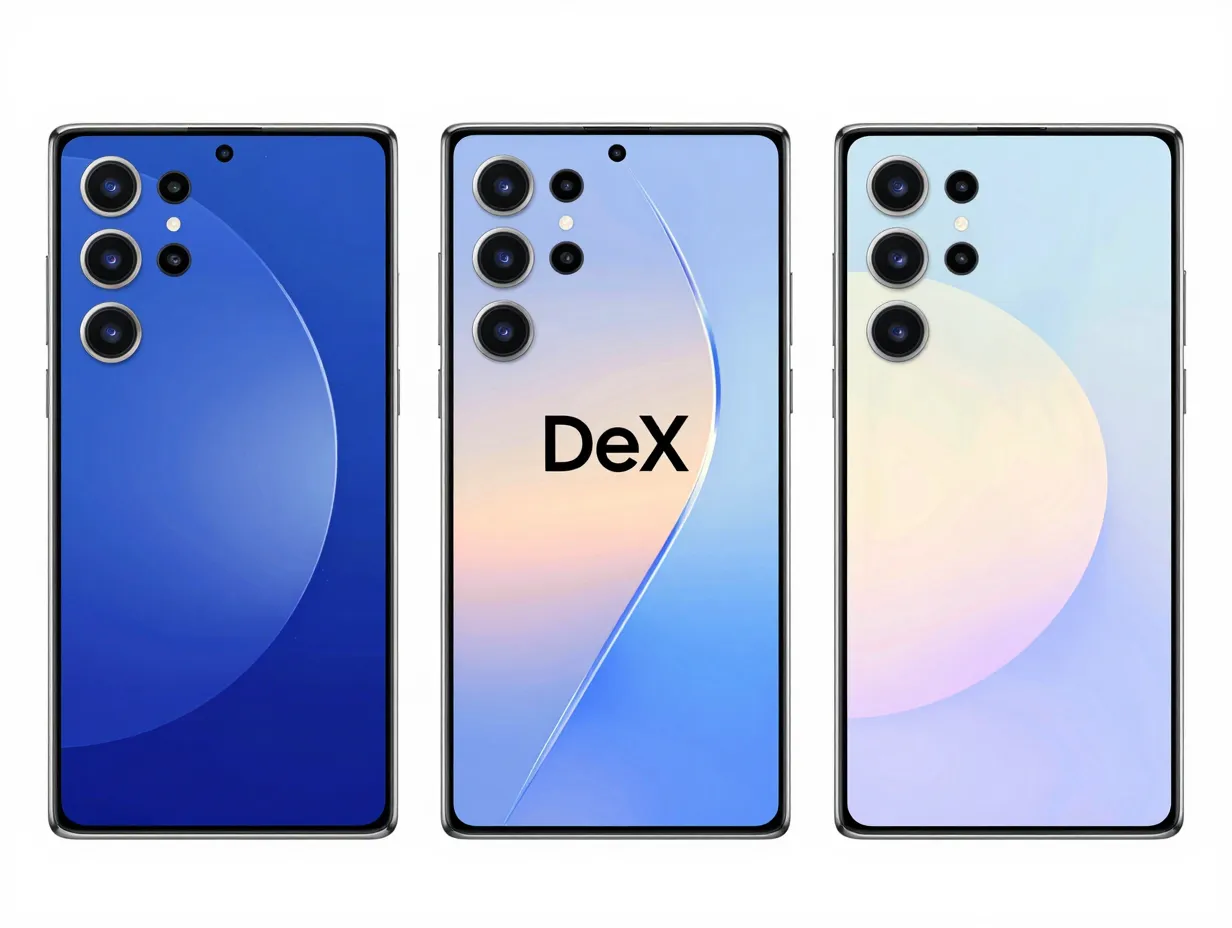
Technastic provides one of the most organized approaches to S23 wallpapers by separating the collection into three distinct categories: Galaxy S23 stock wallpapers, DeX mode wallpapers, and Galaxy S23 Ultra live wallpapers [5]. This structure is genuinely useful because it acknowledges that a home screen wallpaper, a lock screen background, and a DeX desktop image serve different visual functions and benefit from different design approaches.
The three categories at a glance:
| Category | Best Use Case | Format |
|---|---|---|
| Galaxy S23 Stock | Home screen, lock screen | Static, QHD+ |
| DeX Mode | Desktop/monitor display | Wide-format, QHD+ |
| S23 Ultra Live | Dynamic home screen | Animated |
Live wallpapers in particular are worth exploring on the S23 Ultra because the phone’s hardware handles them efficiently without significant battery impact, and the AMOLED display makes motion-based backgrounds look far more vivid than on LCD panels [5].
3. GetDroidTips’ S23 Ultra-Specific Pack
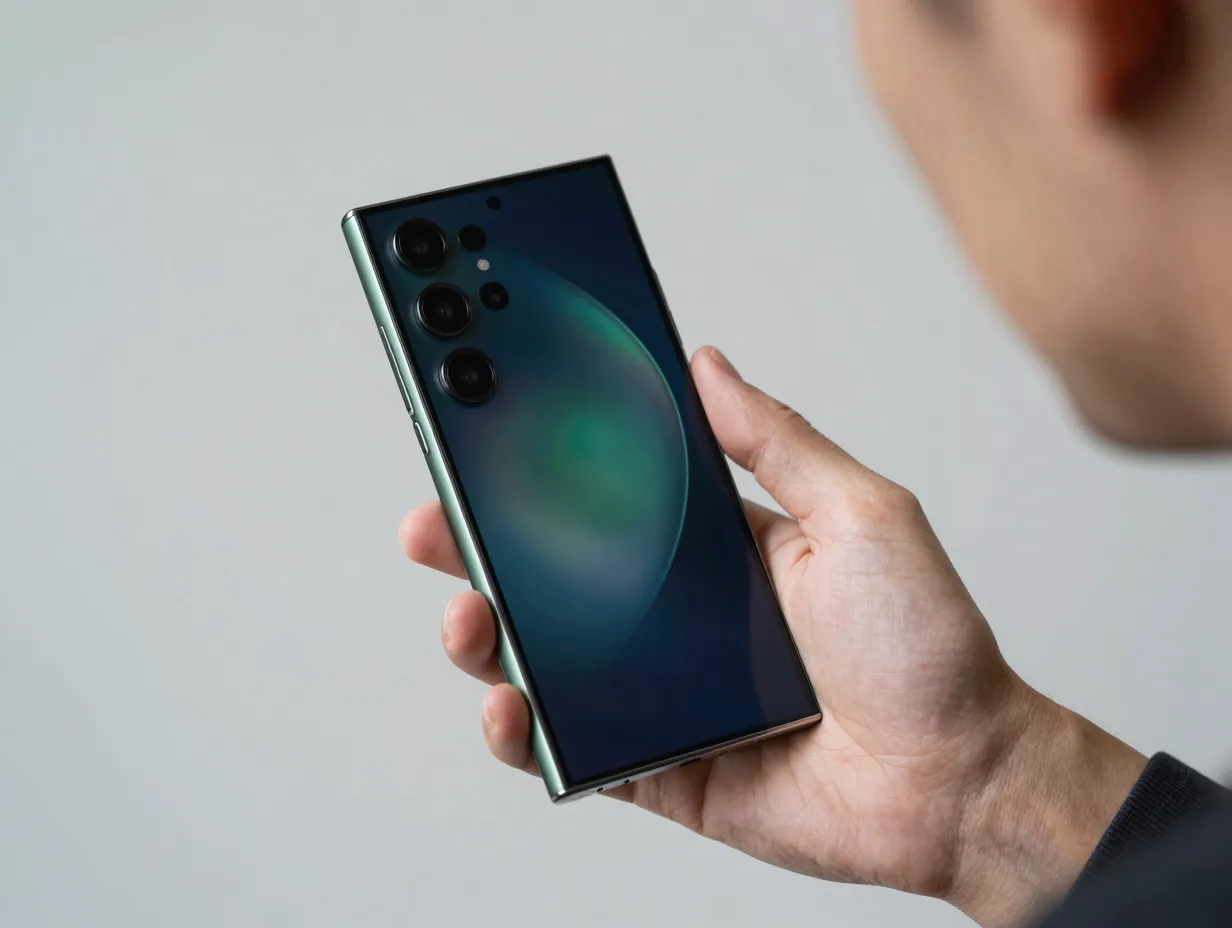
While many sites bundle S23 wallpapers together with the broader S23 and S23+ family, GetDroidTips focuses specifically on the Ultra variant. Their documented set includes 8 static and 4 live wallpapers that were optimized to match the S23 Ultra’s specific color palette [6]. The design team at Samsung calibrated these backgrounds to complement hardware finishes like Phantom Black and Green, which means the wallpapers do not just look good in isolation, they look intentional when the phone is held in hand.
Key details from this source:
- 8 static wallpapers at QHD+ resolution
- 4 live wallpapers included
- Color grading matched to physical hardware finishes
- Last updated August 2026, confirming ongoing maintenance [6]
This specificity matters. A wallpaper designed for the standard S23 may crop differently on the Ultra’s taller aspect ratio, creating awkward framing around focal points. Device-specific packs eliminate that problem entirely.
4. YTechB’s Multi-Channel Distribution
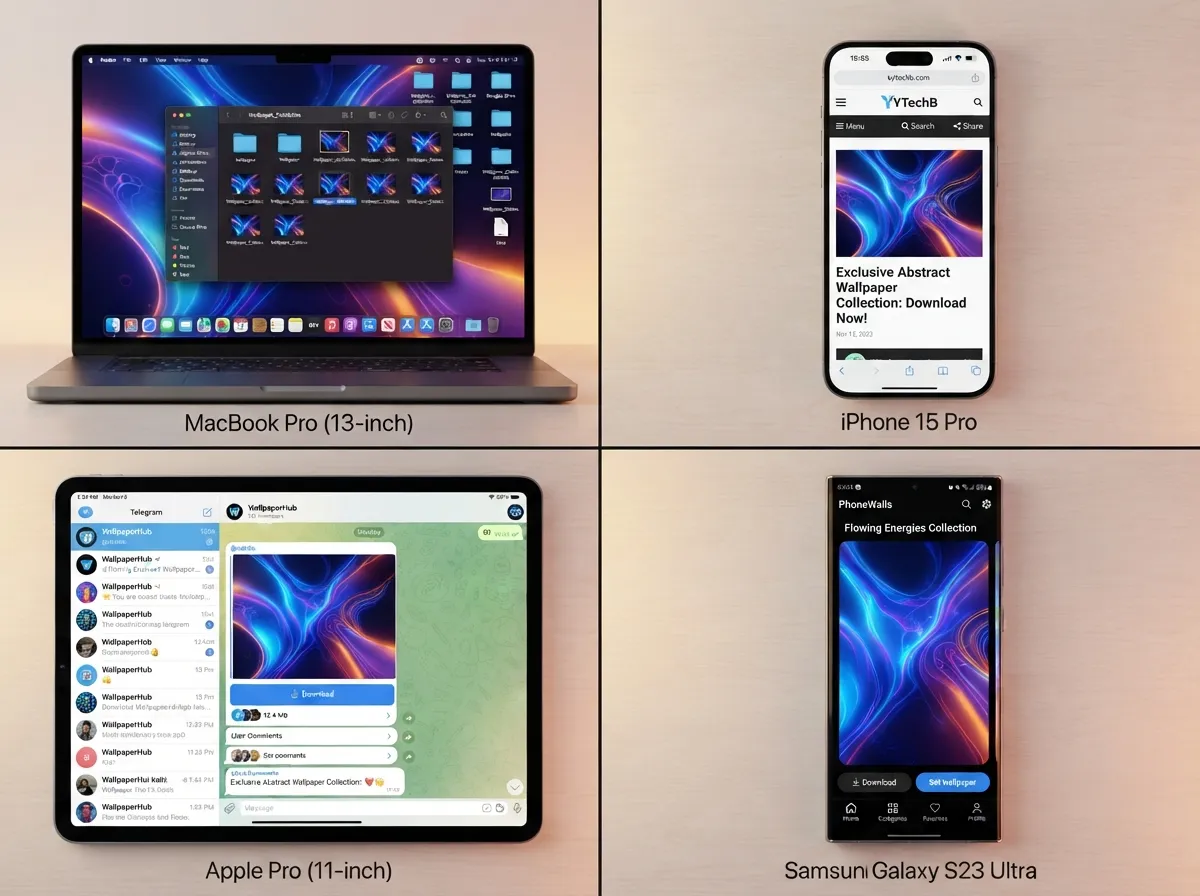
YTechB has built a distribution model that reflects how modern users actually consume content. Rather than requiring visitors to navigate a single download page, this resource delivers Galaxy S23 and S23 Ultra wallpapers in QHD+ through multiple channels simultaneously: a direct website download, a Google Drive folder, a Telegram channel, and an Android app called PhoneWalls [8].
“The trend toward multi-channel delivery means users can apply official-style wallpapers without manually extracting system files, a meaningful convenience improvement for non-technical owners.”
This approach removes friction at every step. A user who prefers downloading files on a desktop can use Google Drive. Someone who wants instant mobile access can join the Telegram channel. Those who want a persistent library can install PhoneWalls. The content quality across all channels remains consistent: original-resolution images that match Samsung’s official specifications [8].
5. SamMobile’s 4K Wallpaper Pack
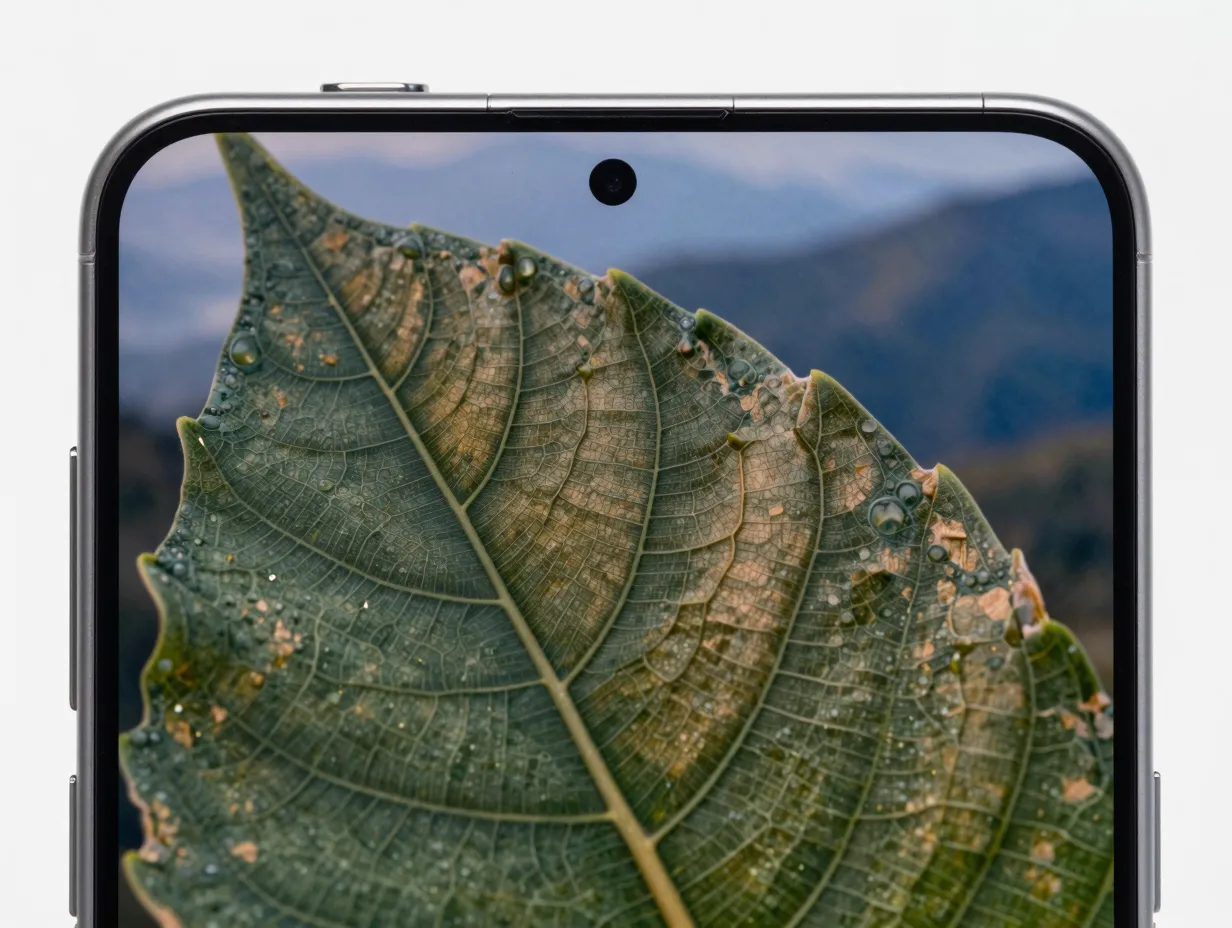
SamMobile is one of the longest-running Samsung-focused publications in the enthusiast community, and its S23 Ultra wallpaper pack reflects that pedigree. The site offers eight official S23 Ultra images in 4K resolution, a step above the QHD+ standard, making this the preferred source for users who want absolute maximum quality [10].
Why power users prefer SamMobile:
- 4K resolution exceeds the screen’s native QHD+ spec, providing headroom when zooming or cropping
- Images are sourced directly from Samsung’s firmware, not from social media reuploads
- The publication’s track record means files are verified and safe to download
- No account creation required for access [10]
The distinction between QHD+ and 4K matters most for users who use wallpapers across multiple devices, for example, setting the same image on both the S23 Ultra and a Samsung smart TV or monitor. At 4K, the image holds up at any display size.
6. Mohamedovic’s 25-Wallpaper Bundle
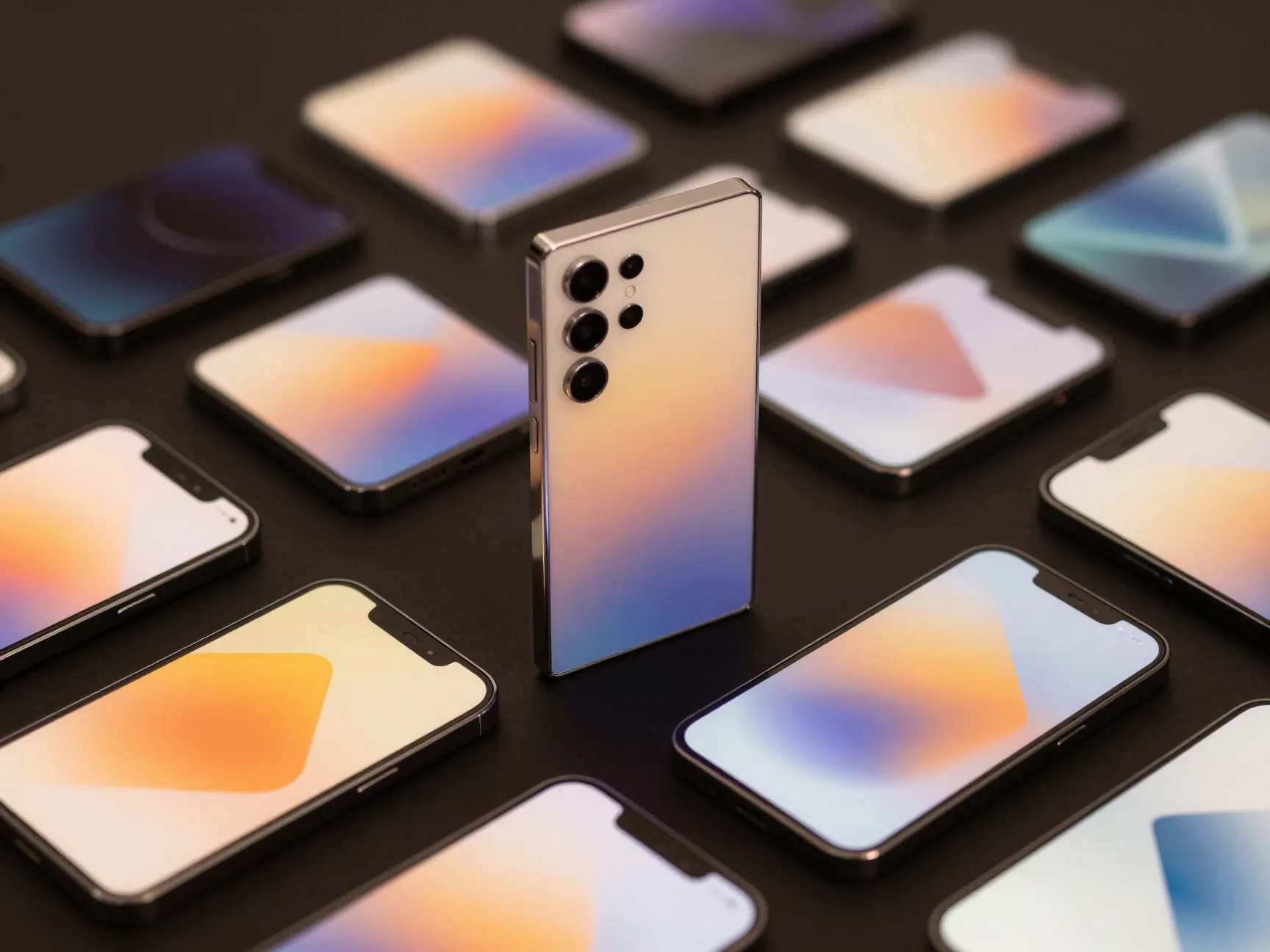
For users who want volume alongside quality, Mohamedovic’s compilation stands out by offering 25 total wallpapers for the Galaxy S23 Ultra, 12 direct S23 series originals combined with additional One UI 5.1 default backgrounds, all at QHD+ resolution [9]. This mixed approach reflects a smart curation strategy: One UI 5.1 defaults were designed to complement Samsung’s broader software aesthetic, which means they pair naturally with the S23 Ultra’s interface elements, icon shapes, and color themes.
Bundle breakdown:
- 12 Galaxy S23 series original wallpapers
- Additional One UI 5.1 system defaults
- All images at QHD+ resolution
- Single-download bundle format for convenience [9]
Regional communities, this source originates from an Arabic-language Android customization site, often produce some of the most thorough compilations because they serve audiences who may not have easy access to multiple international download sources. The result is a larger, more varied pack than most single-device-focused sites offer.
7. Google Play Store Apps: Dedicated S23 Ultra Wallpaper Applications
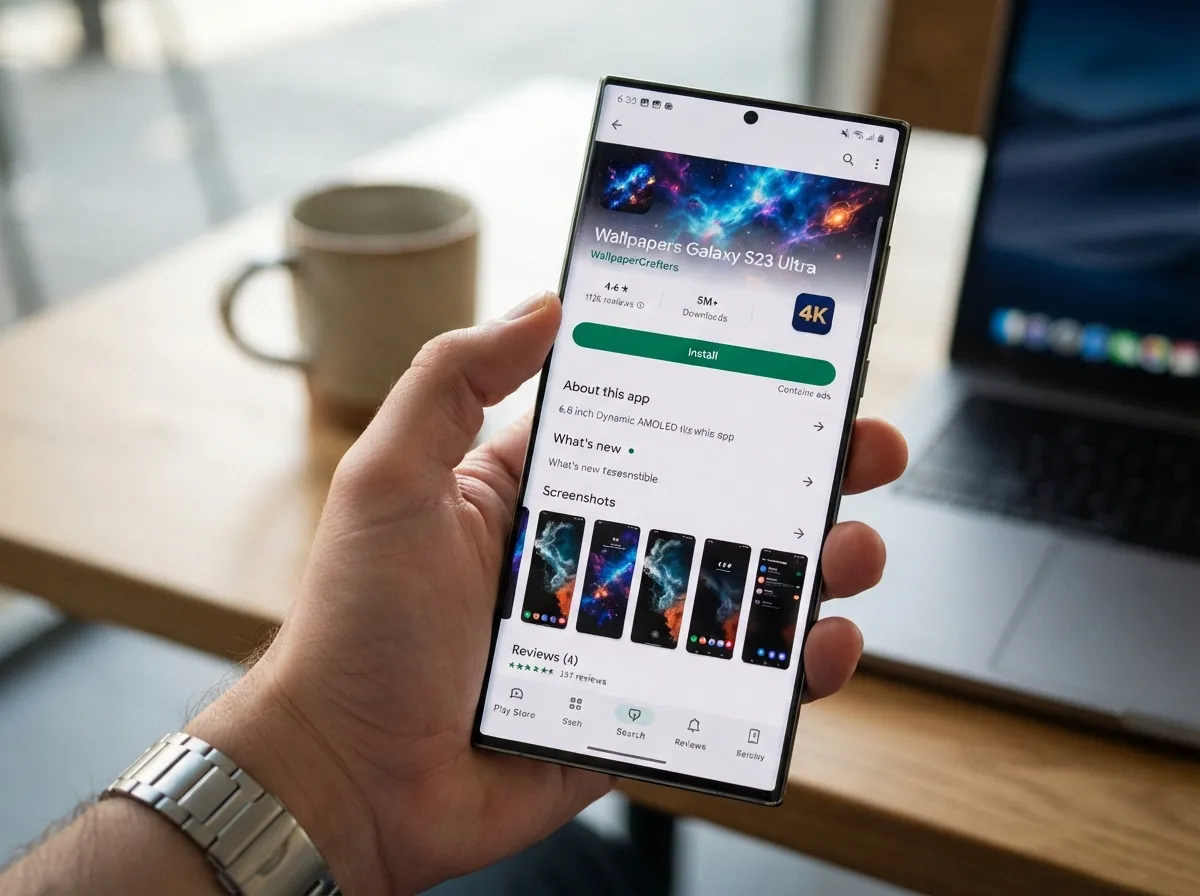
The Google Play Store hosts at least two dedicated applications built specifically for S23 Ultra wallpaper needs, and they represent a fundamentally different delivery model from download packs.
App 1: Wallpapers Galaxy S23 Ultra
This application, updated in 2026, advertises Full HD and 4K backgrounds tailored specifically to Samsung’s S22/S23 series [2]. The key advantage of app-based delivery is automatic updates: as new wallpapers are added to the library, they appear in the app without requiring users to revisit a website or re-download a pack. For users who want their home screen to feel fresh on an ongoing basis rather than just once, this model is more sustainable.
App 2: Galaxy S23 Ultra Wallpaper by BinaryCores
BinaryCores takes device-specific optimization a step further by addressing camera hole positioning and scaling [11]. This means wallpapers are pre-cropped to account for the punch-hole cutout’s location, so focal points in the image are never obscured by the camera circle. While this app is not officially endorsed by Samsung, the device-specific approach solves a real problem that generic wallpaper apps ignore entirely.
Comparison of Play Store options:
| Feature | Wallpapers Galaxy S23 Ultra | BinaryCores App |
|---|---|---|
| Resolution | Full HD to 4K | S23 Ultra optimized |
| Camera cutout aware | Not specified | Yes |
| Update model | Regular updates | Device-specific catalog |
| Official Samsung endorsement | No | No |
8. Large Wallpaper Libraries With S23 Ultra Tags
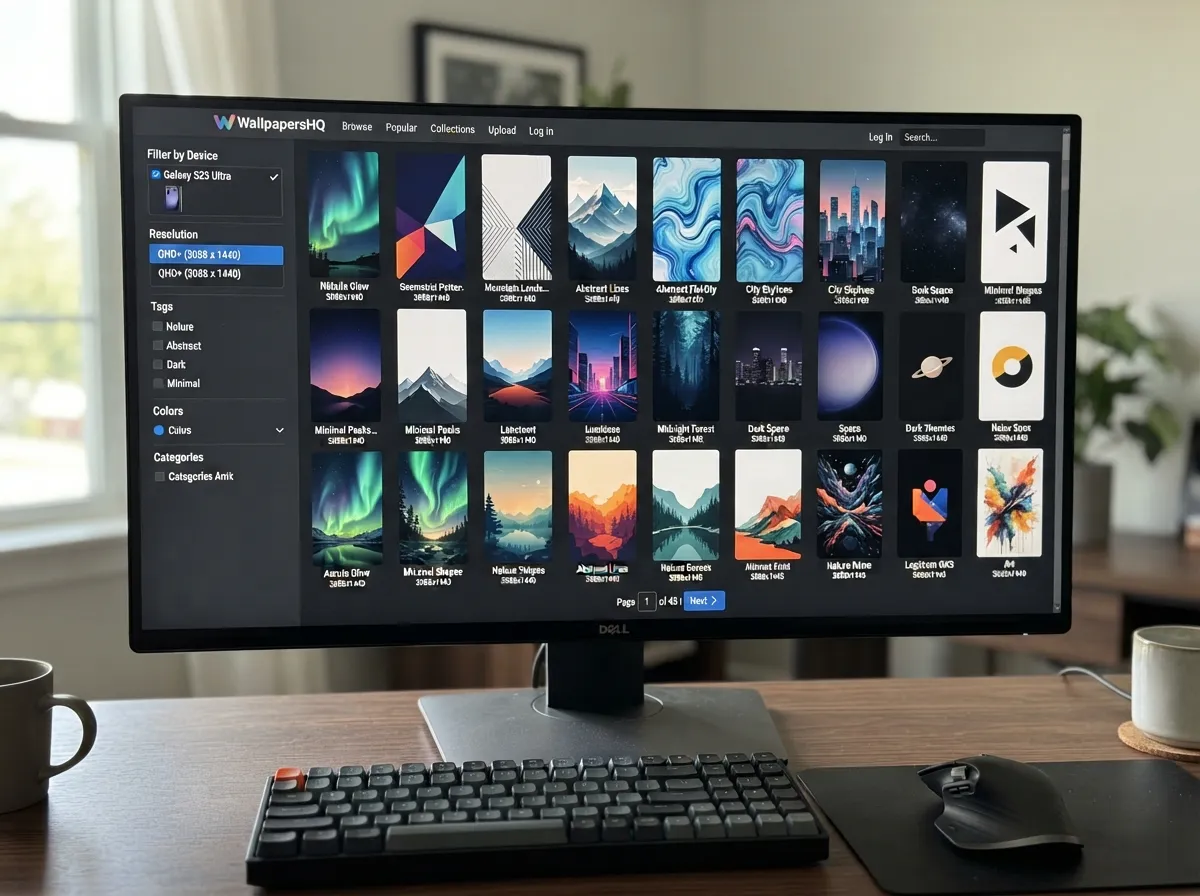
When the goal is variety rather than authenticity, large general-purpose wallpaper libraries with dedicated S23 Ultra tags become the most practical resource. Two platforms are worth noting specifically:
One site hosts more than 100 S23 Ultra-compatible images spanning categories like minimal, abstract, nature, and dark themes [13]. Another catalogs over 1,160 Samsung Galaxy S23 wallpapers, creating a browsable archive that no single official pack can match in sheer diversity [15].
Best use cases for bulk libraries:
- Seasonal home screen refreshes (switching from dark winter themes to bright summer palettes)
- Matching wallpapers to app icon color schemes
- Finding genre-specific aesthetics (cyberpunk, botanical, architectural, etc.)
- Exploring styles before committing to a specific look
The practical limitation of these libraries is quality consistency. Because they aggregate submissions from many sources, resolution and color accuracy vary. The safest approach is to filter results by resolution, looking specifically for images at 3088 x 1440 or higher, and to preview at full size before applying.
9. Holepix App: Camera-Cutout-Aware Wallpapers
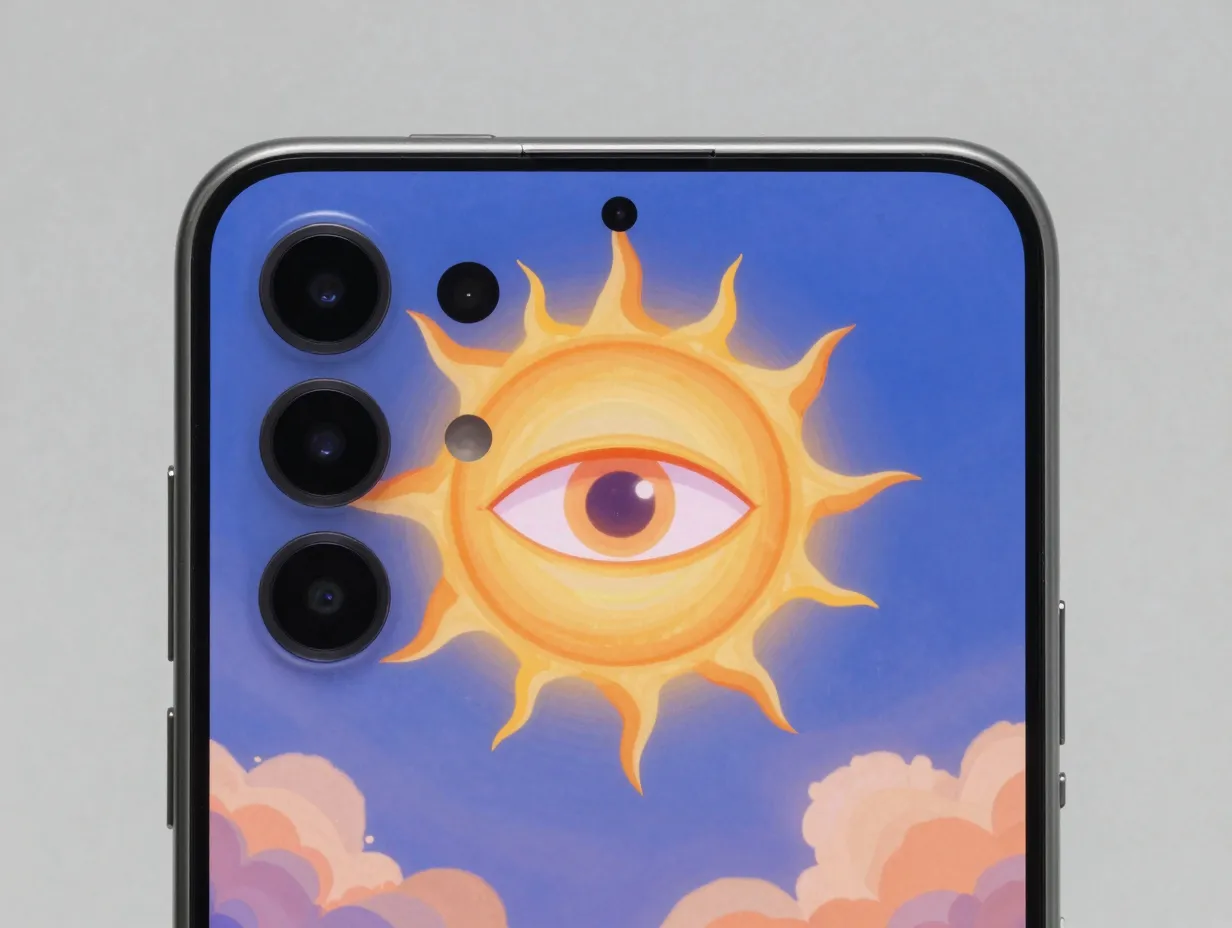
The most technically sophisticated option on this list is also the most visually distinctive. The Holepix app, highlighted in a widely viewed video guide as the best place for wallpapers on the Samsung Galaxy S23 Ultra, specializes in designs that incorporate the punch-hole camera directly into the artwork [1].
Rather than treating the camera cutout as an obstacle to work around, Holepix wallpapers are designed with the hole as an intentional visual element. Common approaches include:
- Designing a sun, moon, or planet centered on the camera hole
- Creating character illustrations where the hole becomes an eye
- Building geometric patterns that radiate outward from the cutout’s position
- Framing the hole within architectural or natural apertures in the image
“Camera-cutout-aware wallpapers represent the most advanced aesthetic choice available to S23 Ultra owners, they transform a hardware constraint into a design feature.”
This approach requires no technical skill from the user. The Holepix app handles all alignment automatically, ensuring the artwork registers correctly with the camera’s actual position on the S23 Ultra’s display [1]. For users who want a home screen that looks genuinely custom rather than simply well-chosen, this is the most impactful single change available.
Practical Tips for Applying Wallpapers on the Galaxy S23 Ultra
Sourcing a great wallpaper is only half the process. Applying it correctly on the S23 Ultra requires a few specific considerations.
Resolution check: Always confirm the image is at least 3088 x 1440 pixels before downloading. Anything lower will be upscaled by the system, introducing visible softness on the QHD+ display.
Scroll vs. fixed setting: Samsung’s wallpaper application screen offers both a scrolling parallax effect and a fixed (static) display mode. For abstract or geometric designs, fixed mode usually produces cleaner results. For landscape photography, the parallax scroll can add depth.
Lock screen vs. home screen: The S23 Ultra allows different wallpapers on the lock screen and home screen. A common approach used by enthusiasts on r/GalaxyS23Ultra is to use a bold, detailed image on the lock screen and a simpler, less busy design on the home screen where app icons compete for visual attention [7].
Dark mode alignment: The S23 Ultra’s AMOLED panel renders true black pixels as completely off, meaning dark wallpapers with black backgrounds effectively extend the screen’s bezel-free appearance. Pairing a near-black wallpaper with Samsung’s dark mode creates a seamless, high-contrast aesthetic that also conserves battery life.
Community resources: The r/GalaxyS23Ultra subreddit maintains active threads where users share their current setups, including direct links to specific wallpapers [7]. This peer-curated approach surfaces images that have already been tested on the actual device by real users, which is a meaningful quality filter.
How to Choose the Right Source for Your Needs
With nine sources now mapped out, the decision comes down to matching the source type to the specific goal.
- Maximum authenticity: Samsung Official Stock (Source 1) or SamMobile 4K Pack (Source 5)
- Largest variety: Large wallpaper libraries with S23 Ultra tags (Source 8)
- Ongoing fresh content: Google Play Store apps (Source 7)
- Most visually distinctive: Holepix camera-cutout-aware designs (Source 9)
- Best organized bundle: Mohamedovic’s 25-wallpaper pack (Source 6)
- Easiest multi-device access: YTechB’s multi-channel distribution (Source 4)
There is no single correct answer. Most S23 Ultra owners benefit from using two or three sources in combination: official Samsung stock for a clean default, a dedicated app for regular variety, and Holepix for a signature look that makes the device feel truly personalized.
Conclusion
A Samsung Galaxy S23 Ultra with a mediocre wallpaper is a $1,000 device running at a fraction of its visual potential. The 9 Best Samsung Galaxy S23 Ultra Wallpaper Sources For A Fresh Home Screen covered in this guide span every use case, from Samsung’s own QHD+ stock collection and SamMobile’s 4K packs to camera-cutout-aware designs from Holepix that turn the punch-hole camera into a design feature rather than an afterthought.
Actionable next steps:
- Download Samsung’s official stock collection first to establish a quality baseline [3].
- Install one dedicated Play Store app for ongoing variety [2].
- Browse the Holepix app specifically for camera-cutout-aware designs [1].
- Check r/GalaxyS23Ultra for peer-tested recommendations before committing to a new style [7].
- Always verify resolution at 3088 x 1440 or higher before applying any image.
The home screen is the first thing seen every time the phone is unlocked. Treating it as a deliberate design choice rather than an afterthought is one of the simplest and most impactful personalizations available to any S23 Ultra owner.
References
[1] Watch – https://www.youtube.com/watch?v=VpiWzR-SgBY
[2] Details – https://play.google.com/store/apps/details?id=com.samstudio.wallpapers.galaxys23&hl=en_US
[3] Download Samsung Galaxy S23 Series Wallpapers – https://www.guidingtech.com/download-samsung-galaxy-s23-series-wallpapers/
[5] Samsung Galaxy 23 Static Live Wallpapers – https://technastic.com/samsung-galaxy-23-static-live-wallpapers/
[6] Download Samsung Galaxy S23 Ultra Stock Wallpapers – https://www.getdroidtips.com/download-samsung-galaxy-s23-ultra-stock-wallpapers/
[7] Give Me Some Of Your Best S23 Ultra Wallpapers – https://www.reddit.com/r/GalaxyS23Ultra/comments/1gvi3uc/give_me_some_of_your_best_s23_ultra_wallpapers/
[8] Samsung Galaxy S23 Wallpapers – https://www.ytechb.com/samsung-galaxy-s23-wallpapers/
[9] Download Galaxy S23 Ultra Stock Wallpapers – https://mohamedovic.com/download-galaxy-s23-ultra-stock-wallpapers/
[10] Download Samsung Galaxy S23 Ultra Wallpapers 4k – https://www.sammobile.com/news/download-samsung-galaxy-s23-ultra-wallpapers-4k/