8 Stunning Wallpaper Picks to Showcase Your Samsung Galaxy S25 Ultra Display
The Samsung Galaxy S25 Ultra ships with a 6.9-inch Dynamic LTPO AMOLED 2X panel running at QHD+ resolution, yet a surprising number of owners cover that hardware with wallpapers sized for mid-range phones, resulting in blurry upscaling that wastes every pixel. Getting the right image at the right resolution transforms the lock screen and home screen from an afterthought into a genuine showcase. This guide on the 8 Stunning Wallpaper Picks to Showcase Your Samsung Galaxy S25 Ultra Display covers exactly which styles, sources, and technical specs deliver the best results on Samsung’s flagship panel in 2026.
Disclosure: This post contains affiliate links. As an Amazon Associate, we earn from qualifying purchases, and at no extra cost to you.
Key Takeaways
- The S25 Ultra’s 1440×3120 QHD+ panel demands wallpapers at or above that resolution, ideally square 3120×3120, to prevent upscaling blur.
- Samsung’s stock collection includes roughly 16 default wallpapers at near-native QHD+ resolutions, making them the safest starting point for display quality.
- Dark AMOLED and deep-black wallpapers exploit the panel’s infinite contrast ratio more effectively than any other style.
- Color-matched picks that echo the four titanium device finishes create a cohesive look between hardware and software.
- Specialist platforms and updated Android apps now offer S25 Ultra-specific wallpaper packs sized precisely at 1440×3120 with no crop and no watermark.
Why the S25 Ultra Display Demands Specific Wallpaper Specs
The Galaxy S25 Ultra uses a Dynamic LTPO AMOLED 2X panel measuring 6.9 inches with a native resolution of 1440×3120 pixels and a 19.5:9 aspect ratio, paired with a 120Hz adaptive refresh rate [3][8]. Those numbers matter because any wallpaper served below that resolution gets upscaled by One UI, introducing visible softness that dulls fine gradients, textures, and sharp edges, the exact qualities that make AMOLED imagery pop.
The practical rule is straightforward: wallpapers should be at least 1440×3120, but a square crop of 3120×3120 offers the most flexibility across both portrait and landscape orientations without the OS needing to reframe the image [2][4]. Specialist platforms like 2Live now size their S25 Ultra assets precisely to this aspect ratio, promising no crop and no watermark on every download [2].
Beyond resolution, the display benefits from what analysis and pre-launch reporting described as second-generation Corning Gorilla Armor with built-in anti-glare treatment, which improves perceived contrast and outdoor legibility compared with the S24 Ultra [13]. That upgrade means detailed 4K wallpapers with fine gradients and subtle textures remain sharp and readable even in direct sunlight, a factor worth keeping in mind when selecting showcase images [5][13].
There is also an ongoing discussion among display analysts about whether the S25 Ultra uses Samsung’s newer M14 OLED material set or the cost-optimized M13 from the S24 Ultra [5]. If M14 is confirmed, users can expect higher peak brightness and better color longevity for vivid wallpapers. Either way, the panel closely matches top-tier rivals and rewards high-quality source images [5].
Bottom line: Feed the display what it was built for. The eight picks below are chosen specifically to exploit QHD+ sharpness, deep AMOLED blacks, and the flat pure-screen geometry that the S25 Ultra’s rounded-frame design enables [12][15][8].
The 8 Stunning Wallpaper Picks to Showcase Your Samsung Galaxy S25 Ultra Display
The categories below are ranked to move from the most technically impactful (dark AMOLED) to the most visually expressive (typography art), giving a logical progression for anyone building a themed setup. Each pick includes a recommended source, the ideal resolution, and the specific display trait it highlights.
1. Deep-Black AMOLED Minimalism
Best for: Exploiting infinite contrast and extending battery life on always-on display mode.
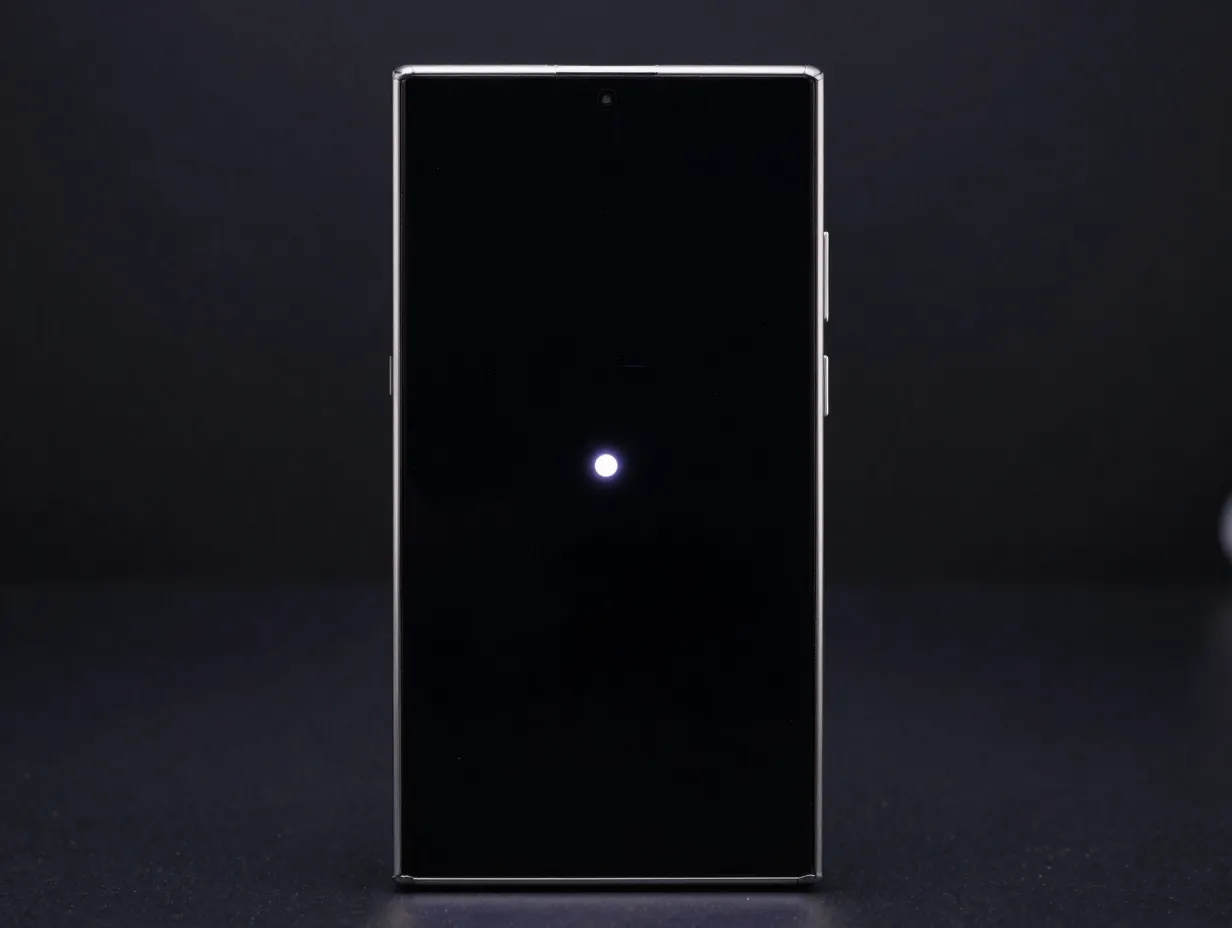
Deep-black AMOLED wallpapers are the single most effective way to demonstrate what separates OLED from LCD. Because each pixel on the S25 Ultra’s panel switches off completely to produce black, a wallpaper built on near-zero luminance backgrounds with a single bright accent, a thin neon line, a glowing orb, or a faint geometric grid, creates contrast ratios that no LCD can replicate.
Large wallpaper repositories confirm that dark AMOLED themes consistently rank among the most downloaded categories for Galaxy devices, with user demand driven precisely by this contrast advantage [6][7]. Look for assets at 1440×3120 or 3120×3120 with true RGB black (#000000) backgrounds rather than dark gray, which wastes the panel’s off-pixel capability.
Recommended source: Wallpapers.com Galaxy S25 Ultra gallery [7] and WallpaperCG’s S25 Ultra collection [10], both of which host QHD+ dark AMOLED packs updated through mid-2026.
2. Titanium-Matched Gradient Textures
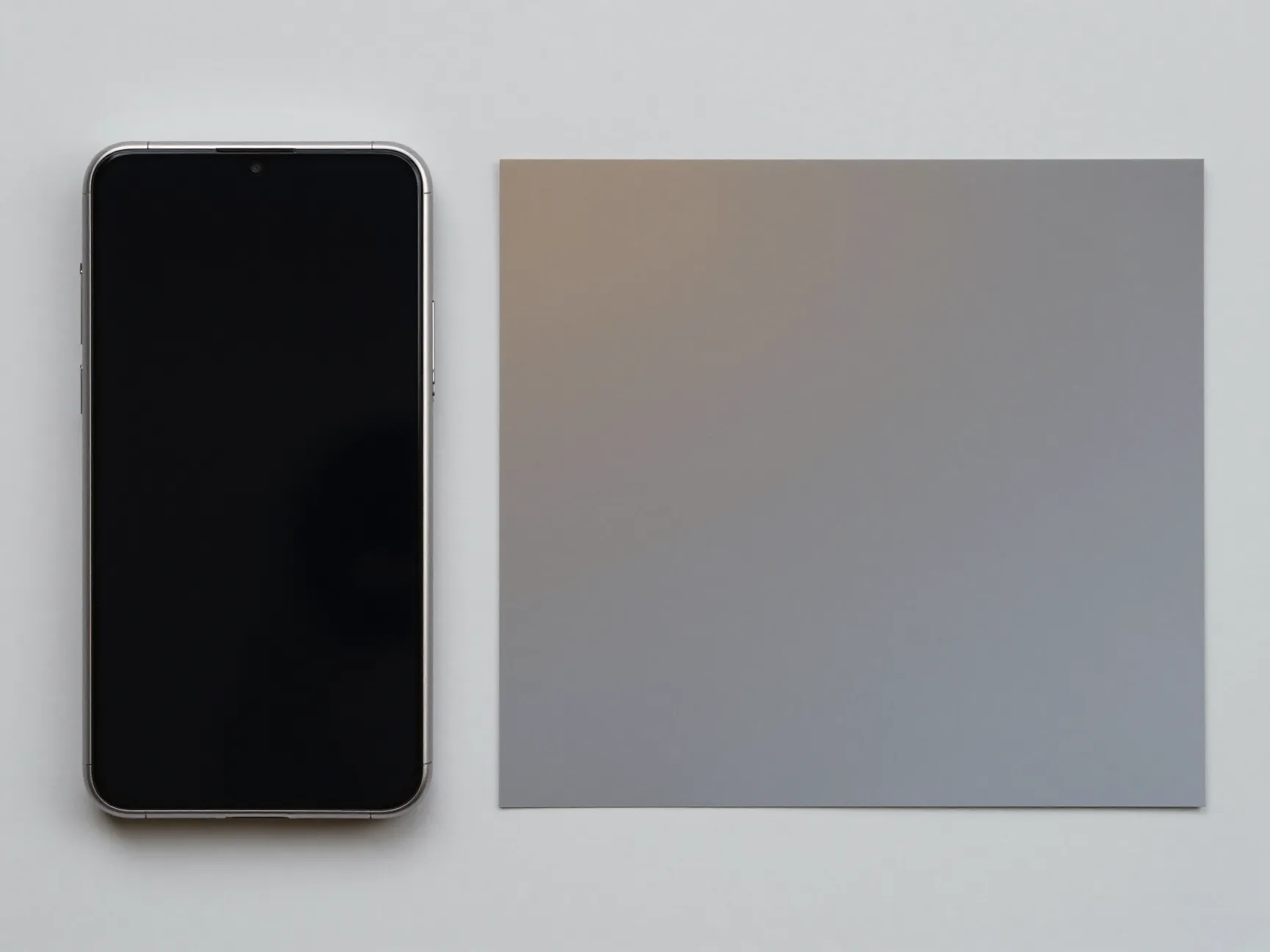
Best for: Creating visual harmony between the device finish and the screen.
Samsung released the S25 Ultra in four titanium colorways, Titanium Black, Titanium Gray, Titanium Silver Blue, and Titanium White Silver, and its stock wallpaper collection was designed to echo those subtle metallic tones [9][1]. A gradient wallpaper that mirrors the device’s own finish makes the hardware and software feel like a single designed object, which is particularly effective in product photography and social posts.
Samsung’s official stock collection includes roughly 10 minimal, titanium-inspired static wallpapers distributed at ultra-high resolutions around 3120×3120 [1][4]. Pairing a Titanium Silver Blue device with a cool-toned silver-to-blue gradient, or a Titanium Black unit with a charcoal-to-midnight fade, amplifies the premium feel of both.
Recommended source: Samsung’s own stock wallpapers extracted and hosted at Stockwallp and YTechB, both confirmed at near-native QHD+ resolutions [1][4].
| Device Color | Matching Gradient Palette | Hex Anchor Colors |
|---|---|---|
| Titanium Black | Charcoal to deep navy | #1A1A1A to #0D1B2A |
| Titanium Gray | Warm slate to cool ash | #4A4A4A to #8A8A8A |
| Titanium Silver Blue | Ice blue to silver | #B0C4DE to #E8E8E8 |
| Titanium White Silver | Soft white to pearl gray | #F5F5F5 to #C8C8C8 |
3. One UI 7 Stock Wallpapers (Official Samsung Collection)
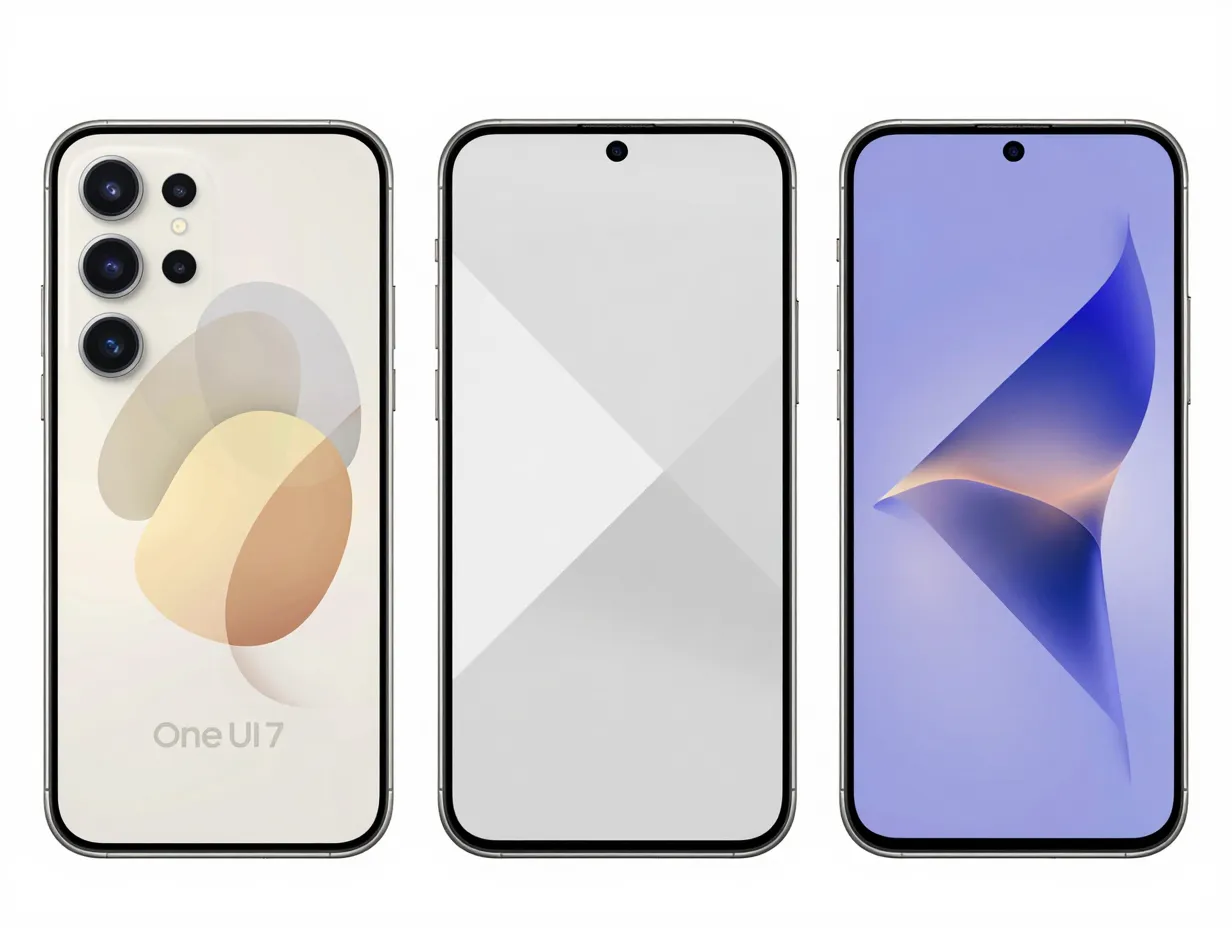
Best for: Preserving Samsung’s intended aesthetic at guaranteed native resolution.
Extraction efforts documented through mid-2026 report at least 16 default wallpapers available from the S25 Ultra’s One UI 7 build, including both static and live/dynamic options, all distributed at near-native QHD+ resolutions [3][4]. These are the images Samsung’s own designers created specifically for this panel, meaning color calibration, aspect ratio, and focal point placement are all optimized out of the box.
The collection spans minimal abstract designs, soft organic shapes, and several live wallpapers that respond to touch and tilt, features that showcase the 120Hz refresh rate as much as they do color accuracy [1][3]. For users who want a “factory fresh” showcase without hunting for third-party assets, this is the most reliable starting point.
Recommended source: GizDev’s Galaxy S25 Ultra wallpaper page [3] and YTechB’s Samsung Galaxy S25 wallpapers archive [4], both of which host the full extracted One UI 7 set.
“The most engaging wallpapers tend to exploit deep blacks and bold color accents that play to the panel’s contrast ratio.”, Confirmed by user-demand data across major wallpaper repositories [6][7]
4. High-Contrast Neon and Cyberpunk Art
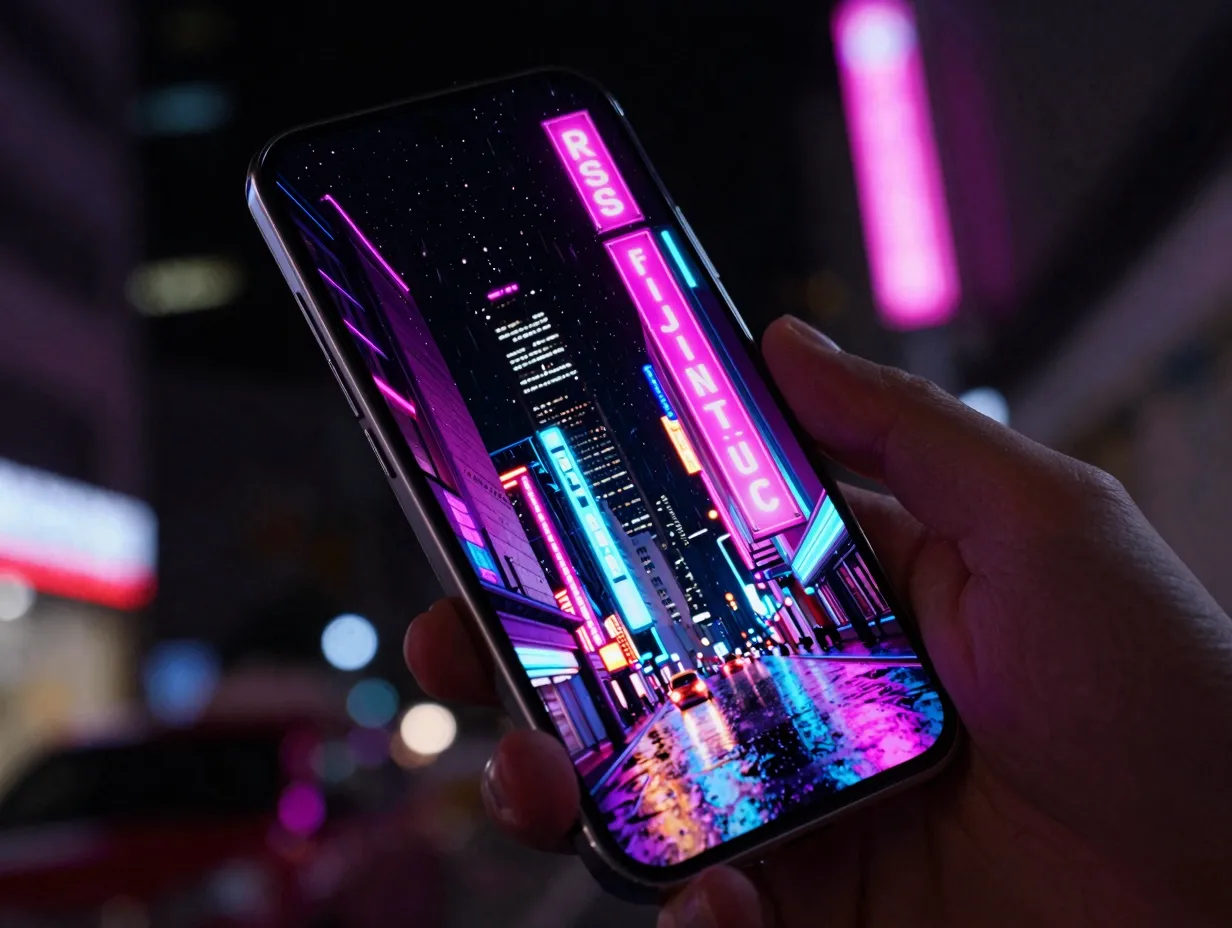
Best for: Demonstrating peak color saturation and wide color gamut on the AMOLED panel.
Neon-on-black compositions are the most visually dramatic way to show off AMOLED color volume. Vivid magentas, electric cyans, and acid greens rendered against true black produce a luminance range that looks almost three-dimensional on the S25 Ultra’s panel. This style has remained a top-performing category across major wallpaper platforms through 2026 [6][7].
The key technical requirement here is sourcing images that carry full sRGB or DCI-P3 color data without JPEG compression artifacts, which can introduce banding in saturated gradients. PNG or high-quality JPEG exports at 1440×3120 from reputable platforms are the safest choices.
Recommended source: 2Live’s Galaxy S25 Ultra gallery [2], which emphasizes 4K assets tuned specifically to the device’s aspect ratio and AMOLED color profile, and WallpaperCG [10] for a broader neon art selection.
5. Full-Bleed Nature and Landscape Photography
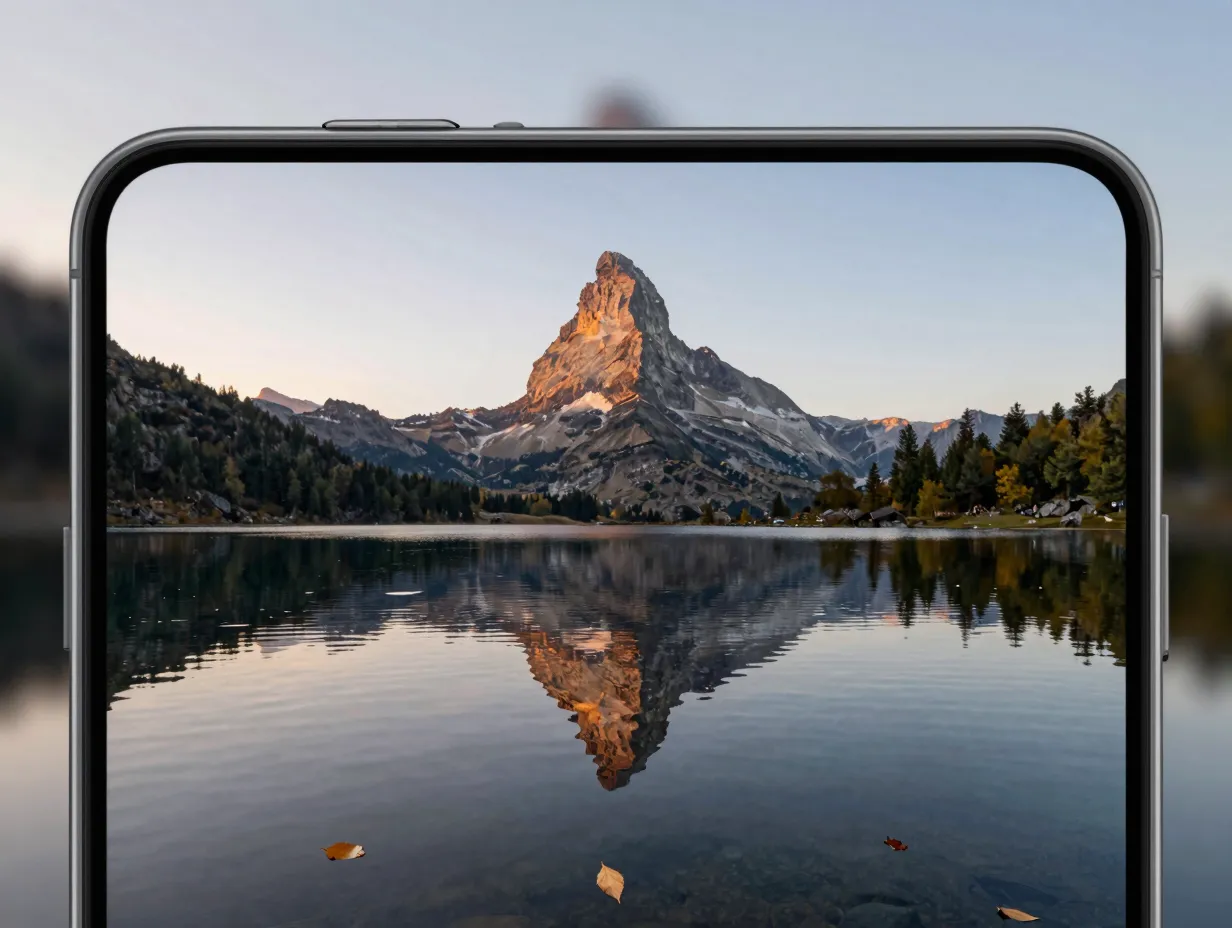
Best for: Showcasing the flat pure-screen geometry and fine detail rendering of the QHD+ panel.
The S25 Ultra’s flat display with a more rounded frame toward the back minimizes edge distortion and maximizes the usable flat area for imagery [12][15]. Full-bleed landscape photography, mountain reflections, aerial coastlines, dense forest canopies, exploits this geometry by filling every millimeter of the panel with sharp photographic detail.
The critical requirement is source resolution. A landscape photograph needs to be at least 1440×3120 to avoid upscaling artifacts on a QHD+ display. Ideally, images sourced at 4K (3840×2160 or higher) and cropped to the 19.5:9 aspect ratio deliver the sharpest results. The anti-glare Gorilla Armor treatment on the S25 Ultra makes fine photographic detail, water ripples, leaf textures, cloud gradients, more legible outdoors than on previous Ultra models [13].
Recommended source: Wallpapers.com’s Galaxy S25 Ultra section [7] and WallpaperCG [10] both host curated landscape packs at QHD+ and 4K resolutions.
6. Abstract Geometric and Parametric Patterns
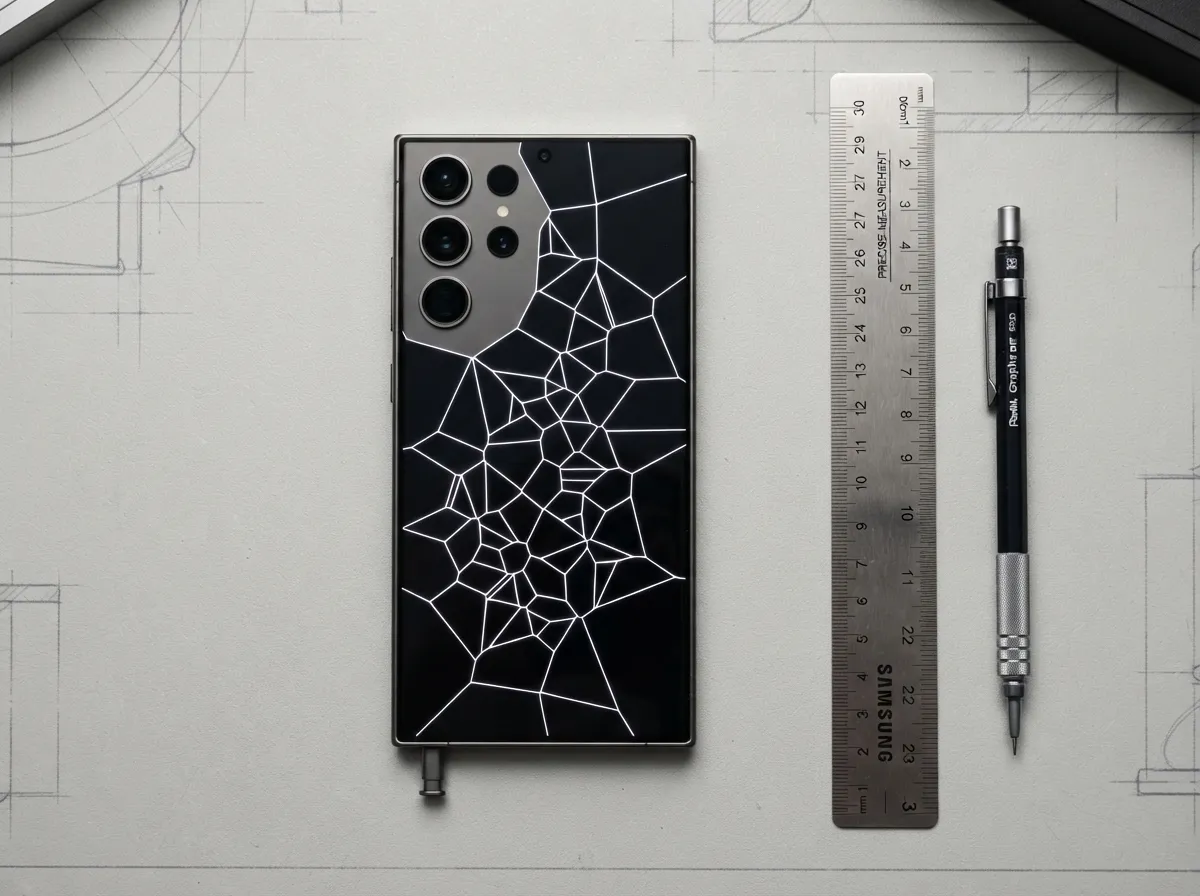
Best for: Highlighting the display’s sharpness and edge-to-edge clarity with mathematically precise imagery.
Abstract geometric wallpapers, Voronoi diagrams, parametric mesh grids, isometric tile patterns, are stress tests for display sharpness. A single pixel of misalignment in a fine geometric grid is immediately visible on a QHD+ panel, which means these images also prove the display’s precision when they render cleanly.
Samsung’s stock collection includes several abstract geometric options within its One UI 7 set [1][3], but third-party platforms offer far broader variety. The flat pure-screen design of the S25 Ultra means geometric patterns with strong horizontal and vertical lines do not suffer the barrel distortion that curved displays introduce at the edges [12][15].
Recommended source: Specialist Android apps updated in 2026 that curate wallpaper packs “tailored for Galaxy S25 Ultra,” delivering QHD-class images with boosted contrast optimized for AMOLED [11][14]. GizDev’s wallpaper gallery [3] also includes abstract geometric options from the extracted stock set.
7. Space and Deep-Sky Astrophotography
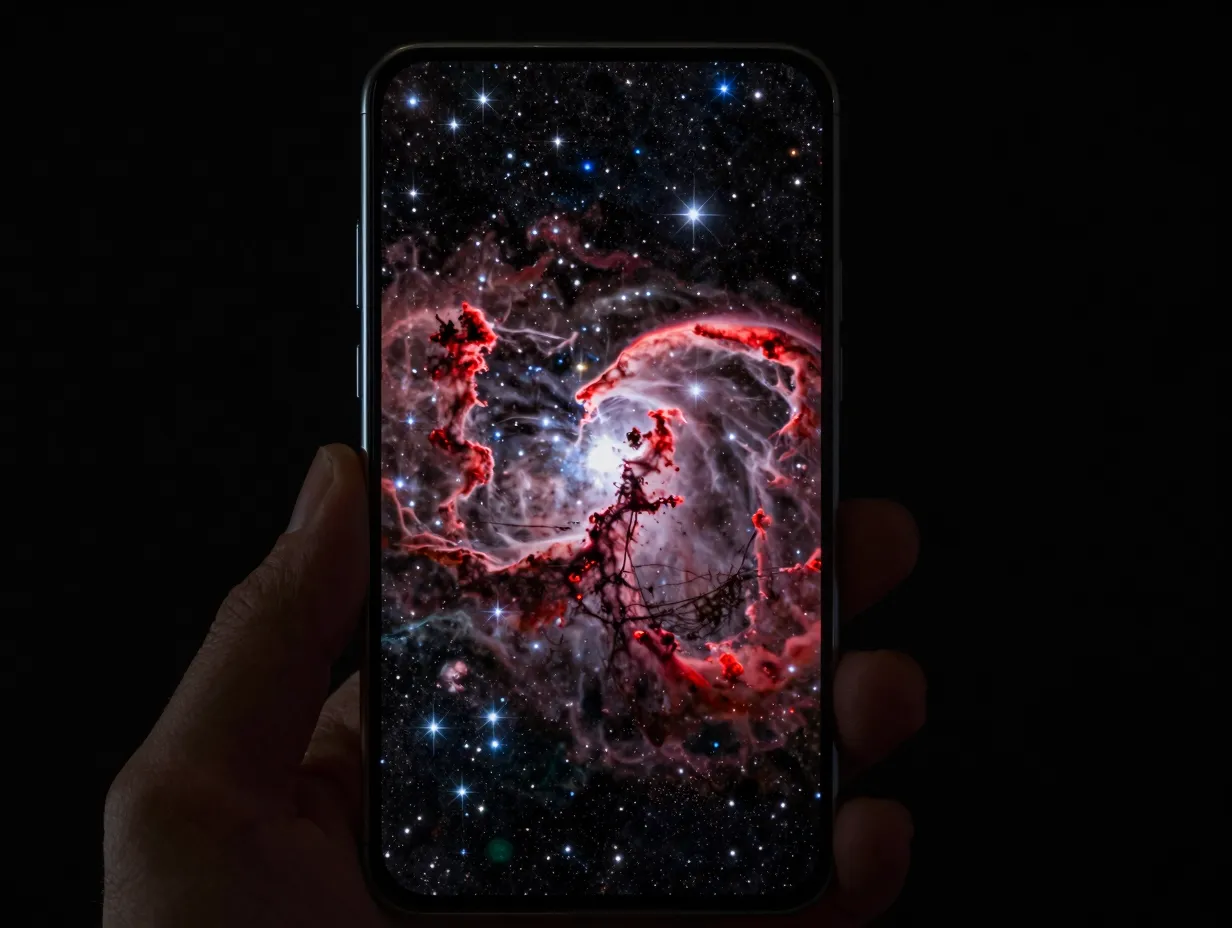
Best for: Combining the dark-background advantage of AMOLED with ultra-fine star-field detail.
Space wallpapers occupy a unique position: they are simultaneously dark-background AMOLED showcases and extreme detail tests. A high-resolution Hubble or James Webb Space Telescope image, nebulae, galaxy clusters, stellar nurseries, rendered at 1440×3120 places thousands of individually resolved stars against true black, creating a depth effect that is genuinely difficult to replicate on any other display technology.
The S25 Ultra’s QHD+ resolution means individual stars in a well-sourced astrophotography image remain distinct points rather than blurring into each other, which is the defining quality difference between this panel and lower-resolution alternatives. Color accuracy matters here too: the warm reds of emission nebulae and the cool blues of reflection nebulae should be rendered faithfully, which the S25 Ultra’s wide color gamut supports.
Recommended source: WallpaperCG’s Samsung Galaxy S25 Ultra collection [10] and the Wallpapers.com S25 Ultra gallery [7] both carry curated space photography at QHD+ resolutions.
8. Minimal Typography and Monochrome Art
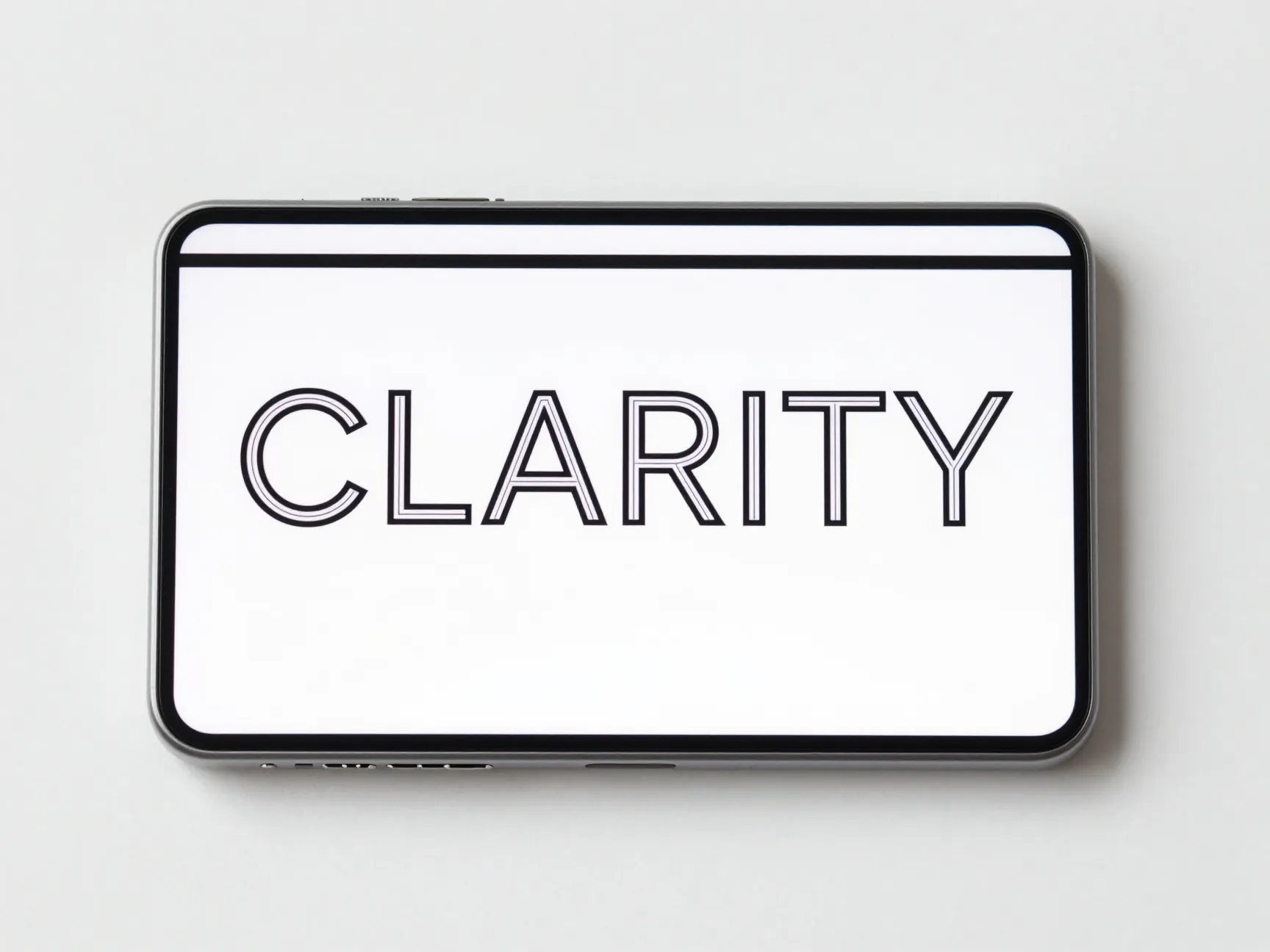
Best for: A clean, editorial aesthetic that highlights the display’s color accuracy and tonal range on the home screen.
Typography-based wallpapers, a single word, a short phrase, or a monochrome brushstroke composition, are the most personal category on this list and the most underrated for showcasing display quality. A well-designed typographic wallpaper in a single-weight sans-serif font against a pure white or deep black background demonstrates the S25 Ultra’s ability to render fine sub-pixel detail: the hairline strokes of a thin typeface at 1440×3120 are fully resolved in a way that 1080p panels cannot match.
Monochrome art, ink washes, charcoal sketches, high-contrast black-and-white photography, similarly exploits the full tonal range of the AMOLED panel from absolute black to peak white without relying on color saturation. Samsung’s stock collection includes several minimal options that fit this category [1][4], and Beebom’s curated download page offers additional minimal picks from the official S25 series set [9].
Recommended source: Samsung’s extracted stock wallpapers via Stockwallp [1] and Beebom’s Samsung Galaxy S25 wallpaper download page [9], plus specialist AMOLED wallpaper apps updated in 2026 [11][14].
How to Apply These Wallpapers for Maximum Display Impact
Choosing the right image is only half the process. Applying it correctly under One UI 7 ensures the panel displays every pixel at its intended quality.
Step 1, Verify the source resolution. Before downloading, confirm the image is at least 1440×3120. Platforms like 2Live explicitly label their S25 Ultra assets as “no crop, no watermark” 4K files sized to the device’s aspect ratio [2].
Step 2, Use the native wallpaper setter. Go to Settings > Wallpaper and Style > Change Wallpapers. One UI 7’s wallpaper engine preserves the original file resolution during the application process, whereas some third-party launchers downsample on import.
Step 3, Disable scroll effect for static images. One UI’s default scroll parallax effect shifts the wallpaper as the user swipes between home screen pages. For geometric, typographic, or precisely composed images, disabling this effect preserves the intended composition.
Step 4, Match lock screen and home screen intentionally. Using the same wallpaper on both screens creates visual continuity, while using complementary images from the same color palette (such as two titanium-matched gradients) maintains cohesion without repetition.
Step 5, Test in both light and dark environments. The anti-glare Gorilla Armor treatment improves outdoor legibility [13], but some neon and high-saturation wallpapers that look vivid indoors can appear washed out in direct sunlight. Dark AMOLED picks perform most consistently across all lighting conditions.
Where to Find the Best S25 Ultra Wallpapers in 2026
The sources below have been verified as of August 2026 for resolution accuracy and S25 Ultra compatibility.
- Stockwallp, Official Samsung Galaxy S25 Ultra stock and live wallpapers at 3120×3120 [1]
- 2Live Wallpaper App, 4K assets sized precisely at 1440×3120, no crop, no watermark [2]
- GizDev, Full extracted One UI 7 wallpaper set including 16+ default options [3]
- YTechB, Samsung Galaxy S25 wallpapers archive with static and live options [4]
- Beebom, Curated download page for the official S25 series wallpaper set [9]
- Wallpapers.com, Large gallery with HD, 4K, and QHD+ options filtered by device [7]
- WallpaperCG, Samsung Galaxy S25 Ultra-specific collection with regular updates [10]
Conclusion
The Galaxy S25 Ultra’s 6.9-inch QHD+ AMOLED panel is one of the most capable mobile displays available in 2026, but it only performs at its best when paired with wallpapers that match its resolution, aspect ratio, and color capabilities. The 8 Stunning Wallpaper Picks to Showcase Your Samsung Galaxy S25 Ultra Display covered in this guide, from deep-black AMOLED minimalism and titanium-matched gradients to astrophotography and minimal typography, each target a specific technical strength of the panel.
Actionable next steps:
- Download at least one wallpaper from the verified sources listed above, confirming the file is at or above 1440×3120 before applying it.
- Match the wallpaper’s color palette to the device’s titanium finish for a cohesive hardware-software aesthetic.
- Apply the wallpaper through One UI 7’s native setter with scroll effect disabled for precise compositions.
- Test the chosen wallpaper outdoors to confirm legibility through the anti-glare Gorilla Armor glass.
- Revisit the specialist platforms, 2Live, GizDev, and WallpaperCG, periodically, as S25 Ultra-specific collections continue to expand through 2026.
The right wallpaper does not just personalize a phone. On a display this capable, it becomes a demonstration of what modern AMOLED technology can actually do.
References
[1] Samsung Galaxy S25 Ultra Stock And Live Wallpapers – https://stockwallp.com/samsung-galaxy-s25-ultra-stock-and-live-wallpapers/
[2] Galaxy S25 Ultra – https://www.2livewallpaper.app/en/device/galaxy-s25-ultra
[3] Galaxy S25 Ultra Wallpapers – https://www.gizdev.com/galaxy-s25-ultra-wallpapers/
[4] Samsung Galaxy S25 Wallpapers – https://www.ytechb.com/samsung-galaxy-s25-wallpapers/
[5] Galaxy S25 Ultra Parts Production Begins And We May Have Bad News – https://www.phonearena.com/news/Galaxy-S25-Ultra-parts-production-begins-and-we-may-have-bad-news_id164135
[6] Galaxy S25 Ultra – https://es.wallpapers.com/galaxy-s25-ultra
[7] Galaxy S25 Ultra – https://wallpapers.com/galaxy-s25-ultra
[8] Galaxy S25 Ultra Everything That Leaked Before Launch And What Turned Out To Be True – https://www.itechguides.com/galaxy-s25-ultra-everything-that-leaked-before-launch-and-what-turned-out-to-be-true/
[9] Download Samsung Galaxy S25 Wallpapers – https://beebom.com/download-samsung-galaxy-s25-wallpapers/
[10] Samsung Galaxy S25 Ultra Wallpapers – https://wallpapercg.com/samsung-galaxy-s25-ultra-wallpapers