9 Printable Clear Phone Case Design Templates for DIY Customization
Over 1.5 billion smartphone cases are sold globally each year, yet most buyers settle for mass-produced designs that look identical to millions of others. A clear phone case with a custom printable insert changes that equation completely, for less than the cost of a cup of coffee and a few minutes of effort, anyone can create a fully personalized phone case at home.
Disclosure: This post contains affiliate links. As an Amazon Associate, we earn from qualifying purchases, and at no extra cost to you.
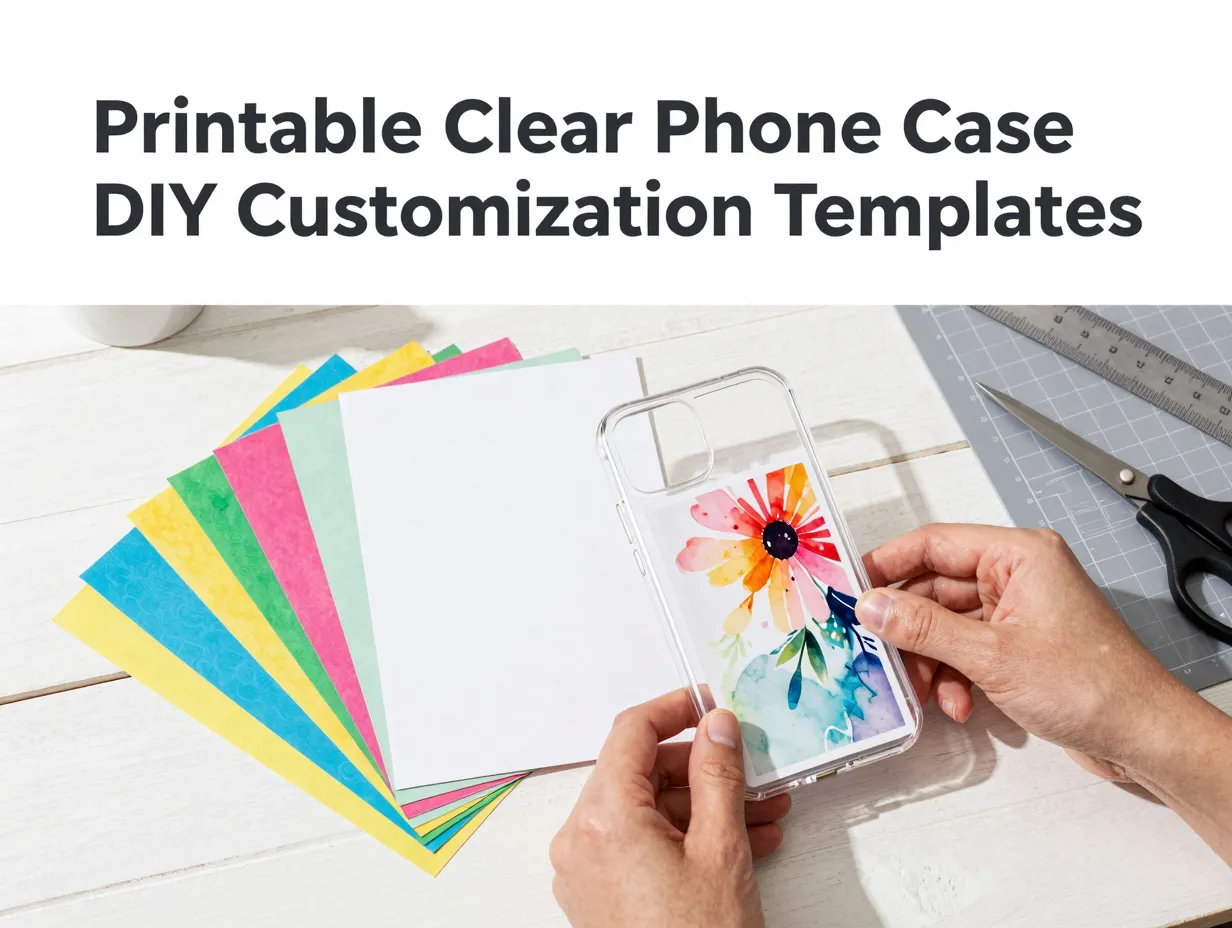
This guide covers the 9 printable clear phone case design templates for DIY customization that deliver the best results in 2026, whether the goal is a one-of-a-kind gift, a branded small-business accessory, or simply a fresh look every season. Each template type is explained with practical details on sizing, printing, and inserting designs into a clear shell.
Key Takeaways
- Printable clear phone case inserts require only a printer, cardstock or photo paper, scissors, and a transparent case
- Templates are available in free downloads from craft sites, design platforms like Canva, and vector libraries like Freepik
- Sizing accuracy is critical, templates must match the exact phone model to align camera cutouts correctly
- Designs can be swapped out in minutes, making clear-case inserts one of the most flexible DIY customization methods
- Both personal users and small-business owners use printable clear-case templates as a low-cost alternative to custom print-on-demand cases
What Are Printable Clear Phone Case Design Templates
A printable clear phone case design template is a pre-sized digital file, usually a PDF, PNG, or vector format, that matches the interior dimensions of a specific transparent phone case. The user prints the design on paper or cardstock, cuts it to shape (including a hole for the camera), and slides it inside the clear shell. The transparent outer case holds the insert in place and protects it from wear.
This method has been popular in the craft community for years. Brit + Co popularized the technique with clear-case printables sized for iPhone 5S, iPhone 6, and HTC One [1]. Everyday Dishes later expanded the concept with printable templates covering iPhone 5, 6, and 6 Plus [4]. Today, the workflow has evolved to include bundles of multiple designs in a single download, dimensional tables for dozens of phone models, and integrations with online design tools [5][10].
Why use printable inserts instead of a custom-printed case?
- Cost: Printing a new insert costs pennies; ordering a new custom case costs $15,$40
- Speed: A new design can be ready in under five minutes [9]
- Flexibility: Swap designs for holidays, seasons, or moods without buying a new case
- Creativity: Any image, pattern, or text can become a phone case design
The 9 Printable Clear Phone Case Design Templates for DIY Customization
The following nine template categories represent the most widely used and most versatile formats available in 2026. Each entry includes what the template looks like, where to find it, and tips for getting the best printed result.
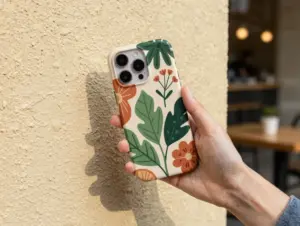
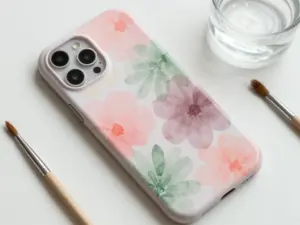
1. Floral Botanical Watercolor Inserts
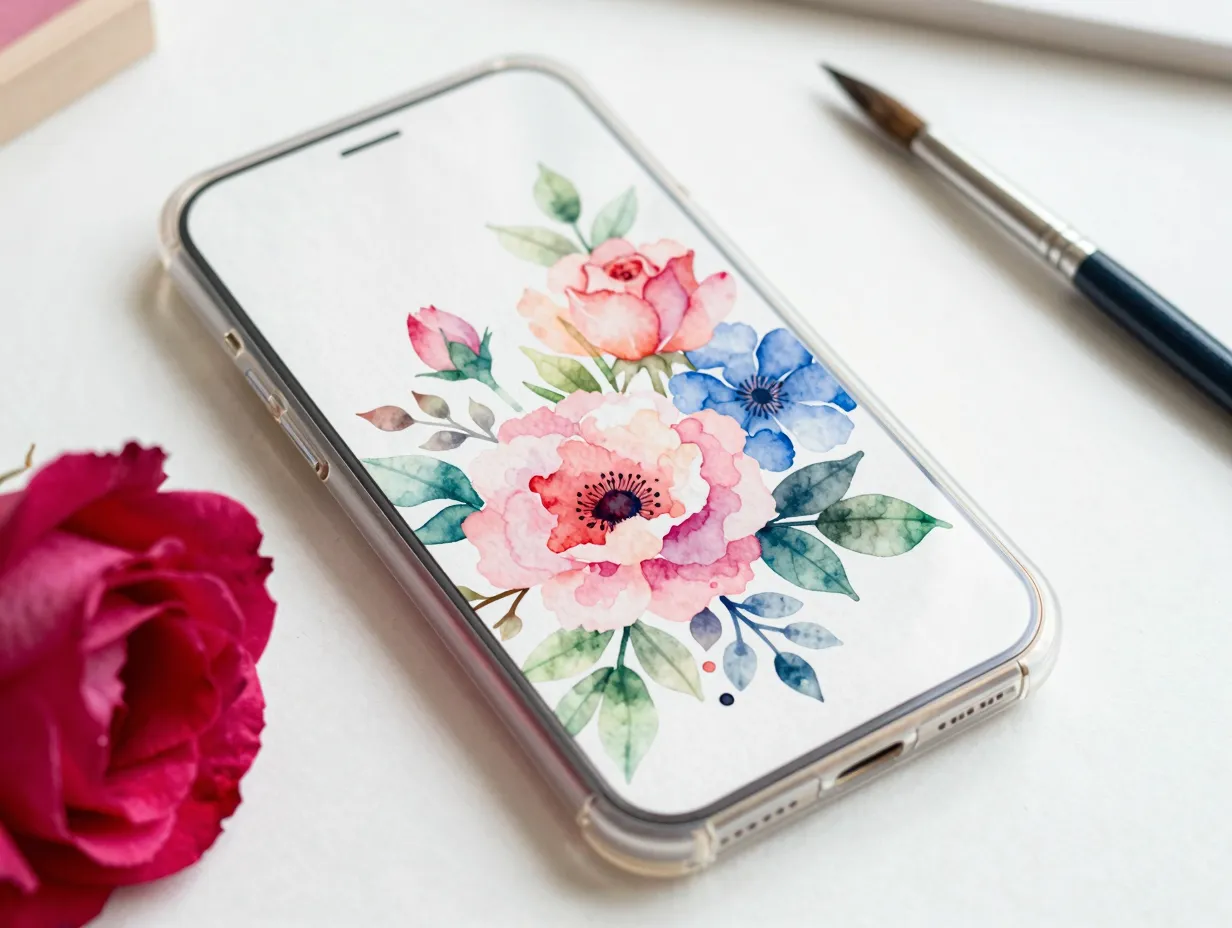
Floral watercolor designs are consistently among the most downloaded printable clear phone case templates. These templates feature hand-painted-style flowers, leaves, and botanical arrangements that look especially striking through a transparent case because the clear shell gives the paper insert a slightly laminated appearance.
Best sources: Canva’s phone case sticker templates section lists approximately 141 customizable layouts, many of which include floral themes that can be exported as print-ready files [6]. Freepik also hosts botanical vector templates sized for common iPhone and Samsung models.
Printing tip: Use glossy photo paper rather than plain cardstock for watercolor-style designs. The glossy finish enhances color saturation and mimics the look of a professionally printed case.
Sizing note: Always download the template sized for the specific phone model. A template sized for an iPhone 14 will not align correctly inside a case designed for an iPhone 15.
2. Minimalist Geometric Line-Art Templates
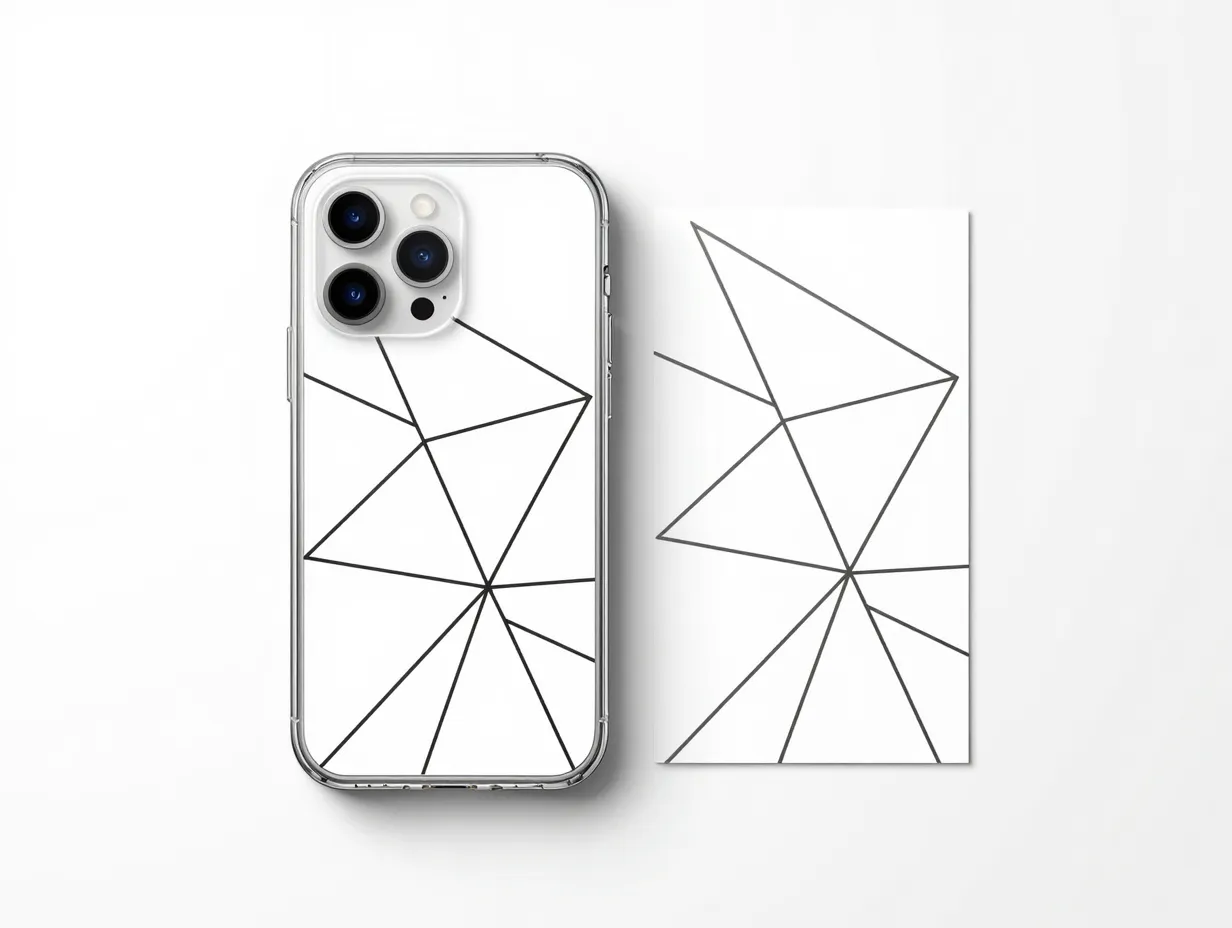
Geometric templates use clean lines, triangles, hexagons, and abstract shapes to create a modern, design-forward look. These are ideal for users who prefer a subtle, professional aesthetic rather than bold color.
Why they work well as inserts: Geometric designs are typically created as vector files, which means they can be scaled to any phone size without losing sharpness. Freepik’s collection of printable phone case template vectors, updated through early 2026, includes numerous geometric outlines that serve as both decorative inserts and base layout grids [15].
Customization idea: Open the template in a free tool like Canva or Adobe Express, change the line colors to match a personal brand palette, then print and insert.
3. Photo Collage Grid Templates
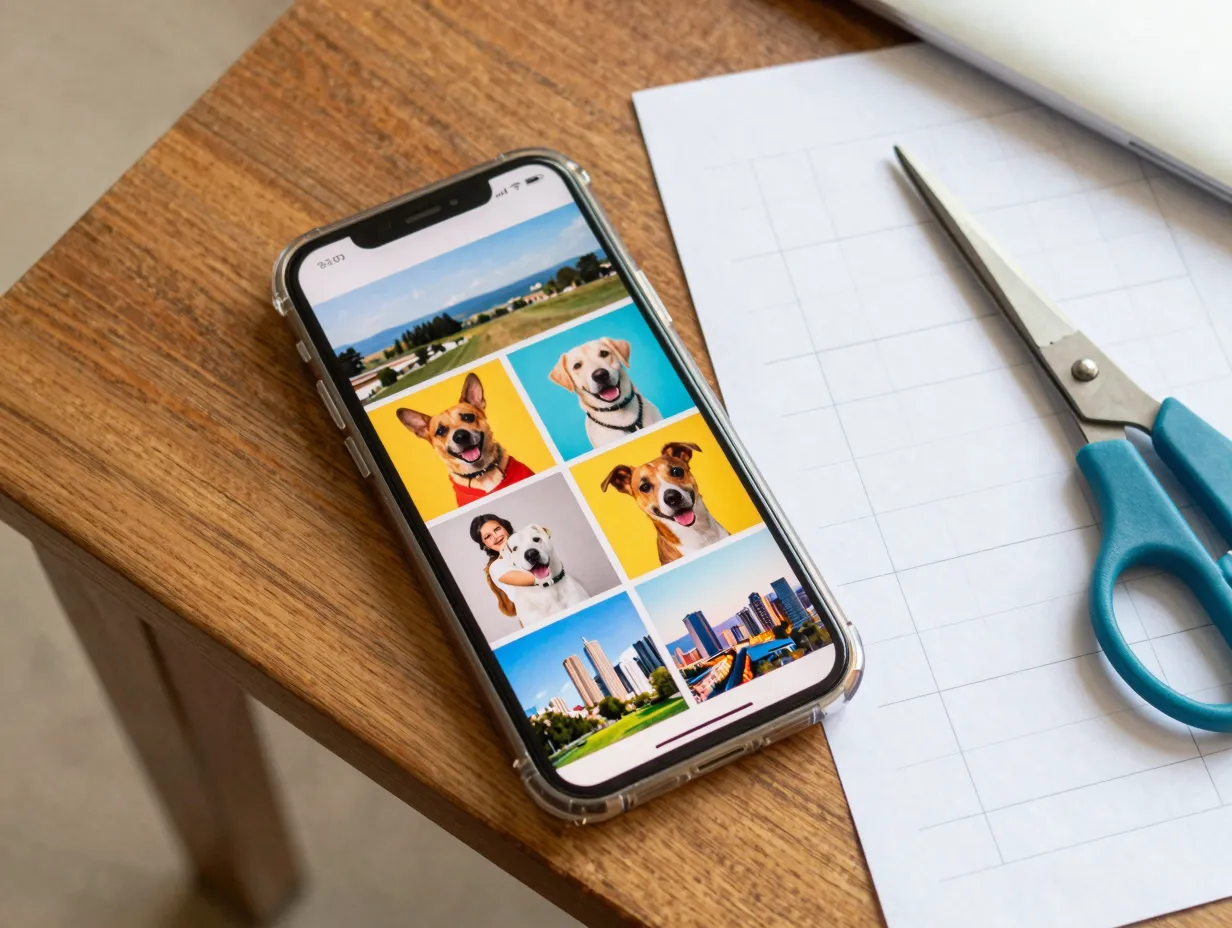
A photo collage grid template divides the phone case insert area into a series of rectangular or square cells, each sized to hold a personal photograph. This format is one of the most popular for gifts because it turns a clear case into a miniature photo display.
How to use it:
- Download a grid template sized for the target phone model
- Open the file in a photo editor or Canva
- Drop personal photos into each grid cell
- Print on glossy photo paper, cut out the camera hole, and insert
DIY Projects’ phone case printables bundle, launched in late 2025, includes size-specific stencils alongside step-by-step instructions for this exact workflow [5]. Everyday Dishes’ printable templates also provide blank grid layouts for iPhone 5, 6, and 6 Plus that users can populate with their own images [4].
Pro tip: Keep photos with high contrast and bright colors, low-contrast images can look washed out when viewed through the clear plastic layer.
4. Typography and Quote Templates
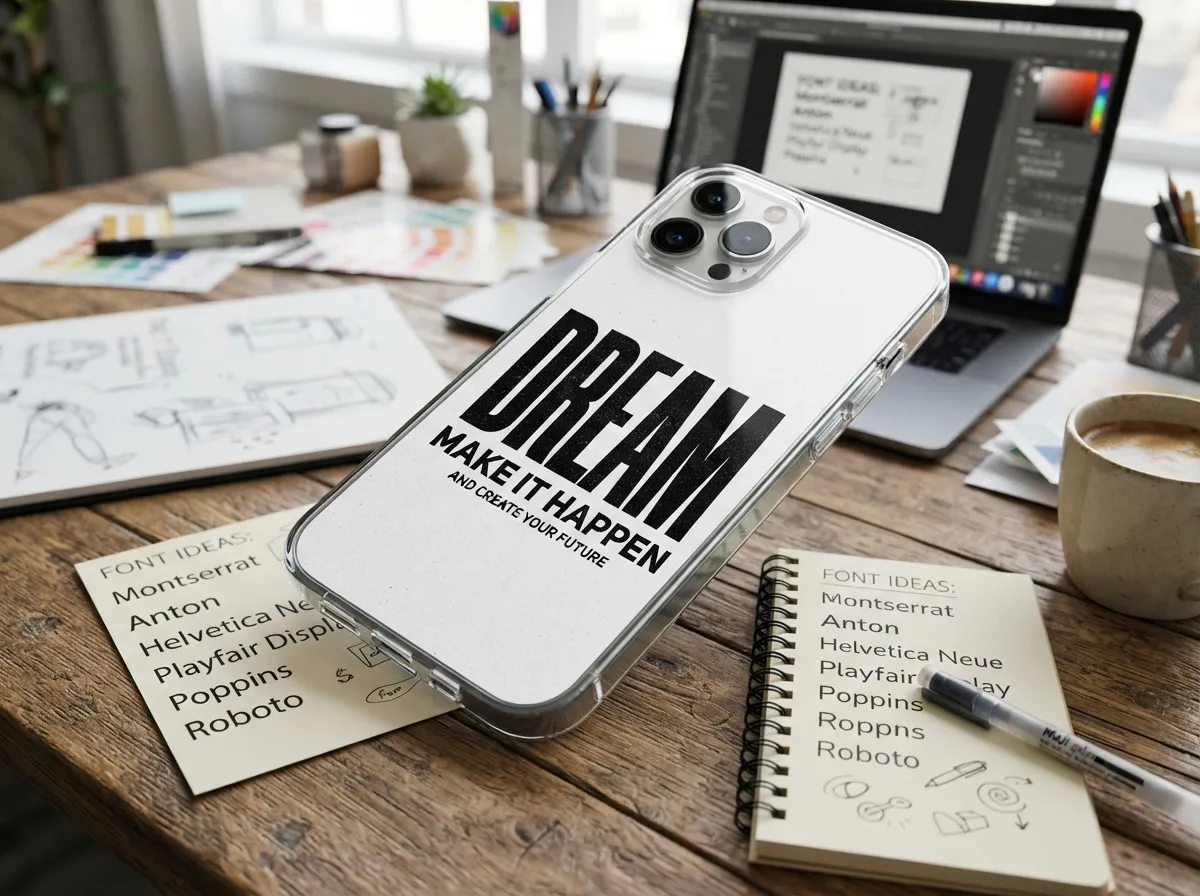
Typography-based inserts use bold lettering, handwritten script, or stylized fonts to display a word, phrase, or motivational quote. These templates are among the easiest to customize because the only variable is the text itself.
Popular styles include:
- Single large word in a display font (e.g., a name or a city)
- Handwritten-style script quote in a contrasting color
- Monogram initials centered on the insert
- Minimalist all-caps phrase with generous white space
Printful’s design tools, updated in August 2026, offer “Quick Design” templates that include typography layouts users can download as artwork and repurpose as printable inserts [7]. Miricanvas, a Korean online editor updated in April 2026, also includes ready-made phone case templates with text-forward designs like “love myself” themes that export cleanly for printing [14].
Font pairing advice: Combine one display font for the main text with one clean sans-serif for any secondary text. Avoid using more than two typefaces on a single insert, it quickly looks cluttered at phone-case scale.
5. Seasonal and Holiday-Themed Templates
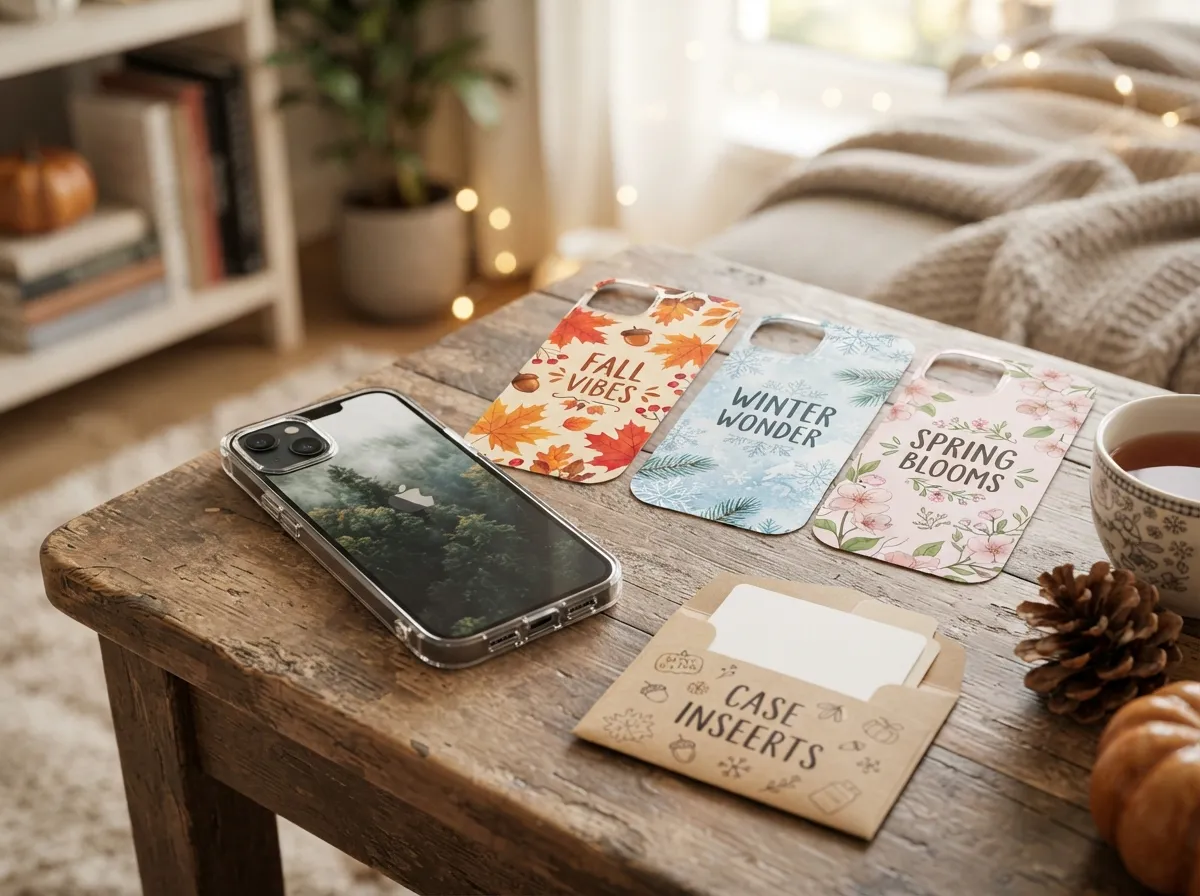
One of the strongest arguments for using printable inserts rather than custom-printed cases is the ability to swap designs with the seasons. Seasonal templates are pre-designed for specific holidays or times of year, think autumn leaves for October, snowflake patterns for December, or pastel florals for spring.
Key advantage: A single clear case can serve year-round if the user maintains a small library of seasonal inserts. Lovely Indeed’s printable smartphone case designs, originally published in 2020 and refreshed in 2025, emphasize exactly this approach, printing multiple designs labeled Small or Large, cutting out the camera hole, and swapping inserts in under five minutes [9].
Where to find seasonal templates: Canva’s template library is updated regularly with seasonal designs [6]. Craft sites like Brit + Co also release holiday-specific clear-case printables around major holidays [1].
Storage tip: Store printed inserts flat in a small envelope or folder labeled by season to keep them in good condition between uses.
6. Marble and Abstract Texture Templates
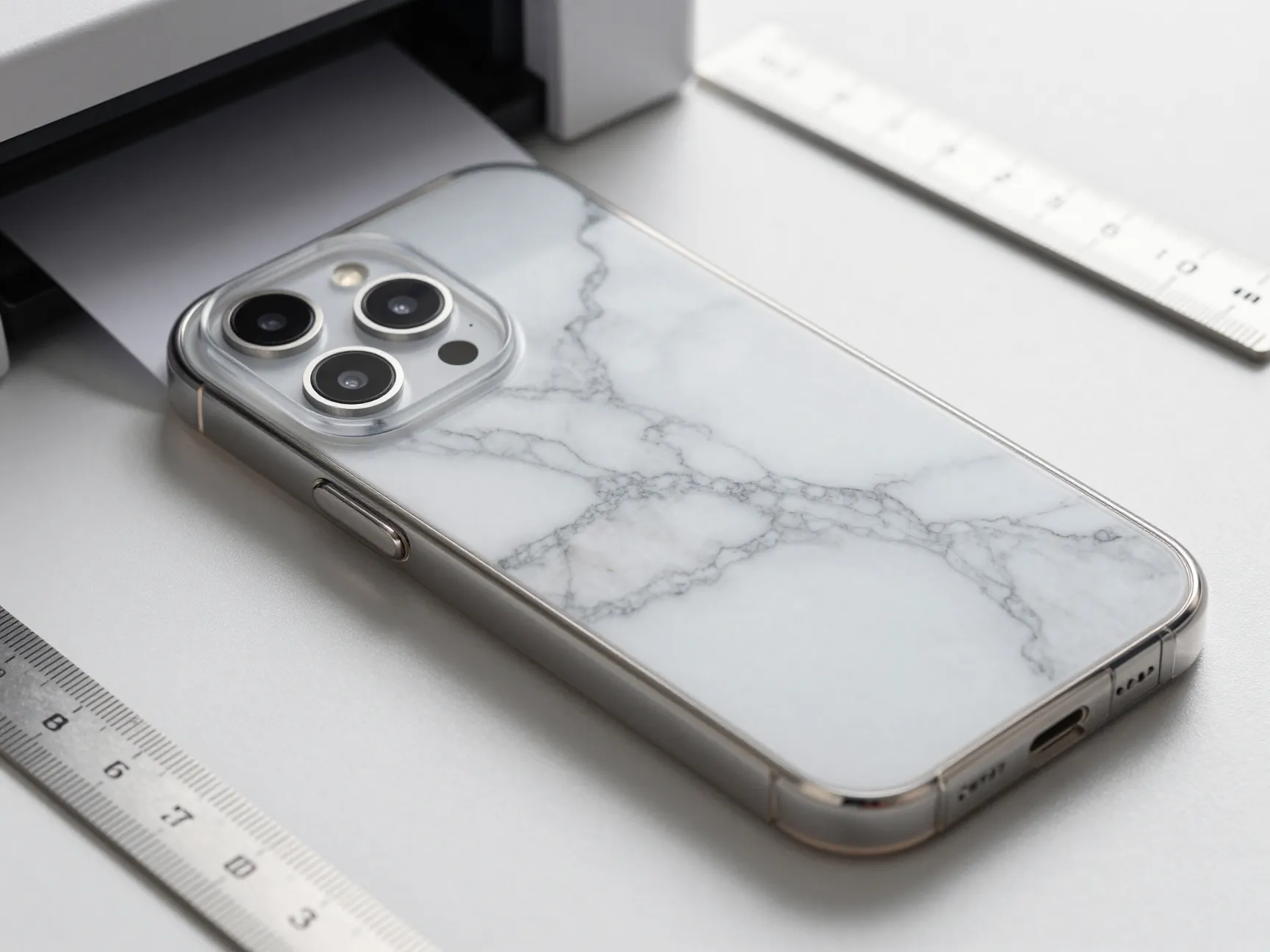
Marble, terrazzo, and abstract ink-splash textures have become a staple of phone case design because they look expensive and sophisticated while being straightforward to print. These templates use high-resolution texture images that, when printed on glossy paper and inserted into a clear case, closely mimic the appearance of a custom-dyed or printed case.
Printing requirements: Texture templates demand the highest print quality setting available on the printer. Use at least 300 DPI resolution when exporting or downloading the file. Lower resolutions will show visible pixelation through the clear case.
Free sources: Freepik hosts a wide range of marble and abstract texture vectors formatted as printable phone case templates [15]. General printable-phone-case guides updated in June 2026 also include downloadable PNG templates for iPhone XR that can be resized for other devices [10].
7. Illustrated Character and Kawaii-Style Templates
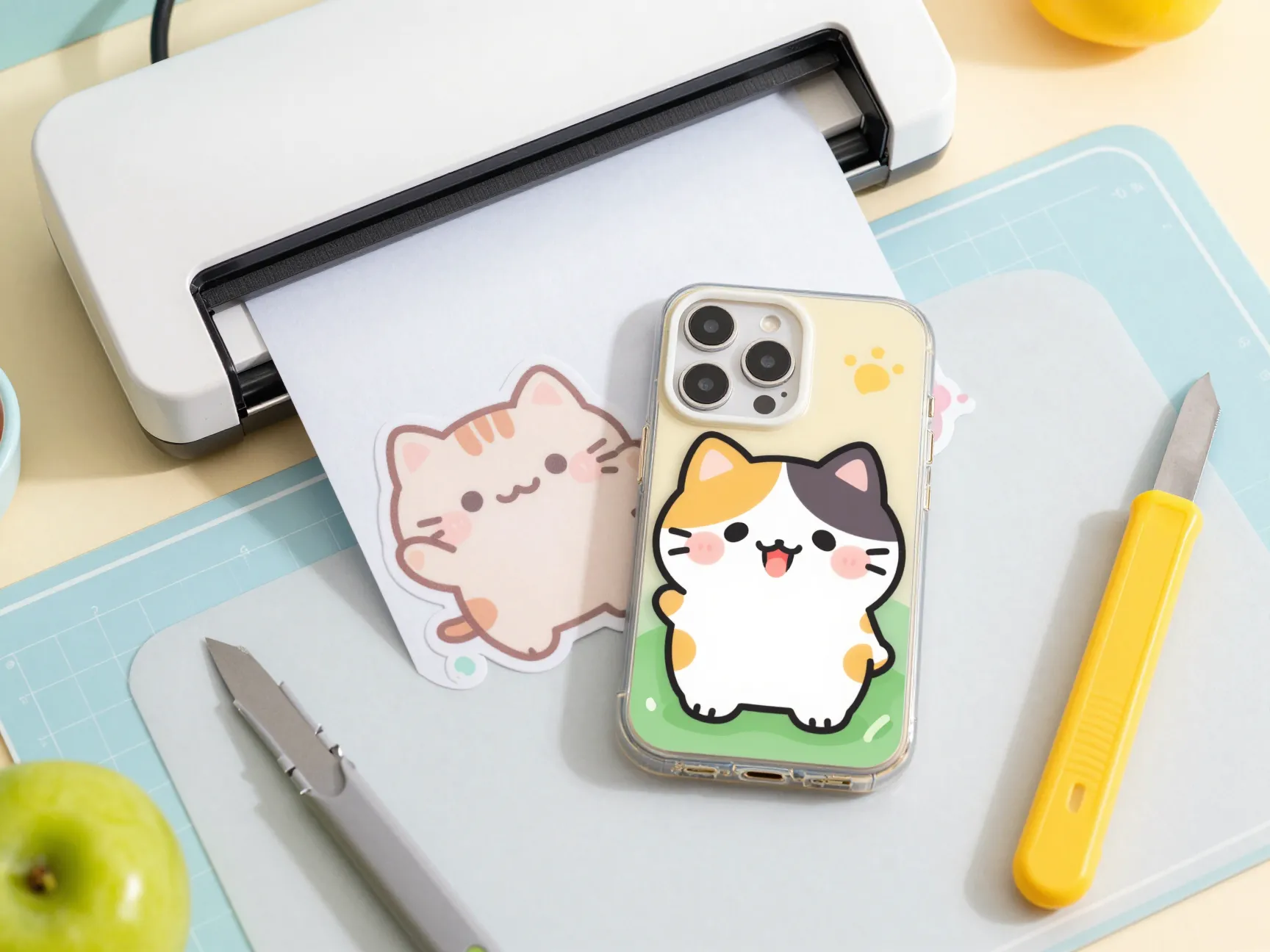
Illustrated character templates feature cute, cartoon-style artwork, animals, food characters, fantasy creatures, or kawaii (Japanese cute-culture) designs. These are especially popular among younger users and make highly giftable phone cases.
Design considerations:
- Characters should be centered or balanced within the insert area
- Leave adequate margin around the edges so the case frame does not crop key design elements
- Avoid designs with fine details smaller than 2mm, they will not reproduce clearly at phone-case scale
Miricanvas’s template library includes minimalist dog illustrations and other character-based designs that users can adapt, export, and print as inserts [14]. Canva’s sticker template section also includes character-style layouts within its 141+ phone case designs [6].
Lamination upgrade: For character inserts that will receive heavy use, consider running the printed insert through a home laminator before cutting. This adds durability and a professional finish without significantly increasing thickness.
8. Brand and Business Logo Templates
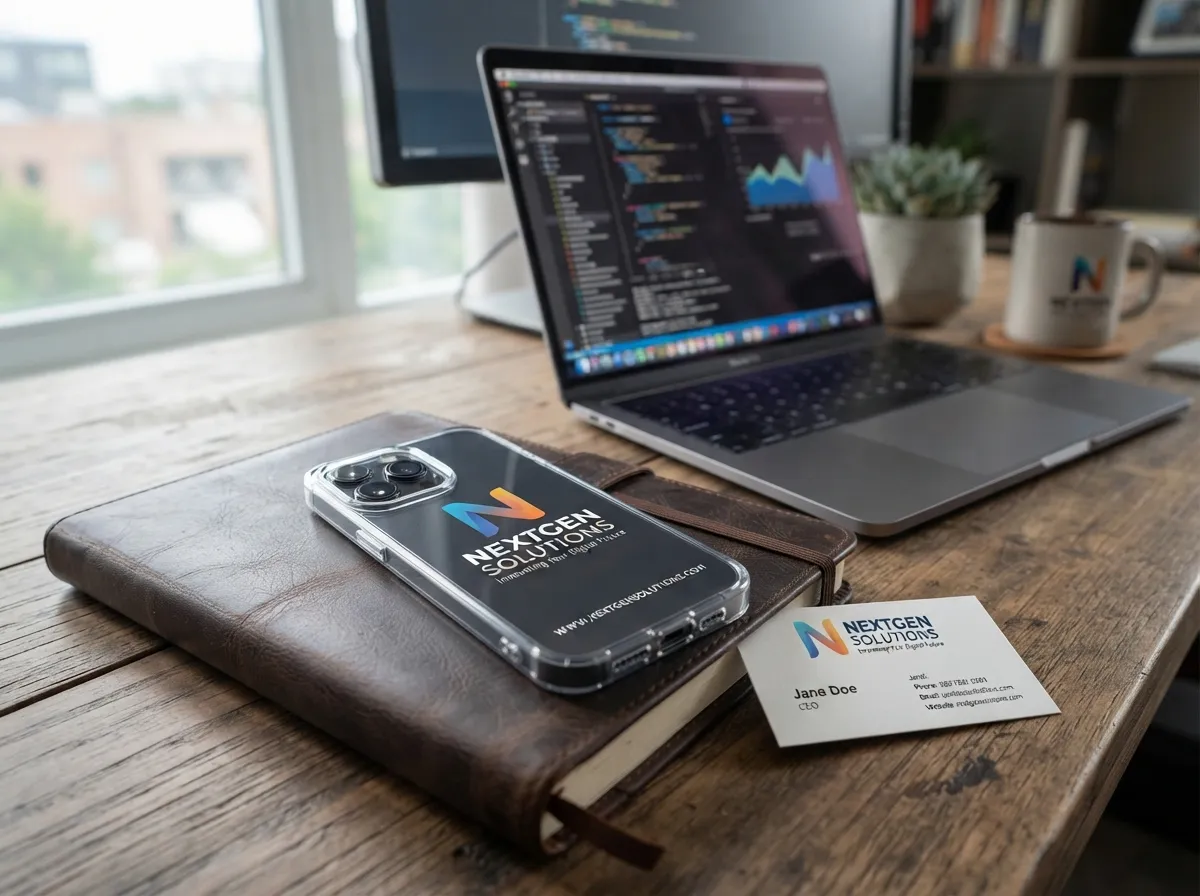
Small-business owners and freelancers increasingly use printable clear-case inserts as a low-cost promotional tool. A branded insert, featuring a logo, brand colors, website URL, and tagline, turns a phone case into a business card that is always visible.
Why this works for small businesses:
- Production cost is near zero compared to custom-printed cases
- Designs can be updated instantly when branding changes
- Clear cases with branded inserts look polished and professional in client-facing settings
Printful’s August 2026 blog post on phone case design ideas explicitly describes workflows where users print designs on vinyl or paper and place them inside clear cases, positioning this as a key DIY-friendly format for small businesses [8]. Printful also offers clear case options through its print-on-demand platform for businesses that want to scale beyond DIY inserts [7].
Template structure for branded inserts:
- Top third: Logo and brand name
- Middle: Brand tagline or key value proposition
- Bottom third: Website, social handle, or QR code
9. Downloadable Bundle Templates with Multiple Designs
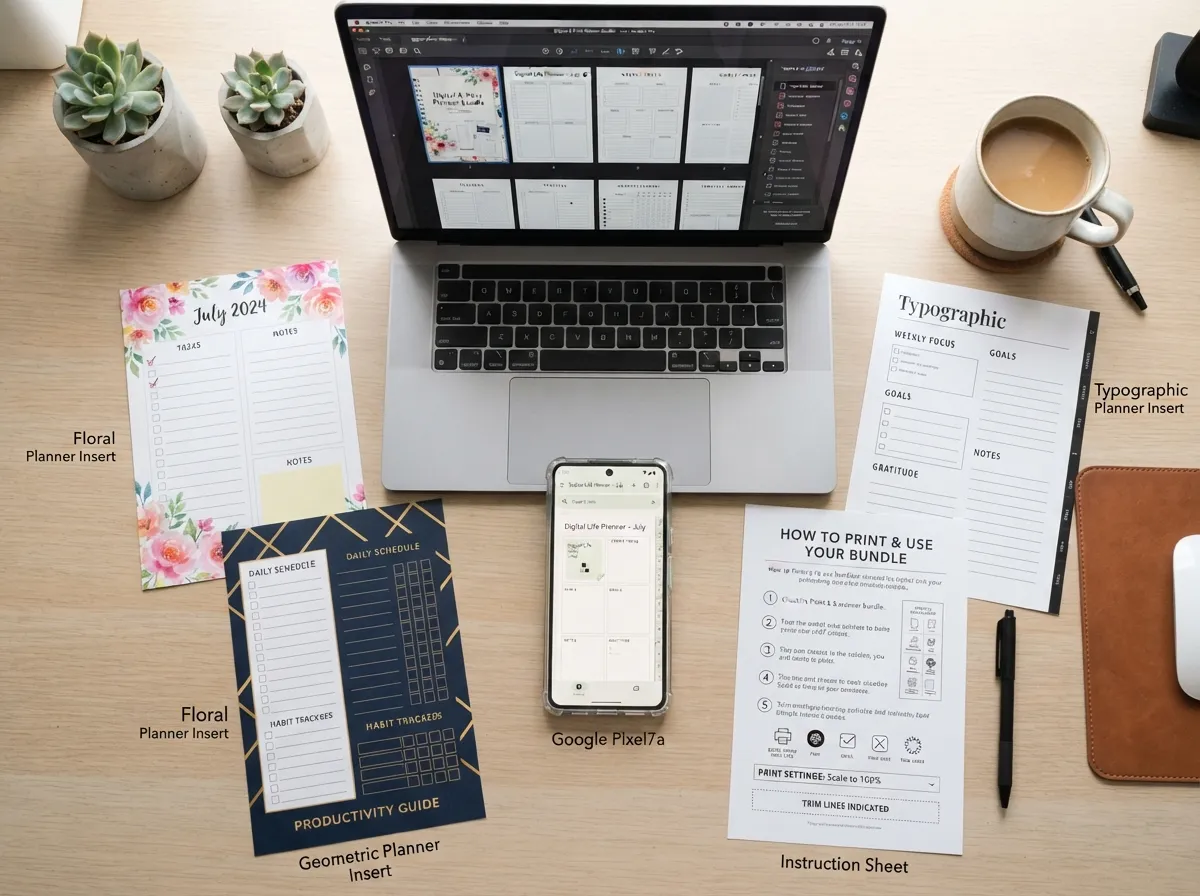
The ninth and arguably most practical category is the multi-design downloadable bundle, a single file that contains several different template designs, all pre-sized for one or more phone models. These bundles give users immediate variety without requiring multiple downloads or design sessions.
What a good bundle includes:
- Templates sized for at least three phone models (e.g., iPhone 14, iPhone 15, Samsung Galaxy S24)
- A mix of design styles (floral, geometric, typography, seasonal)
- Clear instructions for printing, cutting, and inserting
- Camera hole guides marked directly on the template
DIY Projects’ phone case printables bundle, launched October 7, 2025, and updated November 29, 2025, is a strong example: it provides size-specific stencils plus step-by-step procedures for printing and inserting designs into clear cases [5]. Brit + Co’s clear-case printables bundle covers iPhone 5S, 6, and HTC One with multiple design options in a single download [1].
Canva as a bundle builder: Users who want to create their own bundle can use Canva’s 141+ phone case sticker templates, duplicate and customize multiple designs, then export them all as a single multi-page PDF for printing [6].
How to Use These 9 Printable Clear Phone Case Design Templates for DIY Customization
Understanding the templates is only half the process. The steps below apply to all nine template types and ensure a clean, professional-looking result.
Step 1, Measure the case interior. Before downloading any template, measure the interior dimensions of the clear case with a ruler. Most templates are sized by phone model, but cases from different manufacturers vary slightly even for the same phone.
Step 2, Download the correct size. Select the template that matches the phone model. General printable-phone-case guides updated in June 2026 now include accurate dimensional tables for multiple phone models, making it easier to find the right size [10].
Step 3, Customize the design. Open the template in Canva, Adobe Express, or any image editor. Add personal photos, change colors, or adjust text before printing.
Step 4, Print at high quality. Set the printer to the highest quality setting and use the appropriate paper, glossy photo paper for photographic or watercolor designs, matte cardstock for geometric or typography designs.
Step 5, Cut precisely. Cut along the outer edge of the template and cut out the camera hole. A craft knife and cutting mat produce cleaner edges than scissors for the camera cutout.
Step 6, Insert and check alignment. Slide the insert into the clear case and check that the camera hole aligns with the lens. If the alignment is off, trim the insert slightly and recheck.
Step 7, Swap as needed. Store extra inserts flat and swap them out whenever a new look is desired. The entire process from printing to insertion typically takes under five minutes [9].
Tools and Resources for Finding the Best Templates
| Resource | Template Types Available | Cost |
|---|---|---|
| Canva | 141+ sticker and case layouts, all styles | Free and Pro tiers |
| Freepik | Vector outlines, texture, geometric | Free and Premium |
| Brit + Co | Floral, seasonal, multi-design bundles | Free download |
| Everyday Dishes | Blank grid and decorative inserts | Free download |
| DIY Projects | Multi-design bundles with instructions | Free download |
| Miricanvas | Character, minimalist, text-forward | Free and Pro tiers |
| Printful | Quick Design templates, brand layouts | Free with account |
Common Mistakes to Avoid When Using Printable Clear Phone Case Templates
Using the wrong paper weight. Paper that is too thin will buckle inside the case and show wrinkles through the clear shell. Use at least 80 lb cardstock or standard photo paper.
Ignoring DPI settings. Printing a low-resolution file at full size produces a blurry insert. Always confirm the file is at least 300 DPI before printing.
Skipping the camera hole cutout. Some users forget to cut the camera hole and then struggle to force the insert into the case, which creases the paper. Always cut the camera hole before inserting.
Downloading the wrong phone model size. A template sized for an iPhone 14 Pro will not fit correctly inside a case for an iPhone 14 Pro Max. Double-check the model number before printing.
Using an inkjet printer without letting the ink dry. Inkjet prints smear if handled immediately. Allow at least 60 seconds of drying time before cutting and inserting.
Conclusion
The 9 printable clear phone case design templates for DIY customization covered in this guide, floral botanical, minimalist geometric, photo collage, typography and quote, seasonal, marble and texture, illustrated character, brand and business, and downloadable bundles, represent a complete toolkit for anyone who wants a personalized phone case without the cost or lead time of a custom-printed order.
Actionable next steps:
- Measure the interior of a clear case and note the exact phone model
- Visit Canva, Freepik, Brit + Co, Everyday Dishes, or DIY Projects to download a free template in the preferred style [1][4][5][6]
- Customize the design using a free online editor, then print on glossy photo paper at 300 DPI or higher
- Cut out the camera hole with a craft knife for clean edges, insert the design, and check alignment
- Print two or three additional designs from different template categories and store them flat for easy swapping
The entire process costs almost nothing and takes under ten minutes from download to finished case. For small-business owners, the branded insert approach described in Template 8 offers a compelling promotional tool that can be updated instantly as branding evolves [7][8]. For personal users, the seasonal swap method from Template 5 means one clear case can serve every occasion throughout the year [9].
References
[1] Clear Phone Case Diy – https://www.brit.co/clear-phone-case-diy/
[4] Printable Iphone Case Template – https://everydaydishes.com/creative-crafts/printable-iphone-case-template/
[5] Diy Phone Case Printables Download – https://diyprojects.com/diy-phone-case-printables-download/
[6] Phone Case – https://www.canva.com/stickers/templates/phone-case/
[7] Make Your Own Phone Case – https://www.printful.com/make-your-own-phone-case
[8] Phone Case Design Ideas – https://www.printful.com/blog/phone-case-design-ideas
[9] Printable Smart Phone Cases – https://lovelyindeed.com/printable-smart-phone-cases/
[10] Heat Transfer Phone Case – https://bedenefuneralhome.com/wp-content/cache/html/heat_transfer_phone_case.html