8 Stunning 4K Samsung S25 Ultra Wallpapers To Showcase Your Display
The Samsung Galaxy S25 Ultra ships with one of the most capable smartphone displays ever made, a 6.9-inch QHD+ AMOLED panel that renders colors with a precision most users never fully exploit. Yet the single most immediate way to showcase that hardware costs nothing: choosing the right wallpaper. This guide covers the 8 stunning 4K Samsung S25 Ultra wallpapers to showcase your display, explaining exactly what makes each one exceptional, where to source them at native or true 4K resolution, and how to apply them for maximum visual impact.
Disclosure: This post contains affiliate links. As an Amazon Associate, we earn from qualifying purchases, and at no extra cost to you.
Key Takeaways
- Samsung’s official S25 Ultra wallpaper pack contains eight static images rendered at approximately 3120×3120 pixels, sized to fill the QHD+ canvas without scaling loss.
- True 4K vertical compositions (around 1884×4096) and native QHD+ files (1440×3120) both deliver sharp results on the S25 Ultra’s AMOLED panel.
- Official firmware-extracted sets, curated third-party hubs, and Google Play apps all offer legitimate, high-resolution sources updated as recently as August 2026.
- Titanium-themed and geometric designs are widely regarded as the strongest visual matches for the S25 Ultra’s premium colorways.
- Applying wallpapers through the built-in “Wallpaper and style” settings ensures the phone scales and crops the image correctly for both home and lock screens.
Why Resolution Matters on the Galaxy S25 Ultra
The Galaxy S25 Ultra‘s display runs at QHD+ resolution, approximately 1440×3120 pixels, across a 6.9-inch screen. That works out to roughly 505 pixels per inch, which is dense enough that any image below native resolution can appear slightly soft when viewed up close [3][7]. This is not a theoretical concern. Wallpapers sourced from older device packs or compressed social media shares often fall short of the panel’s capability, producing a subtle but noticeable lack of crispness on fine details like gradients, geometric edges, and star fields.
The official Samsung Galaxy S25 Ultra wallpaper pack addresses this directly. Each static image in the eight-wallpaper set is provided at approximately 3120×3120 pixels, a square crop that comfortably covers the tall QHD+ canvas regardless of how the system pans or scales it [3][6]. Third-party curators have gone further, releasing 4K vertical remakes at 1884×4096 that squeeze even more detail into the same screen real estate [10]. For live wallpapers, the target is the device’s native 1440×3120 to keep motion smooth and sharp simultaneously [1][12].
“Lower-resolution images can appear slightly soft on such a big panel, which is why official and curated packs prioritize QHD+ and 4K outputs for the Ultra.” [3][7]
The practical takeaway is straightforward: always source wallpapers at 3120×3120 pixels or above for static images, and at 1440×3120 or above for live wallpapers. Anything less is leaving the display’s capability unused.
The Official Samsung Eight-Wallpaper Pack Explained
Before diving into the individual wallpapers, it helps to understand where the “8 stunning 4K Samsung S25 Ultra wallpapers to showcase your display” concept originates. Samsung ships the Galaxy S25 Ultra with eight default static wallpapers embedded in the device firmware. These are not marketing renders, they are extracted directly from shipping builds and represent the images Samsung’s design team selected to demonstrate the panel’s color and contrast range [6].
The eight images come in both light and dark variants, giving users flexibility depending on whether they prefer a bright, airy aesthetic or a deep, AMOLED-optimized dark background [6]. Firmware-extraction communities have pulled at least 16 default wallpapers from shipping devices (covering both the light and dark variants of the core set) and packaged them into downloadable ZIP files at 1440×3088 resolution, with the collection updated as recently as May 2026 to add newly found assets [15].
Beyond the base eight, Samsung also supplies at least ten additional dark Galaxy S25 Ultra wallpapers featuring geometric patterns, designs that visually echo the number “15” and align with the device’s premium titanium colorways [14]. These were available as pre-release downloads before retail launch, confirming their status as official assets rather than fan-made artwork [14].
8 Stunning 4K Samsung S25 Ultra Wallpapers To Showcase Your Display
The following eight wallpapers represent the most visually impactful selections from Samsung’s official set and its closest high-resolution equivalents. Each entry explains the visual style, the recommended resolution, and why it works on the S25 Ultra’s panel.
1. Titanium Geometric Dark
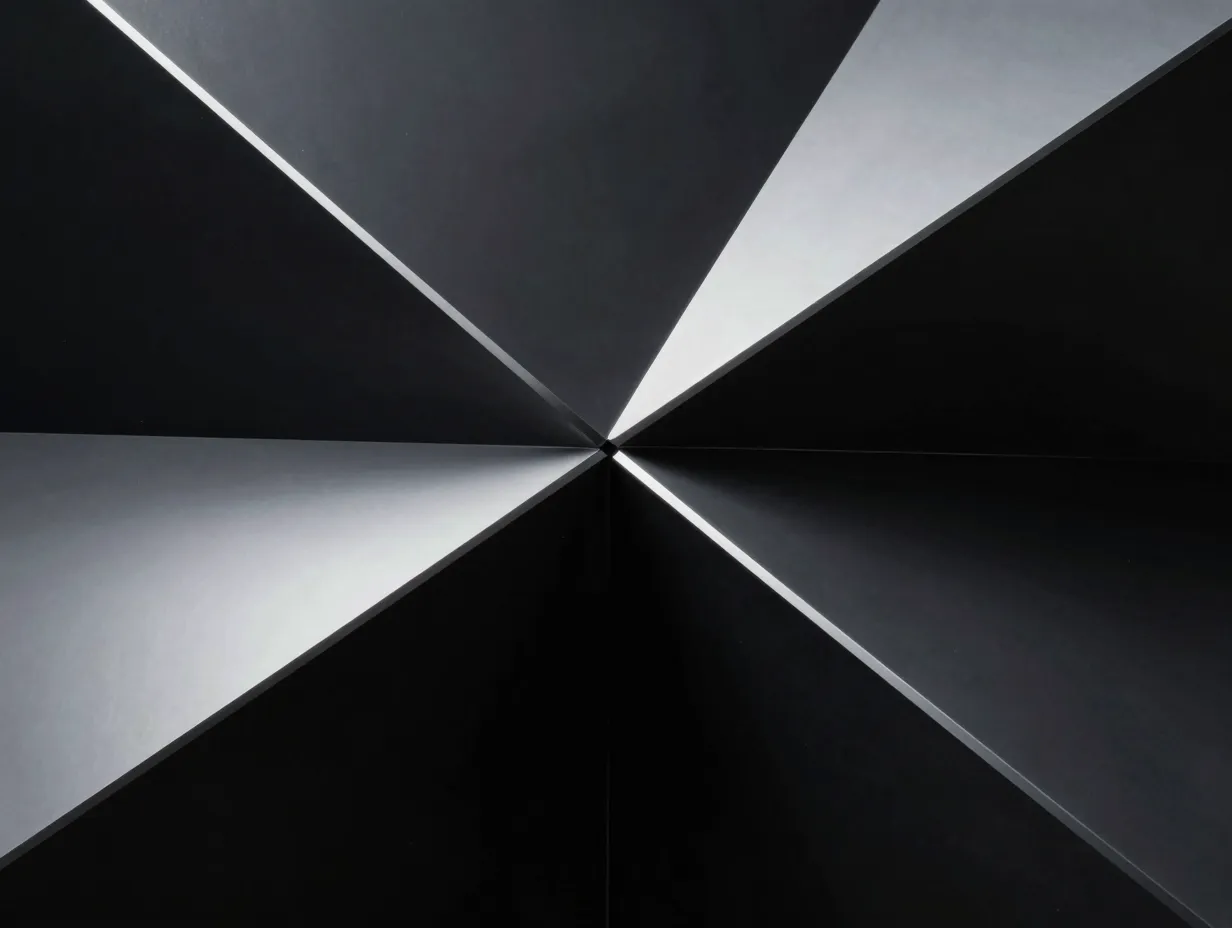
The most iconic wallpaper in the S25 Ultra lineup, this design features sharp angular shapes rendered in deep charcoal and titanium silver. The geometry references the device’s physical frame and the titanium colorways, Titanium Black, Titanium Gray, Titanium Silver Blue, and Titanium White Silver, creating a visual continuity between hardware and software [11]. On the AMOLED panel, the near-black regions trigger true pixel-off blacks, which dramatically deepens contrast and reduces battery draw on dark areas.
Best source resolution: 3120×3120 static or 1884×4096 4K vertical remake [3][6][10]
Why it works: Geometric edges reveal the panel’s sub-pixel precision; true blacks exploit AMOLED efficiency.
2. Deep Space Nebula
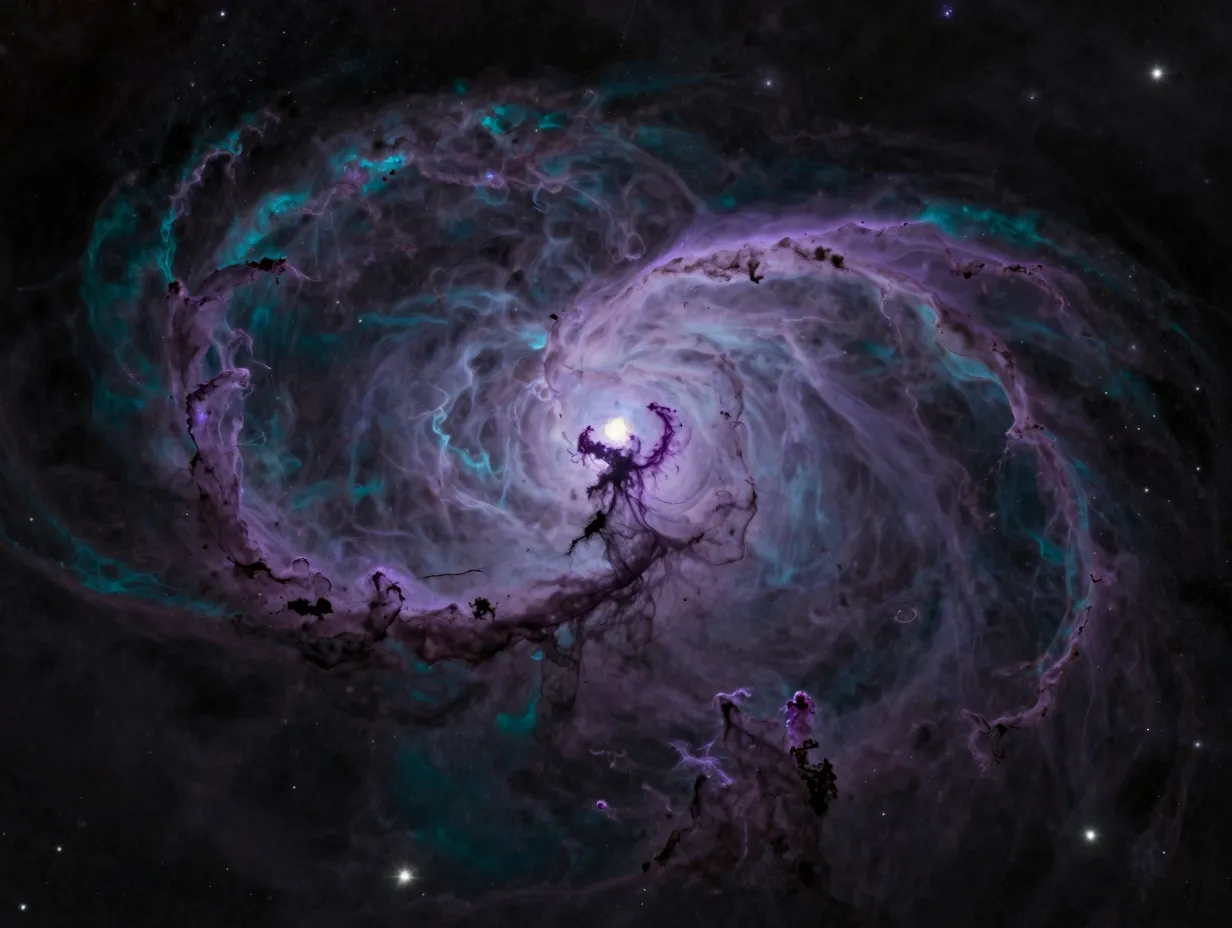
A rich, dark background populated with violet and teal gradients against a near-black star field, the Deep Space Nebula wallpaper is engineered for AMOLED displays. The color transitions are subtle enough to avoid banding on the S25 Ultra’s 16-million-color panel, while the overall darkness keeps average pixel luminance low, a practical benefit for battery life on always-on display configurations.
Best source resolution: 3120×3120 or 4K vertical (1884×4096) [6][10]
Why it works: Smooth gradients test and reward the panel’s wide color gamut; dark base suits always-on display use.
3. Titanium Gradient Light
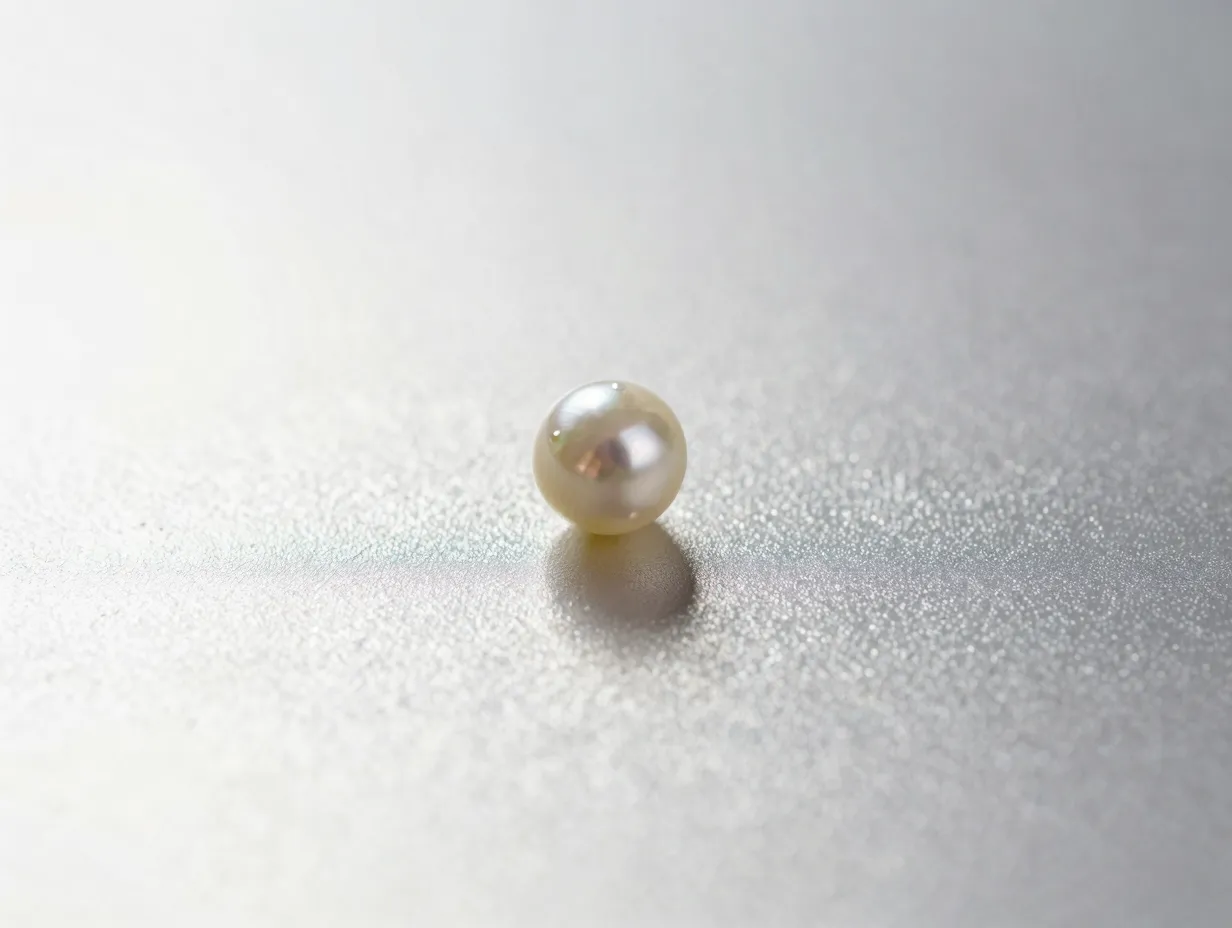
The light-variant counterpart to the geometric dark design, this wallpaper uses soft metallic gradients, silver, pearl, and warm white, that shift subtly across the screen. It is the strongest choice for users who prefer a bright home screen aesthetic without sacrificing the premium feel of the titanium theme. The gradient complexity is high enough that it still demonstrates the panel’s color accuracy even at maximum brightness [11].
Best source resolution: 3120×3120 [6]
Why it works: Showcases peak brightness and color accuracy; pairs naturally with One UI 7‘s light mode interface.
4. Abstract Fluid Ink
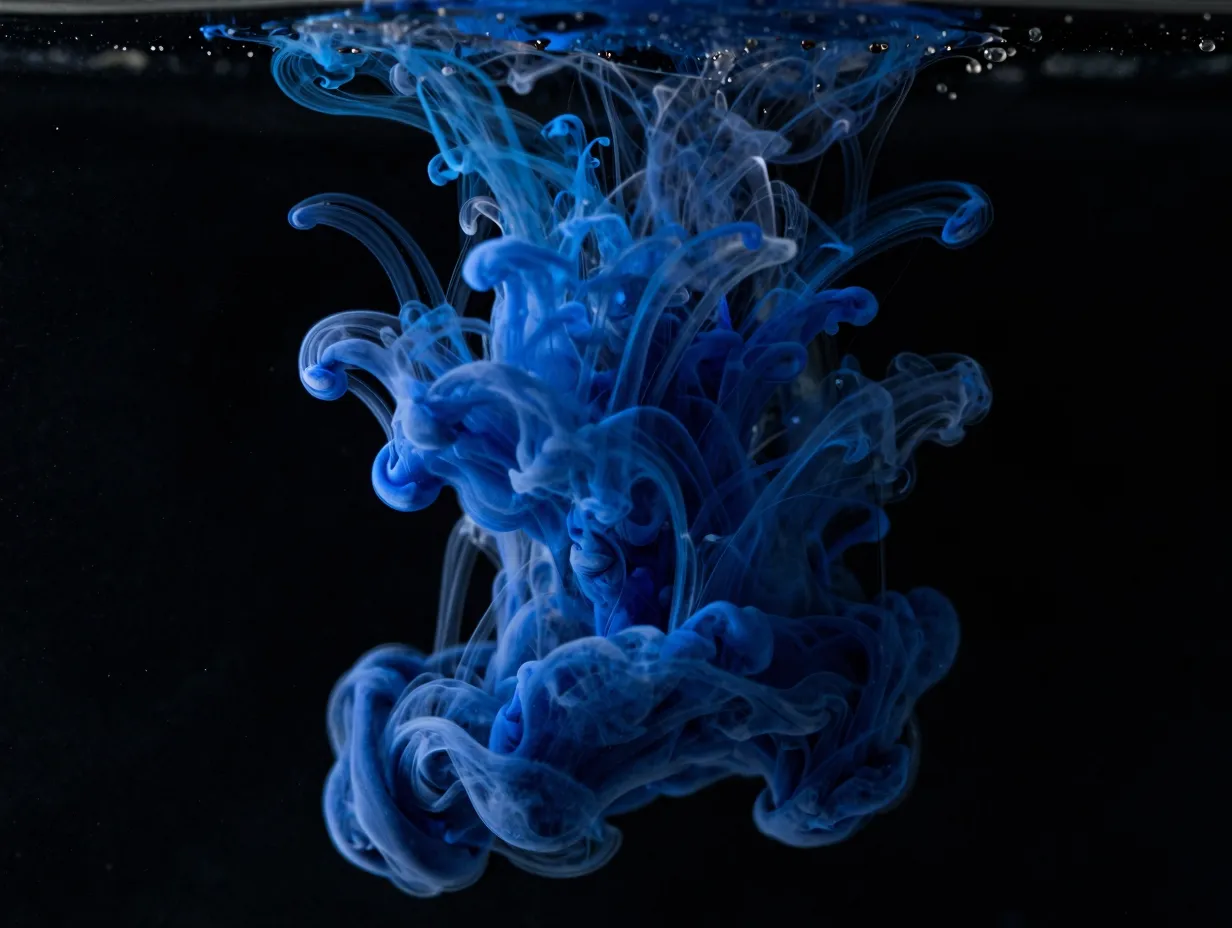
This wallpaper presents flowing ink-like shapes in deep navy, cobalt, and black, with fine wisps of lighter pigment creating organic movement across the frame. The design sits between the structured geometry of the titanium set and the open space of the nebula wallpaper, making it versatile across different icon layouts and widget configurations. Fine detail in the ink wisps rewards close inspection on the S25 Ultra’s 505 PPI display.
Best source resolution: 3120×3120 or 4K vertical remake at 1884×4096 [10]
Why it works: Fine organic detail rewards high pixel density; dark base with mid-tone accents balances legibility of light-colored icons.
5. Geometric Pattern “15” Dark
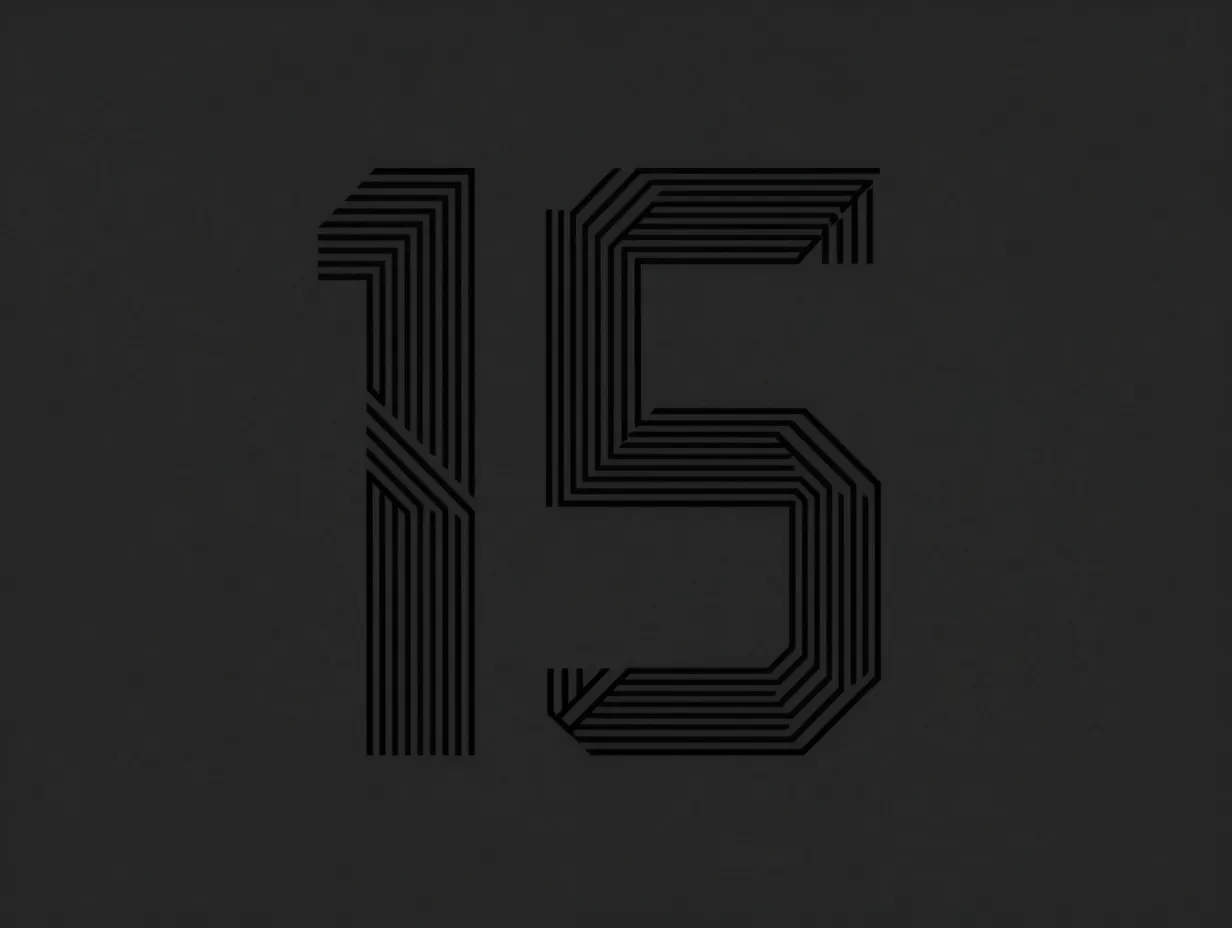
Among the extended official set, the geometric “15” pattern wallpapers stand out as the most distinctive. Samsung designed at least ten dark variants of this motif, each using angular lines and negative space to suggest the number fifteen, a nod to the Galaxy S25 series’ generational positioning [14]. The precision of the linework makes it one of the most technically demanding wallpapers for a display to render cleanly, which is exactly why it belongs in any showcase set.
Best source resolution: 3120×3120 [14]
Why it works: Fine linework stress-tests sub-pixel rendering; the pattern is unique to the S25 Ultra, making it an instantly recognizable brand signal.
6. Macro Nature Ultra 4K
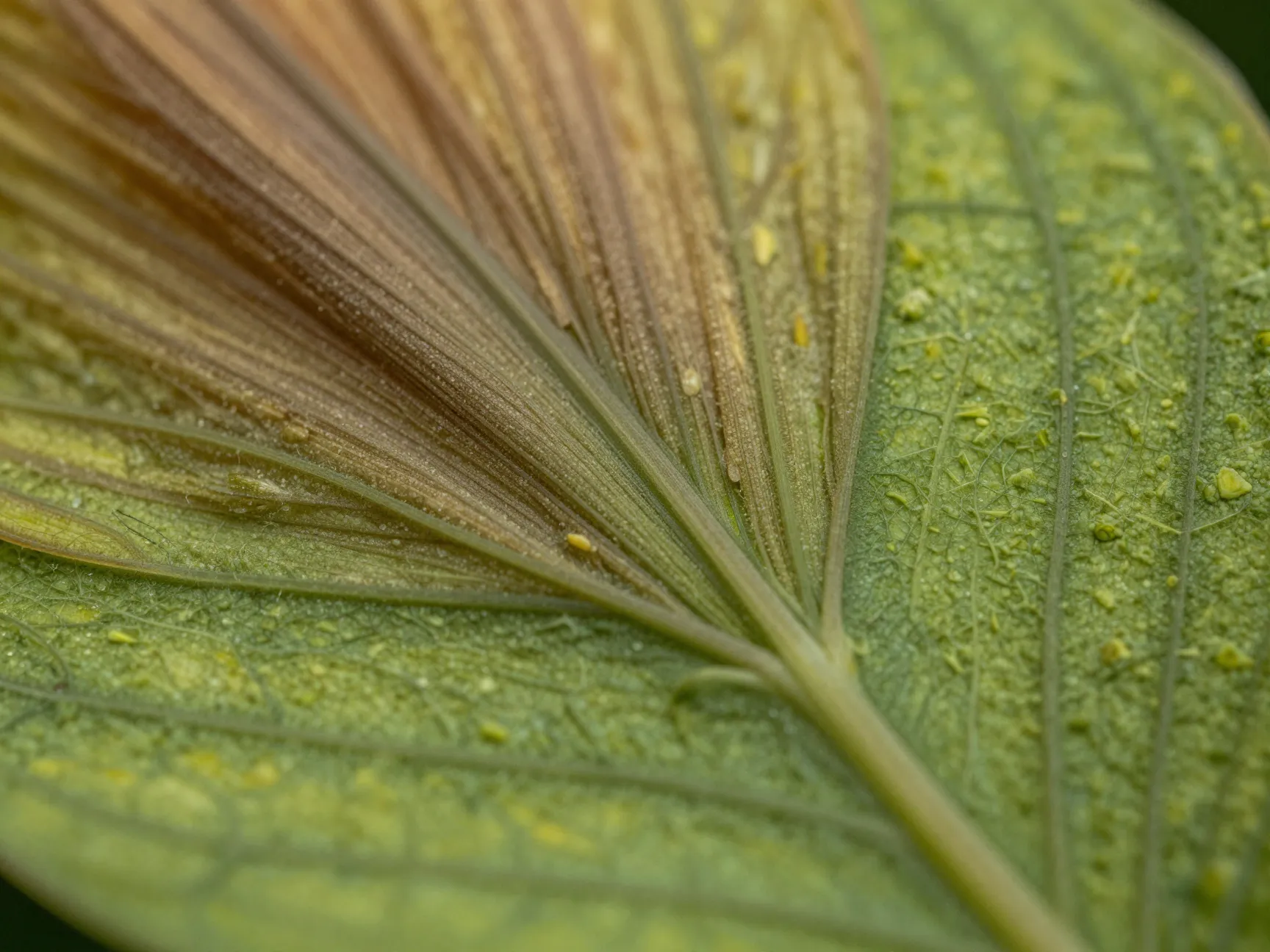
Not all showcase wallpapers need to be abstract. The macro nature entry in the official S25 Ultra pack features extreme close-up botanical or mineral photography, fine textures, vivid greens or earth tones, and sharp micro-detail that only resolves fully at QHD+ or above. This category of wallpaper is particularly effective for demonstrating the display’s color volume to friends and colleagues, since the subject matter is immediately relatable and the detail is visibly impressive.
Best source resolution: 4K vertical (1884×4096) for maximum texture detail [10]
Why it works: Real-world subject matter makes sharpness and color accuracy immediately legible to non-technical viewers.
7. Minimalist Pastel Gradient
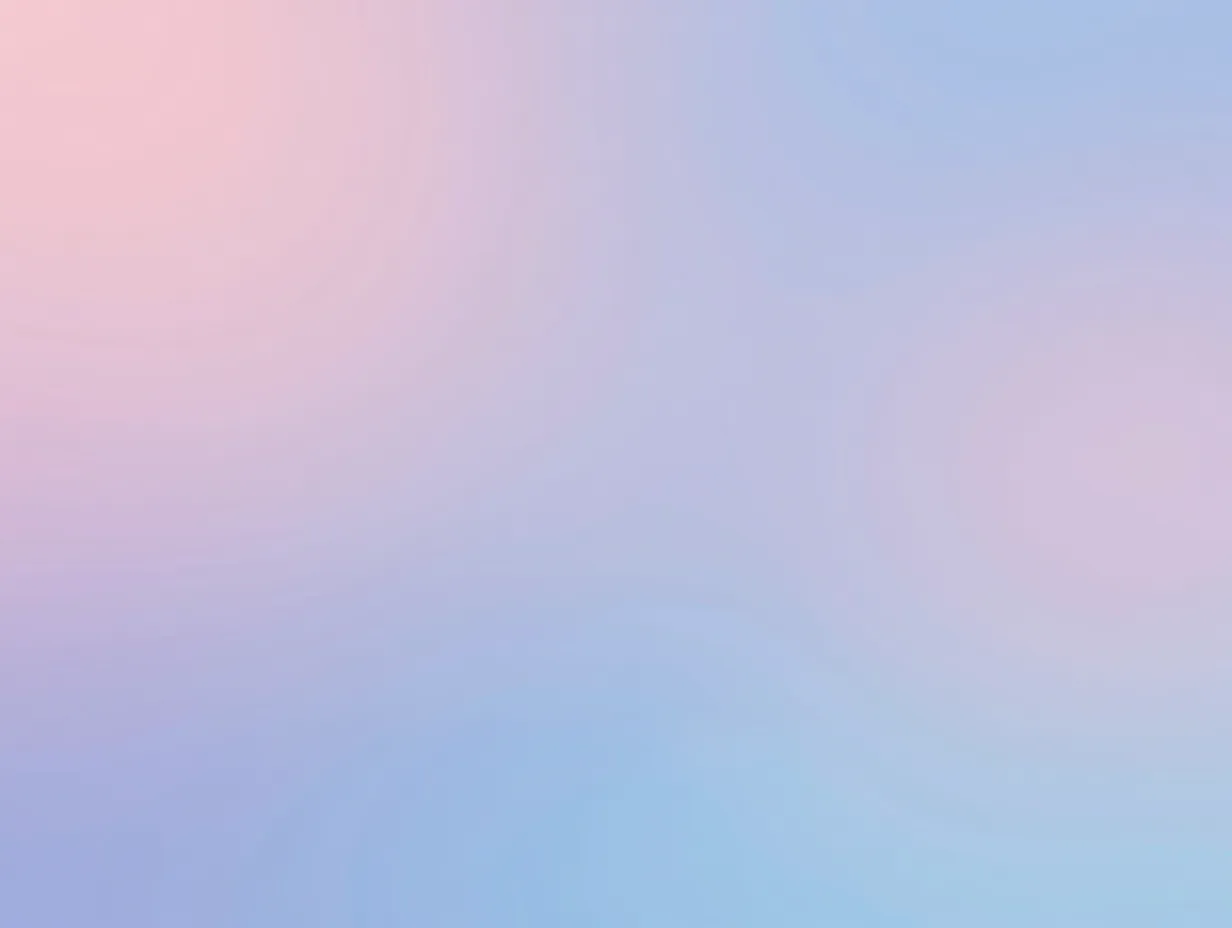
A clean, soft-light composition using pastel sweeps, often blush, lavender, or sky blue, the minimalist gradient wallpaper demonstrates the S25 Ultra’s ability to render smooth tonal transitions without banding. This is a technically challenging task for any display, and the S25 Ultra’s panel handles it cleanly. The low visual complexity also makes it the best backdrop for dense home screen layouts with multiple widgets and icon rows.
Best source resolution: 3120×3120 [3][6]
Why it works: Smooth gradient rendering tests display uniformity; low visual noise supports complex home screen layouts.
8. Live Wallpaper, Titanium Motion
The only live wallpaper in this showcase set, the Titanium Motion design animates the geometric titanium shapes with subtle parallax and shimmer effects. Live wallpapers for the S25 Ultra are optimized at 1440×3120, the device’s native resolution, to maintain sharpness during motion [1][12]. Third-party services such as 2Live target this exact format and offer downloads with no crop and no watermark, updated as recently as August 2026 [1]. The motion is intentionally restrained: it enhances the premium feel without becoming distracting.
Best source resolution: 1440×3120 native live wallpaper format [1][12]
Why it works: Motion adds depth to the titanium aesthetic; native resolution ensures no frame-by-frame softness during animation.
Where To Download These Wallpapers in 2026
Finding high-quality, correctly sized versions of these eight wallpapers requires knowing which sources are reliable and current. The ecosystem is active, with major collections updated well into 2026.
Official and firmware-extracted sources are the most trustworthy starting point. Sites like AndroidSage host the full official S25 Ultra wallpaper pack extracted from firmware, providing both the eight core static images and additional variants at approximately 3120×3120 pixels [6]. These are the same files that ship on the device, so there is no quality loss from re-compression.
Curated high-resolution hubs go further. Technastic’s Galaxy S25 stock wallpaper collection lists 31 static and live wallpapers for the S25 series in 4K resolution, with 22 high-quality 4K remakes added in June 2025 at 1884×4096 [10]. The collection was updated again on August 18, 2026, making it one of the most current sources available [10]. YTechB offers a similar curated set with direct download links [3].
Large aggregator libraries provide the widest selection. One Samsung S25 Ultra collection lists 518 4K-ready images suitable for phones, tablets, and PCs [8]. Another advertises over 100 Galaxy S25 Ultra wallpapers in varying resolutions [9]. WallpaperCG hosts HD and 4K versions of official S25 Ultra backgrounds updated as recently as July 2026 [5].
Google Play apps offer the most convenient mobile experience. The “Galaxy S25 Ultra 4K Wallpapers” app and the “Samsung Galaxy S25 Wallpaper, Stunning 4K & 8K Backgrounds” app both advertise QHD/4K download options, fast loading, and direct gallery saves [2][4]. Both apps were updated in 2026, March and May respectively, and are specifically tuned for AMOLED and QHD screens [2][4].
| Source Type | Example | Resolution Available | Last Updated |
|---|---|---|---|
| Firmware Extraction | AndroidSage | 3120×3120 | 2025 |
| Curated Hub | Technastic | 4K (1884×4096) | August 2026 |
| Large Aggregator | WallpapersHome | 4K multi-format | July 2026 |
| Google Play App | Galaxy S25 Ultra 4K Wallpapers | 4K / 8K | March, May 2026 |
| Live Wallpaper App | 2Live | 1440×3120 native | August 2026 |
How To Apply Wallpapers on the Galaxy S25 Ultra
Applying a downloaded wallpaper correctly ensures the image fills the screen at its intended resolution without unwanted cropping or stretching. The process on One UI 7 is straightforward.
- Save the downloaded wallpaper image to the device’s Gallery app or a dedicated folder in internal storage.
- Open the Settings app and navigate to “Wallpaper and style.” This is Samsung’s dedicated wallpaper management interface in One UI 7.
- Tap “Change wallpapers” and select “My photos” or browse to the folder where the file was saved.
- Choose the image and use the crop/position tool to center the composition. For 3120×3120 square images, the system will crop to the tall aspect ratio automatically, position the focal point of the design in the center to avoid cutting off key elements.
- Select whether to apply the wallpaper to the home screen, lock screen, or both. For showcase purposes, applying the same 4K wallpaper to both surfaces creates the most cohesive visual impression.
- Tap “Apply” and confirm. The system renders the wallpaper at display resolution immediately.
For live wallpapers sourced from apps like 2Live, the process routes through the app’s own “Set as wallpaper” button, which hands off to the same One UI 7 “Wallpaper and style” interface [1].
Tips for Getting the Most From 8 Stunning 4K Samsung S25 Ultra Wallpapers To Showcase Your Display
Selecting and applying the right wallpaper is only part of the equation. A few additional steps ensure the display performs at its best.
Match wallpaper tone to One UI 7 color palette. One UI 7 offers a “Color palette” feature under “Wallpaper and style” that extracts accent colors from the active wallpaper and applies them to system UI elements, icon backgrounds, notification shades, and widget borders. Dark geometric wallpapers generate deep charcoal and silver accents; pastel gradients produce soft complementary tones. Using this feature creates a unified aesthetic rather than a jarring contrast between wallpaper and interface.
Enable “Motion effects” for static wallpapers. The S25 Ultra’s gyroscope enables a subtle parallax effect on static wallpapers, where the image shifts slightly as the device tilts. This adds perceived depth to geometric and gradient designs without the battery overhead of a full live wallpaper. The setting is found within “Wallpaper and style” under motion effects.
Use dark wallpapers for always-on display efficiency. AMOLED panels power off individual pixels to display black, so dark wallpapers reduce average screen brightness and extend battery life during always-on display use. The Titanium Geometric Dark and Deep Space Nebula options are the strongest choices for this use case.
Avoid over-compression when transferring files. Sending wallpaper files via messaging apps often triggers automatic compression that degrades image quality. Transfer files using a USB cable, cloud storage with original-quality upload settings, or direct download from the source site on the device itself.
Rotate wallpapers seasonally. Major wallpaper hubs update their S25 Ultra collections regularly, Technastic updated in August 2026, and WallpaperCG updated in July 2026 [5][10]. Checking these sources every few months surfaces new high-quality additions that were not available at launch.
What To Expect From Future S25 Ultra Wallpaper Updates
The wallpaper ecosystem for the Galaxy S25 Ultra remains active well into 2026, driven by ongoing firmware updates and third-party curation. Analysts and customization writers expect future One UI updates to introduce AI-driven or context-aware wallpapers, generative scenes that adapt to time of day or usage patterns, though as of August 2026 Samsung has not confirmed any such feature specifically for the S25 line [7]. This expectation is grounded in the broader AI capabilities introduced with Android 15 and One UI 7, rather than any announced wallpaper feature [7].
What is confirmed is that the community extraction and curation pipeline continues to grow. Firmware-extraction projects note that their S25 Ultra collections are partial and will expand as new builds are dumped [15]. Third-party 4K remake collections are adding assets on an ongoing basis [10]. For users who want the most current showcase-quality wallpapers, the practical advice is to bookmark two or three of the major hubs listed above and check them quarterly rather than relying solely on the wallpapers that shipped with the device.
Conclusion
The 8 stunning 4K Samsung S25 Ultra wallpapers to showcase your display are not just decorative choices, they are the most immediate and cost-free way to demonstrate what the S25 Ultra’s QHD+ AMOLED panel can actually do. From the precision of the Titanium Geometric Dark design to the smooth tonal transitions of the Minimalist Pastel Gradient, each wallpaper in this set targets a specific capability of the display: true blacks, color gamut, gradient rendering, sub-pixel sharpness, and motion clarity.
Actionable next steps:
- Download the official firmware-extracted pack from AndroidSage or Technastic for the highest-fidelity static images at 3120×3120 or 4K vertical resolution [6][10].
- Install the 2Live app or a comparable live wallpaper source for the Titanium Motion option at native 1440×3120 resolution [1].
- Apply wallpapers through “Wallpaper and style” in One UI 7 settings, enable the color palette feature, and turn on motion effects for static images.
- Bookmark WallpaperCG, Technastic, and WallpapersHome for quarterly updates as new high-resolution assets are added [5][8][10].
- Prioritize dark-base wallpapers for always-on display configurations to balance visual impact with battery efficiency.
The display is already exceptional. The right wallpaper simply makes sure everyone can see it.
References
[1] Galaxy S25 Ultra – https://www.2livewallpaper.app/en/device/galaxy-s25-ultra
[2] Details – https://play.google.com/store/apps/details?id=com.artisaan.galaxys25ultrawallpaper&hl=en_US
[3] Samsung Galaxy S25 Wallpapers – https://www.ytechb.com/samsung-galaxy-s25-wallpapers/
[4] Details – https://play.google.com/store/apps/details?id=com.executrixapps.s24_ultra_wallpaper&hl=en_US
[5] Samsung Galaxy S25 Ultra Wallpapers – https://wallpapercg.com/samsung-galaxy-s25-ultra-wallpapers
[6] Download Samsung Galaxy S25 Ultra Wallpapers 4k – https://www.androidsage.com/2025/01/12/download-samsung-galaxy-s25-ultra-wallpapers-4k/
[7] Galaxy S25 Ultra Everything That Leaked Before Launch And What Turned Out To Be True – https://www.itechguides.com/galaxy-s25-ultra-everything-that-leaked-before-launch-and-what-turned-out-to-be-true/
[8] Samsung S25 Ultra Wallpaper 4k – https://wallpapershome.com/wallpapers/samsung-s25-ultra-wallpaper-4k
[9] Galaxy S25 Ultra – https://wallpapers.com/galaxy-s25-ultra
[10] Download Samsung Galaxy S25 Stock Wallpapers – https://technastic.com/download-samsung-galaxy-s25-stock-wallpapers/