9 iPhone 13 Pro Max Aesthetic Wallpapers That Perfectly Match Your Style
Over 680 free wallpapers are available specifically for the iPhone 13 Pro Max on a single platform alone, and that number keeps climbing every month [2]. Yet most users settle for the same default backgrounds that shipped with their device years ago. The right wallpaper does more than fill a screen. It sets a mood, signals personality, and transforms a device people interact with hundreds of times a day into something that feels genuinely personal. This guide covers 9 iPhone 13 Pro Max aesthetic wallpapers that perfectly match your style, breaking down each look, where to find it, and why it works so well on the 13 Pro Max’s stunning 6.7-inch Super Retina XDR display.
Disclosure: This post contains affiliate links. As an Amazon Associate, we earn from qualifying purchases, and at no extra cost to you.
Key Takeaways
- The iPhone 13 Pro Max display (2778×1284 pixels) demands high-resolution wallpapers to avoid blurring or cropping issues
- Aesthetic wallpaper styles range from minimal gradients and dark moody abstracts to AI-generated pastels and official Apple art
- Free, high-quality sources include WidgetClub, Pexels, Unsplash, Rawpixel, and AppleWalls, among others
- Customizable templates on platforms like Playground allow semi-DIY personalization beyond pre-packaged sets
- Matching wallpaper style to personal taste, dark, nature, pastel, or geometric, creates a cohesive, intentional device aesthetic
Why Wallpaper Choice Matters for the iPhone 13 Pro Max
The iPhone 13 Pro Max ships with a 2778×1284-pixel ProMotion display that renders color with exceptional accuracy. A low-resolution or poorly cropped wallpaper will look noticeably soft or awkward on that screen. This is why device-specific curation matters. Wallpapers.com, for example, maintains a dedicated iPhone 13 Pro Max section with over 500 curated images, specifically sized and cropped for this display [1]. The iOS-Wallpapers archive on GitHub further documents screen-size groupings, confirming that 6.7-inch devices like the 13 Pro Max share certain default wallpaper sets and require specific aspect ratios for a perfect fit [4].
Beyond resolution, aesthetic coherence matters. When the lock screen, home screen, and widget colors align with a chosen wallpaper style, the entire device feels intentional rather than assembled at random. The nine styles below are organized to help users identify which visual direction fits their personality, then act on it immediately.
9 iPhone 13 Pro Max Aesthetic Wallpapers That Perfectly Match Your Style
1. Minimal Gradient
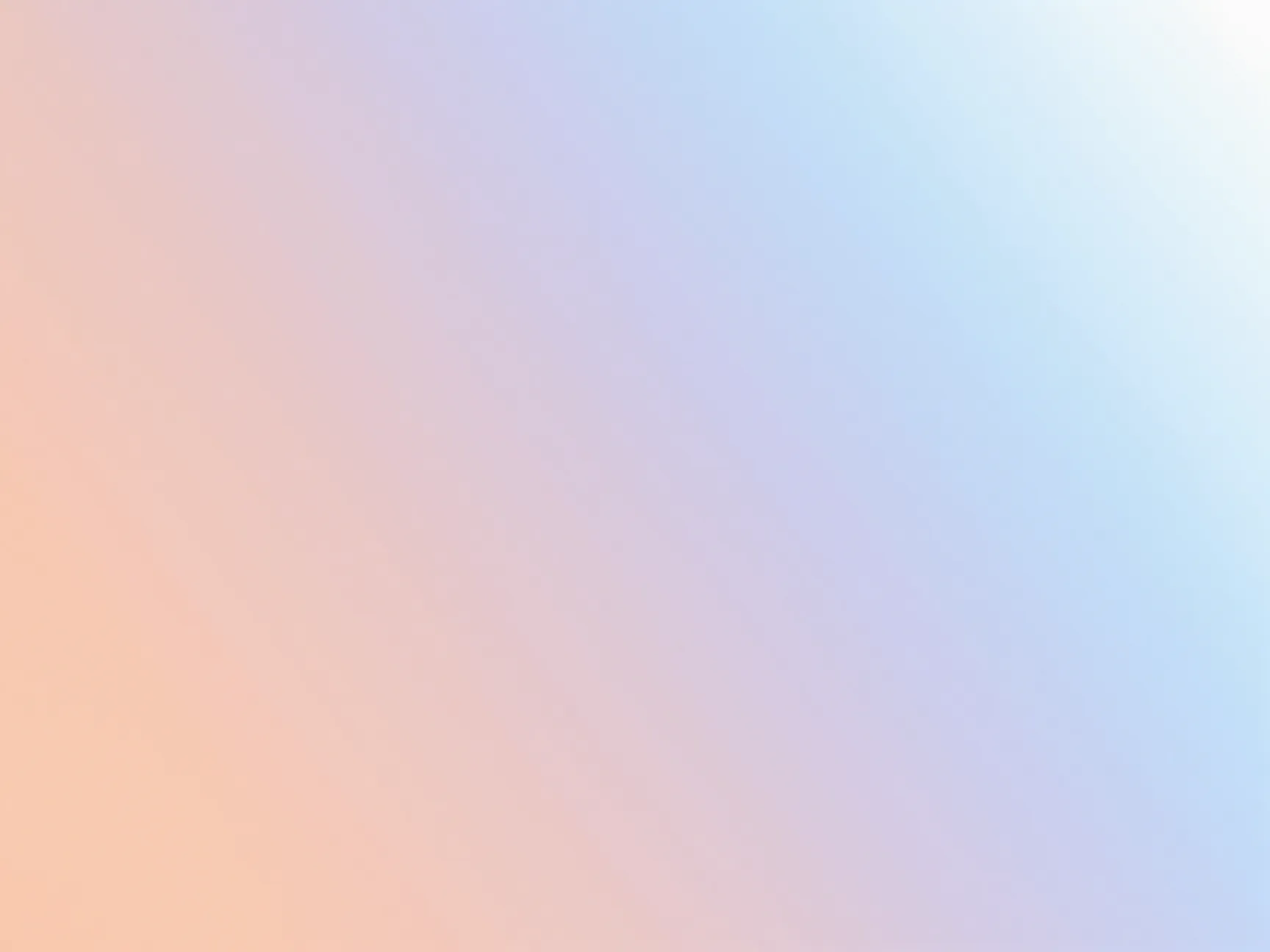
Minimal gradient wallpapers use two or three soft colors blending smoothly across the screen. Think warm peach fading into lavender, or cool sky blue dissolving into white. These backgrounds are visually quiet, which means app icons and widgets remain easy to read without visual competition from the background.
WidgetClub’s library, which hosts over 688 free iPhone 13 Pro Max wallpapers, features a strong selection of minimal gradient styles that align with popular Instagram and TikTok aesthetics [2]. The appeal is broad: minimal gradients suit both light mode and dark mode setups and pair well with monochrome or pastel-colored app icon packs.
Best for: Users who prefer a clean, uncluttered home screen with a soft, modern feel.
Where to find it: WidgetClub [2], Rawpixel’s aesthetic HD section [11], Pexels [10]
2. Dark Moody Abstract
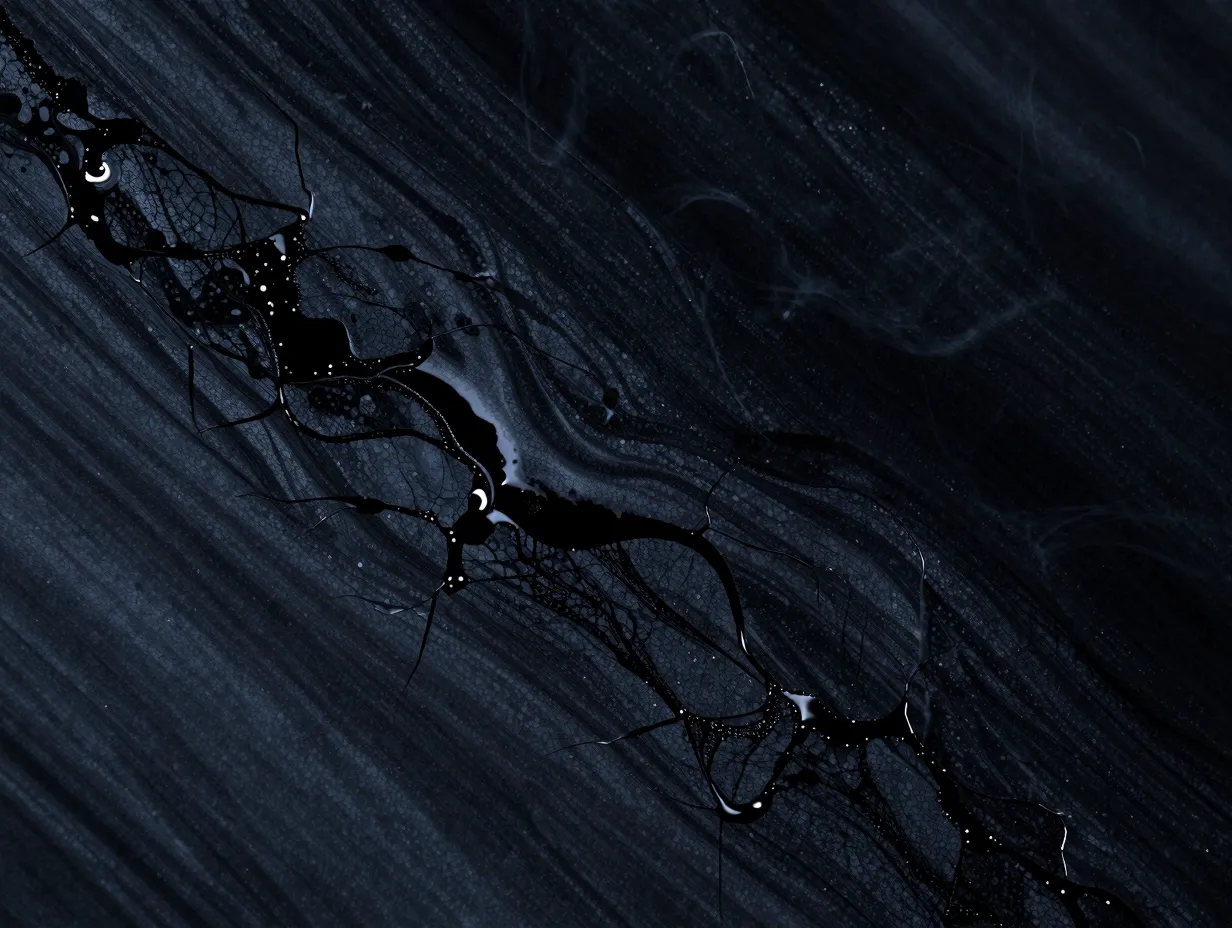
Dark moody wallpapers lean into deep charcoals, navy blues, and near-black tones layered with abstract textures, think ink dispersing in water, fractured obsidian surfaces, or smoky atmospheric gradients. These wallpapers complement the iPhone 13 Pro Max’s OLED display particularly well because true blacks on OLED screens consume less battery and appear infinitely deep.
Dribbble’s designer community consistently highlights dark moody abstracts as one of the top-performing aesthetic styles in 2026, with certain wallpaper posts accumulating tens of thousands of views [8]. This style also pairs naturally with iOS dark mode, creating a seamless transition between the wallpaper and the system interface.
Best for: Users who prefer a dramatic, sophisticated look and use dark mode system-wide.
Where to find it: Unsplash (search “dark 4K wallpaper”), Dribbble [8], Pexels [10]
3. Botanical and Nature Photography

High-resolution nature photography, close-up fern fronds, rain-drenched petals, misty forest canopies, translates beautifully onto the 13 Pro Max’s color-accurate display. The detail in a macro leaf shot or a long-exposure waterfall image rewards the screen’s sharpness in a way that flat digital art cannot always match.
Pexels lists over 61,000 free photos suitable as iPhone 13 Pro Max wallpapers, with a significant portion falling into the landscape and botanical photography category [10]. Unsplash similarly offers a large library of nature-mood images with resolutions and aspect ratios compatible with the 13 Pro Max display [14].
“Nature photography wallpapers are uniquely effective on OLED displays because the deep greens and rich shadows in botanical close-ups align with the display’s ability to render true blacks and saturated color simultaneously.”
Best for: Users who want a grounded, organic feel that changes with seasons or moods.
Where to find it: Pexels [10], Unsplash, Rawpixel [11]
4. Official Apple Aesthetic
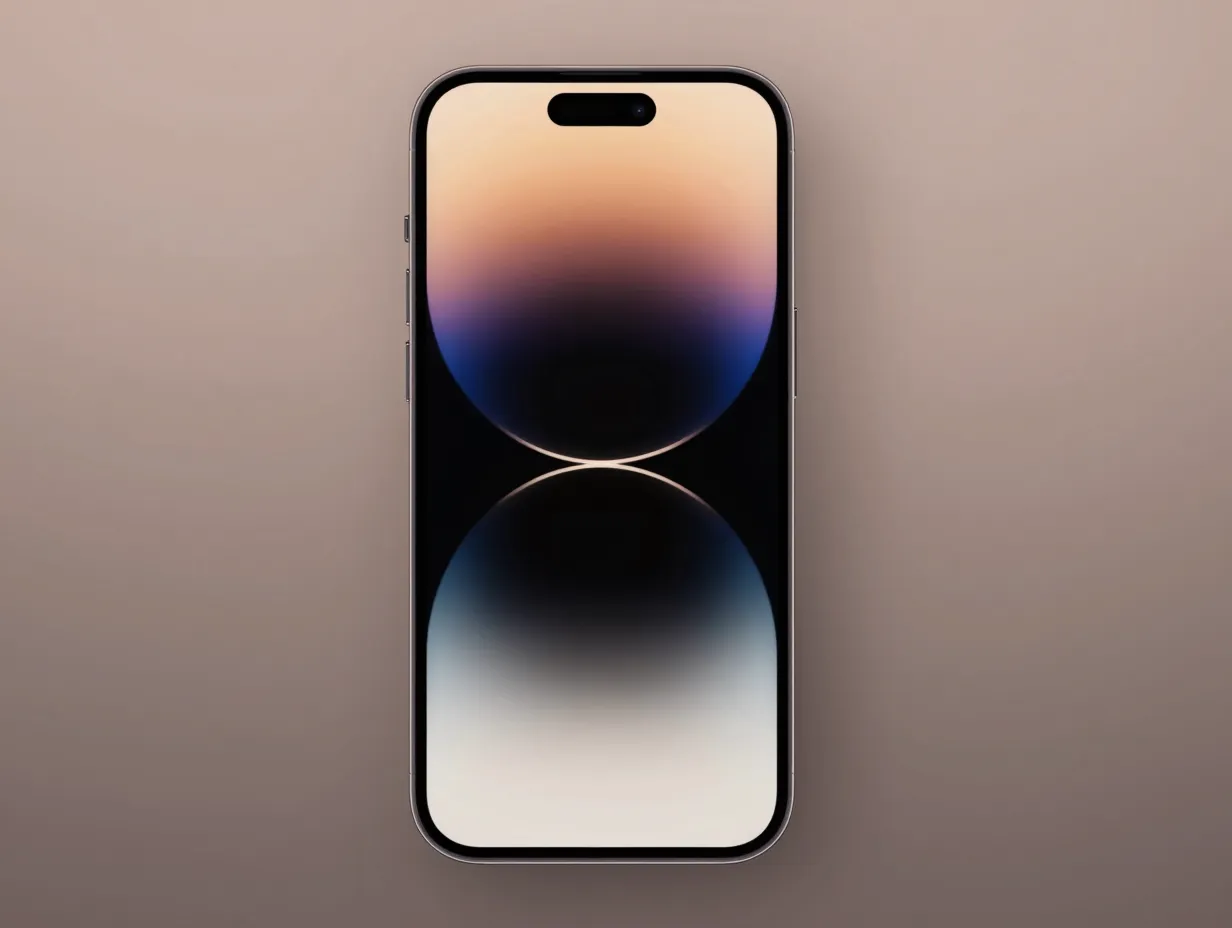
Apple’s own wallpapers are engineered specifically for its displays. They are color-graded to complement the default iOS interface, sized precisely for each device, and available in both still and live variants. For the iPhone 13 Pro Max specifically, AppleWalls hosts official live wallpapers from the iPhone 13 Pro lineup, dated from the original September 2021 release and maintained through mid-2026 updates [5].
The iOS-Wallpapers GitHub archive provides a community-verified catalog of every official Apple wallpaper by device and OS version, making it straightforward to locate the exact files that shipped with the 13 Pro Max [4]. These wallpapers carry a design authority that third-party options rarely match, they are the baseline against which all other aesthetic choices are measured.
Best for: Users who want a cohesive, Apple-native look that feels intentional and polished.
Where to find it: AppleWalls [5], iOS-Wallpapers GitHub archive [4]
5. Glassmorphism and Frosted UI
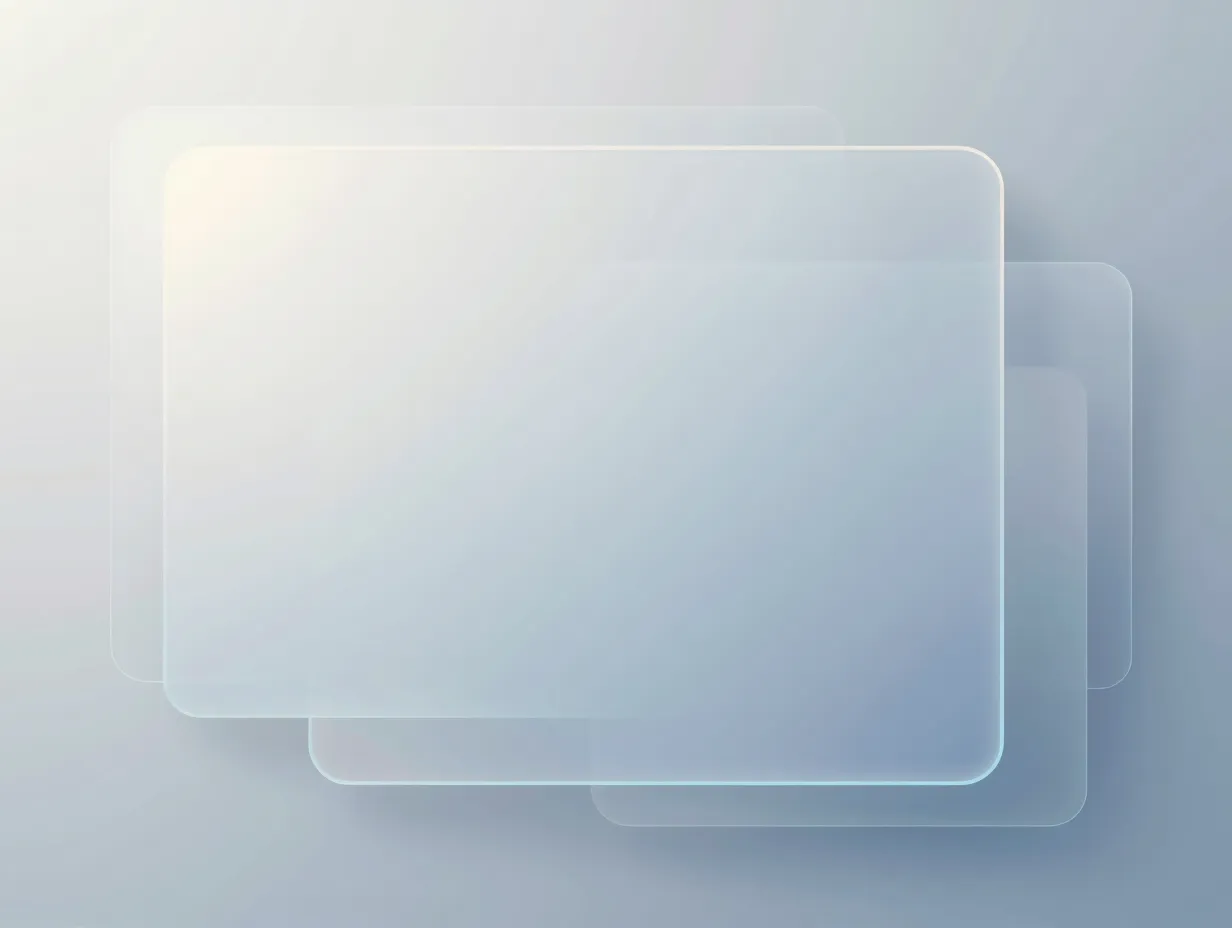
Glassmorphism is a design style defined by frosted-glass panels, translucent overlays, and soft neon highlights behind blurred geometric shapes. It became a dominant UI trend in the early 2020s and has remained popular in 2026 because it mirrors the visual language of iOS itself, blur effects, translucent menus, and layered depth are native to Apple’s design system.
Dribbble’s search results for “iPhone 13 wallpaper” surface numerous glassmorphism examples with strong engagement metrics, confirming that this aesthetic resonates with the design-forward community [8]. The style works especially well when the wallpaper’s color palette matches the tint of the user’s chosen widget set, creating a unified layered look.
Best for: Users who follow UI/UX design trends and want a wallpaper that feels like an extension of the iOS interface.
Where to find it: Dribbble [8], Freepik [7], WidgetClub [2]
6. Pastel Kawaii and Cute Illustrations
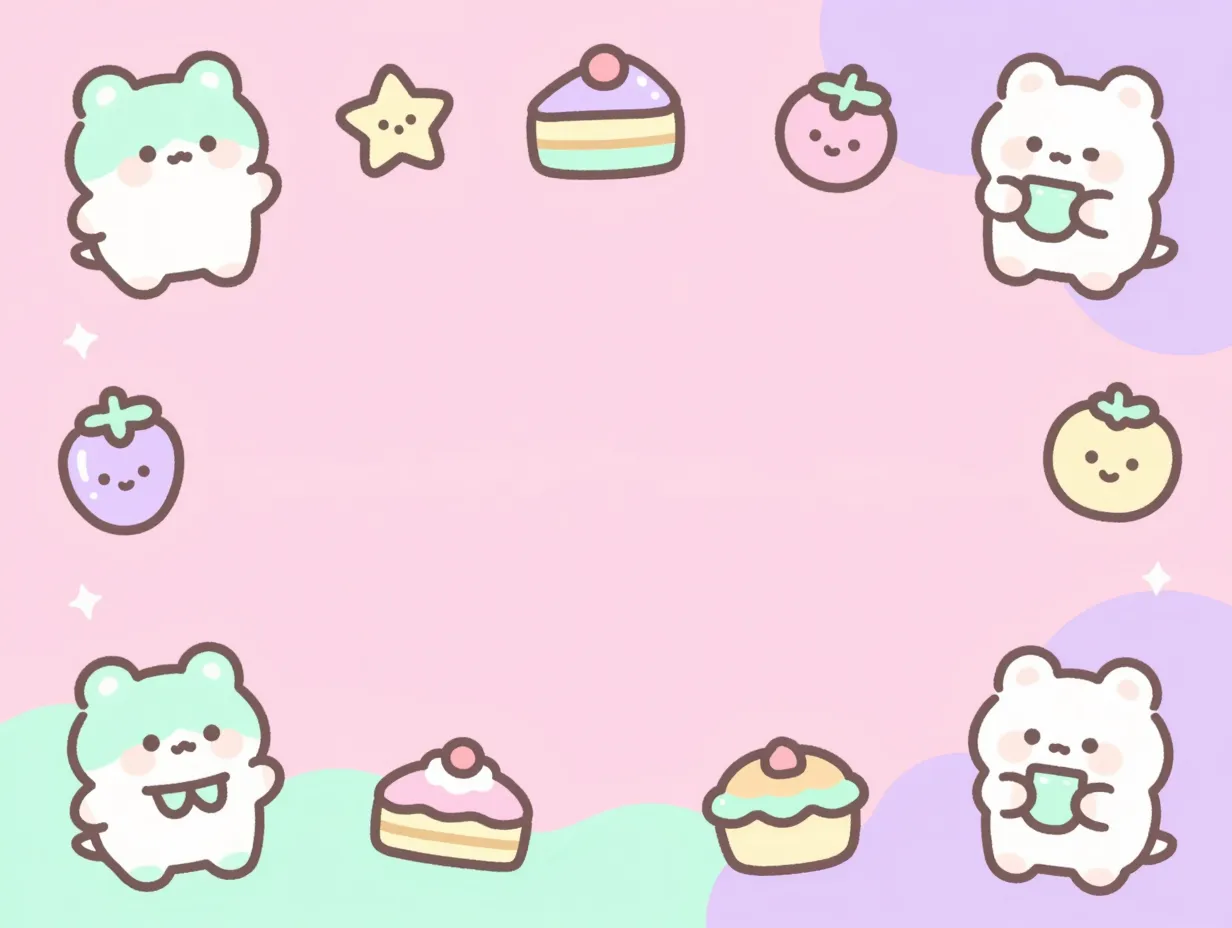
Pastel kawaii wallpapers feature soft pinks, mints, and lilacs combined with illustrated characters, small animals, cartoon food items, or minimalist anime-style figures. This aesthetic has a dedicated, passionate following on TikTok and Instagram, and the wallpaper supply has grown dramatically thanks to AI-generated imagery.
Freepik’s “iPhone 13 Pro Max wallpaper cute” collection, explicitly tagged as AI-generated and updated in mid-2025, reflects this industry shift [6]. Algorithmically produced pastel illustrations now offer a much wider variety of kawaii styles than manually created art alone could supply, giving 13 Pro Max users an almost unlimited selection of soft, character-driven backgrounds [9]. WidgetClub also curates this style prominently, given its popularity among its 9-million-download user base [2].
Best for: Users who want a playful, expressive wallpaper that reflects a light-hearted personal style.
Where to find it: Freepik [6][9], WidgetClub [2]
7. Vibrant Neon and Cyberpunk
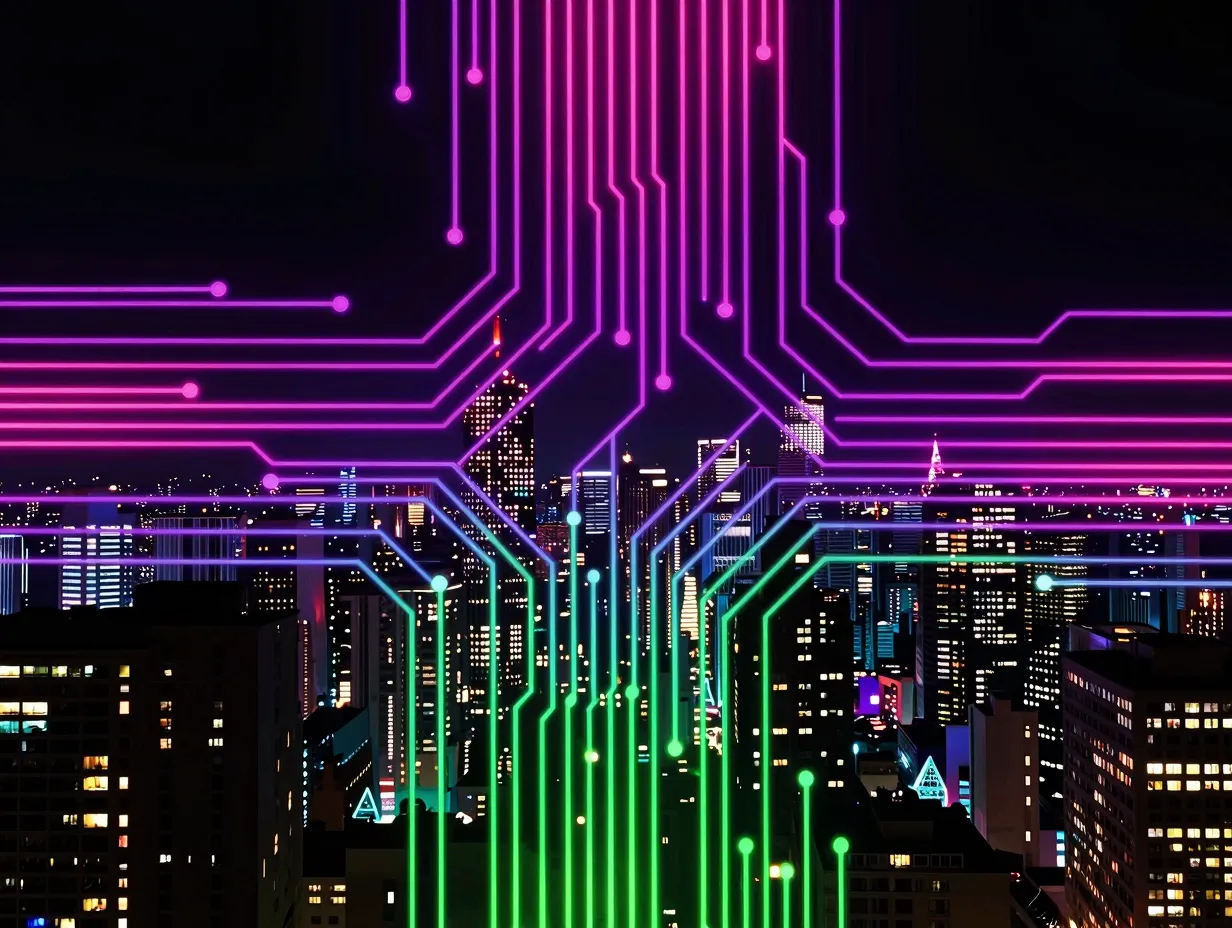
Neon and cyberpunk wallpapers use electric purples, hot pinks, acid greens, and deep blacks to create high-contrast, futuristic compositions. These might include neon-lit cityscapes, glowing circuit patterns, or abstract light-trail photography. On the iPhone 13 Pro Max’s OLED display, neon colors appear with a luminosity that LCD screens cannot replicate, the blacks are absolute, making neon accents pop with genuine visual intensity.
Freepik’s broader “iPhone 13 Pro Max wallpaper” collection includes numerous neon and cyberpunk-themed options across hundreds of pages of 4K and HD images [7]. This style pairs well with dark mode and works particularly effectively when the neon accent color matches the color of frequently used app icons.
Best for: Users who want a bold, high-energy wallpaper that makes a strong visual statement.
Where to find it: Freepik [7], Pexels [10], Dribbble [8]
8. Customizable DIY Templates
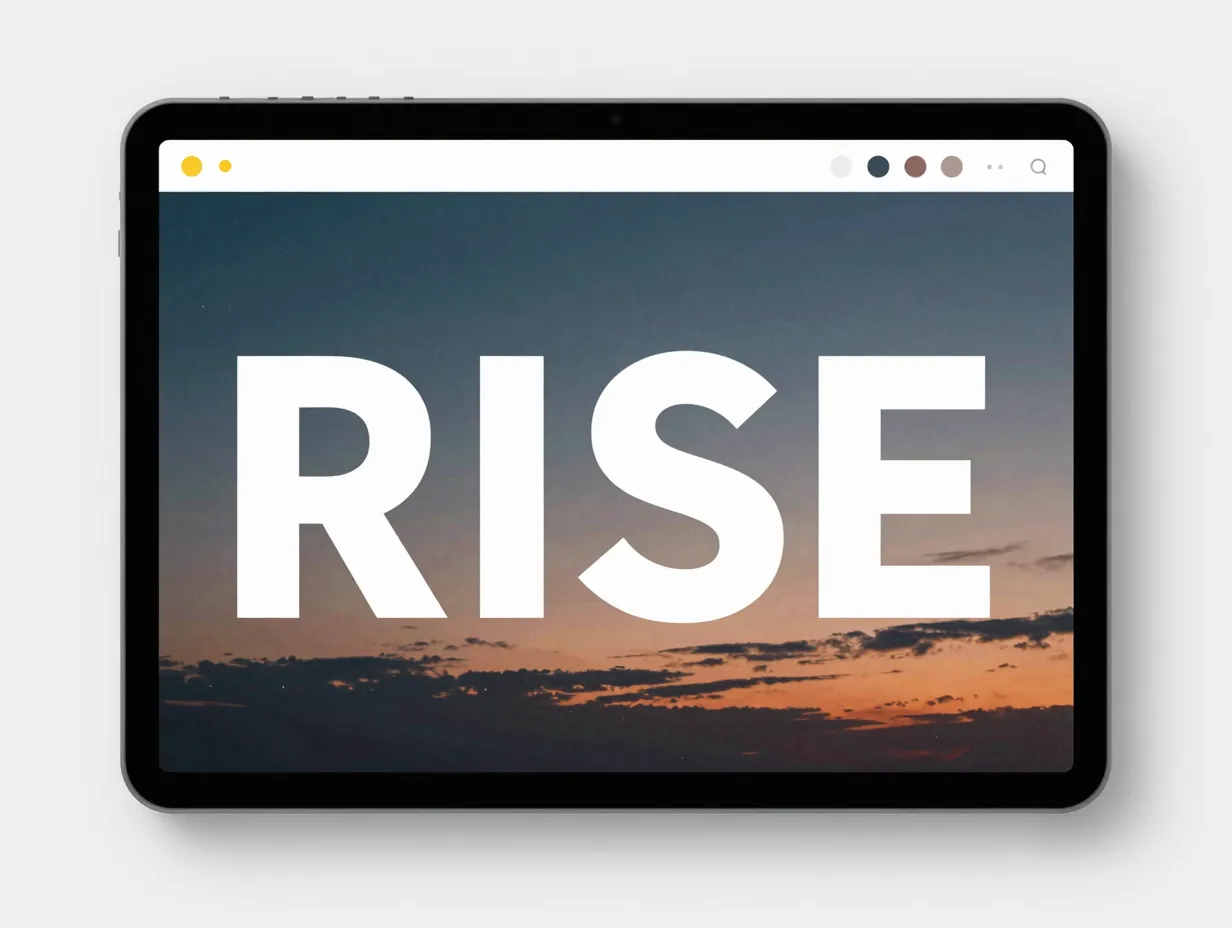
Not every aesthetic wallpaper needs to come pre-packaged. Playground offers iPhone 13 Pro Max-sized wallpaper templates that users can edit directly, changing colors, swapping typography, and adjusting layouts to create something uniquely personal [3]. Example templates include designs like “Ethereal Twilight Sky with RISE Text,” which blends atmospheric photography with motivational typography.
This semi-DIY approach reflects a broader trend in 2026 toward personalized aesthetic wallpapers rather than fixed, pre-packaged sets [3]. Users who want their wallpaper to display a personal quote, a color palette that matches their phone case, or a layout that aligns with a specific aesthetic theme will find template-based tools far more flexible than browsing static galleries.
Best for: Users who want full creative control and a wallpaper that is genuinely one-of-a-kind.
Where to find it: Playground [3]
9. OS-Matched System Wallpapers
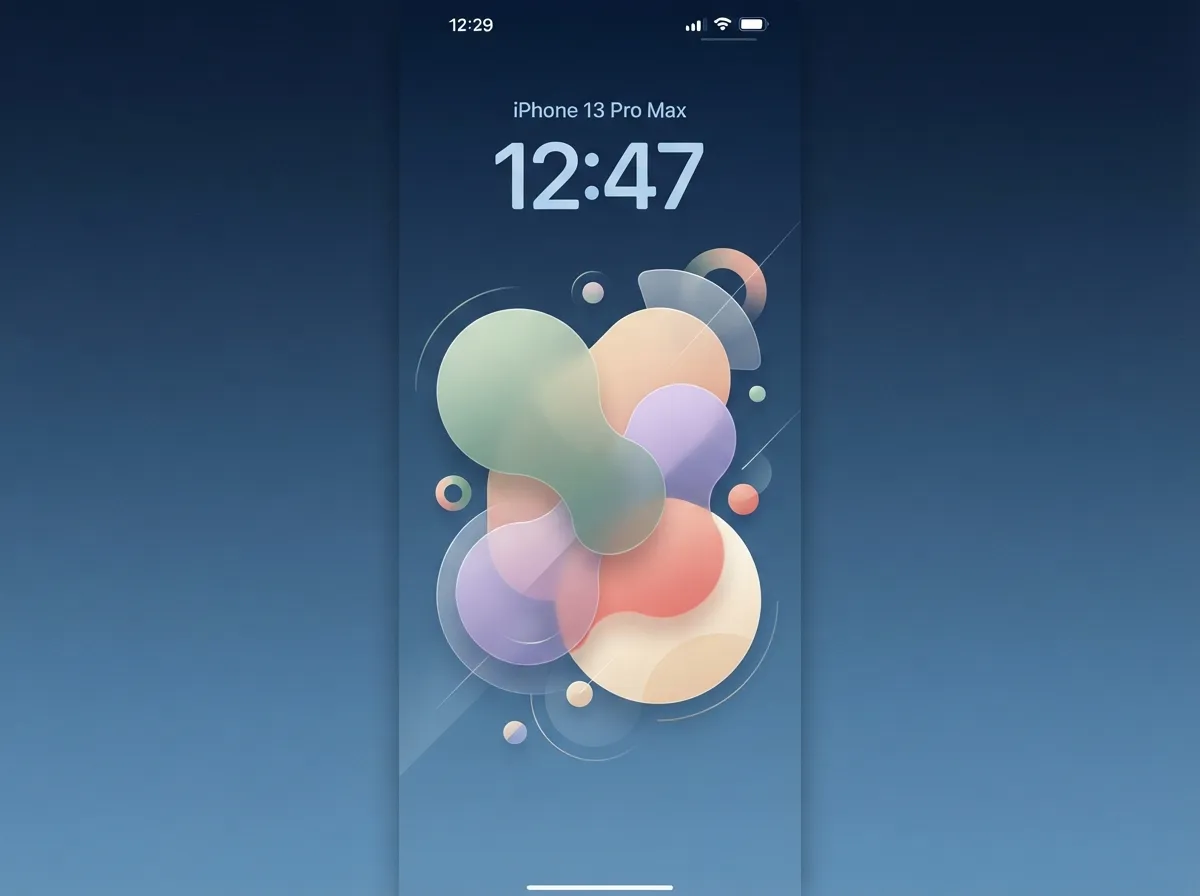
A growing category in 2026 involves wallpapers designed to visually match the latest iOS releases, even for users who keep older hardware like the iPhone 13 Pro Max. Wallpapers.ispazio, for example, highlights new wallpapers aligned with iOS 27, iPadOS 27, and macOS 27 releases, offered in device-specific resolutions and crop ratios [13]. This allows 13 Pro Max owners to keep their device feeling current and visually aligned with Apple’s newest design language without upgrading hardware.
This approach is particularly valuable for users who prioritize visual consistency across their Apple ecosystem. When the iPhone 13 Pro Max wallpaper matches the aesthetic of a paired iPad or MacBook, the entire setup feels cohesive and intentional.
Best for: Users who want their older device to feel visually current and matched to Apple’s latest design direction.
Where to find it: Wallpapers.ispazio [13], AppleWalls [5]
How to Choose the Right Aesthetic for Your Style
Selecting from 9 iPhone 13 Pro Max aesthetic wallpapers that perfectly match your style requires more than browsing until something looks appealing. A structured approach produces better results.
| Style | Mood | Best Display Mode | Top Source |
|---|---|---|---|
| Minimal Gradient | Calm, clean | Light or Dark | WidgetClub |
| Dark Moody Abstract | Dramatic, focused | Dark | Dribbble |
| Botanical Nature | Grounded, organic | Light | Pexels |
| Official Apple | Polished, native | Light or Dark | AppleWalls |
| Glassmorphism | Modern, layered | Dark | Dribbble |
| Pastel Kawaii | Playful, expressive | Light | Freepik |
| Neon Cyberpunk | Bold, energetic | Dark | Freepik |
| DIY Templates | Personal, unique | Any | Playground |
| OS-Matched System | Current, cohesive | Light or Dark | Wallpapers.ispazio |
Three practical steps to narrow the choice:
- Identify the system mode used most, light or dark. This immediately eliminates half the options and focuses the search.
- Consider the widget and icon setup already in place. A pastel kawaii wallpaper looks inconsistent behind a set of dark, monochrome app icons.
- Download two or three candidates and live with each one for a full day before committing. First impressions on a wallpaper gallery rarely predict how a background feels after 100 screen unlocks.
Technical Tips for Getting the Best Results on the iPhone 13 Pro Max
Even the most visually striking wallpaper can disappoint if it is not set up correctly. A few technical details make a significant difference.
Resolution matters most. The iPhone 13 Pro Max display runs at 2778×1284 pixels at 458 PPI. Wallpapers sourced at 4K resolution (3840×2160) will scale down cleanly. Images below 1080p will appear soft. Platforms like Freepik and Pexels explicitly offer 4K and HD options [7][10], making them reliable for full-resolution downloads.
Perspective zoom affects composition. iOS applies a subtle parallax zoom effect to wallpapers by default. This crops approximately 10-15% of the image edges. Users who want precise compositional control should disable “Perspective Zoom” in the wallpaper settings after applying the image.
Lock screen and home screen are separate canvases. iOS allows different wallpapers for each. A common aesthetic approach is to use a busier, more detailed wallpaper on the lock screen and a simpler, lower-contrast version on the home screen so that app icons remain readable.
Live wallpapers require specific file formats. Apple’s live wallpapers are HEIC or MOV files, not standard JPEGs. AppleWalls hosts the correct file formats for official live wallpapers [5], which is important for users who want the animated versions of the iPhone 13 Pro’s original wallpapers.
Frequently Asked Questions
What is the correct wallpaper size for the iPhone 13 Pro Max?
The ideal resolution is 2778×1284 pixels. This matches the native display resolution and ensures no scaling artifacts appear on screen.
Are free wallpaper platforms safe to use?
Reputable platforms like Pexels, Unsplash, Rawpixel, WidgetClub, and Freepik are widely used and generally safe. Always download from the official site rather than third-party mirrors.
Can older wallpaper apps still work in 2026?
Yes. Apps like the “iPhone 13 Pro Max Wallpapers” app on Google Play, updated in mid-2025, continue to function and offer themed packs [12]. However, web-based platforms tend to update their libraries more frequently.
Do AI-generated wallpapers look different from hand-made ones?
Modern AI-generated wallpapers, particularly the pastel and kawaii collections on Freepik [6][9], are often indistinguishable from manually created illustrations at a glance. Quality varies by source, so previewing at full resolution before downloading is recommended.
Is it possible to create a completely unique wallpaper without design skills?
Yes. Playground’s template system allows users to customize colors, text, and layouts without any prior design experience [3], producing a wallpaper that no one else has.
Conclusion
The nine styles covered here, minimal gradient, dark moody abstract, botanical nature, official Apple aesthetic, glassmorphism, pastel kawaii, vibrant neon, DIY templates, and OS-matched system wallpapers, represent the full range of aesthetic directions available to iPhone 13 Pro Max users in 2026. Each one is accessible for free through the sources listed, and each serves a distinct personality type and use case.
Actionable next steps:
- Use the style-mood table above to identify the one or two aesthetics that align most closely with personal taste and existing setup.
- Visit the recommended source for that style and filter by resolution (4K or HD) to ensure display quality.
- Download two or three candidates, apply them using the perspective zoom tip, and test across both lock screen and home screen before settling on a final choice.
- Revisit the selection every few months, platforms like WidgetClub [2] and Rawpixel update their libraries continuously, and new styles emerge with each iOS release cycle.
A wallpaper is the first thing seen every time the phone is unlocked. Making that moment feel intentional is a small change with a disproportionately large impact on how the device feels to use every day.
References
[1] Iphone 13 Pro Max – https://wallpapers.com/iphone-13-pro-max
[2] Iphone 13 Pro Max – https://widget-club.com/wallpapers/t/iphone_13_pro_max
[3] Iphone 13 Pro Max Wallpaper – https://playground.com/templates/s/iphone-13-pro-max-wallpaper
[4] Ios Wallpapers – https://github.com/SniperGER/iOS-Wallpapers
[5] applewalls – https://www.applewalls.com/
[6] Iphone 13 Pro Max Wallpaper Cute – https://www.freepik.com/free-photos-vectors/iphone-13-pro-max-wallpaper-cute
[7] Iphone 13 Pro Max Wallpaper – https://www.freepik.com/free-photos-vectors/iphone-13-pro-max-wallpaper
[8] Iphone 13 Wallpaper – https://dribbble.com/search/iphone-13-wallpaper
[9] Iphone 13 Pro Max Wallpaper – https://www.freepik.com/free-photos-vectors/iphone-13-pro-max-wallpaper/2
[10] Iphone%2013%20pro%20max%20wallpaper – https://www.pexels.com/search/iphone%2013%20pro%20max%20wallpaper/