9 Gorgeous Aesthetic Wallpaper Ideas for the Future Samsung S25 Ultra
A smartphone that costs $1,299 and ships with a display engineered to render every pixel at near-perfect accuracy deserves more than a default background. The Samsung Galaxy S25 Ultra, available since February 7, 2025, carries one of the most refined AMOLED panels in the Android ecosystem, and the wallpaper sitting behind every app, notification, and S Pen stroke shapes the entire visual experience of the device. [1] This guide covers 9 gorgeous aesthetic wallpaper ideas for the future Samsung S25 Ultra, drawing on the phone’s confirmed hardware, official color strategy, and the growing third-party wallpaper ecosystem to give owners a clear, actionable path to a more beautiful home screen.
Disclosure: This post contains affiliate links. As an Amazon Associate, we earn from qualifying purchases, and at no extra cost to you.
Whether the goal is to match the titanium finish of the physical device, push the display’s contrast capabilities to their limit, or turn a 200 MP photograph into a bespoke background, these nine ideas span every major aesthetic direction available in 2026.
Key Takeaways
- The S25 Ultra’s AMOLED display supports static wallpapers at up to 3120 x 3120 pixels and live wallpapers at 1440 x 3120 pixels, so resolution should never be a compromise. [2]
- Samsung’s official titanium color palette, Jade Green, Pink Gold, Silver Blue, Black, Gray, and White Silver, provides a natural starting point for coordinated wallpaper choices. [8] [9]
- The phone’s rounded corners, slim bezels, and 8.2 mm profile make edge-aware and dark-core wallpaper designs especially striking. [4] [5]
- Third-party apps on Google Play already offer 4K and QHD libraries tagged specifically to the S25 Ultra’s screen dimensions. [10]
- The S25 Ultra’s improved ultrawide camera and 200 MP main sensor let owners generate their own high-resolution abstract backgrounds directly on the device. [5] [6]
Why Wallpaper Matters More on the Samsung Galaxy S25 Ultra
Most flagship phones share similar specs on paper, but the S25 Ultra’s display is a genuine differentiator. Samsung’s Dynamic AMOLED 2X panel delivers deep blacks, vivid saturation, and a pixel density that makes fine gradients and intricate textures look genuinely sharp rather than muddy. [1] The device also adopted more rounded corners and flatter sides compared to its predecessor, with an extremely slim bezel profile, design changes that make edge-to-edge wallpaper compositions look cleaner and more immersive than on earlier Ultra models. [4] [5]
Samsung reinforced this visual identity through its official titanium color strategy. The S25 Ultra launched in Titanium Jade Green, Titanium Pink Gold, Titanium Black, Titanium Silver Blue, Titanium Gray, and Titanium White Silver. [8] [9] Each finish carries a subtle metallic quality that pairs naturally with wallpapers built around soft gradients, muted pastels, and metallic tones. The stock wallpaper set that ships with the device already leans into this direction, featuring minimal fluid gradients, an abstract “S” motif, and both light and dark variants. [2] [14]
Understanding this design language is the foundation for choosing wallpapers that feel intentional rather than accidental. The nine ideas below build on that foundation.
9 Gorgeous Aesthetic Wallpaper Ideas for the Future Samsung S25 Ultra
1. Titanium Gradient Minimalism
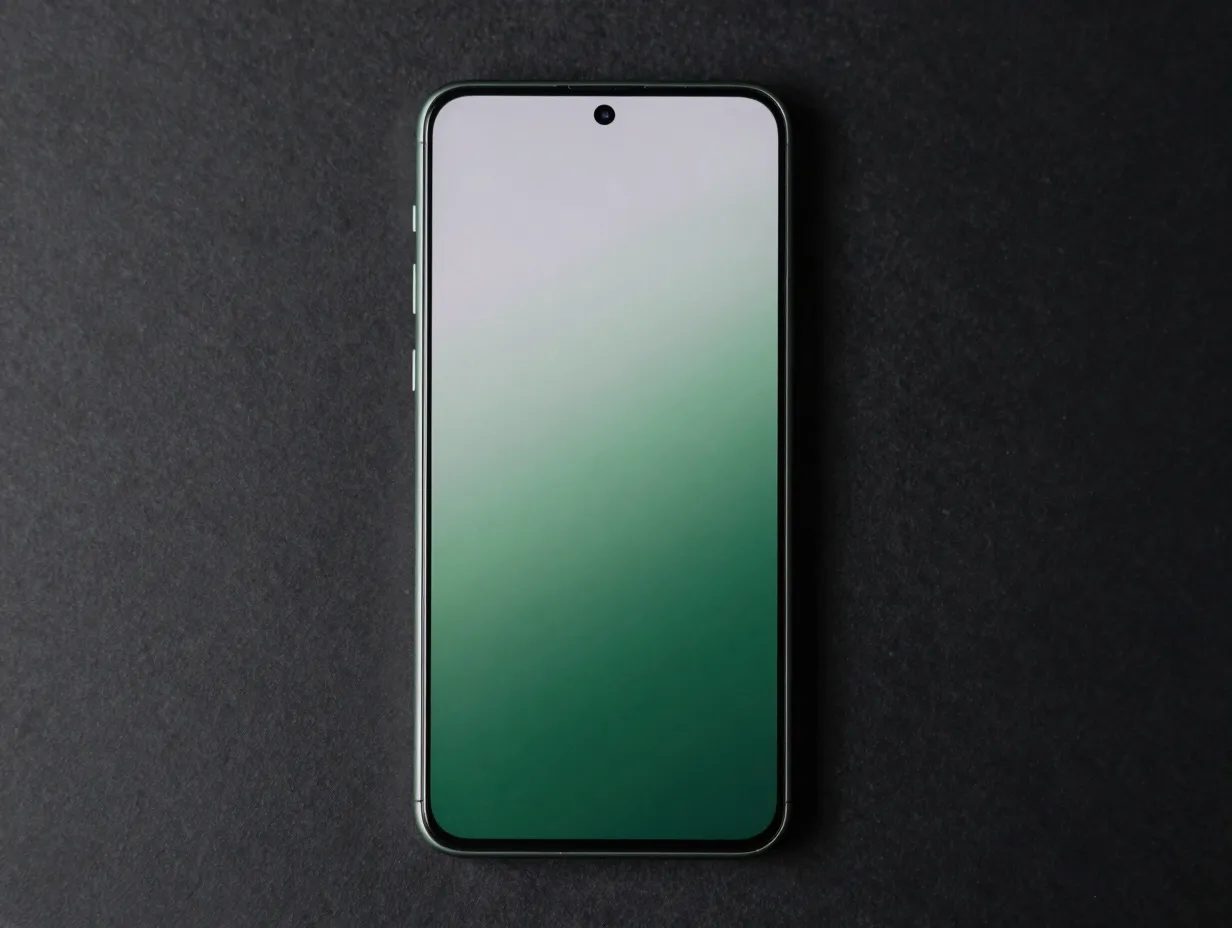
The most natural starting point for any S25 Ultra owner is a wallpaper that mirrors the device’s own finish. Samsung’s stock set already ships with gradient backgrounds designed around the titanium palette, but a more curated approach takes this further. [2] [8]
The concept is a coordinated set of ultra-smooth gradients, one per hardware color, that transition between two closely related tones rather than contrasting extremes. A Titanium Jade Green device, for example, benefits from a gradient that moves from a deep forest green at the bottom to a pale sage at the top, catching the same light-play visible on the physical chassis. Pink Gold pairs with a gradient that shifts from warm rose to champagne. Silver Blue works beautifully with a cool steel-to-ice transition.
Why it works on the S25 Ultra:
- The AMOLED panel renders smooth gradients without banding, even at subtle tonal shifts. [1]
- Static wallpapers are supported at 3120 x 3120 pixels, so gradient files retain their smoothness at every zoom level. [2]
- Matching the hardware finish creates a unified object that feels designed rather than assembled.
This is the safest and most elegant choice for owners who want a clean, professional aesthetic without committing to a bold visual statement.
2. Dynamic “S” Aura Live Wallpapers
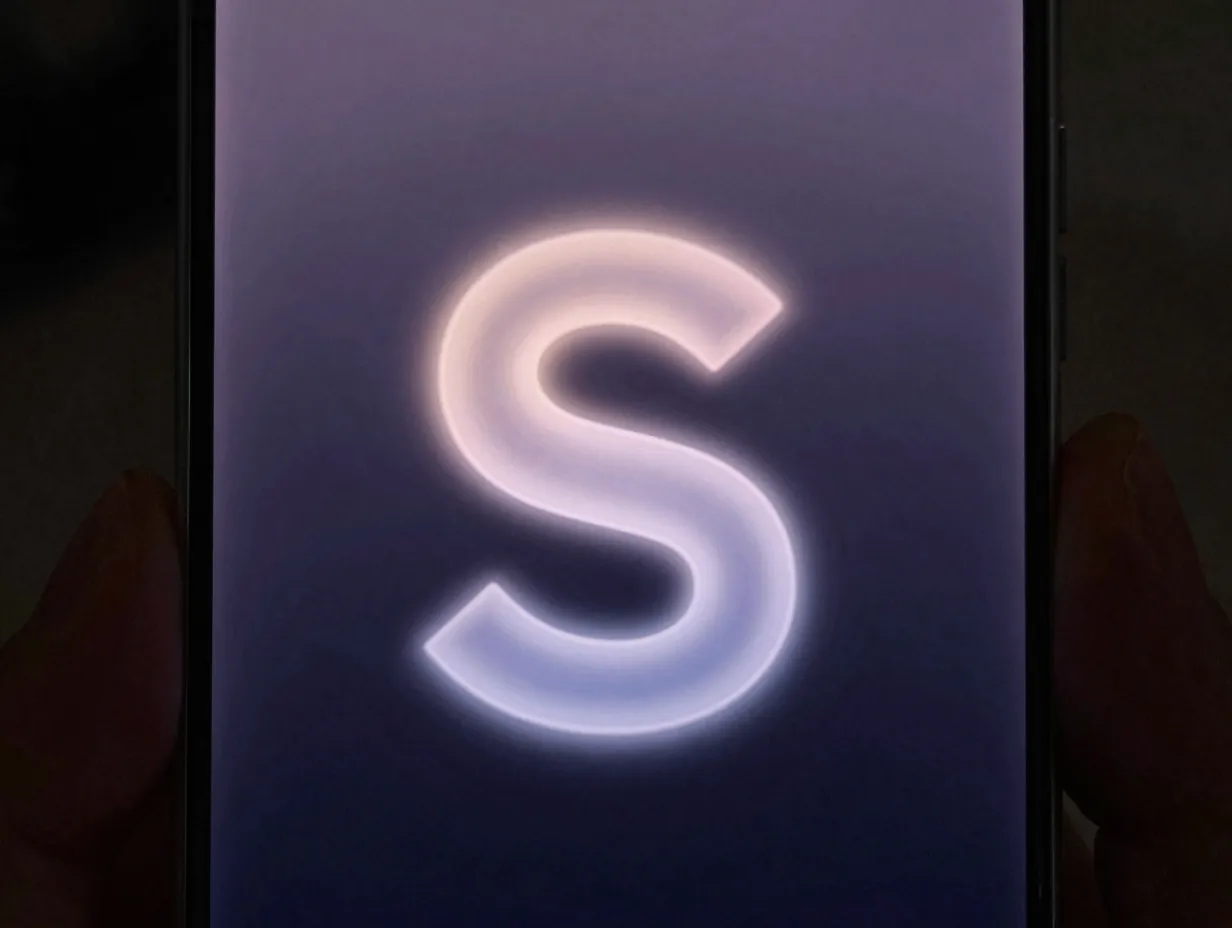
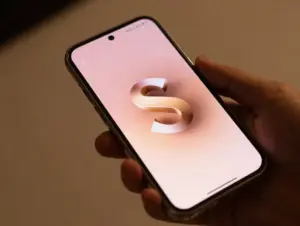
Samsung’s official live wallpaper set for the S25 Ultra already incorporates an abstract “S” motif, rendered at 1440 x 3120 pixels. [2] [14] The next evolution of this idea is a live wallpaper that animates the “S” shape with subtle parallax movement and a soft glow effect that responds to touch or changes when the device is charging.
The visual logic is simple: the “S” sits at the center of a dark or deep-gradient background, surrounded by a faint luminous aura that shifts color slowly over time. When the screen is touched, the glow pulses outward. When the phone is charging, the aura brightens slightly, a visual cue that feels both functional and beautiful.
Key design considerations:
- Use dark backgrounds to maximize OLED black depth and battery efficiency. [1]
- Keep the “S” shape subtle and translucent rather than bold, so it recedes behind icons without competing for attention.
- Parallax depth layers make the wallpaper feel three-dimensional when the phone tilts, adding a premium tactile quality.
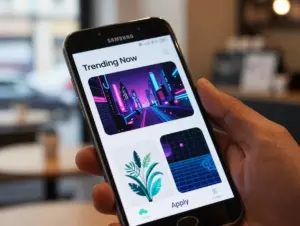
Third-party wallpaper apps on Google Play already support high-resolution live wallpapers optimized for the S25 Ultra’s screen, making this concept achievable without custom development. [10]
3. Pro Camera Abstracts
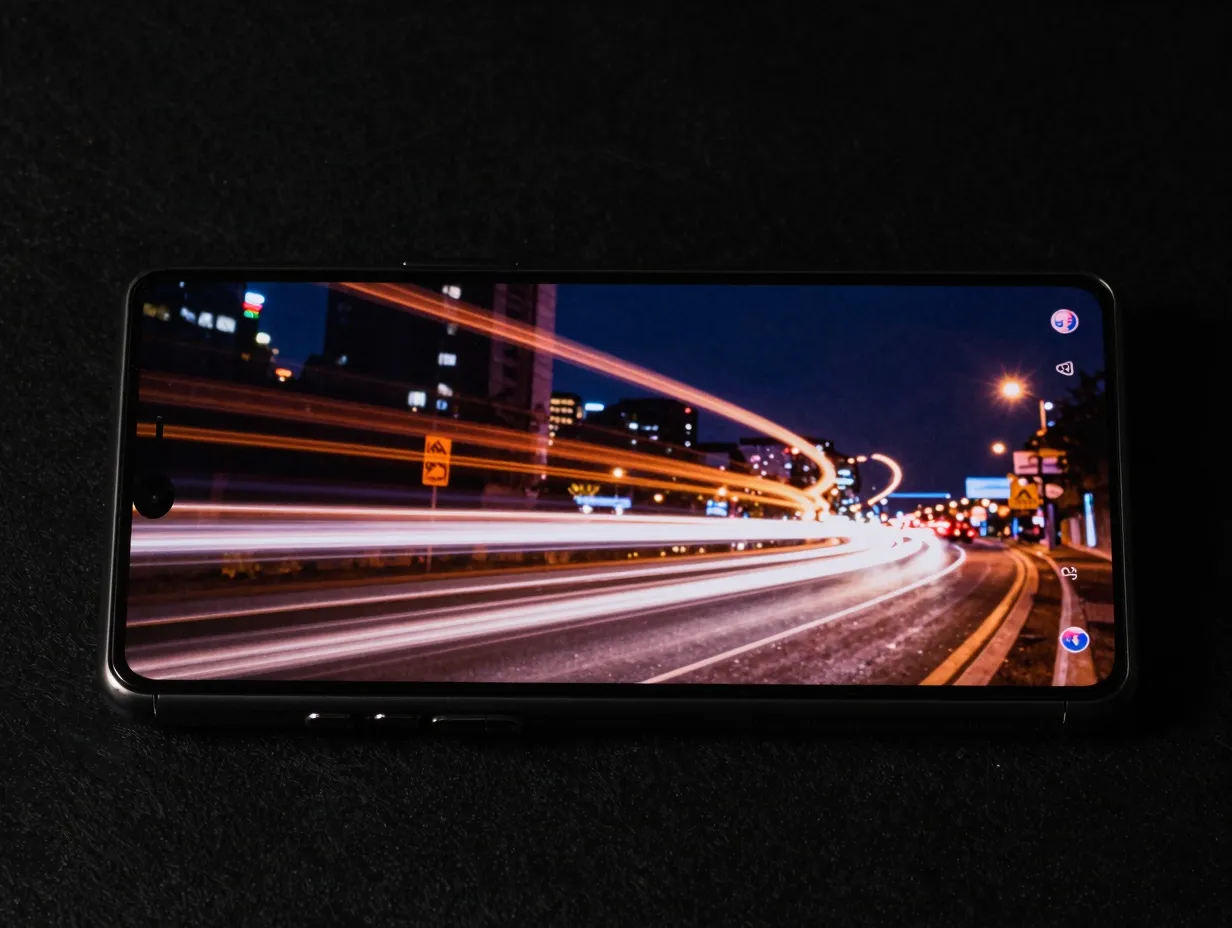
The S25 Ultra retains its 200 MP main camera and received notable improvements to its ultrawide sensor and image processing pipeline. [5] [6] This hardware creates an opportunity that most wallpaper guides overlook: using the phone itself to generate bespoke, device-native backgrounds.
The process involves shooting in specific modes, long exposure for light trails, macro for surface textures, night mode for low-light color washes, and then processing the results into soft-focus abstract compositions. A long-exposure shot of city traffic becomes a river of warm light on a dark ground. A macro shot of a wet leaf surface becomes an organic green-and-silver texture that fills the screen with depth.
Recommended shooting approaches:
| Mode | Subject | Visual Result |
|---|---|---|
| Long exposure | City traffic or water | Light trails on dark background |
| Macro | Fabric, leaves, stone | Rich organic texture |
| Night mode | Neon signs or candles | Soft color wash with bokeh |
| Ultrawide | Architecture or sky | Geometric or gradient abstract |
Because these images are captured at the S25 Ultra’s native resolution, they fit the display perfectly without upscaling artifacts. [9] The result is a wallpaper that is genuinely unique, no one else has the same background.
4. Rounded-Frame Edge Glow
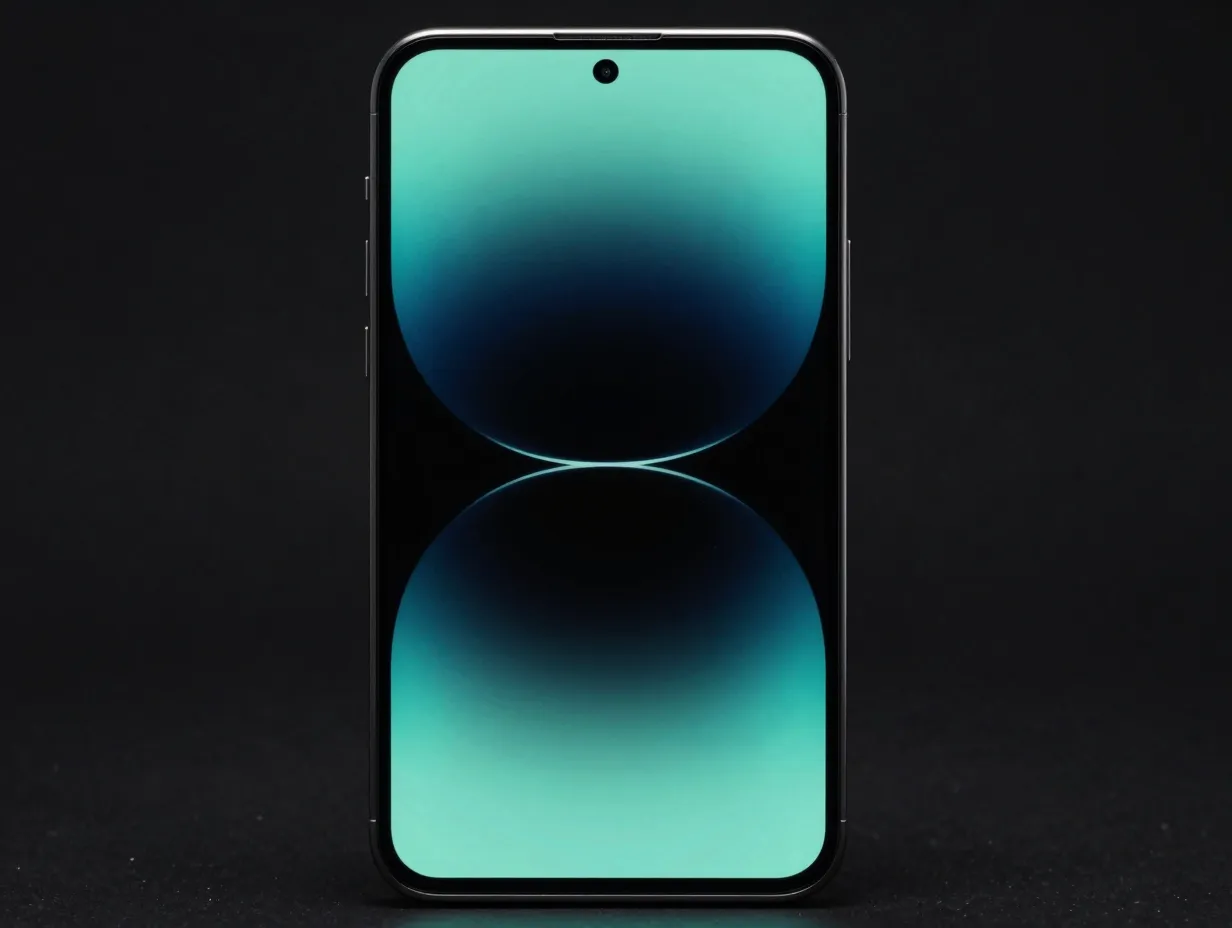
The S25 Ultra’s redesigned body features more rounded corners and ultra-thin bezels compared to the S24 Ultra. [4] [5] [13] A wallpaper concept that acknowledges this physical geometry creates a visual harmony between hardware and software that feels intentional.
The idea is a dark-core background, deep charcoal or near-black, with a subtle colored glow that follows the rounded edges of the display. The glow is not a border or frame in the traditional sense; it is a soft gradient bloom that fades inward from each corner and edge, giving the impression that the screen itself is emitting light from its perimeter.
Color options aligned to hardware finishes:
- Titanium Black: cool blue-white edge glow
- Titanium Silver Blue: icy cyan perimeter bloom
- Titanium Jade Green: emerald-to-teal edge gradient
- Titanium Pink Gold: warm rose-gold corner glow
This design is particularly effective on AMOLED displays because the true-black center creates maximum contrast against the glowing edges, making the phone feel like a window rather than a screen. [1] The rounded corners of the S25 Ultra’s display align naturally with the soft curve of the glow, reinforcing the device’s physical design language. [4]
5. S Pen Sketch Canvas
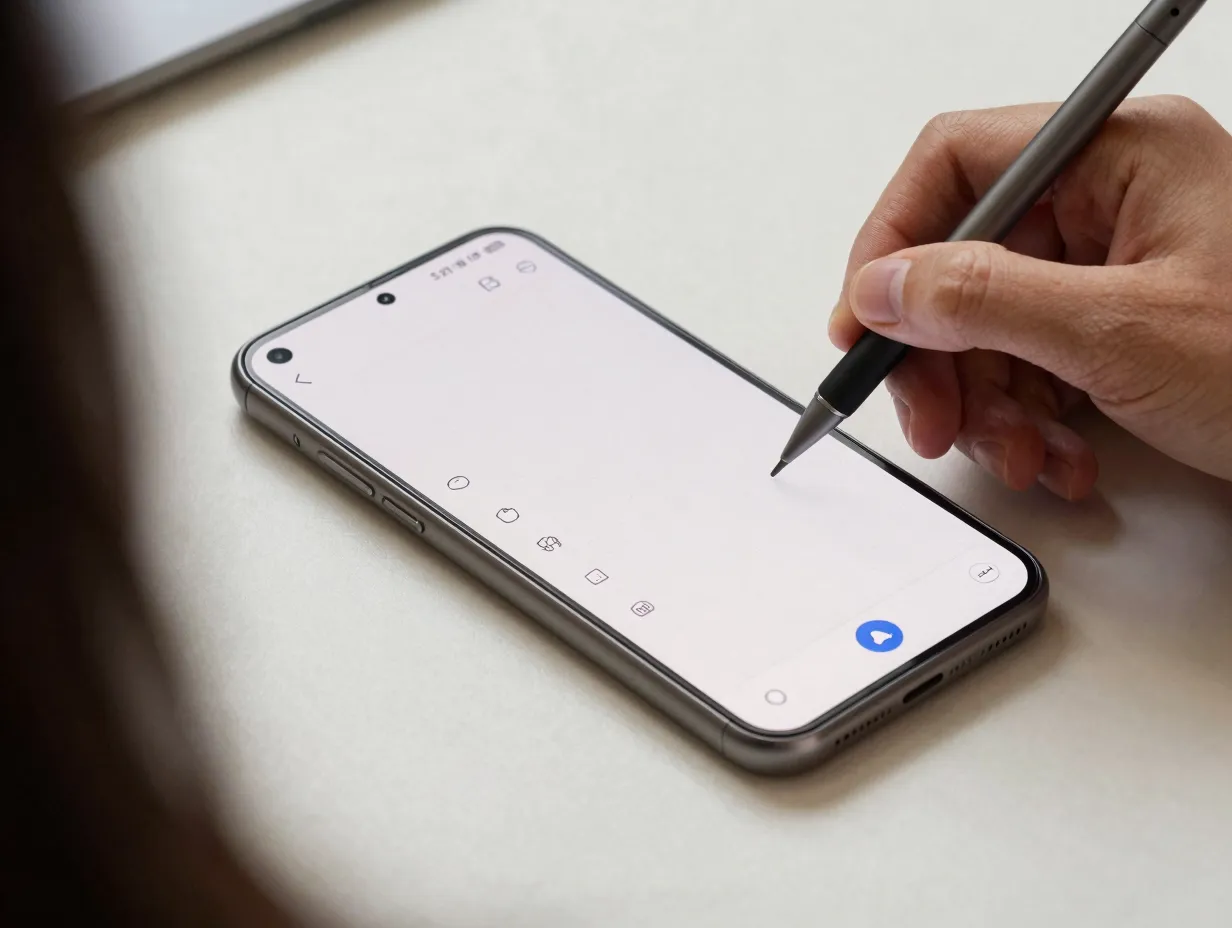
The S Pen remains one of the defining features that separates the S25 Ultra from every other Android flagship. [5] [9] A wallpaper designed around S Pen use acknowledges this identity rather than ignoring it.
The concept is a minimal, off-white or warm charcoal background with a faint dot grid or fine graph-paper pattern, the kind of surface that invites writing and drawing. The grid is subtle enough to disappear at a glance but visible enough to provide structure when the S Pen comes out. Paired with a One UI theme that keeps icons minimal and the status bar clean, this wallpaper turns the home screen into an extension of the note-taking experience.
Design details that matter:
- Dot grids at 5 mm spacing (scaled to the display’s pixel density) feel natural for handwriting.
- Off-white backgrounds are easier on the eyes in bright environments than pure white.
- Charcoal variants work well in dark mode, preserving the grid aesthetic without harsh contrast.
- DeX-compatible versions of this wallpaper, formatted at the wider aspect ratio Samsung supports, extend the productivity aesthetic to external monitor setups. [8]
This is the ideal wallpaper for professionals, students, and anyone who reaches for the S Pen more than the keyboard.
6. Neon Botanical
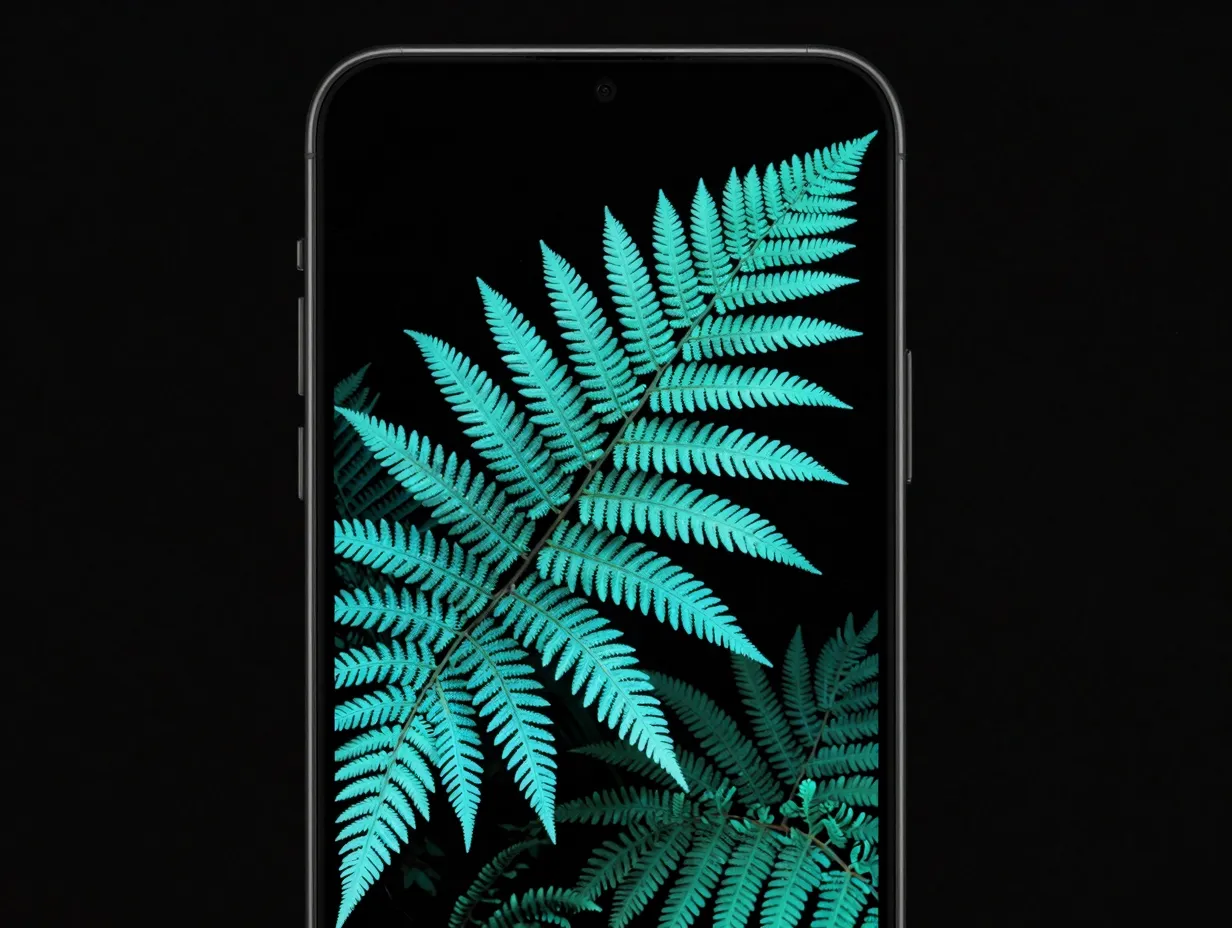
One of the most visually striking trends in mobile wallpaper design combines organic plant forms with neon or bioluminescent color palettes. On the S25 Ultra’s AMOLED display, this combination reaches its full potential because the panel can render both deep blacks and saturated neons simultaneously without blooming or washing out. [1]
The concept places detailed botanical illustrations, leaves, ferns, tropical flowers, against a near-black background, with the plant forms rendered in electric teal, violet, or coral. The effect is somewhere between a nature photograph and a blacklight poster, with enough visual complexity to reward close attention but enough negative space to keep the overall composition calm.
Why AMOLED is essential for this style:
- True blacks make neon colors appear to glow rather than simply appear bright.
- High color accuracy preserves the distinction between closely related neon tones.
- The large screen area of the S25 Ultra gives botanical compositions room to breathe.
Third-party wallpaper libraries already carry large collections of botanical and nature wallpapers optimized for the S25 Ultra’s screen dimensions. [10] [11] [12] Searching specifically for AMOLED botanical or neon nature backgrounds in these libraries will surface high-quality options immediately.
7. Dark AMOLED Geometric Patterns
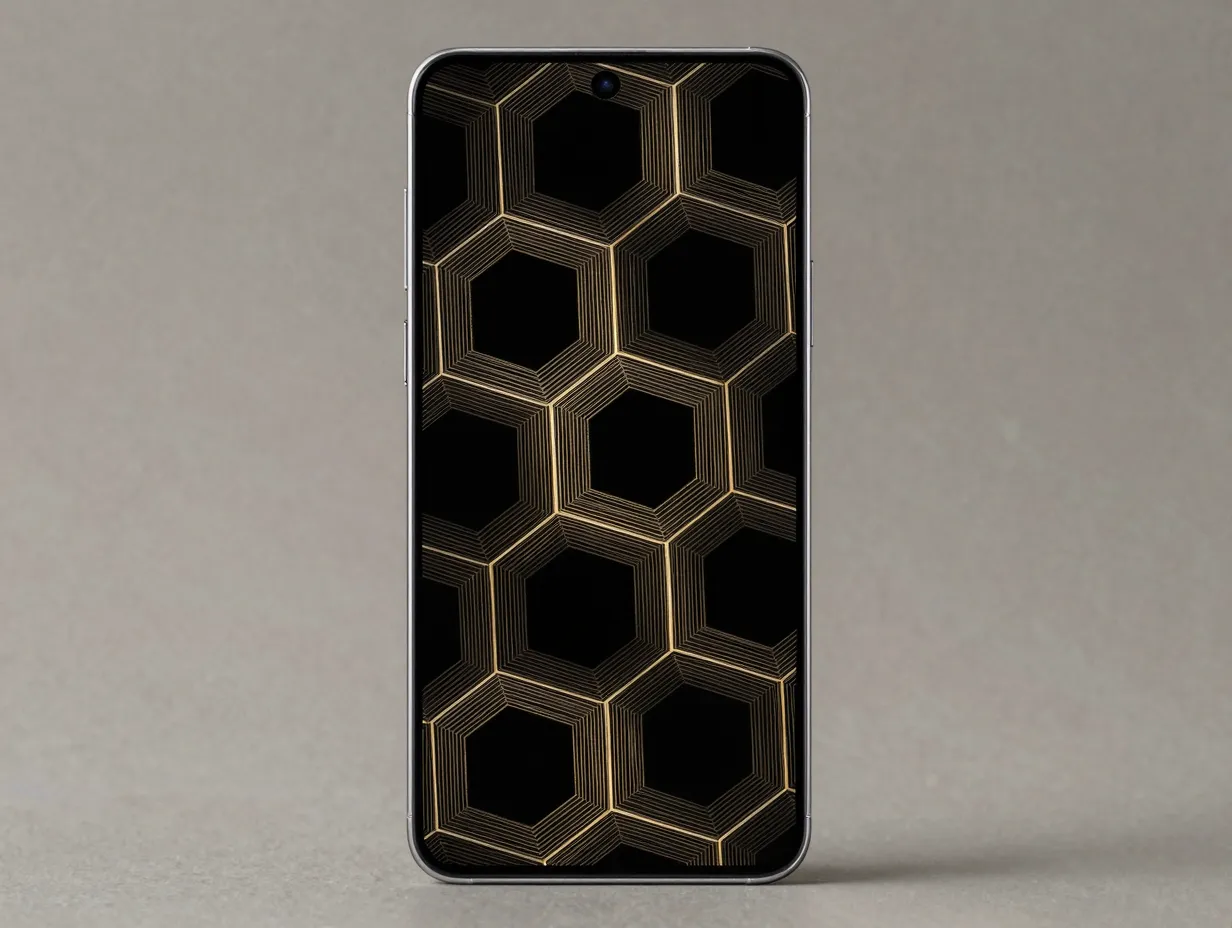
Pure geometric abstraction has been a staple of premium wallpaper design for years, and the S25 Ultra’s display makes a compelling case for revisiting it. The combination of true blacks, high contrast, and a large canvas turns geometric patterns into something closer to architectural drawing than decoration.
The most effective versions of this style use a single accent color, deep gold, electric blue, or muted copper, to trace geometric forms against absolute black. Hexagonal grids, Voronoi tessellations, and isometric cube arrangements all work well. The key is restraint: the pattern should cover roughly 40 to 60 percent of the screen area, leaving enough black space to prevent visual fatigue.
Design principles for geometric AMOLED wallpapers:
- Avoid pure white lines on black, which can cause eye strain on bright AMOLED panels.
- Use slightly warm or cool tinted lines (e.g., warm gold or cool silver) for a more refined look.
- Asymmetric compositions feel more contemporary than perfectly centered patterns.
- Fine line weights (1 to 2 pixels) look sharper on the S25 Ultra’s high pixel density display than thick borders.
The S25 Ultra’s static wallpaper resolution of 3120 x 3120 pixels means that even the finest geometric details remain crisp at any zoom level. [2]
8. Pastel Watercolor Washes
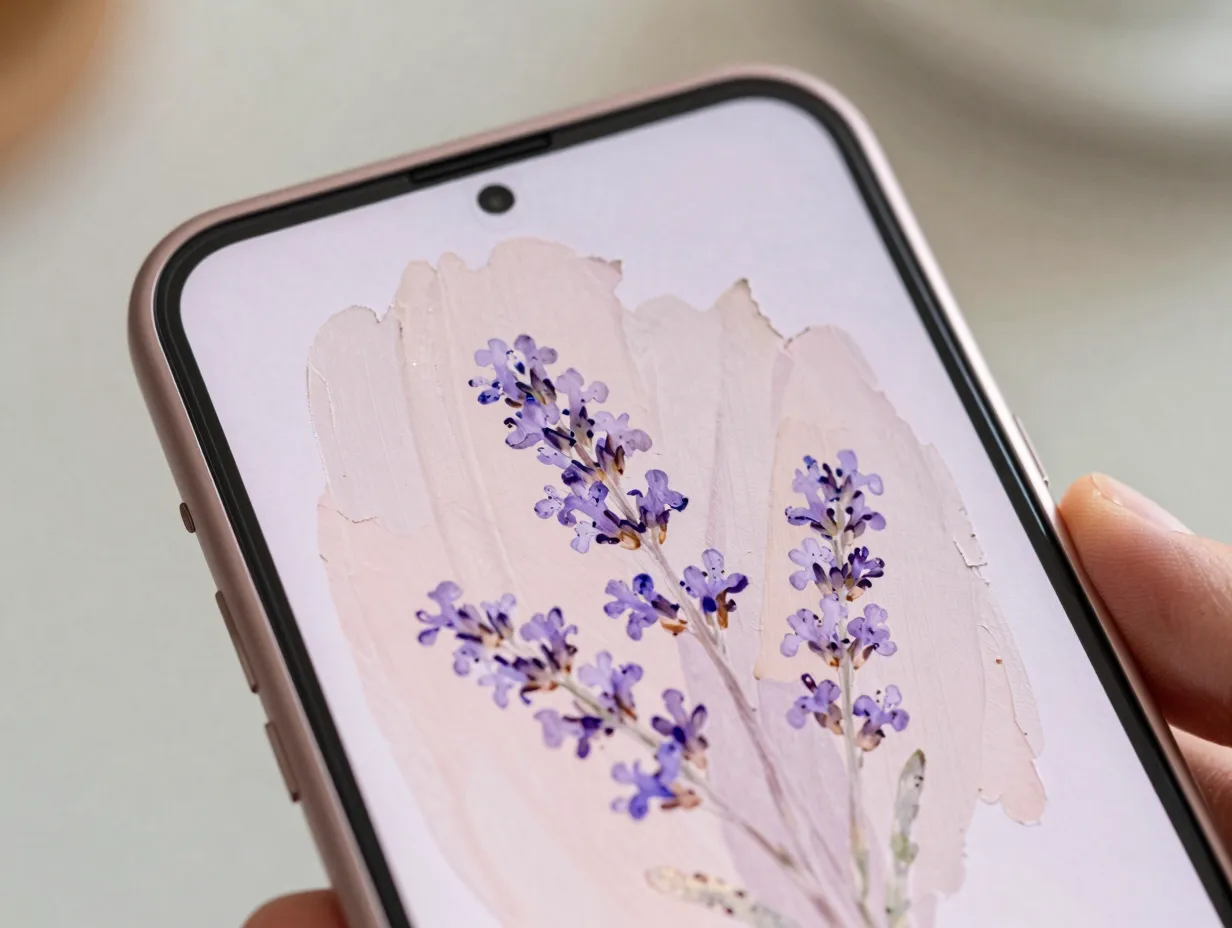
Not every S25 Ultra owner wants a dark or high-contrast aesthetic. For those who prefer a lighter, softer visual environment, pastel watercolor washes offer a compelling alternative that still takes full advantage of the display’s color accuracy.
The concept is a loosely painted wash of two or three pastel tones, lavender and peach, sage and cream, dusty blue and blush, that bleed into each other with soft edges and visible brush texture. Unlike a clean gradient, a watercolor wash retains the organic imperfection of hand-painted media, which gives it warmth and personality that digital gradients often lack.
Pairing suggestions with hardware colors:
- Titanium Pink Gold: lavender-to-blush watercolor wash
- Titanium White Silver: pale sage-to-cream wash
- Titanium Silver Blue: dusty blue-to-periwinkle wash
- Titanium Jade Green: mint-to-sage-to-cream layered wash
High-resolution watercolor wallpapers are widely available through curated third-party libraries, many of which tag content specifically to the S25 Ultra’s dimensions. [10] [11] [12] The S25 Ultra’s color-accurate display renders the subtle tonal variations in watercolor textures with exceptional fidelity, making this style look genuinely painterly rather than flat.
9. Architectural Minimalism
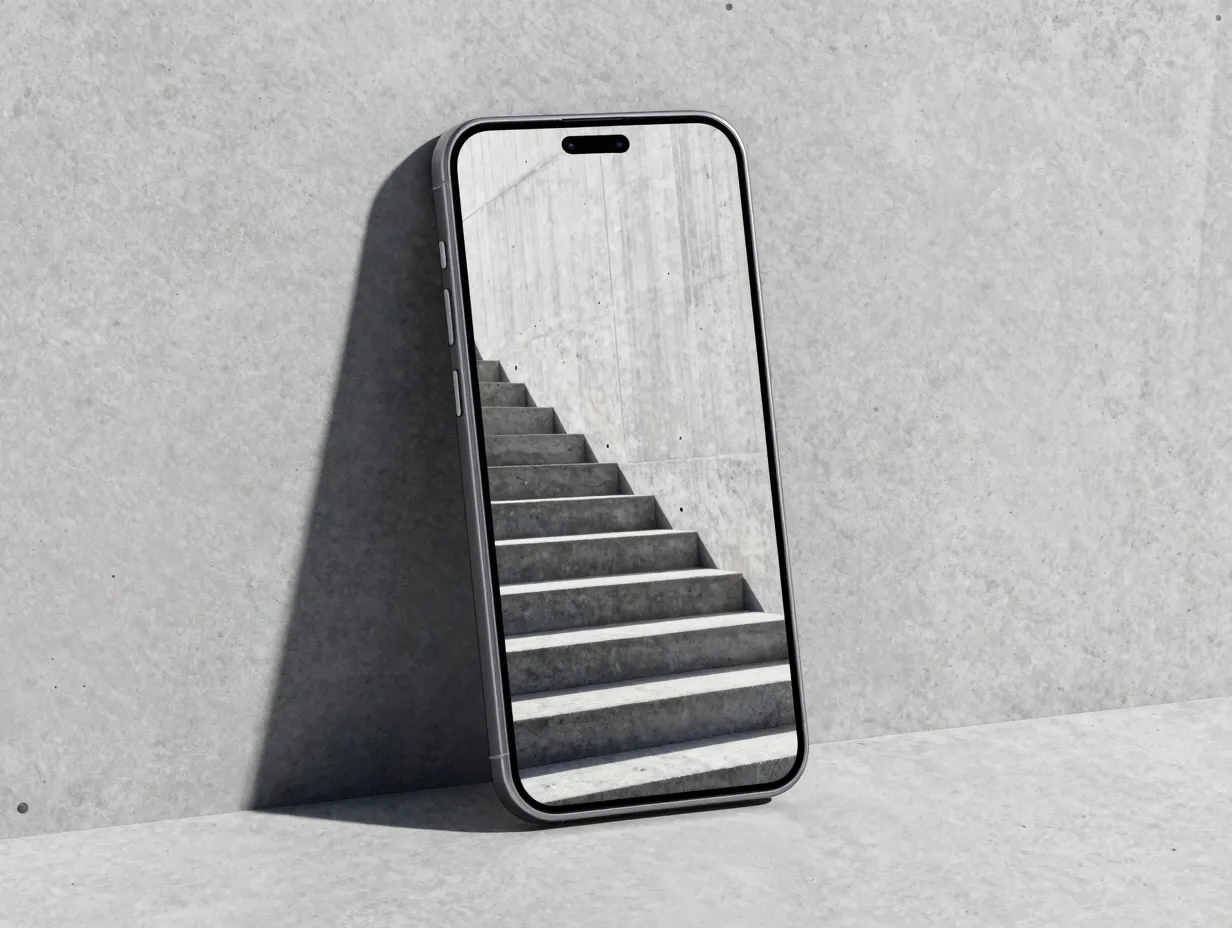
The final idea in this collection of 9 gorgeous aesthetic wallpaper ideas for the future Samsung S25 Ultra draws on architectural photography and design. Clean lines, strong geometry, and the interplay of light and shadow in built environments translate exceptionally well to smartphone displays, particularly one as large and precise as the S25 Ultra’s.
The concept uses high-resolution photographs or illustrations of architectural subjects: the curve of a concrete staircase, the grid of a glass facade, the shadow pattern on a white wall at noon. These images are cropped and composed to fill the S25 Ultra’s aspect ratio, with the subject positioned to leave clear space for the clock widget and app icons.
What makes architectural wallpapers work on the S25 Ultra:
- The 200 MP camera and improved ultrawide sensor can capture architectural subjects at resolutions that exceed the display’s native pixel count, ensuring no detail is lost. [5] [6]
- Monochromatic or near-monochromatic architectural images pair well with any icon theme.
- Strong horizontal and vertical lines complement the device’s flat sides and squared-off internal geometry.
- Shadows and highlights in architectural photography create natural contrast that keeps the wallpaper visually interesting without competing with app icons.
For owners who want to shoot their own architectural backgrounds, the S25 Ultra’s ultrawide camera is the recommended tool, its improved image processing in 2025 makes wide-angle architectural shots noticeably cleaner than previous generations. [5] [6]
How to Apply and Optimize These Wallpaper Ideas on the S25 Ultra
Choosing a wallpaper concept is only the first step. Getting the most out of the S25 Ultra’s display requires attention to a few technical details.
Resolution: Always use wallpaper files at or near 3120 x 3120 pixels for static backgrounds, or 1440 x 3120 pixels for live wallpapers. Anything lower will be upscaled by the system and may appear soft on the high-density panel. [2]
File format: PNG files preserve gradient smoothness and fine detail better than JPEG for wallpaper use. JPEG compression can introduce banding in smooth gradients, a visible flaw on the S25 Ultra’s accurate display.
Dark mode alignment: If dark mode is enabled in One UI, choose a wallpaper that complements the dark system UI rather than fighting it. Dark-core wallpapers (ideas 2, 4, and 7 above) are natural fits. Light wallpapers (ideas 5 and 8) work better with light mode or adaptive mode.
Icon theme coordination: The S25 Ultra’s One UI supports custom icon shapes and color themes. Matching the icon palette to the dominant wallpaper color creates a cohesive visual system rather than a collection of unrelated elements.
Third-party sources: Google Play hosts dedicated wallpaper apps with libraries specifically tagged to the Galaxy S25 Ultra‘s screen dimensions, covering minimalist, nature, neon, and abstract categories. [10] These apps offer a practical shortcut for owners who want curated, display-optimized options without manual searching.
Conclusion
The Samsung Galaxy S25 Ultra is a premium device with a display capable of rendering wallpapers at a level of quality most screens cannot match. The 9 gorgeous aesthetic wallpaper ideas for the future Samsung S25 Ultra outlined in this guide, from titanium gradient minimalism and dynamic “S” aura live wallpapers to pro camera abstracts, edge glow designs, and architectural photography, each take advantage of specific hardware strengths: the AMOLED panel’s true blacks, the 200 MP camera’s resolution, the rounded-corner design, and the S Pen’s productivity identity.
Actionable next steps:
- Identify the hardware color of the device and use it as a starting point for wallpaper palette selection.
- Download a dedicated S25 Ultra wallpaper app from Google Play to access a curated, resolution-matched library immediately. [10]
- Experiment with the Pro Camera Abstracts concept by shooting in long-exposure or macro mode and processing the results in the Gallery editor.
- Test both light and dark wallpaper variants to confirm which works better with the preferred One UI mode.
- For live wallpaper options, prioritize dark-background designs to take full advantage of AMOLED efficiency and contrast.
A well-chosen wallpaper does not just decorate the S25 Ultra, it completes it.
References
[1] Samsung Galaxy S25 Ultra Review – https://www.tomsguide.com/phones/samsung-phones/samsung-galaxy-s25-ultra-review
[2] Samsung Galaxy S25 Ultra Stock And Live Wallpapers – https://stockwallp.com/samsung-galaxy-s25-ultra-stock-and-live-wallpapers/
[4] Galaxy S25 Ultra Narrow Body Frame Rumors – https://www.androidcentral.com/phones/galaxy-s25-ultra-narrow-body-frame-rumors
[5] Galaxy S25 Ultra Everything That Leaked Before Launch And What Turned Out To Be True – https://www.itechguides.com/galaxy-s25-ultra-everything-that-leaked-before-launch-and-what-turned-out-to-be-true/
[6] Galaxy S25 Ultra Everything That Has Leaked So Far – https://www.sammobile.com/news/galaxy-s25-ultra-everything-that-has-leaked-so-far/
[8] Samsung Galaxy S25 Wallpapers – https://www.ytechb.com/samsung-galaxy-s25-wallpapers/
[9] Galaxy S25 Ultra Rumors – https://www.theshortcut.com/p/galaxy-s25-ultra-rumors
[10] Details – https://play.google.com/store/apps/details?id=com.artisaan.galaxys25ultrawallpaper&hl=en