9 Minimalist White Aesthetic Wallpaper Ideas for Your iPhone
White is not the absence of design, it is design at its most deliberate. Wallpapers.com now hosts more than 1,618 white aesthetic iPhone wallpapers, a figure that signals just how much demand has grown for clean, distraction-free screens in 2026 [4]. As phone home screens become increasingly crowded with widgets, notifications, and app icons, the background itself has become the one element that can restore visual calm. The 9 minimalist white aesthetic wallpaper ideas for your iPhone covered in this guide draw from the most-saved styles across millions of wallpaper downloads, expert curation from leading design blogs, and 2026 trend data, giving every reader a clear, actionable path to a cleaner, more intentional screen.
Disclosure: This post contains affiliate links. As an Amazon Associate, we earn from qualifying purchases, and at no extra cost to you.
Key Takeaways
- Plain white and off-white solids remain the most versatile minimalist iPhone backgrounds, working equally well with light and dark icon sets.
- Subtle textures, concrete, linen, speckled paper, add visual depth without adding visual noise.
- Nature-driven imagery such as desert dunes, misty beaches, and botanical line art consistently ranks among the most-saved minimalist wallpaper styles in 2026.
- Minimalist gradients on cream or sage backgrounds are one of the fastest-growing wallpaper trends this year, according to analysis of approximately 2 million wallpapers [10].
- Free, high-quality sources including Unsplash, Pexels, and dedicated wallpaper apps make it easy to refresh any iPhone screen without spending money.
Why Minimalist White Wallpapers Dominate iPhone Aesthetics in 2026
The shift toward minimalist white aesthetics on iPhone screens is not a passing trend, it reflects a broader cultural appetite for digital calm. Industry trend analysis covering roughly 2 million wallpapers found that “single subjects on cream or sage backgrounds” and minimalist gradients rank among the most-saved phone wallpaper aesthetics of 2025, cementing their position as leading styles heading into 2026 [10]. Design platforms like Man of Many frame minimalism explicitly as a way to reduce distraction and let simple forms and limited color palettes do the heavy lifting [6].
White and near-white backgrounds also have a practical advantage on modern iPhones. Light backgrounds make app icons and widget text easier to read at a glance, particularly on OLED screens where contrast ratios are extreme. Aiseesoft’s curated set of 25 clean white iPhone wallpapers groups designs specifically around the idea of using negative space to keep icons and widgets readable on the home screen [1]. The result is a screen that feels organized even when it is full of apps.
Minimalist white does not mean sterile or cold. The Mood Guide’s collection of more than 80 minimalist aesthetic iPhone wallpapers emphasizes beige, cream, taupe, warm white, and soft gray palettes, tones that feel inviting rather than clinical [3]. Understanding this palette range is the first step toward choosing a wallpaper that genuinely suits a personal style.
The 9 Minimalist White Aesthetic Wallpaper Ideas for Your iPhone
The nine ideas below represent the most recurring and most-saved styles identified across major wallpaper libraries, expert curation sites, and 2026 trend reports. Each idea is distinct, practical, and available through free or low-cost sources.
1. Plain White or Off-White Solids
The simplest option is often the most powerful. A pure white or warm off-white background strips the screen down to its essential function: a surface for icons and information. The Mood Guide explicitly recommends plain white wallpapers as a timeless choice, noting that they work across every iPhone model and every icon style [3]. Wallpapers.com lists dedicated plain white options within its white minimalist iPhone section, available in HD and 4K resolution [2].
Why it works: A solid white background creates maximum contrast for dark icons and text. It also photographs well, which matters for anyone who shares home screen setups on social media.
Best for: Users who want the cleanest possible screen with zero visual competition between the wallpaper and app icons.
Where to find it: Wallpapers.com, Unsplash (search “pure white texture”), or simply use the iPhone’s built-in color options under Settings > Wallpaper.
2. Subtle Textured Neutrals
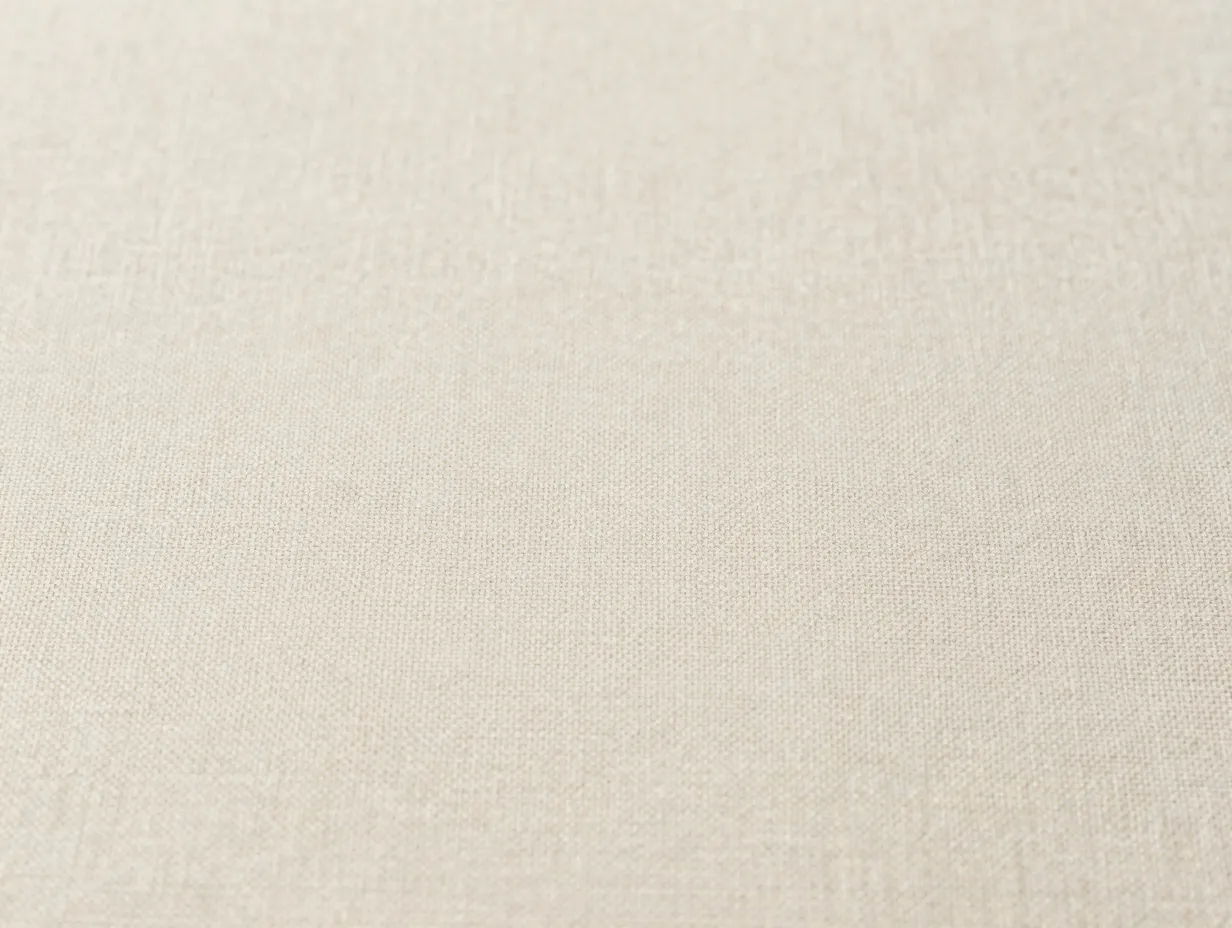
A flat white can feel too stark for some screens. Subtle textures, fine concrete, linen weave, speckled paper, or plaster, introduce visual warmth while keeping the overall aesthetic firmly minimalist. MinimalGoods highlights textured wall backgrounds and soft, speckled surfaces as key neutral minimalist choices in its collection of 28 free minimalist neutral iPhone wallpapers [15]. WidgetClub’s white minimalist iPhone section also features several texture-forward options [5].
The key distinction between a textured neutral that works and one that clutters is scale. A texture that is visible at arm’s length will compete with icons. The best minimalist textures are subtle enough to disappear at normal viewing distance but add depth when the screen is examined closely.
Best textures to look for:
- Fine linen or canvas grain
- Smooth concrete with micro-variation
- Speckled or flecked paper (similar to watercolor paper)
- Soft plaster or limewash effects
Where to find it: Pexels (search “white texture close-up”), MinimalGoods, Wallpapercave [7].
3. Simple White Architecture
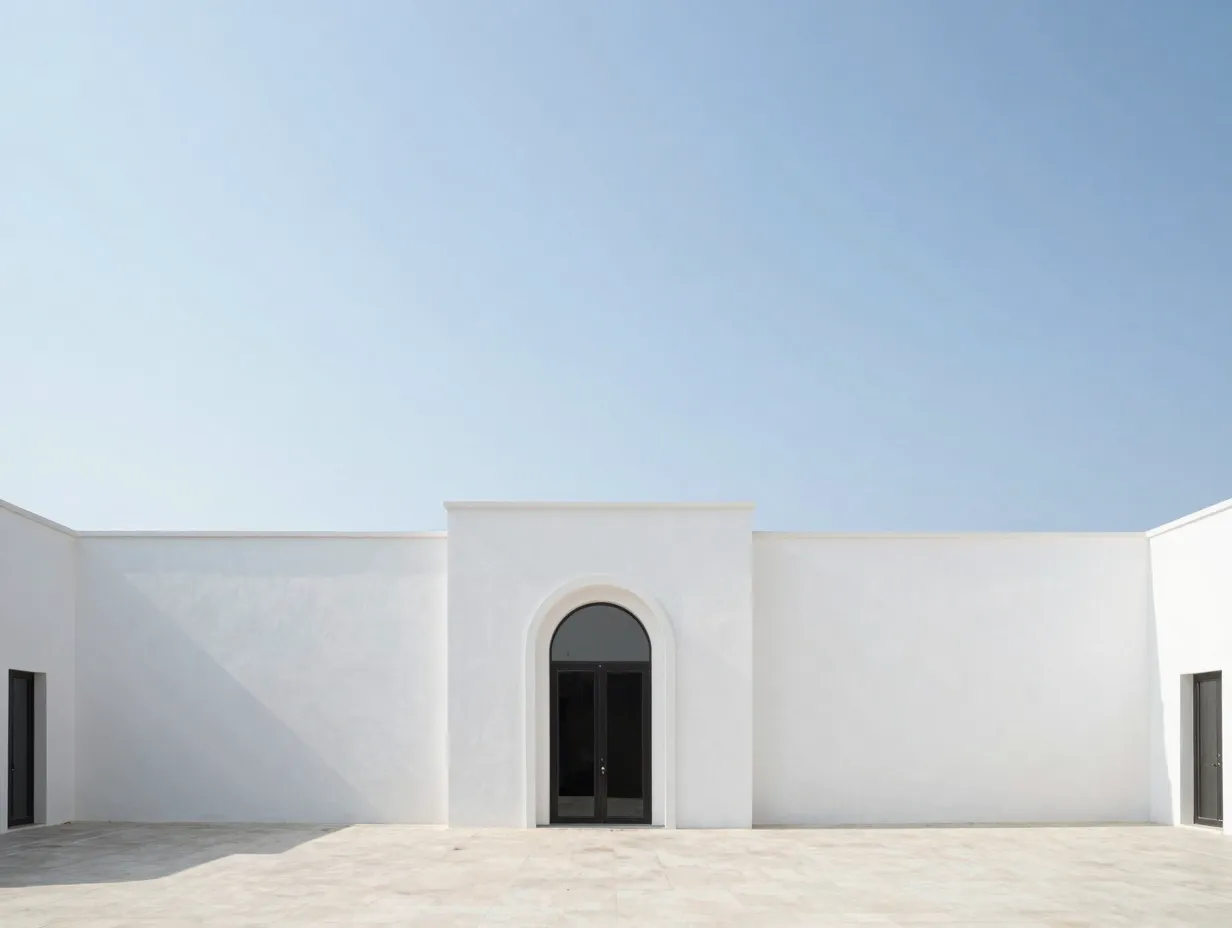
Clean architectural photography on a white or near-white backdrop brings structure and geometry to the iPhone screen without introducing color or clutter. The Mood Guide recommends simple white architecture as a timeless minimalist option, pointing to images of whitewashed walls, arched doorways, and stark geometric facades [3]. MinimalGoods extends this idea with “modern geometry” and “desert home” wallpapers that rely on clean lines, neutral facades, and large areas of negative space [15].
“Architectural minimalism on a phone screen works because the eye follows the lines of the building the same way it follows the grid of app icons, everything feels intentional.”
The most effective architectural wallpapers for iPhone share three traits: a predominantly white or off-white palette, strong geometric lines, and at least 40 percent of the frame given over to empty sky or wall. This negative space is where app icons sit without visual conflict.
Best subjects: Whitewashed Mediterranean walls, Scandinavian concrete buildings, Japanese minimalist interiors, desert adobe structures.
Where to find it: Unsplash (search “white architecture minimal”), Pexels, Creative Market for premium options.
4. Neutral Nature Scenes, Misty Beaches, Mountains, and Deserts
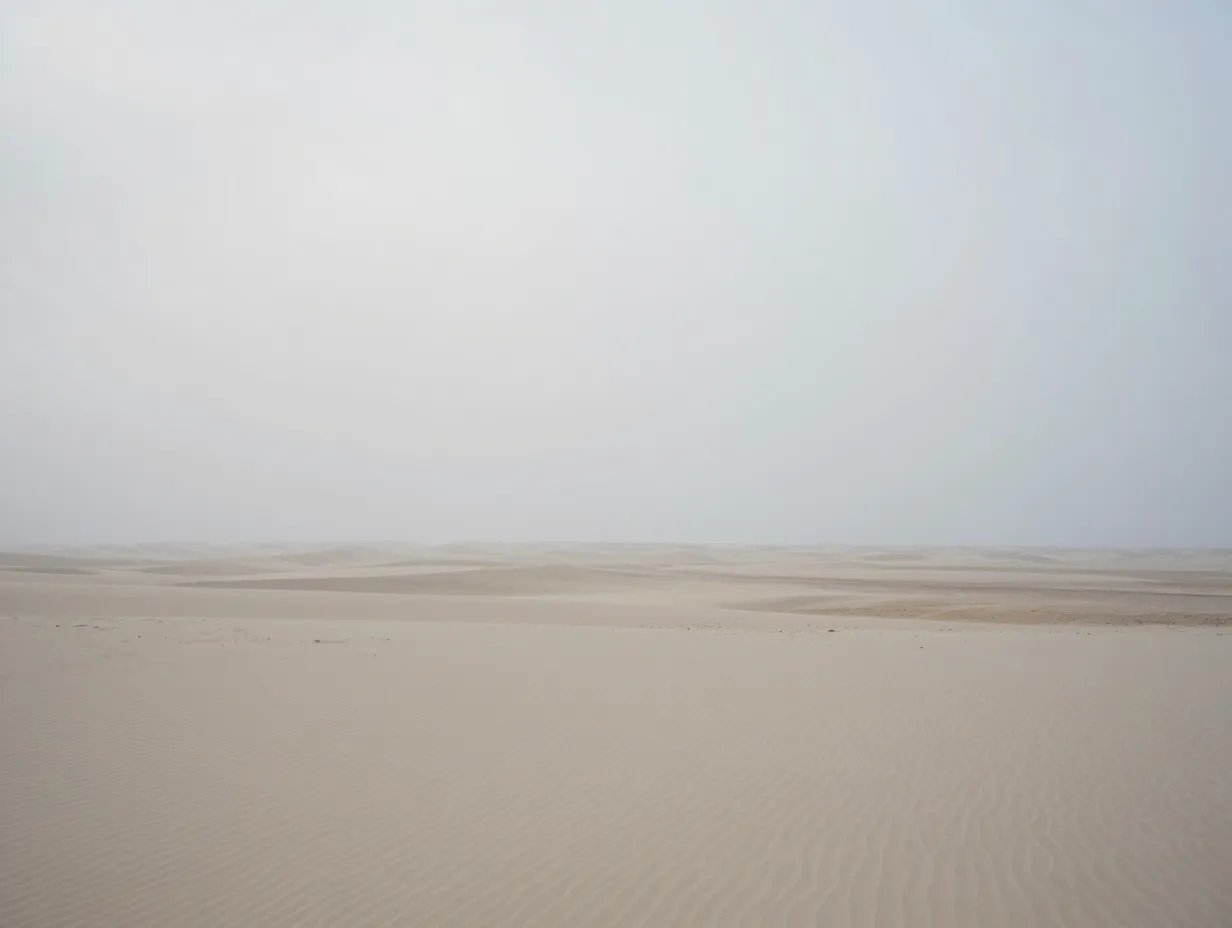
Nature does not have to mean color. Muted, desaturated, or overcast natural scenes, a foggy beach at dawn, a snow-covered mountain range, a pale desert horizon, fit squarely within the minimalist white aesthetic. The Mood Guide specifically calls out misty neutral nature scenes as a core recommendation [3], while DigitalMinimalist showcases a black-and-white minimalist desert-dune wallpaper as one of its featured options [8].
MinimalGoods offers multiple sand-dune, sunrise, and sea-view wallpapers rendered in soft neutral tones that fit white or near-white aesthetics [15]. These images work because nature, when photographed in flat light or converted to near-monochrome, produces the same sense of calm as a plain white background, but with more visual interest.
Characteristics of effective neutral nature wallpapers:
- Low saturation (desaturated or near-monochrome)
- Soft, diffused lighting (overcast or golden hour)
- Simple compositions with a clear horizon or single focal point
- Predominantly light tones with minimal dark areas
Where to find it: Unsplash (search “misty beach minimal” or “desert dune black white”), DigitalMinimalist [8], MinimalGoods.
5. Black-and-White Floral Photography
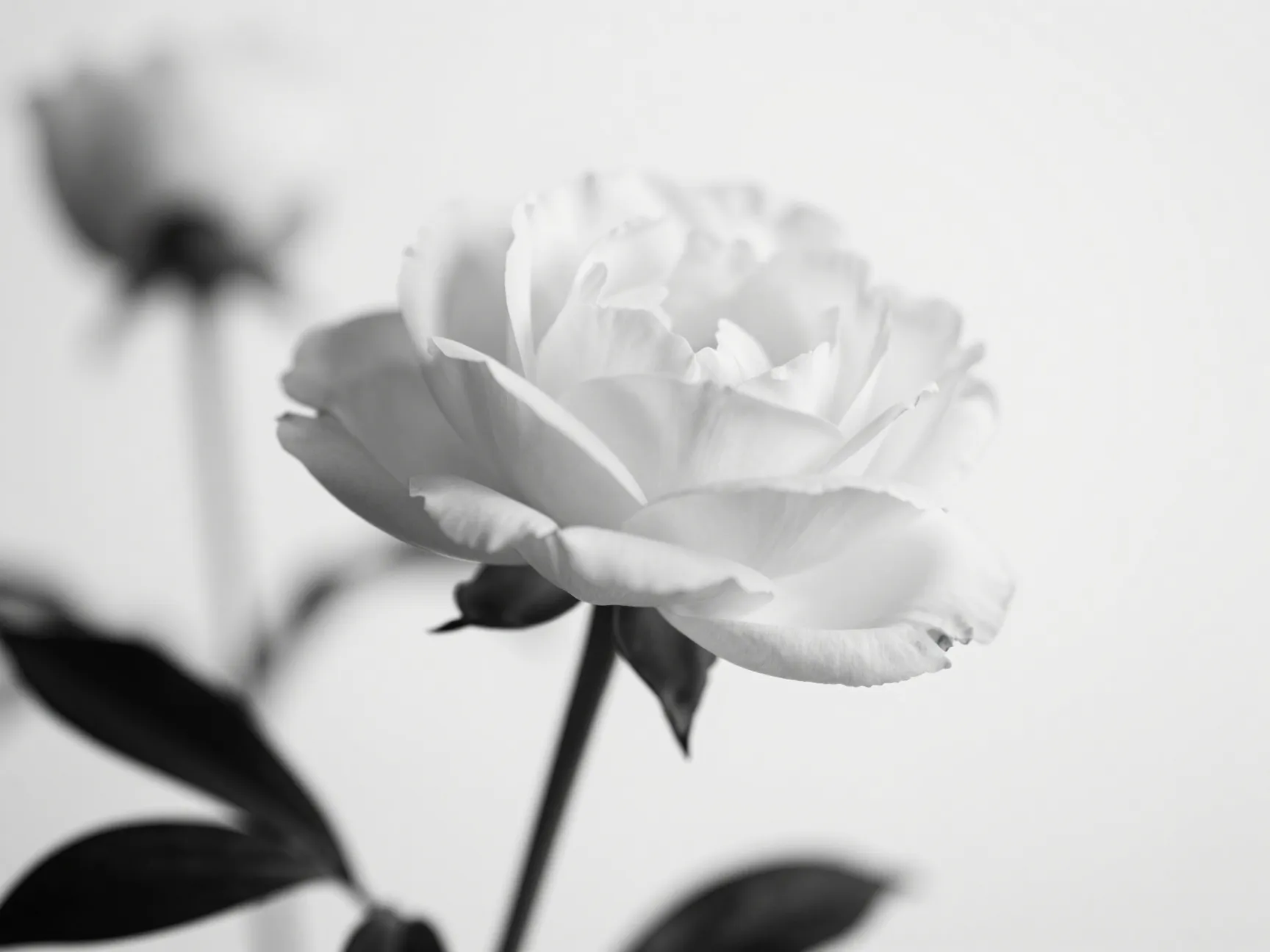
Floral photography in black and white occupies a unique space in the minimalist white aesthetic. The organic shapes of petals and stems contrast beautifully with a white background, creating visual interest without introducing color. The Mood Guide features black-and-white flowers as a specific imagery recommendation within its minimalist aesthetic wallpaper guide [3].
The appeal is partly psychological. Flowers are universally recognized as soft and calming subjects. When stripped of color and placed on a white ground, they become abstract enough to function as design elements rather than literal photographs. The result is a wallpaper that feels both personal and refined.
What to look for in a black-and-white floral wallpaper:
- High contrast between the subject and the background
- A single bloom or small cluster rather than a busy arrangement
- Soft focus on background elements to maintain minimalist clarity
- Predominantly white or very light gray background
Where to find it: Unsplash (search “black white flower minimal”), Pinterest for curated collections, Etsy for premium digital downloads.
6. Botanical Line Art on White
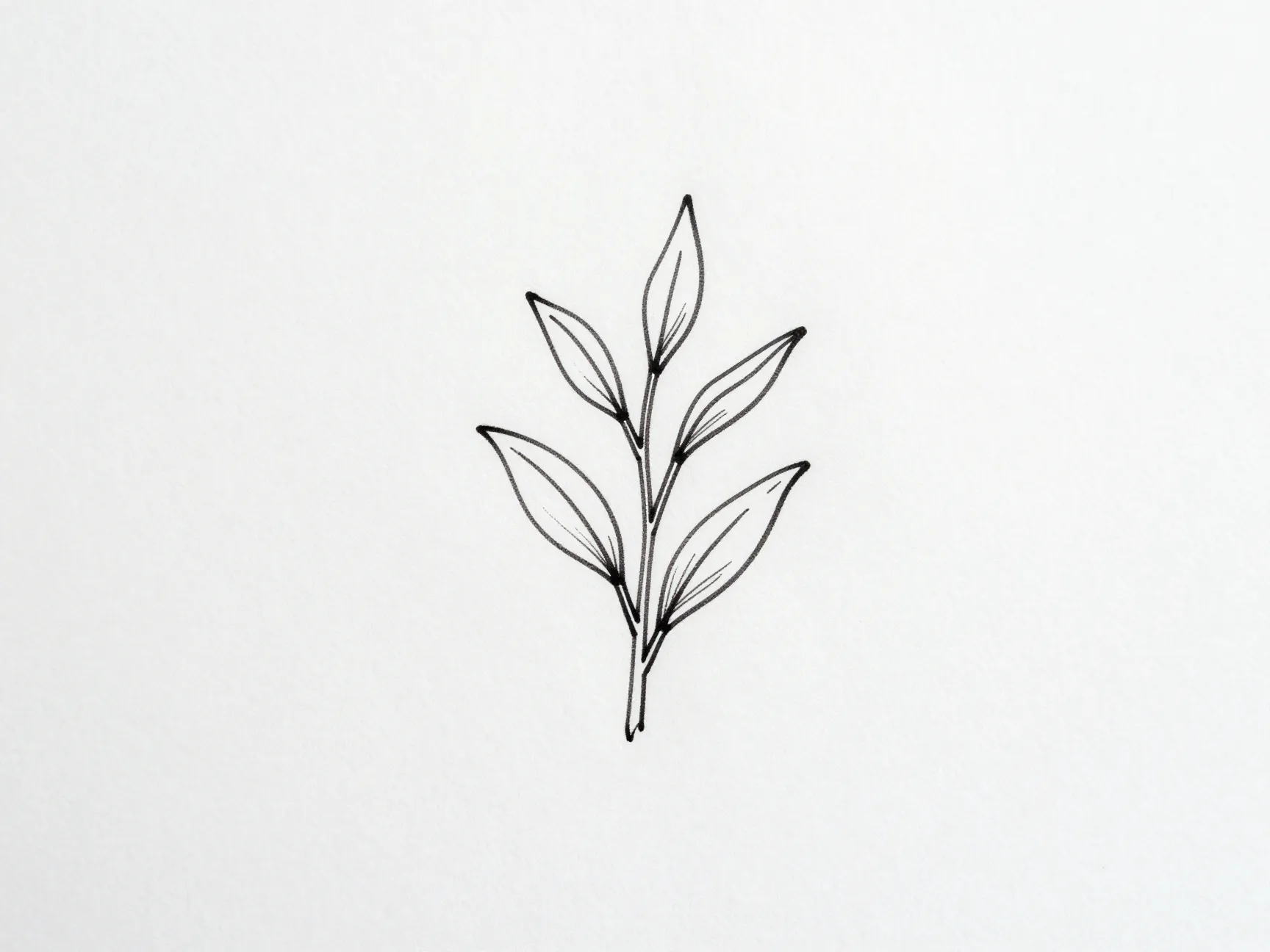
Where floral photography uses light and shadow, botanical line art uses the simplest possible mark, a single drawn line, to depict leaves, stems, and plant forms on a white background. This style has become one of the most consistently popular options in minimalist wallpaper collections. The Mood Guide includes botanical line drawings as a specific recommendation within its minimalist aesthetic guide [3], and Aiseesoft’s curated white iPhone wallpaper collection features similar ultra-minimal illustrated options [1].
Line art works particularly well on iPhone screens because the white background of the wallpaper and the white background of the line art illustration are the same tone. The drawing appears to float on the screen rather than sitting behind it, creating a subtle, elegant effect.
Design characteristics:
- Single-weight or variable-weight ink lines on pure white
- Sparse composition, one or two plant stems, not a full bouquet
- No fill, no shading, no color
- Generous white space around the illustration
Where to find it: Etsy (search “botanical line art iPhone wallpaper“), Creative Market, Pinterest boards dedicated to line art wallpapers.
7. Geometric Abstractions on Light Backgrounds
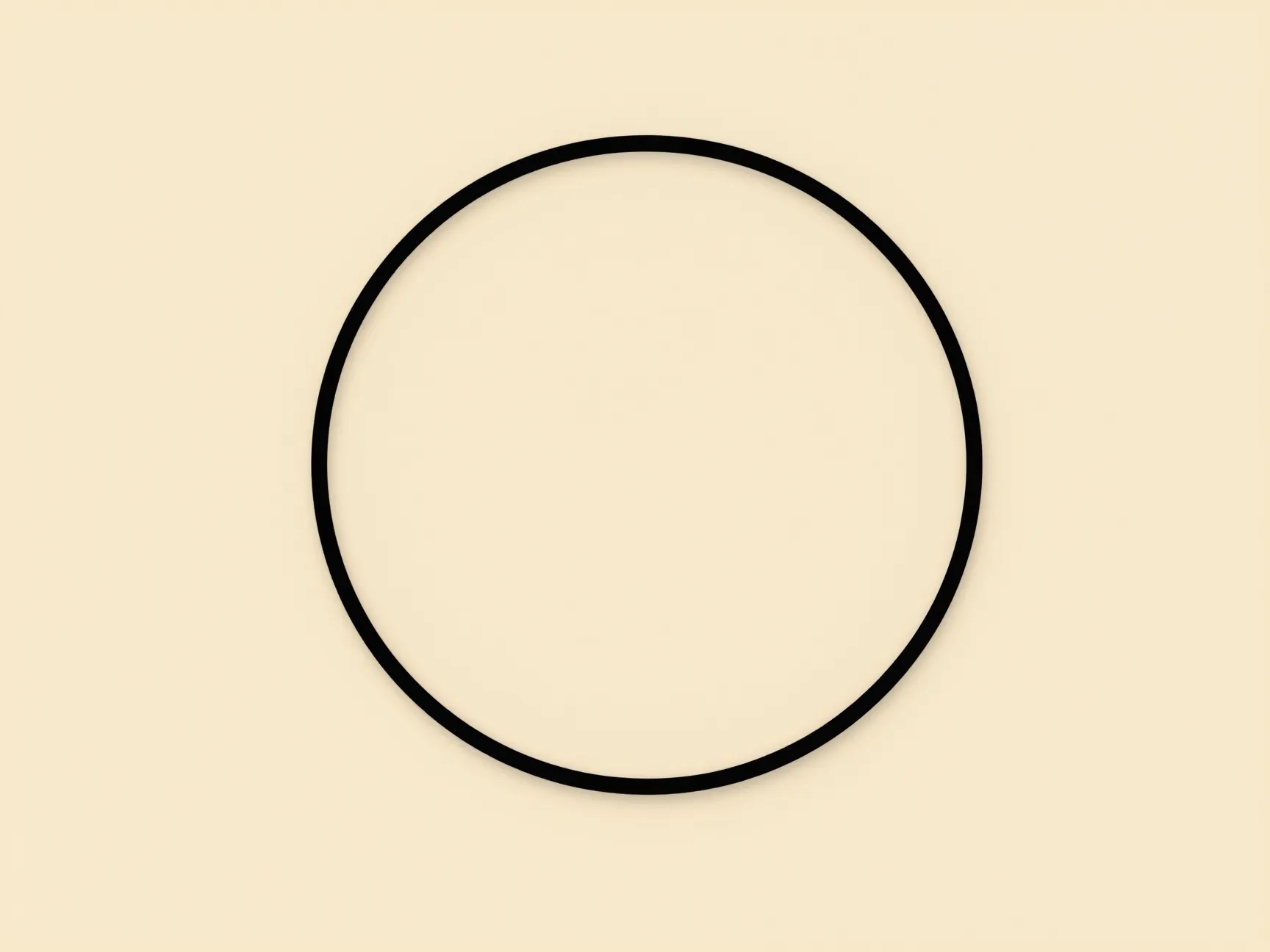
Geometry and minimalism have a long shared history in design. Simple geometric shapes, circles, triangles, grids, arcs, on ivory, cream, or pale gray backgrounds create wallpapers that feel modern and intentional. Wallpapers.com’s white minimalist iPhone section includes geometric options in HD and 4K [2], and MinimalGoods features “modern geometry” as one of its named wallpaper styles [15].
The distinction between a geometric wallpaper that feels minimalist and one that feels busy comes down to restraint. The most effective examples use one or two shapes, a maximum of two tones, and substantial negative space. A single thin circle on a cream background is minimalist. A repeating grid of colored hexagons is not.
| Do | Avoid |
|---|---|
| One or two simple shapes | Dense repeating patterns |
| Ivory, cream, or pale gray base | Saturated or neon colors |
| Thin lines and subtle contrast | Heavy fills or dark shapes |
| Generous negative space | Symmetrical grids that mirror icon layout |
Where to find it: Wallpapers.com [2], WidgetClub [5], Magnific, WallpapersOK [12].
8. Minimalist Gradients on Cream or Sage

Gradients fell out of favor during the flat design era, but the minimalist gradient, a slow, barely perceptible shift from one neutral tone to another, has become one of the fastest-growing wallpaper styles in 2026. Wallpapers.com’s industry trend analysis identifies minimalist gradients as one of the most-saved phone wallpaper aesthetics across its dataset, with cream-to-white and cream-to-sage transitions performing particularly well [10].
The minimalist gradient works on iPhone because it adds dimension to the screen without introducing hard edges or competing focal points. App icons sit comfortably on top because the gradient is so subtle that it reads as a tonal background rather than a graphic element.
Effective gradient combinations for a white aesthetic:
- Pure white to warm cream
- Ivory to pale sage green
- Off-white to soft blush (barely perceptible)
- Cool white to pale blue-gray
Technical note: When downloading or creating a gradient wallpaper, ensure the resolution matches the iPhone model in use. Most modern iPhones use a Super Retina XDR display, so 1170 x 2532 pixels (iPhone 14/15) or 1290 x 2796 pixels (iPhone 14/15 Pro Max) is ideal. Wallpapers.com and MinimalGoods both provide options sized for popular iPhone screen formats [2][15].
Where to find it: Wallpapers.com [2], Vellum app, Minimalist Wallpapers app, or create a custom gradient in Canva using the gradient background tool.
9. Lifestyle and Pet Photos with Strong Negative Space
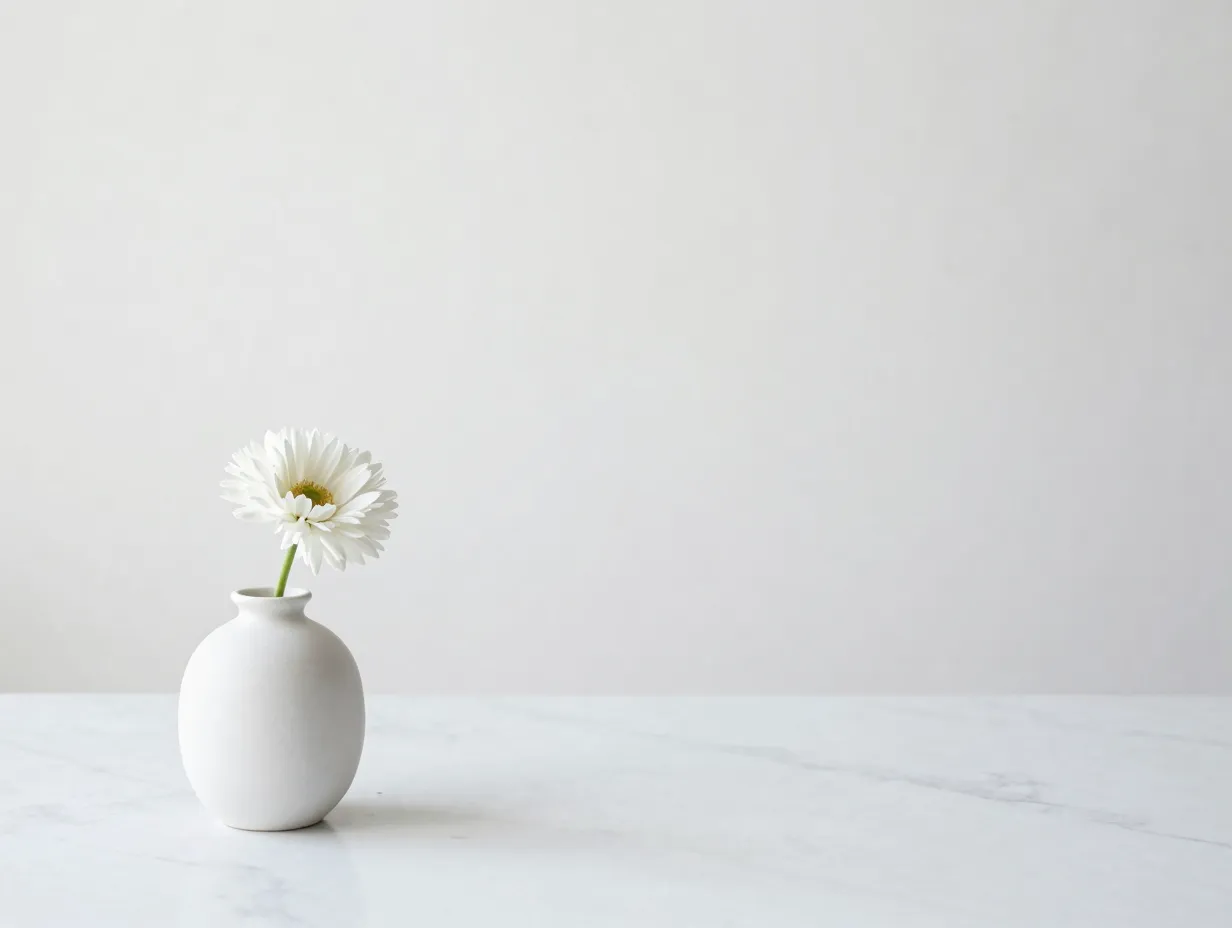
The final idea in this collection of 9 minimalist white aesthetic wallpaper ideas for your iPhone is the most personal. A carefully composed lifestyle photograph, a coffee cup on a white marble surface, a sleeping cat against a pale linen backdrop, a single flower in a white ceramic vase, can function as a minimalist wallpaper when it is built around negative space rather than subject density.
Aiseesoft’s June 2026 update to its curated white iPhone wallpaper collection groups images into lifestyle and pet-themed sets that deliberately use negative space to keep icons and widgets readable on the home screen [1]. The principle is straightforward: the subject occupies roughly one-third of the frame, and the remaining two-thirds is clean, light background. This gives app icons a clear surface to sit on while the subject adds personality.
Composition guidelines for lifestyle wallpapers:
- Place the main subject in the lower third of the image (icons typically sit in the upper two-thirds)
- Use a white, cream, or very light neutral background
- Avoid busy backgrounds, patterned surfaces, or dark shadows
- Shoot in soft, diffused natural light for the most minimalist result
Where to find it: Unsplash (search “white background lifestyle minimal”), Pexels, or use a personal photo edited in Lightroom with exposure lifted and saturation reduced.
Where to Find the Best Minimalist White iPhone Wallpapers in 2026
Knowing the nine ideas is only half the work. Finding high-quality versions of each style requires knowing which platforms to trust. The table below summarizes the best sources, organized by type.
| Source | Type | Best For | Cost |
|---|---|---|---|
| Wallpapers.com | Wallpaper library | Large volume, HD/4K, all styles | Free |
| Unsplash / Pexels | Photography platform | High-resolution photography | Free |
| Idea discovery | Curated collections, style inspiration | Free | |
| Etsy / Creative Market | Premium marketplace | Botanical line art, unique designs | Paid |
| Vellum / Minimalist Wallpapers app | Dedicated wallpaper app | Curated minimal styles, easy download | Free/Freemium |
| The Mood Guide | Design blog | 80+ curated minimal aesthetics | Free |
| MinimalGoods | Curated collection | 28 neutral iPhone wallpapers, sized correctly | Free |
The Mood Guide specifically recommends Unsplash, Pexels, Pinterest, Etsy, Creative Market, Vellum, and the Minimalist Wallpapers app as reliable sources for high-quality minimalist imagery [3]. For volume and variety, Wallpapers.com’s dedicated white aesthetic iPhone section, with more than 1,618 options, is the single largest free resource currently available [4].
How to Set a Minimalist White Wallpaper on iPhone
Setting a new wallpaper on iPhone takes under a minute. The steps below apply to iOS 16 and later, which introduced the customizable lock screen.
- Open the Settings app and tap Wallpaper.
- Tap Add New Wallpaper.
- Choose Photos to use a downloaded image, or browse the built-in options under categories like Color or Weather and Astronomy.
- Select the image and use the pinch gesture to zoom and position it.
- Tap Add and choose whether to set it as the Lock Screen, Home Screen, or both.
- For the home screen specifically, tap Customize Home Screen to blur or adjust the image separately from the lock screen.
Pro tip: When using a white or very light wallpaper on the home screen, switch app icons to a dark or monochrome theme (available through third-party icon packs or the Shortcuts app) to maximize the minimalist effect.
Frequently Asked Questions
What resolution should a minimalist white wallpaper be for iPhone?
For most modern iPhones, a resolution of at least 1170 x 2532 pixels is recommended. iPhone Pro Max models use 1290 x 2796 pixels. Both Wallpapers.com and MinimalGoods provide wallpapers sized for popular iPhone screen formats [2][15].
Will a white wallpaper drain the iPhone battery faster?
On OLED screens (iPhone X and later), white pixels are fully lit and consume more power than black pixels. The difference in everyday use is minimal, but users concerned about battery life may prefer a warm off-white or cream tone over pure white.
Are free minimalist white wallpapers safe to download?
Reputable platforms like Unsplash, Pexels, Wallpapers.com, and MinimalGoods are safe. Avoid downloading wallpapers from unknown sites that require app installations or permissions beyond basic storage access.
How often should the wallpaper be changed?
There is no rule. Many minimalist users keep the same wallpaper for months because the simplicity means it never feels dated. Others rotate seasonally, a misty beach in summer, a pale snow scene in winter.
Conclusion
The 9 minimalist white aesthetic wallpaper ideas for your iPhone covered in this guide, plain white solids, subtle textured neutrals, simple white architecture, neutral nature scenes, black-and-white floral photography, botanical line art, geometric abstractions, minimalist gradients, and lifestyle photos with strong negative space, represent the full range of what the white aesthetic can offer in 2026. Each idea is grounded in real trend data, expert curation, and the practical realities of how iPhone home screens are used daily.
Actionable next steps:
- Identify which of the nine styles matches the current icon set and widget layout on the iPhone.
- Visit Wallpapers.com or The Mood Guide to browse options in that style before committing to a download [3][4].
- Download two or three candidates in the correct resolution for the specific iPhone model.
- Set each as the home screen wallpaper for 24 hours before deciding, what looks good as a static image does not always work well behind a full grid of app icons.
- Revisit the collection seasonally; minimalist white aesthetics evolve slowly, but the gradient and botanical line art trends in particular are producing new options throughout 2026 [10].
A cleaner screen is not a small thing. Research consistently links visual clutter to cognitive load. Choosing a deliberate, minimal background is one of the simplest ways to make the most-used device in daily life feel calmer, more organized, and more personal.
References
[1] White Iphone Wallpaper – https://www.aiseesoft.com/resource/white-iphone-wallpaper.html
[2] White Minimalist Iphone – https://wallpapers.com/white-minimalist-iphone
[3] Minimal Aesthetic Wallpapers – https://themoodguide.com/minimal-aesthetic-wallpapers/
[4] White Aesthetic Iphone – https://wallpapers.com/white-aesthetic-iphone
[5] Iphone – https://widget-club.com/wallpapers/t/white_minimalist/iphone
[6] Minimalist Iphone Wallpapers – https://manofmany.com/tech/minimalist-iphone-wallpapers
[7] White Minimalist Iphone Wallpapers – https://wallpapercave.com/white-minimalist-iphone-wallpapers
[8] Minimalist Iphone Wallpapers – https://www.digitalminimalist.com/blog/minimalist-iphone-wallpapers
[10] Phone Wallpaper Trends 2026 – https://wallpapers.com/article/phone-wallpaper-trends-2026/