6 Powerful Tools and Techniques For Stunning 3D Concept Design
A single concept artist working solo today can now generate, sculpt, and texture a production-ready 3D asset in the time it once took a five-person studio team to finish a single blockout. That shift is not hype. It is the direct result of AI-assisted generation, sketch-driven parametric modeling, and browser-based sculpting tools converging into one accessible toolkit. Mastering 6 Powerful Tools and Techniques For Stunning 3D Concept Design is no longer a luxury reserved for big-budget studios. It is the baseline expectation for anyone who wants concept work that looks finished, feels believable, and survives client scrutiny on the first pass.
Disclosure: This post contains affiliate links. As an Amazon Associate, we earn from qualifying purchases, and at no extra cost to you.
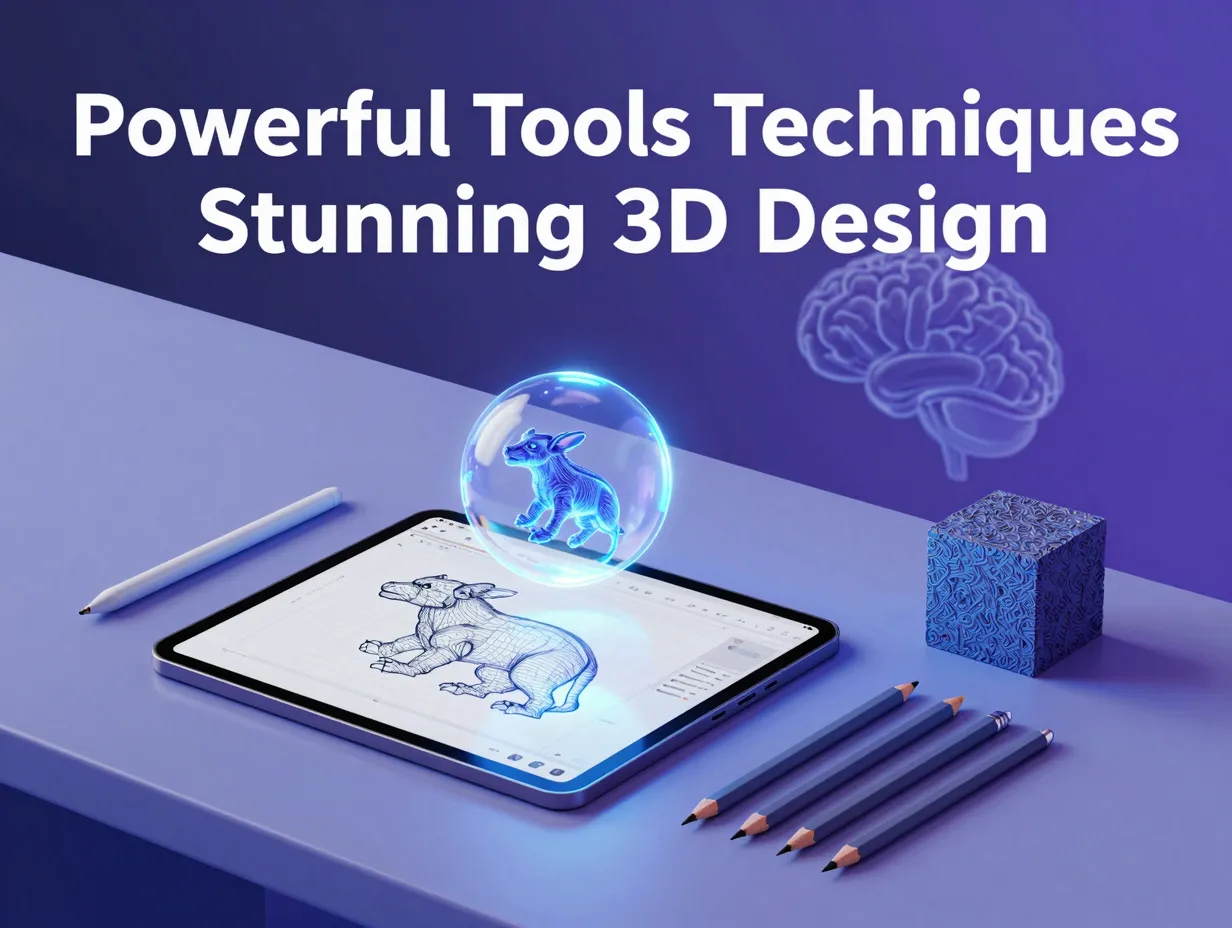
This guide breaks down the six tools and techniques currently reshaping conceptual 3D work, from free all-in-one suites to AI generators that turn a rough sketch into a textured model in seconds. Each entry includes what it does best, who it fits, and how to fold it into a realistic workflow.
Key Takeaways
- Free, all-in-one suites like Blender remain the backbone of most conceptual pipelines, scoring strongly for value and versatility across modeling, blockouts, and look development[4].
- Sketch-driven parametric tools such as Shapr3D speed up early massing by tying direct face and edge edits to constraint-aware sketches[1].
- Digital sculpting platforms like ZBrush still deliver the highest-fidelity organic detail for character and creature concepts.
- AI generators such as Tripo AI and Krea.ai compress ideation time by turning text, images, or rough sketches into 3D concepts almost instantly[3].
- A layered workflow that mixes traditional modeling, sculpting, texturing, and AI generation consistently outperforms any single-tool approach for indie creators and small studios alike[4].
Why 3D Concept Design Now Demands Smarter Tools
Concept design used to mean weeks of 2D exploration before anything touched a 3D program. That sequence has flipped. Clients and art directors now expect rough 3D volumes within hours, not weeks, because AI-assisted generation and faster modeling kernels have made early 3D iteration nearly as fast as sketching on paper. A 2026 comparison of conceptual design software found that tools optimized for sketch-driven workflows, rather than heavyweight production suites, are increasingly the entry point for early-stage concept work[1].
This is not just about speed. It is about reducing the cost of being wrong. When a rough 3D concept takes ten minutes instead of ten hours to produce, artists can test five directions instead of committing to one. That single change in economics is why the tools below are built around fast iteration, not just final polish. Solo creators in particular have benefited, since a lean stack of modeling, sculpting, AI generation, and browser-based visualization tools now lets a single person move from a blank scene to a client-ready render without licensing an entire studio pipeline[4].
The result is a new baseline for what “concept ready” looks like. Flat mood boards and 2D paintings still matter, but they are increasingly the first step in a pipeline that ends in an interactive 3D model, not the final deliverable.
6 Powerful Tools and Techniques For Stunning 3D Concept Design
The following six entries represent the current core toolkit for conceptual 3D work, based on how they are actually being ranked and used across recent industry comparisons. They are ordered roughly from foundational, general-purpose tools to more specialized and AI-driven techniques.
1. Blender for Free All-in-One Concept Modeling and Look Development
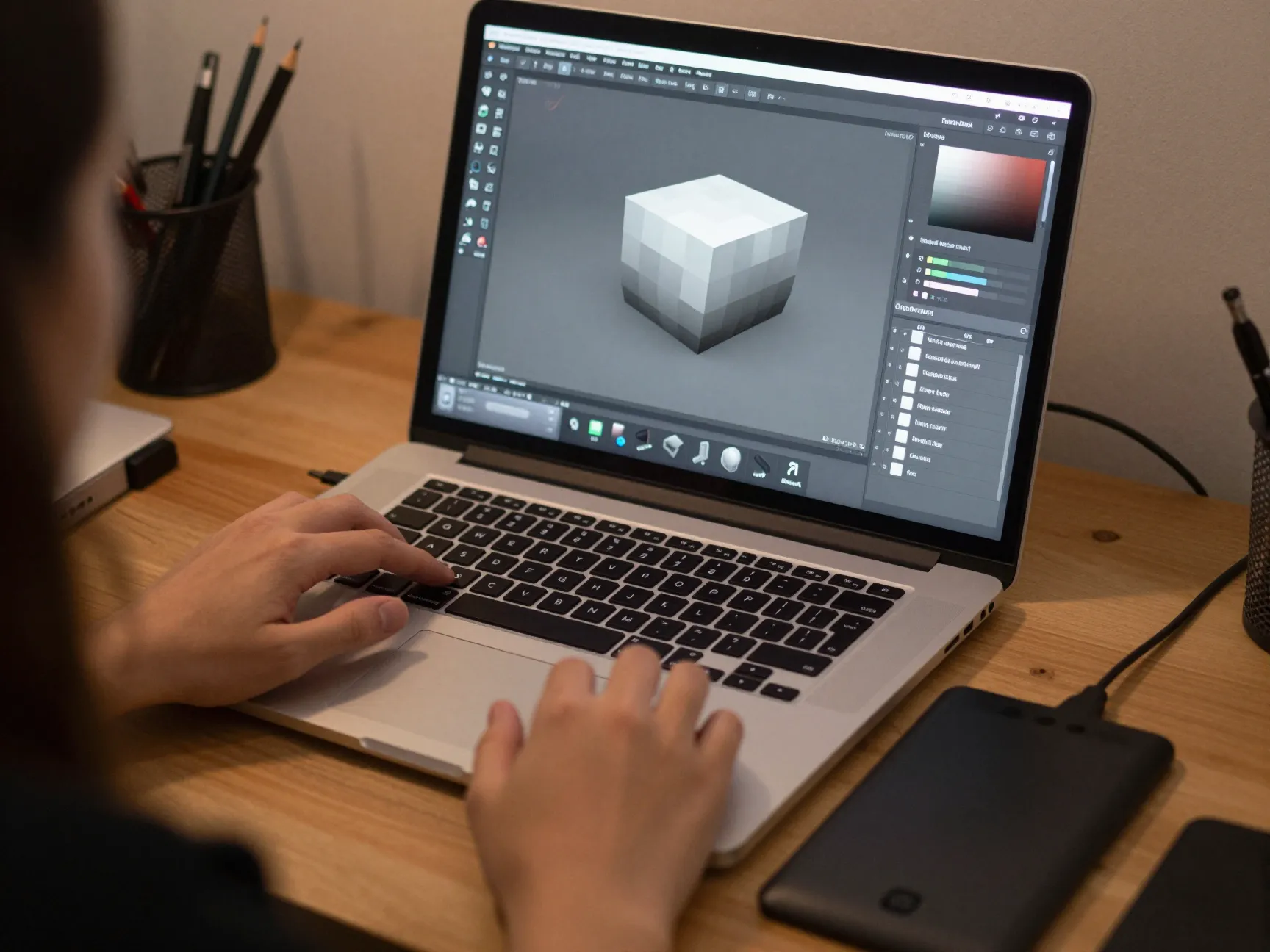
Blender remains the most commonly cited starting point for concept artists building a 3D pipeline from scratch. It handles modeling, blockouts, sculpting, texturing, lighting, and rendering inside a single free application, which matters enormously for indie creators who cannot justify multiple software subscriptions before a project even proves itself[4].
What makes Blender particularly strong for concept work is its flexibility across stages. A rough blockout can evolve into a sculpted high-detail pass, then receive materials and lighting, all without exporting to another program. This continuity shortens feedback loops, which is exactly what concept iteration needs.
Practical starting techniques include:
- Blocking out primary shapes using simple primitives before adding any detail.
- Using modifiers like Mirror and Subdivision Surface to keep iteration non-destructive.
- Switching to Sculpt Mode only after the base silhouette reads correctly from the main camera angle.
- Applying a fast material pass with Blender’s built-in shader nodes to test mood and material language early.
Because it is free and cross-platform, Blender also functions as the common denominator tool that studios use to review or clean up assets generated in other AI or CAD-style programs.
2. Shapr3D for Fast Sketch-Driven Solid Modeling
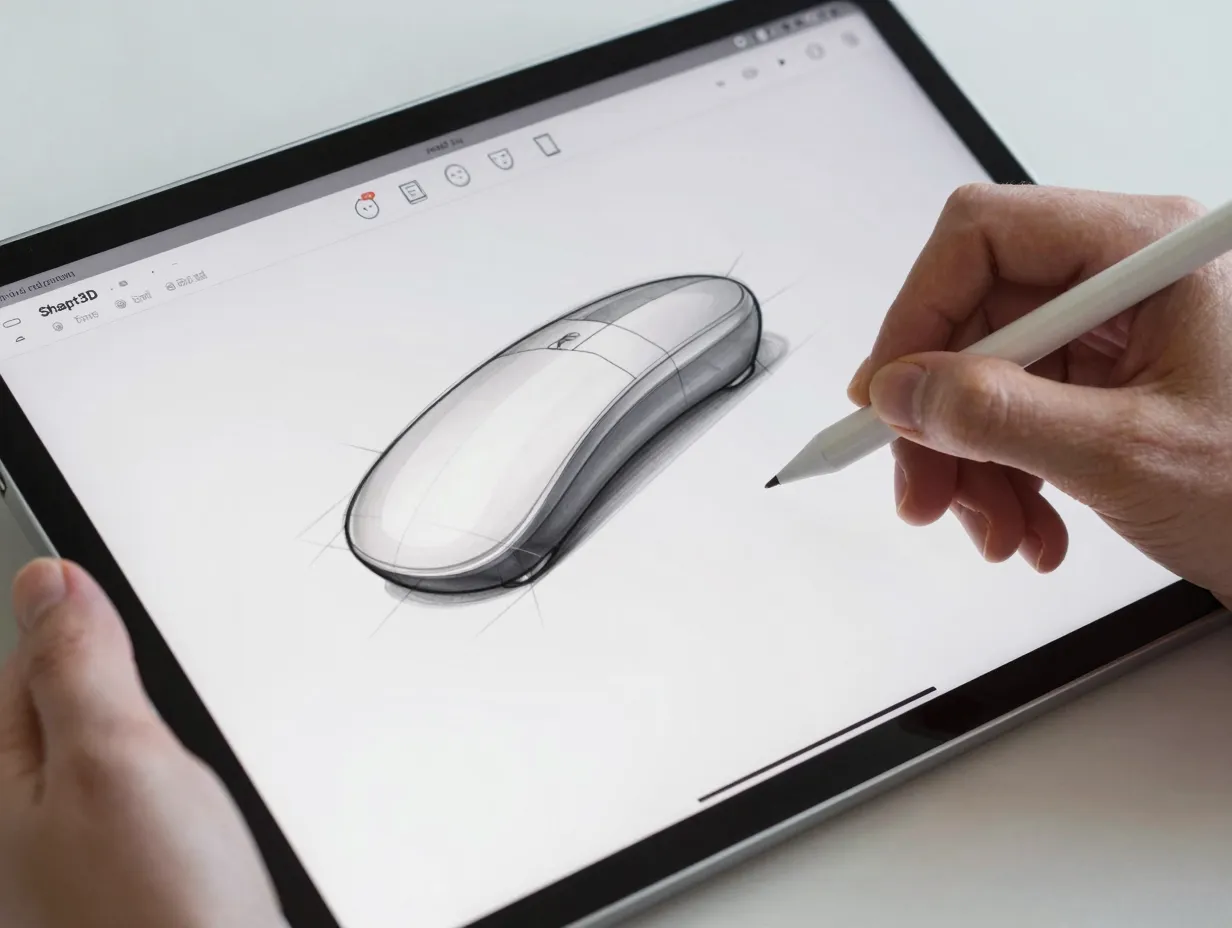
Shapr3D occupies a distinct niche among 6 Powerful Tools and Techniques For Stunning 3D Concept Design: it treats sketching as the primary input rather than an afterthought. Recent software comparisons place Shapr3D among the top tools for early-stage concept work specifically because of its fast boundary representation, or B-Rep, massing and its direct face and edge edits tied to constraint-aware sketches[1].
In practice, this means a designer can draw a 2D profile, extrude it into a solid, and then directly pull, push, or rotate individual faces while the underlying sketch constraints keep the geometry precise. That combination of sketch discipline and direct manipulation is rare. Most modeling tools force a choice between freeform speed and parametric precision. Shapr3D blends both.
This makes it especially useful for:
- Product and industrial design concepts that need believable proportions early.
- Architectural massing studies where quick volume changes matter more than final detail.
- Hard-surface vehicle or hardware concepts that benefit from precise, editable primitives.
Because the tool runs on tablets as well as desktop, it also supports a more mobile concept workflow, letting designers sketch and model during a commute or a client walkthrough rather than only at a workstation.
3. ZBrush for High-Fidelity Digital Sculpting
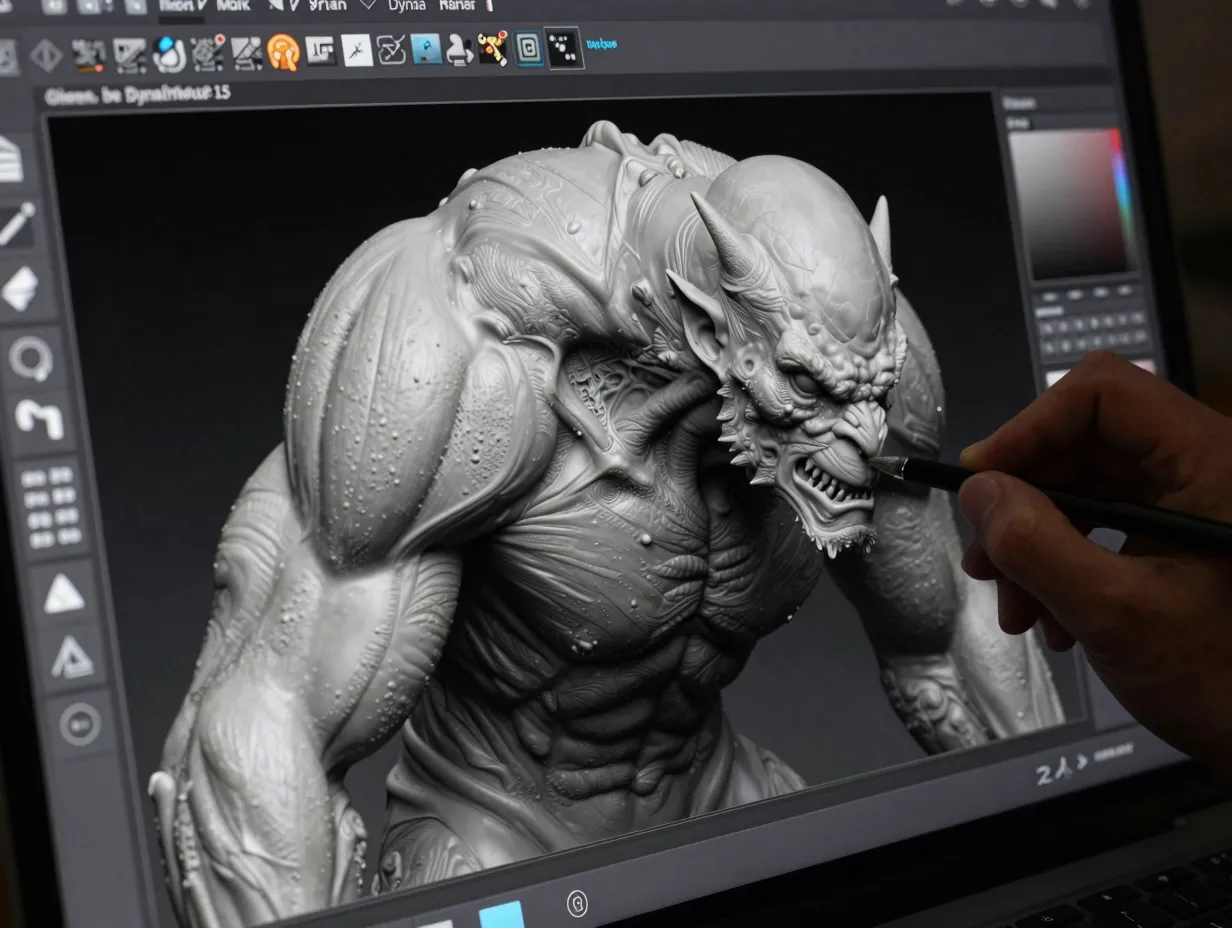
When a concept needs to feel organic, whether that is a creature, a character, or a heavily worn hard-surface object, digital sculpting tools remain unmatched. ZBrush has held its position as the industry reference for high-fidelity sculpting because of how it handles massive polygon counts and fine surface detail without breaking the artist’s creative flow.
The core technique that sets sculpting workflows apart from box-modeling is additive and subtractive shaping, similar to working with digital clay. Artists start with a rough base mesh, often generated in Blender or even from an AI tool, then progressively add wrinkles, pores, fabric folds, or surface wear using dynamic subdivision.
A practical sculpting sequence looks like this:
- Import or build a low-resolution base mesh with correct proportions.
- Use DynaMesh or similar re-topology tools to keep the surface sculptable at any density.
- Block in secondary forms, such as muscle groups or major surface panels, before touching fine detail.
- Add micro-detail like pores, scratches, or fabric texture only in the final pass, once the silhouette and secondary forms are approved.
This staged approach prevents artists from polishing details on a shape that is still likely to change, which is one of the most common time-wasters in concept sculpting.
4. Adobe Substance 3D for Industry-Standard Texturing and Materials
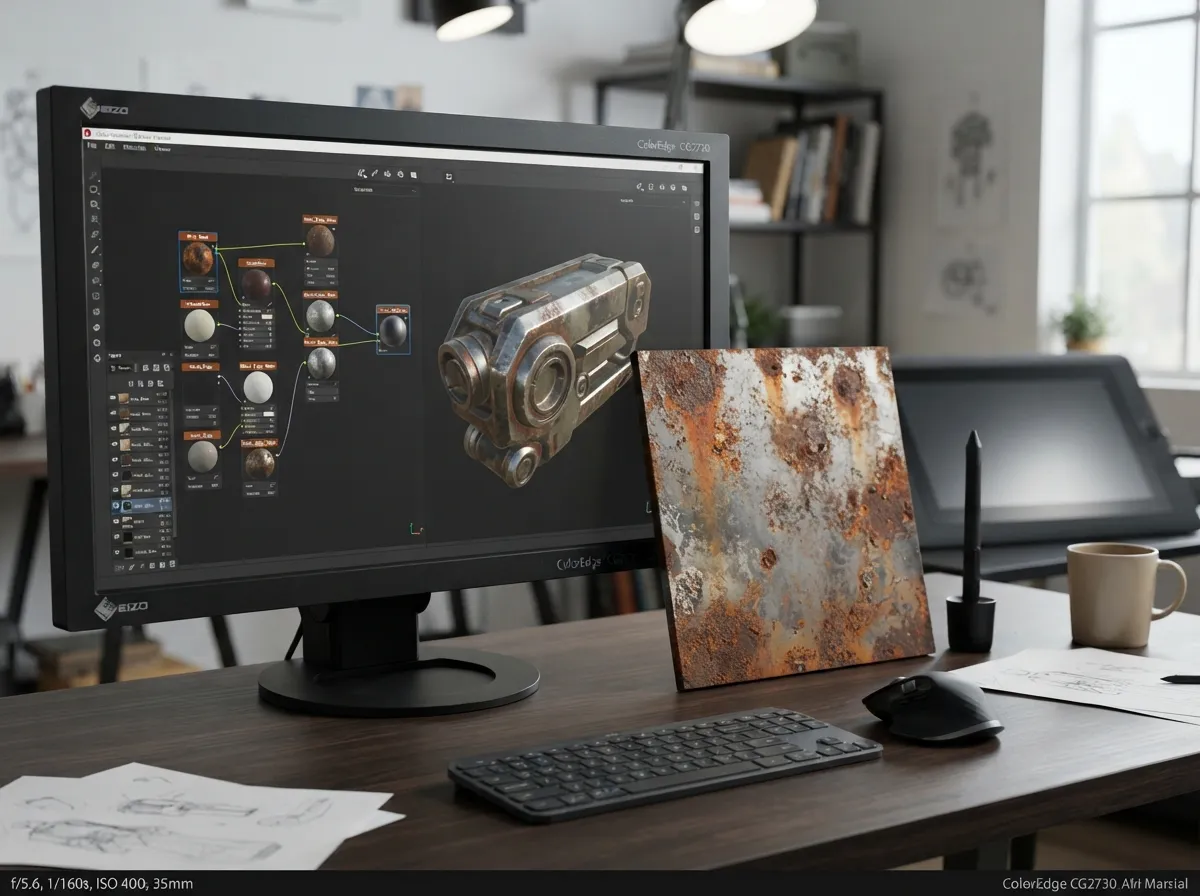
A concept model with perfect geometry can still fall flat if the materials look generic. This is where Adobe Substance 3D has become close to a default standard, offering a physically based rendering, or PBR, texturing environment that lets artists build materials procedurally rather than painting every detail by hand.
The technique that matters most here is procedural layering. Instead of painting a single flattened texture, artists stack layers of base color, roughness, metallic value, and surface detail that can be adjusted non-destructively at any point. This is critical for concept work because clients frequently request material changes late in the process, and procedural layers make those changes fast rather than requiring a repaint.
Complementary 2D tools also play a supporting role in this stage. Sketching and paint-over tools such as Autodesk SketchBook, CorelDRAW, and Krita are commonly used alongside 3D-focused texturing suites to refine material call-outs, color scripts, and mood references before final texture work begins[4]. AI-driven image generators aimed specifically at concept art, such as those highlighted in recent generative art surveys, are increasingly used at this stage too, generating quick material or mood references that guide the procedural texturing pass[6].
5. Tripo AI and Generative AI Tools for Instant 3D Concepts
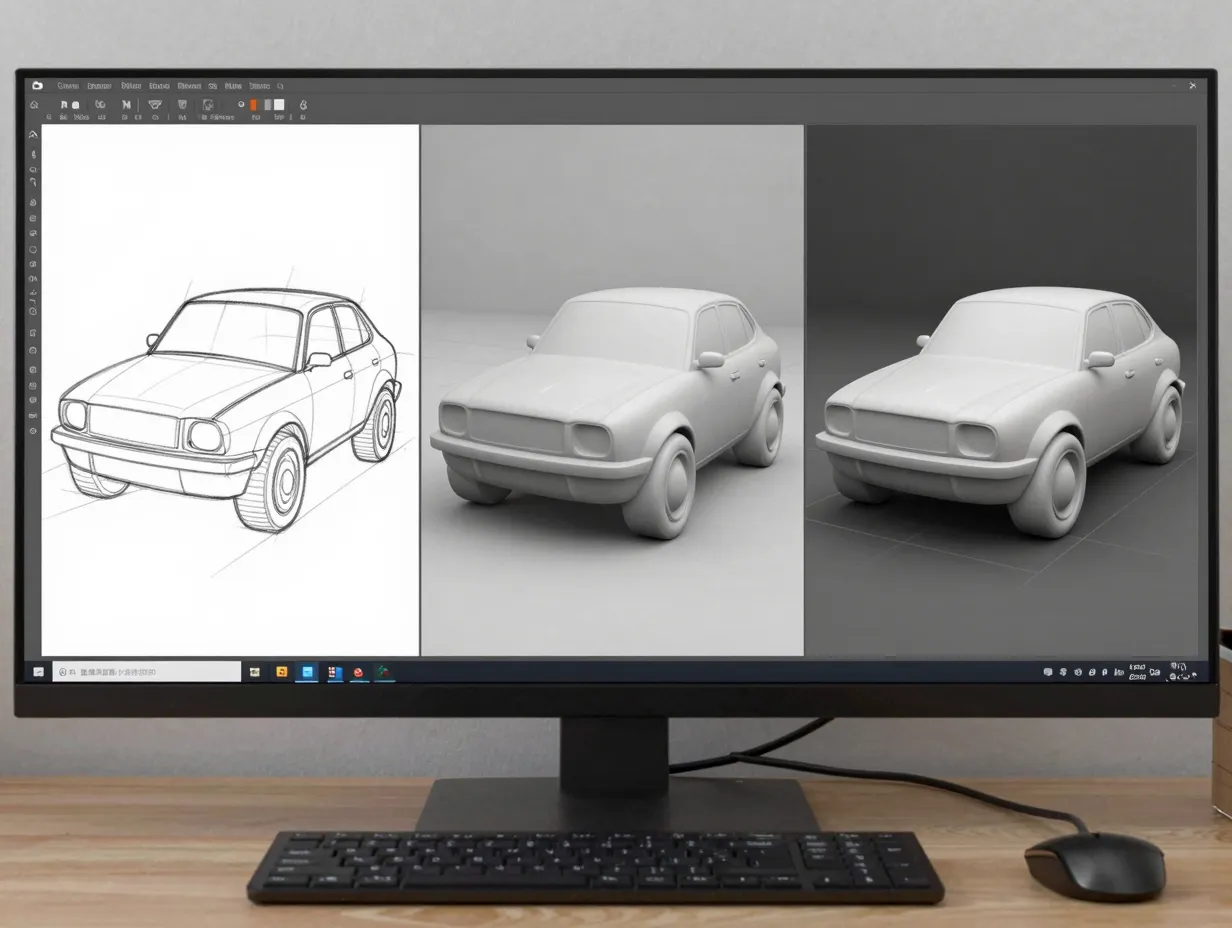
Generative AI has arguably changed 3D concept design more in the last two years than any other development in a decade. Tools built specifically for this purpose can now turn a 2D sketch into a rough 3D model within seconds, compressing what used to be a multi-hour blockout process into something closer to a search query[3].
A recent survey of AI tools for concept artists highlighted Krea.ai as a real-time generative canvas, noting a free tier of roughly 100 compute units per day, which lets artists experiment extensively before committing to a paid workflow[3]. The same survey described how sketch-to-3D generation tools convert rough 2D drawings into usable 3D forms almost instantly, giving artists a fast way to test multiple silhouette directions before choosing one to refine manually[3].
“The value of AI generation in concept work is not that it replaces the artist. It is that it removes the blank-canvas cost of testing an idea.”
Broader roundups of AI tools for 3D artists reinforce this pattern, pointing to a growing category of generators that take text prompts, reference images, or rough sketches and output workable 3D meshes ready for refinement in traditional software[2][5][7]. Other surveys focused on AI-assisted 3D art highlight similar prompt-to-mesh tools as a fast way to generate base geometry that a sculptor or modeler then pushes toward final quality[9]. Even AI tools aimed at broader digital art use, not just 3D specifically, are increasingly used at the concept stage to generate mood boards and reference imagery that inform the eventual 3D build[8].
The realistic use case for these tools is early iteration, not final delivery. AI-generated meshes are excellent starting points, but they typically need clean-up, retopology, or a sculpting pass before they are production-ready. Treating AI generation as a fast first draft, rather than a finished product, is the technique that separates artists who benefit from these tools from those who get frustrated by them.
6. Rhinoceros 3D and NURBS Techniques for Precise Form Exploration
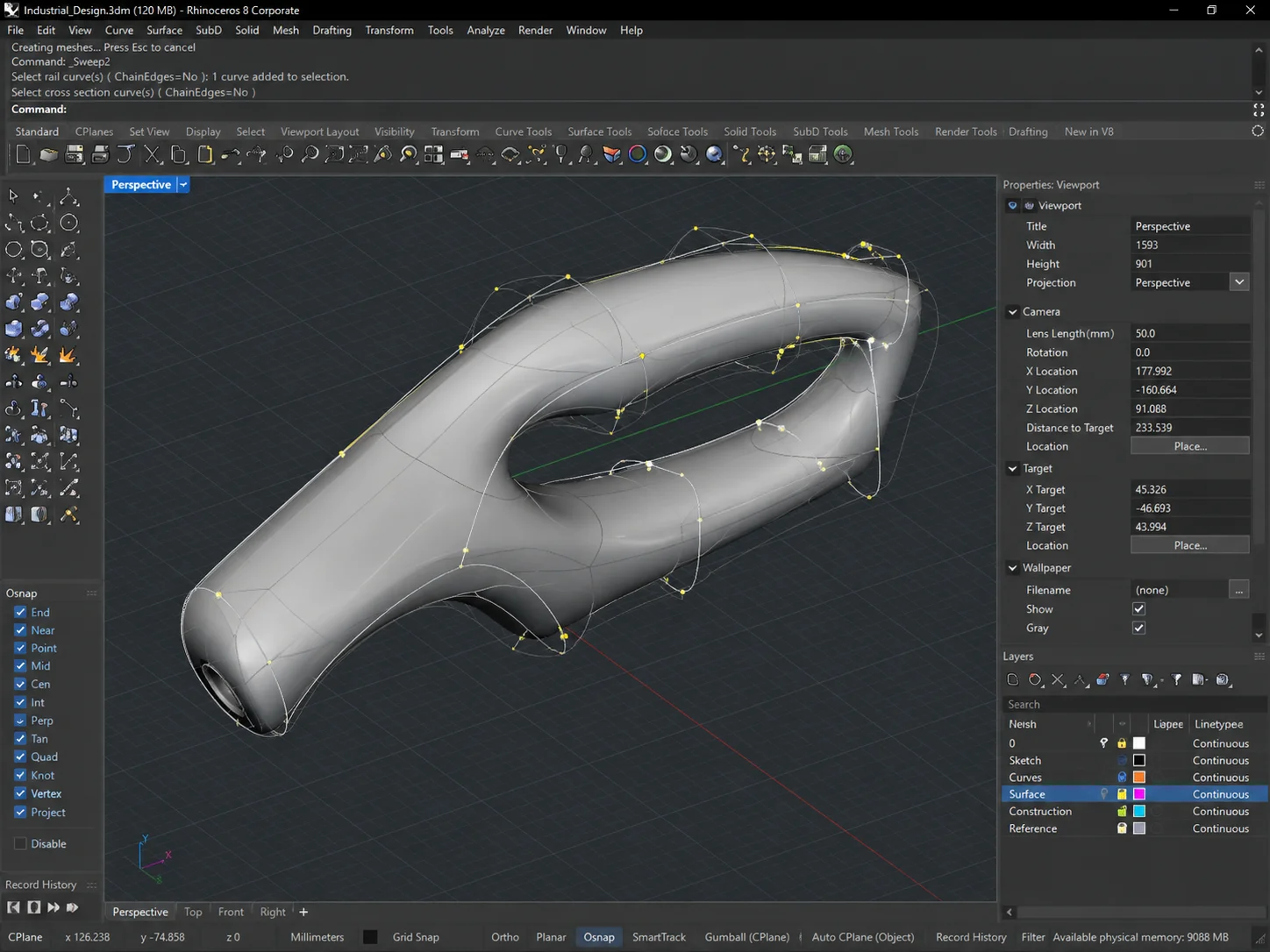
The sixth entry in this list of 6 Powerful Tools and Techniques For Stunning 3D Concept Design returns to precision modeling, specifically Non-Uniform Rational B-Splines, or NURBS, form exploration. Rhinoceros 3D, commonly called Rhino, has long been favored for concept work that needs mathematically smooth, editable curves rather than the polygon-based approach used in sculpting or game-asset tools.
NURBS modeling is especially valuable for:
- Product design concepts where surface continuity and manufacturability matter from the start.
- Architectural concept forms that need to flow between complex curved surfaces cleanly.
- Vehicle and consumer electronics concepts where a single tweaked curve can reshape an entire surface smoothly.
The core technique is curve-first design. Rather than pushing and pulling a mesh, artists build a small number of precise curves that define the object’s key profiles, then loft, sweep, or blend surfaces between them. Because the surfaces are mathematically generated from those curves, changing one curve automatically updates the entire form, which makes late-stage revisions dramatically faster than reworking a dense polygon mesh by hand.
For architectural and product concept work in particular, this technique pairs well with newer AI-assisted tools; several recent guides aimed at architects highlight how AI tools are now used alongside precision modelers like Rhino to speed up massing studies and generate quick visualization options before committing to detailed NURBS work[10].
Building a Practical Workflow Around These Tools
None of these six tools and techniques work best in isolation. The strongest concept pipelines treat them as stages in a single process rather than competing options. A typical sequence looks like this: rough AI-generated or sketch-based ideation, followed by blockout modeling in a general-purpose suite, then either NURBS refinement or digital sculpting depending on whether the object is hard-surface or organic, and finally procedural texturing to lock in material language.
The table below summarizes where each tool or technique fits best, to help decide which combination suits a given project.
| Tool or Technique | Best For | Typical Stage | Learning Curve |
|---|---|---|---|
| Blender | All-purpose modeling and look development | Blockout through final render | Moderate |
| Shapr3D | Sketch-driven solid concepts | Early massing | Low to moderate |
| ZBrush | Organic, high-detail sculpting | Detail and refinement | High |
| Adobe Substance 3D | PBR texturing and materials | Look development | Moderate |
| Tripo AI or Krea.ai | Instant AI-generated base geometry | Ideation | Low |
| Rhino and NURBS | Precise curved-surface forms | Massing and refinement | Moderate to high |
A few practical rules help avoid the most common mistakes when combining these tools:
- Never skip the blockout stage, even when starting from an AI-generated mesh. Rough shapes reveal proportion problems before they become expensive to fix.
- Match the modeling method to the object type. Hard-surface, mechanical, or architectural forms usually benefit from NURBS or parametric modeling, while organic forms benefit from sculpting.
- Treat AI generation as a first draft generator, not a finishing tool. Clean-up and retopology are almost always required afterward.
- Lock silhouette and proportion decisions before investing time in texturing. Materials cannot fix a shape that reads wrong from the primary camera angle.
- Keep a lightweight review pass in a free viewer like Blender even if the primary modeling happened elsewhere, since it standardizes review and feedback across a team.
Solo creators and small studios in particular benefit from this layered approach, since it mirrors the kind of lean, single-creator pipeline that recent guides describe moving from rough blockouts to polished renders without enterprise-level software investment[4]. Broader AI tool roundups for architects and 3D artists reinforce that the biggest efficiency gains now come from combining a fast generative first pass with a more deliberate manual refinement stage, rather than choosing one method exclusively[2][10].
Conclusion
Strong 3D concept design in 2026 is less about mastering one perfect piece of software and more about knowing which of these six tools and techniques to reach for at each stage of a project. Blender provides the flexible foundation. Shapr3D and Rhino bring precision to hard-surface and architectural forms. ZBrush delivers organic detail no other method matches. Adobe Substance 3D locks in believable materials. AI generators like Tripo AI and Krea.ai compress the ideation phase from hours to seconds.
The practical next step is simple: pick one project, and deliberately run it through at least three of these six stages, ideation, modeling, and texturing, rather than trying to finish everything in a single tool. That single change in process, more than any individual piece of software, is what consistently separates rushed concept work from work that looks genuinely production-ready.
References
[1] 3d Conceptual Design Software – https://worldmetrics.org/best/3d-conceptual-design-software/
[2] Best Ai Tools For 3d Artists 2026 – https://aisotools.com/blog/best-ai-tools-for-3d-artists-2026
[3] Ai Tools For Concept Artists – https://www.itechmanthra.com/blog/ai-tools-for-concept-artists/
[4] 3d Tools For Solo Indie Creators 2026 Irurqbaij8ws – https://softrankings.com/collections/3d-tools-for-solo-indie-creators-2026-iRUrqBAIJ8ws
[5] Best Ai 3d Generators 2026 – https://nhance-school.com/articles/best-ai-3d-generators-2026
[6] Recommended Ai Image Generator For Concept Art – https://dreamina.capcut.com/ai-image/recommended-ai-image-generator-for-concept-art
[7] 11 Ai 3d Workflow Tools Every 3d Artist Should Know 2026 – https://www.3daistudio.com/3d-generator-ai-comparison-alternatives-guide/best-3d-generation-tools-2026/11-ai-3d-workflow-tools-every-3d-artist-should-know-2026
[8] Best Ai For Art – https://computercity.com/artificial-intelligence/best-ai-for-art
[9] Best Ai For 3d Art – https://zsky.ai/blog/best-ai-for-3d-art
[10] Top Ai Tools Every Architect Should Use In 2026 A Complete Guide – https://rapidrenders.com/top-ai-tools-every-architect-should-use-in-2026-a-complete-guide/