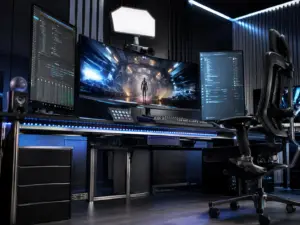
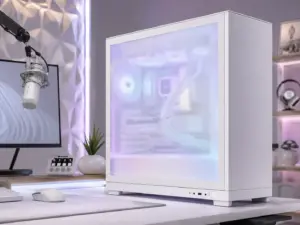
6 Aesthetic Ideas to Elevate Your Gaming Hobby and Space
A gaming corner wrapped in twelve RGB zones running twelve different colors is not impressive. It is visual noise. The best-designed gaming spaces in 2026 use fewer colors, calmer materials, and smarter light control than the neon-soaked setups of five years ago. Warm wood tones are trending upward, matte black hardware is outselling glow-heavy cases, and personalization has replaced the one-size-fits-all battlestation look. This shift is exactly why so many gamers are searching for 6 Aesthetic Ideas to Elevate Your Gaming Hobby and Space that feel current, calm, and camera-ready rather than cluttered.
Disclosure: This post contains affiliate links. As an Amazon Associate, we earn from qualifying purchases, and at no extra cost to you.
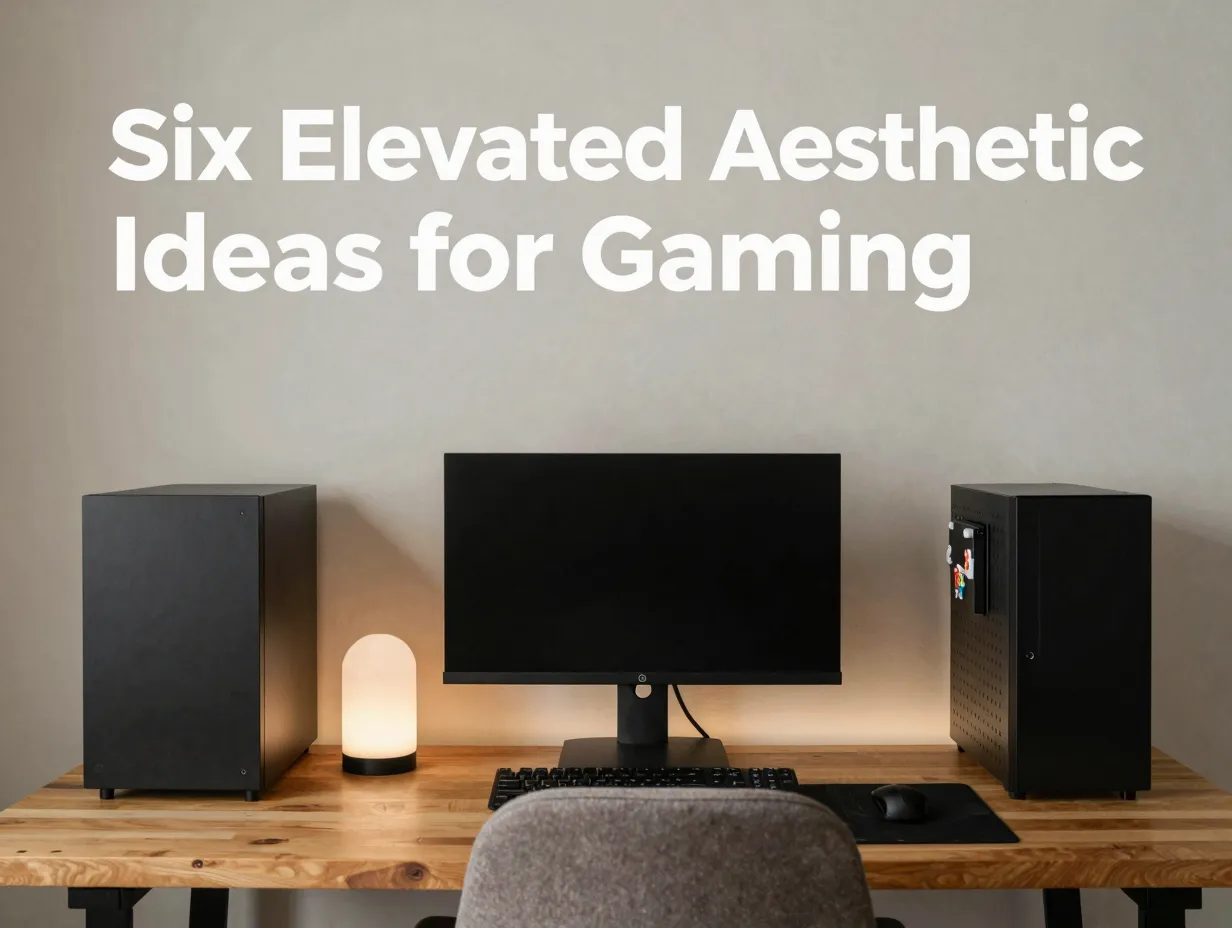
This guide breaks down six practical, research-backed ideas that professional setup builders and interior designers are recommending right now. Each one is grounded in real 2026 design trends, not guesswork, and every idea can be applied whether the space is a full dedicated room or a single desk in a shared bedroom.
Key Takeaways
- Layered lighting, not a single strip, is now the standard. Ambient, in-case, and camera lighting work together for depth and comfort.[1]
- 2026 trends favor modular light sculptures, vertical storage, and furniture that photographs well, replacing static neon strips and cluttered shelving.[2]
- Multi-use spaces that blend work and play are outperforming dedicated “man cave” rooms, especially with neutral colors and simple lines.[6]
- Personalization through cohesive color themes and AI-controlled lighting is the defining aesthetic trend of the year.[5]
- Streaming-ready backgrounds and flattering key lighting matter even for casual creators, not just full-time streamers.[8]
1. Layer RGB Lighting as a Three-Part System
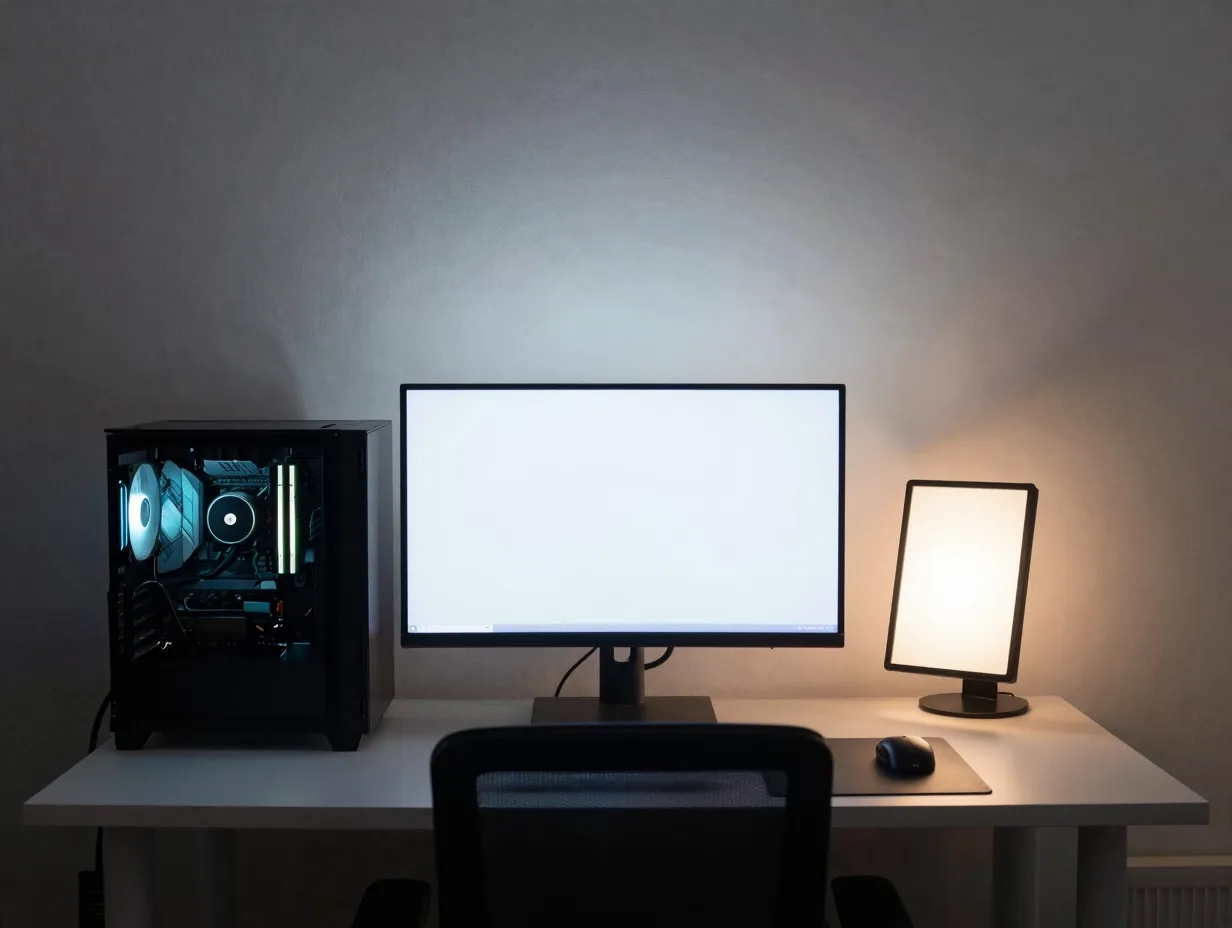
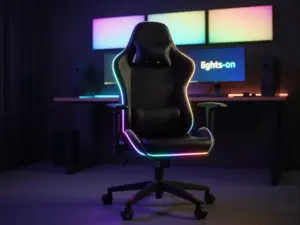
Random strip lights stuck under a desk used to count as “gaming aesthetic.” That approach is outdated. Current lighting guidance treats RGB as a three-part system: ambient strips placed around the desk and walls, in-case RGB fans and components inside the PC itself, and optional on-camera lighting for anyone who streams or records gameplay.[1]
Each layer serves a different purpose. Ambient lighting sets the room’s overall mood and reduces harsh contrast between a bright screen and a dark wall. In-case lighting shows off the hardware without overwhelming the room. Camera lighting, when needed, makes sure the setup looks good on a webcam or stream feed rather than washed out or overly shadowed.
A detail worth remembering: bias lighting placed behind the monitor should sit at roughly 50 to 70 percent of screen brightness.[1] This range keeps the eyes comfortable during long sessions without competing with the game’s own visuals. Too dim, and the light does nothing. Too bright, and it creates glare that fights the screen for attention.
Practical steps for this idea:
- Install a single ambient LED strip behind or around the monitor first, since it delivers the biggest visual impact for the lowest cost.
- Add in-case lighting only after the ambient base is set, so the PC glow complements the room instead of dominating it.
- Reserve camera lighting for evenings or streaming sessions, using a small adjustable panel rather than leaving bright lights on constantly.
This layered approach also supports a broader shift away from static, high-contrast lighting toward tunable illumination that reduces eye strain and digital fatigue during marathon sessions.
2. Swap Static Strips for Modular Light Sculptures and Vertical Display
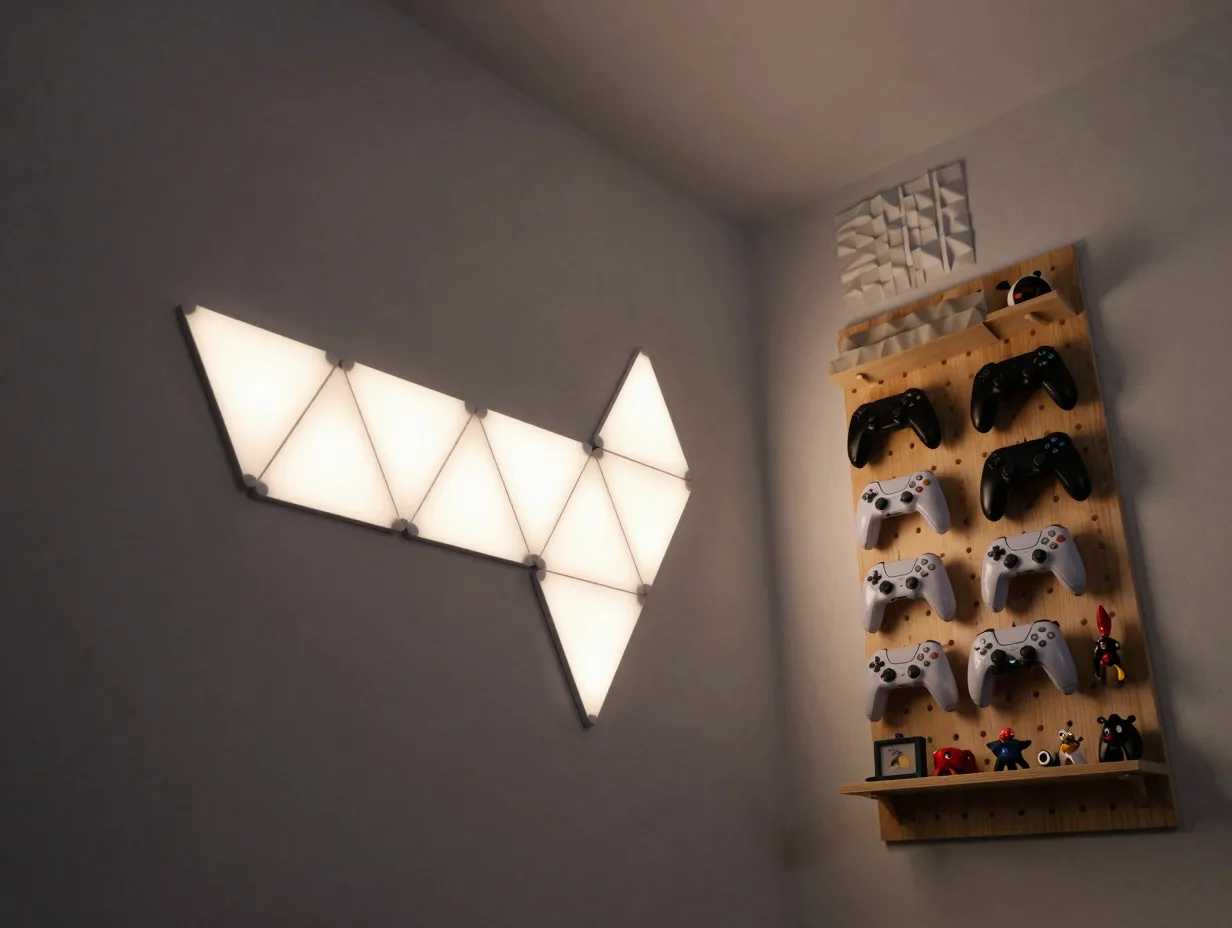
Flat LED strips glued along a desk edge are being replaced by modular light sculptures, freestanding or wall-mounted fixtures that can be rearranged, dimmed independently, and treated as actual art pieces rather than background glow.[2] This is one of five major visual directions shaping 2026 game-room decor, alongside vertical storage, kinetic acoustic panels that double as wall art, multi-functional furniture, and projection surfaces that automatically adjust to ambient light and content type.[2]
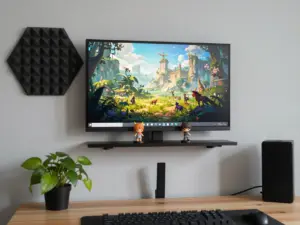
Vertical storage deserves special attention for anyone with a small room. Instead of spreading collectibles, controllers, and game cases across a wide desk or shelf, vertical display walls use height rather than floor space. Pegboards, floating shelves, and slim wall-mounted cases keep the floor clear while still showing off a collection.
Kinetic acoustic panels are another practical upgrade. These are sound-dampening panels, useful for reducing echo during voice chat or streaming, that also fold or shift shape to function as wall art. They solve two problems at once: better audio and better visuals.
A simple way to apply this idea without a full renovation:
- Replace one static LED strip with a single modular light panel that can change position or color zone independently.
- Add one vertical shelf or pegboard section for collectibles instead of expanding desk clutter.
- Choose one acoustic panel that also works as a decorative piece, placed near the loudest reflective surface in the room, such as a window or bare wall.
3. Build an Organic Tech Hybrid With Warm Wood and Stealth Hardware
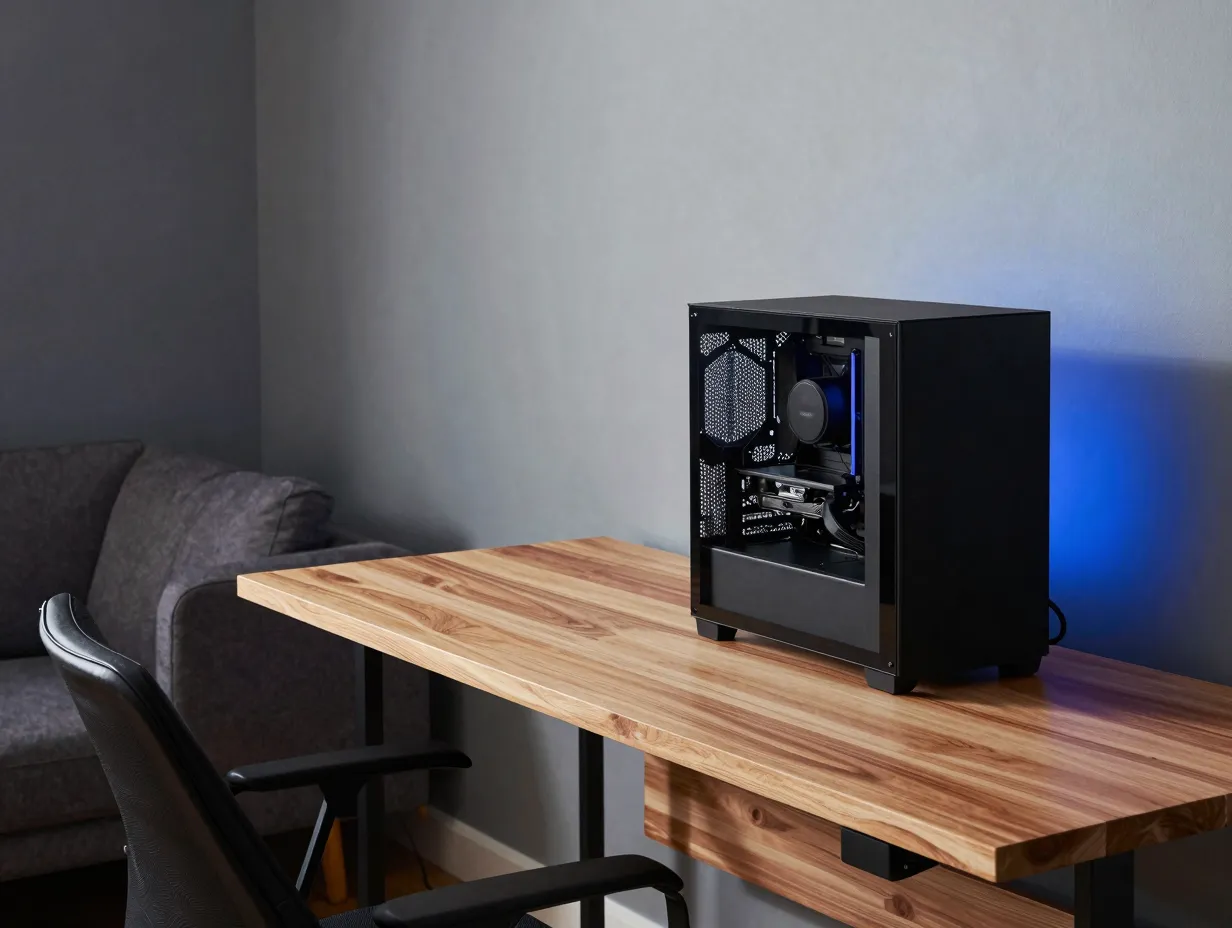
The rainbow-lit gaming rig is losing ground to a warmer, quieter look. Interest in warm wood gaming desks has climbed noticeably, while matte black cases and understated hardware finishes are outperforming heavily lit alternatives in consumer preference.[4] This “organic tech hybrid” style pairs natural materials, like light or medium wood tones, with hardware that stays visually quiet: matte black cases, subtle accent lighting, and finishes that read as furniture first, gaming gear second.
The appeal is practical as well as visual. Wood tones and matte finishes photograph better in natural light, work in shared living spaces, and age well compared to glossy plastic or aggressive neon branding. A desk built from warm wood with a matte black tower underneath does not look out of place in a living room, home office, or bedroom, which matters as more gaming setups move into multi-purpose spaces.[9]
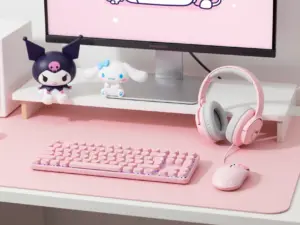
Color and mood choices reinforce this shift. Instead of default RGB rainbow cycling, current trends favor curated palettes: black-and-white “editorial” schemes, refined pink setups that intentionally subvert the usual gaming stereotype, and gradient lighting that fades from a deep cobalt near the floor to a lighter sky blue near the ceiling, adding depth and making small rooms feel larger.[4][7][9]
To apply this idea:
- Choose one dominant material, wood or matte black, and let it anchor the space rather than mixing five finishes.
- Limit RGB to a single accent color family instead of full-spectrum cycling.
- Test a vertical gradient light effect on one wall to add depth without adding clutter.
4. Design a Multi-Use Space That Doubles as Furniture
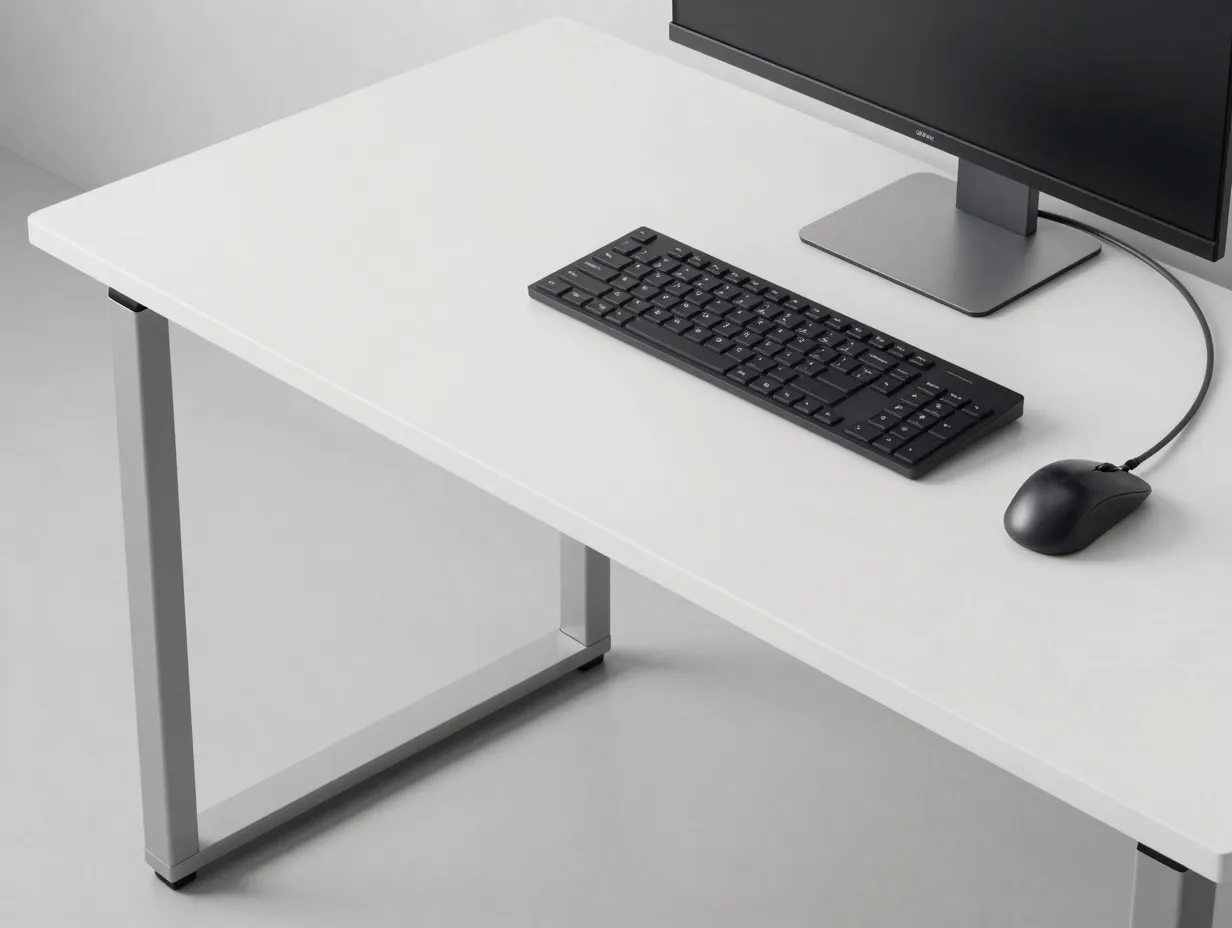
The dedicated “man cave” gaming room is quietly declining. Current trend analysis shows a clear move toward multi-use spaces built into existing living areas, where gaming equipment is designed to double as regular furniture through neutral colors, simple lines, and minimalist silhouettes.[6] This matters for anyone who does not have a spare room to dedicate entirely to gaming, which describes most people.
The same research highlights a “buy less, choose better” mindset: fewer pieces, higher quality, chosen specifically because they work in more than one context.[6] A desk that looks sharp during a video call in the morning and hosts a gaming rig at night is more valuable than two separate setups crammed into one room.
A setup that only looks good during a game and awkward the rest of the day is not a finished design. It is a compromise.
This ties directly into the idea of a hybrid sanctuary, a space that shifts cleanly between work mode and play mode without needing to be rearranged or hidden. Cable-minimal wiring and sync-aware lighting controls support this transition, since a desk covered in visible cords or one blasting rainbow light during a work call undermines the multi-use goal.
Steps to build a genuinely multi-use setup:
- Pick furniture with neutral colors and simple lines that would look reasonable in a photo even without gaming gear visible.
- Route cables through a管理 tray or channel so the desk looks clean during work hours, not just during gameplay.
- Set lighting profiles that switch between a bright, neutral “work mode” and a dimmer, colored “game mode” with one control, rather than manually adjusting several devices.
5. Personalize With a Cohesive Color Theme and AI Lighting
Personalization is the defining aesthetic trend of the year, according to comprehensive 2026 setup roundups.[5] Instead of copying a popular streamer’s exact layout, the recommendation is a cohesive theme, chosen once and applied consistently, such as neon purples, monochrome whites, or natural wood tones, paired with AI-controlled ambient lighting that adjusts automatically rather than requiring constant manual tweaking.[5]
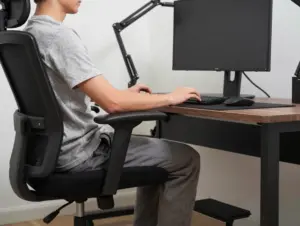
The chair matters here too. Hybrid office and gaming chairs built for both work and play are gaining ground, with a focus on lumbar support and breathable materials for long sessions rather than aggressive racing-style bucket seats that only suit short bursts of gameplay.[5] A chair chosen for comfort during eight-hour workdays tends to hold up far better during six-hour gaming sessions than one chosen purely for looks.
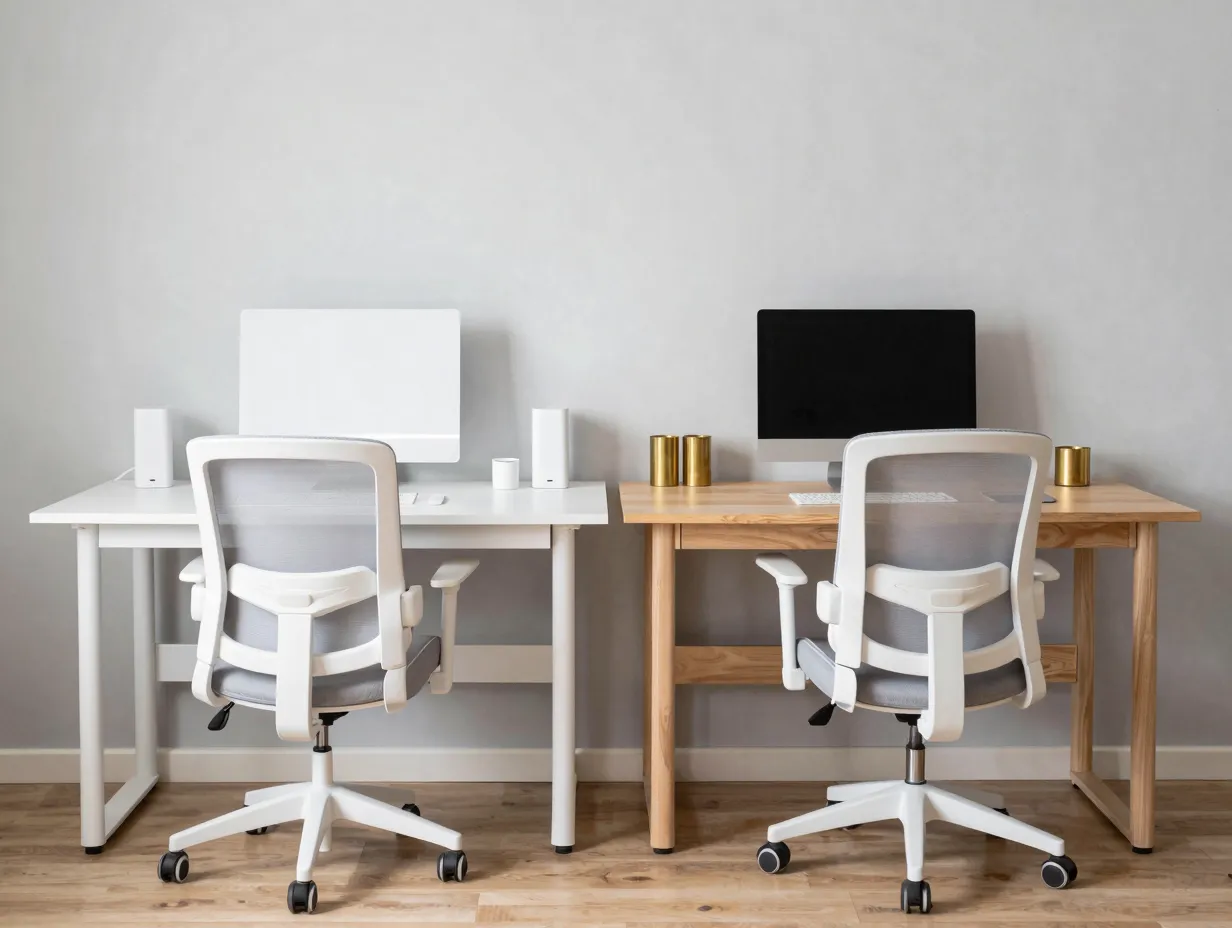
Symmetry is another element worth considering, especially for shared or co-working spaces. Rather than two mismatched desks crammed together, current trends favor mix-and-match aesthetics within a shared, symmetrical layout, such as two matching desks with coordinated lighting and a unified color palette.[6][9] This works well for couples, roommates, or siblings who game or work in the same room.
Practical ways to apply this idea:
- Pick one theme, whether a color family or material style, and check every new purchase against it before buying.
- Choose a chair rated for all-day comfort rather than one styled only for gaming aesthetics.
- If sharing a room with another gamer, coordinate desk finishes and lighting colors instead of letting each person’s setup clash.
6. Optimize the Space for Streaming and Camera-Ready Lighting
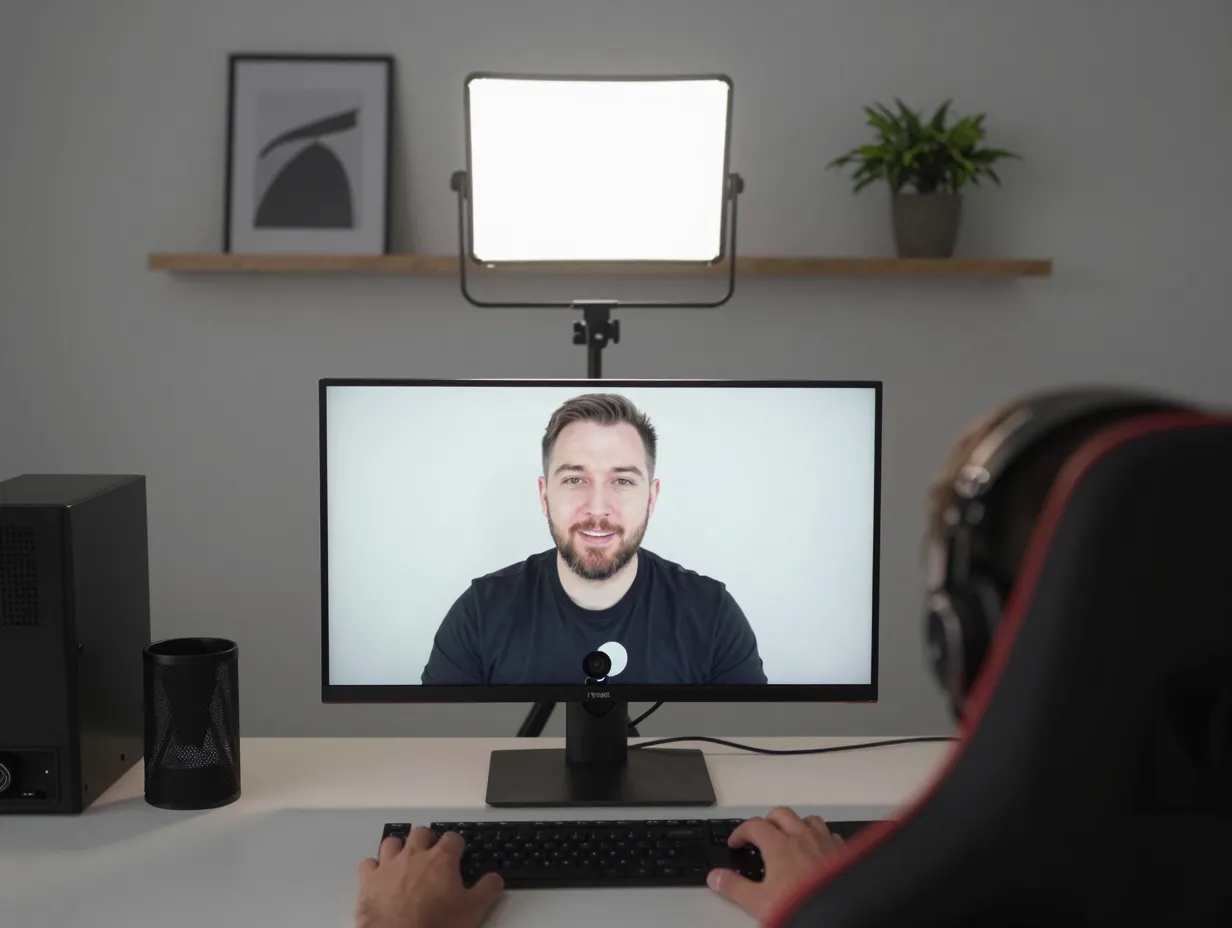
Even casual streamers benefit from thinking about how a setup looks on camera, not just in person. Video-game-room design guidance from 2026 highlights streaming-optimized spaces where bright pastel colors and carefully controlled lighting are chosen specifically because they read well on a webcam or stream feed.[8]
This does not mean every gamer needs a full broadcast studio. It means paying attention to what sits behind the webcam. A cluttered shelf, a harsh overhead light, or a wall color that clashes with skin tone all show up clearly on camera even if they go unnoticed during solo play. Visually balanced backgrounds and flattering key lights make a noticeable difference in how a setup is perceived, whether the audience is a Discord call, a Twitch stream, or a recorded video for friends.[8][13]
A few adjustments make the biggest difference without expensive gear:
- Position one soft, adjustable light source facing the gamer, not just the desk, to avoid harsh shadows on camera.
- Keep the visible background simple, one or two focal points such as a shelf or a piece of art, rather than a wall of clutter.
- Test the setup on camera at different times of day, since natural light changes how RGB accents and skin tones appear on screen.
Putting the 6 Aesthetic Ideas to Elevate Your Gaming Hobby and Space Into Action
None of these six ideas require a full room renovation to start working. A layered lighting upgrade can happen in an afternoon. A single modular light sculpture can replace a strip light this weekend. Swapping one loud accessory for a matte black or warm wood alternative is a small purchase, not a redesign. Multi-use furniture and a cohesive color theme take more planning, but they pay off every day the space is used for something other than gaming. Camera-ready lighting matters the moment a friend joins a call and sees the background clearly for the first time.
The table below summarizes how each idea fits into a typical upgrade timeline.
| Idea | Effort Level | Best Starting Point |
|---|---|---|
| 1. Layer RGB lighting | Low | Add one ambient strip behind the monitor first |
| 2. Modular light sculptures and vertical display | Low to Medium | Replace one static strip with a modular fixture |
| 3. Organic tech hybrid materials | Medium | Choose one wood or matte black anchor piece |
| 4. Multi-use furniture | Medium to High | Pick neutral, simple-lined desk and seating |
| 5. Cohesive color theme and AI lighting | Medium | Commit to one theme before the next purchase |
| 6. Camera-ready lighting | Low | Add one adjustable light facing the gamer |
Working through these six aesthetic ideas in roughly this order, starting cheap and low-effort, then moving toward bigger furniture and design commitments, keeps the process manageable instead of overwhelming.
Frequently Asked Questions
Is RGB lighting still considered stylish in 2026, or should it be avoided entirely?
RGB lighting is still popular, but the style has matured. Full rainbow cycling across every surface has given way to layered, purposeful lighting with a limited color palette and bias lighting tuned to a comfortable brightness relative to the screen.[1]
What is the fastest, lowest-cost idea on this list to try first?
Adding a single ambient light strip behind the monitor, set to roughly half to two-thirds of screen brightness, delivers a noticeable visual and comfort improvement for a low price and about fifteen minutes of setup time.[1]
Does a gaming setup need to look good on camera even without streaming regularly?
Yes, to a degree. Video calls, occasional clips shared with friends, and casual Discord streams all benefit from a simple, well-lit background, even for people who never plan to stream professionally.[8]
Can a small bedroom still use these six aesthetic ideas?
Yes. Vertical display, modular lighting, and neutral multi-use furniture are especially useful in small or shared bedrooms, since they avoid the clutter and harsh contrast that make small rooms feel smaller.[2][6]
Conclusion
A gaming space does not need more neon to feel impressive. It needs intention. The 6 Aesthetic Ideas to Elevate Your Gaming Hobby and Space covered here, layered lighting, modular light sculptures with vertical display, warm materials paired with stealth hardware, multi-use furniture, a cohesive personalized theme, and camera-ready lighting, all point toward the same underlying principle: fewer, better choices beat piling on more accessories.
The most practical next step is not a full overhaul. Pick one idea from this list, likely the ambient lighting upgrade or a single furniture swap, and apply it this week. Once that change settles in, move to the next idea on the list. Within a few months, the space transforms without ever requiring a single overwhelming renovation weekend, and it stays flexible enough to work for gaming, working, and everything in between.
References
[1] Best Rgb Lighting Gaming Pc Desk Led Strips Fans 2026 – https://specpicks.com/reviews/best-rgb-lighting-gaming-pc-desk-led-strips-fans-2026
[2] Game Room Decorations Space Smart Ideas And 2026 Trends – https://www.alibaba.com/product-insights/game-room-decorations-space-smart-ideas-and-2026-trends.html
[4] Gaming Room Setup 2026 35 Creative Ideas For Minimalist Cozy Luxury And Man Cave Styles – https://nestmood.com/gaming-room-setup-2026-35-creative-ideas-for-minimalist-cozy-luxury-and-man-cave-styles/
[5] Gaming Setup Ideas – https://blog.displate.com/gaming-setup-ideas/
[6] Game Room Trends 2026 Whats Actually Changing – https://gldproducts.com/blogs/all/game-room-trends-2026-whats-actually-changing
[7] 42 Inspiring Gaming Room Setup Ideas That Elevate Your Space In Style – https://casalory.com/42-inspiring-gaming-room-setup-ideas-that-elevate-your-space-in-style/
[8] Video Game Rooms 2026 46 Fresh Design Ideas For Stylish Gaming Spaces At Home – https://nestmood.com/video-game-rooms-2026-46-fresh-design-ideas-for-stylish-gaming-spaces-at-home/
[9] Gaming Room Setup Ideas 2026 46 Inspiring Looks For Every Style Budget And Space – https://nimorix.com/gaming-room-setup-ideas-2026-46-inspiring-looks-for-every-style-budget-and-space/