6 Smart Home Automation Upgrades Starting With Your Light Switches
Nearly 70 percent of homeowners who attempt smart home automation abandon the project within the first year, and the most common reason is starting in the wrong place. Smart bulbs, voice assistants, and hub ecosystems all compete for attention, but the single most impactful entry point is hiding in plain sight on every wall of the home: the light switch. The 6 smart home automation upgrades starting with your light switches outlined in this guide represent a proven, stepwise path from a basic connected home to a fully adaptive, energy-aware living environment. Each upgrade builds on the last, and every one of them delivers measurable value from day one.
Disclosure: This post contains affiliate links. As an Amazon Associate, we earn from qualifying purchases, and at no extra cost to you.
Key Takeaways
- Smart switches outperform smart bulbs as a starting point because they control any bulb type and work for every household member without an app
- Matter and Thread compatibility is now the baseline standard for future-proof smart switch purchases in 2026
- No-neutral and retrofit-friendly switches make smart automation accessible to older homes without rewiring
- Energy analytics, AI-adaptive lighting, and local voice control are the defining features separating entry-level from advanced smart switch upgrades
- A stepwise approach, starting at the switch, then layering in dimmers, scenes, and sensors, produces the highest long-term return on investment
Why Smart Switches Beat Smart Bulbs as Your Starting Point
The debate between smart switches and smart bulbs has largely been settled by 2026. Expert consensus now strongly favors starting automation at the switch, not the bulb [1]. The reason is straightforward: a smart switch controls every light fixture connected to it, regardless of bulb type. A smart bulb, by contrast, requires the physical switch to remain on at all times, which creates friction for guests, children, and anyone who instinctively reaches for the wall.
Smart switches also survive bulb replacements. When a standard LED burns out, swapping it in a smart-switch-controlled fixture costs nothing extra and requires no re-pairing. With smart bulbs, every replacement is another device to configure. For households with multiple occupants or rental properties, this distinction is significant [2].
The shift is visible in market data. Smart switches are overtaking smart bulbs as the default upgrade in main living areas, driven by falling prices, easier installation, and the maturation of the Matter interoperability standard [3]. The 6 smart home automation upgrades starting with your light switches in this guide are sequenced to reflect that reality, beginning with the simplest swap and progressing toward a fully intelligent lighting ecosystem.
1. Replace Standard Switches With Wi-Fi Smart Switches
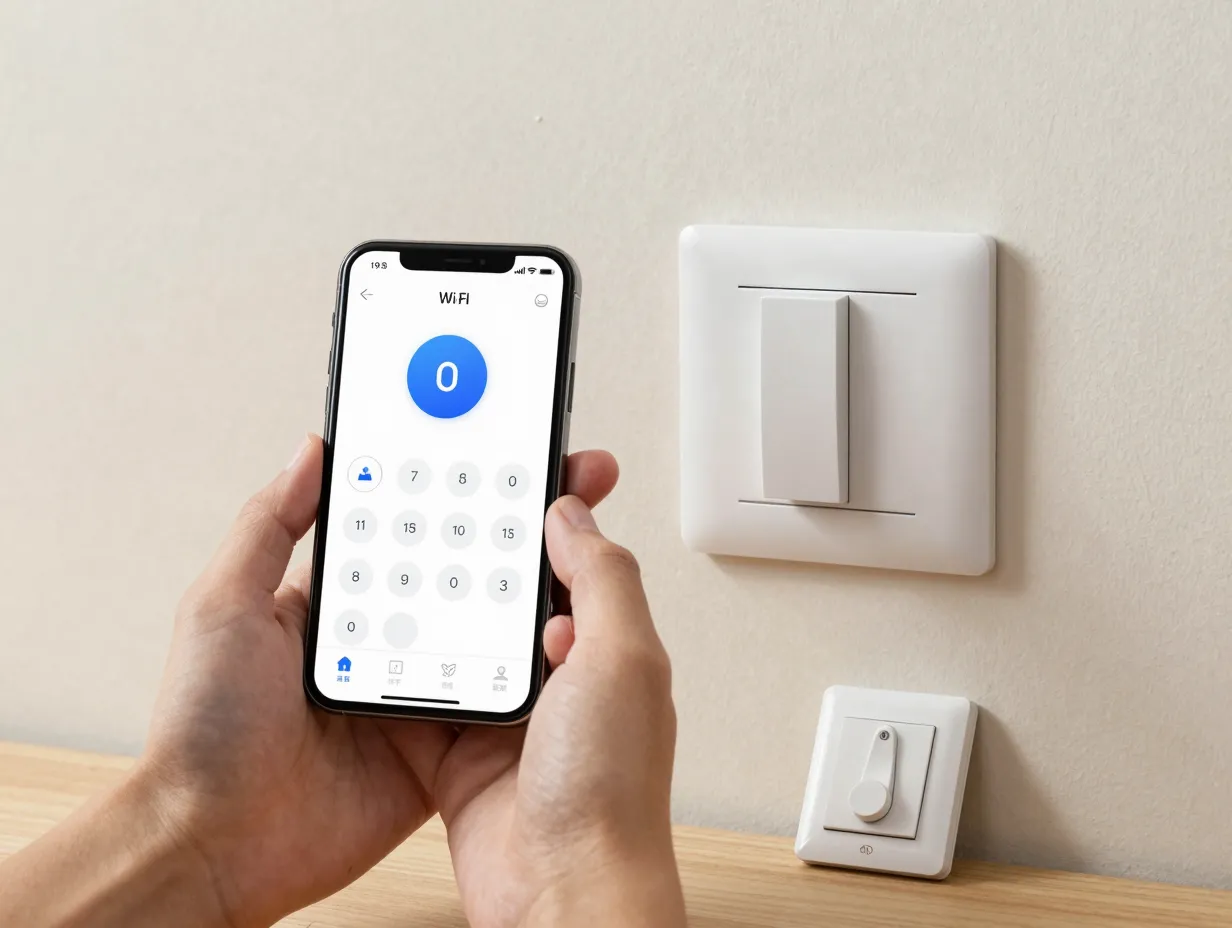
The first and most accessible upgrade is a direct swap: replace a conventional toggle or rocker switch with a Wi-Fi-enabled smart switch. No hub is required. The switch connects directly to a home’s 2.4 GHz or 5 GHz Wi-Fi network and becomes immediately controllable via a smartphone app, voice assistant, or a simple schedule.
What to look for in a basic Wi-Fi smart switch:
- Single-pole and 3-way compatibility
- App-based scheduling and remote control
- Works with Amazon Alexa, Google Home, and Apple HomeKit
- In-wall installation with standard gang box dimensions
Top-performing models in this tier cluster around a handful of ecosystems. Brands such as Kasa, Leviton, and Lutron Caseta dominate “best overall” and “most reliable” rankings across independent testing [4]. These switches typically require a neutral wire, which is present in most homes built after 1985.
Practical tip: Before purchasing, check the gang box behind the existing switch for a neutral wire (usually white, bundled separately from the hot and load wires). If it is present, nearly every Wi-Fi smart switch on the market will install without complications.
The immediate benefits of this upgrade are tangible: remote on/off control, scheduling to simulate occupancy while traveling, and integration with existing voice assistants. For most households, replacing the three to five most-used switches in the home delivers the majority of smart lighting value at minimal cost [5].
2. Install No-Neutral Retrofit Switches for Older Homes
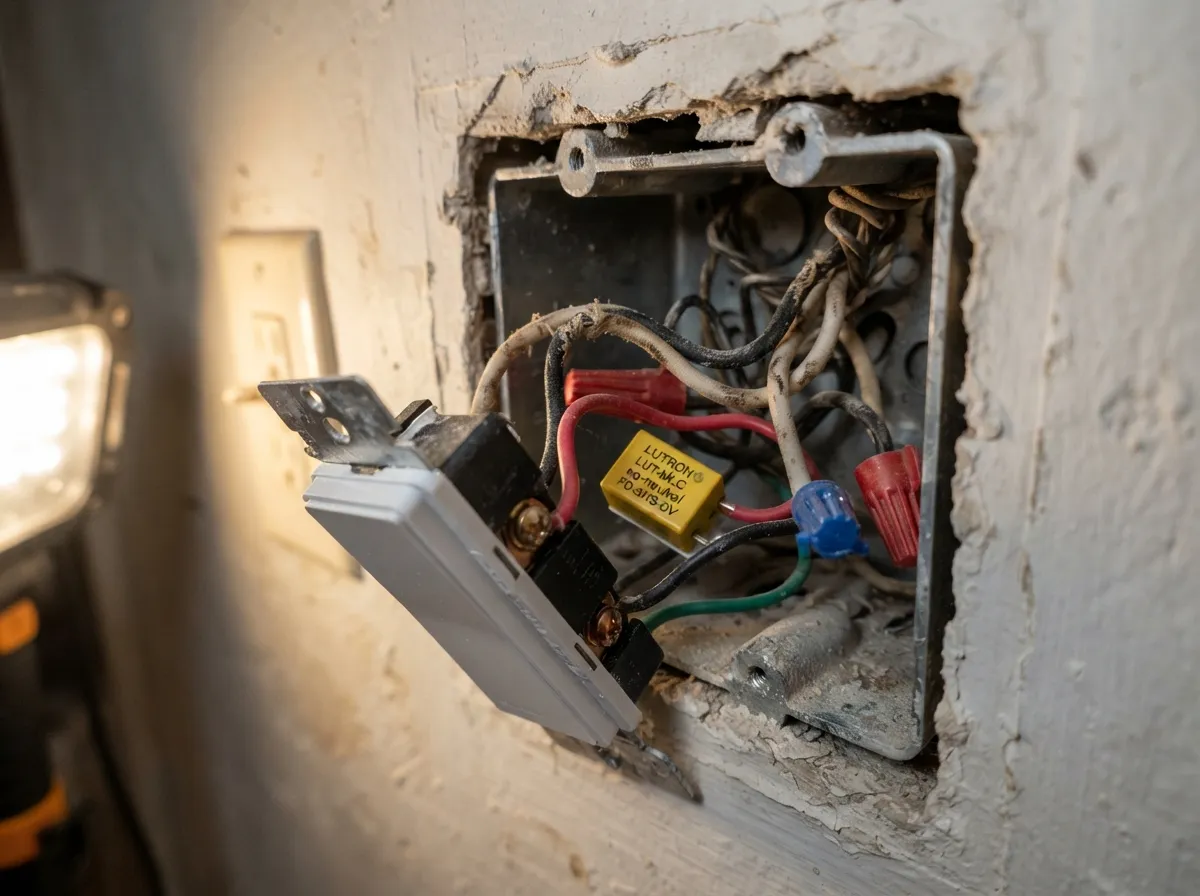
Homes built before the mid-1980s frequently lack neutral wires in their switch boxes. For decades, this was a hard barrier to smart switch installation. That barrier has now been effectively removed by a new generation of no-neutral retrofit switches [6].
No-neutral switches draw a small amount of power through the load wire, the wire that feeds the light fixture, to keep their electronics alive. Modern versions do this without causing flickering or buzzing in LED fixtures, a problem that plagued earlier designs. Several leading manufacturers now offer no-neutral options that are fully compatible with LED, CFL, and incandescent loads [7].
Key considerations for no-neutral installations:
- Confirm the switch is rated for the bulb type in the fixture (LED compatibility matters most)
- Check the minimum load rating, some no-neutral switches require a small bypass capacitor for very low-wattage LED fixtures
- Verify the switch supports single-pole and 3-way configurations if multi-location control is needed
“No-neutral and retrofit-friendly switches have unlocked smart automation for an entire generation of older homes that were previously excluded from the upgrade path.” [8]
This upgrade is particularly valuable for homeowners in pre-war buildings, historic properties, or any structure where rewiring is cost-prohibitive. The ability to automate without touching the electrical infrastructure is a genuine breakthrough for the retrofit market.
3. Upgrade to Smart Dimmers With Scene Control
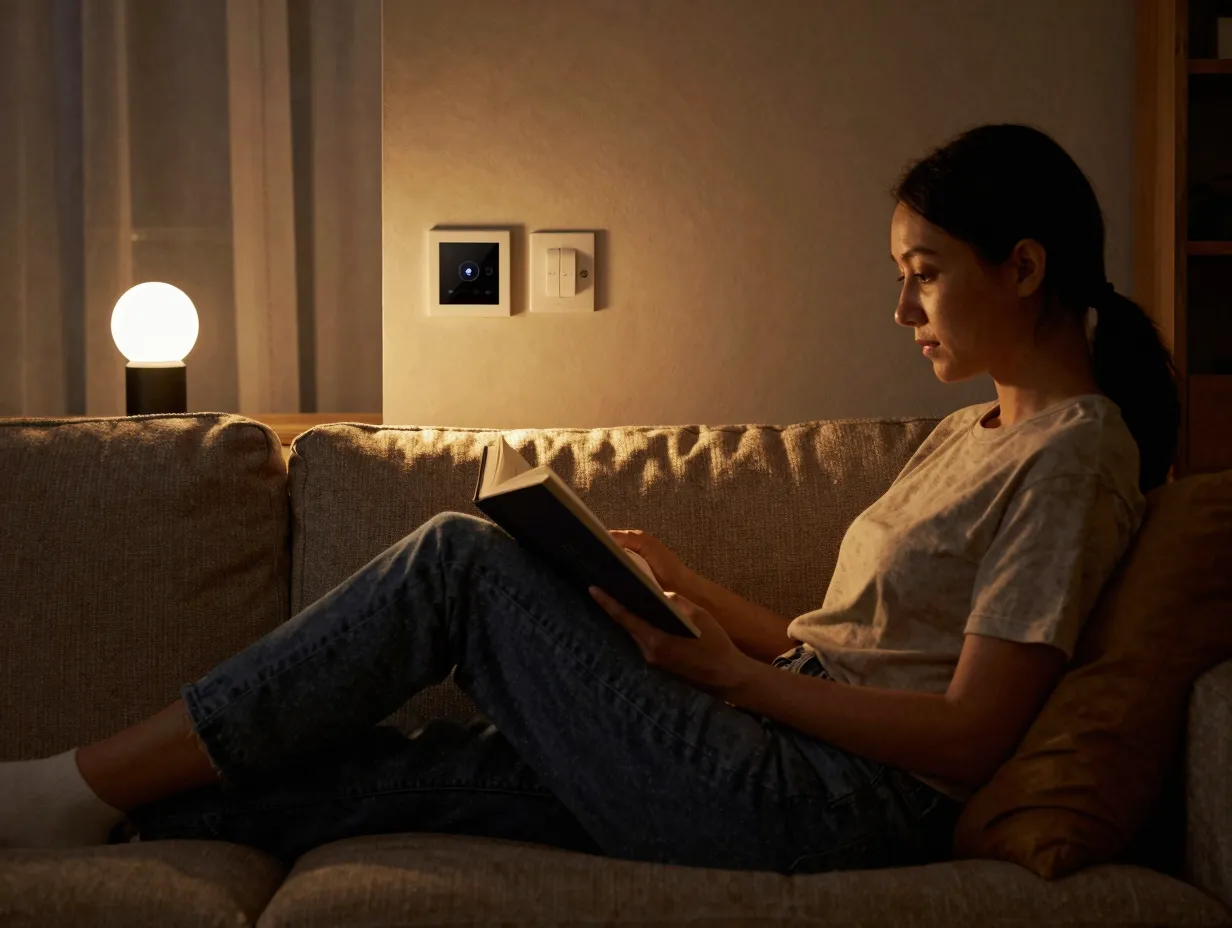
A basic on/off smart switch is useful. A smart dimmer with scene control is transformative. This upgrade introduces the concept of lighting scenes, pre-programmed combinations of brightness levels across multiple switches that can be activated with a single tap, voice command, or automation trigger.
Common lighting scenes and their uses:
| Scene Name | Brightness Level | Typical Use Case |
|---|---|---|
| Morning | 60-80% | Gradual wake-up routine |
| Work | 90-100% | Task lighting for home office |
| Movie | 15-25% | Ambient viewing comfort |
| Dinner | 50-70% | Relaxed dining atmosphere |
| Away | Randomized | Security simulation |
| Goodnight | 0% (off) | Whole-home shutdown |
Smart dimmers also introduce color temperature tuning when paired with compatible LED fixtures. Warm white (2700K) in the evening and cool white (4000K-5000K) during work hours is the foundation of human-centric lighting, a design philosophy backed by research showing that light temperature affects alertness, mood, and sleep quality [6].
The most capable smart dimmers in 2026 support multi-channel control, meaning a single switch can independently manage multiple lighting circuits in an open-plan space. This is a significant step toward the kind of granular lighting control previously available only in commercial buildings [3].
Installation note: Smart dimmers require a compatible dimmer-rated LED bulb. Standard non-dimmable LEDs will flicker or fail when connected to a dimmer circuit. Check bulb packaging for the “dimmable” label before proceeding.
4. Adopt Matter and Thread for a Future-Proof Ecosystem
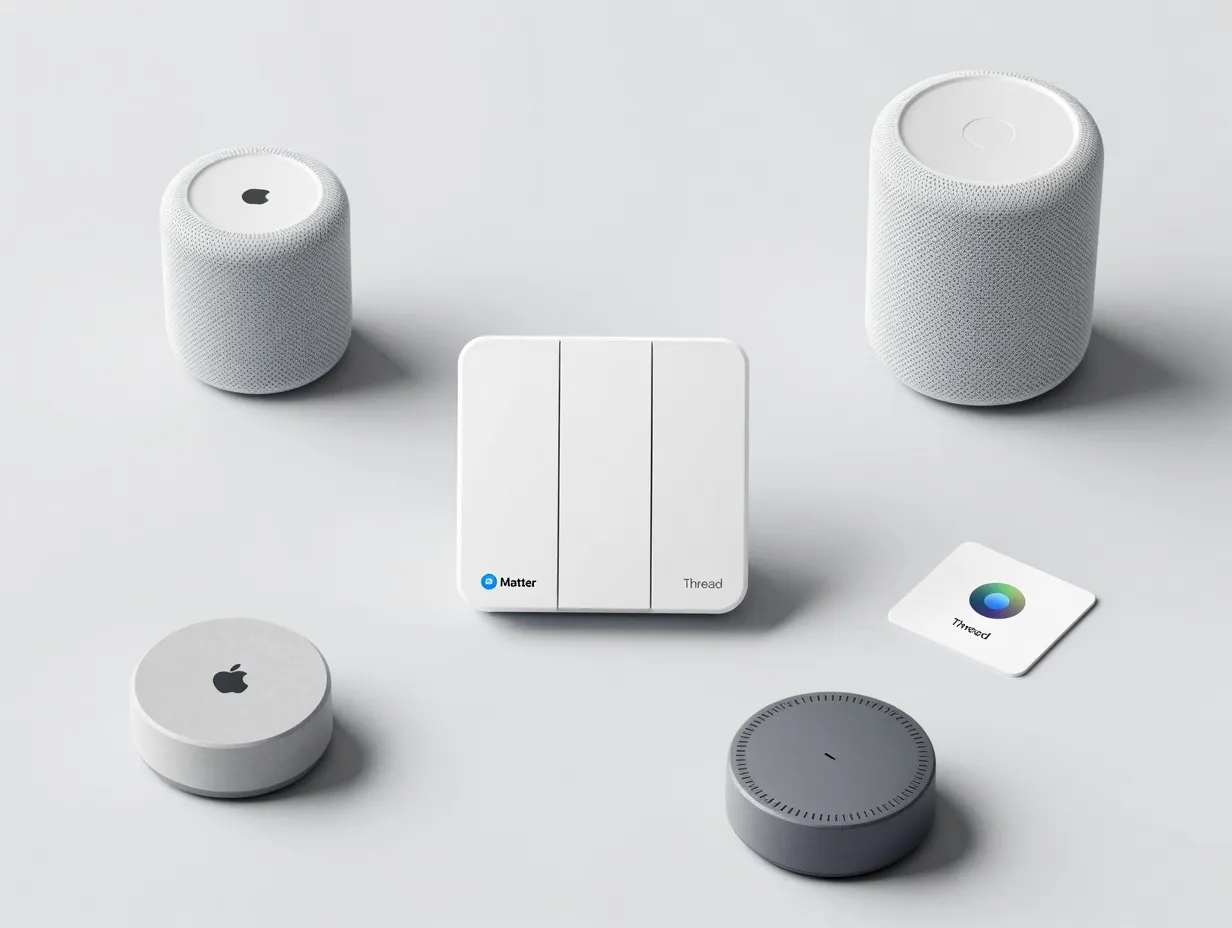
The fourth upgrade is less about hardware and more about protocol strategy. Matter and Thread have become the baseline standard for future-proof smart switch purchases in 2026 [1]. Understanding why matters for anyone planning to expand their smart home beyond a handful of switches.
Matter is an open-source interoperability standard backed by Apple, Google, Amazon, and Samsung. A Matter-certified switch works natively with all four major ecosystems without requiring separate apps or bridges. Thread is a low-power mesh networking protocol that Matter devices use to communicate directly with each other, bypassing the Wi-Fi router for faster, more reliable local communication.
Why this matters for the 6 smart home automation upgrades starting with your light switches:
- Switches purchased today will remain compatible with future platforms and devices
- Thread mesh networks improve reliability, if the internet goes down, local automations continue to function
- Matter devices do not depend on manufacturer cloud servers, reducing privacy exposure
- Interoperability means mixing brands without losing functionality
The practical implication is straightforward: when choosing between two otherwise equivalent switches, the one with Matter and Thread certification is the better long-term investment [2]. Several manufacturers now offer Matter-over-Thread switches at price points competitive with Wi-Fi-only alternatives.
Hub vs. no-hub strategy:
| Approach | Best For | Trade-offs |
|---|---|---|
| No-hub (Wi-Fi direct) | Small homes, renters, beginners | Cloud-dependent, router load increases |
| Hub-based (Thread border router) | Larger homes, advanced users | Upfront hub cost, more setup steps |
| Matter multi-admin | Mixed-ecosystem households | Requires Matter-certified devices throughout |
5. Integrate Motion Sensors and Occupancy-Based Automation
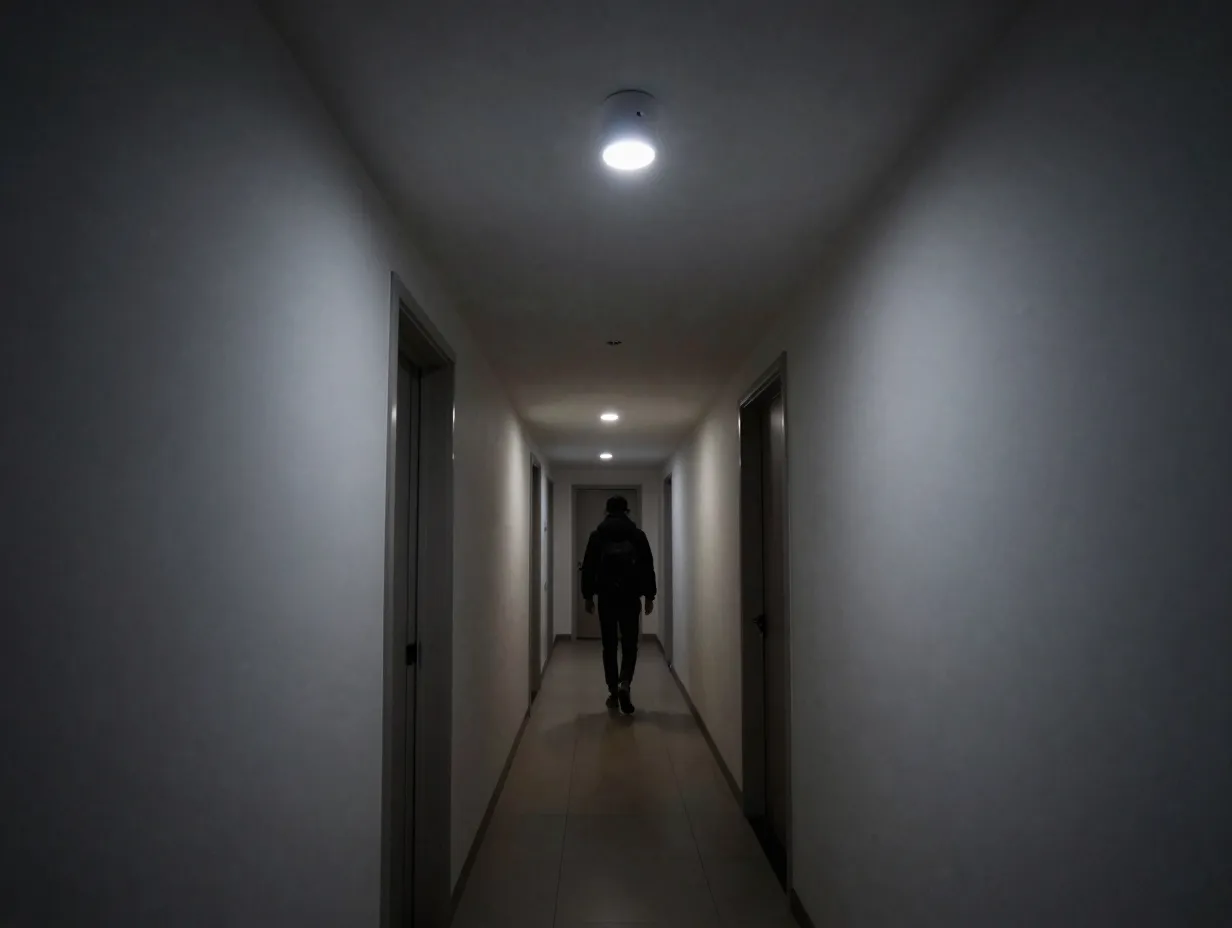
Once smart switches and dimmers are in place, the next upgrade unlocks true automation: lights that respond to occupancy rather than manual commands. Motion and occupancy sensors paired with smart switches eliminate the need to touch a switch at all in high-traffic areas like hallways, bathrooms, laundry rooms, and garages.
Modern occupancy sensors use passive infrared (PIR), ultrasonic, or dual-technology detection to distinguish between a room that is occupied and one that has simply been left with the light on. When integrated with a smart switch, the result is a lighting system that turns on when someone enters, dims after a period of inactivity, and shuts off completely when the room is empty [9].
Automation logic examples:
- Hallway light turns on at 30% brightness when motion is detected between 10 PM and 6 AM (avoiding full brightness during nighttime movement)
- Home office light activates at 100% when occupancy is detected during scheduled work hours, then dims to 50% after 15 minutes of inactivity
- Bathroom light turns on fully when occupied, switches to a dim nightlight mode after 11 PM
This upgrade also delivers measurable energy savings. Lights that turn off automatically when rooms are vacated can reduce lighting energy consumption by 20 to 40 percent compared to manually controlled fixtures [10]. For households with children or high occupant turnover, the savings accumulate quickly.
Security application: Occupancy-based automation also supports security routines. Lights that activate on motion near entry points, front door, garage, back yard, deter opportunistic intrusion and provide visual confirmation of activity when monitored remotely.
6. Enable Energy Analytics, AI-Adaptive Lighting, and Local Voice Control
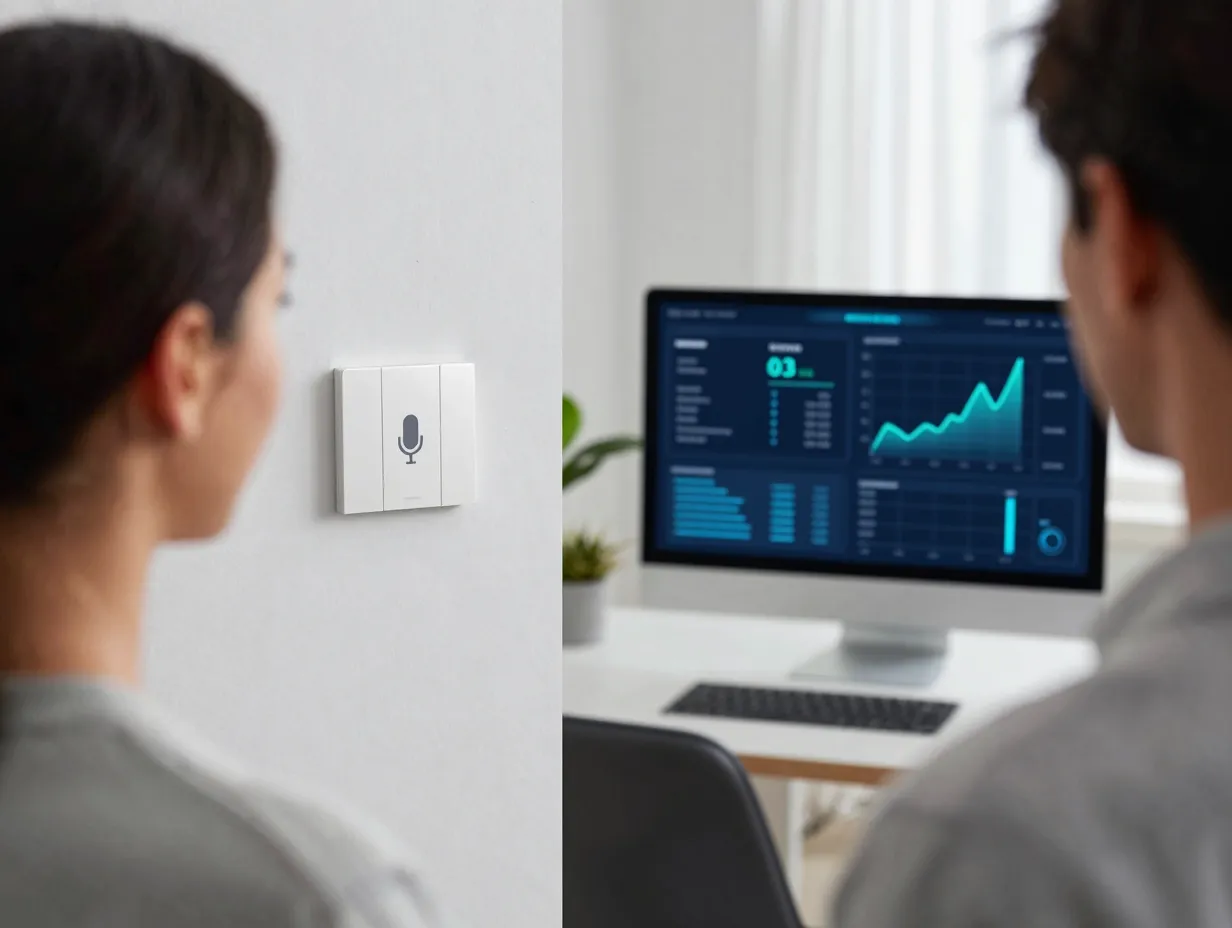
The sixth and most advanced of the 6 smart home automation upgrades starting with your light switches brings together three converging trends that define the leading edge of residential lighting in 2026: energy analytics, AI-adaptive lighting, and local voice control [8].
Energy analytics transforms smart switches from convenience devices into efficiency tools. Leading switches now report real-time and historical energy consumption data at the circuit level. Homeowners can identify which fixtures draw the most power, track usage patterns over time, and set consumption targets. Some platforms generate monthly reports comparable to utility-grade monitoring, without requiring additional hardware [1].
AI-adaptive lighting takes scene control to its logical conclusion. Rather than manually programming scenes, AI-adaptive systems learn household routines over days and weeks, then automatically adjust brightness and color temperature based on time of day, occupancy patterns, and even calendar data. A system might learn that the living room is used for reading on weekday evenings and pre-emptively set warm, high-brightness lighting at 7 PM without any user input [6].
Key features of AI-adaptive lighting platforms in 2026:
- Circadian rhythm alignment (automatic color temperature shift from cool morning light to warm evening light)
- Occupancy prediction (lights begin adjusting before a room is entered, based on learned patterns)
- Energy optimization mode (automatically reduces brightness during peak utility rate hours)
- Integration with weather data (compensates for cloudy days by increasing indoor light levels)
Local voice control addresses a growing concern among smart home users: privacy and reliability. Cloud-dependent voice assistants route commands through remote servers, introducing latency and creating data exposure. Local voice control processes commands on-device or on a local hub, with no data leaving the home network [7].
Several smart switch ecosystems now support local voice processing through dedicated hardware or integration with platforms such as Home Assistant. The result is voice control that responds in under 200 milliseconds, functions during internet outages, and does not transmit household activity data to third-party servers.
“Security, privacy, and local voice control are no longer niche concerns, they are mainstream purchasing criteria for smart switch buyers in 2026.” [4]
Color-tunable and multi-channel lighting rounds out this final upgrade tier. Switches capable of independently controlling warm-white and cool-white LED channels within a single fixture allow precise color temperature adjustment without requiring color-changing smart bulbs. This approach delivers human-centric lighting at a fraction of the cost of full RGB smart bulb installations, and it works with standard architectural fixtures [3].
Building Your Upgrade Path: A Practical Sequence
The 6 smart home automation upgrades starting with your light switches are most effective when approached in sequence. Attempting to implement all six simultaneously creates complexity and increases the risk of compatibility issues. The recommended sequence is:
- Replace the three to five most-used switches with basic Wi-Fi smart switches
- Address older wiring with no-neutral retrofit switches where needed
- Add smart dimmers to living spaces and install scene control
- Audit the switch inventory and replace or supplement with Matter-certified devices
- Add occupancy sensors to high-traffic, automatically managed areas
- Activate energy analytics, configure AI-adaptive routines, and enable local voice control
Each stage delivers standalone value, so the project can pause at any point and resume when budget or time allows. The stepwise nature of this approach is one of its core advantages over whole-home automation platforms that require full commitment upfront [5].
Budget planning by tier:
| Upgrade Stage | Typical Per-Switch Cost | Complexity |
|---|---|---|
| Basic Wi-Fi switch | Entry-level tier | Low |
| No-neutral retrofit | Entry to mid tier | Low to medium |
| Smart dimmer with scenes | Mid tier | Medium |
| Matter + Thread switch | Mid to premium tier | Medium |
| Occupancy sensor integration | Sensor add-on cost | Medium |
| AI-adaptive + analytics platform | Premium tier | High |
Conclusion
The 6 smart home automation upgrades starting with your light switches represent the most logical, cost-effective, and future-proof path into residential automation available in 2026. Starting with a simple Wi-Fi switch swap, progressing through no-neutral retrofits, smart dimmers, Matter-certified devices, occupancy automation, and finally AI-adaptive energy intelligence, each step compounds the value of the last.
Actionable next steps:
- Walk through the home and identify which five switches are touched most often each day, those are the first candidates for replacement
- Check each target switch box for a neutral wire before ordering hardware
- Choose a primary ecosystem (Apple HomeKit, Google Home, Amazon Alexa, or Home Assistant) and prioritize Matter-certified switches for maximum flexibility
- Set a scene-control routine for the living room or bedroom within the first week of installation to experience the full value of smart dimming
- Review energy usage reports after 30 days to quantify savings and identify the next highest-impact upgrade
The light switch is not a trivial starting point, it is the most-touched interface in any home, activated thousands of times per year. Automating it intelligently is not just a convenience upgrade; it is the foundation of a genuinely smart home.
References
[1] Best Smart Light Switches 2026 – https://www.hometechtested.com/blog/best-smart-light-switches-2026/
[2] Best Smart Light Switch 2026 Comparison Buying Guide – https://logis-connect.com/best-smart-light-switch-2026-comparison-buying-guide/
[3] The Best Smart In Wall Light Switches – https://www.reviewed.com/smarthome/best-right-now/the-best-smart-in-wall-light-switches
[4] Best Smart Light Switches – https://smarthomedock.com/best-smart-light-switches/
[5] Best Smart Light Switches – https://www.peggyomara.com/best-smart-light-switches/
[6] Ces 2026 S Most Exciting Smart Lighting Ideas To Bring Home – https://lamps.live/ces-2026-s-most-exciting-smart-lighting-ideas-to-bring-home
[7] Best Smart Light Switches – https://www.homeliohub.com/best-smart-light-switches/
[8] Best Smart Light Switches 2026 – https://smarthomelabs.io/blog/best-smart-light-switches-2026
[9] Best Smart Light Switch – https://boomschi.com/best-smart-light-switch/
[10] Best Light Switches – https://www.safewise.com/smart-home/best-light-switches/