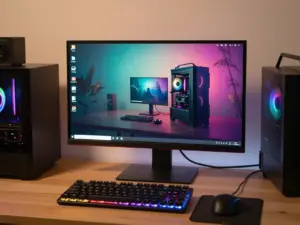
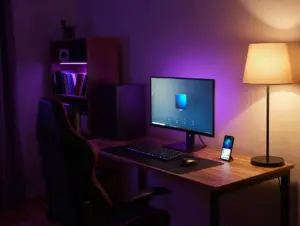
6 PC Gaming Setup Aesthetic Principles For A Sleek, Cohesive Look
A single mismatched RGB strip can undo hours of careful shopping. Spend $3,000 on a gaming rig, a curved monitor, and a mechanical keyboard, and the whole thing can still look like a garage sale if the colors clash and the lighting fights itself. That is the uncomfortable truth behind most “dream setup” photos that circulate online: the gear is rarely the differentiator. The arrangement is.
Disclosure: This post contains affiliate links. As an Amazon Associate, we earn from qualifying purchases, and at no extra cost to you.
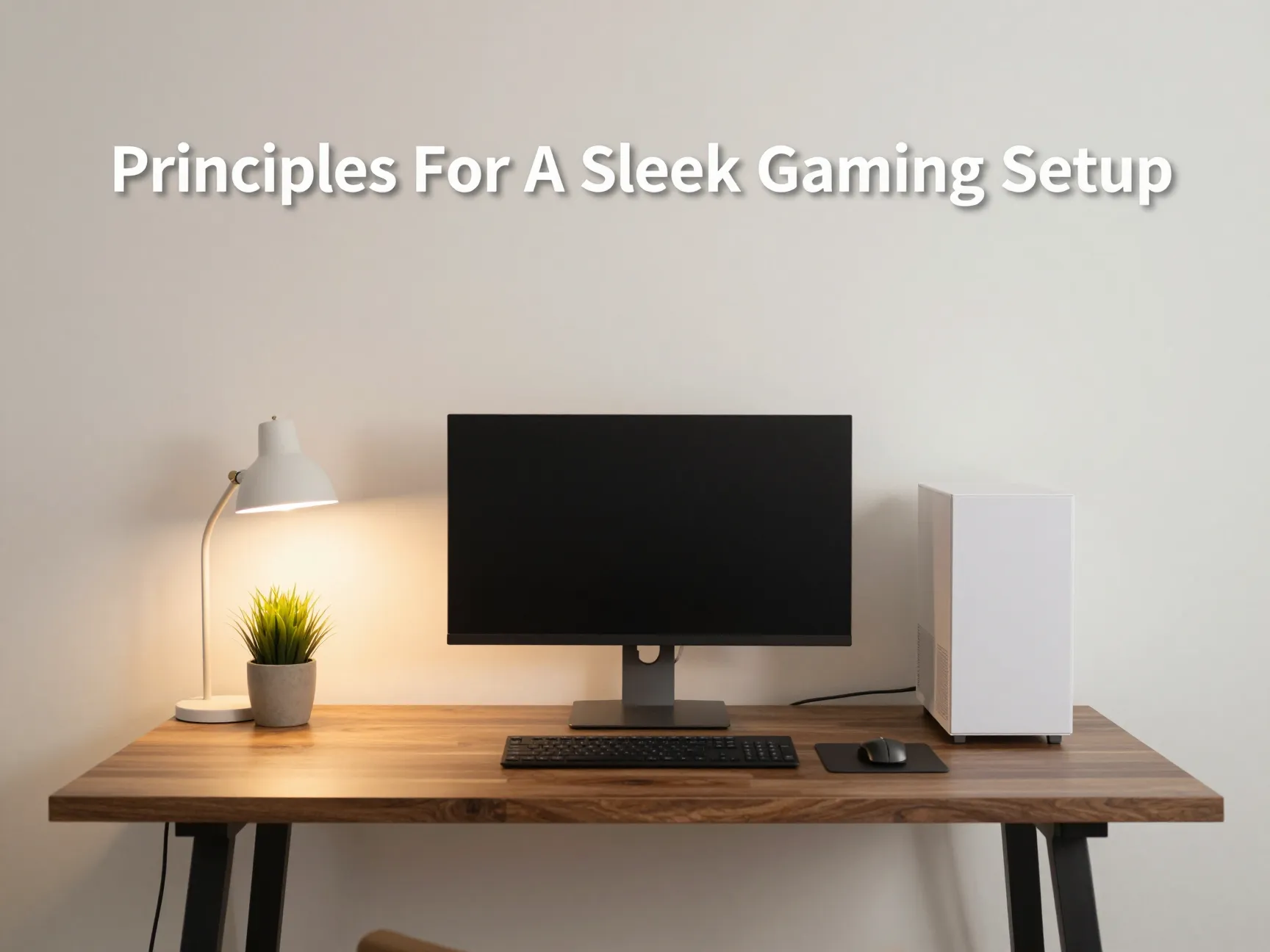
This guide breaks down the 6 PC Gaming Setup Aesthetic Principles For A Sleek, Cohesive Look that separate a chaotic hobbyist corner from a setup that looks like it belongs in a design magazine. These are not expensive rules. They are decisions about color, light, cables, and proportion that anyone can apply to an existing desk this weekend. Whether starting from scratch or renovating a setup that already has good bones, these six principles create a repeatable framework for a room that feels intentional rather than accidental.
Key Takeaways
- Pick one dominant base color and one accent material, then apply that combination to every visible surface across the desk and room.[6][10]
- Replace scattered RGB strips with a deliberate lighting hierarchy: one ambient source, one bias light, and warm color temperatures around 2700 to 3000K.[4][6][11]
- Treat cable management as a functional and visual pillar, since clean routing improves airflow and eliminates the single biggest source of visual clutter.[11][12]
- Match desk proportions, monitor height, and peripheral placement to the room, not just the PC, for a balanced overall composition.
- Choose personal decor pieces sparingly and let negative space do some of the visual work, since restraint reads as intentional design rather than empty budget.
Understanding The 6 PC Gaming Setup Aesthetic Principles For A Sleek, Cohesive Look
Cohesion in a gaming setup is not about spending more. It is about making fewer, more consistent decisions. Interior designers call this a “design language,” and gaming setups respond to the same logic that governs a well-planned living room or kitchen. The difference is that a gaming desk also has to accommodate a tower, multiple monitors, a keyboard, a mouse, headphones, and often a webcam and microphone, all of which come from different brands with different default finishes.
That is precisely why a framework matters. Below are six specific, testable principles drawn from how 2026’s most photographed and most functional setups are actually built.
1. Commit to a single, cohesive color palette and material story
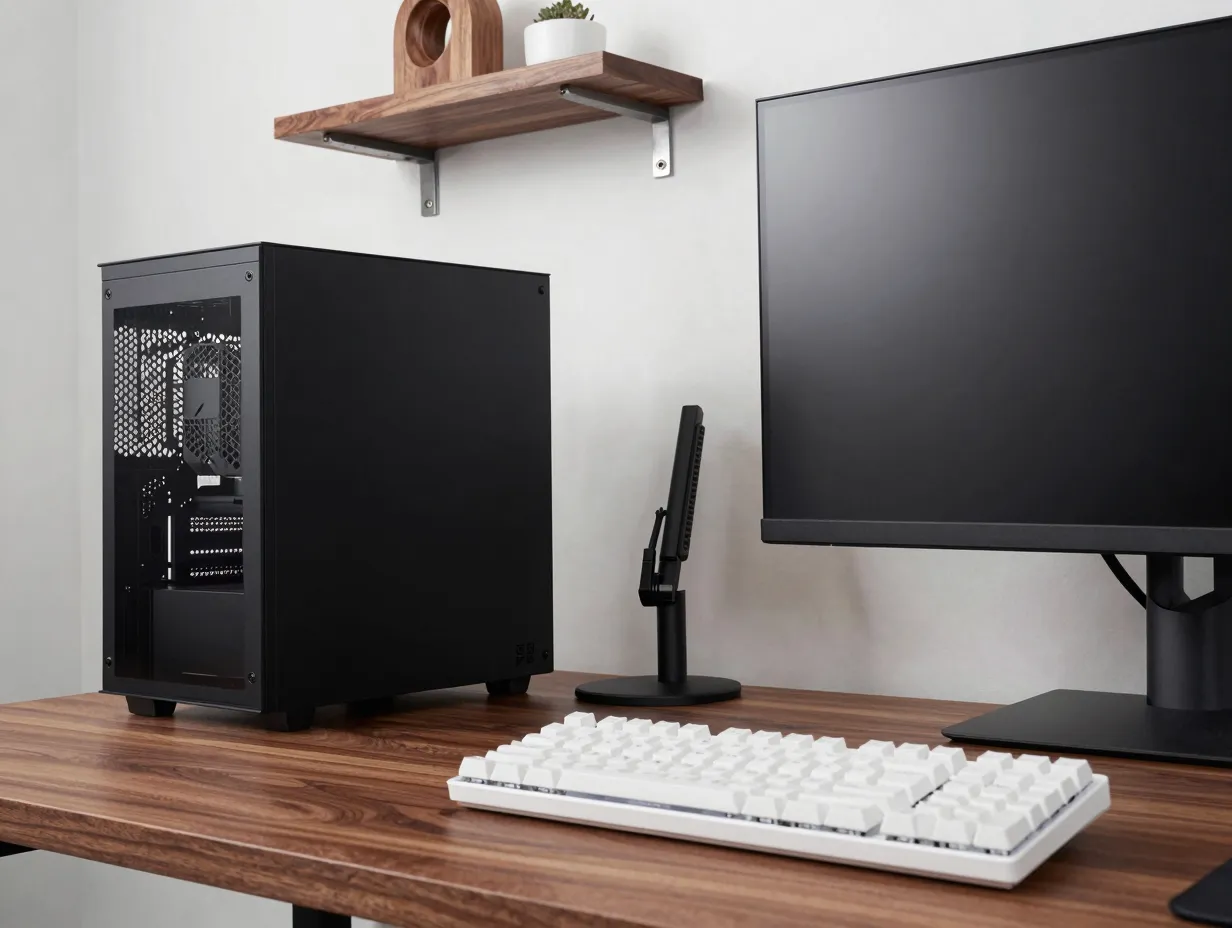
The fastest way to make any collection of objects look expensive is to limit the color palette. Recent 2026 setup guides consistently point to the same starting move: pick one primary base color, usually matte black, warm off-white, or all-white, and apply it to the case, the desk, the peripherals, and the decor around the room.[1][6][7][10]
Minimalist design specialists frame this as a “discipline of subtraction.” Instead of adding more accent colors to make a setup feel finished, the recommendation is to select a single base tone plus exactly one natural accent material, such as walnut or oak wood.[6][10] The warning that accompanies this advice is just as important as the advice itself: do not mix cool grays with warm woods, and do not mix stark whites with warm-toned light. Those combinations create a subtle visual dissonance even when someone cannot articulate why a room feels “off.”
A widely cited 2026 gaming room roundup narrows this further by naming five materials that reliably produce a cohesive result across different budgets and room sizes:[10]
| Material | Why it works | Common use |
|---|---|---|
| Matte black finish | Absorbs light, hides fingerprints, reads as premium | Case, desk frame, monitor arm |
| Walnut or oak wood | Adds warmth without competing for attention | Desktop surface, shelving, decor |
| Textured dark gray fabric | Softens hard edges, adds tactile contrast | Chair, wall panels, rug |
| Smoked glass | Adds depth without introducing a new color | Case side panel, desk accents |
| Subtle metallic hardware | Provides a single accent without visual noise | Screws, cable clips, lamp fixtures |
All-white and coordinated black-and-white builds have become two of the dominant looks heading into 2026 for a practical reason beyond taste: they photograph cleanly and read as unified even when the underlying hardware is a mismatched mix of brands.[7][10][13] A white case next to a white monitor arm and a white keyboard will look coordinated even if none of those three products came from the same manufacturer, because the eye tracks color consistency far more than brand consistency.
The practical takeaway is simple. Before buying anything else for a setup, decide on one base color and one accent material. Write it down if necessary. Every future purchase, from a mouse pad to a wall print, gets filtered through that decision.
2. Design a clear lighting hierarchy instead of RGB overload

Lighting is the single most common mistake in gaming setups, and it is also the easiest to fix without spending anything on new hardware. Multiple 2026 guides describe a clear shift away from chaotic, multi-zone RGB strips toward intentional, layered lighting: a bias light behind the monitor, a small number of controlled LED zones, and a warm desk lamp for task lighting.[4][6][11][12]
The mechanism behind why this works is straightforward. Random RGB creates competing focal points. A viewer’s eye does not know where to look first, so the whole setup reads as busy even if every individual component is well-designed. A lighting hierarchy solves this by assigning each light source a single job: one for ambience, one for contrast behind the screen, and one for functional task lighting at the keyboard.
A dedicated minimalist lighting guide gets specific about the numbers. It recommends a single ambient source in warm white, roughly 2700 to 3000K, or a single bias strip mounted behind the monitor, arguing that fixed, soft, unchanging light produces a more professional look than lighting that cycles through colors or reacts to sound.[6][11] Color-cycling lighting can be fun to demo for a few minutes, but it undermines a cohesive look every time it changes, because it constantly resets the color palette established in principle one.
A cozy-setup guide from a major monitor manufacturer, updated in August 2026, backs this up with concrete advice: use warm-toned desk lamps or LED strips, add a softly diffused ambient glow behind the monitor or against the wall, and explicitly avoid overly bright, neon, or high-contrast lighting if the goal is a calming, cohesive space.[4] That last point matters for anyone who spends long hours at the desk, since harsh contrast between a bright screen and a dark room is also linked to faster eye fatigue.
Newer buying guides go one step further and describe entire aesthetic categories built around this restraint. “Quiet luxury” and “organic minimalist” gaming styles replace neon lighting with walnut wood tones, brushed brass hardware, soft white ambient lighting, and biophilic touches like a small plant or a stone coaster. These styles signal intentional design choices rather than an unedited collection of hobbyist RGB gear.[9][12]
A practical lighting checklist for most desks:
- One bias light strip behind the monitor, set to a fixed warm white, not a cycling rainbow mode.
- One ambient room light, either a floor lamp or wall wash, also fixed at 2700 to 3000K.
- One task lamp near the keyboard for reading, typing, or writing, adjustable in brightness only, not color.
- Zero additional RGB zones unless they match the exact fixed color used elsewhere in the setup.
3. Prioritize cable management as both an aesthetic and functional pillar
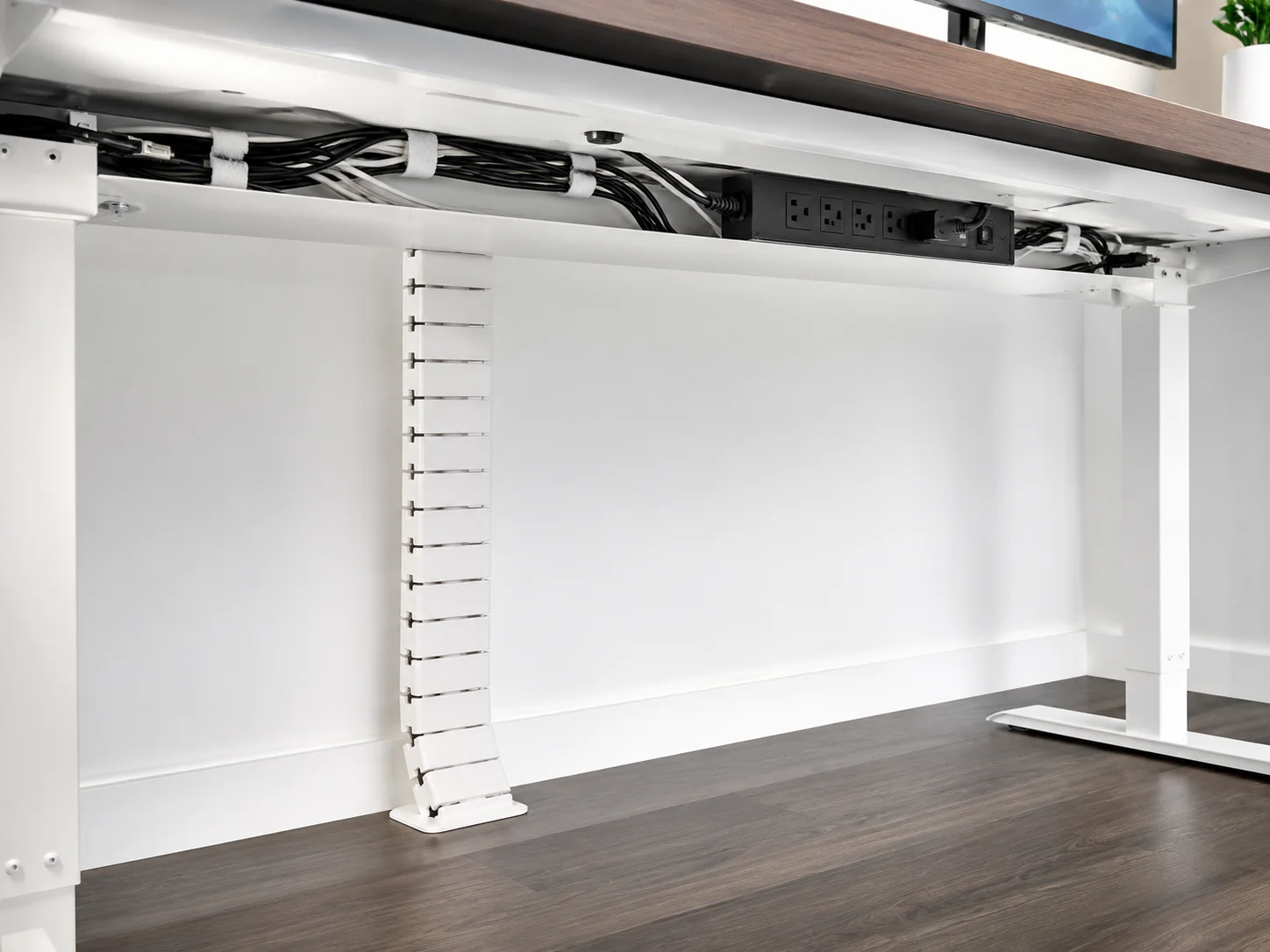
Cable clutter is the fastest way to sabotage an otherwise well-designed setup, and it is also the detail most people delay fixing because it feels tedious. 2026 dream-rig guides frame cable management as genuinely dual-purpose: neat cable runs and dedicated trays improve airflow around the case, which reduces the risk of component overheating, and at the same time they clean up the visual field around the PC and desk.[11][12]
This dual benefit is worth sitting with for a moment. Every other principle in this list is purely about appearance. Cable management is the rare aesthetic choice that also protects hardware performance. A tower with cables jammed against intake fans runs measurably warmer than the same tower with organized, routed cables, because airflow has fewer obstructions to fight through.
A basic cable management approach that works for most desks:
- Route power and monitor cables through a single under-desk tray or channel, keeping them off the floor and out of sight from a seated viewing angle.
- Use cable combs or velcro ties inside the case itself to group cables by function, such as separating power cables from data cables.
- Add a vertical cable spine or sleeve running from the desktop down one leg, so cables travel in one visible, tidy line instead of a scattered drop.
- Install a grommet or pass-through hole if the desk allows it, so cables disappear beneath the surface entirely rather than draping over the edge.
- Use a single power strip or surge protector mounted under the desk rather than a tangle of adapters spread across the floor.
The visual payoff of clean cable routing is disproportionate to the effort involved. A desk with perfectly matched furniture and lighting can still look unfinished if cables spill across the floor or drape visibly behind the monitor. Conversely, a modest budget setup with tidy cable routing often photographs better than a far more expensive setup with cables left unmanaged.
4. Match desk and furniture proportions to the room, not just the PC
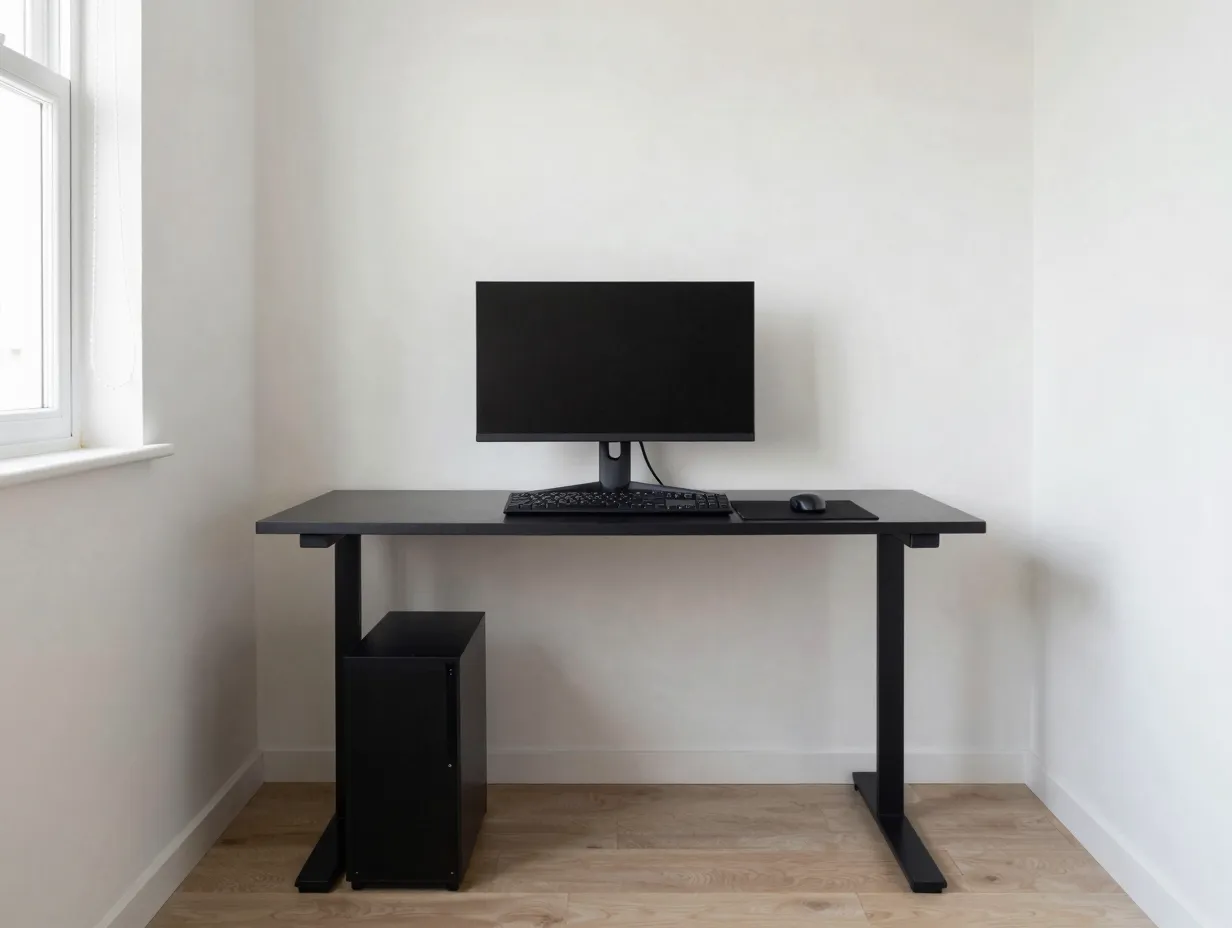
A common oversight is choosing desk and case size purely based on what fits the hardware, without considering how the furniture reads within the room as a whole. A tower that looks appropriately sized on a store shelf can dominate a small desk, while a massive curved monitor can visually overwhelm a narrow room if the desk depth cannot support the viewing distance the monitor is designed for.
Proportion works on two levels: the relationship between the desk and the PC tower, and the relationship between the desk and the room around it. A cohesive setup keeps both in balance. That typically means leaving visible negative space on either side of the monitor rather than filling the entire desk width with equipment, and choosing a case size that sits comfortably under or beside the desk without crowding legroom.
A simple proportion check before finalizing furniture choices:
- Measure the room’s usable wall length and subtract at least 12 to 18 inches of breathing room on each side of the desk setup.
- Choose a monitor size where the viewing distance from a normal seated position is roughly 1.2 to 1.5 times the screen’s diagonal size.
- Confirm the case fits beside or under the desk with at least a few inches of clearance for airflow and cable access.
- Leave at least one section of the desk surface empty, rather than covering every inch with gear, so the eye has a place to rest.
This principle connects directly back to the color and lighting choices made earlier. Good proportion keeps the cohesive palette from feeling cramped, and it keeps the lighting hierarchy visible instead of buried behind stacked equipment.
5. Curate decor and personal touches with restraint
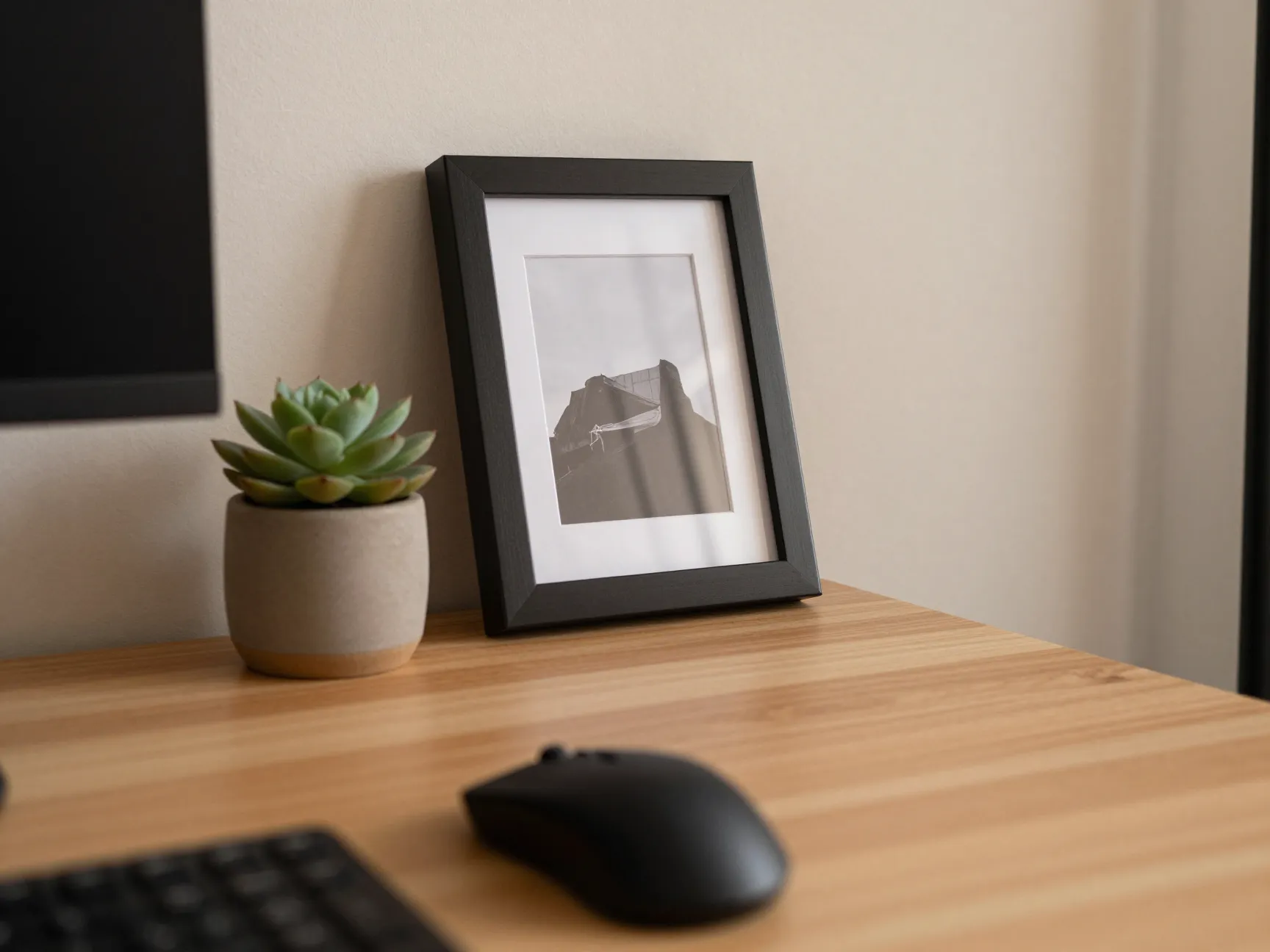
A cohesive setup is not a blank showroom. It should still feel personal. The difference between a curated setup and a cluttered one usually comes down to quantity and placement, not the absence of personality. A single framed print, one small plant, or a favorite collectible on a shelf adds warmth without breaking the palette established in principle one, as long as it fits within the same color and material story.
The mistake to avoid is treating every available surface as decor real estate. Stacking figurines, multiple posters, and several plants around a desk can quickly overwhelm the same visual field that the color palette and lighting hierarchy worked to simplify. A useful mental test: if a new decor item does not match the case, desk, or accent material already chosen, it likely needs a different spot in the room, or it needs to be skipped entirely.
Biophilic touches, meaning small design elements borrowed from nature such as wood grain, stone textures, or a single potted plant, have become a recognizable feature of the “organic minimalist” gaming aesthetic mentioned earlier.[9][12] These elements work well precisely because they are subtle. A single plant on a shelf reads as intentional. Five plants scattered across a desk reads as an afterthought.
A short decor guideline that keeps this principle in check:
- Limit wall decor to one or two pieces that share a color or frame material with the desk setup.
- Choose no more than one collectible or personal object visible from the primary seated view.
- Add texture through one natural material, such as a woven mat or a wood tray, rather than multiple competing textures.
6. Maintain the look with ongoing discipline, not a one-time setup
The final principle is less about a specific design choice and more about habit. A cohesive setup degrades over time if new purchases are not filtered through the same palette, lighting, and proportion rules used to build it originally. A new mouse bought on sale in a color that does not match the established palette can quietly undo months of careful curation.
Maintaining a sleek, cohesive gaming setup means treating the original design decisions as a standing filter for future purchases. Before buying a new peripheral, accessory, or decor item, it helps to check it against the same questions used to build the setup in the first place: does this match the base color and accent material, does it fit the existing lighting temperature, and does it maintain the proportion balance already established on the desk.
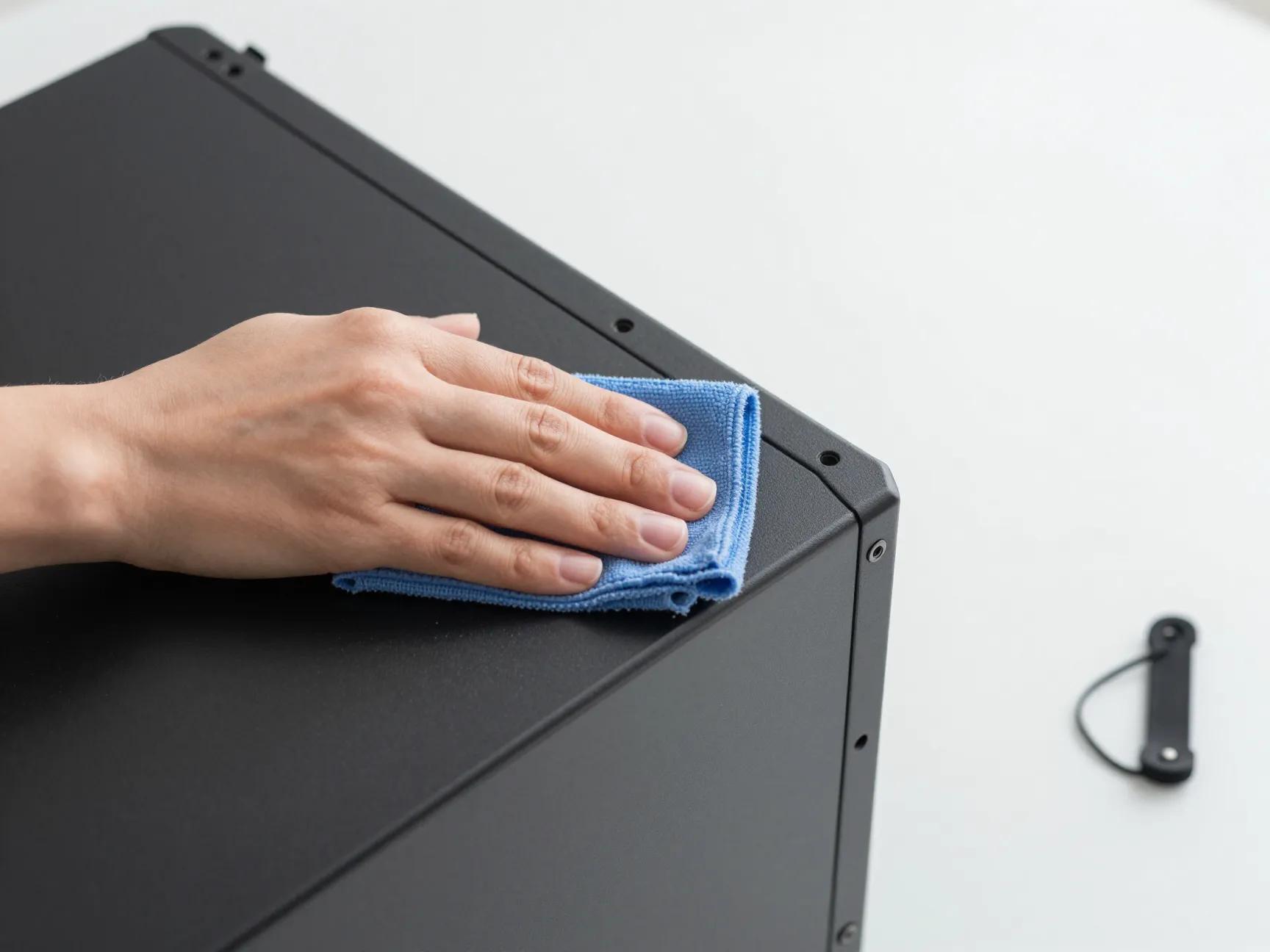
This principle also covers basic upkeep. Dust accumulation on a matte black case is far more visible than on a textured surface, and tangled cables tend to creep back over time as new devices get added. A quick monthly check of cable routing and surface cleanliness keeps the other five principles intact long after the initial setup is finished.
How To Apply These Aesthetic Principles Without Overspending
None of the six principles above require replacing existing hardware. They are almost entirely about arrangement, color consistency, and small accessory choices rather than new component purchases. This makes the framework accessible regardless of budget, which is part of why it works across everything from a modest single-monitor desk to a full multi-monitor battlestation.
A practical rollout plan for applying all 6 PC Gaming Setup Aesthetic Principles For A Sleek, Cohesive Look to an existing setup looks like this:
- Audit the current setup and identify the dominant color already present, such as the case color, then decide whether to build around that color or replace one or two items to shift toward a cleaner palette.
- Replace any color-cycling RGB lighting settings with a single fixed warm white profile, even before buying new light fixtures.
- Spend one afternoon on cable management using ties, a tray, or a simple cable sleeve, focusing first on the most visible cable runs.
- Remove any decor or accessories that clash with the chosen palette, storing them rather than discarding them in case they suit a future refresh.
- Reassess desk proportions and shift the monitor, keyboard, and mouse placement to leave clear negative space on at least one side of the desk.
- Set a recurring reminder, monthly or quarterly, to check new purchases against the established palette before adding them to the desk.
This sequence deliberately starts with the changes that cost nothing, meaning color palette decisions and lighting settings, before moving to changes that require a small purchase, such as cable trays or a single lamp. Setups built this way tend to hold their cohesive look longer, because each new addition gets filtered through the same six principles rather than added on impulse.
Common Questions About Sleek, Cohesive Gaming Setups
What is the single most impactful change for improving a cluttered setup
Cable management typically produces the most noticeable visual improvement for the least cost, since tangled or exposed cables are usually the first thing a viewer notices before evaluating color or lighting choices.[11][12]
Does a cohesive setup require an all-white or all-black case
No. A cohesive setup requires a consistent palette, not a specific color. Matte black, warm off-white, and all-white are simply the three bases that 2026 guides identify as easiest to build around, largely because peripherals and furniture are widely available in those tones.[1][6][7][10]
Is RGB lighting incompatible with a sleek aesthetic
Not entirely, but color-cycling and multi-zone RGB without a fixed hierarchy tends to undercut cohesion. A single, fixed-color RGB zone that matches the rest of the lighting plan can work fine within the hierarchy described in principle two.[4][6][11]
How much does a cohesive setup typically cost to achieve
Cost varies widely, but the core principles, color consistency, lighting hierarchy, cable management, proportion, restrained decor, and ongoing discipline, are largely free or low-cost adjustments rather than hardware upgrades, which makes this framework usable at almost any budget level.
Conclusion
A sleek, cohesive PC gaming setup is the product of consistent decisions, not an expensive hardware list. The 6 PC Gaming Setup Aesthetic Principles For A Sleek, Cohesive Look covered here, committing to one color and material palette, building a deliberate lighting hierarchy, managing cables as both a functional and visual pillar, matching furniture proportions to the room, curating decor with restraint, and maintaining that discipline over time, work together as a single system rather than six separate tasks.
The most useful next step is not a shopping trip. It is an audit. Look at the current setup, pick the one principle that is furthest from being followed, whether that is a mismatched palette, chaotic RGB lighting, or unmanaged cables, and fix that single issue before moving to the next. Setups built through this kind of incremental, principle-based refinement tend to look more intentional and hold their cohesive appearance longer than setups assembled all at once around whatever hardware happened to be on sale.
References
[1] Gaming Setup Ideas – https://blog.displate.com/gaming-setup-ideas/
[4] Cozy Gaming Setup Guide – https://www.benq.eu/en-uk/knowledge-center/knowledge/cozy-gaming-setup-guide.html
[6] Best Minimalist Gaming Setup Ideas 2026 – https://gamingpcguru.com/best-minimalist-gaming-setup-ideas-2026/
[7] Inspiring Budget Gaming Pc Build Ideas Dominating – https://www.accio.com/blog/inspiring-budget-gaming-pc-build-ideas-dominating
[9] 2026 Cool Gaming Setups A Practical Guide – https://electronics.alibaba.com/buyingguides/2026-cool-gaming-setups-a-practical-guide
[10] 33 Epic Gaming Room Setup Ideas You Need In 2026 – https://nimorix.com/33-epic-gaming-room-setup-ideas-you-need-in-2026/
[11] Watch – https://www.youtube.com/watch?v=8bDva7s0iyc
[12] 2026 Cool Gaming Setups A Practical Guide – https://electronics.alibaba.com/buyingguides/2026-cool-gaming-setups-a-practical-guide
[13] 33 Epic Gaming Room Setup Ideas You Need In 2026 – https://nimorix.com/33-epic-gaming-room-setup-ideas-you-need-in-2026/