6 Smart Watch Faces To Completely Transform Your Device’s Look
More than 500,000 custom watch faces are available on Facer alone, a number that dwarfs the handful of stock designs that shipped on most smartwatches [2]. That single statistic reveals something manufacturers rarely advertise: the face is the most powerful design variable on any smartwatch, and changing it costs nothing but a few seconds. Whether the goal is a cleaner aesthetic, richer fitness data, or a look that mimics a luxury timepiece, the right face swap can make a device feel brand new. This guide covers 6 Smart Watch Faces To Completely Transform Your Device’s Look, explaining exactly what each option delivers and how to get the most from it.
Disclosure: This post contains affiliate links. As an Amazon Associate, we earn from qualifying purchases, and at no extra cost to you.
Key Takeaways
- A single watch face change can alter both the visual identity and the functional layout of any smartwatch simultaneously.
- Platforms such as Facer and WatchMaker offer hundreds of thousands of community-created designs far beyond what manufacturers bundle by default [1][2].
- AMOLED-optimized faces deliver bold, high-contrast aesthetics without the battery penalty that image-heavy designs can carry.
- Samsung’s free Watch Face Studio lets users build hyper-realistic analog faces that make a digital watch look like a mechanical timepiece.
- The best face for any user balances personal style with practical complications, fitness rings, weather, and calendar data all in one glance.
Why Watch Faces Are the Fastest Way To Upgrade Your Smartwatch
Most smartwatch owners spend weeks researching bands and cases, yet overlook the one element that occupies 100 percent of the display every waking moment: the watch face. Swapping a face takes less than ten seconds, requires no tools, and is fully reversible. More importantly, it changes not just how the watch looks but how it functions, a single face can add or remove fitness rings, weather readouts, calendar events, and heart rate data all at once [7].
Modern platforms have made this even easier. The Galaxy Watch Faces app, for example, emphasizes one-tap application of premium, battery-efficient designs directly from a phone or wrist [3]. Facer supports Apple Watch, Google Pixel Watch, Samsung Galaxy Watch, and a broad range of Wear OS devices from one unified marketplace [2][5]. The result is a cross-platform ecosystem where virtually any smartwatch can be re-skinned in seconds.
“Transforming a device now means changing both appearance and functional layout in one step.”, Wareable [7]
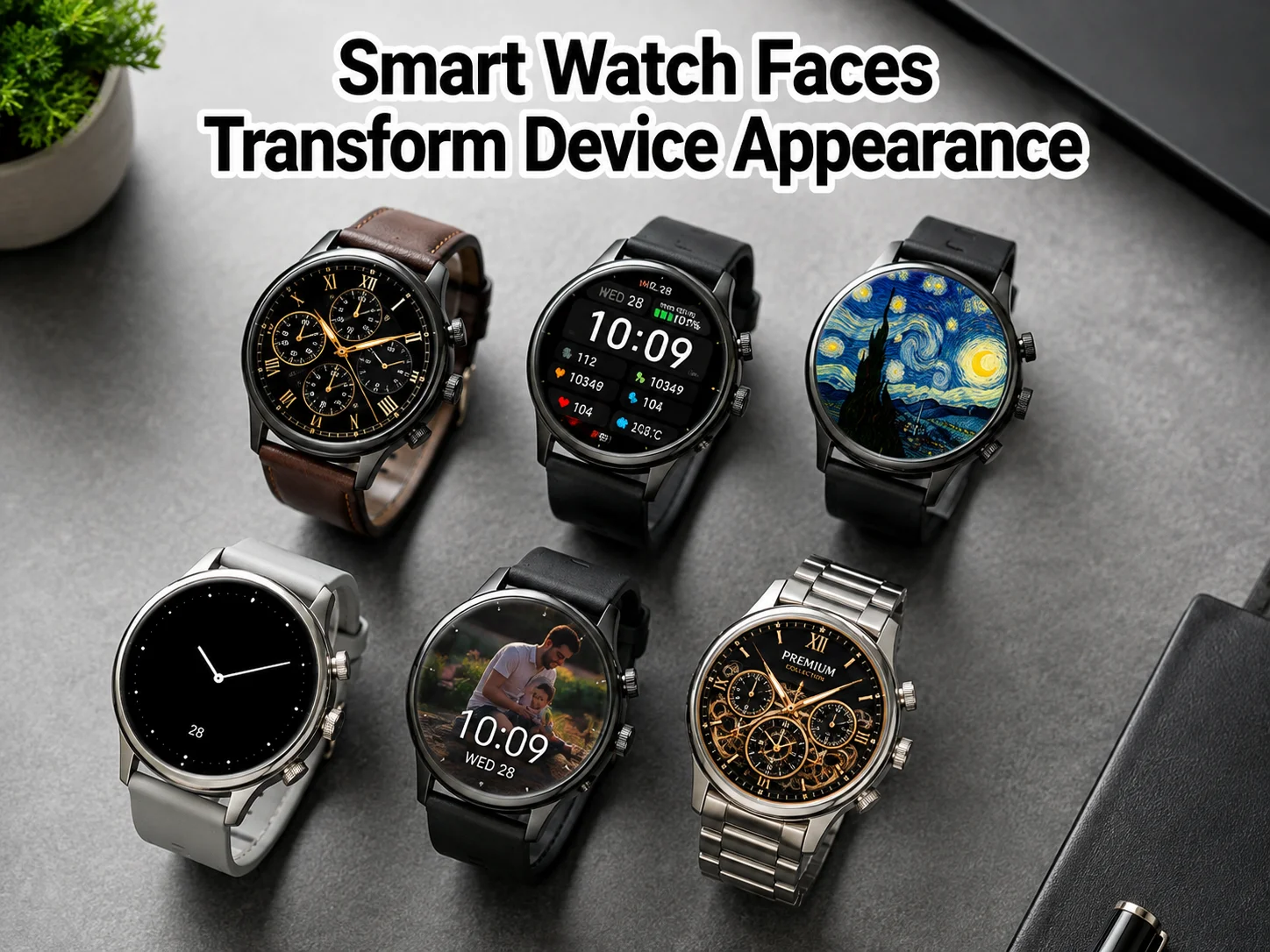
The six options below represent the most distinct visual and functional transformations available in 2026, spanning hyper-realistic analog replicas, data-dense dashboards, community-designed art pieces, AMOLED-optimized minimal faces, bespoke custom builds, and curated premium collections.
6 Smart Watch Faces To Completely Transform Your Device’s Look
1. Hyper-Realistic Analog Replica Faces
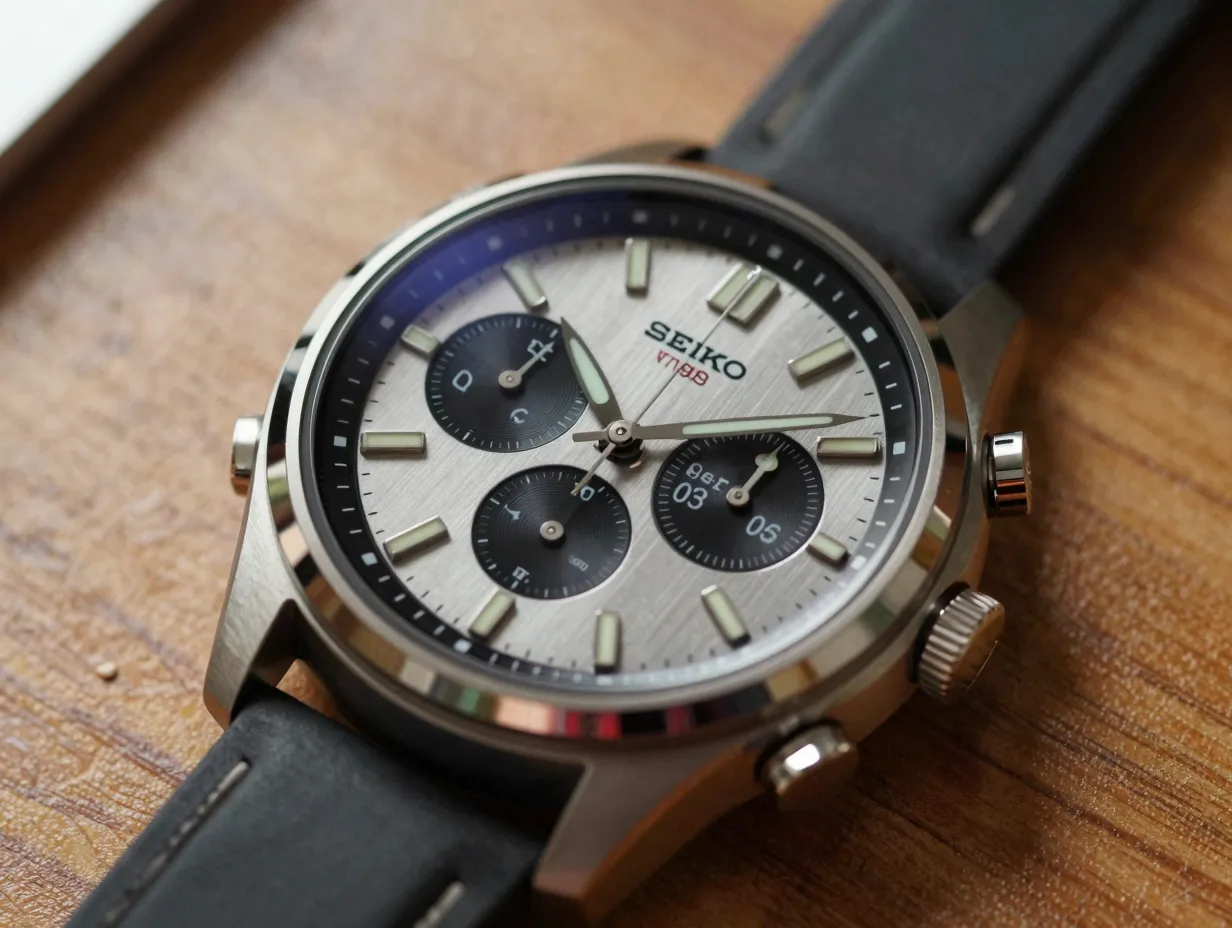
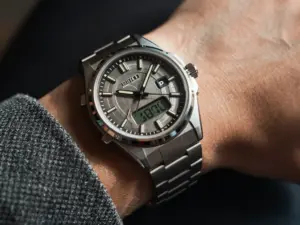
The most dramatic identity shift any digital watch can undergo is pretending to be a mechanical timepiece. Samsung’s free Watch Face Studio makes this possible without any coding knowledge. A July 2026 PCMag feature demonstrated a Galaxy Watch transformed to convincingly mimic a Seiko Sport5, complete with a textured dial, sweep-style second hand, and sub-dial complications. The result is a device that reads as an analog watch in casual glances, fundamentally changing how others perceive it.
What makes these faces work:
- Layered dial textures that simulate brushed metal, lume plots, and printed indices
- Smooth second-hand animation that mimics a mechanical sweep rather than a digital tick
- Sub-dials repurposed to display steps, heart rate, or battery life in a way that looks native to the design
- Color variants that match popular watch references, from sports chronographs to dress watches
Best suited for: Professionals who want a formal look without carrying a second timepiece, and watch enthusiasts who appreciate horological aesthetics on a smart platform.
Compatible platforms: Samsung Watch Face Studio (free), Facer analog category [2], WatchMaker analog templates [1].
2. Data-Dense Dashboard Faces
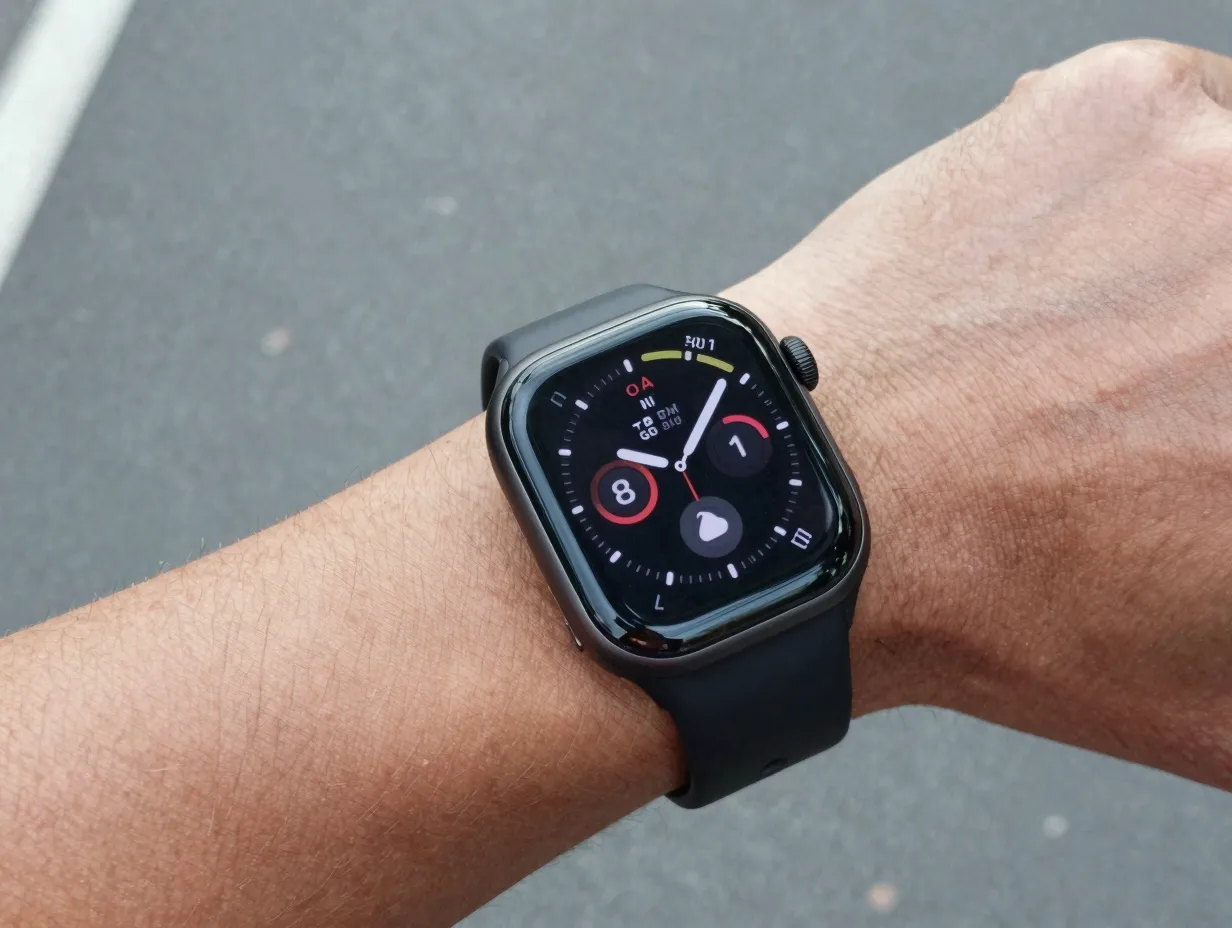
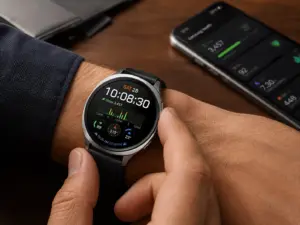
At the opposite end of the spectrum from minimalist analog replicas, dashboard faces treat the watch display as a heads-up display. Android Authority’s January 2026 roundup highlighted how modern faces leverage Google’s Watch Face Format to pack minimalist design with maximum data, fitness rings, calendar events, weather conditions, UV index, and battery percentage all visible without a single tap.
The key to a well-designed dashboard face is hierarchy. The best examples use size, contrast, and position to ensure the time remains instantly readable while secondary data sits in clearly defined complication zones.
| Complication Type | Common Position | Data Shown |
|---|---|---|
| Fitness ring | Bottom arc | Steps, calories, move goal |
| Weather | Top left | Temperature, condition icon |
| Calendar | Top right | Next event title and time |
| Heart rate | Bottom left | Current BPM |
| Battery | Bottom right | Percentage remaining |
Recommended sources: Facer’s “data” category lists thousands of dashboard-style faces for Wear OS and Apple Watch [2][5]. The Watch Faces App for Wear OS by WatchFaceManager focuses specifically on making complication-heavy faces accessible to non-technical users [13].
Best suited for: Fitness-focused users, productivity-driven professionals, and anyone who wants maximum information density without unlocking the phone.
3. Community-Designed Art and Themed Faces
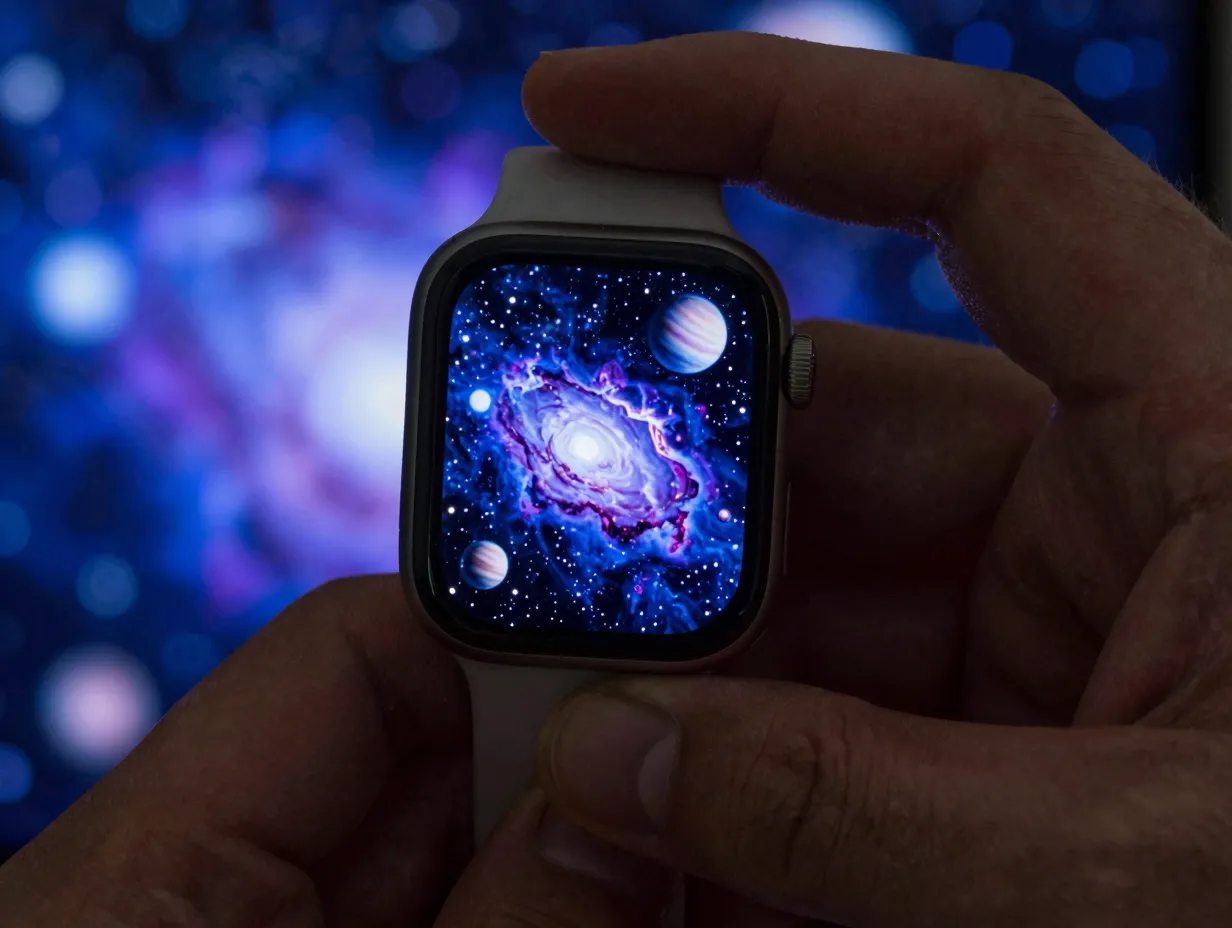
WatchMaker Watch Faces remains one of the largest third-party platforms for Wear OS, offering thousands of faces built by an active global creator community [1]. Facer mirrors this model, with more than 500,000 faces spanning every conceivable theme, space photography, anime art, retro game interfaces, architectural photography, and seasonal designs that update automatically [2].
The community ecosystem drives experimentation that manufacturer design teams rarely attempt. A creator can publish a face inspired by a film release, a sporting event, or a niche aesthetic trend within hours of the cultural moment. This rapid iteration means the catalog is always current in ways that factory-installed faces cannot be.
What to look for in a community face:
- Creator rating and download count, higher numbers indicate tested stability across multiple watch models
- Complication flexibility, the best community faces allow users to remap data fields to personal preferences
- Update history, faces that receive regular updates are more likely to stay compatible with OS updates
- Battery impact disclosure, animated or always-on faces vary widely in power consumption
Pujie Watch Faces extends this concept by giving users a full design environment to build their own faces by layering elements, animations, and data fields, enabling layouts that diverge significantly from any stock design [10].
Best suited for: Users who want a face that reflects personal interests, seasonal moods, or specific fandoms, and who enjoy browsing a living catalog that updates constantly.
4. AMOLED-Optimized Minimal Faces
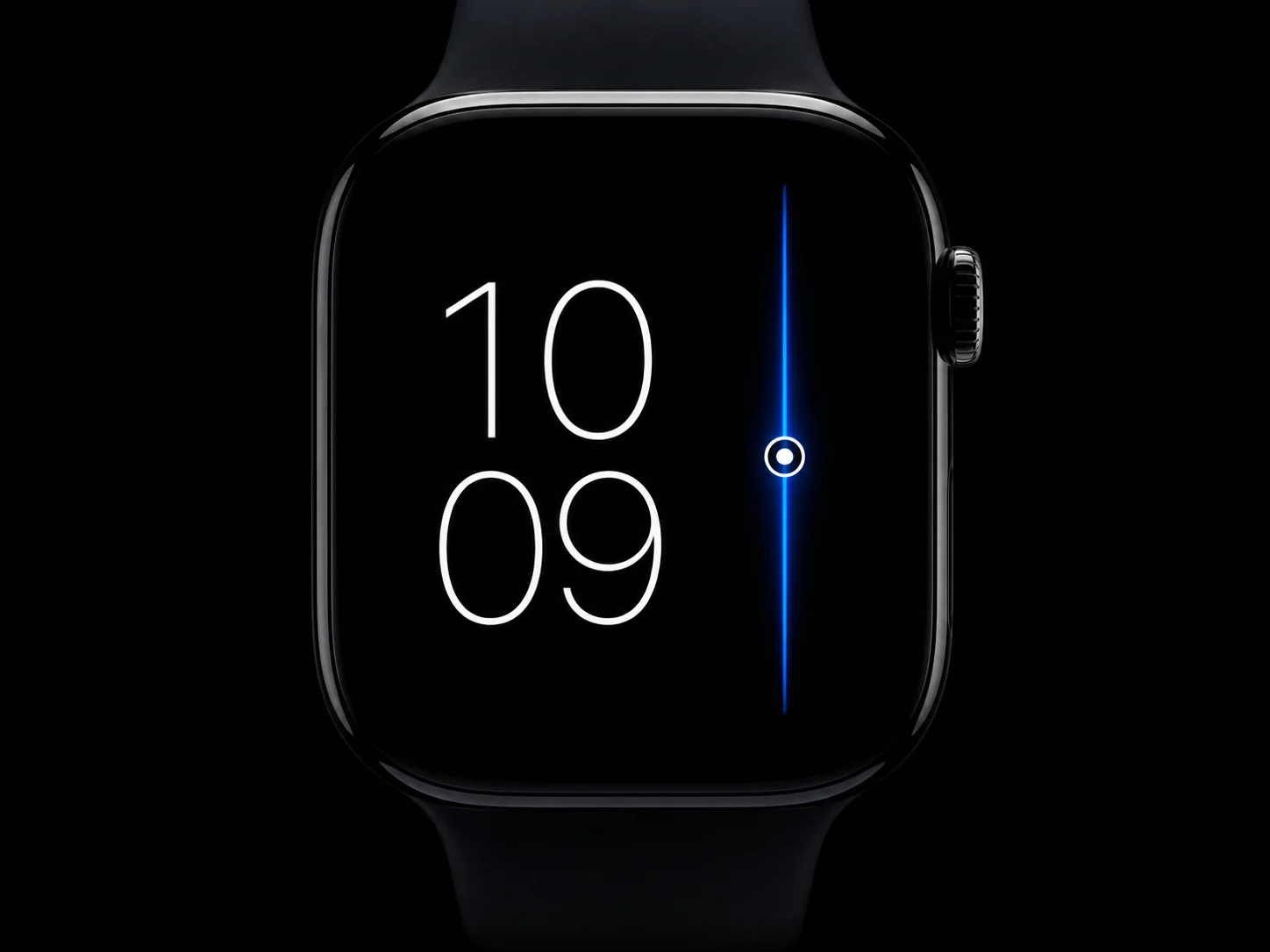
AMOLED and OLED displays turn off individual pixels when displaying pure black, which means a face built on a black background consumes dramatically less power than one with a white or color-saturated background. AMOLED-optimized face collections, such as the amoledwatchfaces catalog active as of late August 2026, exploit this property to deliver high-contrast, visually striking designs that are also among the most battery-friendly options available.
The visual formula for AMOLED minimal faces:
- Pure black (#000000) background to maximize pixel-off savings
- Single accent color, often electric blue, neon green, or warm amber, for hands and key data
- Thin, high-contrast typography for time display
- Sparse complications placed with deliberate negative space
The result is a face that looks more expensive than it costs, with a clarity that reads well in both bright sunlight and dark rooms. The high contrast also benefits users with visual impairments who need maximum legibility.
Bold does not require color saturation. A single accent line on pure black can be more visually commanding than a full-color illustration.
Battery impact comparison:
| Face Type | Approximate Battery Draw (relative) |
|---|---|
| Full-color illustration | High |
| White background minimal | Medium-High |
| Color background with complications | Medium |
| AMOLED black with accent color | Low |
| Always-on AMOLED minimal | Very Low |
Best suited for: Users who prioritize battery life without sacrificing a distinctive look, and those who prefer a modern, architectural aesthetic.
5. Bespoke Custom-Built Faces
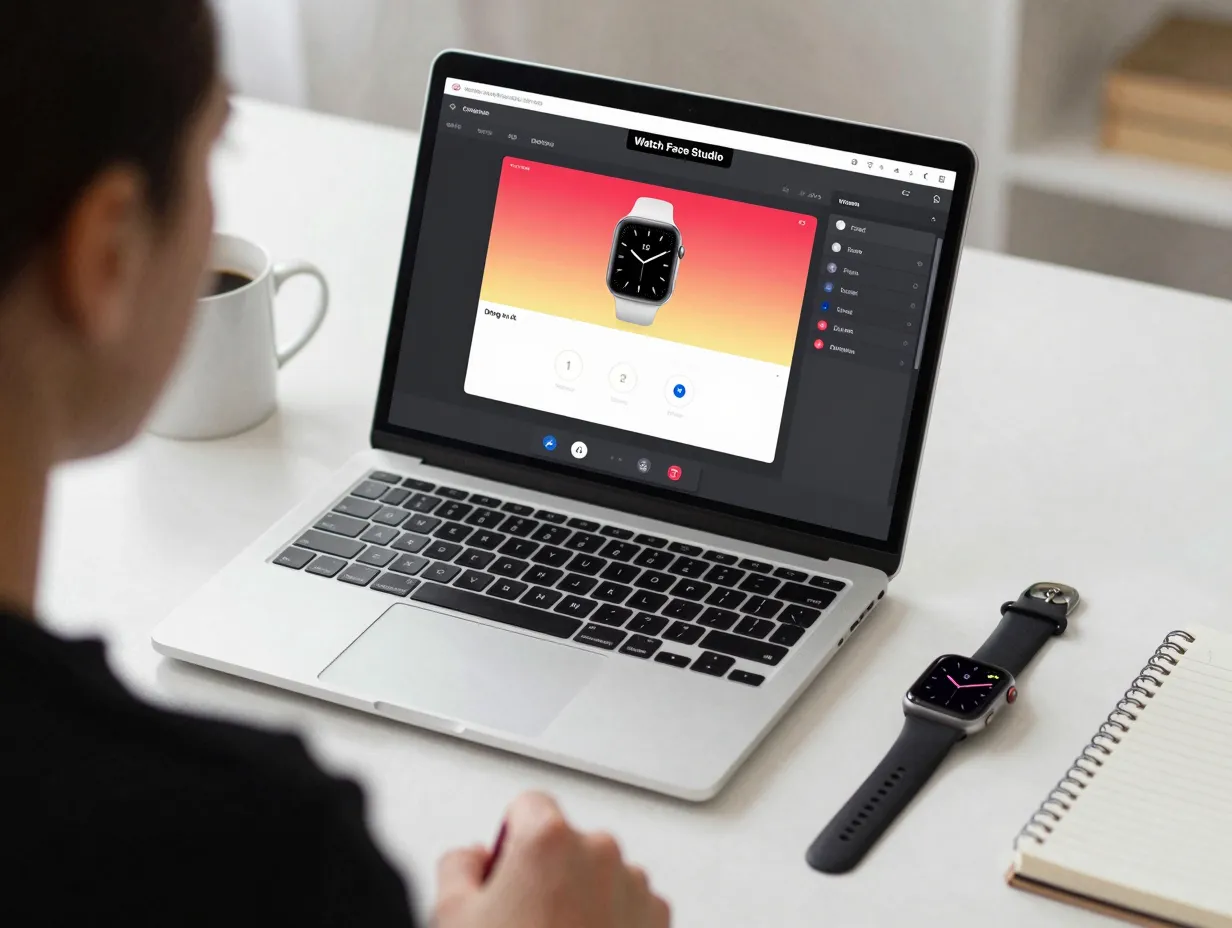
For users who cannot find exactly what they want in any catalog, building a face from scratch is more accessible than it sounds. Samsung’s Watch Face Studio and Pujie’s design environment both offer drag-and-drop workflows that require no programming knowledge [10]. WatchMaker’s full editor supports conditional expressions and animated layers for users who want deeper control [1].
A practical workflow for building a custom face:
- Define the visual goal, analog, digital, hybrid, or data-first
- Choose a background, photograph, solid color, or generated texture
- Place the time layer, hands for analog, text for digital
- Add complication slots, assign each to a live data source
- Test on-device, check legibility in direct sunlight and low light
- Publish or keep private, WatchMaker and Facer both support community sharing [1][2]
Watch Faces Pro markets itself specifically as a tool for users who want to “transform their smartwatch into a personalized masterpiece,” offering a catalog of stylized starting templates that can be further modified [8]. This hybrid approach, starting from a template rather than a blank canvas, dramatically reduces the time investment while still producing a unique result.
Key advantages of custom-built faces:
- Exact complication placement, no compromising on which data fields appear
- Brand or team identity, businesses have used custom faces for branded wearable experiences
- Unique visual identity, no other watch on the planet displays the same face
- Learning opportunity, the design process builds familiarity with watch face architecture
Best suited for: Designers, developers, brand managers, and any user with a specific vision that no existing catalog face satisfies.
6. Curated Premium Collection Faces
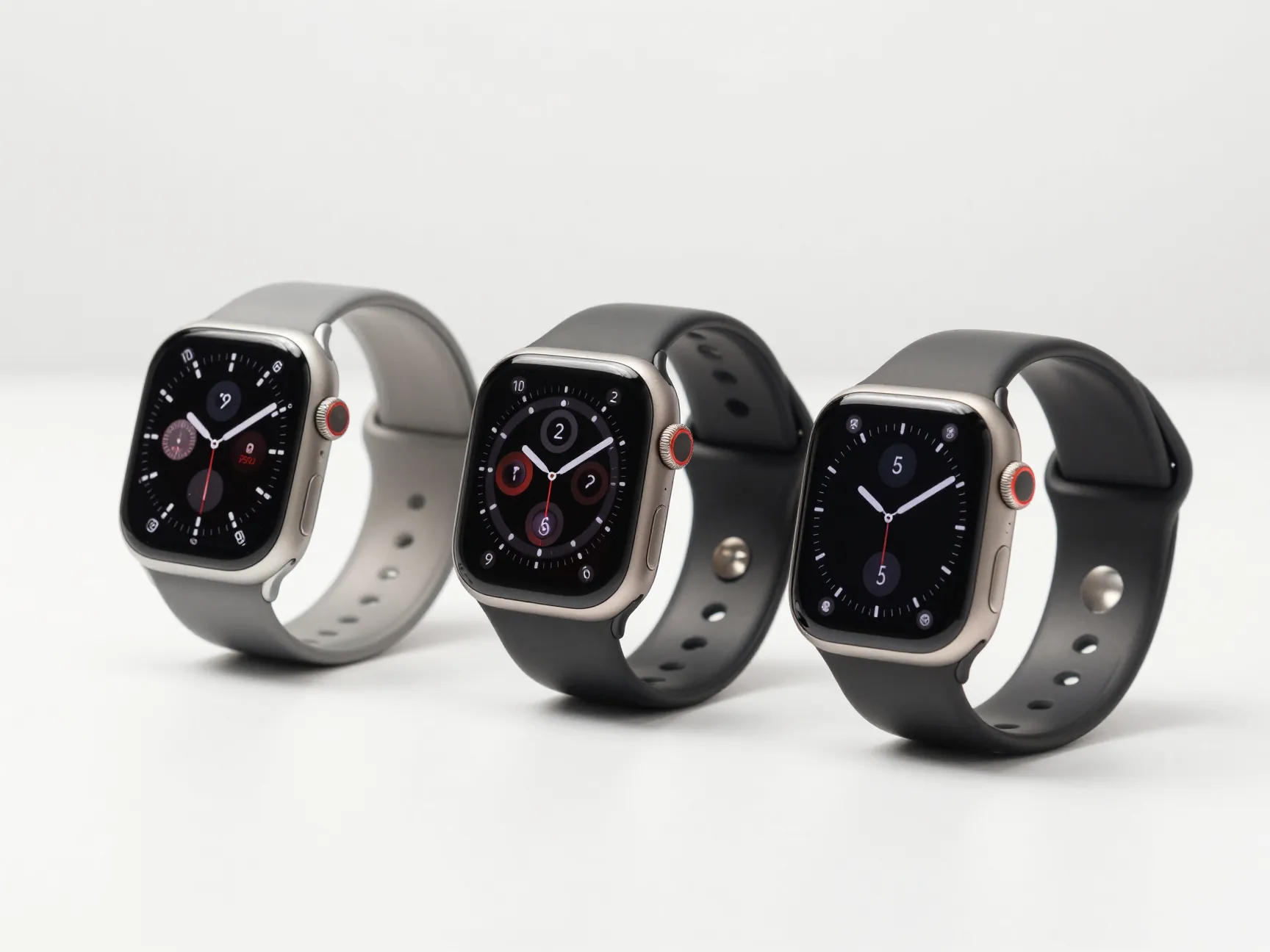
Not every user wants to browse thousands of options or build from scratch. Curated premium collections solve this by offering a smaller, editorially selected set of faces that have been tested for quality, compatibility, and visual coherence. The Galaxy Watch Faces app on Google Play exemplifies this model, offering premium, battery-efficient designs with one-tap application for Wear OS 6+ devices [3][9].
Digital Trends’ guide to Samsung Galaxy Watch faces explains how official Samsung faces can be browsed, applied, and customized directly from the watch or the Galaxy Wearable app, with options to adjust background, clock type, fonts, and complications, all without leaving the manufacturer’s ecosystem [12]. This matters for users who want reliability above all else: manufacturer-curated faces are tested against OS updates and are unlikely to break after a software patch.
What distinguishes a premium curated face from a free community face:
- QA testing across multiple watch models and OS versions
- Consistent design language within a collection, making it easy to rotate between faces seasonally
- Guaranteed complication support for the platform’s native data sources
- Optimized animation performance that does not degrade battery life unexpectedly
Wareable’s guide to the best Wear OS watch faces notes that users increasingly favor faces that blend aesthetics with complications such as fitness stats, calendar events, and weather [7]. Premium curated collections are designed with exactly this balance in mind, every face in the set has been evaluated for both visual quality and functional utility.
Best suited for: Users who want a reliable, polished experience without spending time browsing large catalogs, and those who prefer to stay within the manufacturer’s supported ecosystem.
How To Choose the Right Face for Your Smartwatch
With 6 Smart Watch Faces To Completely Transform Your Device’s Look now mapped out, the decision framework comes down to three variables: aesthetic preference, functional need, and device compatibility.
Aesthetic preference is the starting point. Users drawn to traditional watch design will gravitate toward analog replicas. Those who prefer modern, architectural minimalism will find AMOLED-optimized faces most satisfying. Creative users with specific interests, film, sport, art, will find the community catalog on WatchMaker or Facer most rewarding [1][2].
Functional need shapes the complication layout. A runner needs a face that surfaces pace, heart rate, and distance at a glance. A professional in back-to-back meetings needs calendar and time zone data front and center. A casual user may want nothing beyond the time and a battery indicator.
Device compatibility is a practical constraint. Facer supports the widest range of platforms, including Apple Watch, Pixel Watch, and Galaxy Watch [2][5]. WatchMaker focuses on Wear OS [1]. Samsung’s Watch Face Studio outputs faces compatible with Galaxy Watch running Wear OS 4 and above. Always verify compatibility before investing time in a custom build or premium purchase.
Want a luxury watch aesthetic? Choose a hyper-realistic analog replica face.
Need maximum information? Choose a data-dense dashboard face.
Want personal expression? Choose a community-designed art face.
Prioritizing battery life? Choose an AMOLED-optimized minimal face.
Have a specific vision? Build a bespoke custom face.
Want reliability and polish? Choose a curated premium collection face.
Conclusion
The six options covered in this guide, hyper-realistic analog replicas, data-dense dashboards, community-designed art faces, AMOLED-optimized minimal designs, bespoke custom builds, and curated premium collections, represent the full spectrum of what watch face transformation looks like in 2026. Each approach changes not just the visual identity of a device but its functional personality, making the face the single most impactful customization available to any smartwatch owner.
Actionable next steps:
- Open Facer or WatchMaker today and filter by the aesthetic category that matches the preferred style [1][2].
- Install one face from each of two different categories and wear each for a full day to evaluate which complication layout actually gets used.
- If no existing face is quite right, download Samsung Watch Face Studio or open Pujie’s editor and build a first draft using a template as a starting point [10].
- For Galaxy Watch users, browse the Galaxy Watch Faces app for battery-efficient premium options that require zero configuration [3].
- Revisit the face library every season, community catalogs update constantly, and a face that did not exist last month may be exactly what the watch has been missing.
The device on the wrist is already capable of looking completely different. The only step left is choosing how.
References
[1] Details – https://play.google.com/store/apps/details?id=slide.watchFrenzy&hl=en_US
[2] facer – https://www.facer.io/
[3] Details – https://play.google.com/store/apps/details?id=com.watchland.studio.galaxy_watch_faces&hl=en_US
[4] Best Android Wear Watch Faces Free 2948097 – https://www.trustedreviews.com/news/best-android-wear-watch-faces-free-2948097
[5] Details – https://play.google.com/store/apps/details?id=com.jeremysteckling.facerrel&hl=en_US
[6] Here Are All The New Watch Faces In Watchos 6 – https://appleinsider.com/articles/19/06/04/here-are-all-the-new-watch-faces-in-watchos-6
[7] The Best Android Wear Watch Faces 622 – https://www.wareable.com/smartwatches/the-best-android-wear-watch-faces-622
[8] Android – https://watch-faces-pro.en.uptodown.com/android
[9] Details – https://play.google.com/store/apps/details?id=com.watchland.studio.galaxy_watch_faces&hl=en_GB
[10] pujie – https://pujie.io/