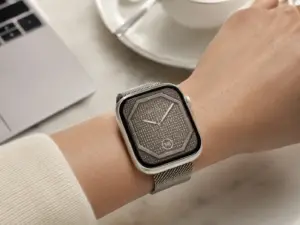
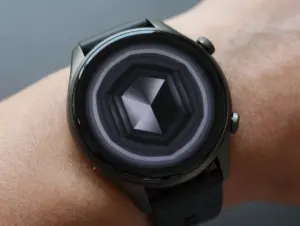
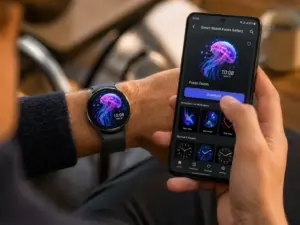
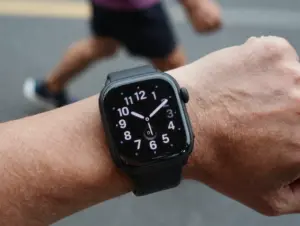
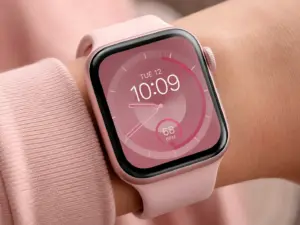
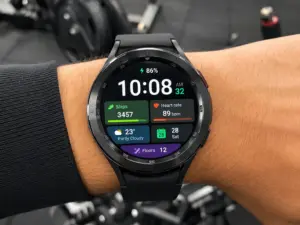
6 Smart Watch Live Wallpaper Apps To Bring Your Display To Life
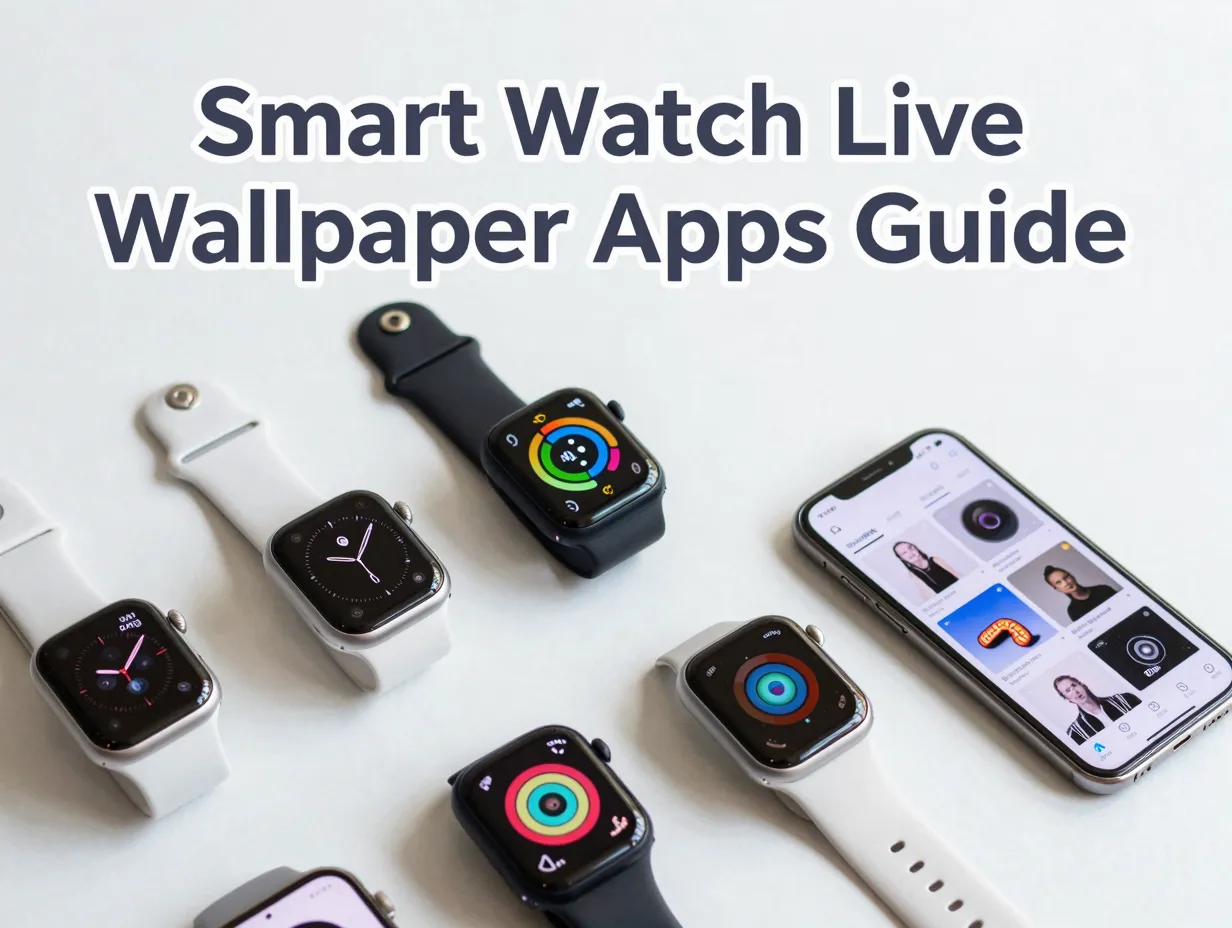
Over 150 million smartwatches shipped globally in 2025, yet most wearers never change the default watch face that came pre-loaded on their device. That gap between hardware capability and actual personalization is exactly where live wallpaper apps step in. The right app can transform a plain digital clock into a dynamic, animated display that reflects personality, mood, or brand loyalty. This guide covers the 6 Smart Watch Live Wallpaper Apps To Bring Your Display To Life, breaking down what each one offers, who it suits best, and what to look for before downloading.
Disclosure: This post contains affiliate links. As an Amazon Associate, we earn from qualifying purchases, and at no extra cost to you.
Key Takeaways
- Live wallpaper apps range from simple clock-style animated backgrounds to full ecosystems with thousands of watch faces and matching phone wallpapers.
- Compatibility matters: not every app supports Wear OS 6, older Tizen-based Samsung watches, or iOS devices equally.
- Some apps focus on the smartwatch display itself, while others bring a smartwatch aesthetic to the phone’s home screen.
- Free tiers exist across most platforms, but premium libraries typically require a subscription or one-time purchase.
- Keeping apps updated is essential, as watch OS updates frequently break older face designs.
What Are Smartwatch Live Wallpapers and Why Do They Matter
A standard watch face shows the time. A live wallpaper watch face shows the time while also animating weather data, particle effects, heart rate readings, or abstract motion graphics in real time. The difference is significant for daily wearability. A static display becomes background noise; an animated one keeps the wrist glance genuinely useful and visually engaging.
Live wallpaper apps for smartwatches typically work in one of two ways. The first method installs animated faces directly onto the watch, requiring a companion app on the paired smartphone. The second method applies a smartwatch-style animated clock to the phone’s own home screen, giving non-smartwatch owners a similar aesthetic without the hardware.
Both approaches have grown substantially in 2026, driven by the wider adoption of Wear OS 6 and the increasing resolution of modern smartwatch displays. Editorial resources from CapCut note that compatibility, ease of installation, and style variety are the three factors users most frequently cite when choosing a live wallpaper solution for their wearable [5].
Understanding these two categories helps narrow the choice before diving into the specific apps below.
The 6 Smart Watch Live Wallpaper Apps To Bring Your Display To Life
1. Watch Base Wear OS Watch Faces Pack
Best for: Wear OS users who want a single app with a broad, curated library and phone-watch visual consistency.
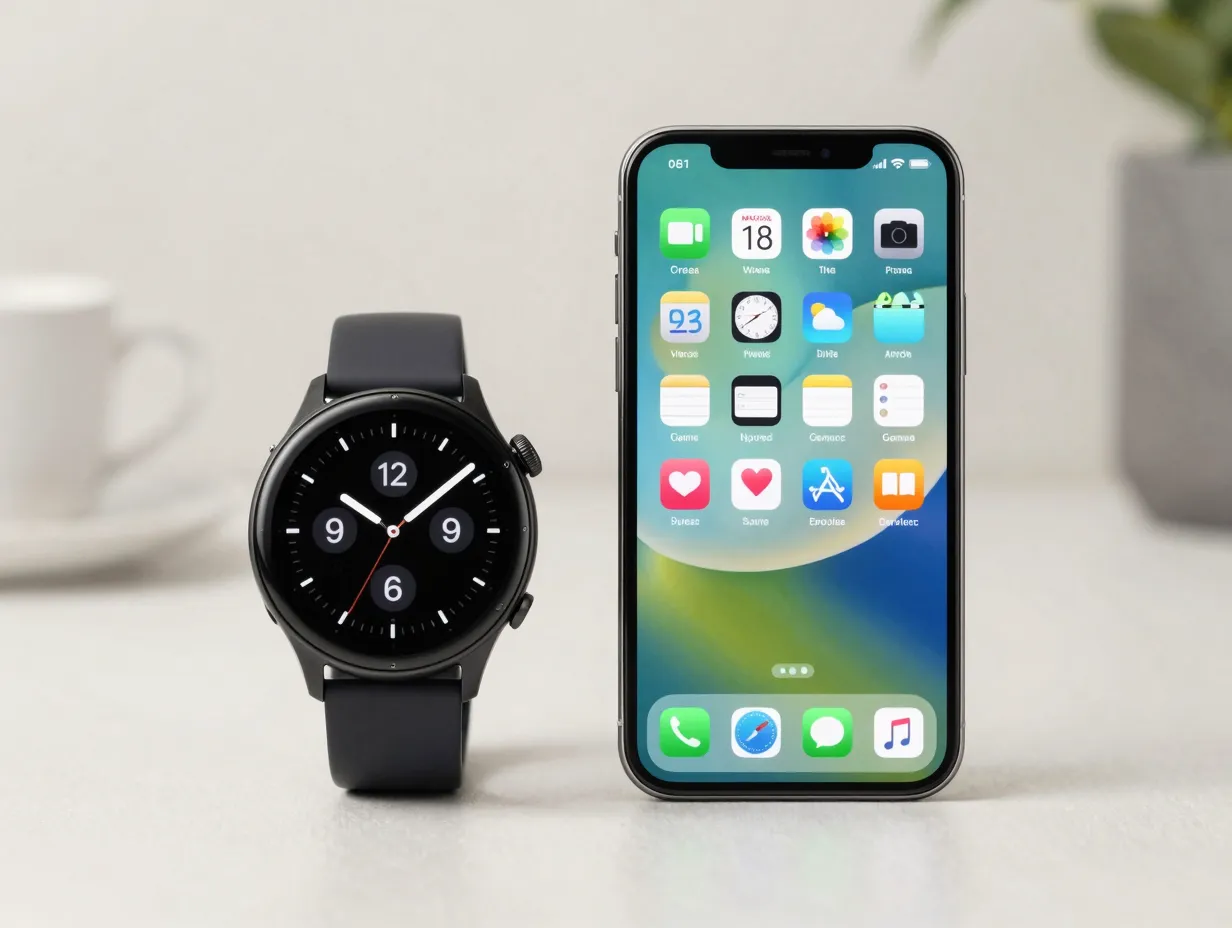
The Watch Base app on Google Play offers approximately fifty premium Wear OS 6 watch faces within one download, spanning analog, digital, classic, and hybrid styles [2]. What separates this app from a standard face gallery is its matching live wallpaper system for Android phones. Every watch face in the library has a corresponding animated phone wallpaper, creating a unified aesthetic across both the wrist display and the home screen [4].
Watch Base markets this pairing as a “true world first” in the watch face space, and the claim holds weight given how few competitors offer one-to-one visual synchronization between watch and phone [2]. The app listing was updated in mid-August 2026, confirming active maintenance and compatibility with current Wear OS builds [4].
Standout feature: The WowPapers creator tool within the Watch Base ecosystem lets users build their own live wallpapers by selecting a background photo or color and layering an animated watch face on top of it [3]. This is a phone-side wallpaper creator rather than a tool that pushes custom designs to the watch itself, but it adds a meaningful level of personalization for users who want something beyond the preset library.
Compatibility: Wear OS 6, Android phones.
Pricing: Free to download with premium face packs available.
2. Smart Watch Faces Gallery App
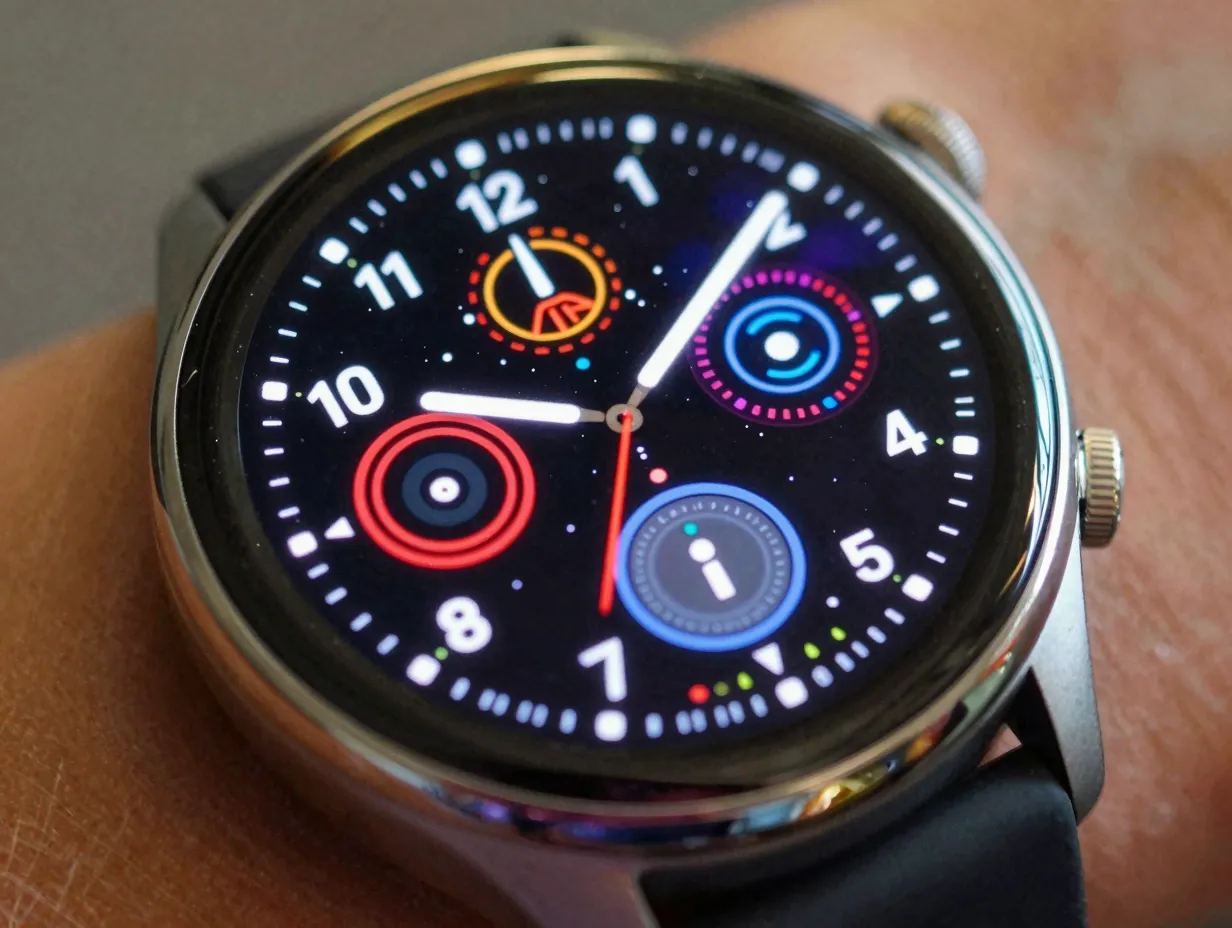
Best for: Users who want the largest possible selection of animated watch faces in a single gallery format.
The Smart Watch Faces Gallery App on Google Play brands itself as the number-one watch face gallery app for smartwatches and backs that claim with a library of over 2,000 live wallpapers for smartwatch face albums [10]. The sheer volume of content makes it one of the most comprehensive options available in 2026, with the app listing last updated on 28 June 2026 to reflect continued library expansion [10].
The gallery format is straightforward: users browse by category, preview animated designs, and apply them directly to compatible smartwatches. Categories span sports, minimalist, luxury analog, sci-fi, and seasonal themes, which means the library serves a wide range of personal styles.
Key considerations:
- Library size exceeds 2,000 animated designs
- Regular content updates keep seasonal and trending themes current
- Companion app installation on the smartwatch is required for face deployment
- The gallery interface prioritizes browsing speed over deep customization tools
For users who value variety above all else, this app delivers the widest selection of any option in this list.
Compatibility: Multiple smartwatch platforms (check current listing for specific model support).
3. Watch Faces Wallpaper Gallery (Facer Watch Faces Free)
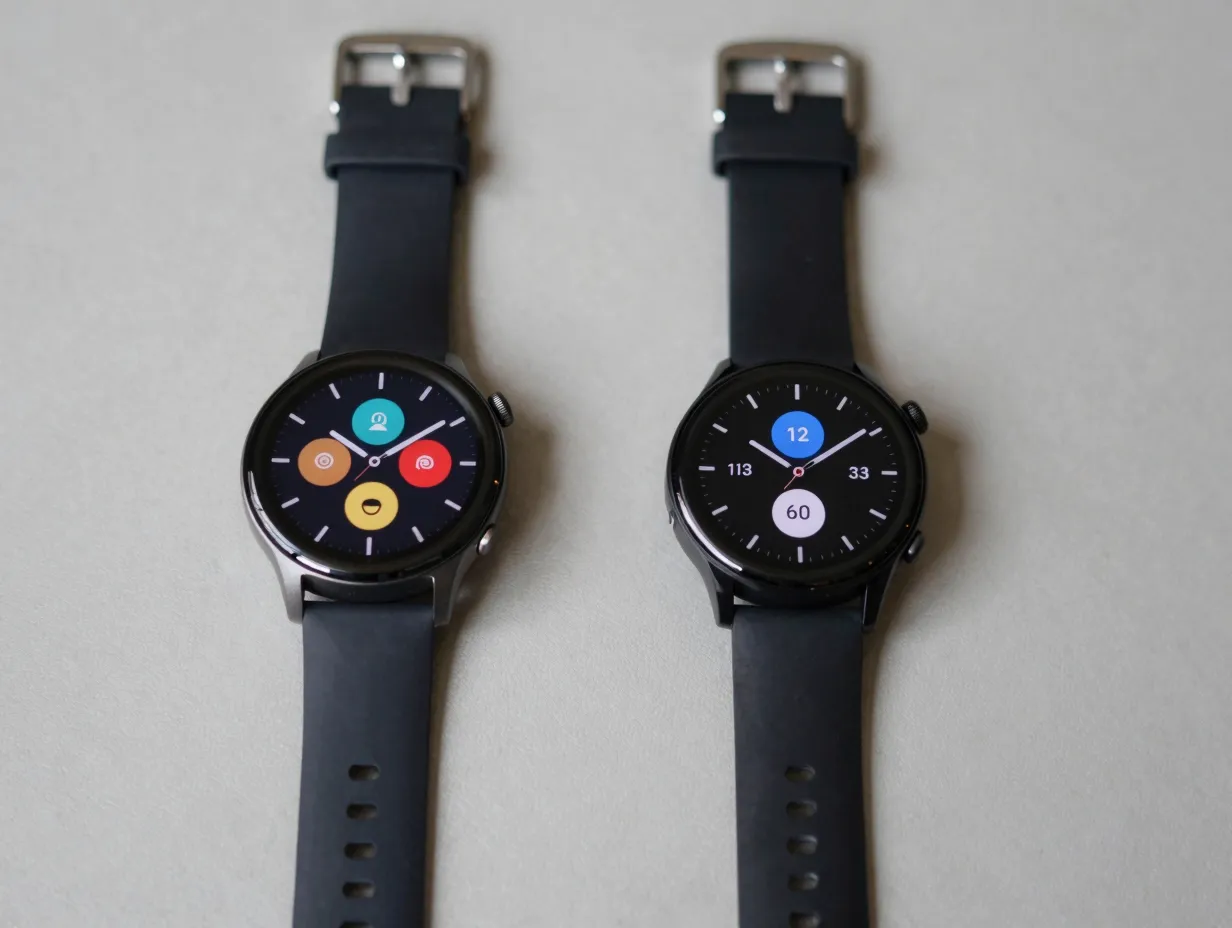
Best for: Multi-platform users who own older Tizen-based Samsung watches alongside newer Wear OS devices.
This app advertises more than 2,000 live wallpapers and over 1,000 watch faces, with explicit support for Wear OS, older Tizen-based Samsung Galaxy watches, and some Fit Pro devices [13]. That cross-platform reach makes it one of the more versatile options for households where different family members use different smartwatch generations.
Installation requires setting up companion apps on both the phone and the smartwatch, which adds a few extra steps compared to simpler gallery apps. However, the payoff is broader hardware compatibility than most competitors offer. The app was most recently updated on 18 January 2026, indicating it remains actively maintained even if updates are less frequent than some rivals [13].
Comparison table: Watch Faces Wallpaper Gallery vs. Smart Watch Faces Gallery App
| Feature | Watch Faces Wallpaper Gallery | Smart Watch Faces Gallery App |
|---|---|---|
| Live wallpaper count | 2,000+ | 2,000+ |
| Tizen support | Yes | Limited |
| Wear OS support | Yes | Yes |
| Companion app required | Yes (phone + watch) | Yes |
| Last updated (2026) | January 2026 | June 2026 |
4. Facer
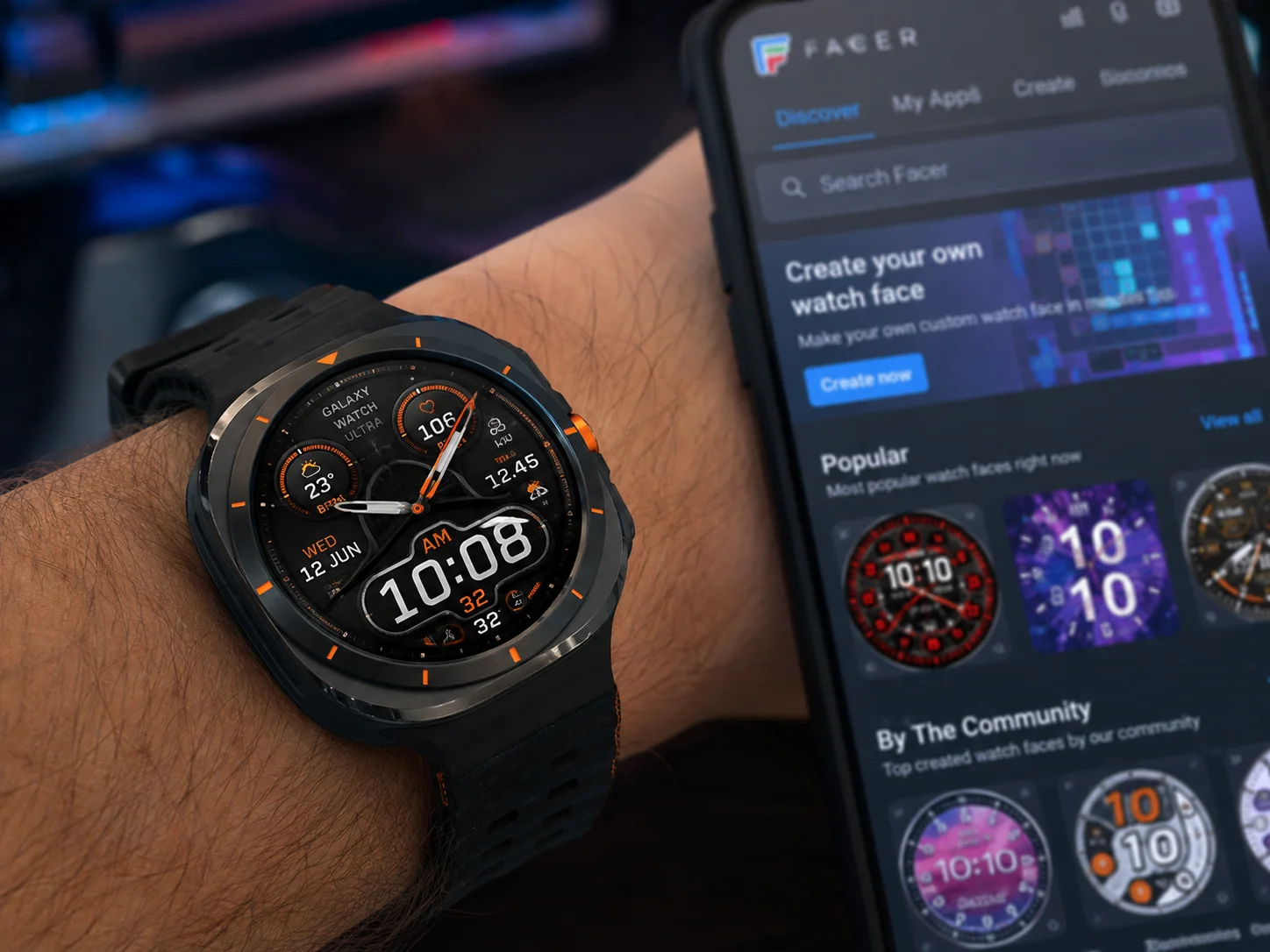
Best for: Power users who want access to a massive, community-driven face library and support for the latest Samsung Galaxy Watch Ultra hardware.
Facer is one of the most established names in the watch face ecosystem, and its 2026 iteration continues to justify that reputation. The platform’s “Looks” section highlights thousands of watch faces, with explicit compatibility listed for newer models such as the Samsung Galaxy Watch Ultra running Wear OS 6 [15]. The Facer listing page shows a recent activity timestamp of 31 August 2026, making it one of the most actively updated platforms in this category [15].
What distinguishes Facer from a simple gallery is its creator community. Designers worldwide publish faces directly to the platform, which means the library grows continuously without relying solely on an in-house team. Users can also use Facer’s own design tools to build custom animated faces, giving it a dual role as both a marketplace and a creation platform.
“A watch face platform is only as good as its update cadence. Facer’s August 2026 activity confirms it keeps pace with the fastest-moving smartwatch hardware on the market.”
Strengths:
- Thousands of community-created animated watch faces
- Supports Samsung Galaxy Watch Ultra and Wear OS 6
- Built-in face design tools for advanced users
- Large, active designer community ensures constant new content
- Regularly updated to maintain compatibility with new OS releases
Compatibility: Wear OS 6, Samsung Galaxy Watch Ultra, and a wide range of prior Wear OS and Galaxy Watch models.
5. Smart Clock AI Wallpapers HD
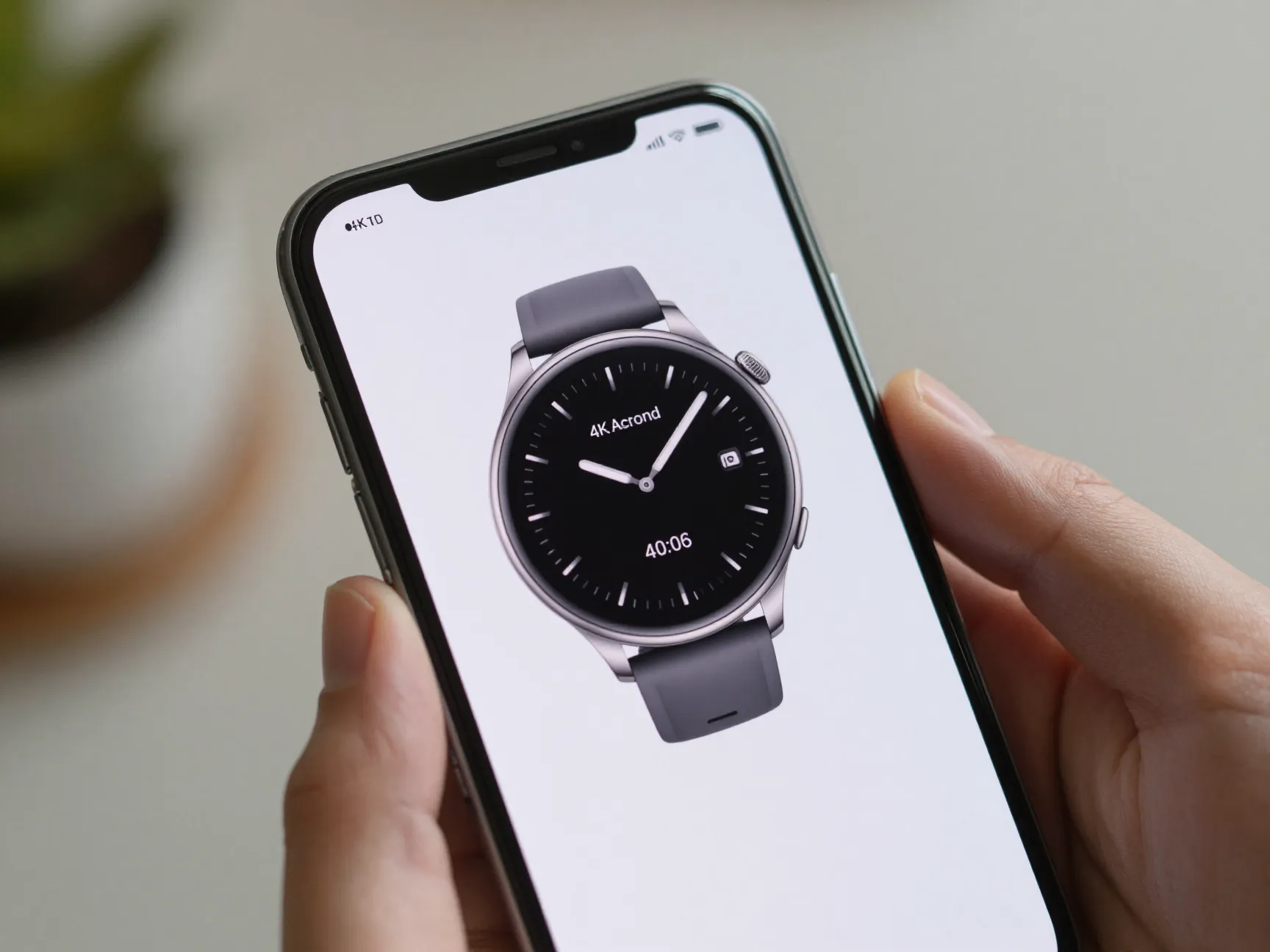
Best for: Android phone users who want a high-resolution, smartwatch-inspired animated clock on their home screen without owning a smartwatch.
Smart Clock AI Wallpapers HD takes the smartwatch aesthetic and applies it to the Android phone’s home screen at 4K resolution. The app uses “smart watch, clock wallpaper” branding to position itself as a stylish alternative for users who want dynamic time displays on their phones [6]. Its listing was updated on 26 June 2026, reflecting continued interest in high-resolution animated clock backgrounds [6].
The 4K output quality is a meaningful differentiator. Most clock wallpaper apps render at standard HD, which can look soft on modern high-DPI phone screens. The AI-assisted design tools in this app generate clock face variations based on user preferences, which reduces the time spent manually browsing large libraries.
Who this suits: Someone who recently upgraded to a flagship Android phone with a high-resolution display and wants the home screen to match the phone’s visual capabilities. It also suits users who admire smartwatch aesthetics but have not yet invested in a wearable device.
Compatibility: Android phones and tablets.
6. WatchMaker Live Wallpaper
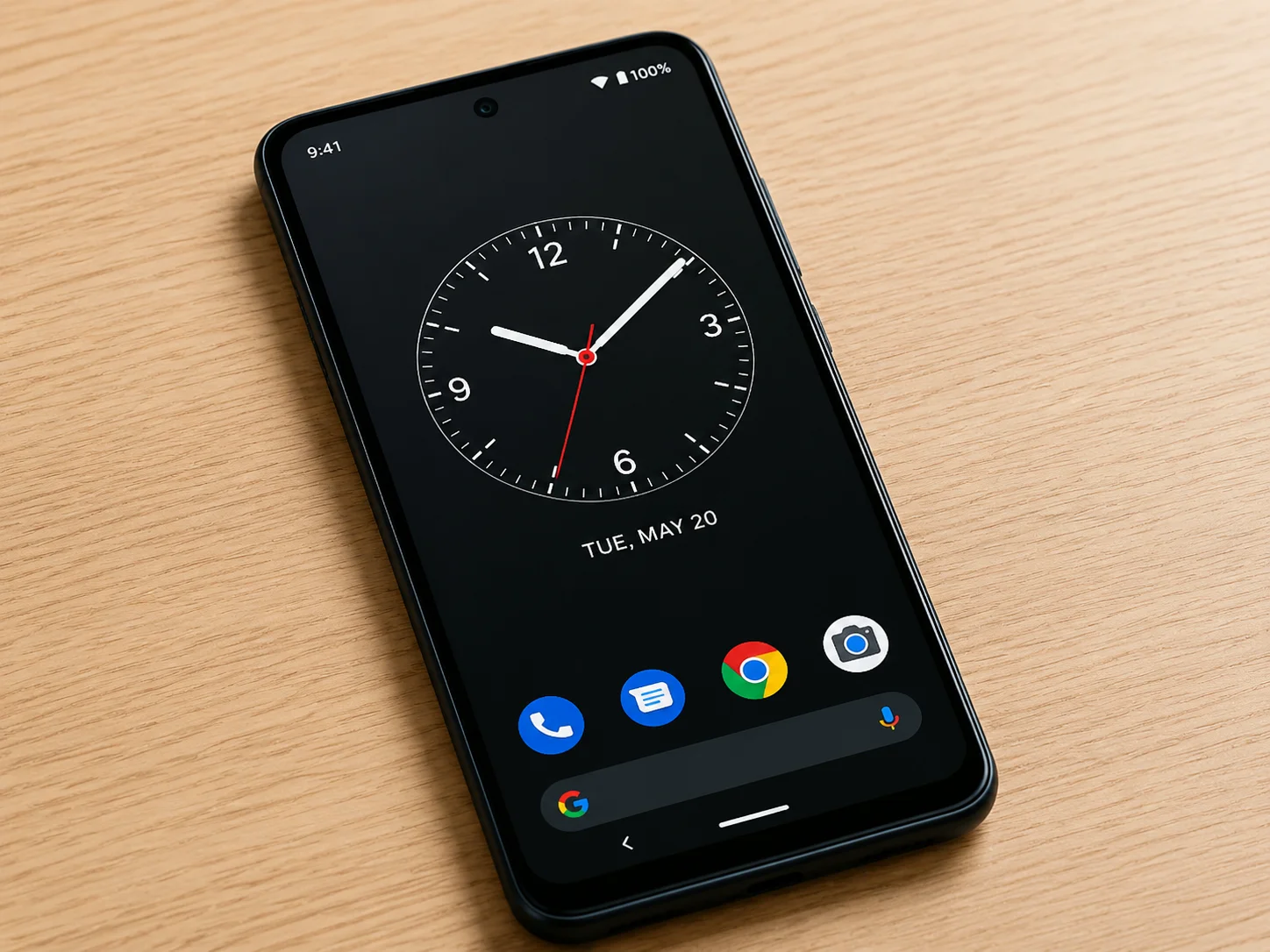
Best for: Android users who want a watch-style live wallpaper on their phone with the option to extend the experience to a smartwatch later.
WatchMaker Live Wallpaper occupies a unique position in this list because it explicitly targets users who do not own a smartwatch [9]. The app ships with six built-in watch designs that can be set as phone live wallpapers immediately after installation. Users who later acquire a compatible smartwatch can connect to the broader WatchMaker ecosystem and access thousands of additional face designs [9].
This makes WatchMaker Live Wallpaper one of the more future-proof choices for someone who is considering a smartwatch purchase but has not committed yet. The app’s last update dates to June 2025, which is older than the other entries on this list [9]. That said, it remains one of the more established live-watch-wallpaper tools available on Android, and the core functionality continues to work reliably on current Android versions.
Key features:
- Six built-in watch designs available immediately, no account required
- Connects to the WatchMaker ecosystem for thousands of additional designs
- Phone-first design that does not require a paired smartwatch
- Established platform with a long track record
Compatibility: Android phones; compatible smartwatches via the WatchMaker companion app.
How To Choose the Right Live Wallpaper App for Your Smartwatch
Picking the right app from the 6 Smart Watch Live Wallpaper Apps To Bring Your Display To Life comes down to four practical questions.
1. What device are you running?
Wear OS 6 users have the widest selection, with Watch Base, Facer, and the Smart Watch Faces Gallery App all offering strong support. Tizen-based Samsung watch owners should prioritize the Watch Faces Wallpaper Gallery app for its cross-platform compatibility. iOS users looking for a synchronized watch-and-phone experience should note that Nextface: Watch Live Wallpaper on the App Store addresses that gap, with its listing updated in December 2025 [8].
It is also worth noting that some newer animated wallpaper tools explicitly state they do not support smartwatches released with Wear OS 5, which means checking compatibility before downloading is essential [14].
2. Do you want the animation on the watch, the phone, or both?
- Watch only: Facer and Smart Watch Faces Gallery App are purpose-built for this.
- Phone only: Smart Clock AI Wallpapers HD and WatchMaker Live Wallpaper (phone mode) are the strongest options.
- Both simultaneously: Watch Base’s matching live wallpaper system is the most cohesive solution currently available [2][4].
3. How important is customization versus curation?
Facer and Watch Base both offer creation tools. The WowPapers feature inside Watch Base lets users layer animated watch faces over personal photos to build unique phone wallpapers [3]. Facer’s designer tools go further, allowing full custom face builds. For users who prefer to browse and apply rather than build, the Smart Watch Faces Gallery App’s 2,000-plus library provides the fastest path to a new look [10].
4. How frequently is the app updated?
Watch OS updates can break older face designs overnight. Apps with recent update timestamps, such as Watch Base (August 2026), Facer (August 2026), and Smart Watch Faces Gallery App (June 2026), are safer long-term bets than apps with older update records. The Smart Watch, Clock Wallpaper apps on Google Play have also seen updates in 2026 [1][7], confirming that even the simpler clock wallpaper category is being actively maintained.
Compatibility and Battery Life Considerations
Live wallpapers are visually impressive, but they come with trade-offs. Animated watch faces draw more processing power than static ones, which can reduce battery life by a measurable margin depending on the animation complexity and the watch’s hardware generation.
Practical tips for managing battery impact:
- Choose faces with ambient mode support, which reduces animation complexity when the wrist is not actively raised.
- Avoid faces with continuous GPS or heart rate polling unless those data points are genuinely needed.
- Check whether the app allows setting different faces for active and ambient modes independently.
- Newer Wear OS 6 hardware handles animated faces more efficiently than older Wear OS 2 or Tizen devices.
Compatibility gaps are also worth flagging. As noted in a 2026 Google Play listing for a top-rated animated wallpaper app, some of the newest live wallpaper tools explicitly do not support smartwatches shipped with Wear OS 5 [14]. Always verify the supported OS version before purchasing a premium face pack.
Conclusion
The smartwatch display is one of the most visible pieces of personal technology most people carry. Choosing a live wallpaper app that matches both the device’s hardware capabilities and the user’s aesthetic preferences makes a genuine difference in daily satisfaction with the device.
From the curated fifty-face library of Watch Base with its unique phone-watch synchronization [2][4], to Facer’s community-driven marketplace supporting the latest Galaxy Watch Ultra hardware [15], to the 2,000-plus galleries of the Smart Watch Faces Gallery App [10] and Watch Faces Wallpaper Gallery [13], the options in 2026 cover every use case and budget level.
Actionable next steps:
- Identify the smartwatch OS version currently running on the device (Wear OS 6, Tizen, or other) before downloading any app.
- Decide whether the priority is animating the watch face, the phone home screen, or both, then match that goal to the relevant app from this list.
- Start with the free tier of the chosen app to verify compatibility and performance before committing to a premium subscription.
- Check the app’s last update date on its store listing to confirm it is actively maintained for the current OS version.
- Monitor battery consumption after applying a new live wallpaper and adjust the animation settings if daily charge life drops noticeably.
The best live wallpaper app is ultimately the one that works reliably on the specific hardware in hand and delivers a look that makes the daily wrist glance feel worthwhile.
References
[1] Details – https://play.google.com/store/apps/details?id=com.digital.analog.antique.clockwally&hl=en_US
[2] Details – https://play.google.com/store/apps/details?id=store.watchbase.android&hl=en_NZ
[3] Details – https://play.google.com/store/apps/details?id=store.watchbase.android&hl=en_US
[4] watchbase.store – https://watchbase.store/
[5] Live Wallpaper For Smartwatch – https://www.capcut.com/explore/live-wallpaper-for-smartwatch
[6] Details – https://play.google.com/store/apps/details?id=com.analog.clock.digital.clocks.wallpaper.livewallpaper.fourkwallpaper.nighttime.nightwatch&hl=en_IN
[7] Details – https://play.google.com/store/apps/details?id=com.smartwatch.liveclock&hl=el
[8] Id6751579323 – https://apps.apple.com/ci/app/nextface-watch-live-wallpaper/id6751579323?l=en-GB
[9] Watchmaker Live Wallpaper – https://play.google.com/store/apps/details/WatchMaker_Live_Wallpaper?id=slide.watchFrenzy.lwp&hl=en_IN
[10] Details – https://play.google.com/store/apps/details?id=com.cem.watch.faces&hl=en_US