6 Gaming Desk Setup Ideas To Organize And Enhance Your Play
A cluttered desk can add measurable seconds to reaction time. That is not an exaggeration used to sell furniture. It is the reality of competitive gaming, where cable snags, glare, and awkward monitor height quietly chip away at performance long before skill ever enters the picture. Building the right setup is no longer a luxury reserved for streamers with sponsorship budgets. It has become a practical requirement for anyone who spends hours at a keyboard and wants to protect both their scores and their spine.
Disclosure: This post contains affiliate links. As an Amazon Associate, we earn from qualifying purchases, and at no extra cost to you.
This guide breaks down six gaming desk setup ideas to organize and enhance your play, drawing on 2026 ergonomic standards, desk sizing guidance, and the latest trends in lighting, layout, and room design. Each idea is built to work independently or as part of a full desk overhaul, so whether the goal is a quick weekend fix or a complete room redesign, there is a clear starting point below.
Key Takeaways
- Ergonomics comes first: desk height, chair support, and monitor distance directly affect comfort, focus, and long-term health during extended sessions.[4][10][13]
- Cable management deserves its own planning phase rather than an afterthought tacked on at the end of a build.
- Lighting, RGB accents, and acoustic treatment work together to create both mood and functional visibility.
- Desk style choices in 2026, including minimal RGB, L-shaped, and standing configurations, should match available floor space and play style.
- Multi-monitor and ultrawide layouts benefit from monitor arms and risers, while personalized touches turn a workstation into a true gamer room.
The Four Pillars Behind Every Great Gaming Desk Setup
Every well-built gaming station in 2026 rests on four interconnected pillars: ergonomics, spatial planning, cable and power management, and sensory design covering lighting and acoustics. Skipping any one of these tends to create problems that surface later, often after furniture has already been purchased and positioned.
These four pillars are not independent checkboxes. A desk that is the wrong height undermines even the best chair. A gorgeous RGB lighting rig loses its impact if cables are visibly tangled beneath it. Thinking about the setup as a system, rather than a shopping list, is what separates a functional station from one that just looks good in photos.
The sections below translate these pillars into six concrete, actionable ideas. Together they form a practical framework anyone can follow, regardless of room size or budget.
6 Gaming Desk Setup Ideas To Organize And Enhance Your Play
The following six gaming desk setup ideas to organize and enhance your play are ordered by priority. Ergonomics and spatial planning come first because they affect health and comfort. Cable management, lighting, style, and personalization follow, layering visual polish and long-term usability onto a solid foundation.
1. Nail Ergonomic Fundamentals First
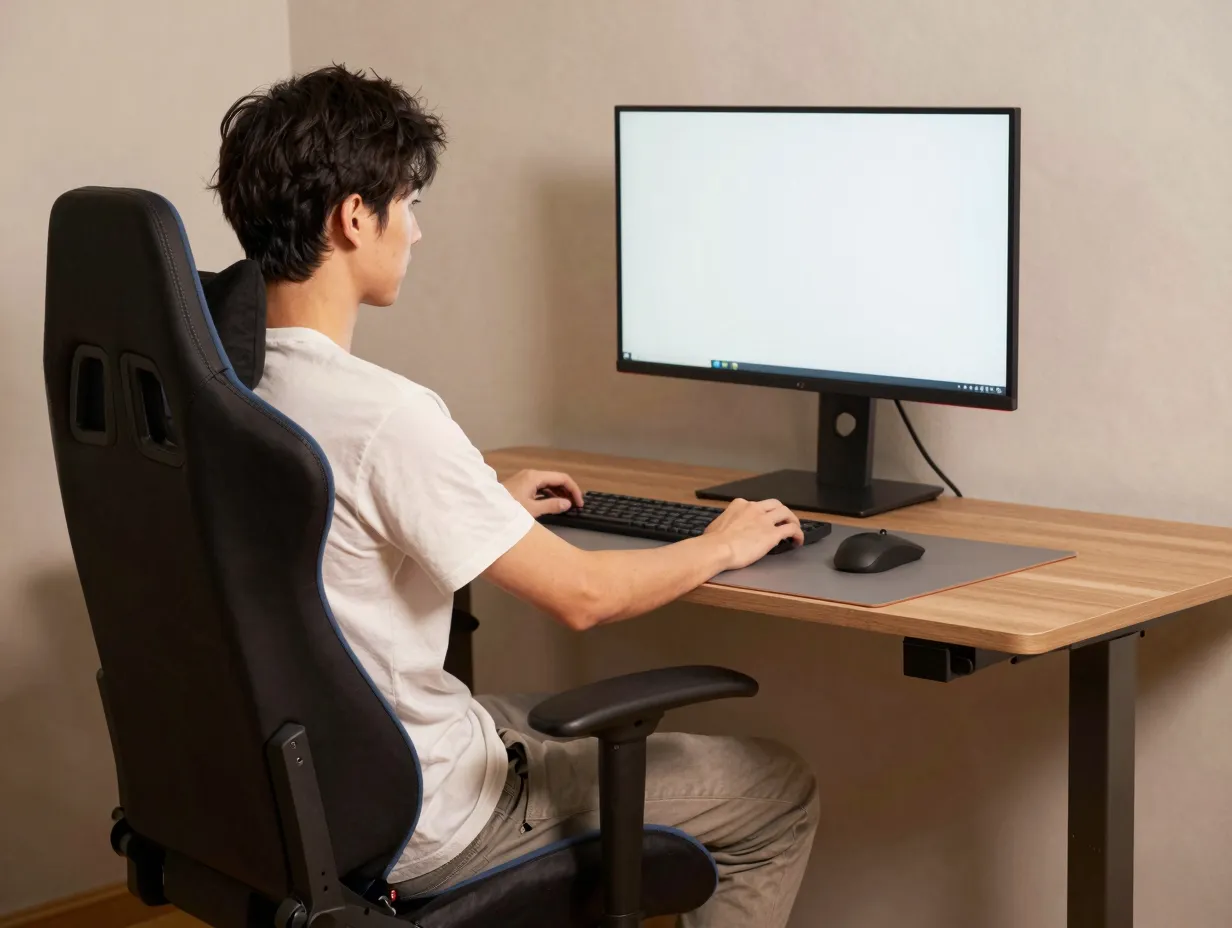
Ergonomics is the single most important factor in any gaming desk setup, and it is also the most commonly ignored. Desk height, chair posture, and monitor distance work together to determine whether a three-hour session ends in comfort or in a stiff neck and sore wrists.[4][10]
The general guidance for 2026 setups follows a few consistent rules:
Desk height should allow forearms to rest at roughly a 90-degree angle when hands are on the keyboard, with elbows close to the body rather than flared outward.
Chair support matters as much as the chair’s appearance. Lumbar support, adjustable armrests, and seat depth that lets feet sit flat on the floor all reduce strain during long sessions.
Monitor distance typically falls between 20 and 30 inches from the eyes, with the top of the screen at or slightly below eye level to avoid neck strain.
“The best gaming setups treat the body like part of the hardware stack. Neglect the chair or the monitor angle, and even the fastest rig underperforms.”
Standing desks have also gained traction as part of this ergonomic push, letting players alternate between sitting and standing to break up long stretches of static posture.[4][5]
2. Size Your Desk And Floor Space Correctly
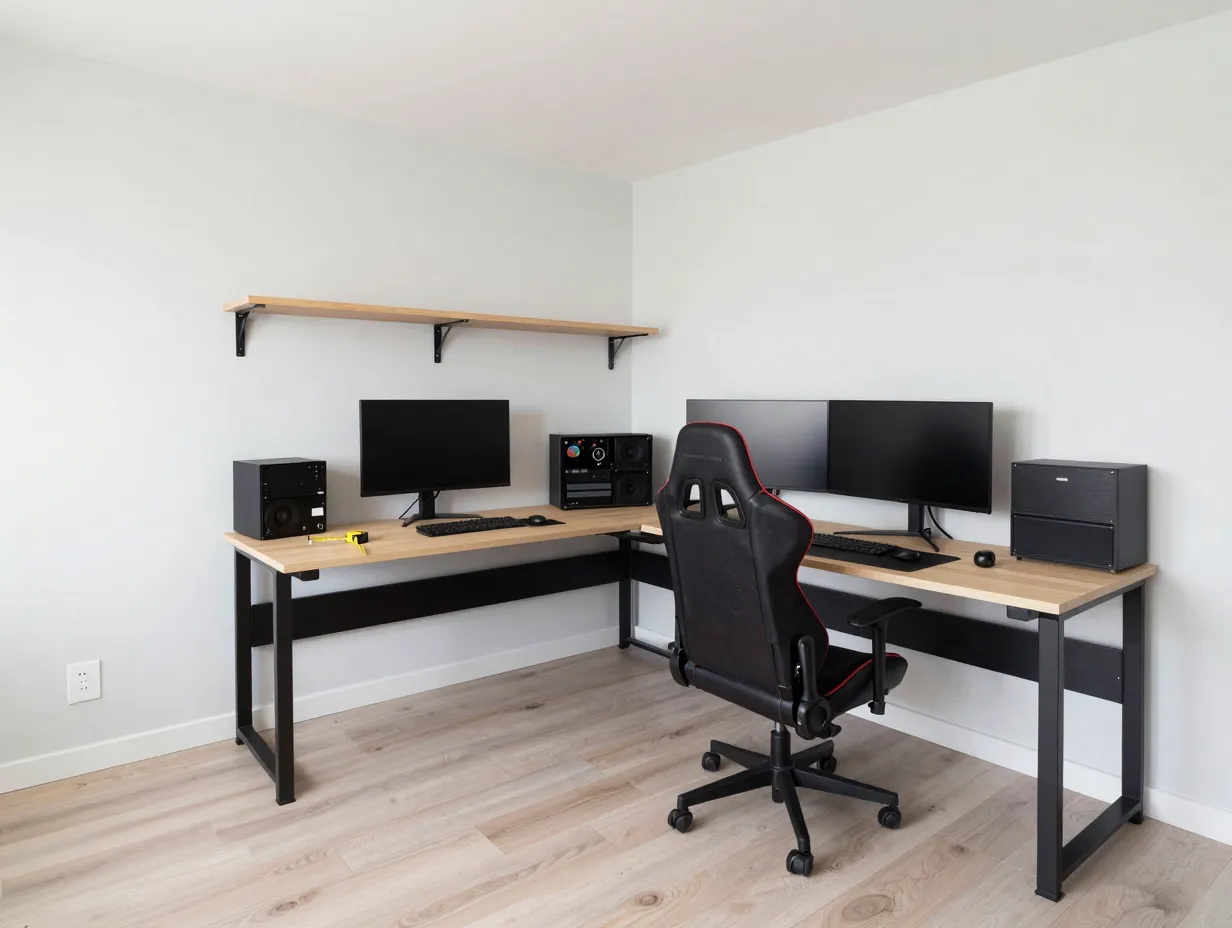
A desk that looks impressive online can feel cramped once it lands in a real room. Recommended desk dimensions for 2026 gaming setups generally start at a minimum width of about 47 to 55 inches for a single ultrawide or dual-monitor arrangement, with depth of at least 24 inches to accommodate monitor arms, keyboard trays, and desk-mounted accessories.[4][10]
Floor space planning matters just as much as the desk itself. A comfortable setup usually needs clearance of at least three feet behind the chair for movement, plus enough side clearance if the layout includes an L-shaped extension. Small-space setups can still work well, but they require more deliberate choices, such as wall-mounted shelving instead of floor-standing units, or a corner desk that uses otherwise wasted space.[8]
Below is a quick reference for common desk footprints and the play styles they suit best.
| Desk Type | Approximate Width | Best Suited For |
|---|---|---|
| Compact single-monitor desk | 40 to 47 inches | Small rooms, single-screen setups |
| Standard dual-monitor desk | 47 to 55 inches | Two monitors, moderate accessory load |
| L-shaped desk | 55 to 70+ inches combined | Multi-monitor rigs, streaming gear, dual-use workspaces |
| Standing/adjustable desk | 47 to 60 inches | Posture rotation, longer session comfort |
Measuring the room before buying furniture, rather than after, prevents the common mistake of ending up with a desk that blocks doors, vents, or walkways.
3. Separate Cable Management Into Its Own Phase
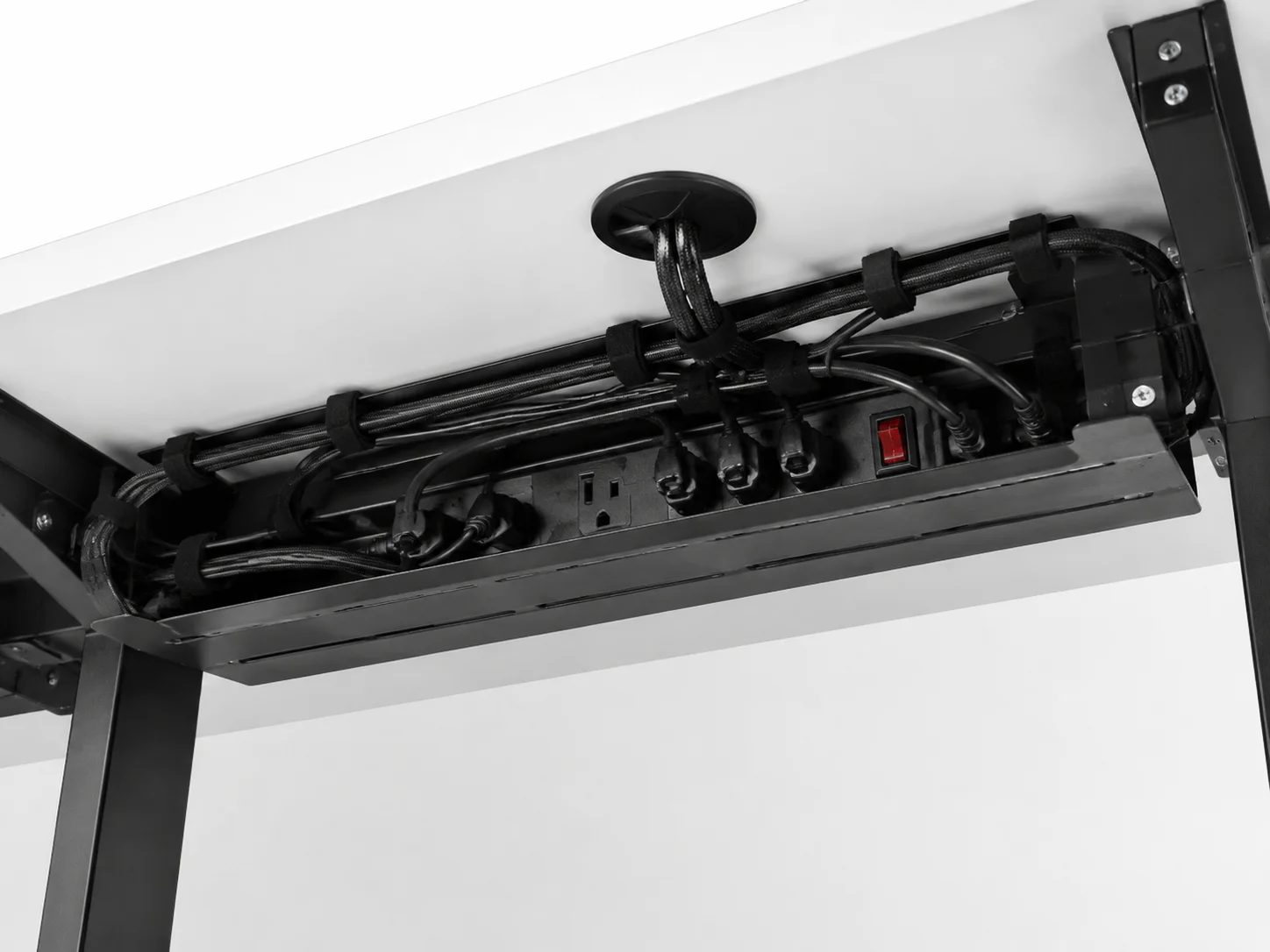
Cable management is frequently treated as cleanup work done after everything else is finished. A more effective approach treats it as its own design phase, planned before cables are ever plugged in. This shift in thinking prevents the tangled mess that builds up behind most desks within a few weeks of use.
Practical cable management steps include:
Running power strips and surge protectors along a dedicated channel under the desk rather than letting them sit loose on the floor.
Using cable trays, clips, or sleeves to route monitor, keyboard, and headset cables away from foot space.
Grouping cables by function, such as power, data, and audio, so troubleshooting later does not require untangling an entire nest.
Choosing desks with built-in cable grommets or management trays, which are increasingly standard on 2026 gaming desk models.
A tidy cable setup does more than look better in photos. It reduces the risk of accidentally unplugging something mid-match and makes future upgrades, like adding a new monitor or peripheral, far less frustrating.
4. Layer Lighting, RGB, and Acoustics Together
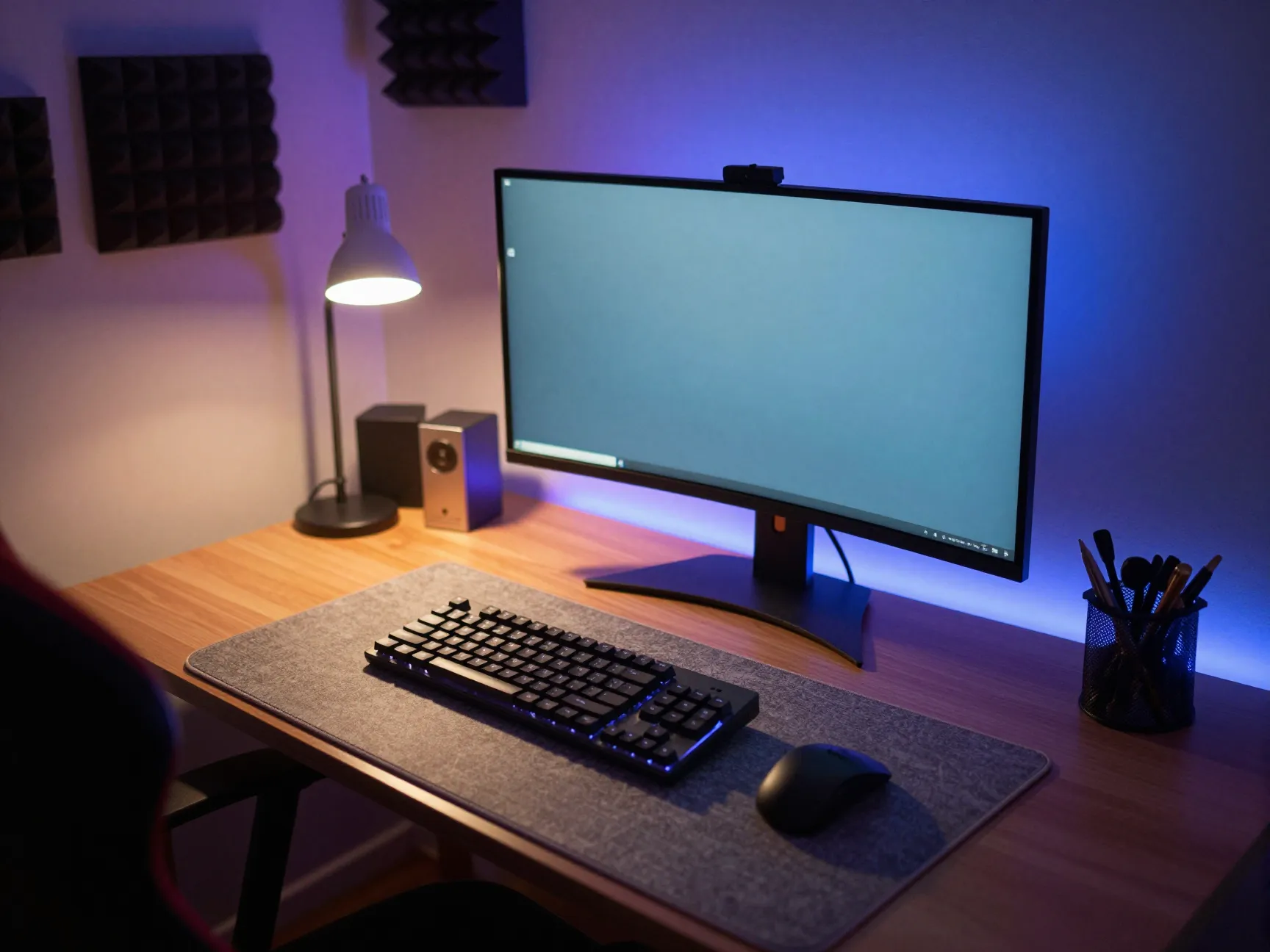
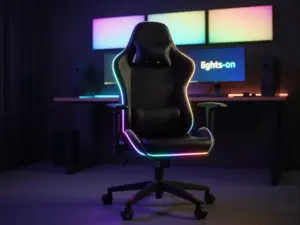
Lighting and sound shape how a gaming space feels just as much as how it functions. The most effective 2026 setups layer several light sources rather than relying on a single overhead fixture. A typical layered approach includes ambient lighting for the room, task lighting near the keyboard, and accent RGB lighting along the desk edge or behind the monitor for depth and mood.[2][6]
RGB lighting has moved beyond pure decoration. Many setups now use color-coded lighting zones to signal game states, chat notifications, or stream alerts, blending function with visual flair. At the same time, minimal RGB setups have grown in popularity among players who want a cleaner aesthetic with just one or two accent zones instead of a full rainbow display.[3][6]
Acoustics deserve equal attention. Hard surfaces like glass desks and bare walls can create echo that makes voice chat and game audio less clear. Simple additions such as a fabric-backed desk mat, foam panels, or even bookshelves filled with books can meaningfully improve sound clarity in a small room without requiring professional soundproofing.
5. Choose A 2026 Desk Style That Fits Your Space
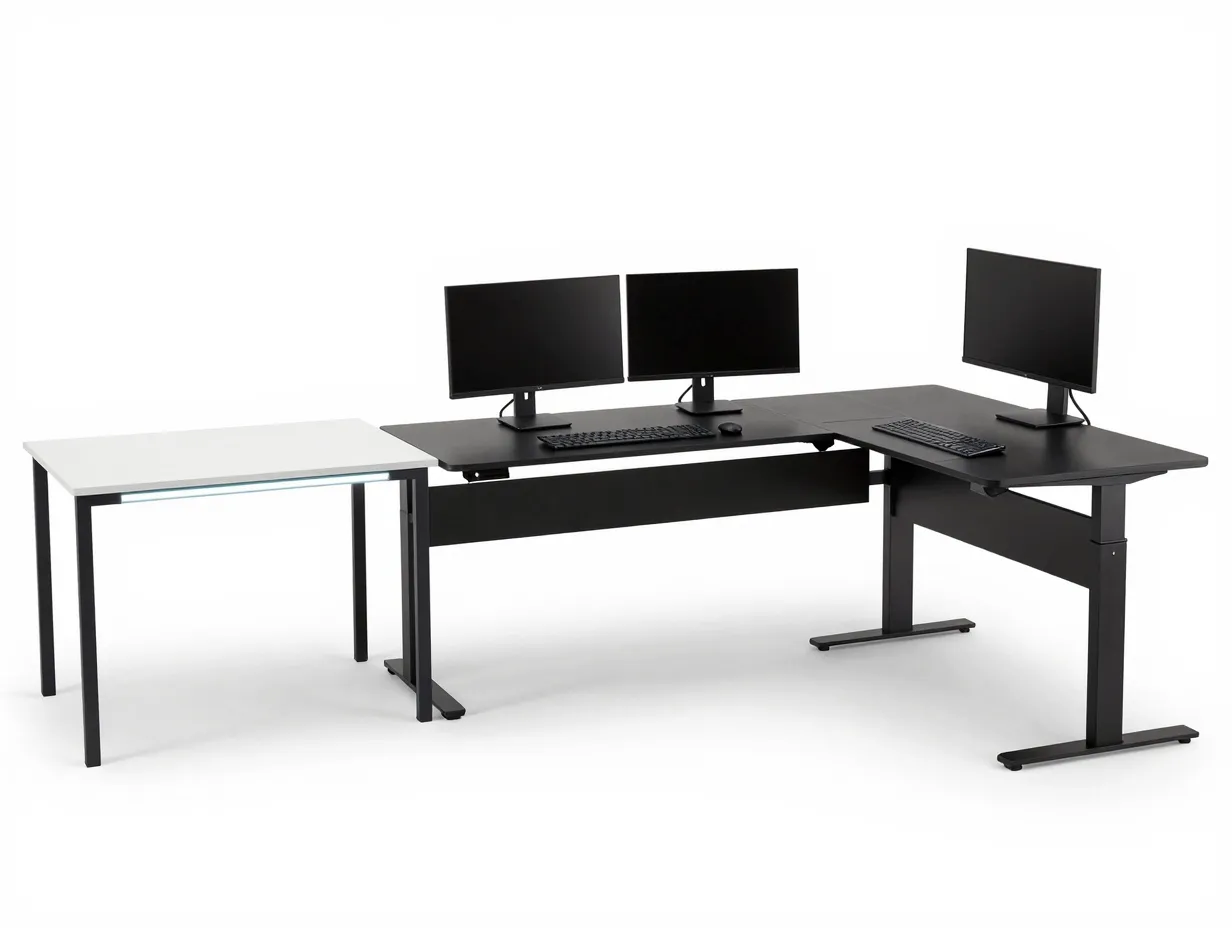
Three desk styles dominate current gaming setup trends: minimal RGB desks, L-shaped desks, and standing desks. Each serves a different priority.[3][6][9]
Minimal RGB desks favor clean lines, muted color palettes, and subtle lighting accents. They suit players who want a setup that photographs well without looking overstimulating, and they tend to work in shared or multi-purpose rooms where a loud aesthetic would feel out of place.
L-shaped desks maximize surface area for multi-monitor rigs, streaming equipment, or a combined gaming-and-work station. They require more floor space but offer the most flexibility for players who need room for a mixer, capture card, or secondary laptop alongside the main rig.[1][9]
Standing desks bring adjustability to the forefront. Motorized or manual height adjustment lets players switch between sitting and standing throughout a session, which has become a popular answer to the ergonomic concerns raised earlier in this guide.[4][5]
Choosing between these styles comes down to available space, budget, and how the desk will be used outside of gaming sessions. A dedicated gaming room can support a large L-shaped rig, while a shared bedroom setup often benefits more from a compact minimal RGB design.
6. Upgrade The Monitor Layout And Personalize The Room
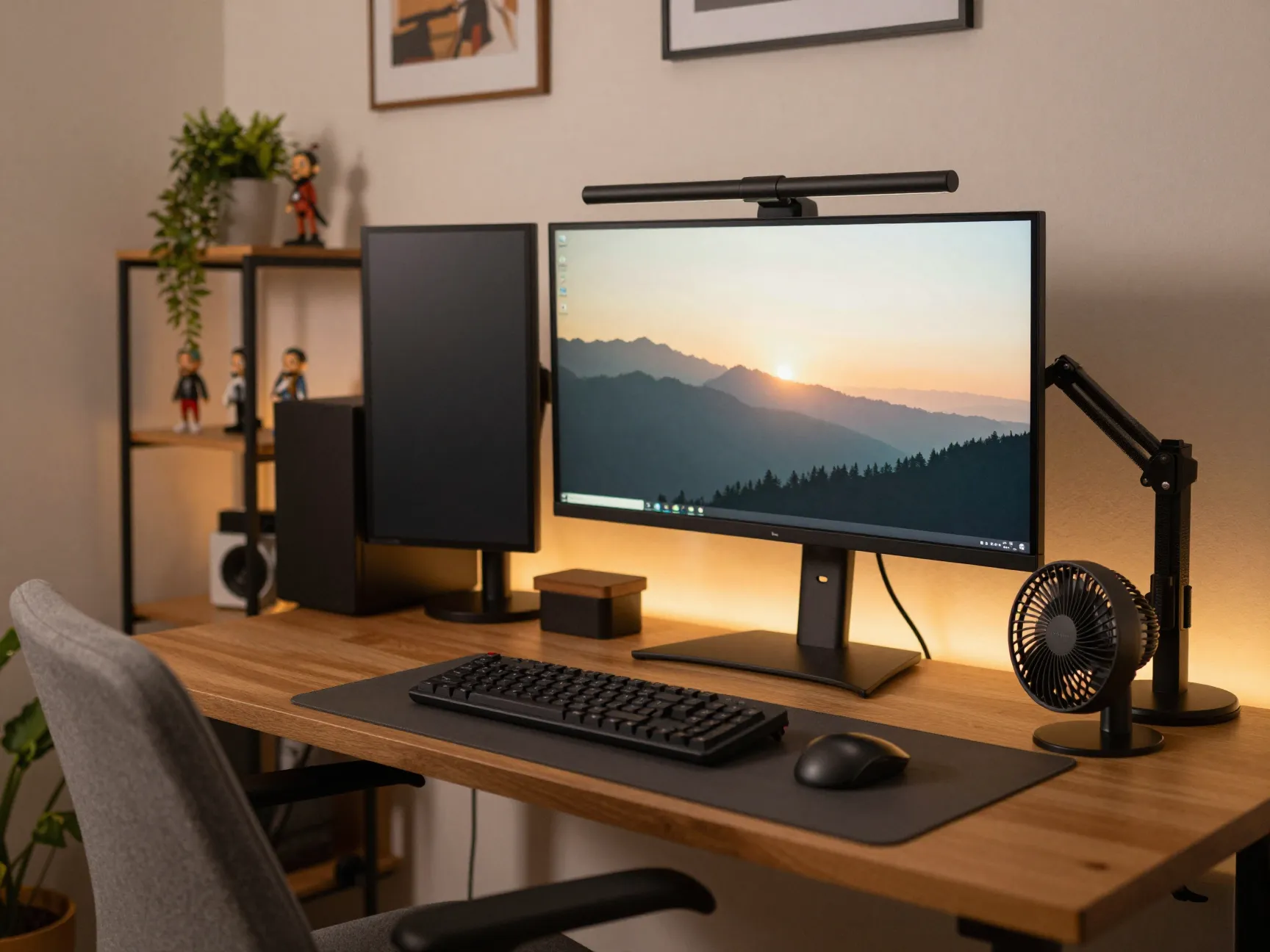
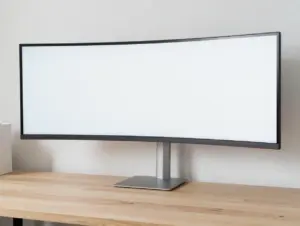
Multi-monitor and ultrawide layouts have become a defining feature of serious gaming setups. Monitor arms free up desk surface by lifting screens off the desktop entirely, while risers offer a simpler, lower-cost way to raise a single monitor to eye level. Secondary screens mounted on arms above or beside the main display are commonly used for chat, stream overlays, or reference material without cluttering the primary play area.[2][10]
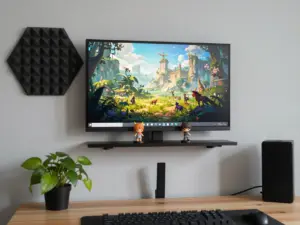
Beyond hardware, the room itself matters. Cozy, personalized gamer room aesthetics have become a defining trend for 2026, with players adding shelving for figurines, framed art, plants, and soft ambient lighting to make the space feel lived-in rather than purely functional.[3][7] This personalization does not compete with performance. A well-organized shelf and a comfortable chair coexist easily with a high-performance rig, and the combination often makes long sessions feel more enjoyable rather than purely productive.
Environmental comfort rounds out this final idea. Room temperature and acoustic balance directly affect focus during extended play. A space that runs too warm from multiple monitors and a gaming PC benefits from simple airflow solutions such as a small desk fan or better room ventilation, while acoustic panels or rugs help absorb excess noise in rooms with hard flooring.[7]
Environmental Comfort And Forward-Looking Trends For 2026 And Beyond
Environmental comfort often gets overlooked in favor of visible upgrades like lighting or furniture, yet it has an outsized effect on long-session performance. Rooms with poor airflow tend to feel stuffy after a few hours of gaming gear running at full load, while overly dry or overly humid environments can affect both comfort and equipment longevity. A modest investment in a fan, a humidity monitor, or better window ventilation often produces a bigger comfort improvement than another lighting upgrade would.
Looking ahead, industry commentary points toward gaming desk setups becoming more modular, smarter, and increasingly wireless. Expect to see:
Modular desk systems that let players reconfigure surface area, cable trays, and monitor mounts without buying an entirely new desk.
Smarter integration between lighting, monitor arms, and desk accessories, allowing a single app or hub to control brightness, color zones, and even desk height.
A continued shift toward wireless peripherals and charging solutions, reducing the cable clutter that cable management currently has to solve manually.
These predictions suggest that future setups will require less manual tinkering to stay organized, but the core principles covered in this guide, ergonomics, spatial planning, cable discipline, layered sensory design, style selection, and personalization, will likely remain the foundation regardless of how the technology evolves.
Frequently Asked Questions
What is the ideal desk height for a gaming setup?
Most 2026 ergonomic guidance recommends a desk height that lets forearms rest at roughly a 90-degree angle with elbows close to the body, though adjustable and standing desks make it easier to fine-tune this to individual height.[4][10]
How much floor space does a gaming desk really need?
A single or dual-monitor desk generally needs at least three feet of clearance behind the chair, while L-shaped setups require additional side space depending on the extension length.[4][8]
Is RGB lighting still worth adding in 2026?
Yes, though the trend has shifted toward more minimal, purposeful RGB accents rather than full rainbow displays, often used to signal notifications or add subtle depth to the desk area.[3][6]
Should cable management be planned before or after setting up the desk?
Before. Planning cable routing, power strip placement, and cable trays ahead of time prevents the tangled mess that typically builds up when management is treated as an afterthought.
Are standing desks actually useful for gaming?
They can be, primarily by allowing players to alternate posture during long sessions, which reduces the strain associated with sitting still for extended periods.[4][5]
Conclusion
A great gaming station is never just about the hardware sitting on top of the desk. It is the result of deliberate choices around ergonomics, space planning, cable routing, lighting, style, and personal touches that together support both performance and comfort. The six gaming desk setup ideas to organize and enhance your play outlined above give a clear, prioritized path forward: start with ergonomics and correct desk sizing, treat cable management as its own project, layer lighting and acoustics thoughtfully, pick a desk style that matches the room, and finish by upgrading the monitor layout while adding personal character to the space.
The next step is simple. Pick the one idea from this list that addresses the biggest current pain point, whether that is a sore back, a tangled mess of cables, or a monitor set too low, and tackle it first. Small, sequential improvements tend to compound into a setup that feels dramatically better within just a few weekends of focused effort.
References
[1] Gamer Desk Ideas – https://cubiclebydesign.com/gamer-desk-ideas/
[2] Gaming Setup Ideas – https://blog.displate.com/gaming-setup-ideas/
[3] Desk Setup Ideas For 2026 Where Gaming Rooms Replace Basic Work Corners – https://www.homedit.com/desk-setup-ideas-for-2026-where-gaming-rooms-replace-basic-work-corners/
[4] Best Gaming Desk Setup 2026 – https://www.computergamingworld.eu/best-gaming-desk-setup-2026/
[5] Best Gaming Desk Setup In 2026 – https://www.accesscreative.ac.uk/blog/best-gaming-desk-setup-in-2026/
[6] Top Futuristic Gaming Desk Setups In 2026 Inspiration For An Ultra Modern Workspace – https://www.jidampicks.com/top-futuristic-gaming-desk-setups-in-2026-inspiration-for-an-ultra-modern-workspace/
[7] 17 Gaming Desk Ideas 2026 For Ultimate Setup – https://www.eleganthomeedit.com/17-gaming-desk-ideas-2026-for-ultimate-setup/
[8] 35 Gaming Desk Ideas 2026 Small Spaces – https://best-for-you.com/35-gaming-desk-ideas-2026-small-spaces/
[9] 40 Gaming Setups That We Really Like – https://www.interiorcompany.com/in/trends/40-gaming-setups-that-we-really-like
[10] Gaming Desk Setup – https://standdesklab.com/guides/gaming-desk-setup/