6 Minimalist PC Gaming Setup Ideas To Maximize Focus And Space
A 4×4 ft patch of floor is technically all the room a functional gaming station needs, according to 2026 small-space testing.[14] Yet most gamers still cram in dual monitors, three RGB strips, and a cable nest that would confuse an electrician. That gap between what a setup actually needs and what most desks actually hold is exactly why minimalist gaming has become the fastest-growing style trend in PC building this year.
Disclosure: This post contains affiliate links. As an Amazon Associate, we earn from qualifying purchases, and at no extra cost to you.
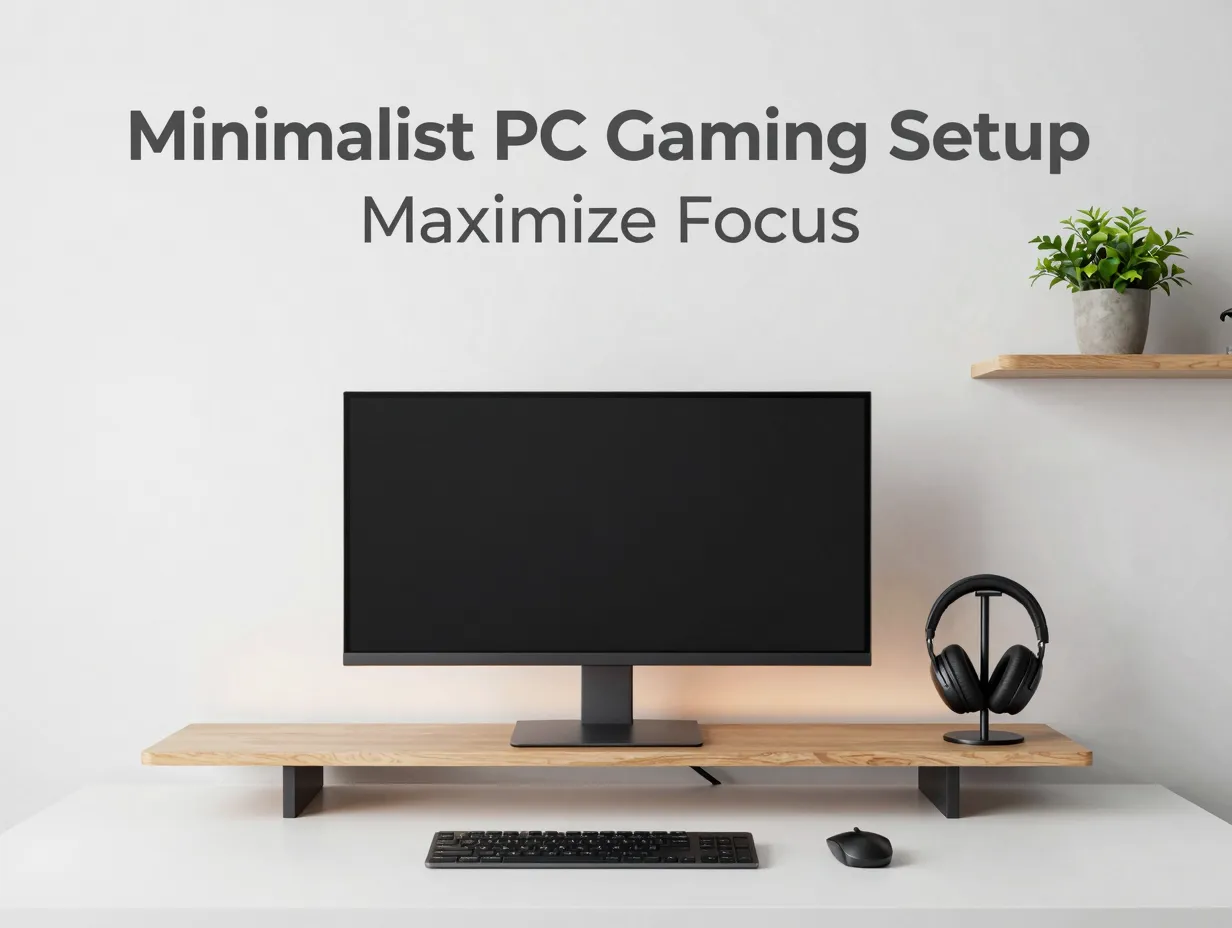
This guide breaks down 6 Minimalist PC Gaming Setup Ideas To Maximize Focus And Space, drawing on current small-room testing, ergonomic desk research, and 2026 style guides. Each idea is built around one rule: every item on the desk has to earn its place through function, not decoration.[1][6][8] Whether working with a tiny bedroom corner or a full spare room, these ideas show how to cut clutter without cutting performance.
Key Takeaways
- A true minimalist gaming setup keeps only one monitor, one keyboard, one mouse, and one audio source visible on the desk, with no backup peripherals in sight.[5][8]
- A single 27 to 32 inch monitor or a 34 inch ultrawide is now preferred over dual-monitor layouts for space efficiency and visual calm.[1][5][8]
- Wireless peripherals and under-desk cable routing are the two biggest levers for hitting a “zero visible cables” desk.[5][7][8][10]
- Vertical storage, such as floating shelves and pegboards, protects floor space while still giving controllers, headsets, and collectibles a home.[6][14]
- A single warm-toned light source (2700 to 3000K) replaces multi-color RGB in most 2026 minimalist builds.[1][5][8]
Why Minimalist Gaming Setups Improve Focus and Space
Clutter is not just a visual problem. Every extra cable, controller, or figurine on a desk is a small decision the brain has to process before it settles into a game or a work task. Minimalist design removes those micro-decisions by limiting the desk to a short, fixed list: one monitor, one keyboard, one mouse, and either a single speaker pair or a headset.[5][8] Nothing else stays visible.
This is not simply an aesthetic preference. Small-space layout testing in 2026 found that a workable compact gaming setup needs roughly 4×4 ft of floor space, plus about 2 ft of clearance around any heat-generating hardware like a tower PC or console, to keep airflow safe.[14] That clearance requirement alone forces a smaller footprint, which naturally pushes toward fewer, better-chosen items rather than more of everything.
Color discipline matters just as much as item count. Current guides recommend sticking to two or three tones total, such as wood and white or black and grey, so the eye has one consistent visual language to rest on.[1][6][8] A single focal point, usually the monitor or one piece of wall art, anchors the space instead of competing light sources and colors fighting for attention.[2][3][6][8]
The payoff shows up in daily use. A desk with fewer visible items is faster to clean, easier to photograph for showcases, and less distracting during long gaming or work sessions. It also tends to double more easily as a work-from-home desk, since there is no clutter to hide before a video call.
6 Minimalist PC Gaming Setup Ideas To Maximize Focus And Space
The following ideas cover the full desk, from the monitor down to the floor. They are ordered roughly the way a real setup should be planned: screen first, peripherals second, cables third, storage fourth, lighting fifth, and furniture last. Following this order avoids the common mistake of buying furniture before knowing what it needs to hold.[14]
1. Replace Dual Monitors With One Large or Ultrawide Display
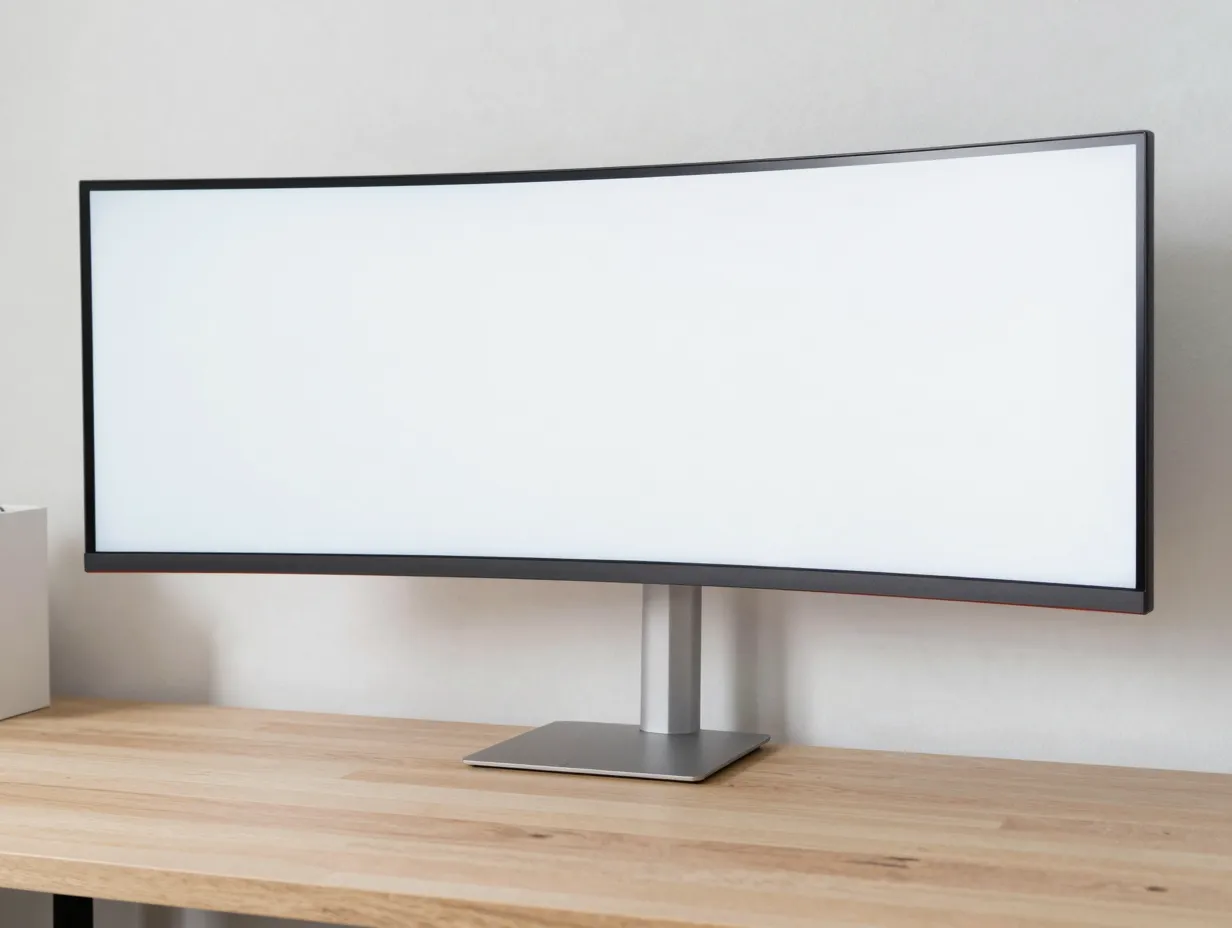
Dual-monitor setups have long been treated as a productivity badge, but they work against a minimalist gaming setup on almost every level. Two screens mean two stands, two power cables, and a wider desk just to fit them side by side. Current 2026 style guides now actively discourage multi-monitor layouts for anyone chasing a clean look, recommending instead a single 27 to 32 inch monitor or a 34 inch ultrawide that delivers enough screen real estate without doubling the hardware footprint.[1][5][8]
An ultrawide is particularly effective for gaming because it replaces the need for a second screen used for chat, Discord, or a guide, all of which can run in a windowed overlay on one wide panel. For desks that are especially tight on depth, wall-mounting the single monitor on a basic VESA bracket is one of the most efficient upgrades available. One small-space case study reported that wall-mounting freed roughly 60 percent of the desk surface, using a bracket that cost about $25.[14]
Practical steps for this idea:
- Choose one monitor size based on desk depth, not on how many screens fit.
- If desk depth is under 24 inches, consider a VESA wall mount to reclaim surface area.[14]
- Set the monitor so the top of the screen sits at or just below eye level, roughly an arm’s length from the seated position.[7]
2. Standardize on Wireless Peripherals as the First Cleanup Layer
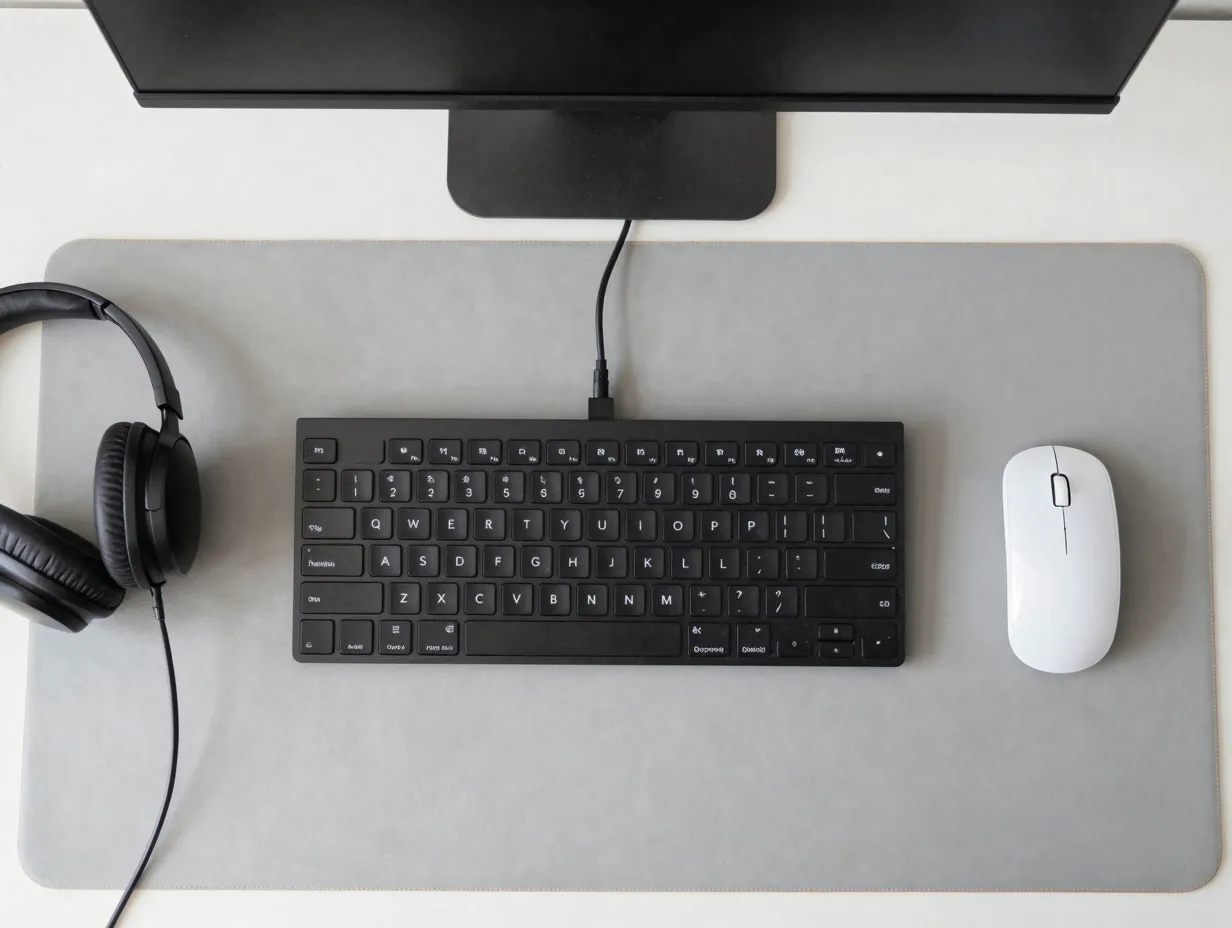
Cables on the desk surface are usually the single biggest visual clutter source, and the fastest fix is switching every peripheral to wireless. A wireless mouse, a wireless tenkeyless or 60 percent keyboard, and a wireless headset eliminate the three cables most gamers touch every single day, leaving only the monitor’s power and video runs plus a couple of USB or audio cables to manage.[5][7][8]
The keyboard choice matters more than it might seem. A full-size keyboard with a number pad adds several inches of desk width that a tenkeyless or 60 percent layout does not need. That saved width can go toward extra mouse space or simply toward keeping the desk visually lighter. Pairing a compact wireless keyboard with a wireless mouse and headset is treated as the entry-level “first layer” of minimalism in most current guides, and it is usually the cheapest upgrade on this list relative to the visual impact it delivers.[5][8]
A quick comparison of the two approaches:
| Setup Style | Visible Cables | Desk Width Needed | Typical Cost Impact |
|---|---|---|---|
| Wired full-size peripherals | 3 to 5 cables | Wider, needs numpad space | Lower upfront cost |
| Wireless compact peripherals | 0 to 1 cable | Narrower, more open surface | Moderate upfront cost |
The wireless route costs more initially but pays back in daily clarity, since there is nothing left to untangle or knock loose when reaching for the mouse.
3. Route and Hide Every Remaining Cable Under the Desk
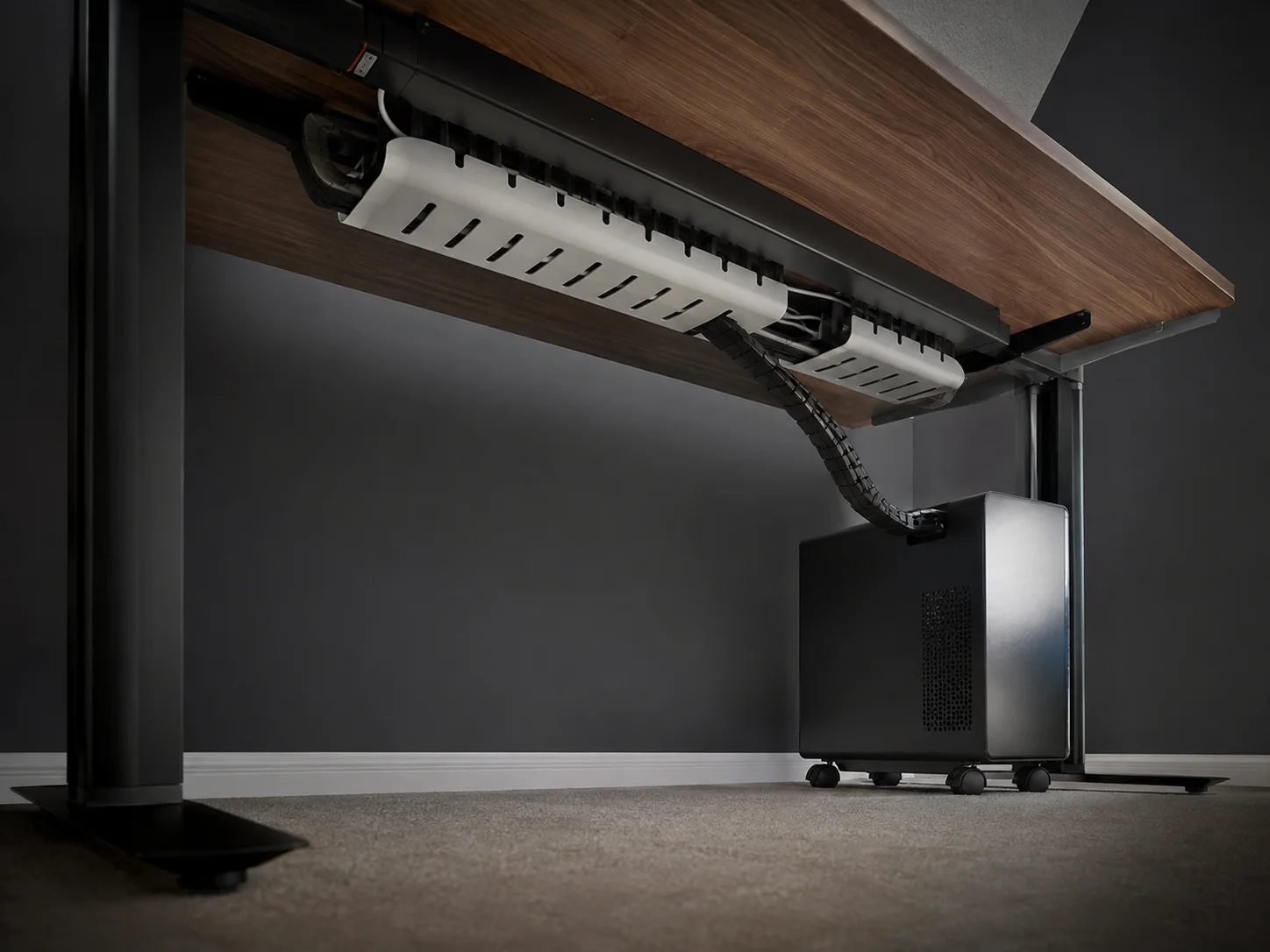
Even a fully wireless peripheral setup still has cables somewhere. The monitor needs power and a video cable. The PC tower needs power. Speakers or a dock may need audio or USB runs. The goal for this idea is a “visible cable count of zero” when looking at the desk from a normal sitting position.[7][8][10]
This is achieved with a combination of tools rather than one single product. Under-desk cable trays catch and organize the bulk of the wiring. Cable sleeves or raceways bundle multiple wires into a single manageable channel. A cable channel built into or clipped under the desk surface routes everything from the back of the monitor down toward the floor without a single strand crossing the visible desktop.[7][8][10]
The PC tower itself is often the last visible cable source, since it needs to connect to the monitor, power, and peripherals. A popular fix from 2026 clean-desk guides is placing the tower on small caster wheels or a dedicated under-desk holder. This keeps the case hidden from a normal sitting view while still allowing it to be rolled out easily for cleaning or upgrades, which matters because a hidden PC still needs regular dust removal.[8][14]
For anyone using a sit-stand desk, cable slack is a separate concern from cable hiding. Ergonomic guides recommend leaving 15 to 30 cm of slack on every movable cable and anchoring power bricks under the desk rather than letting them sit loose on the floor, so raising or lowering the desk does not tug on a peripheral or expose wiring mid-adjustment.[7][13]
4. Use Vertical Storage Instead of Desktop Storage
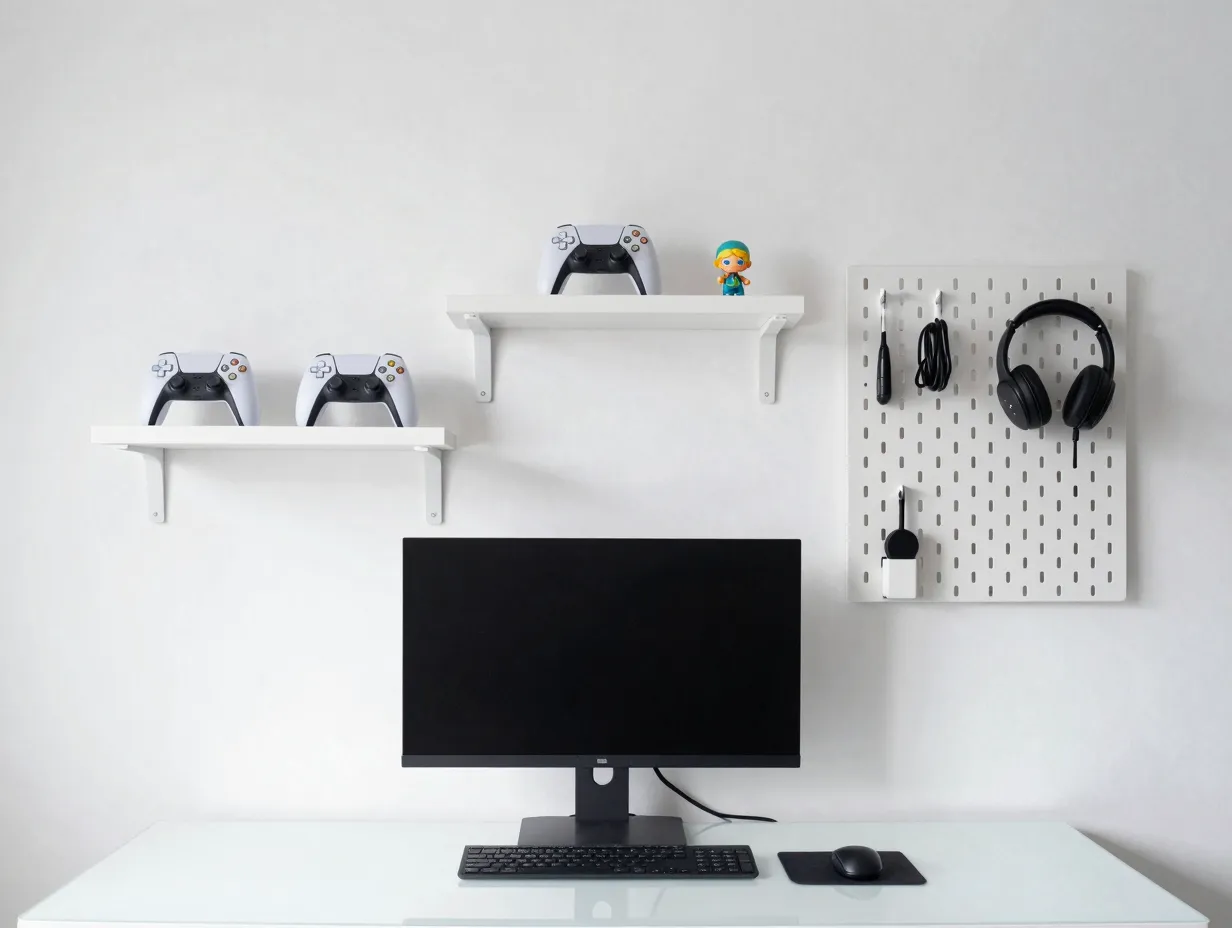
Storage is where most minimalist setups quietly fail. Controllers, spare cables, headphones, and small collectibles need a home, and if that home is the desk surface, the whole layout drifts back toward clutter within a few weeks. The fix tested in small gaming rooms during 2026 is moving that storage vertically instead of horizontally.[6][14]
Three specific tactics have been tested successfully in compact rooms:
- Three inexpensive floating shelves mounted above the monitor, used for controllers and small collectibles rather than a crowded desktop display.[14]
- A 4×4 ft pegboard installed behind the desk, used to hang headphones, cables, and small tools that would otherwise sit in a drawer or on the desk.[14]
- Ceiling-mounted nets for lightweight items, which keep the floor completely clear in very small rooms.[14]
The shared principle behind all three is that floor space and desk space are the two most valuable and most limited resources in a small gaming room, while wall and ceiling space are almost always underused. Shifting storage upward protects the clean desk surface established in the earlier steps without forcing anyone to throw away gear they actually use.
5. Switch to a Single Warm Bias Light Instead of Multi-Color RGB

Lighting has quietly become one of the clearest signals of whether a setup is minimalist or not. Multiple RGB sources, especially when set to different colors or animated modes, are one of the fastest ways to break an otherwise clean, disciplined desk.[2][3][6][8] The 2026 shift away from this is toward a single warm-toned light source instead.
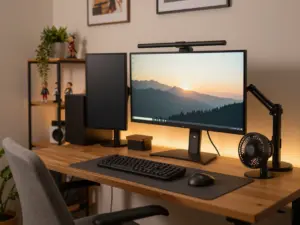
Most current minimalist build guides recommend one 2700 to 3000K floor lamp or a single warm white LED strip placed behind the monitor as a bias light.[1][5][8][14] A compact monitor light bar is the preferred desk lamp alternative, since a traditional desk lamp consumes valuable desk depth that a light bar mounted on top of the monitor does not need.
The reasoning is partly practical and partly visual. A single warm light source reduces eye strain during long sessions better than a bright cool-white overhead light, and it avoids the color-clash problem that comes from mixing several RGB zones running different colors at once. One consistent light temperature across the whole space reinforces the same calm, cohesive feel that the color-palette discipline creates elsewhere in the setup.[1][6][8]
6. Choose Multi-Purpose, Space-Efficient Furniture
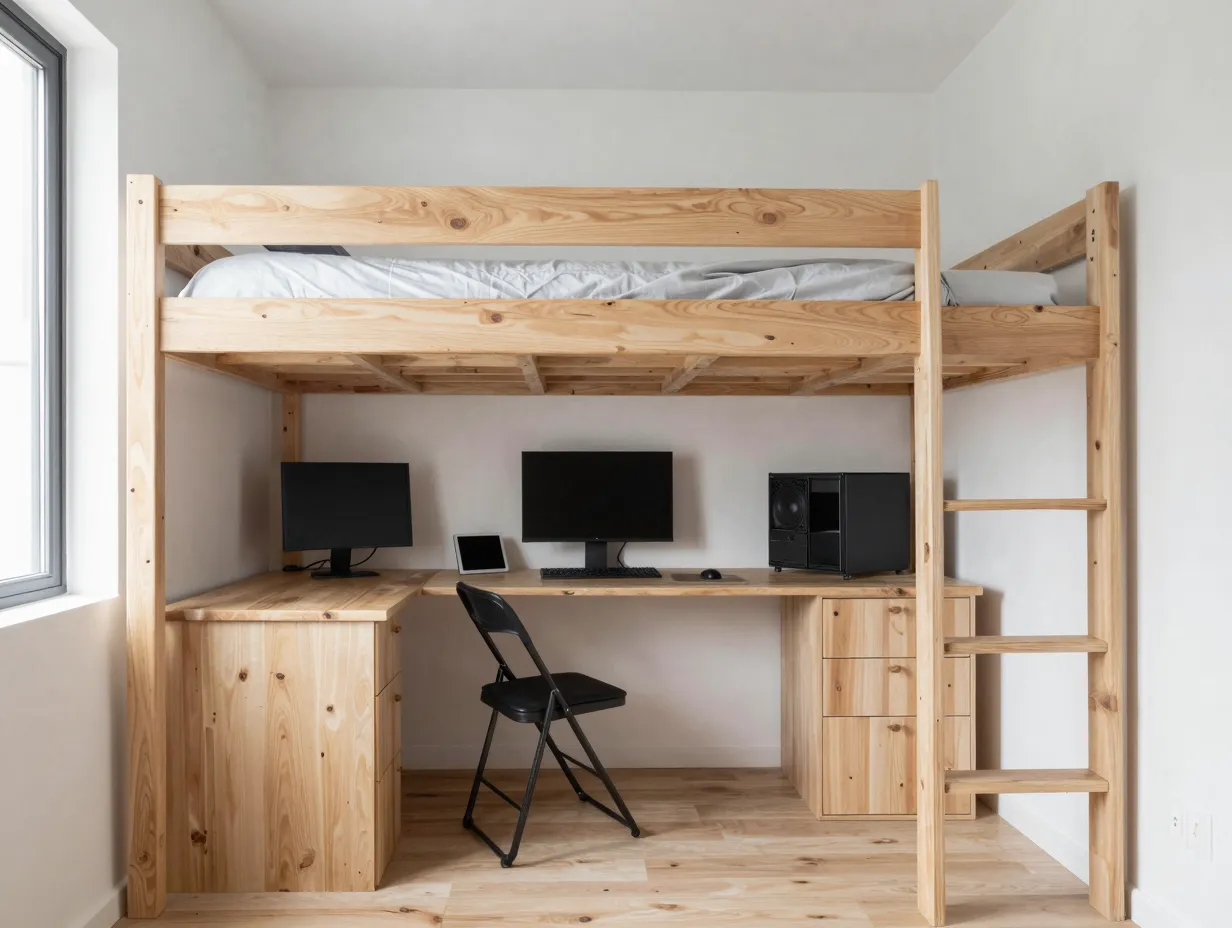
The furniture stage comes last because it should be selected based on everything decided in the previous five steps, not the other way around. Buying a desk or chair before knowing the monitor size, peripheral layout, or storage plan is one of the most common reasons small gaming rooms end up overfilled.[14]
Real-world testing in compact rooms has produced several furniture choices that consistently free up space without adding visual clutter:
- A loft bed positioned above the gaming and desk area, which reportedly reclaimed around 35 sq ft of usable floor space in a 100 sq ft room.[14]
- Foldable guest chairs that slide fully under the bed or desk when not in use, rather than sitting out permanently.[14]
- An L-shaped corner desk that uses otherwise wasted corner space and can fit about 40 percent more equipment than a straight desk of similar width.[14]
For anyone building a larger battlestation rather than a tight bedroom corner, a desk around 180 cm wide and 70 cm deep is cited as a practical baseline. That size offers enough room for the PC, monitor, and peripherals from the earlier steps without leaving so much open space that clutter creeps back in over time.[11]
How to Measure and Plan Before You Buy
Skipping measurements is the single most common reason a minimalist plan turns cluttered within a month. Small-space layout testing recommends measuring room height, width, and depth three times before purchasing any furniture, since a single measurement error can throw off an entire layout once a desk or shelf is delivered.[14]
The recommended planning order is straightforward:
- Measure the room first, three times, checking height, width, and depth.[14]
- Choose the desk second, based on those measurements and the monitor and peripheral plan from the ideas above.
- Choose the chair third, matched to the desk height rather than picked independently.
- Add accessories and storage last, only after the desk and chair are confirmed to fit.[14]
Ergonomics should be checked at the same time as measurements, not treated as a separate step. The primary monitor should sit directly in front of the seated position, with the top of the screen at or just below eye level and roughly an arm’s length away. Chair and desk heights should be adjusted together so the elbows rest at close to a 90-degree angle and the wrists stay straight while typing.[7] Getting this right at the planning stage avoids having to rebuy furniture later once posture problems appear.
The airflow clearance from earlier is worth repeating here because it is easy to forget during furniture shopping: budget for at least 4×4 ft of floor space plus about 2 ft of clearance around any heat source, such as the PC tower, to keep the system running safely and quietly.[14]
Mistakes That Break a Minimalist Gaming Setup
Even a well-planned minimalist gaming setup can drift back toward clutter. A few patterns show up repeatedly in setups that lose the minimalist look within a few months:
Buying furniture before finalizing the monitor and peripheral choices, which often results in a desk that is either too small for the actual gear or oversized and encouraging clutter to fill the extra space.[14]
Mixing several RGB colors or lighting zones instead of committing to one warm light source, which undercuts the calm visual effect the rest of the setup is built around.[1][2][3][6][8]
Letting cable slack sit too tight or too loose on a sit-stand desk, which either strains peripherals during height changes or leaves visible slack that reintroduces clutter.[7][13]
Skipping vertical storage and instead letting controllers, cables, and small items pile back onto the desk surface, quietly undoing the “zero visible items” rule that defines the whole style.[6][8][14]
Choosing a color palette with more than two or three tones, which creates visual noise even when the item count itself stays low.[1][6][8]
Avoiding these five patterns keeps a minimalist gaming setup looking intentional well beyond the first week of setup photos.
Conclusion
A minimalist gaming setup is not about owning less gear for its own sake. It is about deciding, item by item, whether something earns its place on the desk through function rather than habit. The six ideas covered here, a single large or ultrawide monitor, wireless peripherals, hidden cable routing, vertical storage, one warm light source, and space-efficient furniture, work together as a system rather than as isolated tips. Skipping one, such as hiding cables but ignoring vertical storage, tends to leave the whole setup feeling half-finished.
The most reliable way to start is with measurements, not purchases. Measure the available space three times, plan the desk and monitor first, and layer in peripherals, cable management, storage, and lighting in that order.[14] For anyone currently staring at a cluttered desk, the fastest single change from this list is usually switching to wireless peripherals and routing the remaining cables under the desk, since that one shift removes the most visible clutter for the lowest cost and effort. From there, the remaining ideas can be added gradually until the full minimalist gaming setup comes together.
References
[1] Best Minimalist Gaming Setup Ideas 2026 – https://gamingpcguru.com/best-minimalist-gaming-setup-ideas-2026/
[2] Gaming Setup Inspiration Design Photos Accessories – https://www.home-designing.com/gaming-setup-inspiration-design-photos-accessories
[3] Minimalist Gaming Setups – https://gridfiti.com/minimalist-gaming-setups/
[4] Minimalist Gaming Setup – https://www.setupgamers.com/minimalist-gaming-setup/
[5] 15 Gaming Desk Setup Ideas – https://eurekaergonomic.com/blogs/eureka-ergonomic-blog/15-gaming-desk-setup-ideas
[6] Gaming Setup Ideas – https://blog.displate.com/gaming-setup-ideas/
[7] Gaming Desk Style Guide – https://eurekaergonomic.com/blogs/eureka-ergonomic-blog/gaming-desk-style-guide
[8] evetech.co.za – https://www.evetech.co.za/minimalist-gaming-setup-clean-desk/e/4070
[9] Watch – https://www.youtube.com/watch?v=uGXlVOixMgk
[10] Watch – https://www.youtube.com/watch?v=ICrlKLIwJ_4