6 Mobile Photography Features to Explore on Your Tecno Camon 20 Pro
Smartphone camera specs rarely tell the full story, but when a mid-range device ships with a 64MP sensor, optical image stabilization, and a quad ring-flash system at its price point, that is worth paying attention to. The 6 mobile photography features to explore on your Tecno Camon 20 Pro represent a surprisingly deep imaging toolkit that competes well above its tier, and most owners never unlock more than a fraction of what the camera system can do.
Disclosure: This post contains affiliate links. As an Amazon Associate, we earn from qualifying purchases, and at no extra cost to you.
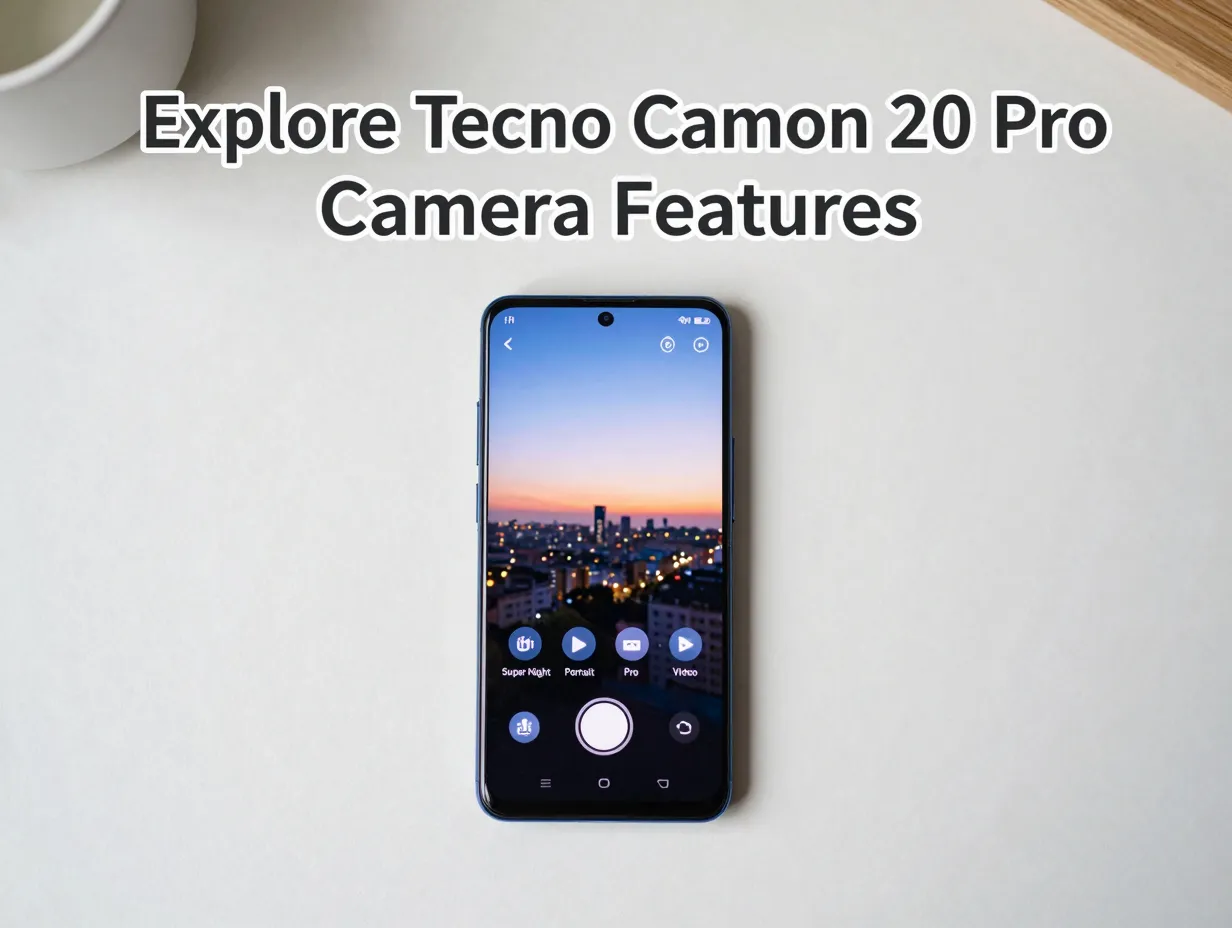
This guide breaks down each major feature, explains how it works in practice, and shows how to get the most out of it in 2026.
Key Takeaways
- The Tecno Camon 20 Pro‘s 64MP main sensor with an f/1.7 aperture and 1/1.7-inch sensor size delivers strong detail in both daylight and low-light conditions.
- The RGBW sensor variant with OIS found on the 5G model significantly reduces motion blur and noise in dim environments compared with standard sensors.
- Creative modes, including Super Night, Portrait, Sky Shop, and Pro mode, give users substantial control without requiring advanced photography knowledge.
- The 5G model supports 4K video at 30fps with HDR, while the standard Camon 20 Pro tops out at 1080p, making the 5G better suited to mobile videography.
- The 32MP front camera with dual front flash makes this phone a strong performer for selfies and vlogging at its price point.
Understanding the Tecno Camon 20 Pro Camera System
Before diving into the 6 mobile photography features to explore on your Tecno Camon 20 Pro, it helps to understand what hardware is actually behind the lens. The camera system is built around a 64MP primary rear sensor with an f/1.7 aperture and a large 1/1.7-inch sensor size [1]. That combination, wide aperture plus a physically large sensor, allows more light to reach the sensor per frame, which is the foundation of good low-light performance.
Complementing the main sensor are a 2MP depth (bokeh) lens and, on the 5G variant, a 2MP macro lens [13]. The rear flash system uses a quad ring-flash configuration rather than a single LED, which spreads light more evenly across close-up subjects and reduces harsh shadows [13][14]. On the front, a 32MP selfie camera with f/2.5 aperture and dual front flash rounds out the package [1][11].
The 5G model adds two important hardware upgrades: an RGBW (G+P) sensor design and optical image stabilization (OIS) [2][8][9]. These are not minor software tweaks, they represent a real hardware difference that affects image quality in measurable ways, particularly in low light and during video recording.
| Feature | Camon 20 Pro (4G) | Camon 20 Pro 5G |
|---|---|---|
| Main Sensor | 64MP, f/1.7, 1/1.7″ | 64MP RGBW, f/1.7, 1/1.7″ |
| OIS | No | Yes |
| Macro Lens | AI CAM module | 2MP dedicated |
| Max Video Resolution | 1080p 60fps | 4K 30fps |
| Front Camera | 32MP, f/2.5 | 32MP, f/2.5 |
| Rear Flash | Quad ring-flash | Quad ring-flash |
With that foundation in place, here are the six features that deserve the most attention.
6 Mobile Photography Features to Explore on Your Tecno Camon 20 Pro
1. Super Night Mode and the RGBW Low-Light Advantage
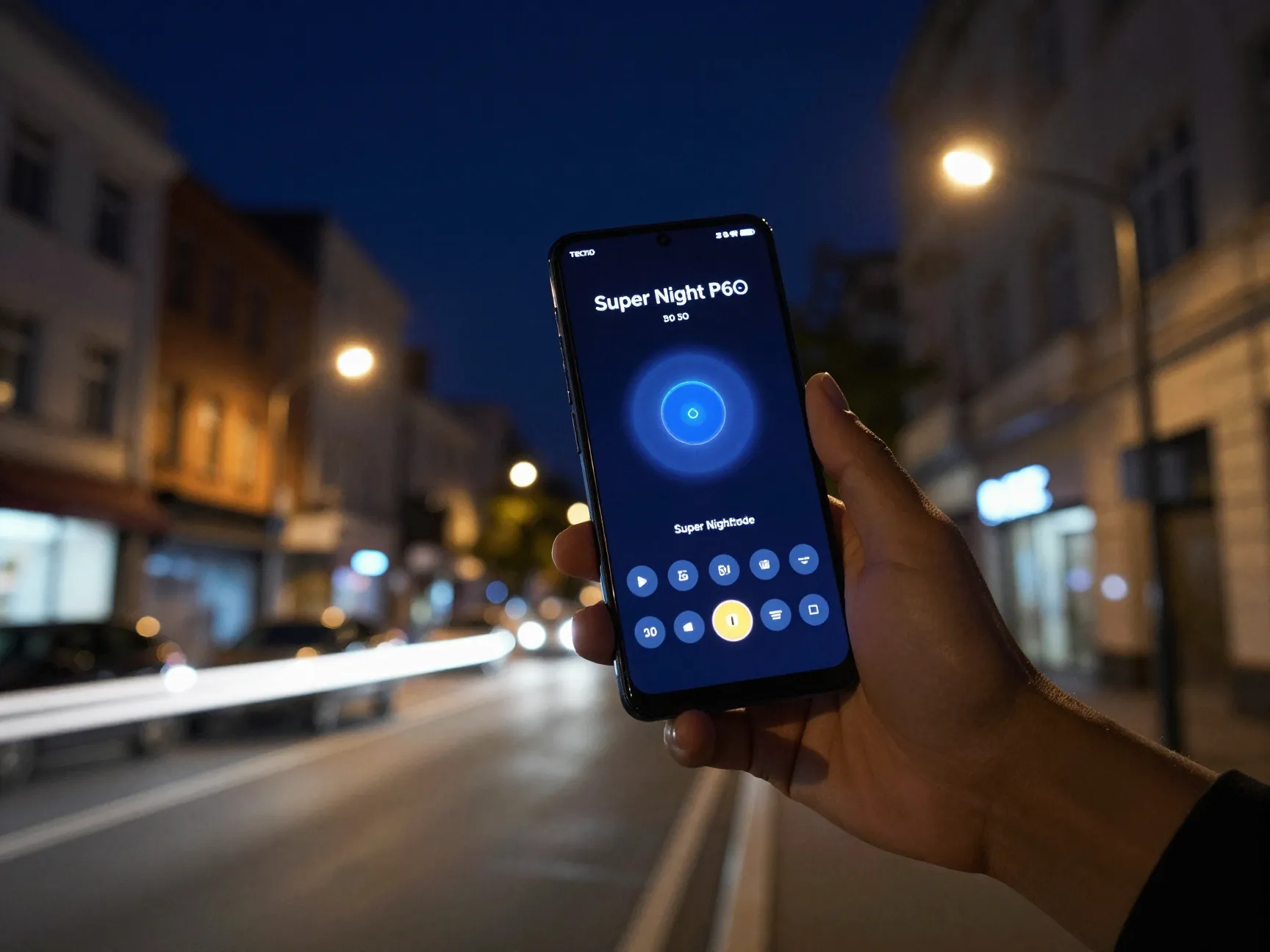
Low-light photography is the single area where the Camon 20 Pro makes its strongest case. The Super Night mode is a dedicated shooting mode that combines multiple exposures, noise reduction algorithms, and, on the 5G variant, the RGBW sensor’s extra light-gathering capacity to produce cleaner, brighter images in dim conditions [2][8].
Standard smartphone sensors use an RGGB pixel arrangement. The RGBW design replaces one green pixel in each group with a white (clear) pixel that captures all wavelengths of light without filtering [2][9]. The result is a sensor that gathers significantly more light per frame. When paired with OIS, which compensates for hand tremor during longer exposures, the combination produces noticeably sharper and less grainy night shots compared with standard mid-range sensors [8][9].
“Reviewers who tested the RGBW/OIS variants consistently report cleaner night shots and more stable handheld photos, positioning the Camon 20 Pro 5G as one of Tecno’s strongest midrange night-shooters.” [2][8][10]
How to get the most from Super Night mode:
- Hold the phone as steady as possible, or rest it against a stable surface, even with OIS active.
- Allow the mode to complete its full multi-frame capture, moving the phone mid-shot will reduce quality.
- Use Super Night for scenes with mixed artificial light sources, such as street scenes, markets, and indoor venues with dim ambient lighting.
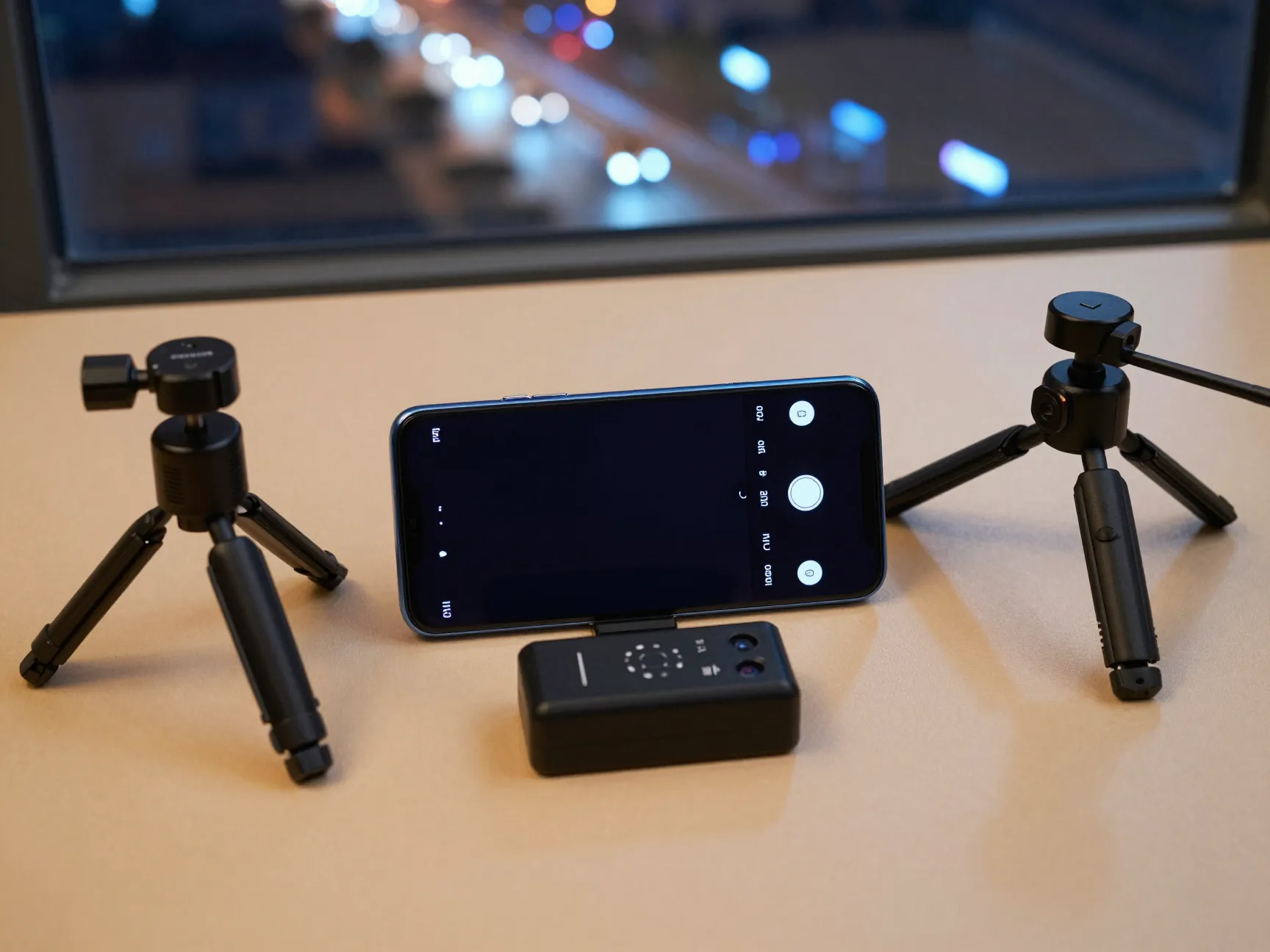
- On the 4G model, which lacks OIS, a mini tripod or a stable surface makes a significant difference.
Independent reviewers from TechTrendsKE highlight Super Night as one of the standout features for casual and enthusiast mobile photographers on this device [2].
2. Portrait Mode and Depth-Sensor Bokeh

The second of the 6 mobile photography features to explore on your Tecno Camon 20 Pro is Portrait mode, which uses the dedicated 2MP depth sensor to separate subjects from backgrounds with a blurred (bokeh) effect [4][12][13].
Unlike single-lens software blur that estimates depth from a flat image, the Camon 20 Pro’s dual-lens approach measures actual depth data. The camera software then applies a graduated blur to areas beyond the focus plane, creating a more natural-looking separation between subject and background [4][12].
Portrait mode capabilities on the Camon 20 Pro:
- Adjustable bokeh intensity before and after capture
- Face detection for automatic subject identification [4][12]
- Continuous shooting support for capturing moving subjects
- Exposure compensation and ISO adjustment available in Pro mode for more control [4]
The 64MP main sensor’s maximum effective resolution of approximately 9000 x 7000 pixels means portrait shots retain significant detail even after cropping [11][12]. This is useful when shooting group portraits where a single subject needs to be isolated in post-processing.
For best results, maintain a subject distance of roughly 1 to 1.5 meters. At very close distances, the depth sensor can struggle to create a clean edge separation, particularly around fine details like hair. At distances beyond 2.5 meters, the bokeh effect becomes less pronounced.
3. Pro (Manual) Mode for Full Camera Control
Most smartphone users rely entirely on automatic modes, but the Pro mode on the Camon 20 Pro unlocks manual control over the key variables that determine image exposure and character [4][12]. This is the third feature in the 6 mobile photography features to explore on your Tecno Camon 20 Pro, and it is the one that most directly rewards learning.
Manual controls available in Pro mode:
- ISO sensitivity (controls sensor gain and noise level)
- Shutter speed (controls motion blur and exposure duration)
- White balance (controls color temperature)
- Exposure compensation (adjusts overall brightness)
- Focus distance (manual focus point selection) [4][12]
These controls allow photographers to go beyond what automatic algorithms decide and make deliberate creative choices. A slow shutter speed with a tripod produces light trails from moving vehicles. A low ISO in bright daylight produces the cleanest, most detailed images the sensor can capture. A custom white balance corrects the orange cast that indoor tungsten lighting creates.
A practical starting point for Pro mode:
- For bright outdoor scenes: ISO 50-100, shutter speed 1/500s or faster
- For indoor ambient light: ISO 400-800, shutter speed 1/60s minimum
- For light trail photography: ISO 100, shutter speed 2-8 seconds, tripod required
- For sharp handheld shots in low light: ISO 800-1600, shutter speed 1/100s or faster
The 64MP sensor’s large pixel count gives substantial room to crop and adjust images after shooting, which partially compensates for minor exposure errors made during capture [11][12].
4. Sky Shop AI Enhancement and Creative Scene Modes

The fourth feature set covers Tecno’s AI-powered creative modes, with Sky Shop being the most distinctive [2][4][12]. Sky Shop is an AI sky replacement and enhancement tool built directly into the camera app. It detects the sky region in a photo and can replace a flat, overcast sky with a more dramatic alternative, or enhance an existing sky’s color and cloud detail.
This feature is particularly useful for landscape and architectural photography where the sky makes up a significant portion of the frame. Rather than relying on post-processing apps, the enhancement happens in-camera at the moment of capture or immediately after.
Other creative scene modes worth exploring:
- Panorama mode: Captures wide-angle scenes by sweeping the phone horizontally. The 64MP sensor’s resolution means panoramic stitches retain good detail even when cropped [4][11].
- Slow Motion: Records footage at high frame rates for playback at reduced speed, useful for capturing fast-moving subjects like water, sports, or wildlife [2][4].
- Dual Video: Records simultaneously from both front and rear cameras, which is useful for vlogging, reaction videos, and event documentation [2][4].
- Scene modes: Automatic scene detection adjusts camera parameters for common subjects including food, flowers, architecture, and text documents [4][12].
The combination of Sky Shop, Panorama, and scene-specific modes gives users a creative toolkit that goes well beyond standard point-and-shoot photography. Android Central’s review of the Camon 20 Pro and Camon 20 Premier describes the Camon line as “camera-centric mid-range phones,” with the imaging system viewed as the main differentiator versus similarly priced competitors [10].
5. 4K Video and Mobile Videography Capabilities
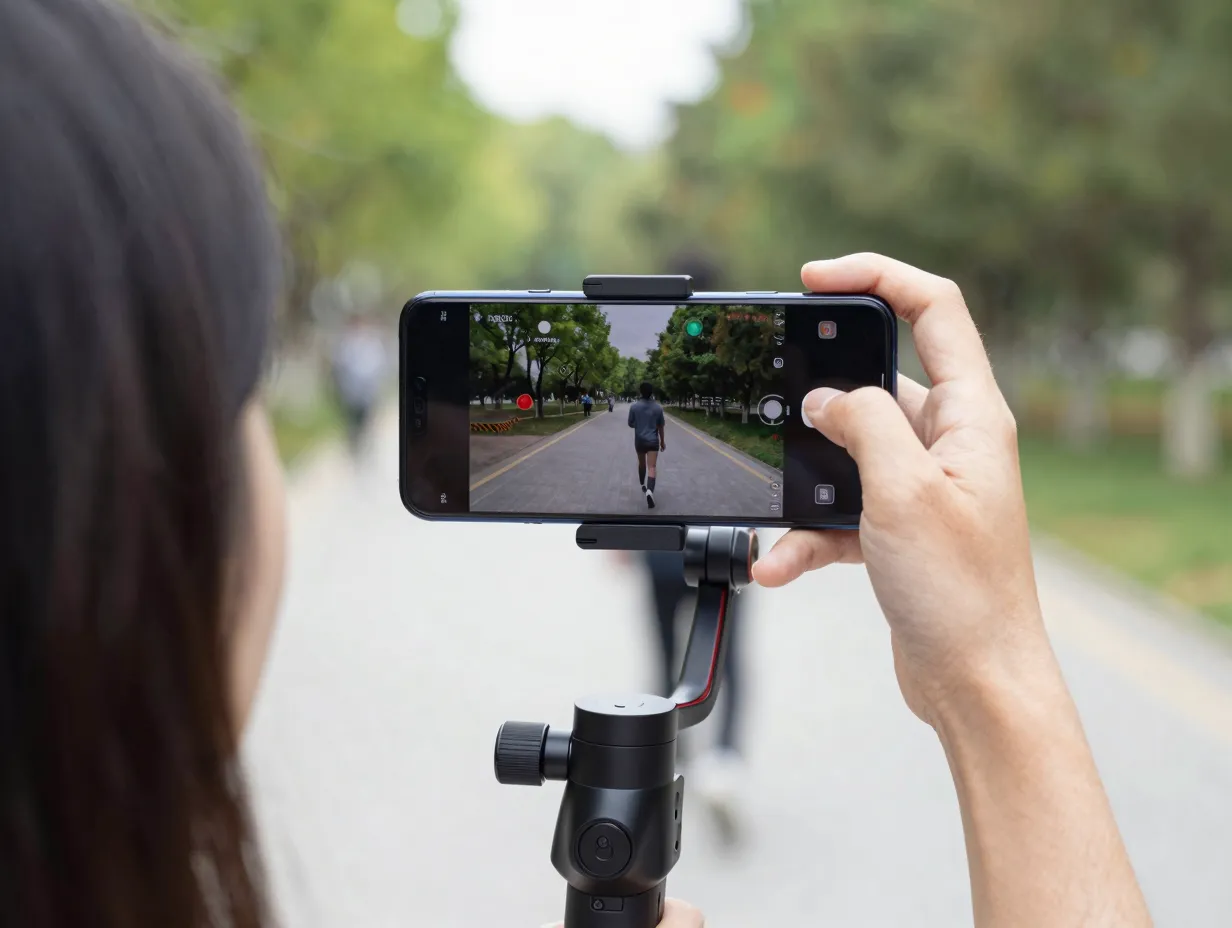
The fifth of the 6 mobile photography features to explore on your Tecno Camon 20 Pro is its video recording capability, specifically the 4K recording available on the 5G model.
The Camon 20 Pro 5G supports 4K video at 30fps with HDR, while also offering 1080p recording at up to 60fps [9][11][12]. The standard 4G model is limited to 1080p at up to 60fps and does not support 4K capture [9][11]. For users who prioritize video content, whether for social media, short films, or documentation, this distinction matters significantly.
Video feature comparison:
| Capability | Camon 20 Pro (4G) | Camon 20 Pro 5G |
|---|---|---|
| Maximum Resolution | 1080p | 4K (3840×2160) |
| Maximum Frame Rate | 60fps at 1080p | 30fps at 4K, 60fps at 1080p |
| HDR Video | Limited | Yes |
| OIS (Video Stabilization) | No | Yes |
| Slow Motion | Yes | Yes |
The OIS on the 5G model is especially valuable for video, as it reduces the “jello effect” and walking shake that makes handheld footage look unstable [8][9]. This is a hardware stabilization system rather than purely electronic image stabilization (EIS), which means it works without the field-of-view crop that EIS typically requires.
Practical video tips for the Camon 20 Pro:
- Use 4K 30fps for cinematic content where maximum resolution matters.
- Use 1080p 60fps for action content where smooth motion is more important than resolution.
- Enable HDR video for scenes with a wide range of brightness, such as outdoor interviews in partial shade.
- The Dual Video mode can be used for vlogging to capture both the presenter and the environment simultaneously [2][4].
The 32MP front camera also records at 1080p, making it a capable option for direct-to-camera vlogging with the phone held at arm’s length [11][13].
6. 32MP Selfie Camera with Dual Front Flash

The sixth feature in this guide is the front-facing camera system, which is more capable than the specifications alone suggest. The 32MP selfie camera with f/2.5 aperture and dual front flash is designed specifically for portrait selfies, vlogging, and video calls [1][11][13][14].
A 32MP front camera at this price tier is notable. Most mid-range phones in the same segment use 16MP or 20MP front sensors. The higher resolution means selfies retain detail at larger print sizes and allow more aggressive cropping without visible quality loss [11][12]. The wide 24mm-equivalent field of view captures more of the scene, which is useful for group selfies and environmental self-portraits [11][12].
Front camera strengths:
- 32MP resolution for detailed selfies with cropping latitude [1][11]
- Dual front flash for even illumination in low-light selfie scenarios [1][13]
- 1080p front video recording for vlogging [11][13]
- Portrait mode available on the front camera using software depth estimation
- Wide 24mm-equivalent field of view for group and environmental selfies [11][12]
The dual front flash is worth highlighting separately. Single-LED front flashes create harsh, uneven lighting that flattens facial features. The dual-flash configuration illuminates the face from two points, reducing shadows and producing a more flattering result in dark environments [1][14].
Tips for better selfies and front-camera video:
- In low-light conditions, enable the front flash and position the phone slightly above eye level for more flattering illumination.
- Use Portrait mode on the front camera for social media shots where background separation adds visual interest.
- For vlogging, stabilize the phone with a gimbal or selfie stick to compensate for the lack of OIS on the front camera.
- The 24mm wide field of view is wide enough for two-person selfies without requiring a selfie stick in most situations.
Spec sheets updated in mid-2026 confirm the 32MP front camera across the Camon 20 Pro line, indicating this remains a consistent hardware choice for the current production run [11][13][14].
Getting the Most from the Tecno Camon 20 Pro Camera: Practical Workflow
Understanding the six features individually is useful, but knowing how to combine them in a practical shooting workflow is what separates good results from great ones. The following workflow applies to most shooting situations.
Recommended shooting workflow:
- Start in Auto mode to assess the scene’s lighting and subject conditions.
- Switch to the most appropriate dedicated mode, Portrait for people, Super Night for low-light, Pro for creative control.
- Use Sky Shop for landscape or architectural shots where sky enhancement adds value.
- For video, select 4K on the 5G model for archival or cinematic content, 1080p 60fps for action.
- Use the 32MP front camera with dual flash for selfies in dim environments.
- Review shots at full zoom in the gallery to check sharpness before moving on.
The maximum effective resolution of approximately 9000 x 7000 pixels from the main sensor gives substantial latitude for cropping and editing in post-processing [11][12]. Combined with HDR, panorama, and Pro mode, this allows users to produce images suitable for social media, lightweight commercial use, and large-format printing without significant quality loss at typical viewing sizes [4][11][12].
How the Camon 20 Pro Compares to Mid-Range Competitors in 2026
Expert reviews from Android Central and regional tech outlets consistently describe the Camon 20 Pro and Camon 20 Pro 5G as camera-centric mid-range phones, with their imaging systems viewed as the primary differentiator versus similarly priced competitors in 2024-2026 [2][10]. The combination of OIS, a 64MP RGBW sensor, strong portrait rendering, and 4K video at mid-range pricing represents a value proposition that pushes high-end camera features into lower price tiers [2][8][10].
The areas where the Camon 20 Pro’s camera system is strongest relative to its price class:
- Low-light still photography: The RGBW sensor and OIS (5G model) produce results that compete with phones priced significantly higher [2][8].
- Portrait photography: The dedicated depth sensor and face detection deliver natural-looking bokeh without the edge artifacts common in pure software solutions [4][12].
- Selfie quality: The 32MP front camera with dual flash is above average for the price tier [1][11].
- Video (5G model): 4K HDR with OIS is uncommon at this price point [9][11].
The areas where users should set realistic expectations:
- Optical zoom is not available, digital zoom is the only option, and quality degrades at high zoom levels [4][12].
- The 4G model’s lack of OIS limits low-light and video performance compared with the 5G variant.
- The 2MP macro and depth sensors are functional but limited in resolution compared with the main sensor.
Conclusion
The 6 mobile photography features to explore on your Tecno Camon 20 Pro, Super Night mode, Portrait and bokeh, Pro manual mode, AI creative modes including Sky Shop, 4K video on the 5G variant, and the 32MP front camera, collectively make this one of the more capable camera phones available at its price point in 2026.
Actionable next steps for Camon 20 Pro owners:
- Open the camera app and spend 15 minutes exploring each mode listed in this guide before shooting anything important.
- If using the 5G model, enable OIS in the camera settings and test Super Night mode in a real low-light environment to see the RGBW sensor advantage firsthand.
- Try Pro mode with manual ISO and shutter speed control in a controlled setting, a well-lit room or outdoor space, before attempting it in challenging conditions.
- Use Sky Shop on landscape shots to understand its limits and strengths before relying on it for important photos.
- For video content creators, test 4K 30fps and 1080p 60fps on the same scene to understand the trade-off between resolution and motion smoothness.
The Camon 20 Pro’s camera system rewards users who take the time to learn it. The automatic modes are capable, but the real value lies in the manual and creative controls that most owners never fully explore.
References
[1] Tecno Camon 20 Pro 12254 – https://www.gsmarena.com/tecno_camon_20_pro-12254.php
[2] Tecno Camon 20 Pro Camera Perfomance – https://techtrendske.co.ke/2023/09/27/tecno-camon-20-pro-camera-perfomance/
[4] Camera – https://www.kimovil.com/en/tecno-camon-20-pro/camera
[8] Tecno Camon 20 Pro 5g 256gb Specifications Review And Real World Performance Analysis – https://www.acciyo.com/tecno-camon-20-pro-5g-256gb-specifications-review-and-real-world-performance-analysis/
[9] Camon 20 Pro 5g 5464960 – https://phonesdata.com/en/smartphones/tecno/camon-20-pro-5g-5464960/
[10] Tecno Camon 20 Pro And Camon 20 Premier Review – https://www.androidcentral.com/phones/tecno-camon-20-pro-and-camon-20-premier-review
[11] Tecno Camon 20 Pro Full Specs Camera Test And Long Term Value In 2025 – https://www.acciyo.com/tecno-camon-20-pro-full-specs-camera-test-and-long-term-value-in-2025/
[12] Tecno Camon 20 Pro – https://gadgets.beebom.com/mobile/tecno-camon-20-pro