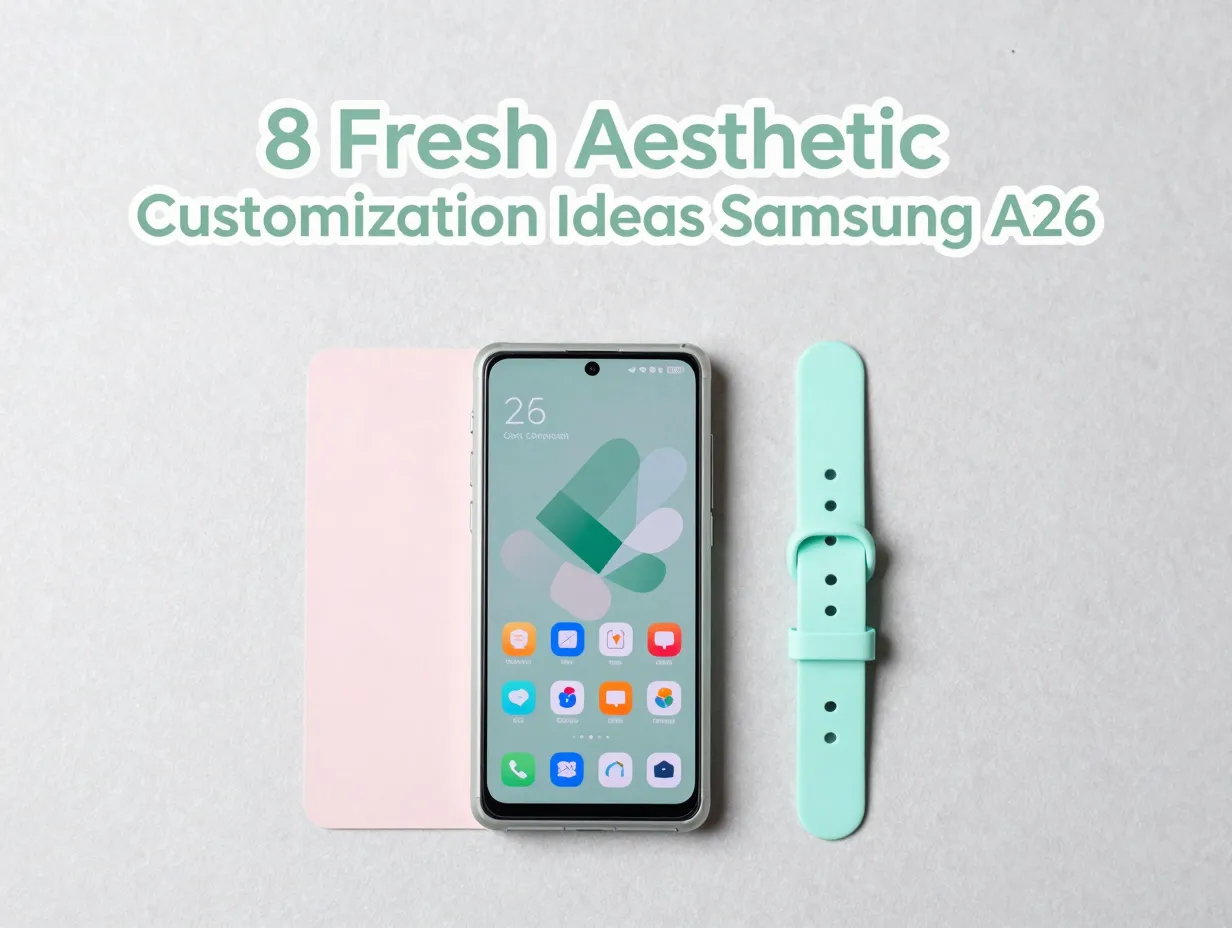
8 Fresh Aesthetic Ideas to Customize Your New Samsung A26
Only 34% of smartphone owners ever change their device’s default wallpaper, yet the Samsung Galaxy A26 ships with a 6.7-inch Super AMOLED canvas, a slim glass body, and up to six years of software updates, making it one of the most customization-ready mid-range phones available in 2026. That combination of premium display hardware and long-term OS support turns the A26 into a living design project rather than a static gadget. This guide covers 8 fresh aesthetic ideas to customize your new Samsung A26, walking through every layer of personalization, from software themes and icon packs to physical cases and Always On Display styles, so the phone looks exactly the way its owner wants it to.
Disclosure: This post contains affiliate links. As an Amazon Associate, we earn from qualifying purchases, and at no extra cost to you.
Key Takeaways
- The Galaxy A26’s FHD+ Super AMOLED display makes dark themes, high-contrast wallpapers, and vivid color schemes especially striking
- Hardware color choices (Black, White, Mint, Peach Pink) provide a natural starting point for building a cohesive software theme
- Six years of OS and security updates mean aesthetic features such as new One UI themes and color palettes will keep arriving through the early 2030s
- Physical customization, clear cases, skins, and straps, layers on top of software themes without replacing them
- Modest spending on icon packs, themes, and accessories can elevate the A26’s look without approaching flagship-level total cost
Why the Samsung Galaxy A26 Is an Ideal Aesthetic Canvas
Before diving into the 8 fresh aesthetic ideas to customize your new Samsung A26, it helps to understand what makes this device unusually well-suited to personalization.
The A26 measures just 7.7 mm thick and features a flat-body design with a glass back and a linear grouped rear camera layout [1][3]. That clean, geometric silhouette means cases, skins, and color-matched software themes all sit neatly on the hardware without visual clutter. The phone is available in Black, White, Mint, and Peach Pink depending on the region, giving buyers a built-in color story to build around [3][10].
The display is a 6.7-inch FHD+ (1080 x 2340) Super AMOLED panel with slim bezels [1]. AMOLED technology produces true blacks by switching off individual pixels, which means dark wallpapers and dark-mode interfaces look dramatically richer than they would on an LCD screen. High-contrast visuals, vivid color gradients, and photo-based home screens all benefit directly from this panel technology [1][14].
Perhaps most importantly for long-term aesthetics, Samsung has committed to six major OS updates and six years of security patches for the A26 [1]. New One UI releases consistently bring updated theme engines, fresh color palette tools, and lock screen style options, so the customization possibilities will expand year after year through the early 2030s [1][7].
Priced at approximately 299.99 USD for the unlocked 128 GB model in the United States and around 319 EUR in Europe at launch, the A26 sits firmly in the affordable mid-range [4][9]. That pricing leaves budget for accessories, icon packs, and premium themes without pushing total ownership cost anywhere near flagship territory [7].
The 8 Fresh Aesthetic Ideas to Customize Your New Samsung A26
The following ideas are organized to move from foundational software choices through to physical hardware styling. Each one can stand alone or be combined with others for a layered, cohesive look.
1. Build a Hardware-Matched Color Theme
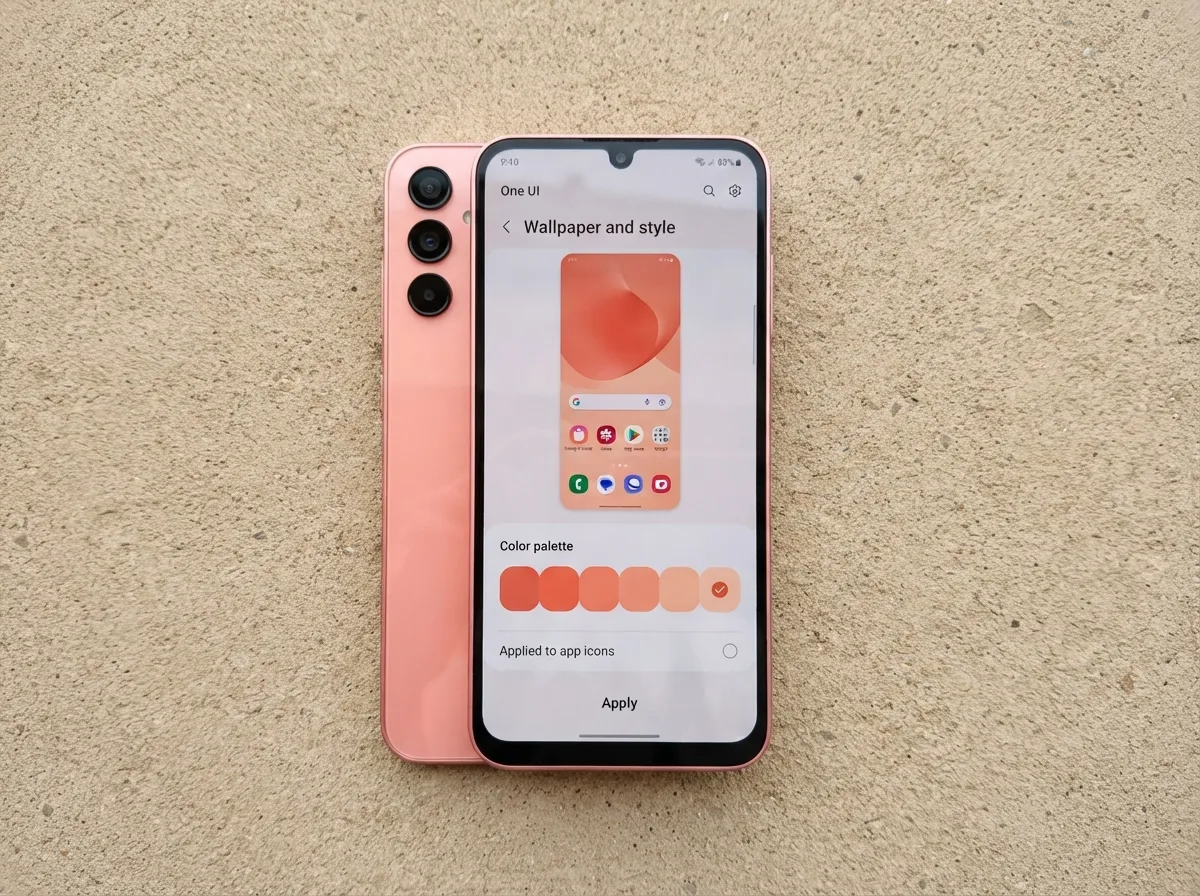
The most direct path to a polished aesthetic is matching the phone’s software palette to its physical color. Samsung’s One UI includes a Color Palette feature that samples accent colors from the chosen wallpaper and applies them to system icons, menus, and some app elements [5][6].
Start by identifying the dominant tone of the hardware color. A Mint device pairs naturally with sage green, seafoam, or cool teal software accents. A Peach Pink body calls for warm coral, dusty rose, or warm sand tones. Black and White devices offer the most flexibility, they work with virtually any accent color, from electric blue to deep burgundy [3][10].
Steps to apply a hardware-matched theme:
- Open Settings and navigate to Wallpaper and Style
- Choose a wallpaper that shares the dominant hue of the device color
- Tap Color Palette and select the swatch that best matches the hardware finish
- Apply the palette and review how it affects system icons and menus
- Fine-tune by visiting the Galaxy Themes store for icon packs in the same color family [5][6]
The result is a phone where the physical shell and the digital interface feel like a single designed object rather than two separate layers.
2. Activate a Deep AMOLED Dark Theme
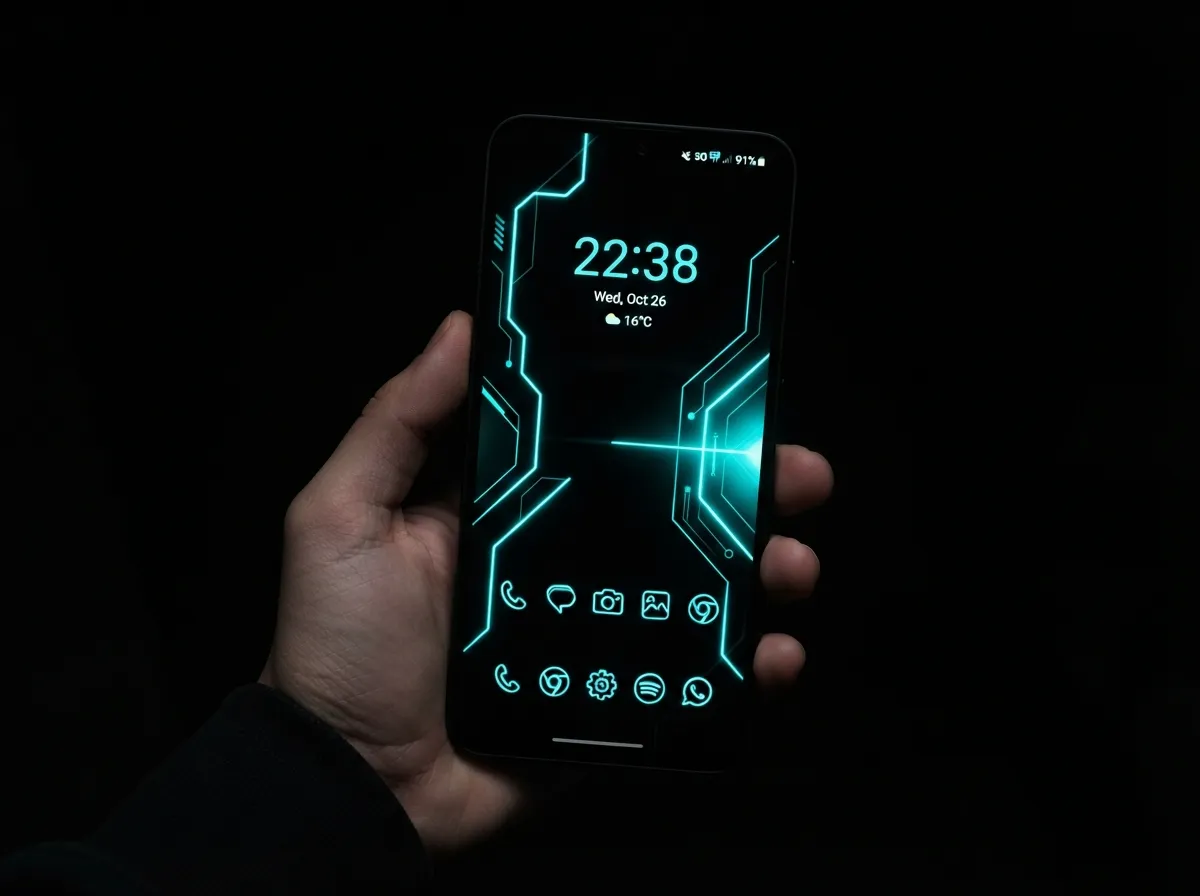
The Galaxy A26’s Super AMOLED display is at its most impressive in dark mode. Because AMOLED panels turn off pixels to produce black, a true-black wallpaper paired with a dark system theme creates a near-borderless visual effect where content appears to float on a void [1][5].
“Dark mode on an AMOLED display is not just an aesthetic preference, it is a technical advantage that makes colors appear more saturated and blacks appear genuinely infinite.”
To set this up, enable Dark Mode in Settings under Display, then choose a wallpaper with deep blacks or very dark gradients. The Galaxy Themes store offers numerous AMOLED-optimized themes that coordinate dark backgrounds with colored accent lines, neon typography, or subtle texture overlays [5][6]. Pair this with a matching icon pack, dark-background icon styles with thin colored outlines work especially well on this panel [6].
This approach is also practical: dark mode on AMOLED screens reduces battery consumption compared to bright white interfaces, so the aesthetic choice carries a functional benefit [1].
3. Curate a Pastel or Monochrome Mood Board
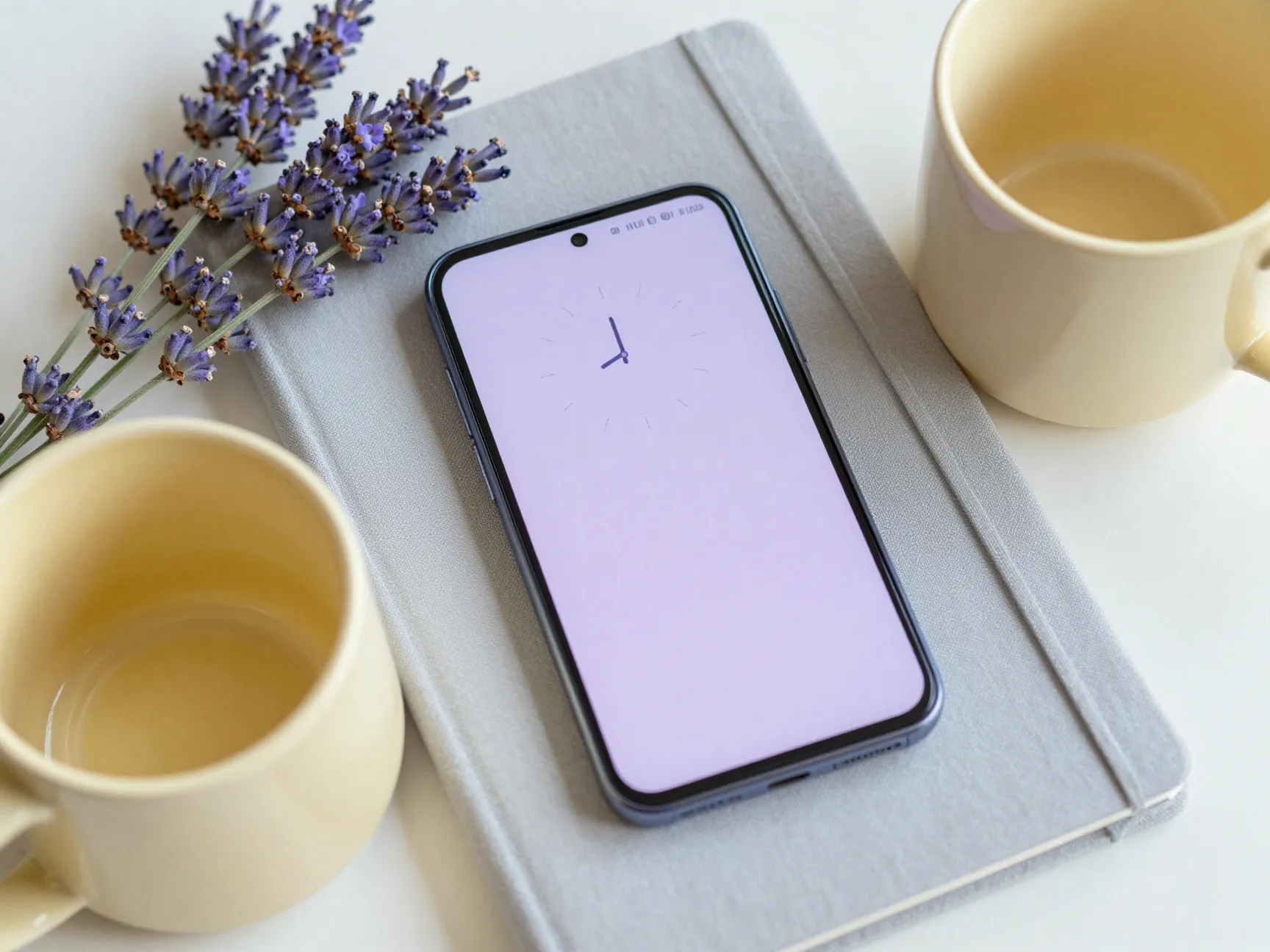
For users who prefer a softer, more editorial look, a mood-board approach treats the home screen and lock screen as a coordinated visual composition. The A26’s customization guides demonstrate how to apply different wallpapers to the home screen and lock screen separately, and how to add filters or color frames to wallpapers directly in the settings menu [5].
Popular mood-board styles for the A26:
- Pastel: Soft lavender, blush, mint, or butter-yellow wallpapers paired with rounded, lightly colored icon packs and a matching clock widget
- Monochrome: A single hue in multiple shades, all-gray, all-navy, or all-warm-white, for a minimal, magazine-like feel
- Neon: Deep black backgrounds with one or two vivid accent colors (electric green, hot pink, cyan) for a high-energy aesthetic that the AMOLED panel renders brilliantly
- Nature editorial: High-resolution botanical or landscape photography as wallpaper, with neutral icon packs that do not compete with the image
The key to a successful mood board is restraint. Limiting the palette to two or three colors across wallpaper, icons, and widgets produces a coherent result. Mixing too many hues breaks the visual logic of the composition.
4. Redesign the Home Screen Layout with Widgets and Grids
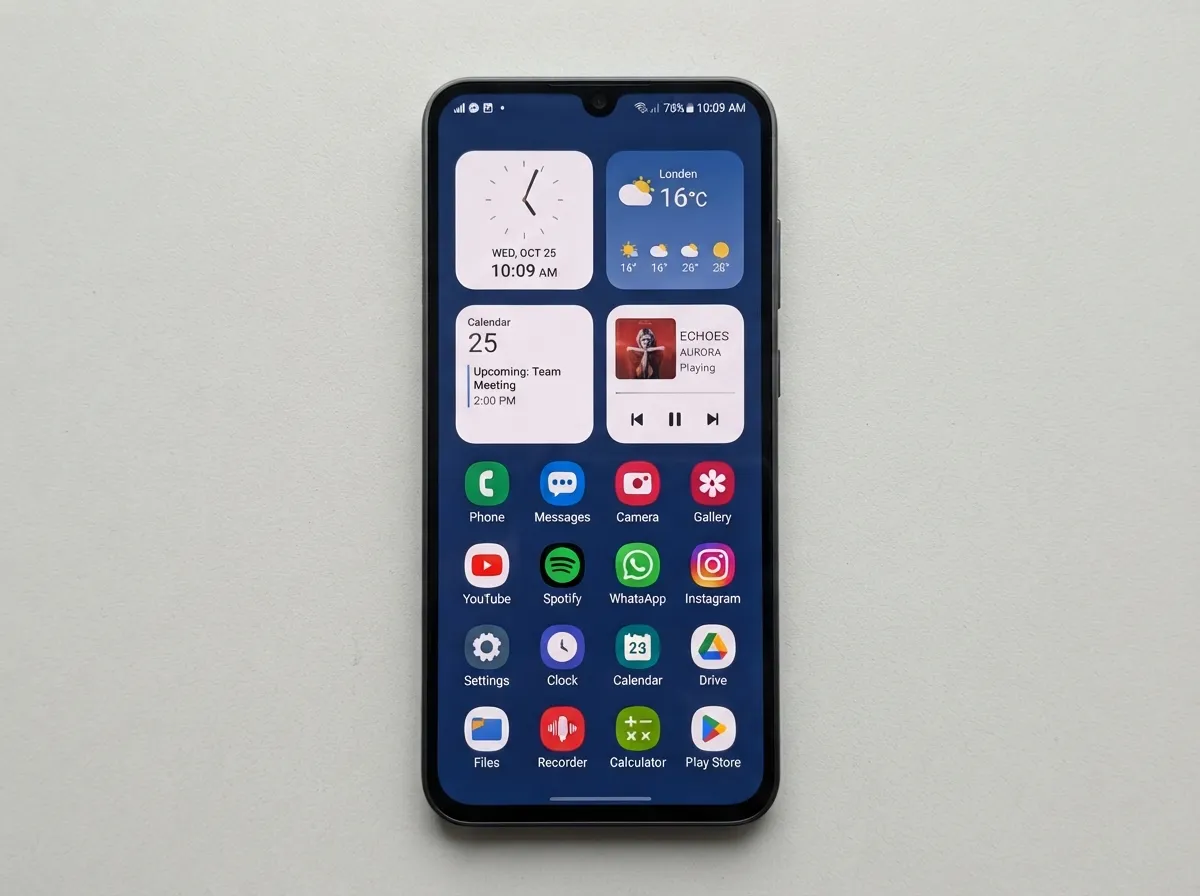
A changed wallpaper is the most obvious customization, but the home screen grid and widget arrangement have an equally large impact on the overall aesthetic. The A26 supports adjustable home screen grids, resizable icons, and a range of widget types including clock, weather, calendar, and audio controls [6].
Two contrasting layout philosophies work well on the A26’s large 6.7-inch display:
| Layout Style | Grid Setting | Widget Use | Best For |
|---|---|---|---|
| Minimal Two-Page | 4×5 or 4×6 | One large clock widget, no other widgets | Clean, gallery-like aesthetic |
| Information-Dense Dashboard | 5×6 | Weather, calendar, audio, and battery widgets | Functional, data-rich panel |
| Symmetric Magazine | 4×5 | Matched-size widgets in a balanced grid | Editorial, symmetrical composition |
The A26’s flat, rectangular design reinforces grid-based layouts because the hardware lines echo the geometric structure of a well-organized home screen [1][6]. Experimenting with grid density and widget sizing is one of the fastest ways to change the phone’s personality without installing a single third-party app.
5. Style the Lock Screen and Always On Display
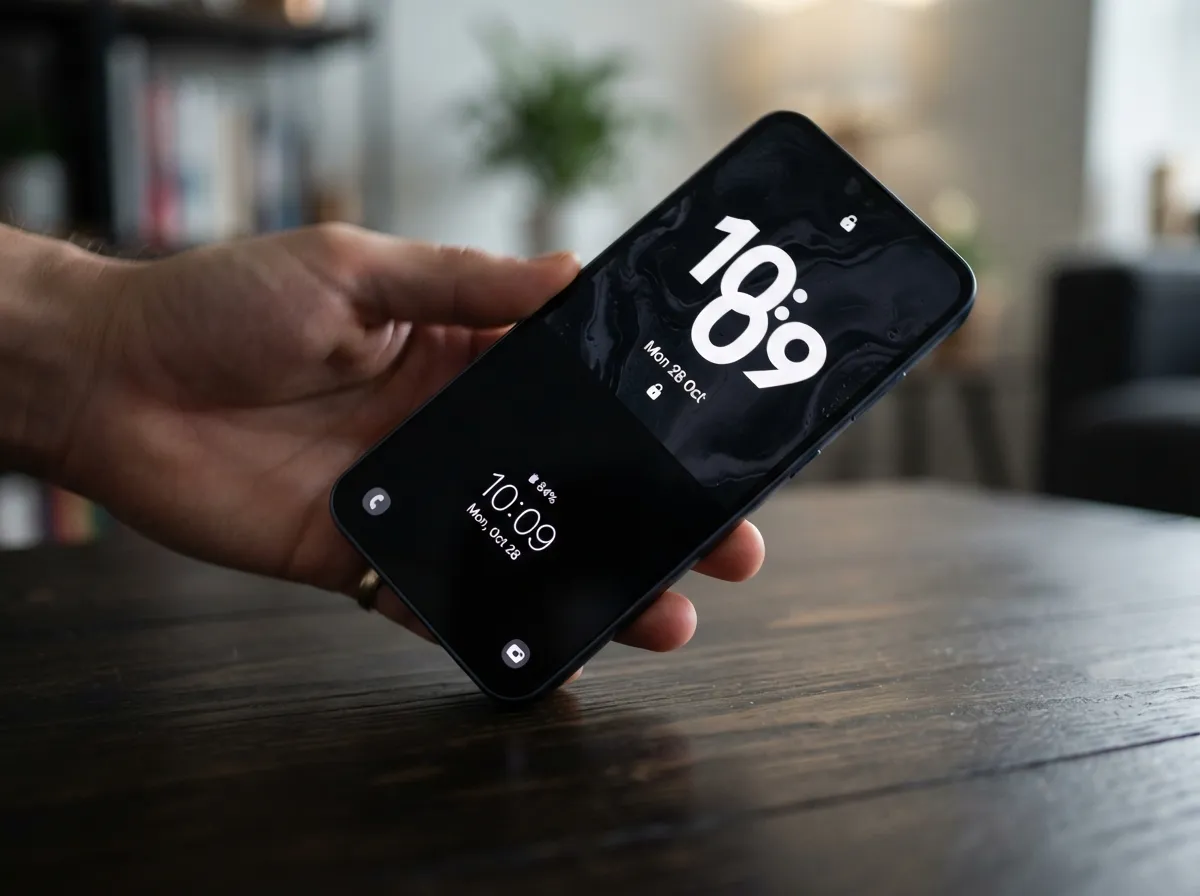
The lock screen and Always On Display (AOD) are the first visuals seen every time the phone is picked up, making them high-impact aesthetic real estate. One UI on the A26 allows users to edit the lock screen layout, choose from multiple clock styles (including large typography clocks), and add lock screen widgets for quick information at a glance [5][6].
The AOD feature takes particular advantage of the AMOLED panel. Because only the lit pixels consume power, an AOD design with a dark background and minimal bright elements is both visually elegant and battery-efficient [1][11]. Matching the AOD clock style and color to the home screen wallpaper palette creates a seamless visual transition when unlocking the phone.
Lock screen styling options worth exploring:
- Large typography clock with a minimal date display and no widgets, clean, editorial
- Small clock with two lock screen widgets (weather and next calendar event), functional
- Photo-based lock screen using the dynamic lock screen feature, which cycles through a curated image collection automatically [5]
- Matching the lock screen wallpaper to the AOD accent color for a unified “glance” aesthetic
6. Apply a Full Galaxy Themes Store Makeover
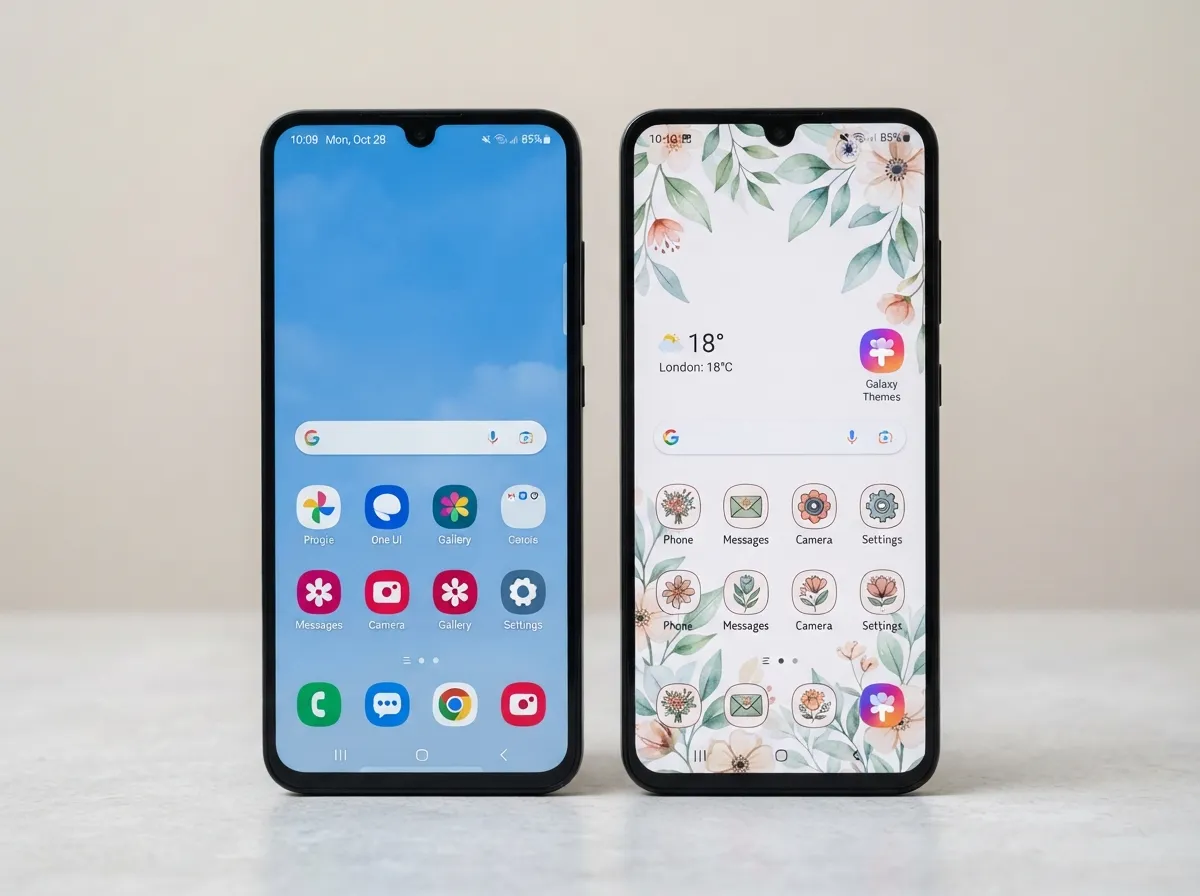
The Galaxy Themes store is Samsung’s built-in marketplace for complete visual overhauls. A full theme typically replaces the system wallpaper, icon set, font, and some UI element colors in a single tap, making it the fastest route to a dramatically different aesthetic [5][6].
Themes range from free minimal designs to paid premium packs with hand-drawn icons, custom fonts, and coordinated AOD designs. Users who want a bold transformation without manually configuring every element will find this the most efficient approach.
What a full theme typically changes:
- Home screen and lock screen wallpapers
- System icon shapes and colors
- Font style and weight across the interface
- Some menu and notification panel visual elements
- Always On Display design (in premium themes)
For users who want a subtler change, One UI also allows applying only the icon pack from a theme while keeping the default wallpaper and system colors, a useful middle ground between a full overhaul and a stock look [5][6].
Given the A26’s six-year update commitment, new themes will continue arriving in the store through the early 2030s, meaning the phone’s aesthetic can be refreshed seasonally or whenever a new design trend emerges [1][7].
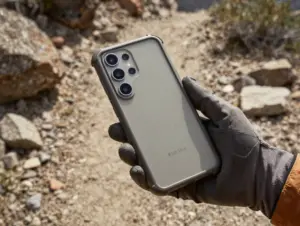
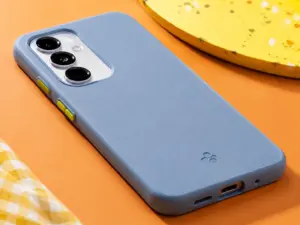
7. Use Clear or Tinted Cases to Preserve and Enhance the Hardware Design
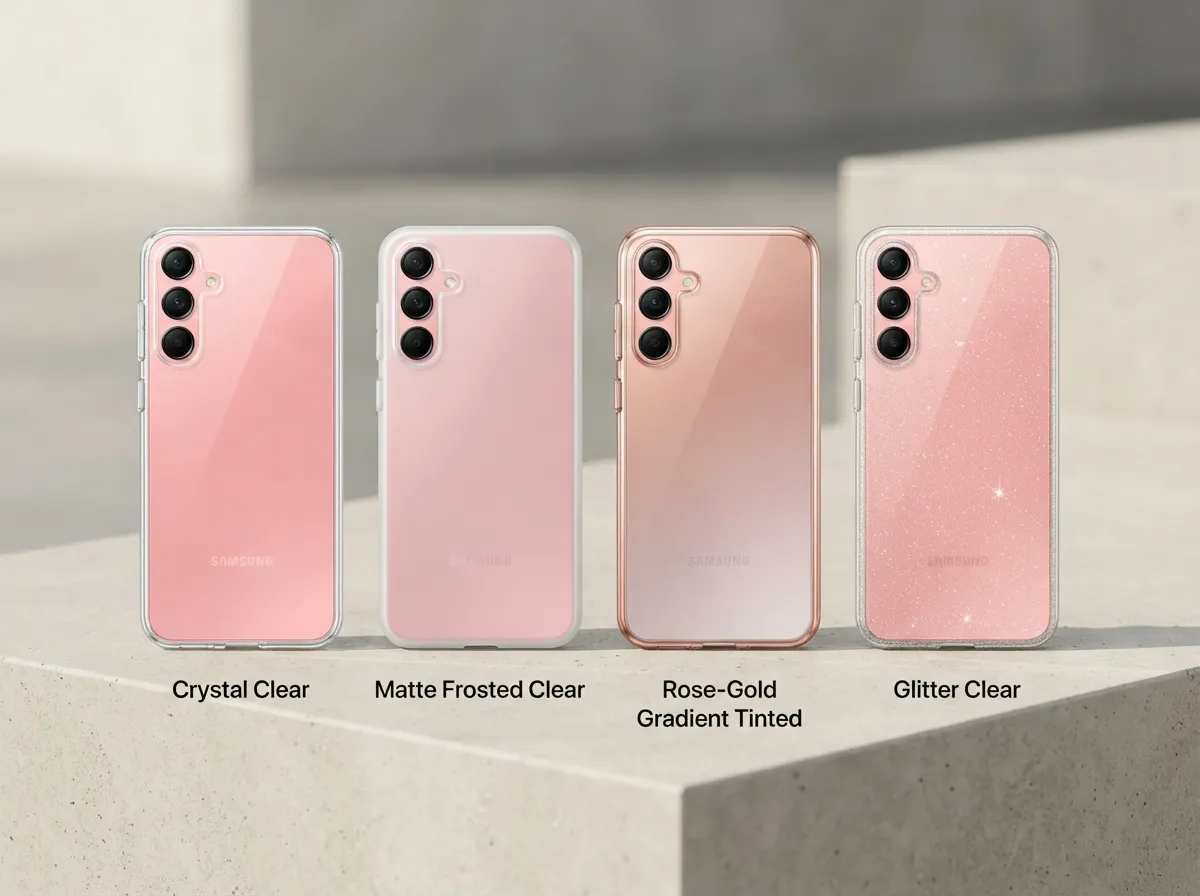
The A26’s glass back and grouped linear camera cluster are design features worth showcasing rather than hiding. Clear and lightly tinted cases have become the dominant accessory choice for users who want physical protection without obscuring the hardware color [1][3][7].
Several case finishes work particularly well with the A26’s design language:
- Crystal clear: Maximum visibility of the original color; pairs with any software theme
- Matte frosted clear: Reduces fingerprints while keeping the color visible; adds a tactile premium feel
- Gradient tinted: A subtle color wash (rose-gold, blue, or green) that shifts the hardware hue slightly while still reading as a transparent case
- Glitter or sparkle clear: Adds visual texture without blocking the glass back; popular with Peach Pink and Mint models
Frandroid’s coverage of the A26 highlights the phone’s reinforced glass construction and extended software support as factors that make it appealing to users who want a premium-looking device they can style over several years [7]. A well-chosen case extends that premium appearance while protecting the investment.
Avoid fully opaque cases in colors that clash with the hardware finish, they erase the design work Samsung put into the color options and create visual dissonance between the physical and software aesthetics.
8. Add Vinyl Skins, Straps, and Coordinated Accessories
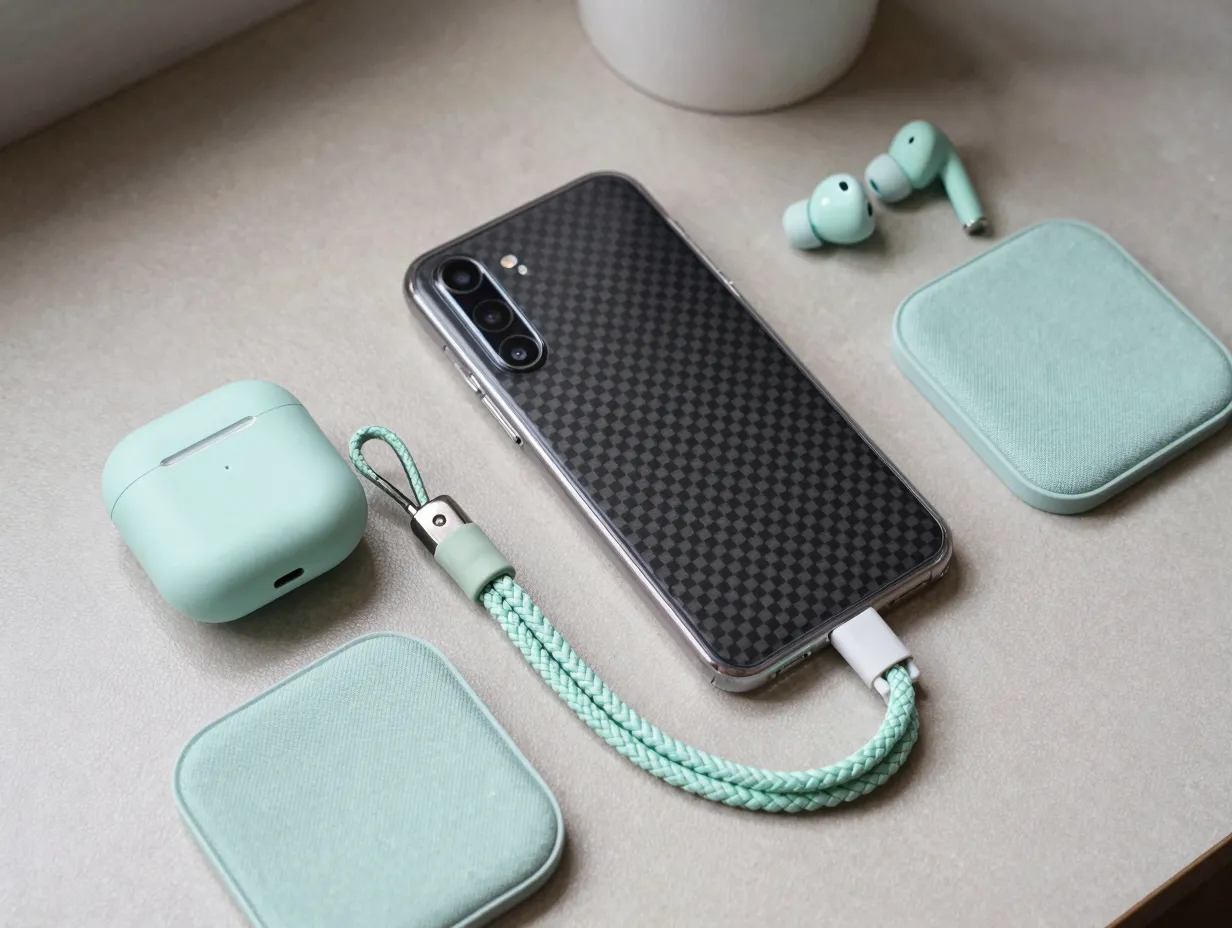
The final layer of the 8 fresh aesthetic ideas to customize your new Samsung A26 moves beyond the screen and into the physical environment the phone inhabits. Vinyl skins, wrist straps, and coordinated accessories extend the aesthetic from the device itself to how it looks in daily use.
Vinyl skins are thin adhesive wraps that cover the back and sides of the phone. They come in textures, carbon fiber, brushed metal, leather grain, marble, and solid matte colors, that the glass back alone cannot replicate. Unlike cases, skins add virtually no thickness, preserving the A26’s slim 7.7 mm profile [1][3]. They are also removable and repositionable, making them ideal for users who change their aesthetic frequently.
Wrist straps and lanyards attach to the phone case and have become a visible styling element in 2026, particularly in pastel, braided, or beaded styles that complement the Mint and Peach Pink hardware colors [10].
Coordinated accessories, matching wireless earbuds cases, charging pads in the same color family, or phone stands in complementary materials, extend the aesthetic into the wider desk or bag environment. The A26’s mid-range price point leaves room in the budget for these additions without significant financial strain [4][9].
Pre-launch design discussions around the A26 noted early interest in the phone’s side-button area and color options as signals of Samsung’s evolving mid-range design language [8][13]. The final device’s clean flat frame and glass back validate those early expectations and provide a strong foundation for skin and accessory layering.
Combining Ideas for a Cohesive Aesthetic System
The most visually satisfying results come from treating these eight ideas as a system rather than a checklist. A well-executed aesthetic on the A26 typically works across three layers simultaneously:
Layer 1, Hardware: Device color, case finish, and skin texture establish the physical palette.
Layer 2, System UI: Wallpaper, Color Palette, dark or light mode, and Galaxy Theme create the digital environment that matches layer one.
Layer 3, Detail elements: Icon pack, lock screen clock style, AOD design, widget layout, and font choice refine the look at the micro level.
When all three layers share a consistent color story and visual tone, whether that is minimal monochrome, vivid neon, soft pastel, or warm editorial, the phone reads as a deliberately designed object rather than a default device with a few changes applied.
The A26’s six-year update window means this system can be rebuilt seasonally. A winter aesthetic might use deep navy, charcoal, and silver; a summer refresh might shift to warm coral, sand, and gold. The hardware color stays constant, but everything else can evolve [1][7].
Conclusion
The Samsung Galaxy A26 offers an unusually strong foundation for personal expression. Its Super AMOLED display rewards vivid and dark aesthetics alike, its glass body and clean hardware lines complement both minimal and bold software themes, and its long software support window ensures that new customization tools will keep arriving for years [1][7].
Actionable next steps for getting started:
- Identify the hardware color of the device and choose a wallpaper that either matches or deliberately contrasts with it
- Open Settings, navigate to Wallpaper and Style, and activate the Color Palette feature to align system accents with the chosen wallpaper
- Visit the Galaxy Themes store and browse full themes or standalone icon packs in the target aesthetic style
- Adjust the home screen grid and add one or two widgets to establish a layout that fits the chosen visual tone
- Configure the lock screen clock style and AOD design to match the home screen palette
- Choose a case finish, clear, matte, or tinted, that preserves or subtly enhances the hardware color
- Consider a vinyl skin or coordinated accessories for the final physical layer
Starting with just two or three of these steps produces a noticeable improvement. Building all eight layers over time creates a phone that feels genuinely personal, and with six years of updates ahead, there is plenty of time to keep refining it.
References
[1] Galaxy A26 5G – https://www.samsung.com/us/smartphones/galaxy-a26-5g/
[2] Samsung – https://www.samsung.com/us/smartphones/galaxy-a26/buy/
[3] Galaxy A26 5G Black 256GB SM-A266BZKCEUB – https://www.samsung.com/es/smartphones/galaxy-a/galaxy-a26-5g-black-256gb-sm-a266bzkceub/
[4] Galaxy A26 5G Black 128GB SKU SM-A266UZKAXAA – https://www.samsung.com/us/smartphones/galaxy-a26/buy/galaxy-a26-5g-black-128gb-sku-sm-a266uzkaxaa/
[5] Watch – https://www.youtube.com/watch?v=Mf5PuN_ljxU
[6] Watch – https://www.youtube.com/watch?v=gQc6UYW0Wd4
[7] Samsung Galaxy A26 – https://www.frandroid.com/produits/smartphones/samsung/2527101-samsung-galaxy-a26
[8] Leaked Samsung Galaxy A26 Renders – https://techwiser.com/leaked-samsung-galaxy-a26-renders/
[9] Galaxy A26 Samsung – https://www.idealo.de/preisvergleich/OffersOfProduct/206013932_-galaxy-a26-samsung.html
[10] Galaxy A26 5G Mint 256GB SM-A266BLGHPHL – https://www.samsung.com/ph/smartphones/galaxy-a/galaxy-a26-5g-mint-256gb-sm-a266blghphl/