9 Incredible 8K Wallpaper Options For Your Samsung S23 Ultra
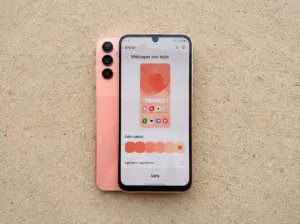
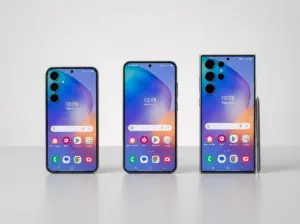
The Samsung Galaxy S23 Ultra ships with a 6.8-inch Dynamic AMOLED 2X display capable of rendering over one billion colors at a native resolution of 1440 x 3088 pixels, yet most users never push that screen beyond the default wallpaper that came loaded from the factory. That is a significant missed opportunity. Feeding that panel a true 8K source image (7680 x 4320 pixels or larger) means the phone can oversample the content, allowing smooth cropping, pinch-to-zoom repositioning, and razor-sharp detail at every corner of the screen. This guide covers 9 incredible 8K wallpaper options for your Samsung S23 Ultra, drawing on the most current wallpaper catalogs, dedicated Android apps, and official firmware sources refreshed as recently as August 2026.
Disclosure: This post contains affiliate links. As an Amazon Associate, we earn from qualifying purchases, and at no extra cost to you.
Key Takeaways
- The S23 Ultra’s 1440 x 3088 display benefits from 8K source images because oversampling preserves sharpness when cropping or zooming.
- Official Samsung firmware wallpapers, large wallpaper catalogs, and dedicated Android apps are the three main supply chains for high-resolution backgrounds.
- AMOLED-optimized dark wallpapers save battery on the S23 Ultra’s OLED panel while delivering deep, true-black contrast.
- Device-specific categories labeled “S22/S23 Ultra” at 1440 x 3088 offer the most accurate aspect ratio with zero distortion.
- Live and dynamic wallpapers add motion to the experience but require more battery; static 8K options remain the most widely available and easiest to install.
Why 8K Wallpapers Matter for the Samsung S23 Ultra
Before exploring the 9 incredible 8K wallpaper options for your Samsung S23 Ultra, it helps to understand the technical logic behind choosing a source resolution that far exceeds the screen’s native output.
The S23 Ultra display sits at 1440 x 3088 pixels [4]. An 8K image at 7680 x 4320 pixels contains roughly 33 megapixels of data [10]. When the Android system downscales that image to fit the screen, the extra pixel information acts as a buffer. Users can reposition the wallpaper, sliding it left, right, up, or down, without any visible softening. The same principle applies when the parallax scrolling effect shifts the background as the user swipes between home-screen panels.
Why this matters in practice:
- A 4K source at 3840 x 2160 gives roughly 2x the native pixel density, which is adequate.
- An 8K source at 7680 x 4320 gives approximately 5x the native pixel density, which is exceptional.
- Sources as large as 9600 x 5400 pixels exist in major catalogs and provide even more repositioning headroom [10].
The AMOLED panel also responds differently to dark versus bright wallpapers. On an OLED screen, true-black pixels are literally switched off, which reduces power draw and eliminates light bleed around dark UI elements. This is why dedicated 8K wallpaper apps consistently market dark-mode and AMOLED-tuned collections as a flagship feature [12].
The 9 Incredible 8K Wallpaper Options For Your Samsung S23 Ultra
The options below are organized by source type and visual category. Each entry explains what makes it stand out, where to find it, and how to get the best result on the S23 Ultra’s screen.
1. Official Samsung Firmware Stock Wallpapers
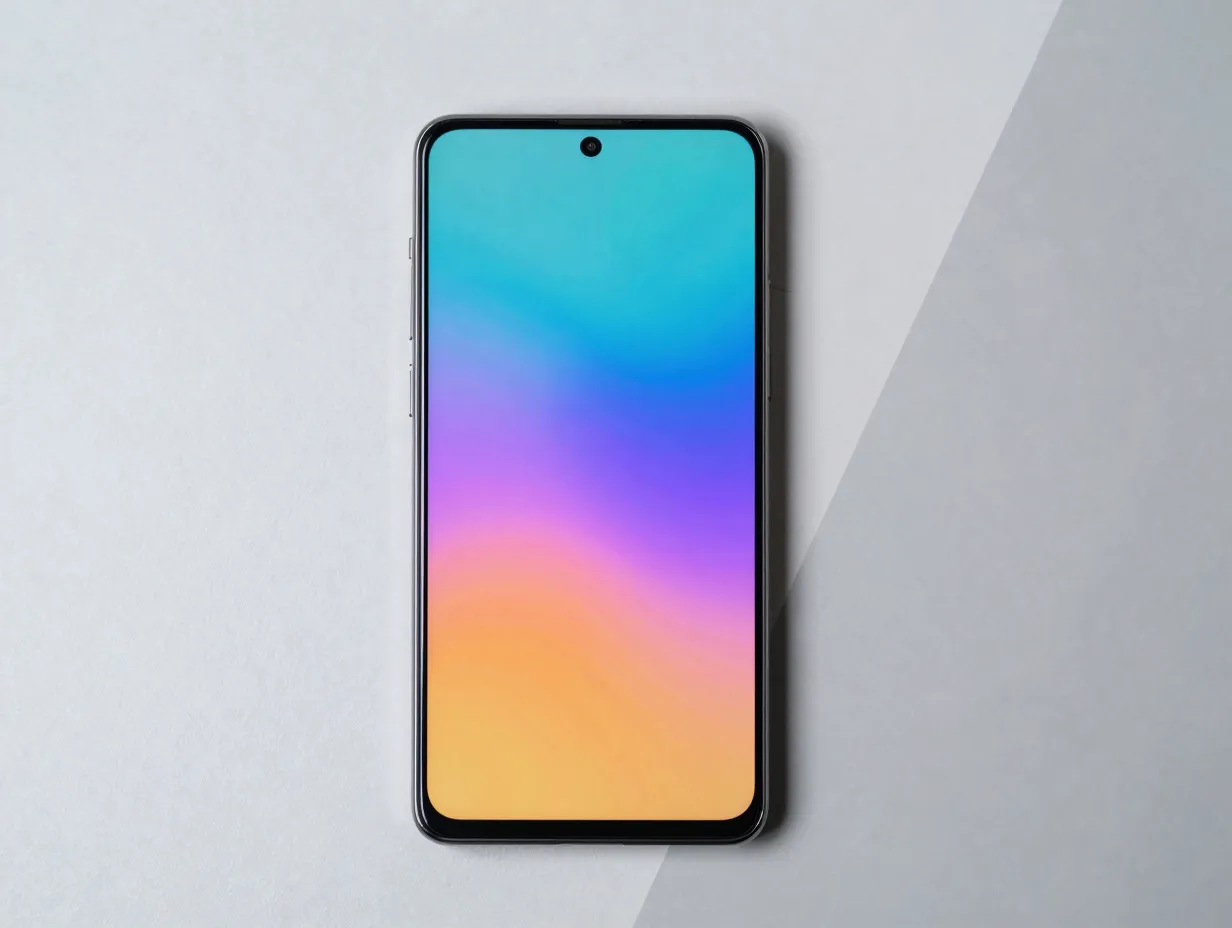
Samsung ships the Galaxy S23 Ultra with eight static wallpapers, four live wallpapers, and eight DeX-optimized wallpapers extracted directly from the device firmware [4]. The static and DeX wallpapers reach up to 3200 x 3200 pixels, while live wallpapers are rendered at the native 1440 x 3088 resolution [9].
These are not technically 8K by pixel count, but they are the most device-accurate option available. Colors are calibrated to the S23 Ultra’s color profile, aspect ratios are exact, and the files contain no compression artifacts. For users who want a clean, manufacturer-intended look, this is the logical starting point.
Where to find them: XDA Developers hosts a well-documented archive of S23 Series wallpapers extracted from official firmware, updated as recently as August 2026 [4].
| Wallpaper Type | Resolution | Count |
|---|---|---|
| Static | Up to 3200 x 3200 | 8 |
| Live | 1440 x 3088 | 4 |
| DeX Optimized | Up to 3200 x 3200 | 8 |
2. Deep Space and Nebula 8K AMOLED Wallpapers
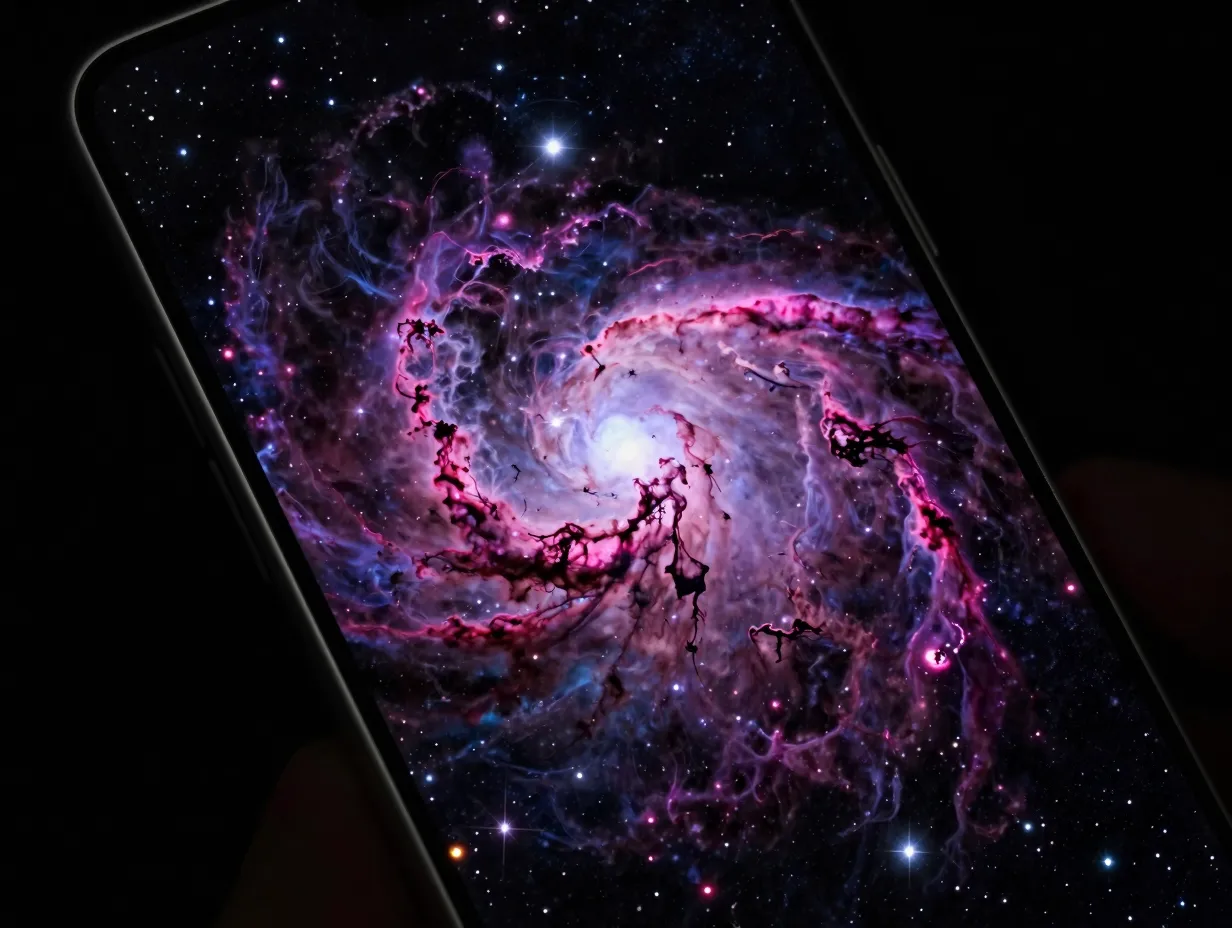
Space photography is the single most popular category in S23 Ultra wallpaper collections, and for good reason. Deep blacks, vivid star clusters, and sweeping nebula gradients are a natural fit for an AMOLED panel where black pixels consume zero power.
A dedicated S22/S23 Ultra category on a major wallpaper platform hosts approximately 230 space-themed wallpapers optimized specifically for the 1440 x 3088 display, with the library refreshed in early August 2026 [13][14]. Separate 8K entries in the same catalog reach 7680 x 4320 pixels, giving the S23 Ultra’s processor ample data to downsample cleanly.
Best practice: When setting a space wallpaper, disable the parallax scrolling effect in the S23 Ultra’s wallpaper settings. The static lock keeps the nebula centered and prevents the image from drifting off-center during swipes.
3. 8K Ultra HD Nature Landscapes
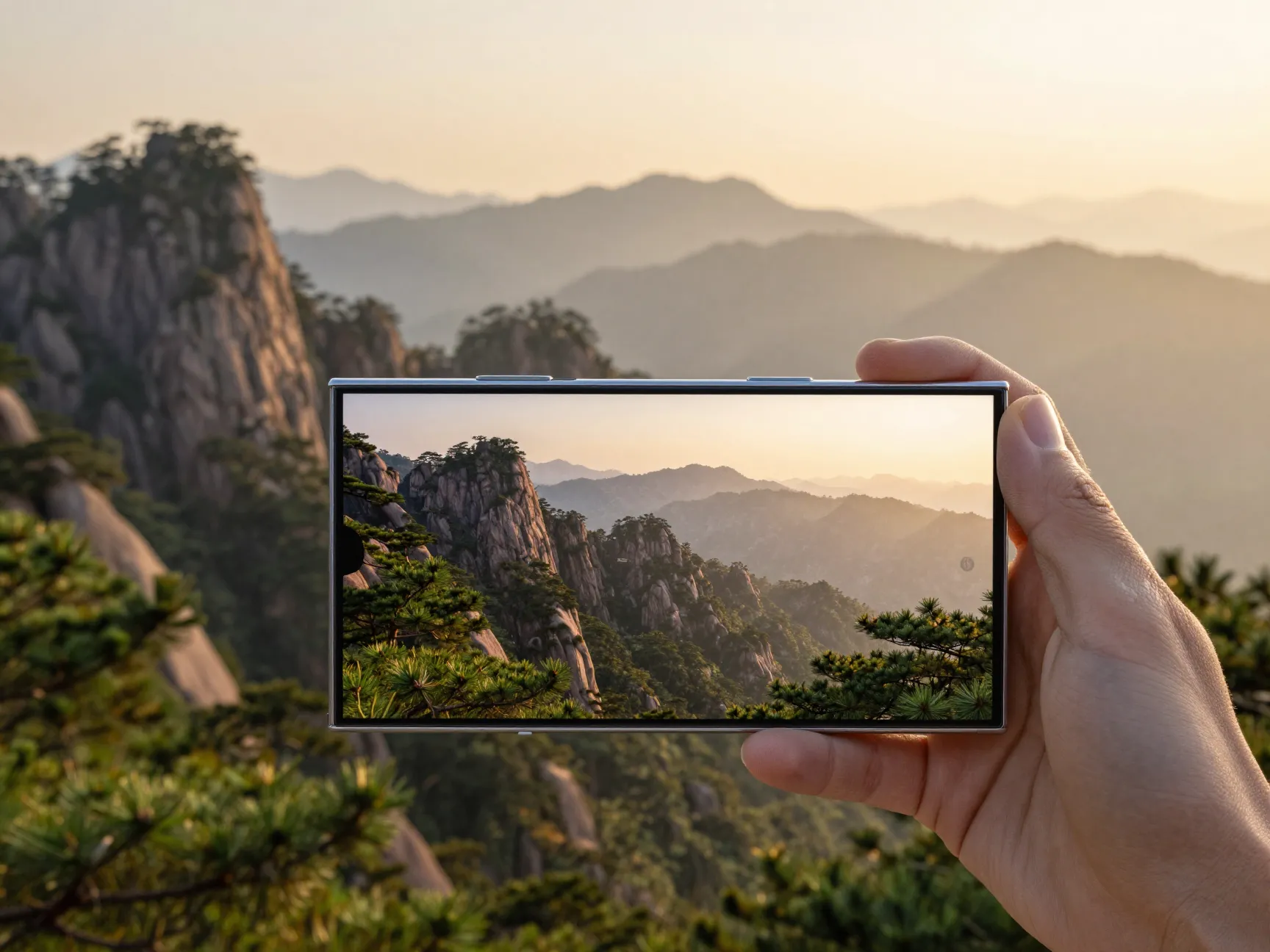
Sweeping mountain ranges, coastal cliffs at golden hour, and dense rainforest canopies photographed at 8K resolution translate beautifully onto the S23 Ultra’s screen. The high pixel density of the source image means that fine details, individual pine needles, water droplets on leaves, distant rock textures, survive the downscaling process intact.
A broad 8K wallpaper catalog hosts 238 different 8K images, with the largest files reaching 9600 x 5400 pixels [10]. The catalog was updated on August 19, 2026, and explicitly supports sending images to a phone for use as a lock-screen background. Nature landscapes make up a significant portion of that library.
“The extra pixel information in an 8K source acts as a buffer, users can reposition the wallpaper without any visible softening.”
For nature wallpapers, enabling parallax scrolling is actually recommended. The wide field of view in a landscape image means there is enough content on the left and right edges to create a convincing depth effect as the user navigates between home-screen panels.
4. AMOLED Dark Abstract and Geometric Wallpapers
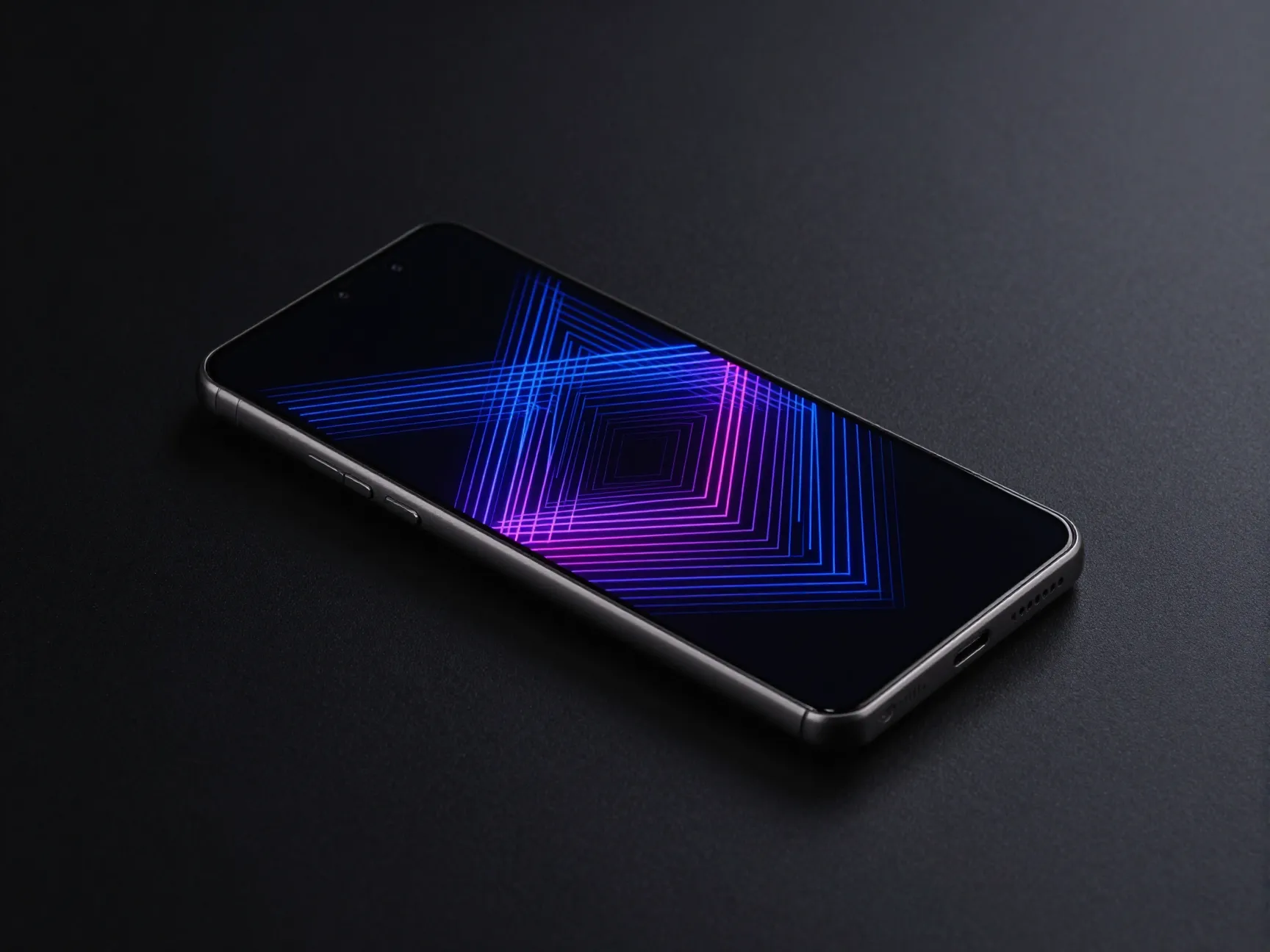
Abstract designs built on near-black or pure-black backgrounds are among the most battery-efficient wallpaper choices for the S23 Ultra. A specialized 8K Ultra HD AMOLED collection provides 53 wallpapers optimized specifically for OLED and AMOLED displays, positioning them as suitable for both smartphones and desktop monitors [15].
These wallpapers typically feature:
- Deep charcoal or true-black base colors
- Geometric line work in neon or metallic tones
- Gradient transitions that avoid harsh banding on the AMOLED panel
- Minimal bright regions that could cause uneven wear on older OLED units
The collection was last formally updated in November 2025 and remains one of the most clearly labeled 8K AMOLED sets for S23 Ultra users [15].
5. Samsung Galaxy S23 Ultra Wallpaper Apps (Google Play)
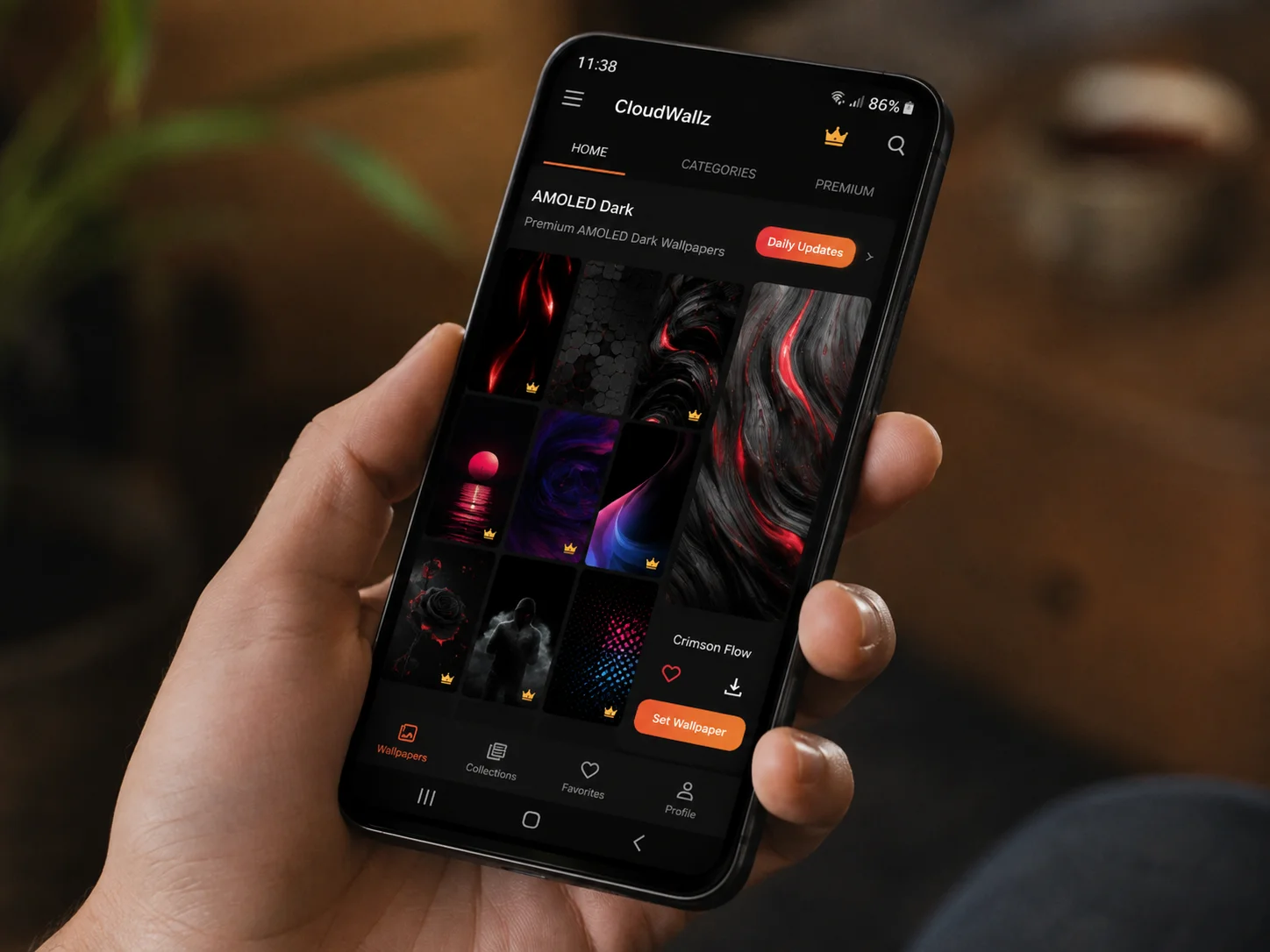
Dedicated Android apps represent a convenient, cloud-updated supply chain for S23 Ultra backgrounds. Several apps on Google Play offer thousands of Full HD and 4K wallpapers tuned specifically for the device’s Super AMOLED display, including stock Samsung designs, dynamic AMOLED backgrounds, and auto-refreshing libraries [2][5][7].
Key features to look for in a quality S23 Ultra wallpaper app:
- AMOLED dark mode collection, filters wallpapers by background brightness for battery efficiency.
- Daily or weekly cloud updates, ensures the library stays fresh without manual searches.
- Device-specific resolution filtering, lets users browse only images sized for the 1440 x 3088 aspect ratio.
- Live wallpaper support, animated backgrounds that respond to touch or tilt.
- Offline download, saves favorites for use without a data connection.
Apps in this category were revised as recently as June and November 2025 and remain among the most actively maintained S23 Ultra wallpaper sources [2][7].
6. Wallpapers.com S23 Ultra Category
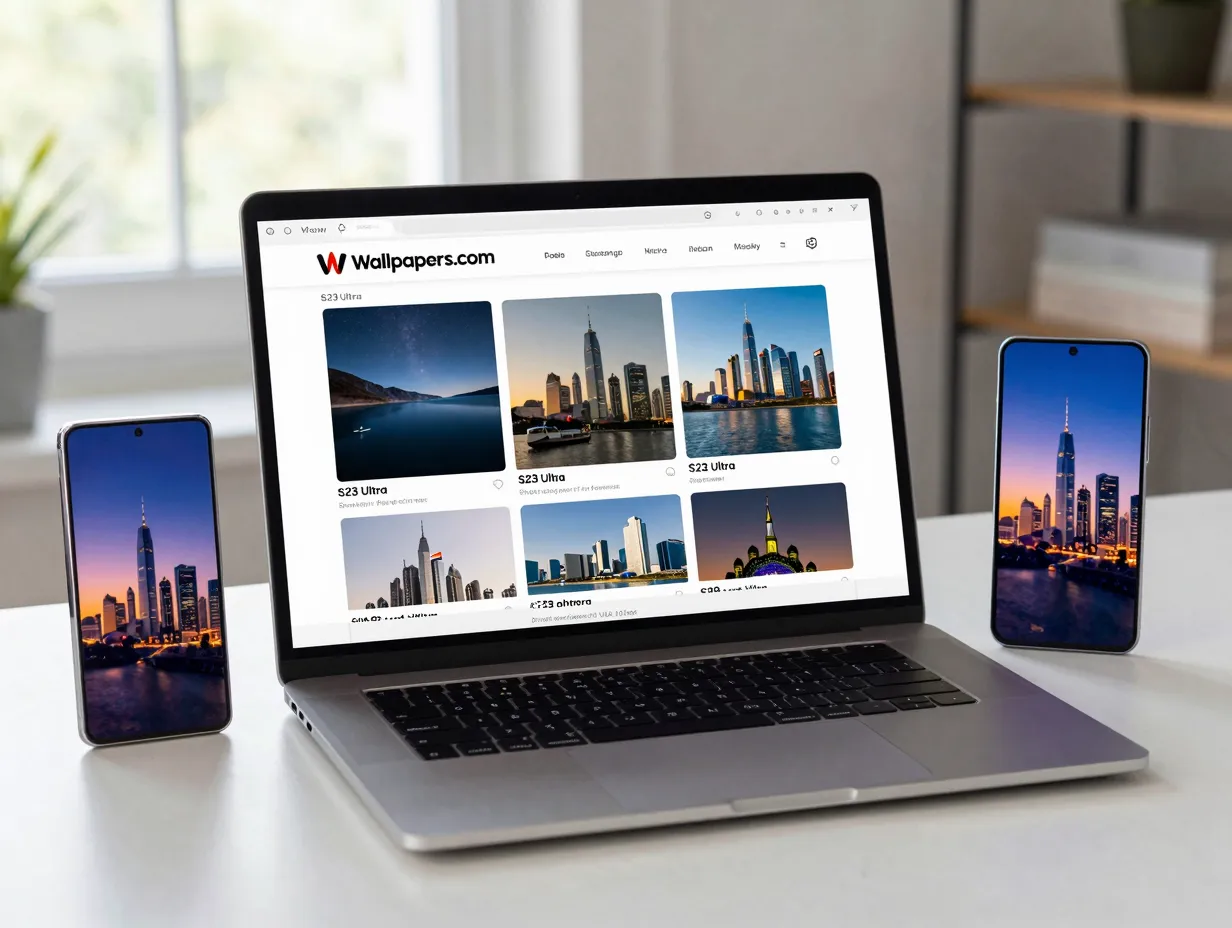
Large image platforms that curate content by device compatibility offer a reliable middle ground between raw image archives and dedicated apps. One major platform hosts a dedicated S23 Ultra category providing hundreds of high-resolution images in HD, 4K, and higher formats, with ongoing updates into 2025 and 2026 [1][3].
These collections are curated by relevance and device compatibility rather than strictly by resolution label. Many assets are large enough to downscale cleanly on the S23 Ultra screen, even when they are not explicitly branded as 8K. The platform also maintains a standalone 8K catalog with 238 entries updated in August 2026 [10].
Practical tip: Use the platform’s resolution filter to surface only images above 4000 pixels on the short edge. This ensures the wallpaper will look sharp even after the Android system applies its downscaling algorithm.
7. Freepik High-Resolution Samsung S23 Ultra Wallpaper Vectors
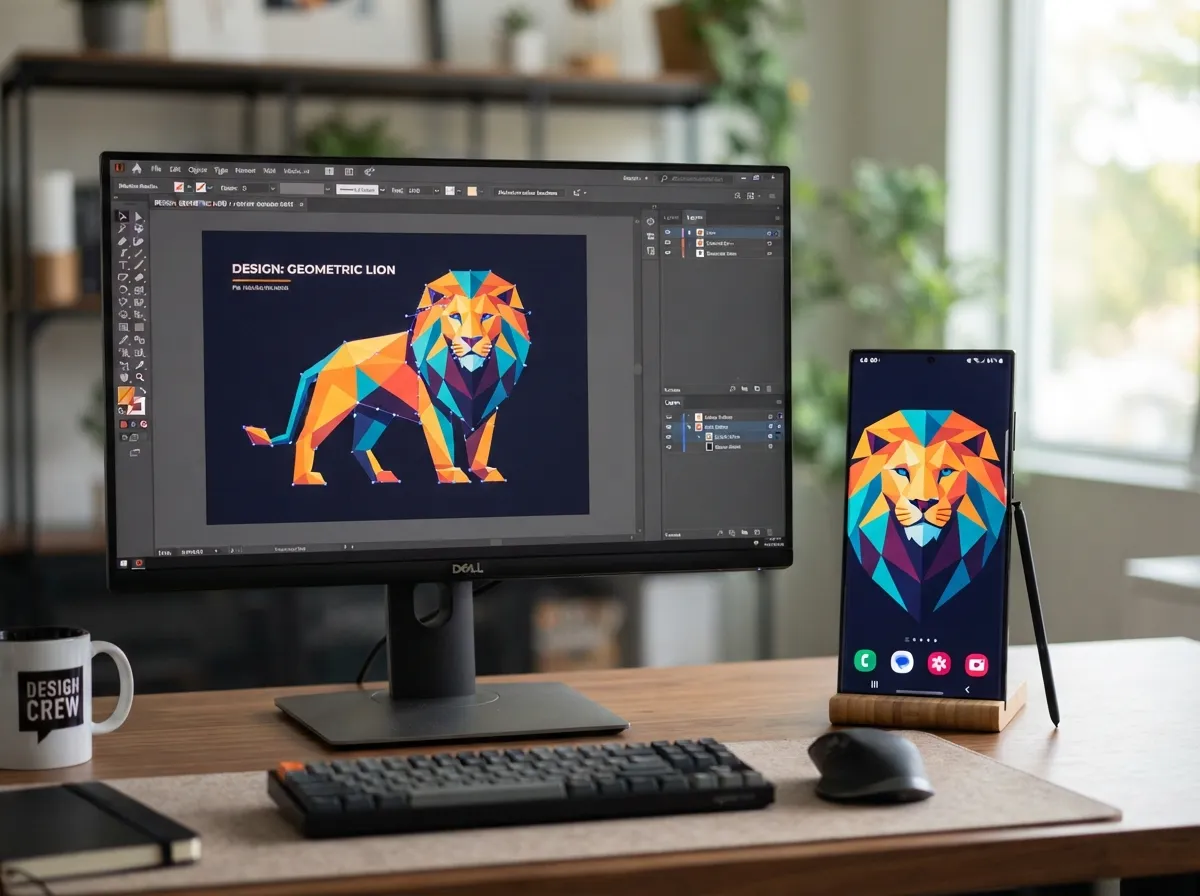
Vector-based wallpapers occupy a unique niche in the high-resolution space. Because vectors are mathematically defined rather than pixel-mapped, they can be exported at any resolution, including 8K or beyond, without any loss of sharpness. Freepik hosts a library of free Samsung S23 Ultra wallpaper vectors and high-resolution photos that can be downloaded and rendered at the exact pixel dimensions needed [6].
This option is particularly useful for users who want to customize a design before setting it as a wallpaper. A vector file can be opened in a graphics application, color-adjusted to match a preferred theme, and then exported at 7680 x 4320 pixels before transfer to the phone.
Best for: Users comfortable with basic image editing who want a personalized wallpaper that no one else has.
8. WallpaperSafari Samsung Galaxy S23 Ultra HD Gallery
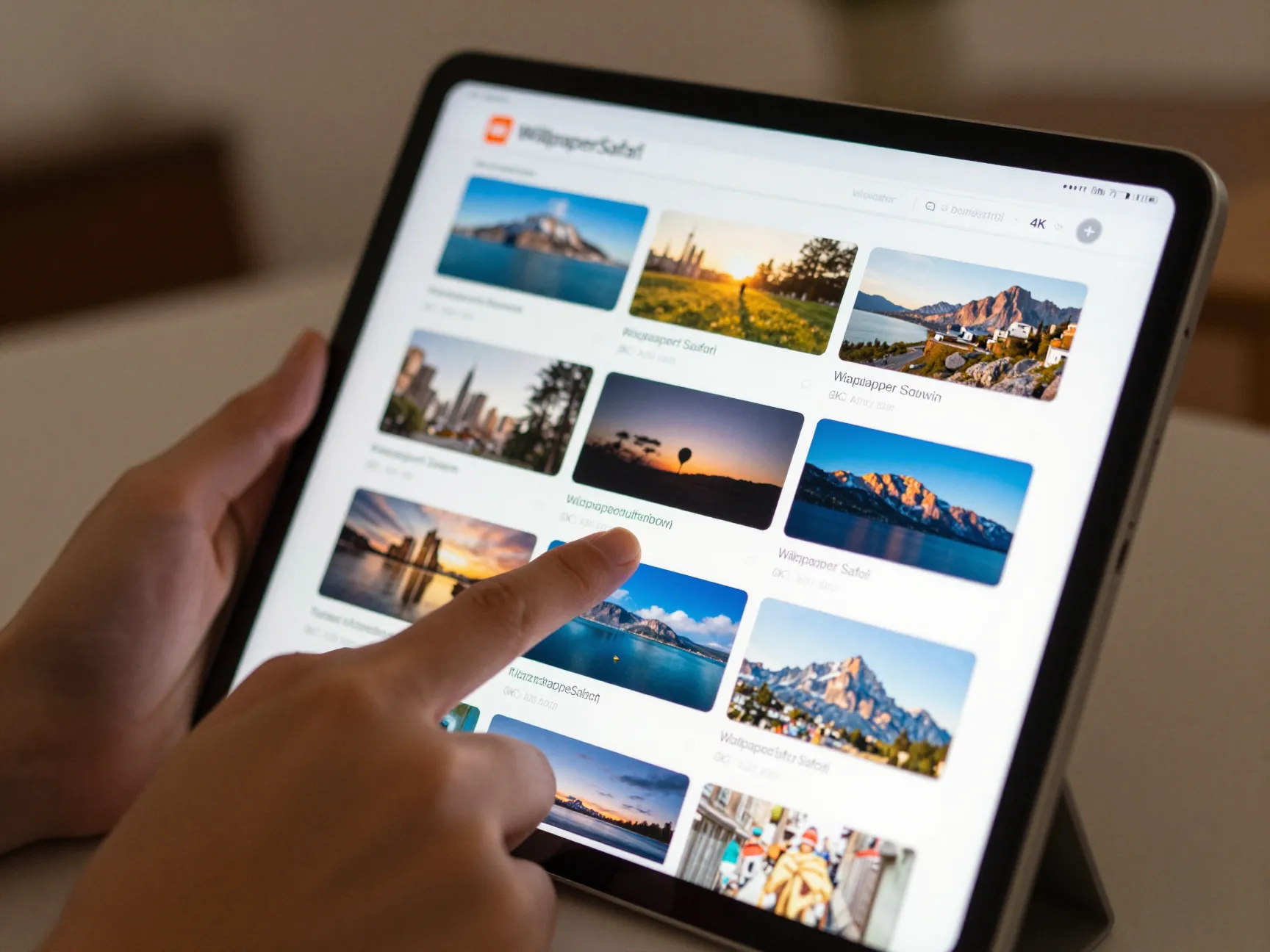
Aggregator galleries that pull together high-resolution options from multiple sources provide a broad browsing experience with minimal setup. WallpaperSafari hosts a Samsung Galaxy S23 Ultra HD wallpaper gallery that emphasizes device-specific suitability, aggregating multiple high-resolution options and making them available for direct download [8].
While the gallery focuses primarily on HD and 4K rather than explicit 8K branding, the library size and mid-2025 refresh make it a practical source of ultra-sharp backgrounds. The curation approach means that low-quality or poorly sized images are filtered out before they reach the user.
Resolution note: Always check the pixel dimensions listed on the download page before saving. On this type of aggregator, image sizes vary widely. Prioritize files with a short edge above 3000 pixels for the best result on the S23 Ultra.
9. 8K Wallpaper Android App (Dedicated 8K-Only Library)
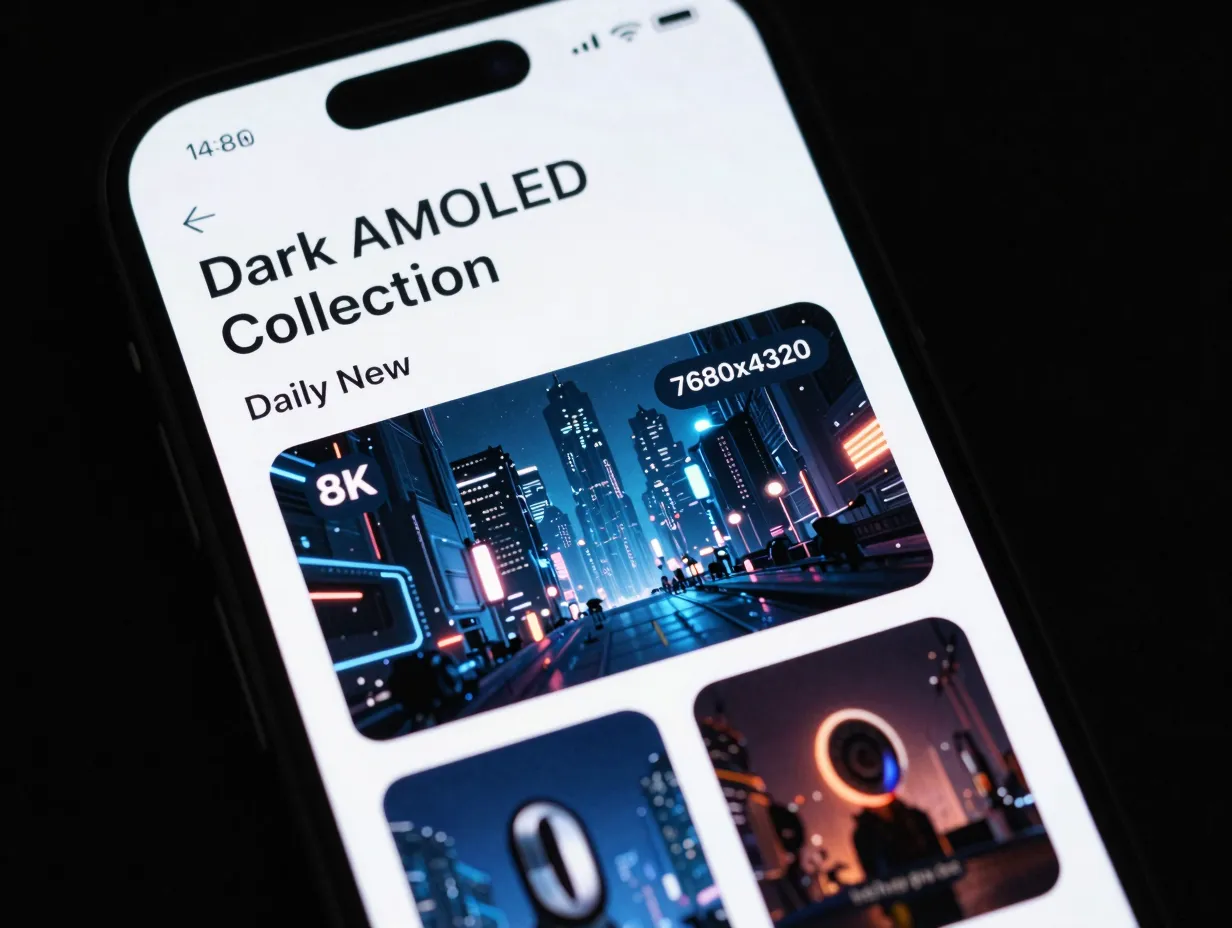
A standalone Android app dedicated exclusively to 8K content defines 8K as 7680 x 4320 pixels and markets “8K Ultra HD wallpapers” as the sharpest currently available on Android [12]. The app features daily updates, a dark-wallpaper collection designed specifically for AMOLED screens, and a browsing interface organized by category.
The listing was last updated on July 22, 2026, making it one of the most recently maintained dedicated 8K sources for Android users [12]. Key differentiators compared to general wallpaper apps include:
- Strict resolution floor: Every image in the library meets the 7680 x 4320 minimum, so there is no risk of accidentally downloading a lower-resolution file.
- AMOLED dark collection: A curated sub-library of dark-background 8K images optimized for power efficiency on OLED panels.
- Daily refresh: New images are added every day, keeping the library current.
- Direct set functionality: Users can set any image as a home-screen or lock-screen wallpaper directly from within the app without saving to the gallery first.
How to Set an 8K Wallpaper on the Samsung S23 Ultra
Downloading the right image is only half the process. The steps below ensure the wallpaper displays correctly at maximum quality.
Step-by-step installation:
- Download the 8K image to the phone’s internal storage or SD card.
- Open the Samsung Gallery app and locate the downloaded file.
- Tap the three-dot menu in the top-right corner and select “Set as wallpaper.”
- Choose “Home screen,” “Lock screen,” or “Home and lock screens.”
- Use the crop and position tool to frame the desired area of the image.
- Tap “Set as wallpaper” to confirm.
Important settings to check:
- Motion effect (parallax): Turn this off for space and abstract wallpapers; leave it on for wide landscape shots.
- Display resolution: Confirm the S23 Ultra is set to WQHD+ (2K) in Settings > Display > Screen Resolution for maximum sharpness.
- Dark mode: Pairing a dark 8K wallpaper with system-wide dark mode creates a cohesive visual experience and reduces eye strain.
Comparing the 9 Options at a Glance
| Option | Source Type | Max Resolution | AMOLED Optimized | Live Wallpaper |
|---|---|---|---|---|
| 1. Samsung Firmware Stock | Official firmware | 3200 x 3200 | Yes | Yes (4 options) |
| 2. Deep Space Nebula | Wallpaper catalog | 7680 x 4320 | Yes | No |
| 3. Nature Landscapes | 8K catalog | 9600 x 5400 | Partial | No |
| 4. AMOLED Dark Abstract | Specialized AMOLED set | 7680 x 4320 | Yes | No |
| 5. Wallpaper Apps (Play) | Android app | 4K+ (varies) | Yes | Yes |
| 6. Wallpapers.com S23 Category | Web platform | Up to 9600 x 5400 | Partial | No |
| 7. Freepik Vectors | Vector library | Unlimited (vector) | Customizable | No |
| 8. WallpaperSafari Gallery | Aggregator gallery | 4K+ (varies) | Partial | No |
| 9. Dedicated 8K App | Android app | 7680 x 4320 | Yes | No |
Conclusion
The 9 incredible 8K wallpaper options for your Samsung S23 Ultra covered in this guide span official firmware archives, large web catalogs, dedicated Android apps, vector libraries, and aggregator galleries. Each source has a distinct advantage depending on what the user values most, pixel-perfect accuracy, AMOLED battery efficiency, daily variety, or creative customization.
Actionable next steps:
- Start with the official Samsung firmware wallpapers from XDA Developers [4] to establish a baseline for how the S23 Ultra renders high-quality images.
- Install one dedicated 8K wallpaper app from Google Play [2][7] and enable its dark-mode filter to explore AMOLED-optimized options.
- Visit the Wallpapers.com 8K catalog [10] and download two or three nature landscapes at 9600 x 5400 pixels to test the oversampling advantage firsthand.
- Confirm the S23 Ultra’s display resolution is set to WQHD+ in the device settings before evaluating any new wallpaper.
- Revisit the S22/S23 Ultra device-specific category for space-themed wallpapers [13][14] when a fresh look is needed, the library is updated regularly and the 1440 x 3088 sizing guarantees a perfect fit.
The S23 Ultra’s display is one of the finest panels ever placed in a consumer smartphone. Pairing it with a true 8K source image is the fastest, lowest-cost upgrade available to any owner of the device.
References
[1] S23 Ultra – https://wallpapers.com/s23-ultra
[2] Details – https://play.google.com/store/apps/details?id=com.samstudio.wallpapers.galaxys23&hl=en_ZA
[3] Samsung S23 Ultra – https://wallpapers.com/samsung-s23-ultra
[4] Samsung Galaxy S23 Series Wallpapers – https://www.xda-developers.com/samsung-galaxy-s23-series-wallpapers/
[5] Details – https://play.google.com/store/apps/details?id=com.BinaryCores.S23UltraWallpapers&hl=ar
[6] Samsung S23 Ultra Wallpaper – https://www.freepik.com/free-photos-vectors/samsung-s23-ultra-wallpaper
[7] Details – https://play.google.com/store/apps/details?id=com.BinaryCores.S23UltraWallpapers&hl=en_GB
[8] Samsung Galaxy S23 Ultra Hd Wallpapers – https://wallpapersafari.com/samsung-galaxy-s23-ultra-hd-wallpapers/
[9] Samsung Galaxy S23 Wallpapers – https://www.ytechb.com/samsung-galaxy-s23-wallpapers/
[10] wallpapers – https://wallpapers.com/8k