9 Breathtaking 8K AMOLED Wallpapers Optimized For Your Samsung Screen
Samsung’s AMOLED panels can switch individual pixels completely off to render pure black, a physical property that no LCD screen can replicate. Yet the majority of Samsung owners still set a compressed JPEG from a quick Google search as their wallpaper, leaving the display’s most powerful visual capability entirely unused. This guide to 9 Breathtaking 8K AMOLED Wallpapers Optimized For Your Samsung Screen changes that, walking through nine carefully chosen wallpaper categories, the science behind why each one works, and exactly where to find the highest-resolution versions available in 2026.
Disclosure: This post contains affiliate links. As an Amazon Associate, we earn from qualifying purchases, and at no extra cost to you.
Key Takeaways
- Samsung AMOLED displays turn pixels fully off for true black, so wallpapers with large dark areas save battery and look dramatically sharper than they do on LCD screens.
- Native 8K resolution exceeds current Samsung phone screen specs, but 8K source files downscale to perfect sharpness at any zoom or crop position, making them the best starting point for any Samsung background.
- The practical target resolution for Samsung Galaxy phones in 2026 is 3088×1440 (Galaxy S24 Ultra and S26 Ultra), meaning 4K and 8K files both display beautifully after Samsung Gallery’s intelligent scaling.
- Free, no-registration sources including Wallpapers.com, Backdrova, WallpaperAccess, and Pexels host hundreds of true 8K AMOLED-ready files updated as recently as August 2026.
- Optimal AMOLED wallpapers follow a simple formula: at least 80% pure #000000 black, a single vivid subject, and minimal compression artifacts.
Why 8K Source Files Make a Real Difference on Samsung AMOLED Screens
The Samsung Galaxy S24 Ultra and S26 Ultra both run at a native resolution of 3088×1440 pixels. At first glance, sourcing an 8K file (7680×4320 or higher) for a screen that tops out at roughly 3K seems unnecessary. The logic breaks down the moment a user pinches to zoom, adjusts the crop window in Samsung Gallery, or uses the same file across a phone, tablet, and monitor simultaneously.
Samsung’s Gallery app scales and crops wallpapers intelligently, meaning a 9600×5400 file gives the app far more pixel data to work with before any quality loss occurs [2][4]. The result is a wallpaper that holds its edge sharpness at every crop position, with no visible softness around fine details like fur, leaves, or star fields.
Why AMOLED changes the equation entirely:
The key difference between AMOLED and LCD is not just contrast ratio on a spec sheet. AMOLED pixels are self-emissive, each one generates its own light. When a pixel displays pure black (#000000), it draws zero power. A wallpaper built on a true-black canvas therefore:
- Reduces battery drain compared to a bright or white background
- Eliminates backlight bleed that washes out dark areas on LCD panels
- Creates an infinite contrast ratio between the lit subject and the dark surround
- Makes colors appear more saturated without any software processing
The “Best AMOLED Wallpapers 2026” benchmark published by 2Live sets the minimum standard at 80% pure #000000 black coverage, a single bright focal subject, and no compression artifacts [9]. Every wallpaper category in this guide meets or exceeds that standard.
A quick reference for resolution compatibility:
| Source Resolution | Samsung Phone Display | Samsung Monitor | Recommended Use |
|---|---|---|---|
| 8K (7680×4320) | Downscaled, perfect crop flexibility | Native or near-native | Best overall starting point |
| 4K (3840×2160) | Slight downscale, excellent quality | Upscaled, still sharp | Practical everyday choice |
| QHD (3088×1440) | Native on S24/S26 Ultra | Upscaled | Phone-only use |
| FHD (1920×1080) | Upscaled, some softness | Upscaled | Avoid for AMOLED |
9 Breathtaking 8K AMOLED Wallpapers Optimized For Your Samsung Screen, The Full List
The nine categories below represent the most visually impactful types of AMOLED-ready content available at 8K resolution in 2026. Each entry includes what makes the category work technically, what to look for in a specific file, and where to find verified 8K versions.
1. Wildlife Eyes in Extreme Close-Up
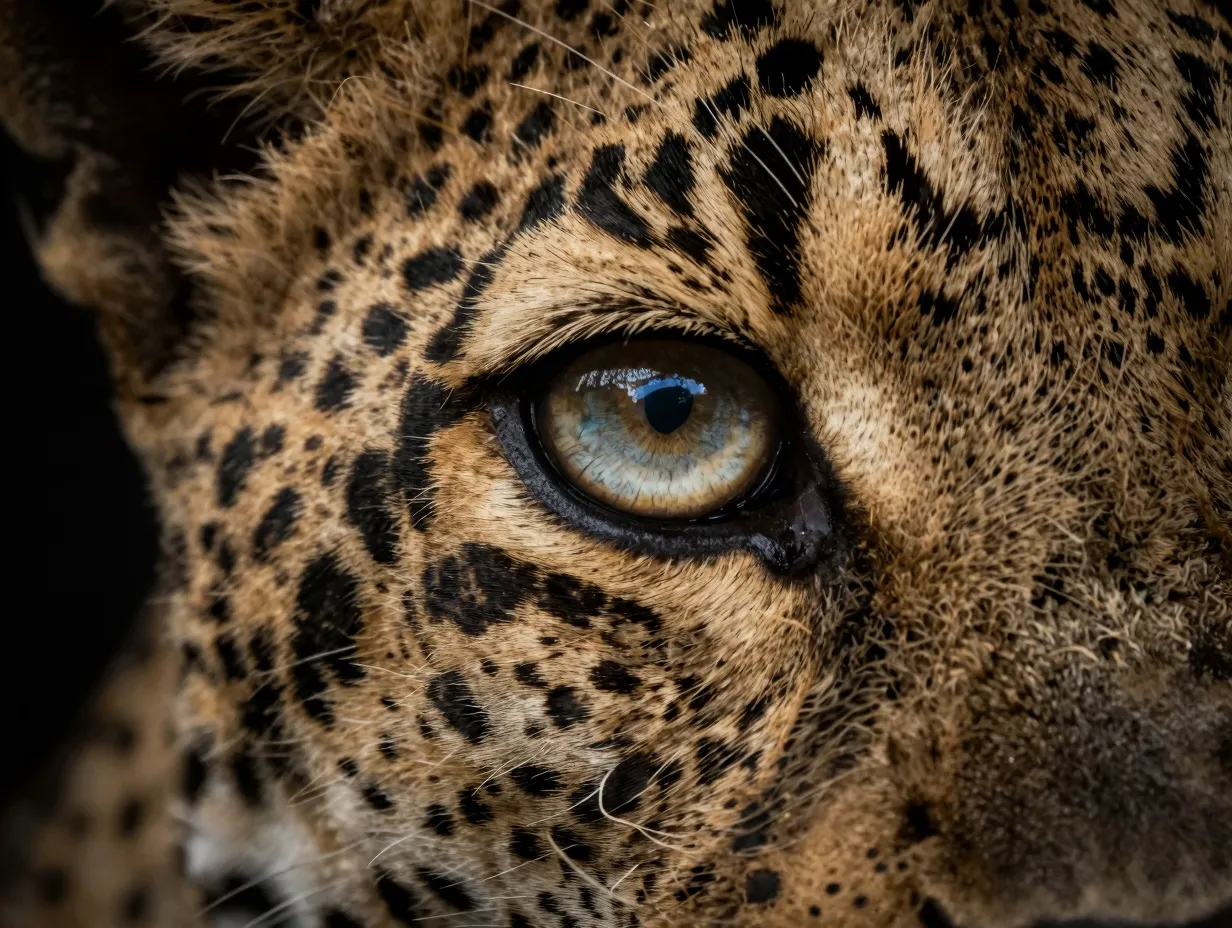
Few subjects exploit AMOLED technology as effectively as a macro wildlife eye shot against a pure black background. The iris detail, the micro-textures, the reflected light, the color gradients, demands every pixel an 8K file can provide.
Backdrova’s dedicated AMOLED hub lists the “Leopard Eyes Dark 8K Wildlife Wallpaper” as one of its featured additions from August 2026, alongside multiple 5K and 4K variants [1]. The composition places the eye at center frame surrounded by near-total black, which means the Samsung display turns off the majority of its pixels and focuses all its light output on the iris detail. The effect is closer to a backlit photograph than a screen.
What to look for: Files where the black surround is a true flat #000000 rather than a dark gray. Compressed JPEGs often introduce noise into dark areas that becomes visible on high-contrast AMOLED panels.
Where to find it: Backdrova’s AMOLED collection, updated August 14-22, 2026 [1].
2. Deep Space Nebulae With Star Fields
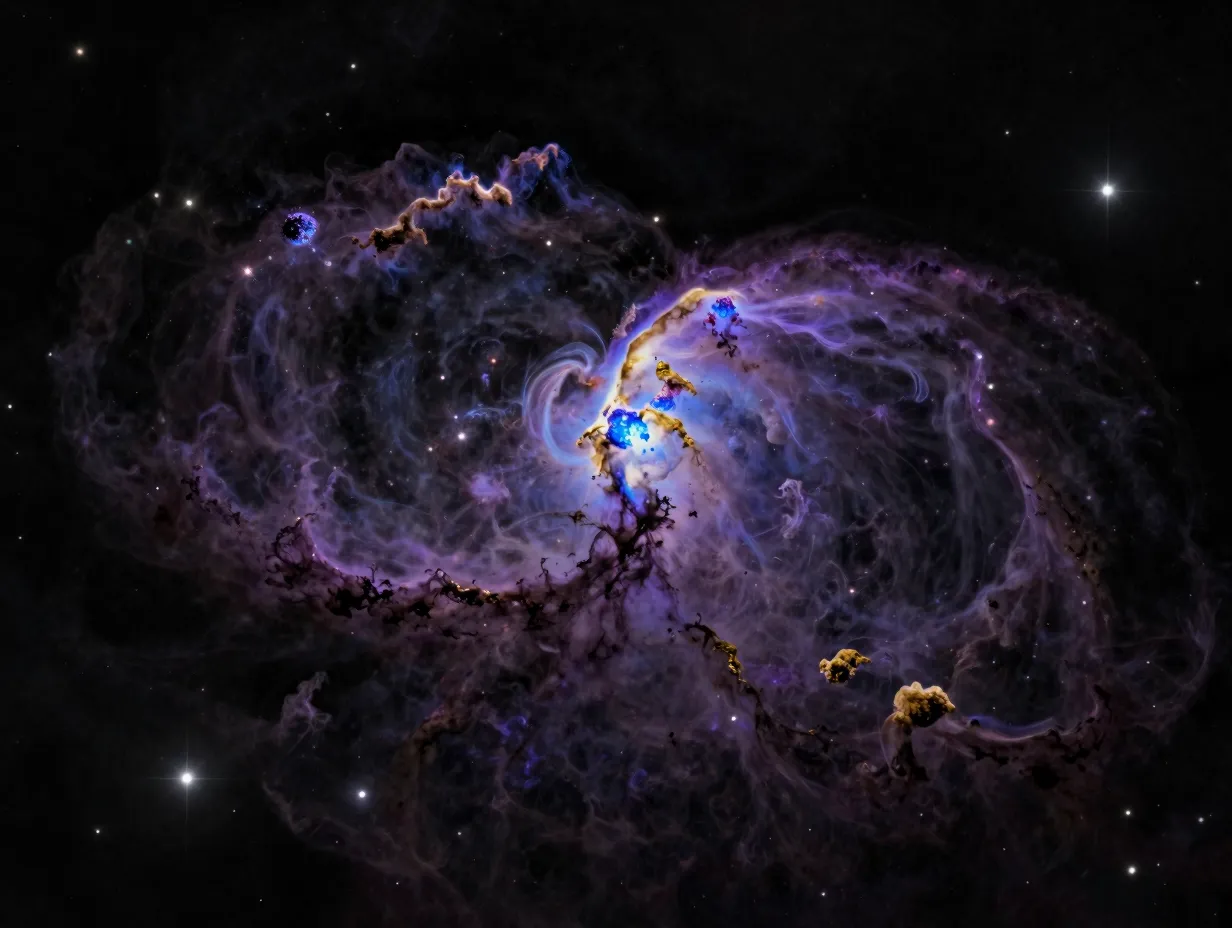
Space photography is one of the oldest AMOLED wallpaper categories, and it remains one of the strongest. The reason is structural: outer space is mostly black. A well-processed nebula image from a telescope or a digital artist will have vast regions of true black punctuated by dense clouds of color and individual stars rendered as single bright pixels.
At 8K resolution, a nebula wallpaper delivers enough pixel data that individual stars remain distinct points rather than blurring into each other during Samsung Gallery’s downscale process. The color accuracy of Samsung’s AMOLED panel, particularly its wide color gamut, makes the purples, blues, and golds of a nebula appear with a depth that is simply not achievable on a standard LCD.
What to look for: Images processed for display rather than print. Print-optimized nebula images often have elevated black levels (to preserve shadow detail in ink) that translate to muddy grays on AMOLED.
Where to find it: Wallpapers.com hosts over 238 8K wallpapers including space and cosmic categories, with files up to 9600×5400 resolution, last updated August 19, 2026 [4].
3. Abstract Neon Geometry on Pure Black
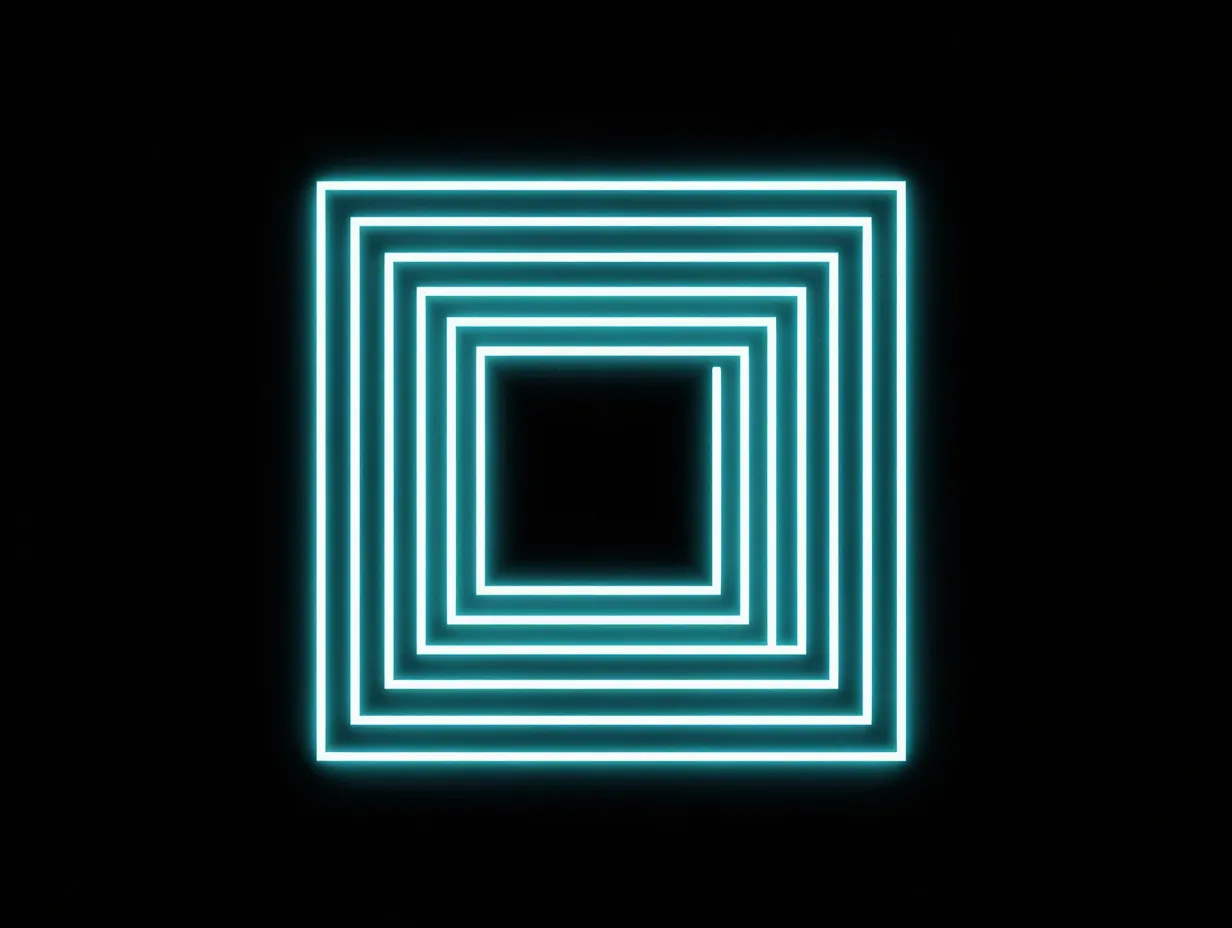
Abstract geometric wallpapers built on a true-black canvas are purpose-built for AMOLED displays. Neon lines, glowing grids, and light-trail compositions place all their visual energy in a small percentage of the image’s pixels, letting the rest of the panel switch off entirely.
The contrast between a glowing neon cyan line and a #000000 background on a Samsung AMOLED display is effectively infinite, the lit pixels glow at full brightness while the dark pixels emit nothing. No LCD monitor can produce this effect regardless of resolution.
At 8K, the geometric lines themselves remain razor-sharp even after downscaling to the Galaxy S26 Ultra‘s 3088×1440 display. A 4K source file of the same image would show slight aliasing on diagonal lines; the 8K version eliminates this entirely.
What to look for: Vector-based or high-bit-depth renders rather than compressed photography. Look for files saved as PNG or high-quality TIFF rather than standard JPEG.
Where to find it: WallpaperAccess hosts 53 curated “8K Ultra HD AMOLED” wallpapers specifically selected for deep-black and high-contrast compositions suited to AMOLED panels [3].
4. Macro Botanical Details on Dark Backgrounds
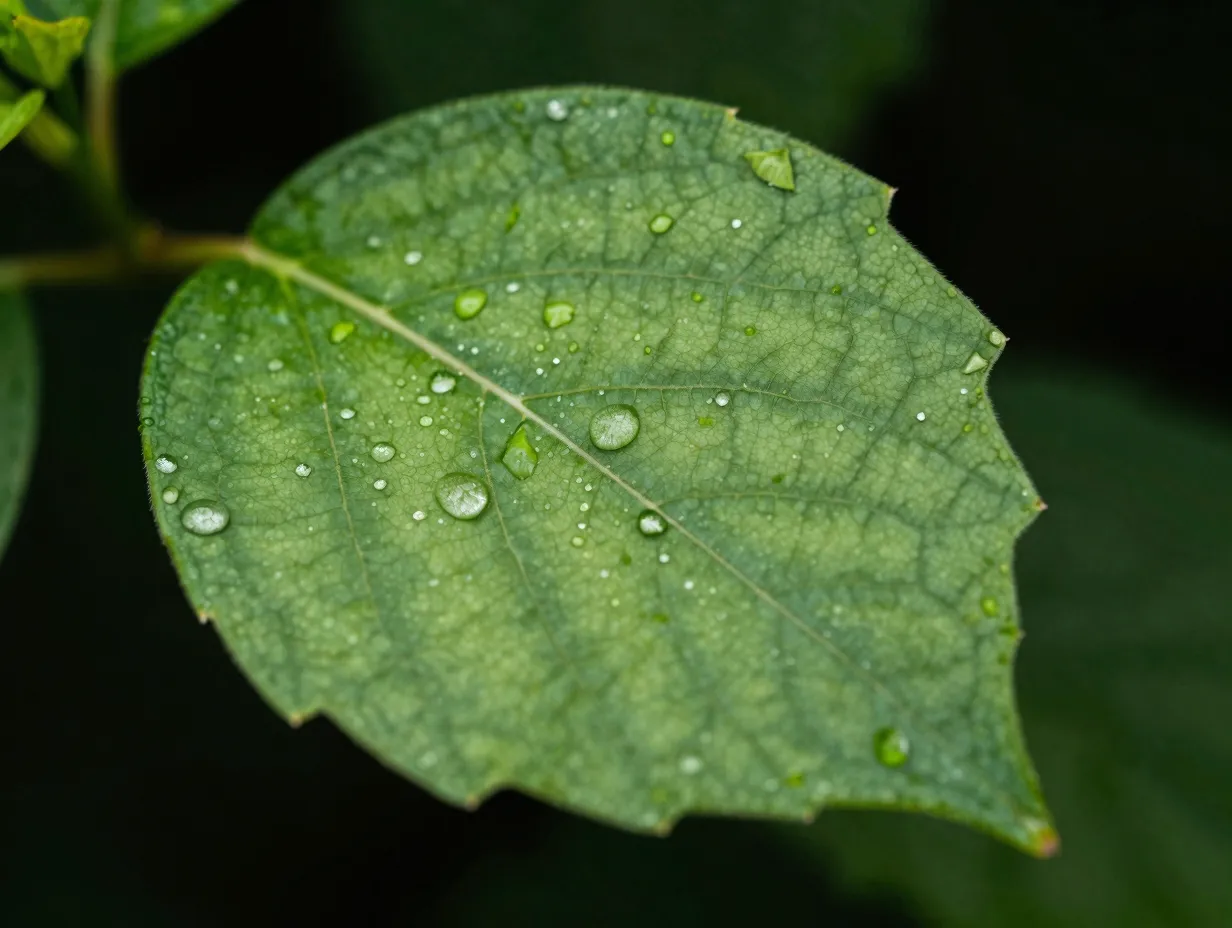
A single flower petal, a dew-covered leaf, or a frost crystal photographed against a dark background gives Samsung’s AMOLED display a chance to render organic texture at its absolute best. The micro-detail in botanical macro photography, the veins of a leaf, the individual cells of a petal, requires the pixel density that only an 8K source file can provide.
The dark-background botanical category also benefits from AMOLED’s color accuracy. Plant greens and flower pigments are notoriously difficult to reproduce accurately on screens with poor color calibration. Samsung’s AMOLED panels cover a wide color gamut, and an 8K botanical file gives the display enough data to render those colors without posterization.
What to look for: Images shot with a macro lens at high shutter speed to eliminate motion blur. Soft focus in the background is acceptable and even desirable, it creates a natural dark zone that suits AMOLED.
Where to find it: Pexels maintains tens of thousands of free, royalty-free images tagged as AMOLED 8K wallpapers, with photography-grade botanical content available without registration [5].
5. Minimalist Dark Architecture
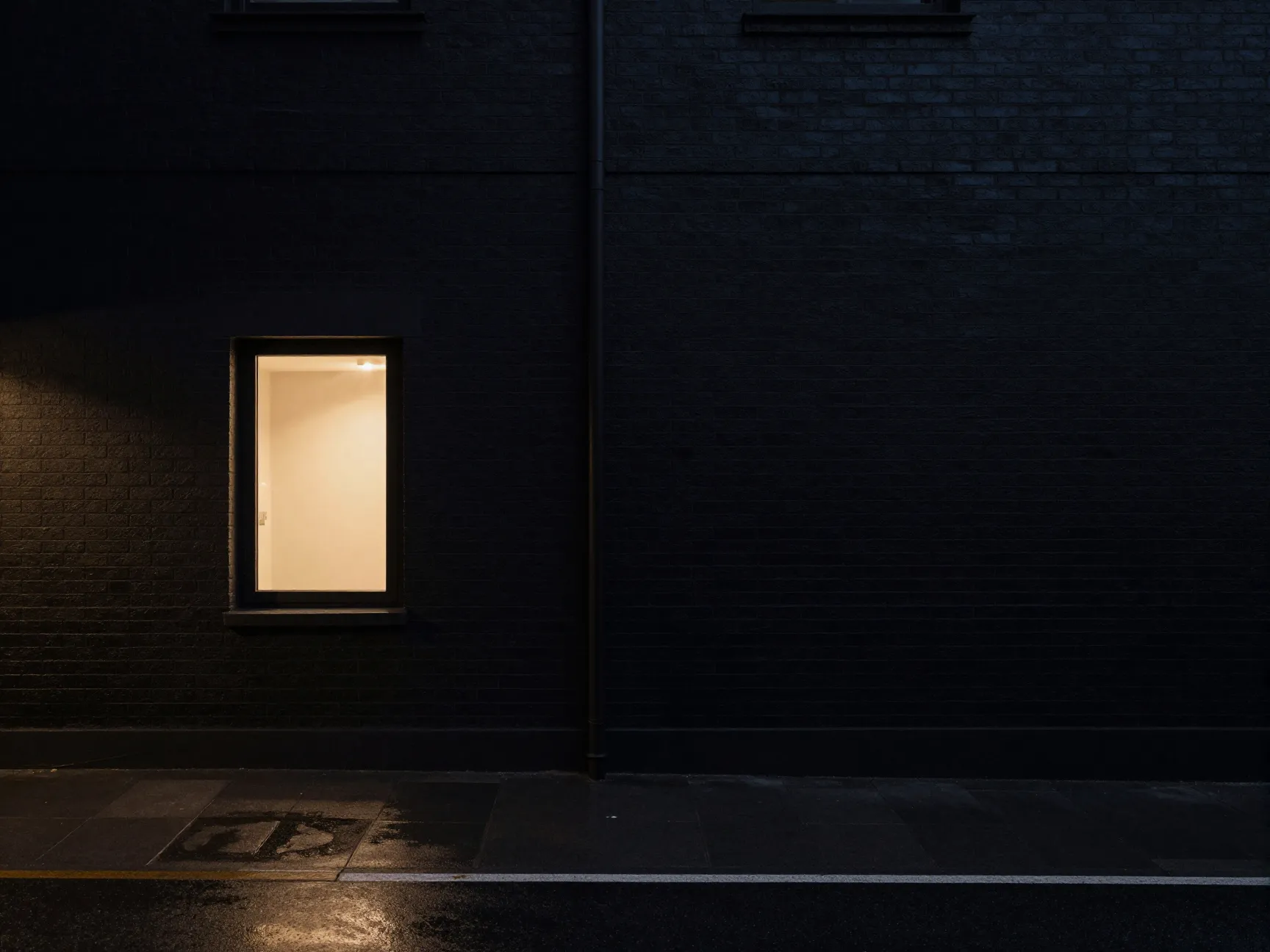
Dark architectural photography, a single illuminated window in a black facade, a neon sign reflected in rain-slicked pavement, a lone streetlight against a night sky, translates exceptionally well to AMOLED wallpaper use.
The minimalist dark architecture category works because it combines two AMOLED strengths: true black for the unlit building surfaces, and precise color rendering for the small areas of artificial light. The result is a wallpaper that looks three-dimensional on a Samsung screen, with the lit elements appearing to float against an invisible background.
At 8K resolution, architectural detail, brickwork, window frames, metal cladding, holds its sharpness across the entire image, even in areas that appear dark at first glance.
What to look for: Images with strong single-source lighting rather than multiple competing light sources. Multiple light sources in a dark scene often produce complex shadows that compress poorly and introduce noise.
Where to find it: Wallpapers.com’s 8K Ultra HD section lists 225 images with maximum resolutions around 7952×5304, updated August 13, 2026, with architectural and urban night photography well represented [10].
6. Underwater Abyss Photography
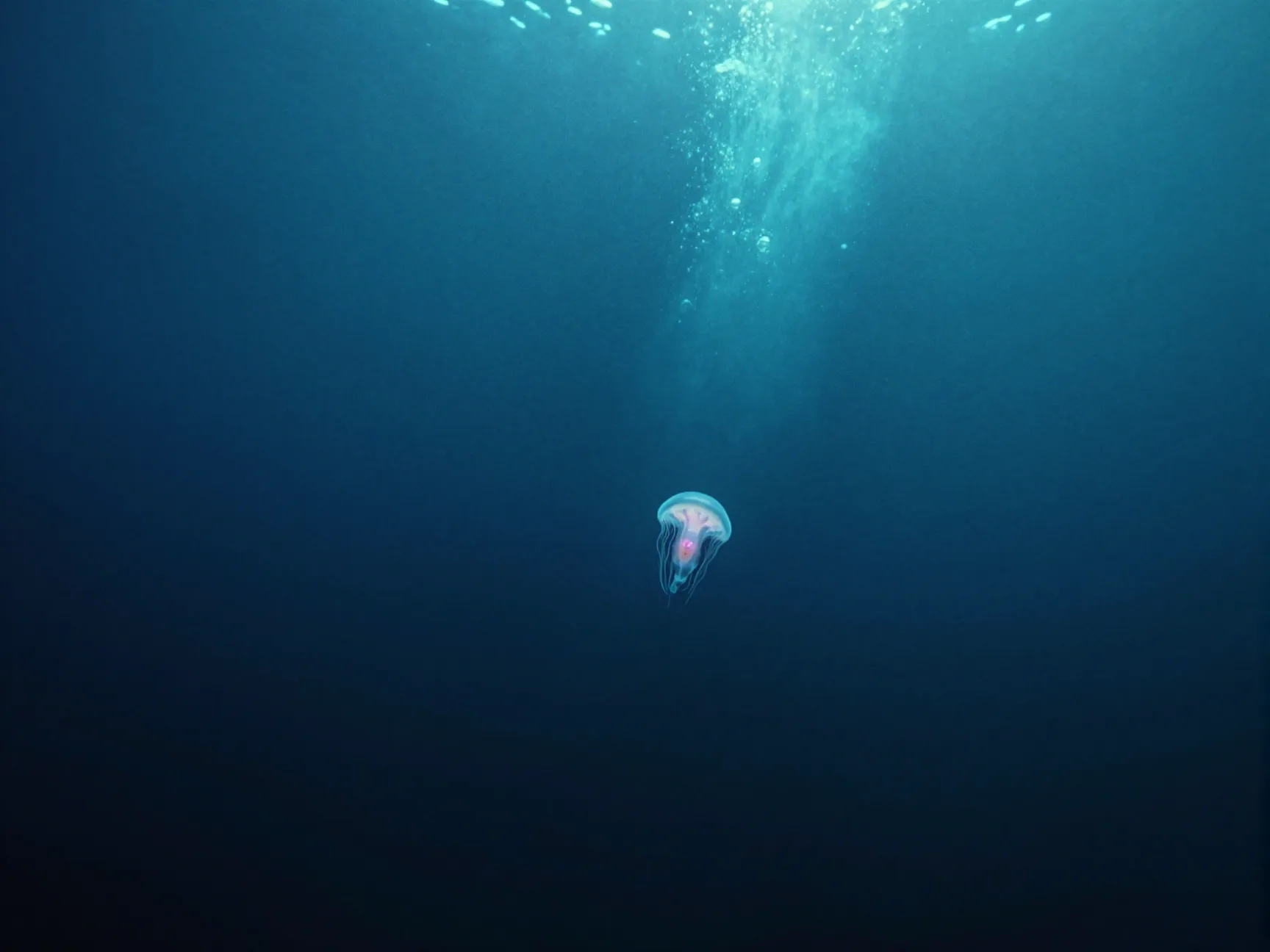
The deep ocean is one of the few natural environments that produces true photographic black. Underwater photography taken at depth, with a single bioluminescent subject, a shaft of surface light, or a solitary fish against the abyss, creates AMOLED wallpapers with the same structural advantages as space photography.
The color palette of underwater photography also suits Samsung’s AMOLED panel. Deep blues and teals are colors that AMOLED renders with particular accuracy, and the transition from lit subject to black water is gradual enough to avoid the banding artifacts that sometimes appear in artificially constructed dark-background images.
What to look for: Images with genuine depth-of-field rather than flat lighting. Flat underwater photography loses its three-dimensional quality when used as a wallpaper; images with a clear foreground subject and a dark background maintain visual depth.
Where to find it: Pexels and Wallpapers.com both carry 8K underwater and ocean photography tagged for AMOLED display use [5][4].
7. Dark Forest and Fog Landscapes
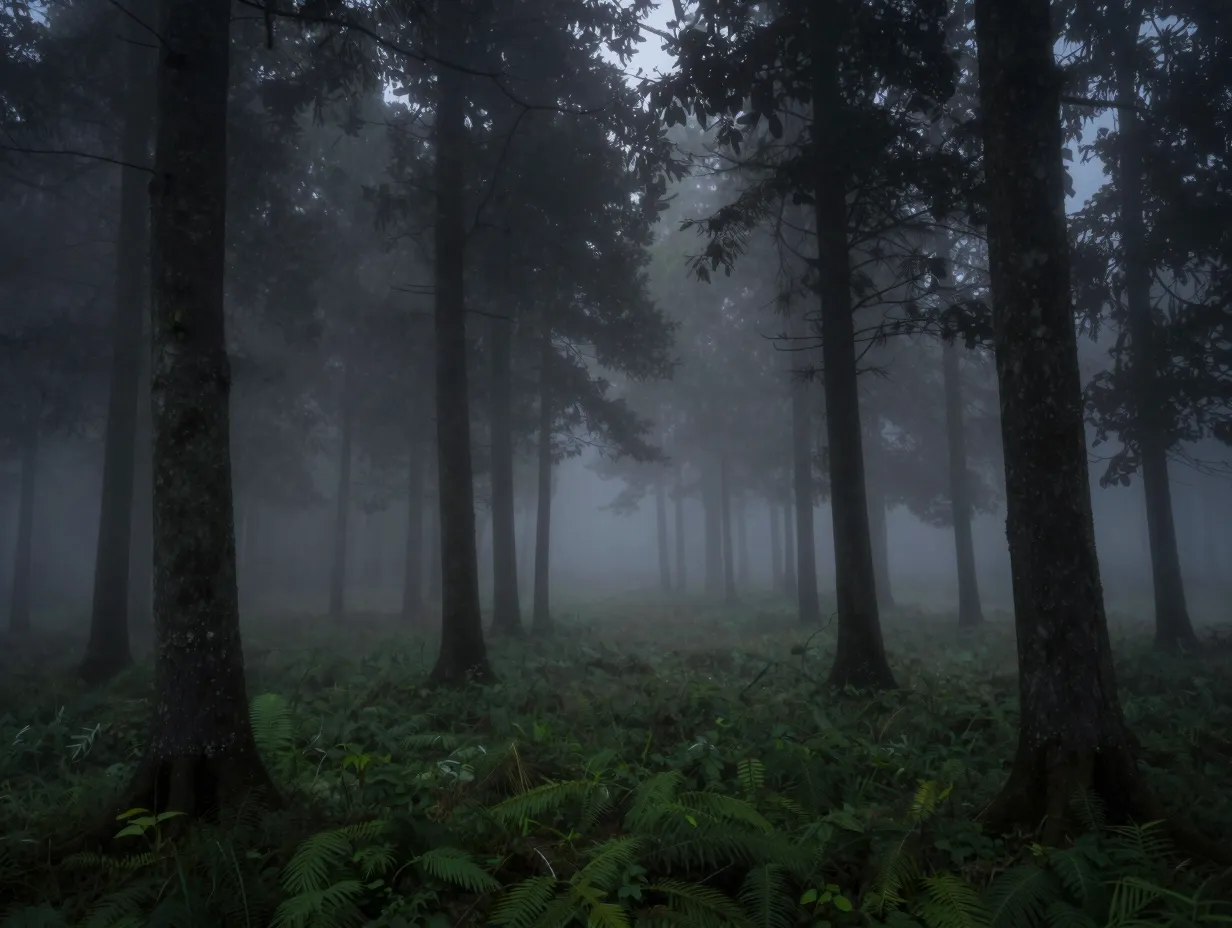
A fog-filled forest at dawn or dusk, photographed with a long exposure, produces a naturally dark and moody image that works well on AMOLED displays. The mist softens the midtones, the tree trunks provide structural detail, and the sky, often a deep gray or black, gives the AMOLED panel large areas to switch off.
This category is slightly different from the others because it does not rely on pure #000000 black. Instead, it uses very dark grays and deep greens that still allow AMOLED pixels to operate at low power levels while maintaining a naturalistic, organic aesthetic. For users who find pure-black wallpapers too stark, dark forest landscapes offer a middle ground.
At 8K resolution, the individual branches, leaves, and fog layers in a forest scene retain enough detail to reward close inspection on a Samsung high-resolution display.
What to look for: Long-exposure shots where the fog creates smooth tonal gradients. Handheld shots in low light often introduce noise that becomes distracting on a large AMOLED display.
Where to find it: Wallpapers.com’s Samsung AMOLED collection includes landscape categories with deep-tone nature photography [7].
8. Dark Fluid and Ink Art
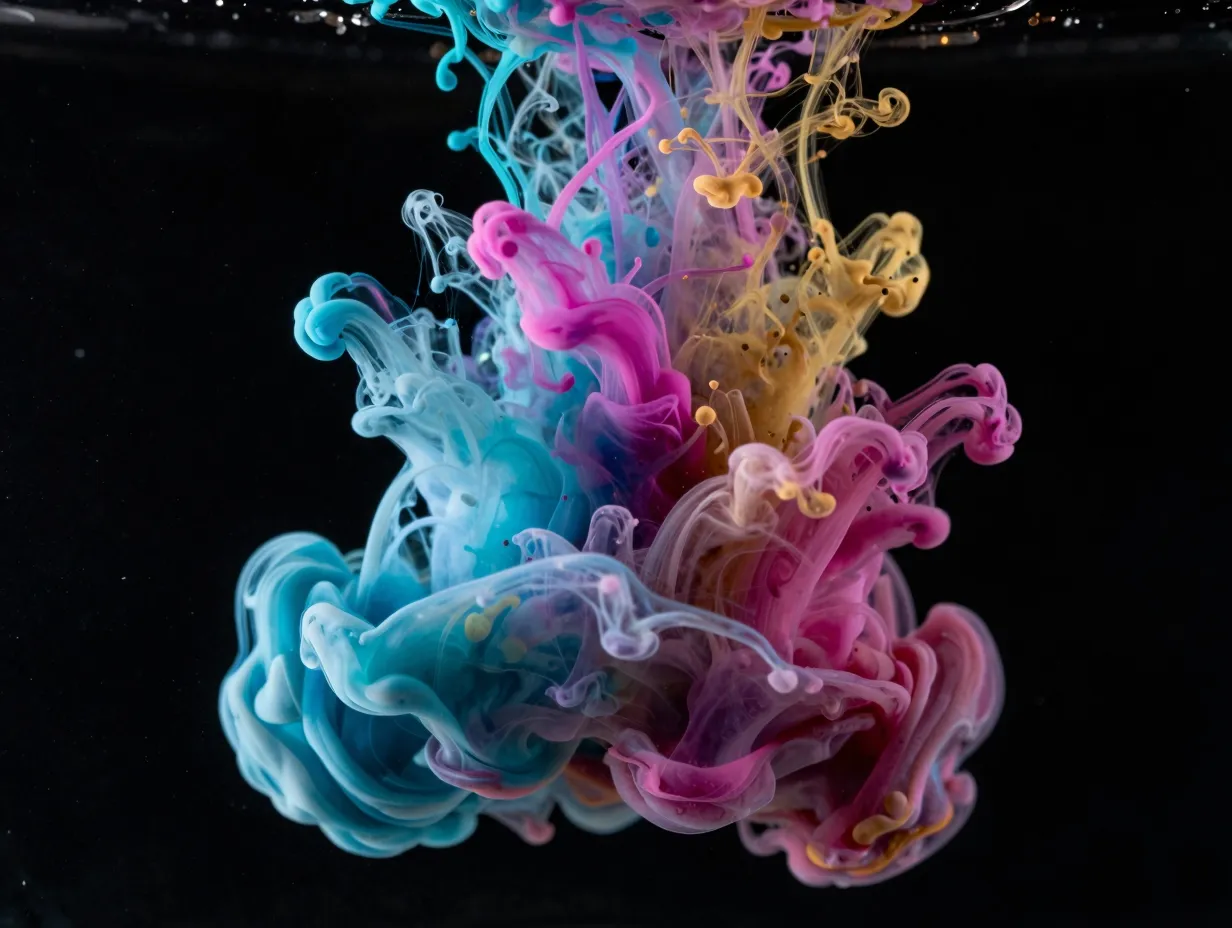
Fluid art, ink dropped into water, oil and pigment swirls, paint poured over a black canvas, produces some of the most visually striking AMOLED wallpapers available. The technique naturally creates a black or near-black background with vivid color tendrils spreading across the frame.
The appeal for Samsung AMOLED users is twofold. First, the black background activates AMOLED’s pixel-off capability across most of the image. Second, the color gradients in fluid art are extremely complex, thousands of subtle hue transitions that benefit from the full pixel data of an 8K source file. A 1080p or even 4K version of the same image will show visible banding in the color gradients; the 8K version renders them as smooth as the original photograph.
What to look for: High-bit-depth source files (16-bit TIFF or PNG) rather than 8-bit JPEG. Fluid art gradients are precisely the type of content where JPEG compression introduces visible artifacts on a high-contrast AMOLED panel.
Where to find it: Pexels and Backdrova both carry fluid and ink art photography at 8K resolution, with Backdrova’s AMOLED hub specifically curating dark-background variants [1][5].
9. Cyberpunk and Sci-Fi Cityscapes at Night
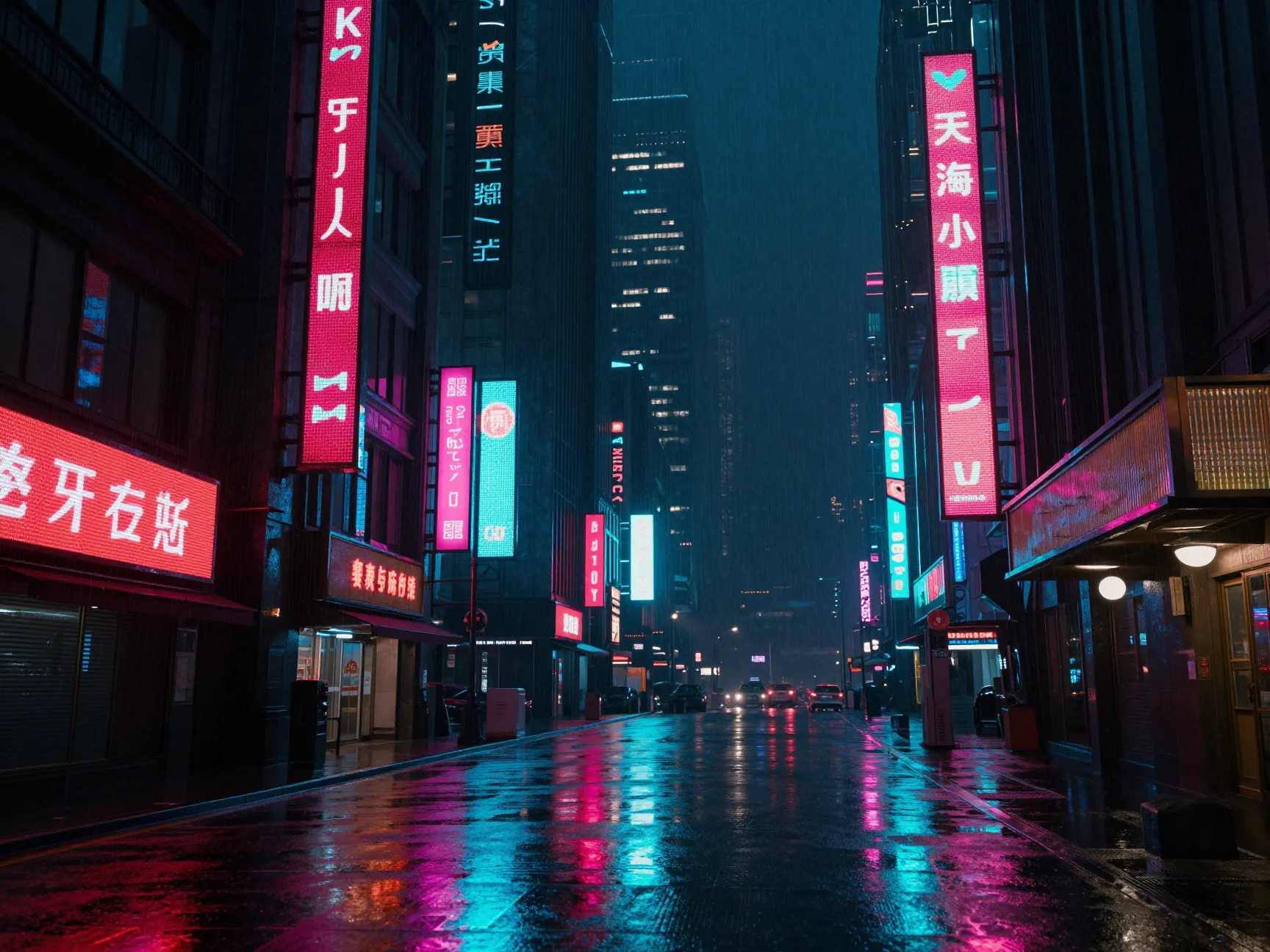
The cyberpunk aesthetic, rain-soaked streets, neon signs, towering dark buildings, and a population of glowing screens, is arguably the genre most perfectly matched to Samsung AMOLED technology. The visual language of cyberpunk is built on high contrast: deep blacks punctuated by intense, saturated color.
At 8K resolution, a cyberpunk cityscape wallpaper delivers enough detail to make individual neon characters legible, rain droplets visible as distinct shapes, and building facades textured rather than flat. The Samsung AMOLED panel renders the neon colors, particularly the reds, pinks, and cyans that define the genre, at a saturation level that makes the image feel like a window rather than a screen.
The Galaxy S26 Ultra Wallpaper app on Google Play, updated June 2026, specifically highlights dynamic AMOLED backgrounds optimized for Samsung’s Super AMOLED display [12], and cyberpunk-style content is among the most downloaded categories in that collection.
What to look for: Renders or photographs with a consistent color temperature. Mixing warm and cool light sources in a cyberpunk image is intentional and desirable, but the overall image should have a dominant palette, usually cool blue-black with warm neon accents, rather than competing equal-weight color families.
Where to find it: WallpaperAccess’s 8K Ultra HD AMOLED collection and Wallpapers.com’s Samsung AMOLED pages both carry cyberpunk and sci-fi city content [3][7].
How to Apply 8K AMOLED Wallpapers on a Samsung Device
Downloading an 8K file is only half the process. Samsung’s Gallery app handles the scaling automatically, but a few steps ensure the best possible result.
Step-by-step application process:
- Download the 8K file in its original format. PNG or high-quality TIFF is preferred over JPEG for AMOLED use.
- Open the image in Samsung Gallery and tap the three-dot menu, then select “Set as wallpaper.”
- In the crop window, zoom out to see the full image. Samsung Gallery will show the portion of the image that maps to the screen resolution.
- Adjust the crop to center the subject of the image, the eye, the nebula core, the neon focal point, within the visible area.
- Apply separately to the home screen and lock screen if desired. Many users prefer a slightly different crop for each.
- Enable “Motion effect” only for images with strong depth-of-field. For flat abstract or geometric wallpapers, the motion effect can create a slight blur that reduces apparent sharpness.
One4Studio’s Samsung Galaxy wallpaper guide confirms that the Gallery app’s intelligent scaling means users do not need to manually resize 8K files before applying them, the app handles the downscale process without quality loss [2].
Pro tip: For maximum battery savings on AMOLED, set both the home screen and lock screen wallpaper to the same 8K true-black image. The always-on display feature on Samsung Galaxy phones also benefits from a dark wallpaper, as it reduces the power draw of the ambient display mode.
Where to Find the Best Free 8K AMOLED Wallpapers in 2026
Several platforms have emerged as reliable, regularly updated sources for 8K AMOLED content compatible with Samsung displays. The table below summarizes the key options.
| Platform | 8K Collection Size | Last Updated | Registration Required | AMOLED-Specific Filter |
|---|---|---|---|---|
| Wallpapers.com | 238+ files (up to 9600×5400) | August 19, 2026 | No | Yes [4] |
| Wallpapers.com 8K Ultra HD | 225 files (up to 7952×5304) | August 13, 2026 | No | Yes [10] |
| Backdrova AMOLED Hub | 61+ true-black files | August 14-22, 2026 | No | Yes [1] |
| WallpaperAccess 8K AMOLED | 53 curated files | Late 2025 | No | Yes [3] |
| Pexels | 50,000+ tagged files | Ongoing | No | Partial [5] |
Pexels stands out for sheer volume and photography quality, but its AMOLED tag is applied loosely, not every tagged image meets the 80% true-black standard recommended for Samsung AMOLED optimization [9]. Backdrova and WallpaperAccess apply stricter curation, making their smaller collections more reliable for users who want guaranteed AMOLED performance.
“The practical target resolution for Samsung Galaxy phones is 3088×1440, but 8K source files give Samsung Gallery the pixel data it needs to deliver perfect sharpness at any crop position.”, based on One4Studio’s Samsung Galaxy wallpaper guidance [2]
Conclusion
The 9 Breathtaking 8K AMOLED Wallpapers Optimized For Your Samsung Screen covered in this guide are not simply high-resolution images. Each category, from wildlife eye close-ups and deep space nebulae to cyberpunk cityscapes and fluid ink art, is chosen because its structural properties align with how Samsung AMOLED panels actually work. True black backgrounds activate pixel-off technology, reducing battery drain and eliminating backlight bleed. High-resolution source files give Samsung Gallery the data it needs to produce a perfectly sharp result at any crop position.
Actionable next steps:
- Visit Backdrova’s AMOLED hub for the most recently updated true-black 8K wildlife and abstract content [1].
- Browse Wallpapers.com’s 8K collection for the widest variety of subjects at resolutions up to 9600×5400 [4].
- Check Pexels for photography-grade 8K files in botanical, underwater, and landscape categories [5].
- When applying any file, use Samsung Gallery’s built-in crop tool rather than third-party apps, it handles 8K downscaling without quality loss [2].
- Prioritize PNG or TIFF source files over JPEG, particularly for dark gradient content like fluid art and nebulae, where compression artifacts are most visible on AMOLED panels.
The hardware is already in the pocket. The only remaining step is giving it source material worthy of its display technology.
References
[1] Amoled – https://backdrova.com/colors/amoled/
[2] Samsung Galaxy – https://www.one4studio.com/wallpapers/best-for/samsung-galaxy
[3] 8k Ultra Hd Amoled – https://wallpaperaccess.com/8k-ultra-hd-amoled
[4] wallpapers – https://wallpapers.com/8k
[5] Amoled 8k wallpapers – https://www.pexels.com/search/AMOLED%208K%20WALLPAPERS/
[7] Samsung Amoled – https://wallpapers.com/samsung-amoled
[9] Best Amoled Wallpapers 2026 – https://www.2livewallpaper.app/en/best/best-amoled-wallpapers-2026
[10] 8k Ultra Hd – https://wallpapers.com/8k-ultra-hd