9 Perfect Wallpaper Picks For Your Samsung S24 Ultra’s Brilliant Display
The Samsung S24 Ultra‘s screen scores higher than 99% of all smartphones ever tested by DXOMARK, and yet most owners set their wallpaper once and never think about it again. That is a genuine waste of hardware. The 6.8-inch Dynamic AMOLED 2X panel pushes a peak brightness of roughly 2,600 nits, renders at QHD+ resolution (1440 x 3120 pixels), and delivers a pixel density of about 505 ppi [1][5]. Every wallpaper placed on that display is, in effect, being shown on a professional-grade digital canvas. This guide to the 9 Perfect Wallpaper Picks For Your Samsung S24 Ultra’s Brilliant Display cuts through the noise of thousands of available images and focuses on the categories and sources that genuinely make the hardware sing.
Disclosure: This post contains affiliate links. As an Amazon Associate, we earn from qualifying purchases, and at no extra cost to you.
Key Takeaways
- The S24 Ultra’s QHD+ panel demands wallpapers at or near 1440 x 3088 pixels to avoid blur and unwanted cropping.
- Dark, AMOLED-optimized wallpapers save battery life and reduce eye strain on the OLED panel.
- Samsung Galaxy Store, Zedge, Walli, Backdrops, Unsplash, and 500px are the top sources for display-ready images.
- One UI 6.1’s built-in AI wallpaper generator creates personalized images tuned to the S24 Ultra’s color capabilities.
- Practical criteria, status bar legibility, icon contrast, and minimal visual clutter, matter as much as pure aesthetics.
Why the S24 Ultra Deserves a Smarter Wallpaper Strategy
Most wallpaper advice online is written for generic Android devices. The S24 Ultra is not a generic device. Independent display testing confirms that the panel combines exceptional brightness, accurate color reproduction, wide viewing angles, and a smooth 120 Hz adaptive refresh rate, a combination that reviewers in 2026 still describe as “near-perfect” [2][6]. When a display is this capable, the wrong wallpaper does not just look mediocre; it actively undermines the hardware.
Three practical criteria should guide every wallpaper choice for the S24 Ultra:
- Resolution match: Use images at roughly 1440 x 3088 pixels or higher so the panel renders every detail without upscaling artifacts [1].
- Contrast and legibility: The status bar, clock, and app icons must remain readable against the chosen background at all times.
- Battery awareness: Pure black pixels on an OLED panel consume almost no power, making dark wallpapers a meaningful efficiency tool [10].
With those principles in place, the 9 Perfect Wallpaper Picks For Your Samsung S24 Ultra’s Brilliant Display below cover every major aesthetic preference while respecting the display’s technical strengths.
“The S24 Ultra’s display is more than sufficient for ultra-high-detail and HDR-styled visuals, the hardware is never the limiting factor. Personal taste is.” [2][7]
The 9 Perfect Wallpaper Picks For Your Samsung S24 Ultra’s Brilliant Display
1. Pure Black AMOLED Minimalism
Best for: Battery efficiency, low-light use, clean productivity setups.
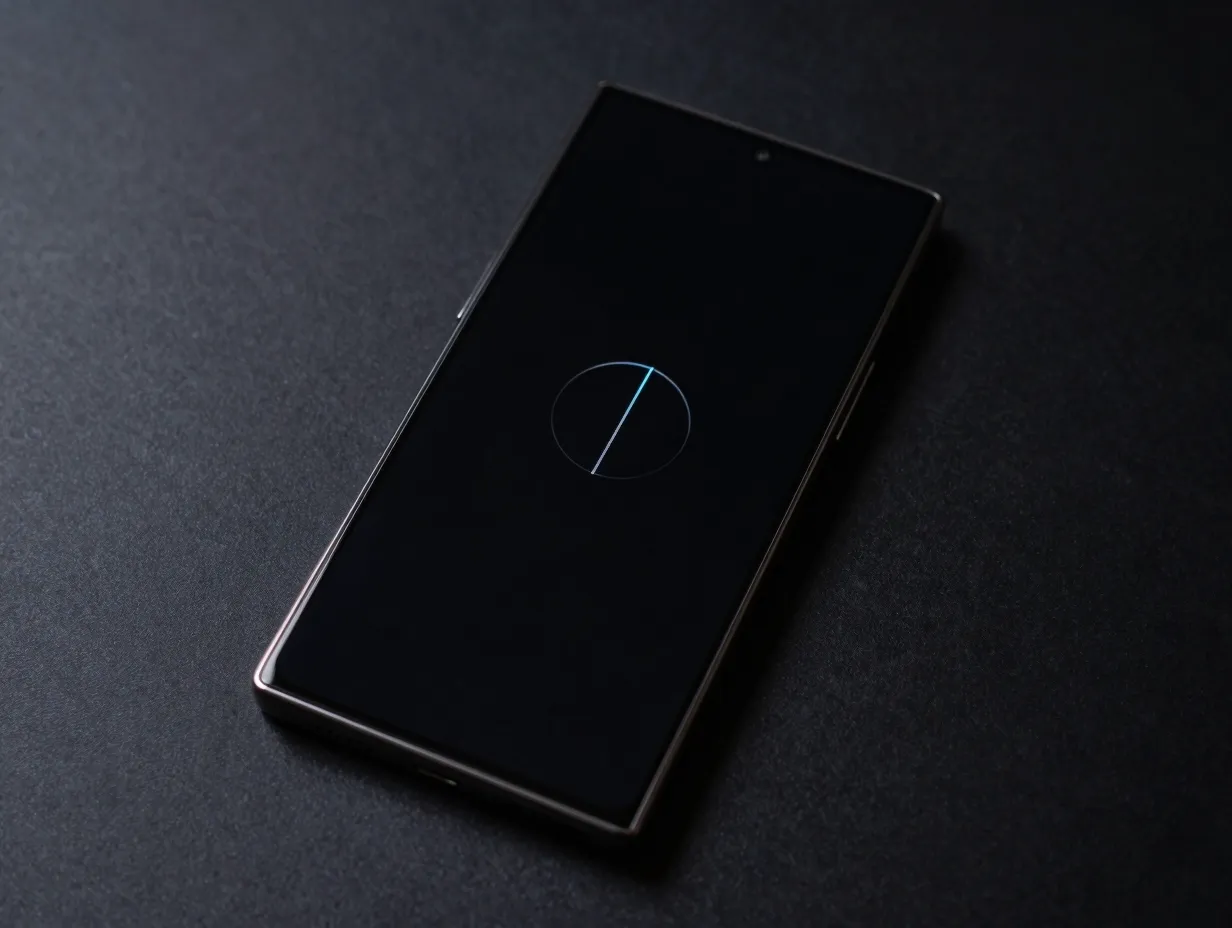
Pure black or near-black wallpapers are the single most technically sound choice for any OLED display. On the S24 Ultra, black pixels are literally switched off, which means zero power draw from those areas of the screen [10][11]. The result is a longer battery life and a dramatically reduced eye strain in dark environments.
The best versions of this style use a solid #000000 background with a single subtle element, a thin geometric line, a faint monogram, or a barely visible texture, so the screen does not look completely blank. Sources like Zedge and Backdrops maintain dedicated AMOLED dark collections that are pre-optimized for this purpose.
Key specs alignment: The S24 Ultra’s deep blacks and high contrast ratio make the transition between lit and unlit pixels invisible, so even a near-black gradient reads as perfectly smooth [5][9].
2. Deep-Space and Nebula Photography
Best for: Showcasing color accuracy and peak brightness outdoors.
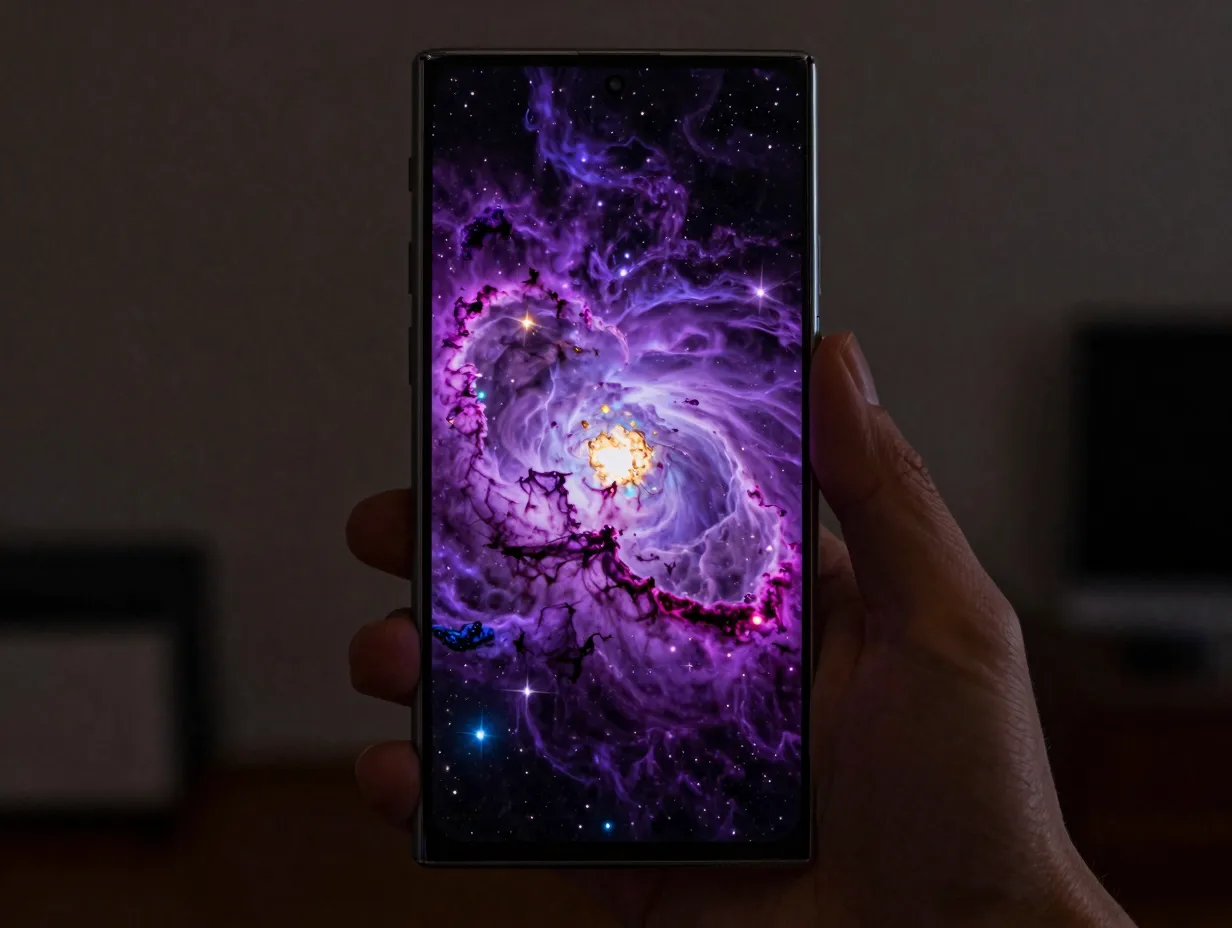
Few wallpaper subjects exploit the S24 Ultra’s wide color gamut as effectively as high-resolution astrophotography. Images of nebulae, galaxies, and star fields combine deep blacks with vivid purples, teals, and golds, a range that pushes the panel’s color reproduction to its limits in the best possible way.
NASA’s public image library and 500px both offer free, high-resolution space photography at resolutions that meet or exceed the S24 Ultra’s native QHD+ panel. When selecting an image, prioritize files above 4K (3840 x 2160) so the crop to portrait orientation retains full sharpness at 505 ppi [1][10].
Practical tip: Choose nebula images where the brightest elements are centered. This keeps the status bar area dark and icons legible without any additional overlay.
3. Cinematic Dark Gradients
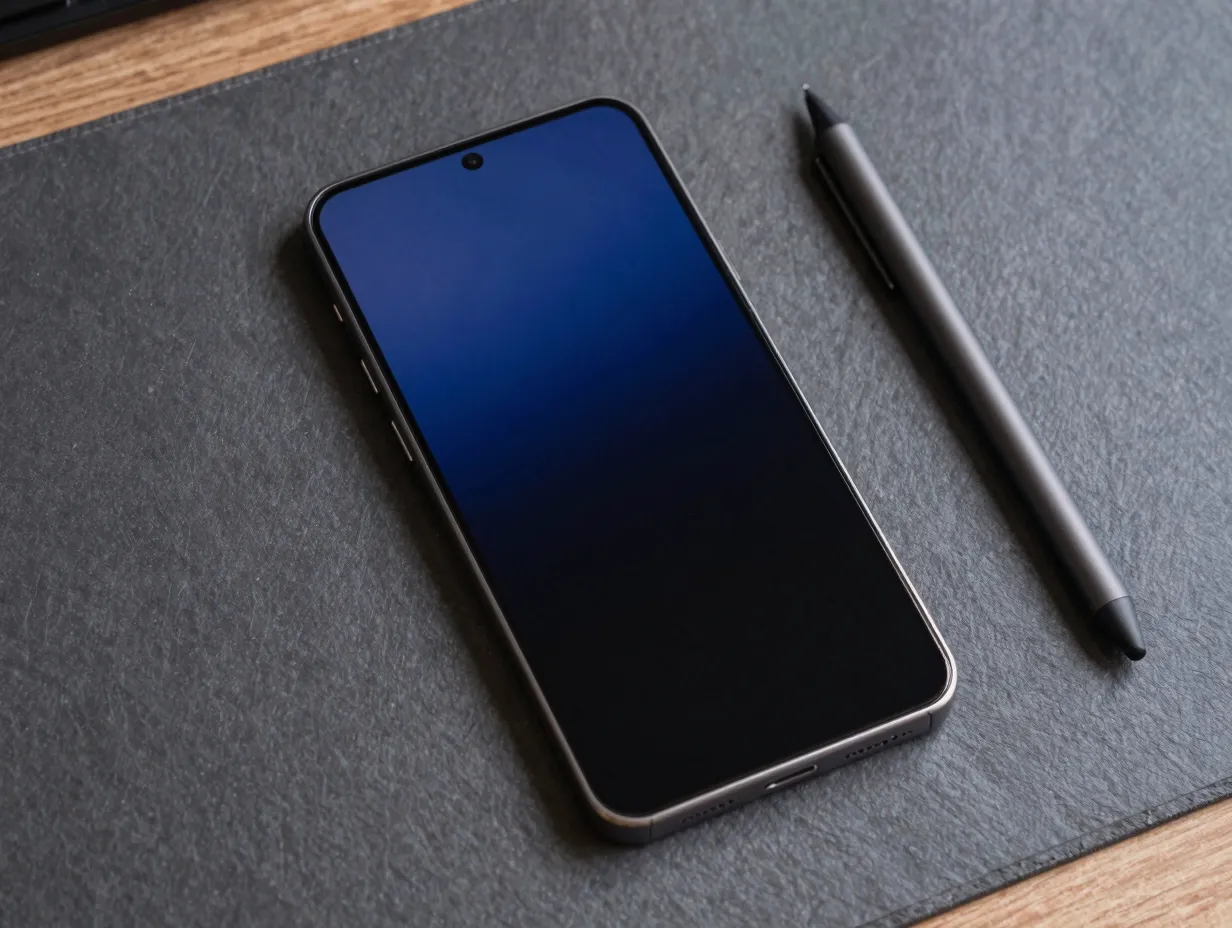
Best for: Everyday use, professional aesthetics, S Pen productivity workflows.
A well-executed gradient, deep navy fading to midnight black, or dark emerald dissolving into charcoal, is arguably the most versatile wallpaper style for the S24 Ultra. It satisfies the battery-saving logic of dark AMOLED wallpapers while adding enough visual depth to make the screen feel alive.
PhoneArena’s detailed review of the S24 Ultra notes that the display’s color accuracy and smooth tonal rendering make gradients look particularly impressive, with no banding visible even at fine transitions [6]. Apps like Walli specialize in gradient art created by independent designers, and many sets are uploaded at QHD+ resolution specifically for flagship Samsung devices.
Recommended color pairings for gradient wallpapers:
| Gradient Pair | Mood | Icon Legibility |
|---|---|---|
| Midnight black to deep navy | Professional | Excellent |
| Charcoal to dark teal | Modern tech | Very good |
| Deep purple to near-black | Creative | Good |
| Dark forest green to black | Natural calm | Very good |
4. Macro Nature Photography
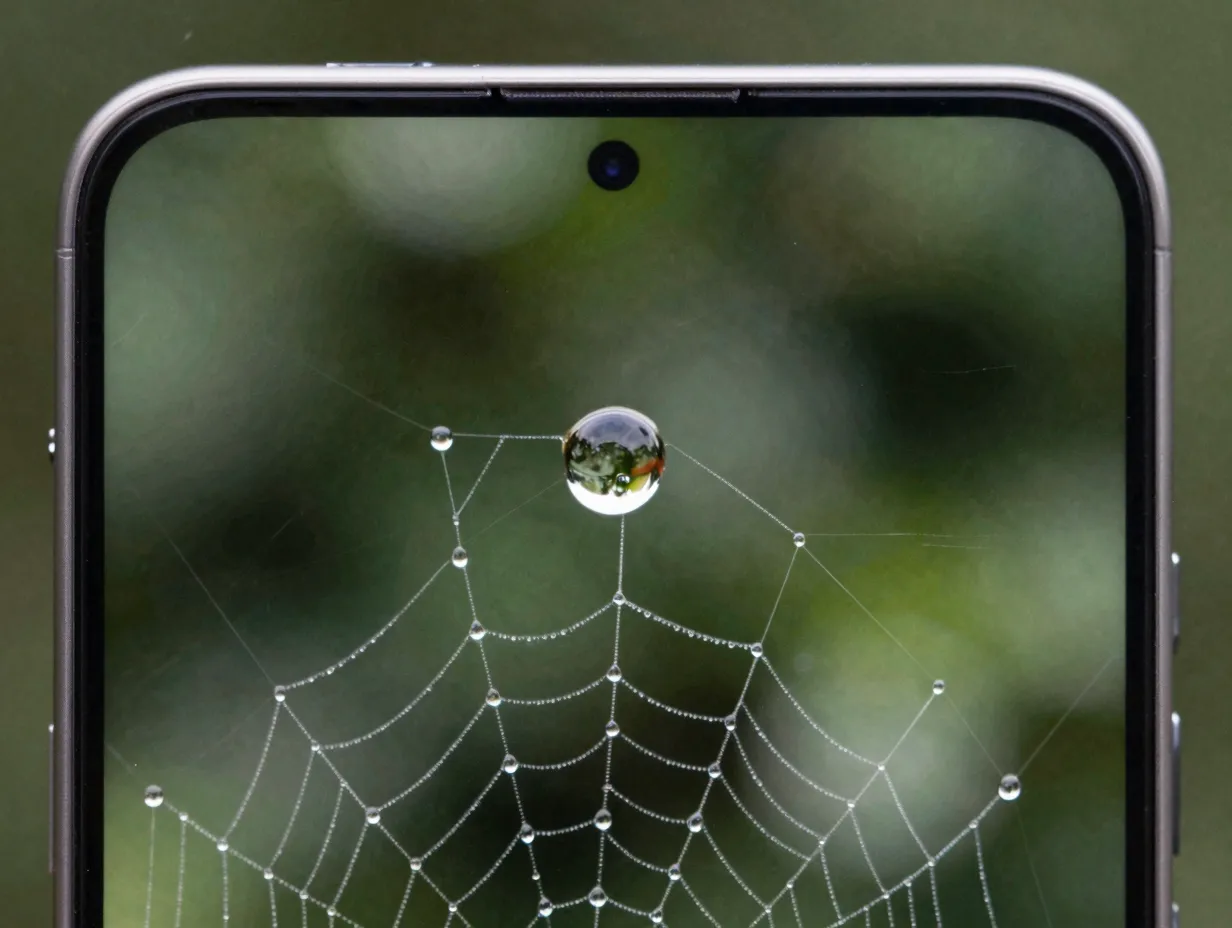
Best for: Demonstrating the display’s sharpness and fine detail rendering.
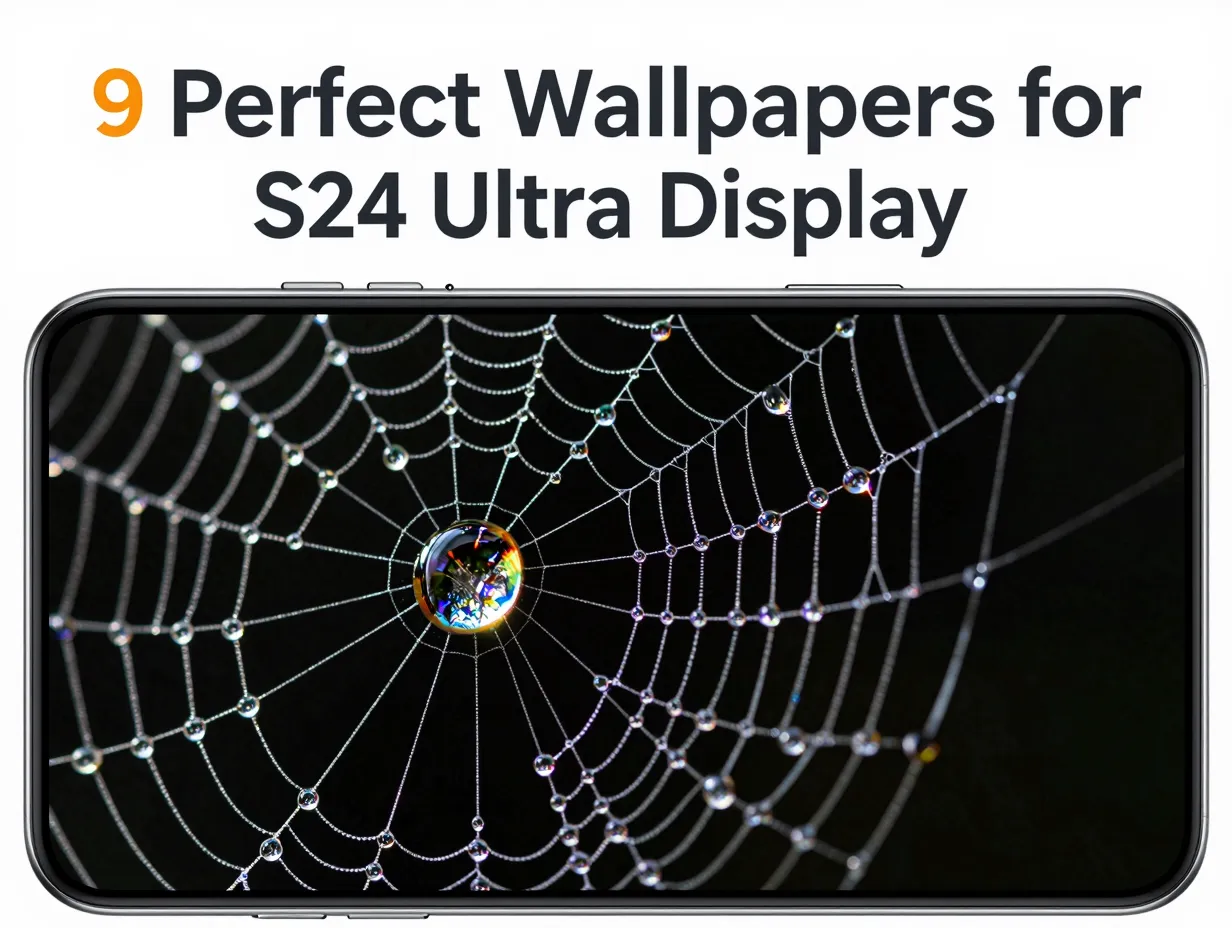
A close-up photograph of a dewdrop on a spider web, the surface of a butterfly wing, or the veins of a backlit leaf is one of the most effective ways to demonstrate the S24 Ultra’s 505 ppi pixel density to anyone who picks up the phone [1]. These images are rich in micro-detail that lower-resolution displays simply cannot render cleanly.
Unsplash hosts thousands of macro nature photographs at resolutions above 5000 pixels wide, all available under a free-use license. The key selection criterion here is tonal balance: the best macro wallpapers for the S24 Ultra have a naturally dark or blurred background (bokeh) so that the foreground detail pops without overwhelming the status bar area.
What to avoid: Macro images with uniformly bright white backgrounds. At 2,600 nits peak brightness, a white wallpaper outdoors is functionally blinding and offers no contrast for white system icons [2][10].
5. Abstract Geometric Art
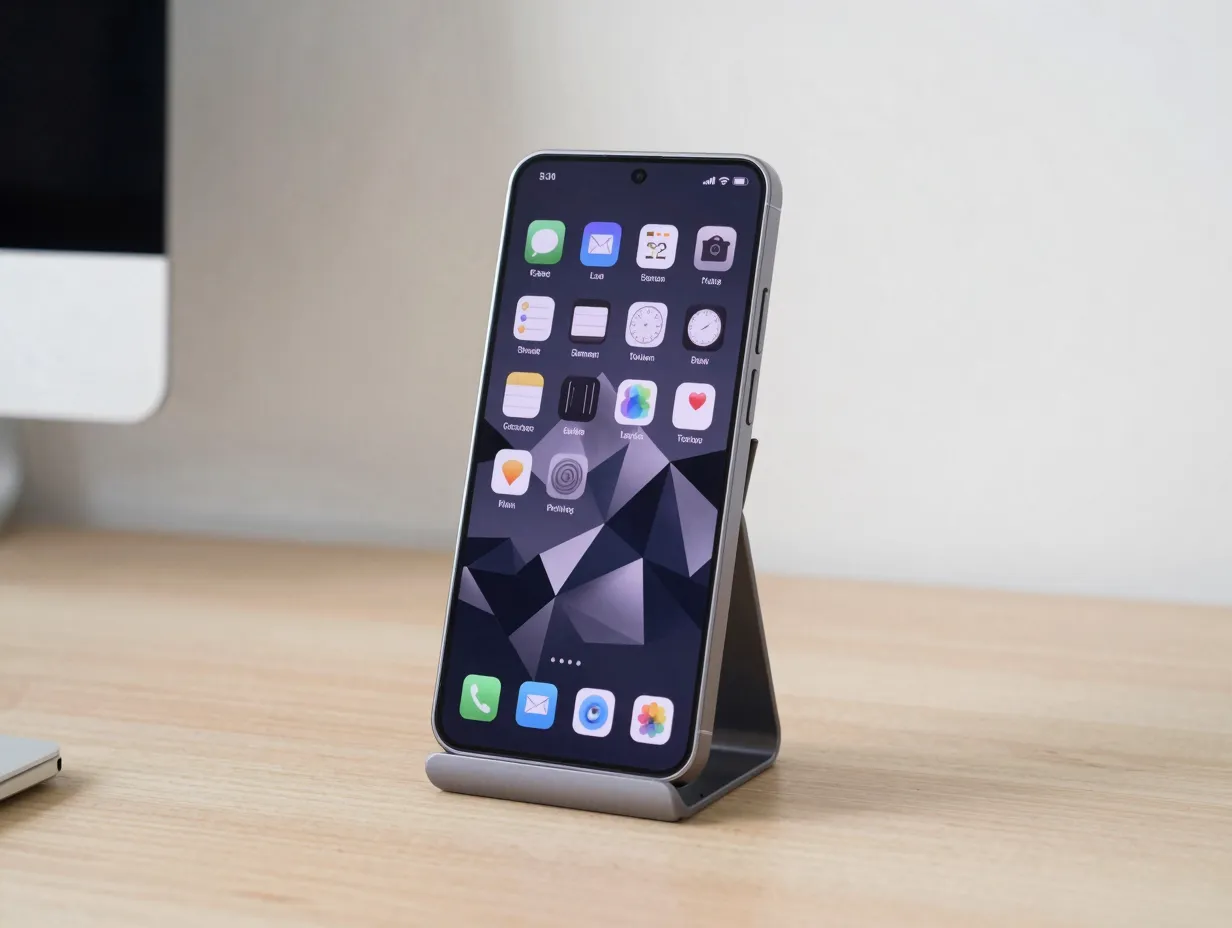
Best for: Minimal visual clutter, S Pen users, productivity-focused setups.
Clean geometric patterns, hexagonal grids, low-polygon landscapes, isometric architecture, offer the visual interest of a complex wallpaper without the clutter that makes icons hard to read. Independent wallpaper guides for the S24 Ultra consistently recommend this category for users who rely heavily on the S Pen and keep their home screen dense with app icons [6][10][14].
The Samsung Galaxy Store’s curated theme section includes several abstract geometric wallpaper packs designed specifically for the S24 series’ flat panel and One UI interface. These are optimized for the exact pixel dimensions of the device, which eliminates the scaling and cropping issues that can affect third-party images.
Three geometric styles that work especially well:
- Low-polygon dark landscapes with muted earth tones
- Isometric city grids in dark blue and silver
- Minimal line-art mandalas on a pure black background
6. Architectural and Urban Night Photography
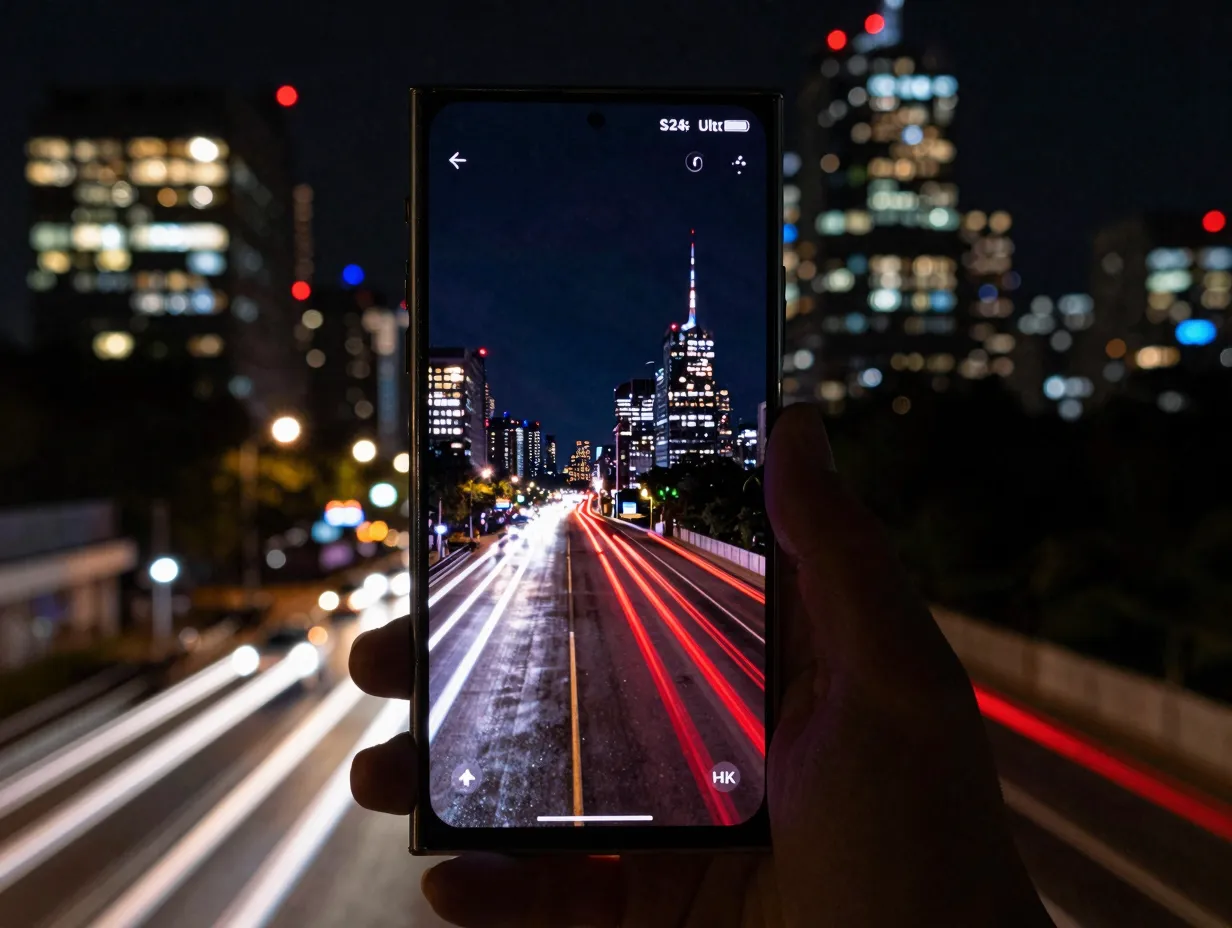
Best for: High-contrast drama, showcasing the display’s outdoor brightness.
A long-exposure photograph of a city skyline at night, light trails, illuminated skyscrapers, reflections on wet pavement, is a natural fit for the S24 Ultra’s combination of deep blacks and brilliant highlights. The display’s advanced cover glass and anti-reflection tuning, confirmed by DXOMARK testing, means that even high-contrast images with bright point lights remain clear and glare-free in real-world outdoor use [5][9].
500px is the strongest source for this category, with a professional photography community that regularly uploads urban night shots at medium-format resolutions. Search specifically for “long exposure city” or “urban night vertical” to find portrait-oriented images that fit the S24 Ultra’s tall 19.5:9 aspect ratio without awkward cropping.
Resolution reminder: Always download the largest available file. A 12-megapixel image at 4000 x 3000 pixels can be cropped to 1440 x 3088 with full sharpness retained. A compressed 1080p image cannot [1].
7. Samsung Galaxy Store Official Wallpapers
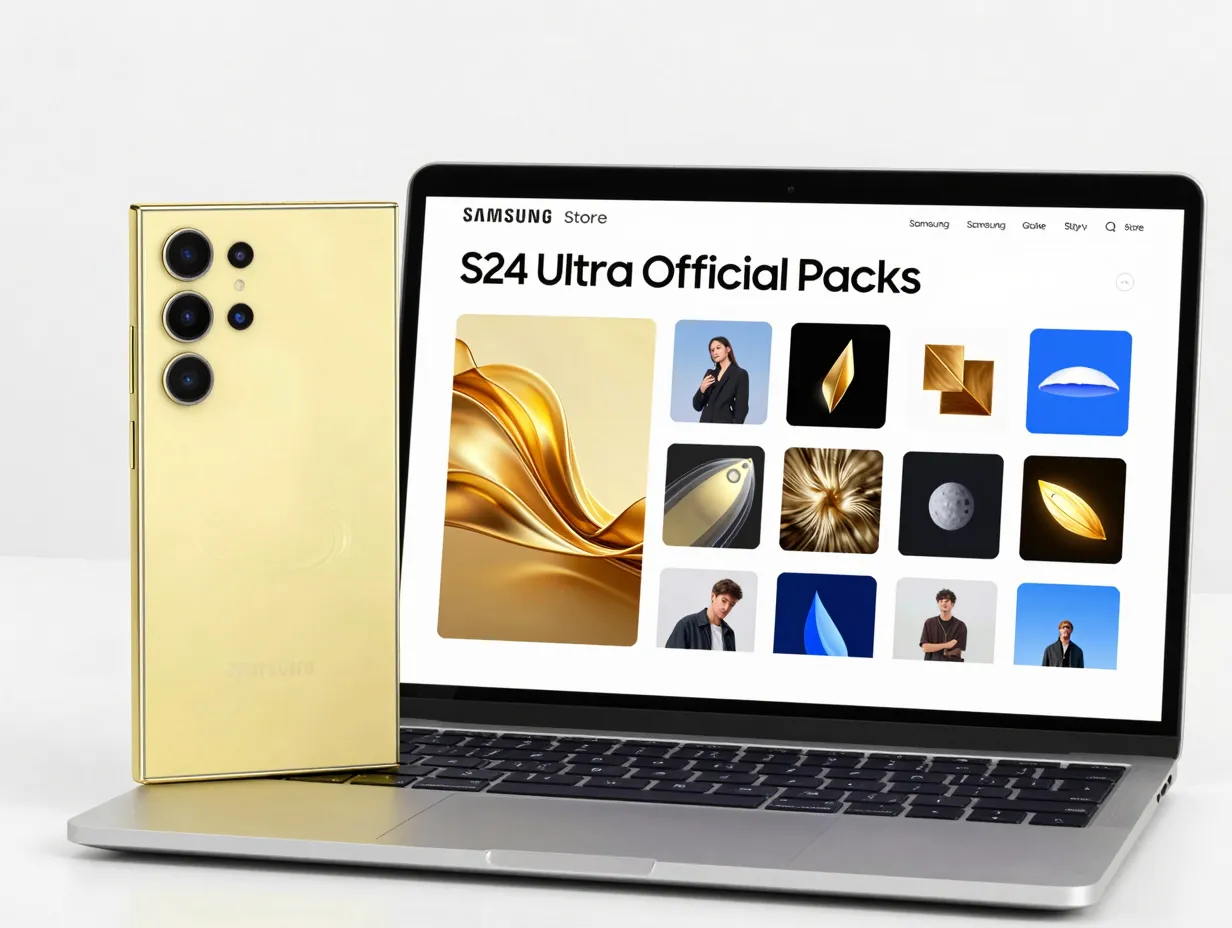
Best for: Guaranteed device compatibility, One UI integration, live wallpaper options.
No third-party source can match the Galaxy Store for device-specific optimization. Samsung’s official wallpaper and theme packs for the S24 series are built to the exact pixel dimensions of the panel, tested against One UI’s icon grid, and in many cases designed as live wallpapers that respond to touch or tilt using the device’s sensors [12][14].
The Galaxy Store also offers themed wallpaper sets that coordinate with the S24 Ultra’s color variants (Titanium Black, Titanium Gray, Titanium Violet, Titanium Yellow), allowing owners to create a visually unified look across the device’s hardware and software.
What the Galaxy Store offers that third-party apps do not:
- Live wallpapers optimized for the 120 Hz panel
- One UI widget-aware designs that leave clean space for the clock and shortcuts
- Seasonal and limited-edition packs tied to Samsung partnerships
8. AI-Generated Wallpapers via One UI 6.1
Best for: Personalization, unique designs, users who want something no one else has.
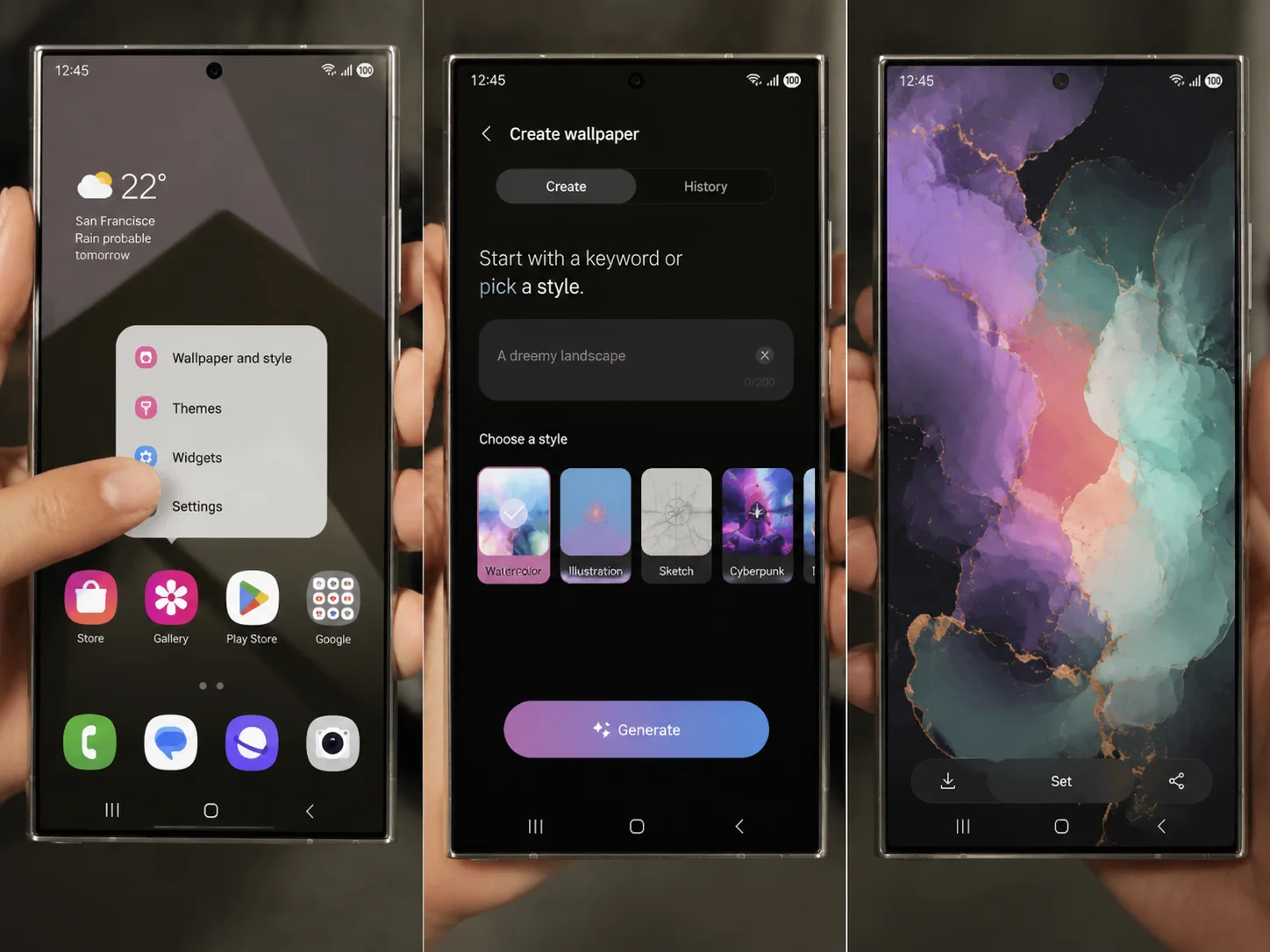
One UI 6.1, which ships on the S24 Ultra, includes an on-device AI wallpaper generator that creates original images based on user-selected styles and prompts [11][12]. This is not a gimmick. The generator uses the device’s own neural processing unit to produce images tuned to the panel’s color capabilities, and the results can be saved at the display’s native resolution.
Long-term reviews of the S24 Ultra in 2026 highlight this feature as a meaningful differentiator, noting that the combination of the Snapdragon 8 Gen 3’s AI performance and the display’s color accuracy makes the generated wallpapers look genuinely impressive rather than computationally cheap [2][7].
How to access it:
- Long-press the home screen.
- Select “Wallpapers and style.”
- Choose “Create wallpaper” and follow the style prompts.
- Save the result and apply directly to the lock screen, home screen, or both.
The practical advantage is that every generated wallpaper is unique. No other S24 Ultra owner will have the same image, which is a meaningful benefit for users who value personalization.
9. High-Resolution Landscape Photography
Best for: Immersive visual impact, showcasing the full 6.8-inch panel.
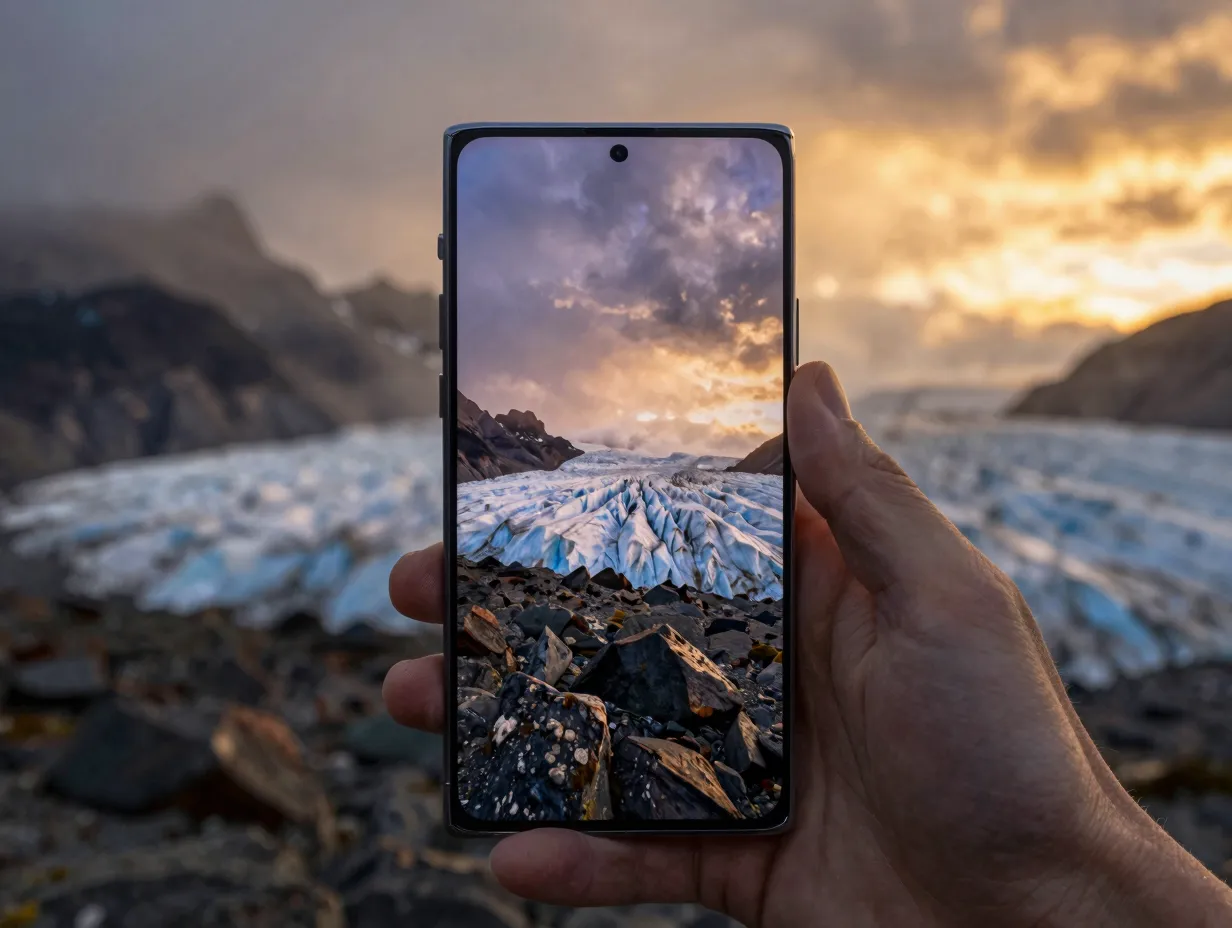
A sweeping landscape, an Icelandic volcanic plain under the aurora borealis, a Patagonian glacier at golden hour, a Saharan dune field at dusk, gives the S24 Ultra’s large 6.8-inch panel room to breathe. Reviewers consistently note that the display’s wide viewing angles and color accuracy make large-format photography look “extraordinary” and “stupidly good” at arm’s length [4][8][15].
Unsplash and 500px are again the strongest sources here, with landscape photographers regularly uploading files at 20 to 50 megapixels. For the S24 Ultra, the ideal crop is a vertical slice from the center of a wide landscape image, preserving the horizon line in the middle third of the screen, this keeps the sky (typically darker) near the status bar and the ground (typically richer in detail) near the dock.
Checklist for selecting a landscape wallpaper:
- File resolution: 4000 pixels wide minimum before cropping
- Tonal range: Dark sky or dark foreground for icon legibility
- Orientation: Portrait or square crops preferred over forced landscape-to-portrait conversions
- Subject placement: Main subject in the center third to avoid dock and status bar overlap
Practical Setup Tips for All Nine Picks
Choosing the right image is only half the process. Setting it up correctly on the S24 Ultra matters just as much.
Avoid over-cropping. The S24 Ultra’s wallpaper editor defaults to a zoom-and-crop interface. Pull the image out to fill the full screen before confirming, and check both the lock screen and home screen previews separately, they use slightly different crop zones.
Use separate lock and home screen wallpapers. One UI allows independent wallpapers for each surface. A high-detail landscape works well on the lock screen, where there are no app icons to compete with, while a cleaner dark gradient suits the home screen’s busier layout [14].
Enable “Motion effect” selectively. The parallax scrolling effect adds depth but slightly crops the wallpaper edges. Disable it for images where edge detail is important, such as architectural shots with tight framing.
Test outdoors before committing. At 2,600 nits peak brightness, the S24 Ultra’s screen in direct sunlight looks very different from how it appears indoors [2][10]. A wallpaper that looks moody and dark inside can look washed out and low-contrast in harsh sunlight. Always check the final choice in the lighting conditions where the phone is used most.
Conclusion
The 9 Perfect Wallpaper Picks For Your Samsung S24 Ultra’s Brilliant Display outlined above are not arbitrary aesthetic preferences. Each category is chosen because it aligns with a specific technical strength of the panel, the deep blacks of pure AMOLED minimalism exploit the OLED’s pixel-off efficiency, the fine detail of macro photography tests the 505 ppi density, and the vivid color of nebula photography pushes the wide color gamut to its limits [1][5][10].
Actionable next steps:
- Download one image from each of the top three categories that match personal taste and compare them side by side using One UI’s wallpaper preview.
- Check the Galaxy Store first for any category, device-optimized packs eliminate resolution and cropping guesswork.
- Spend five minutes with the One UI 6.1 AI generator before defaulting to a third-party source. The results are often better than expected.
- Test every final candidate outdoors in direct sunlight before committing, since the S24 Ultra’s 2,600-nit brightness changes how wallpapers read in real-world conditions.
- Revisit the wallpaper choice every few months. The display’s capabilities have not changed, but personal taste and available high-resolution content continue to evolve.
The hardware is already extraordinary [2][7]. The wallpaper is the one variable that remains entirely within the owner’s control.
References
[1] Samsung Galaxy S24 Ultra Review 2670p3 – https://www.gsmarena.com/samsung_galaxy_s24_ultra-review-2670p3.php
[2] Samsung Galaxy S24 Ultra Review Is It – https://www.dailytechvibes.blog/2026/01/samsung-galaxy-s24-ultra-review-is-it.html
[4] Watch – https://www.youtube.com/watch?v=kVVNznXipeI
[5] V2 Samsung Galaxy S24 Ultra Display Test – https://www.dxomark.com/v2-samsung-galaxy-s24-ultra-display-test/
[6] Samsung Galaxy S24 Ultra Review Id6094 – https://www.phonearena.com/reviews/samsung-galaxy-s24-ultra-review_id6094
[7] Watch – https://www.youtube.com/watch?v=QTeBdZkUIfg
[8] Watch – https://www.youtube.com/watch?v=PYokgFZSWDc
[9] Samsung Galaxy S24 Ultra Display Test – https://www.dxomark.com/samsung-galaxy-s24-ultra-display-test/
[10] Samsung Galaxy S24 Ultra Review – https://www.techradar.com/phones/samsung-galaxy-phones/samsung-galaxy-s24-ultra-review