8 Stunning iPhone 15 Pro Max Wallpaper Collections to Personalize Your Device
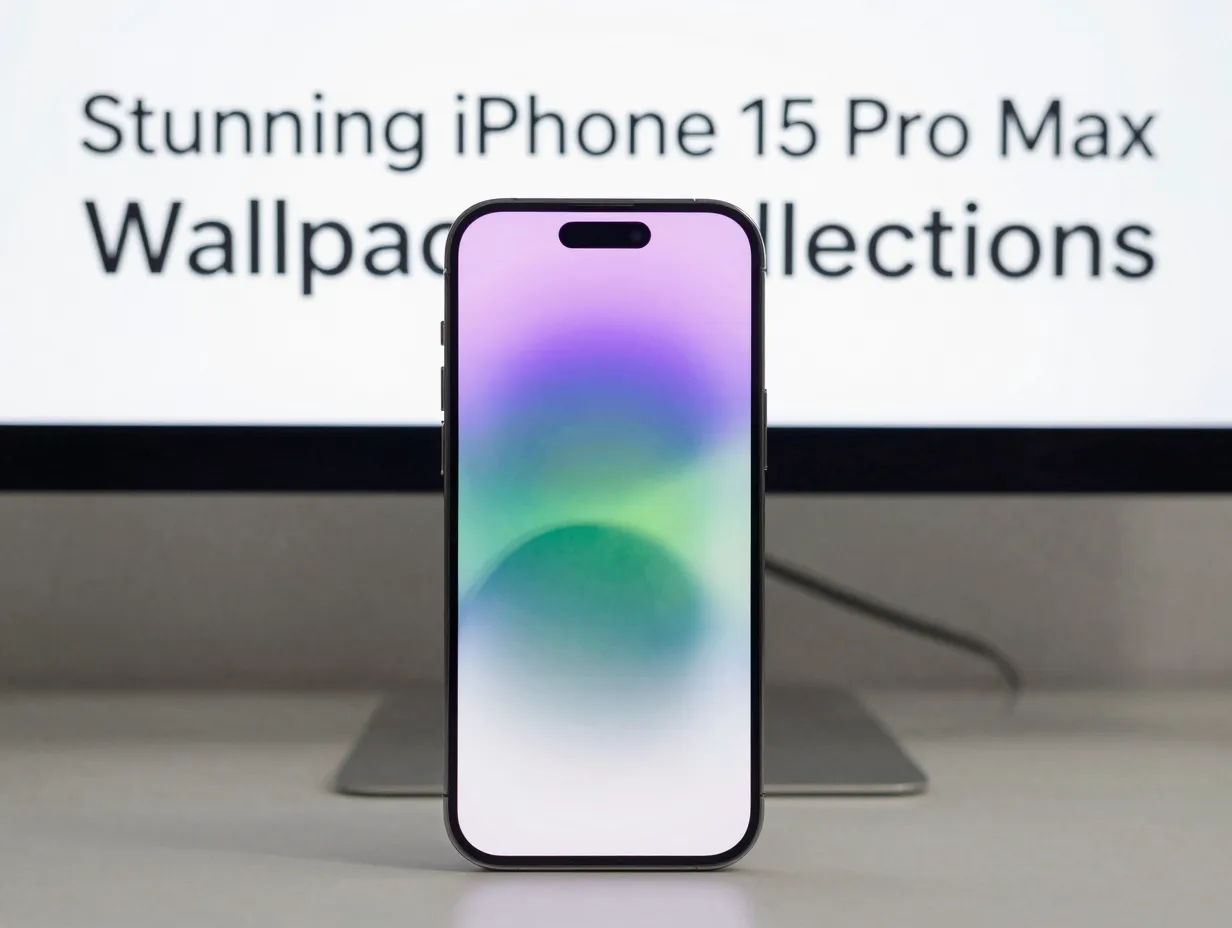
Over 9 million wallpaper downloads have been recorded on a single platform dedicated to iPhone customization, a figure that reveals just how seriously users treat the visual identity of their devices [1]. The lock screen is the first thing a person sees dozens of times each day, and on a device as capable as the iPhone 15 Pro Max, a generic stock background is a missed opportunity. This guide covers the 8 stunning iPhone 15 Pro Max wallpaper collections to personalize your device, drawing from the best curated libraries, open-source archives, and community-driven repositories available in 2026. Whether the goal is a calming minimal aesthetic, a bold abstract statement, or a living, breathing dynamic background, there is a collection here that fits.
Disclosure: This post contains affiliate links. As an Amazon Associate, we earn from qualifying purchases, and at no extra cost to you.
Key Takeaways
- The iPhone 15 Pro Max supports advanced wallpaper features in iOS 17, including depth effects, Live Photos, and Focus mode pairing, which make choosing the right collection more impactful than ever.
- Free, high-quality wallpaper libraries from platforms such as WidgetClub, Unsplash, and AppleScoop offer hundreds of options specifically optimized for the iPhone 15 Pro Max’s 6.7-inch Super Retina XDR display.
- The open-source iOS Wallpapers archive on GitHub provides every official Apple wallpaper from iOS 14.1 through iOS 17, giving users access to legacy and current stock designs.
- iOS 17’s multi-lock-screen system allows users to assign different wallpaper sets to different Focus modes, making it practical to maintain several themed collections on one device.
- Compatibility matters: always verify that a wallpaper source explicitly lists the iPhone 15 Pro Max to ensure proper resolution and aspect ratio.
Why the iPhone 15 Pro Max Deserves a Curated Wallpaper Collection
The iPhone 15 Pro Max ships with a 6.7-inch Super Retina XDR OLED display capable of rendering over a billion colors. A wallpaper that looks acceptable on an older or smaller screen can appear washed out or poorly cropped on this panel. Resolution, aspect ratio, and color depth all matter. Beyond the hardware, iOS 17 introduced a fundamentally reworked wallpaper system that unlocks depth effects, widget overlays, custom fonts, and the ability to rotate through entire photo collections automatically [3][4].
This means selecting a wallpaper collection is no longer a one-time decision. Users can build a library of themed sets, assign them to work or personal Focus modes, and let the device shift its visual identity throughout the day [4]. The 8 stunning iPhone 15 Pro Max wallpaper collections to personalize your device described in this article have been chosen with all of these factors in mind.
The 8 Stunning iPhone 15 Pro Max Wallpaper Collections to Personalize Your Device
1. WidgetClub’s Dedicated iPhone 15 Pro Max Library
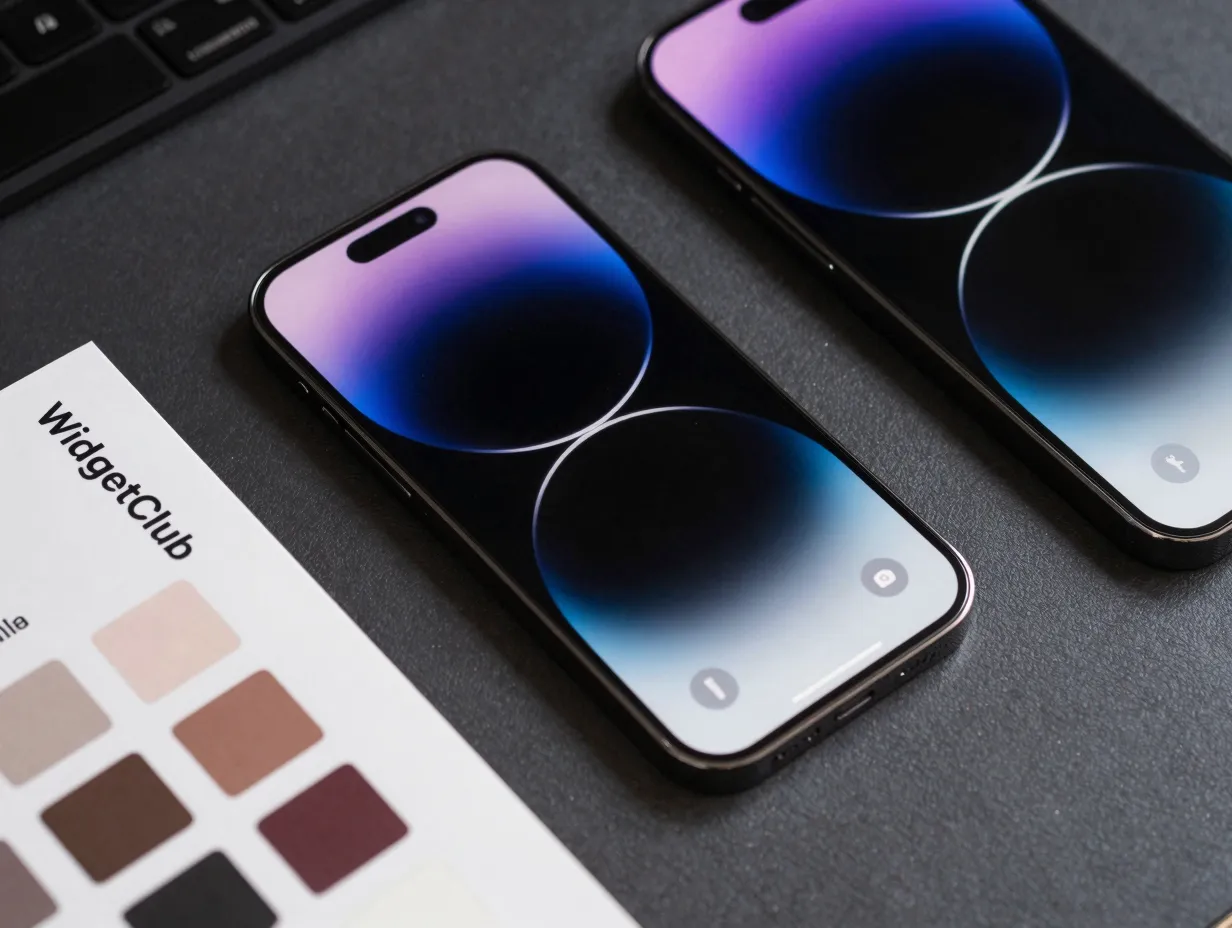
WidgetClub hosts one of the most comprehensive device-specific wallpaper libraries available in 2026. The platform advertises over 681 free wallpapers tailored specifically to the iPhone 15 Pro Max, with a collection that was last updated in August 2026 and has accumulated more than 9 million total downloads across its platform [1].
What sets this collection apart is its organizational depth. Wallpapers are sorted by style, color palette, and theme, making it straightforward to find options that match a specific aesthetic. Categories range from dark moody abstracts to bright botanical illustrations, and each image is pre-sized for the 6.7-inch display. For users who want a single destination with a large, regularly refreshed library, this is the strongest starting point.
Best for: Users who want a large, organized, device-specific library with frequent updates.
| Feature | Details |
|---|---|
| Total wallpapers | 681+ |
| Last updated | August 2026 |
| Cost | Free |
| Device optimization | iPhone 15 Pro Max specific |
2. AppleWalls Live Wallpaper Collection
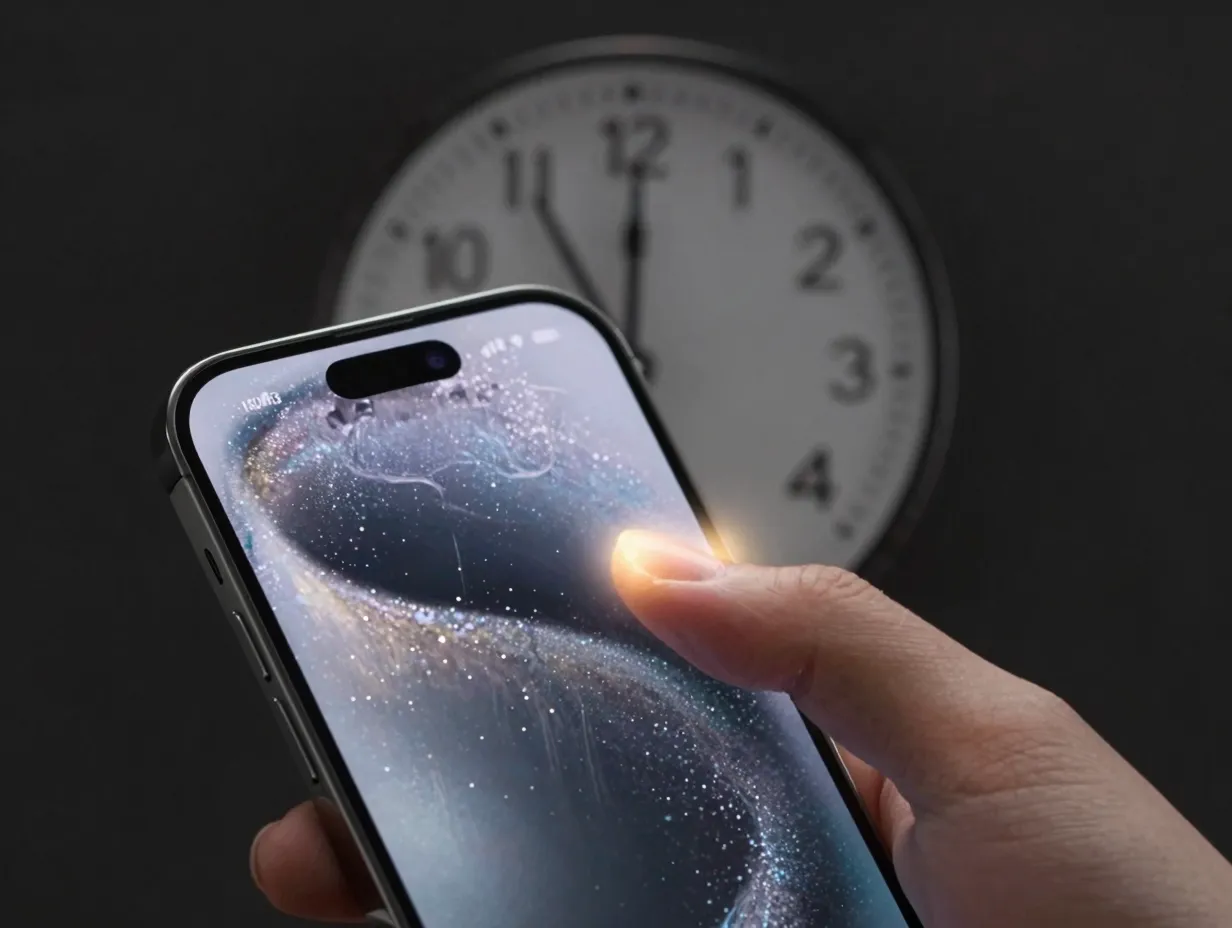
Static images are only one dimension of personalization. AppleWalls maintains a dedicated “iPhone 15 Pro Max Live Wallpapers” section that features animated wallpaper sheets, giving the lock screen genuine motion and depth [2].
The platform shows ongoing curation activity through August 2026, confirming that the collection is not a static archive but an actively managed resource. Live wallpapers on the iPhone 15 Pro Max benefit directly from iOS 17’s revived support for Live Photos-based backgrounds, which had been removed in iOS 16 before being restored [4]. The result is a lock screen that responds to a press with subtle animation, adding a tactile quality to the visual experience.
Best for: Users who want motion and depth effects on their lock screen rather than a static image.
“Live Photos-based wallpapers, removed in iOS 16, have been revived in iOS 17 alongside new kaleidoscope-style moving wallpapers and enhanced dynamic effects.” [4]
3. HeyEased Gentleasy Colorfulness Series
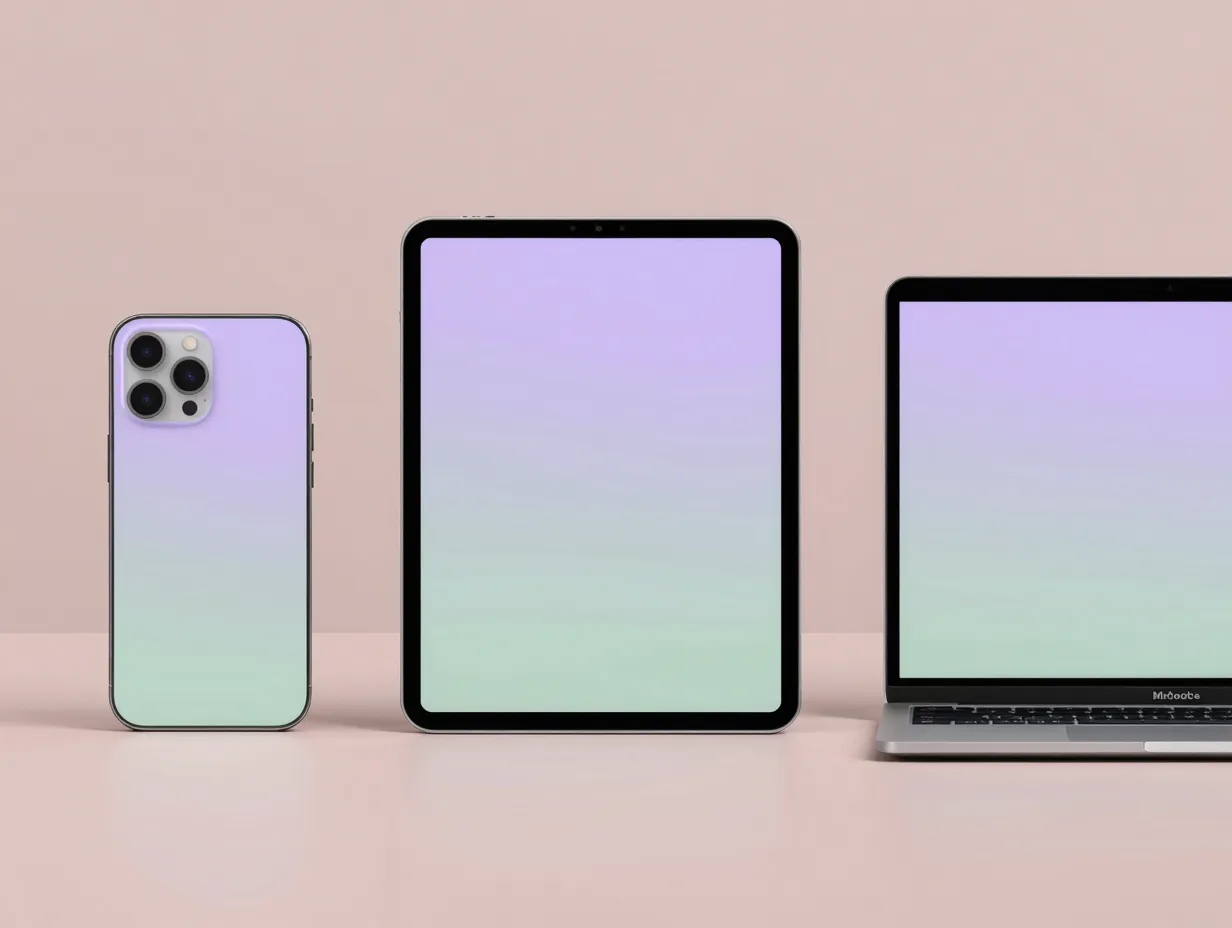
Released on August 9, 2026, the HeyEased “Gentleasy Colorfulness” series is one of the freshest additions to the iPhone 15 Pro Max wallpaper landscape [5]. This collection is built around soft, layered color gradients that avoid the harshness of oversaturated backgrounds while still delivering visual warmth.
The series explicitly lists compatibility with the iPhone 15 Pro Max alongside a wide range of other iPhone, iPad, and Mac devices, making it a practical choice for users who work across multiple Apple devices and want visual consistency. The color palette centers on muted pastels, dusty rose, sage green, warm lavender, that are easy on the eyes during extended screen time.
Best for: Users who want a cross-device consistent aesthetic with soft, modern color palettes.
Key characteristics of the Gentleasy Colorfulness series:
- Soft gradient layering with no harsh color transitions
- Explicit iPhone 15 Pro Max resolution support
- Compatible with iPhone, iPad, and Mac for a unified look
- Released August 2026, making it among the most current options available
4. iFixit’s iPhone 15 Pro Max Wallpaper Pack
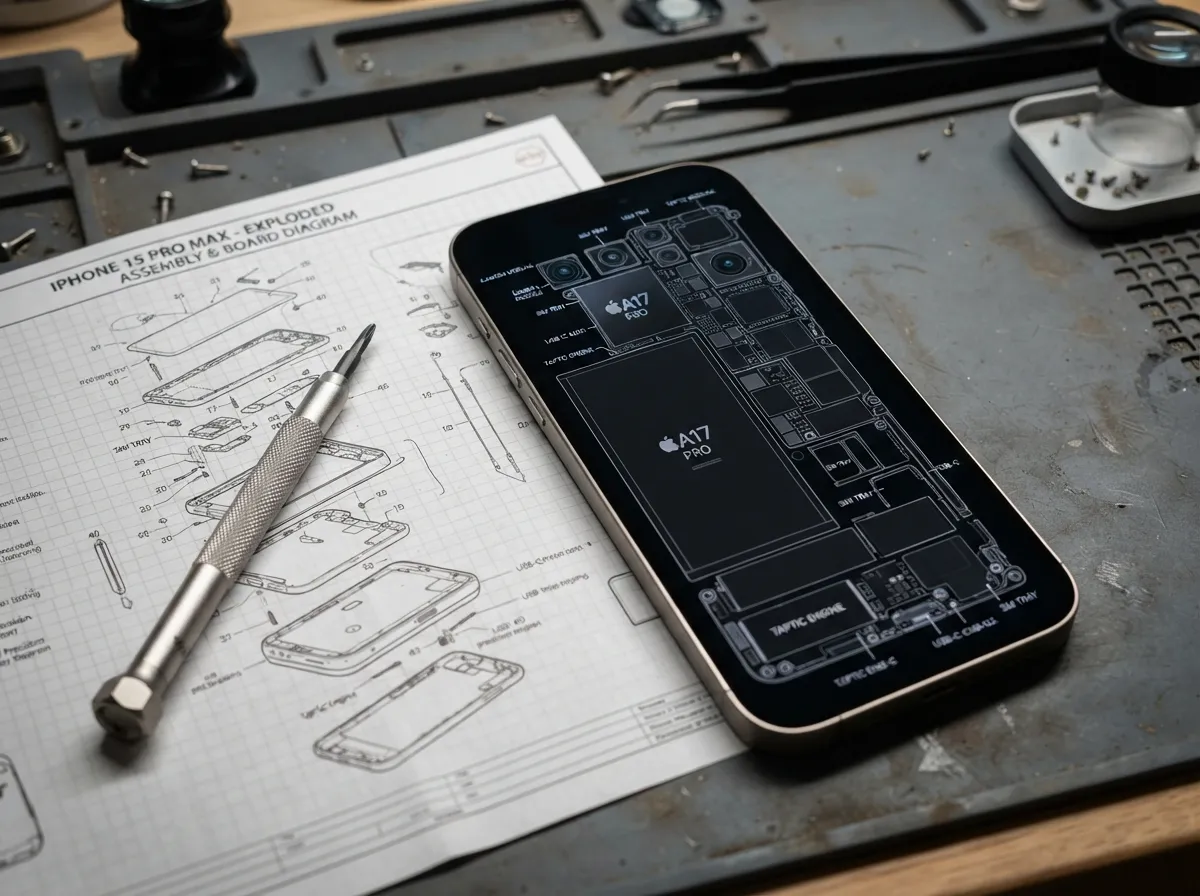
iFixit is best known for its device teardown guides and repair resources, but the organization published a dedicated iPhone 15 wallpapers pack on May 25, 2026. The pack includes downloadable wallpapers tailored to the iPhone 15, 15 Plus, 15 Pro, and 15 Pro Max, drawing from the technical and aesthetic imagery produced during the teardown process.
These wallpapers occupy an unusual niche: they are simultaneously authoritative, device-specific, and visually distinct from anything found on a standard wallpaper platform. The imagery often features precise engineering aesthetics, clean lines, technical color grading, and compositions that reflect the internal architecture of the device itself. For users who appreciate a design philosophy rooted in function and precision, this pack is a compelling choice.
Best for: Users who prefer a technical, design-forward aesthetic tied directly to the device’s engineering identity.
5. AppleScoop’s 100+ Community-Favorite Wallpapers
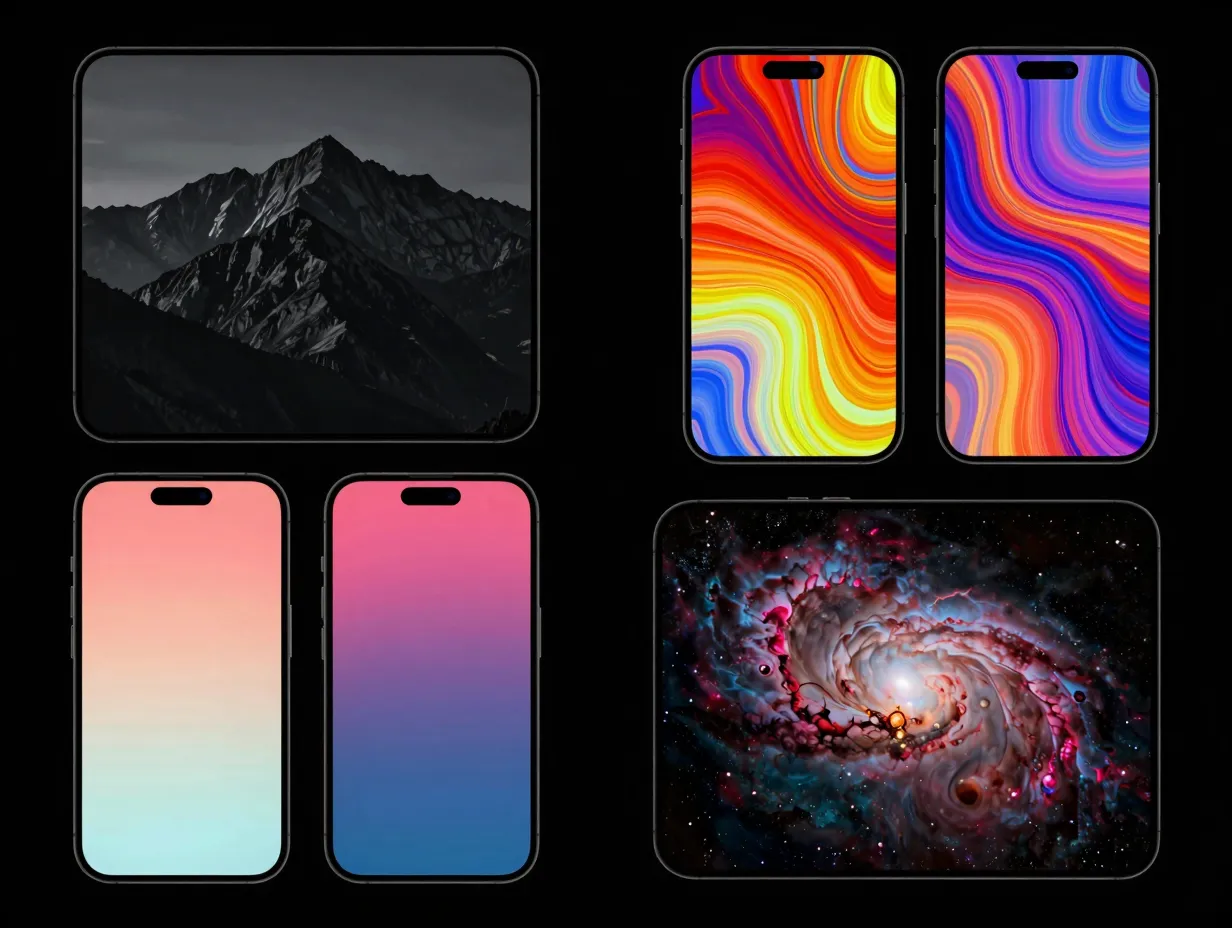
AppleScoop’s curated article, “100+ Popular Wallpapers for iPhone 15, 15 Plus, 15 Pro and 15 Pro Max,” functions as a popularity-ranked collection built on community preference rather than editorial curation alone [7]. Published in September 2024 and still widely referenced in 2026, the article aggregates over one hundred wallpapers that have resonated most strongly with the iPhone 15 user base.
The tap-to-select interface makes browsing and downloading efficient, and the sheer volume of options means users can find something that matches almost any aesthetic direction. Because the rankings reflect actual community engagement, the collection surfaces genuinely popular designs rather than algorithmically promoted ones.
Best for: Users who want community-validated designs and a large browsable library in a single location.
Top aesthetic categories represented:
- Dark and moody atmospheric photography
- Vibrant abstract digital art
- Minimalist single-color gradients
- Nature macro photography
- Space and astronomy imagery
6. Unsplash’s License-Free HD Photography Collection
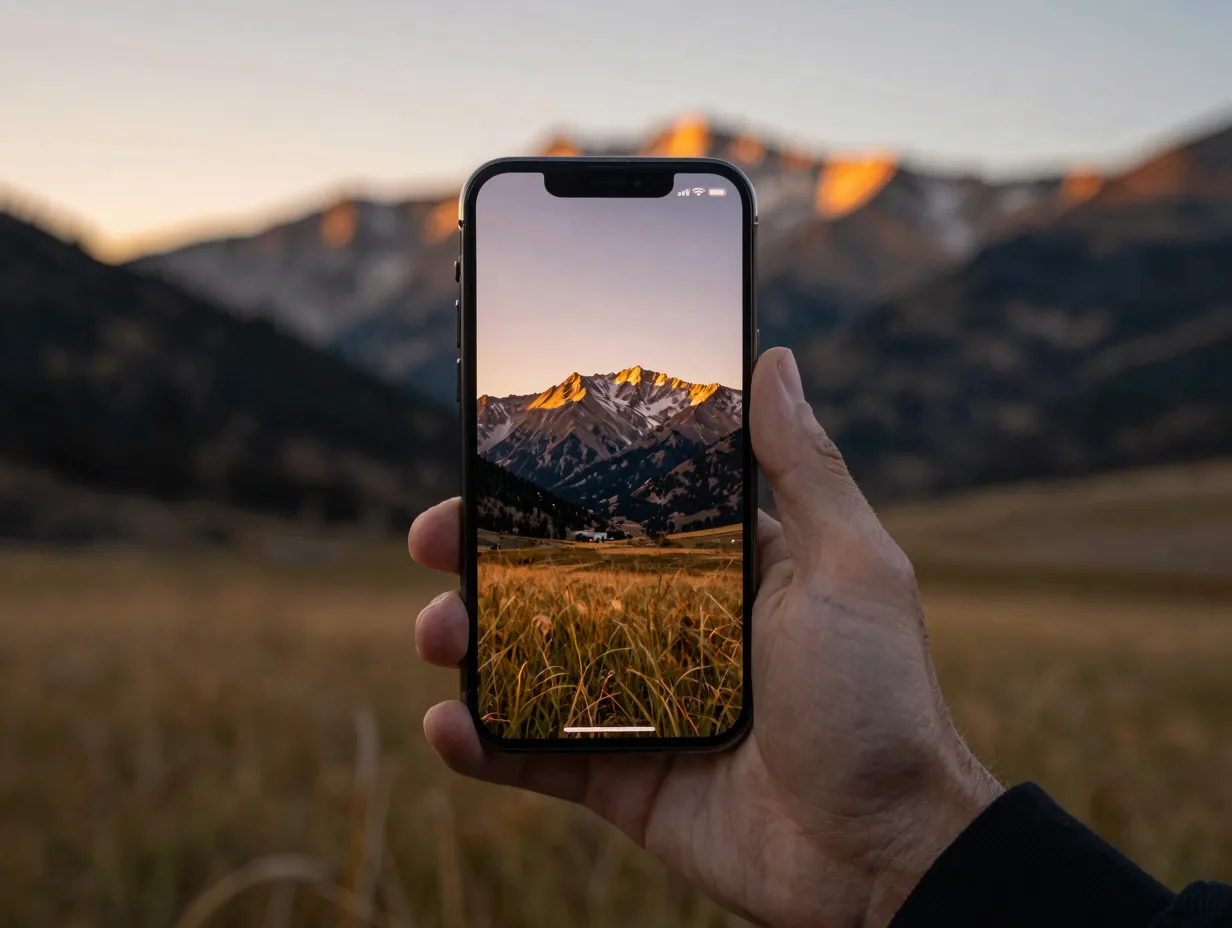
Unsplash hosts a dedicated search category for iPhone 15 Pro Max wallpapers, offering free HD downloads with a license structure that permits personal use without attribution requirements. The collection showed updates through December 2025 and allows filtering by style, subject, and color, giving users fine-grained control over the browsing experience.
The strength of Unsplash as a wallpaper source lies in the quality of its photography. Contributors are professional and semi-professional photographers, which means the image quality is consistently high. The 6.7-inch OLED display of the iPhone 15 Pro Max rewards high-resolution source material, and Unsplash’s library delivers exactly that.
Best for: Users who prioritize photographic quality and want license-free imagery they can use without restriction.
| Filtering Option | Available on Unsplash |
|---|---|
| Style (abstract, nature, architecture) | Yes |
| Color palette | Yes |
| Orientation | Yes |
| Resolution | Yes |
| License type | Free for personal use |
7. GitHub iOS Wallpapers Open-Source Archive
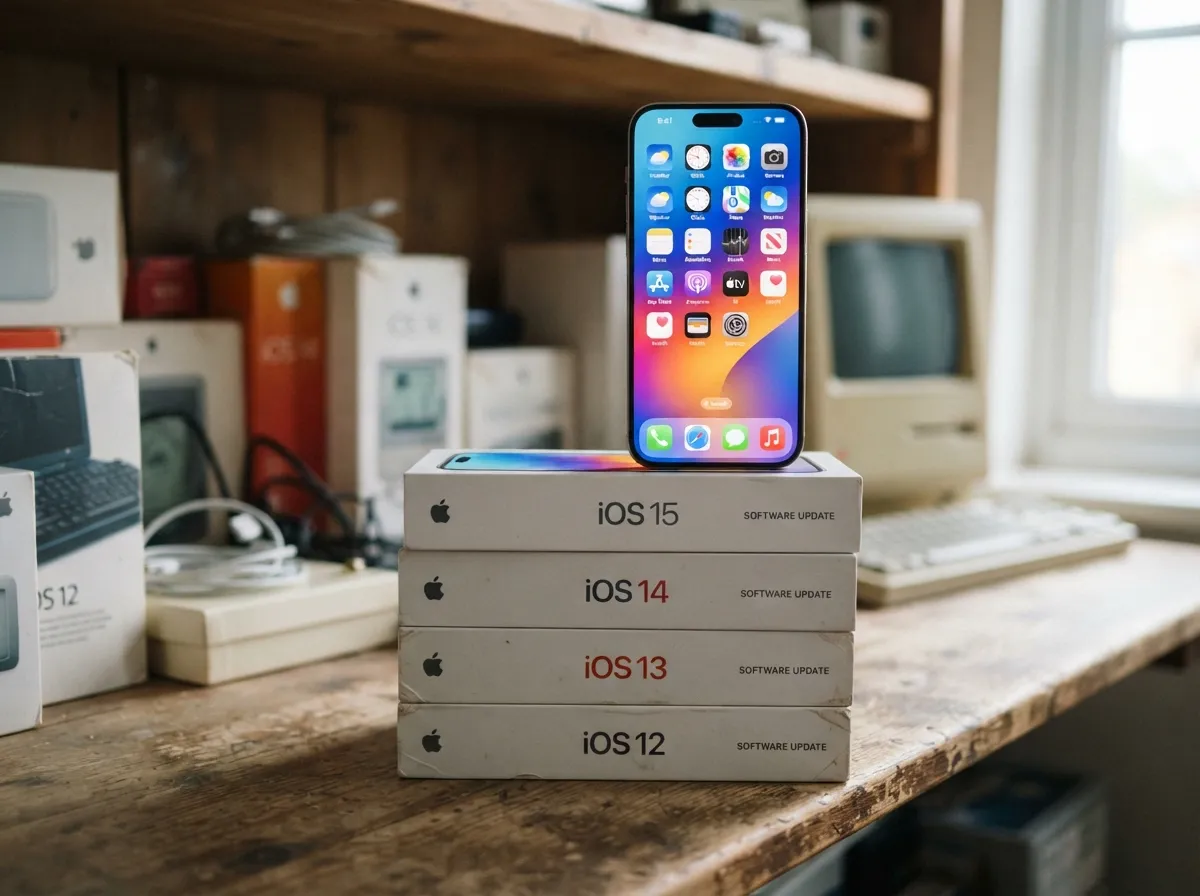
The open-source “iOS Wallpapers” repository on GitHub catalogs every official wallpaper Apple has released, mapped to specific device classes. The archive covers iOS 14.1 through iOS 17 and includes a dedicated 6.7-inch category that encompasses the iPhone 15 Pro Max [10].
This collection is valuable for two distinct reasons. First, it provides access to legacy Apple wallpapers that may no longer be available through standard iOS updates, wallpapers from iOS 14 or 15 that many users remember fondly. Second, it documents the full official Apple design language across multiple years, making it a reference point for understanding how Apple’s aesthetic sensibility has evolved. For users who want authentic Apple-designed imagery beyond what ships with iOS 17, this archive is irreplaceable.
Best for: Users who want official Apple wallpapers from past iOS versions, including designs no longer available through standard updates.
The GitHub archive maps wallpapers to device classes by screen size, ensuring that every image in the 6.7-inch category is correctly proportioned for the iPhone 15 Pro Max. [10]
8. WallpapersCentral’s Actively Maintained Universal Hub
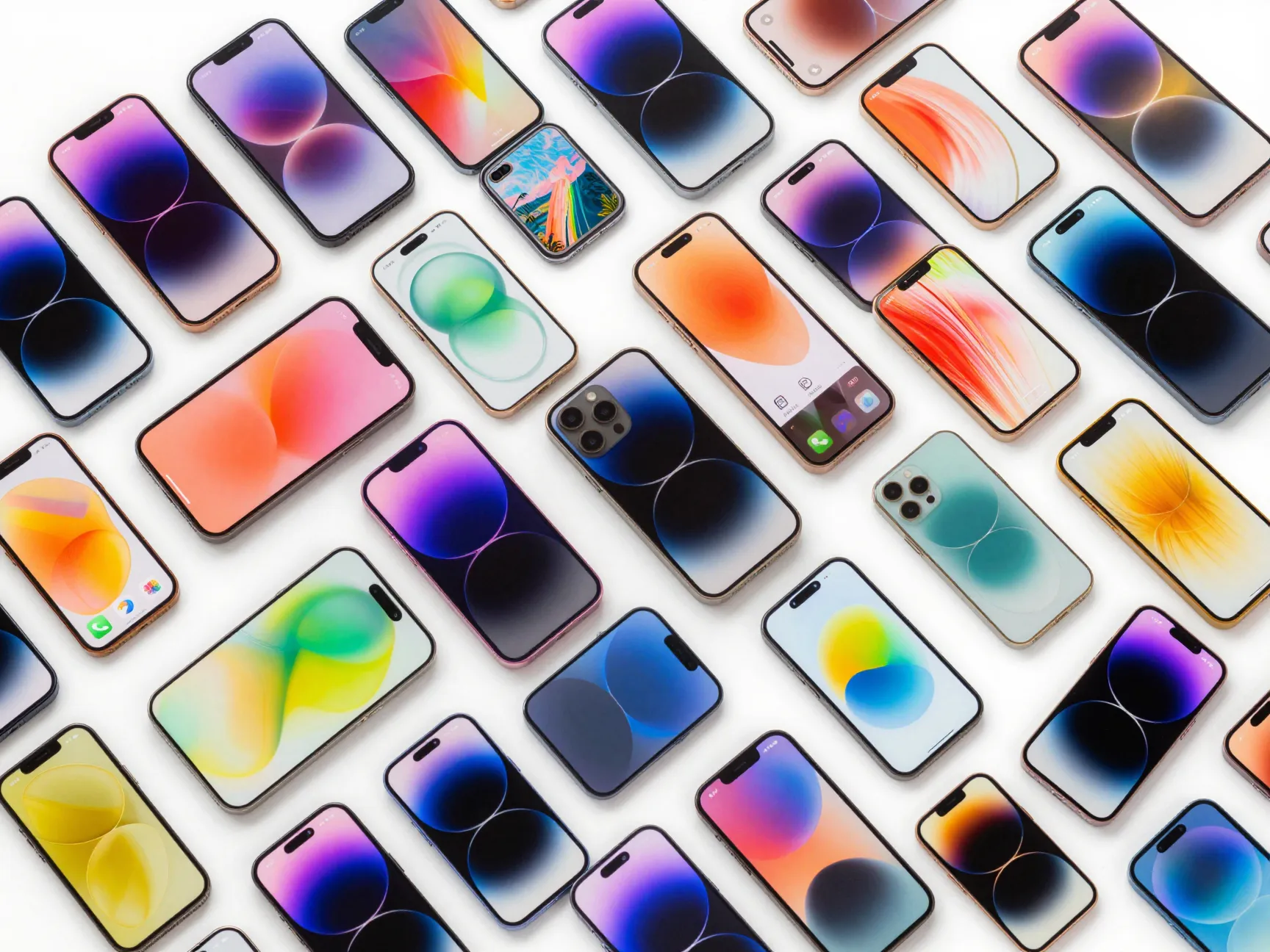
WallpapersCentral (WC) offers a free iPhone wallpapers hub described as covering backgrounds “for every model.” The platform’s catalog confirms active maintenance through late August 2026, indicating that new content is added regularly rather than the site functioning as a static archive [6].
The universal scope of WallpapersCentral is both its strength and its distinguishing characteristic. Because it covers every iPhone model, the library is exceptionally broad, and users can browse by theme, color, and style without being limited to a device-specific subset. The trade-off is that not every wallpaper is explicitly optimized for the iPhone 15 Pro Max’s resolution, so users should apply a resolution filter when available or verify dimensions before downloading.
Best for: Users who want the broadest possible selection and are comfortable verifying resolution compatibility independently.
How iOS 17 Makes These Collections More Powerful
Selecting a great collection is only half the equation. iOS 17 introduced a set of wallpaper management tools that transform how these collections function on the iPhone 15 Pro Max [3][4].
Multiple Lock Screens and Focus Mode Integration
iOS 17 allows users to save multiple lock screen configurations, each with its own wallpaper, widget set, font, and color scheme. More importantly, each lock screen can be tied to a specific Focus mode, Work, Personal, Sleep, or any custom mode [4]. This means a user can assign the minimal gradient from the HeyEased Gentleasy series to a Work Focus, the live wallpaper from AppleWalls to a Personal Focus, and a dark astronomy image from AppleScoop to a Sleep Focus, all without any manual switching.
Steps to assign a wallpaper to a Focus mode:
- Open Settings and tap Wallpaper.
- Tap Add New Wallpaper to create a new lock screen configuration.
- Choose the desired image from any of the collections listed above.
- After saving, navigate to Settings, then Focus.
- Select the desired Focus mode and tap Customize Screens.
- Choose the lock screen just created to link them.
Depth Effects and Live Photo Wallpapers
The depth effect in iOS 17 places the clock behind the subject of a photo, creating a layered three-dimensional appearance on the lock screen. This feature works best with images that have a clearly defined foreground subject, portrait photography, macro nature shots, and certain abstract compositions from collections like Unsplash and AppleScoop are particularly well-suited [3][4].
Live Photos-based wallpapers, which animate briefly when the lock screen is pressed, were restored in iOS 17 after being absent in iOS 16. The AppleWalls live wallpaper collection is specifically designed to take advantage of this feature [2][4].
Intelligent Editing Controls
After selecting a wallpaper, iOS 17 offers color filters, gradient overlays, and depth adjustments directly within the wallpaper editor. This means a wallpaper from the GitHub archive or WallpapersCentral that is close to ideal but slightly too bright can be adjusted without leaving the Settings app. These controls make even imperfectly optimized images workable on the iPhone 15 Pro Max’s display.
Choosing the Right Collection for Your Aesthetic
With 8 stunning iPhone 15 Pro Max wallpaper collections to personalize your device now mapped out, the practical question becomes: which collection fits a specific user’s needs? The table below provides a quick reference.
| Collection | Aesthetic Style | Best Feature | Cost |
|---|---|---|---|
| WidgetClub | Varied | Largest device-specific library | Free |
| AppleWalls | Dynamic / Live | Animated lock screen motion | Free |
| HeyEased Gentleasy | Soft / Pastel | Cross-device consistency | Free |
| iFixit Pack | Technical / Precise | Device-specific engineering aesthetic | Free |
| AppleScoop 100+ | Community-ranked | Popularity-validated designs | Free |
| Unsplash HD | Photography | Professional image quality | Free |
| GitHub iOS Archive | Official Apple | Legacy Apple designs | Free |
| WallpapersCentral | Universal | Broadest selection | Free |
Practical Tips for Getting the Most From Any Collection
Verify resolution before downloading. The iPhone 15 Pro Max has a native resolution of 2796 x 1290 pixels at 460 ppi. Wallpapers sourced from platforms that do not explicitly list device compatibility should be checked against these dimensions. Upscaled low-resolution images will appear soft or pixelated on the OLED display.
Use the built-in wallpaper editor. iOS 17’s editing tools, accessible immediately after selecting a new wallpaper, allow brightness, color filter, and depth adjustments. A wallpaper that looks slightly off in a browser preview may look excellent after a quick adjustment in the editor.
Rotate collections with Photo Shuffle. iOS 17’s Photo Shuffle feature allows the lock screen wallpaper to rotate through a selected album at set intervals. Users who download a full collection from WidgetClub or AppleScoop can load the images into a dedicated album and let the device cycle through them automatically [3].
Match wallpaper tone to widget readability. Lock screen widgets added in iOS 17 need sufficient contrast against the wallpaper background to remain legible. Dark wallpapers from the GitHub archive or Unsplash’s moody photography category pair well with light-colored widget text, while the soft pastels of the HeyEased series work best with dark widget styles.
Conclusion
The iPhone 15 Pro Max is a device built for precision and visual excellence, and the wallpaper collections covered here match that standard. From the 681-plus options in WidgetClub’s dedicated library [1] to the motion-forward live wallpapers at AppleWalls [2], the soft cross-device palettes of HeyEased [5], the community-validated designs at AppleScoop [7], the license-free HD photography on Unsplash, the engineering-aesthetic iFixit pack, the official Apple archive on GitHub [10], and the broadly maintained catalog at WallpapersCentral [6], every major aesthetic direction is covered.
Actionable next steps:
- Identify the primary aesthetic direction, minimal, dynamic, photographic, or technical, before browsing any collection.
- Download three to five candidates from the most relevant collection and compare them directly on the device rather than in a browser.
- Use iOS 17’s wallpaper editor to fine-tune brightness and depth before committing to a final choice.
- Create at least two saved lock screen configurations and assign each to a different Focus mode to take full advantage of iOS 17’s multi-screen system.
- Revisit WidgetClub and WallpapersCentral monthly, as both platforms confirm active updates through mid-2026, ensuring the library continues to grow.
The right wallpaper does more than fill a screen. On the iPhone 15 Pro Max, it sets the visual tone for every interaction with the device throughout the day.
References
[1] Iphone 15 Pro Max – https://widget-club.com/wallpapers/t/iphone_15_pro_max
[2] applewalls – https://www.applewalls.com/
[3] Watch – https://www.youtube.com/watch?v=1PBWFnT2QWI
[4] Ios17 Wallpaper – https://widget-club.com/article/ios17_wallpaper
[5] heyeased.weebly – https://heyeased.weebly.com/new
[6] Iphone Wallpapers – https://wallpapers.ispazio.net/iphone-wallpapers
[7] 100 Popular Wallpapers For Iphone 15 15 Plus 15 Pro And 15 Pro Max – https://applescoop.org/story/100-popular-wallpapers-for-iphone-15-15-plus-15-pro-and-15-pro-max
[10] Ios Wallpapers – https://github.com/SniperGER/iOS-Wallpapers