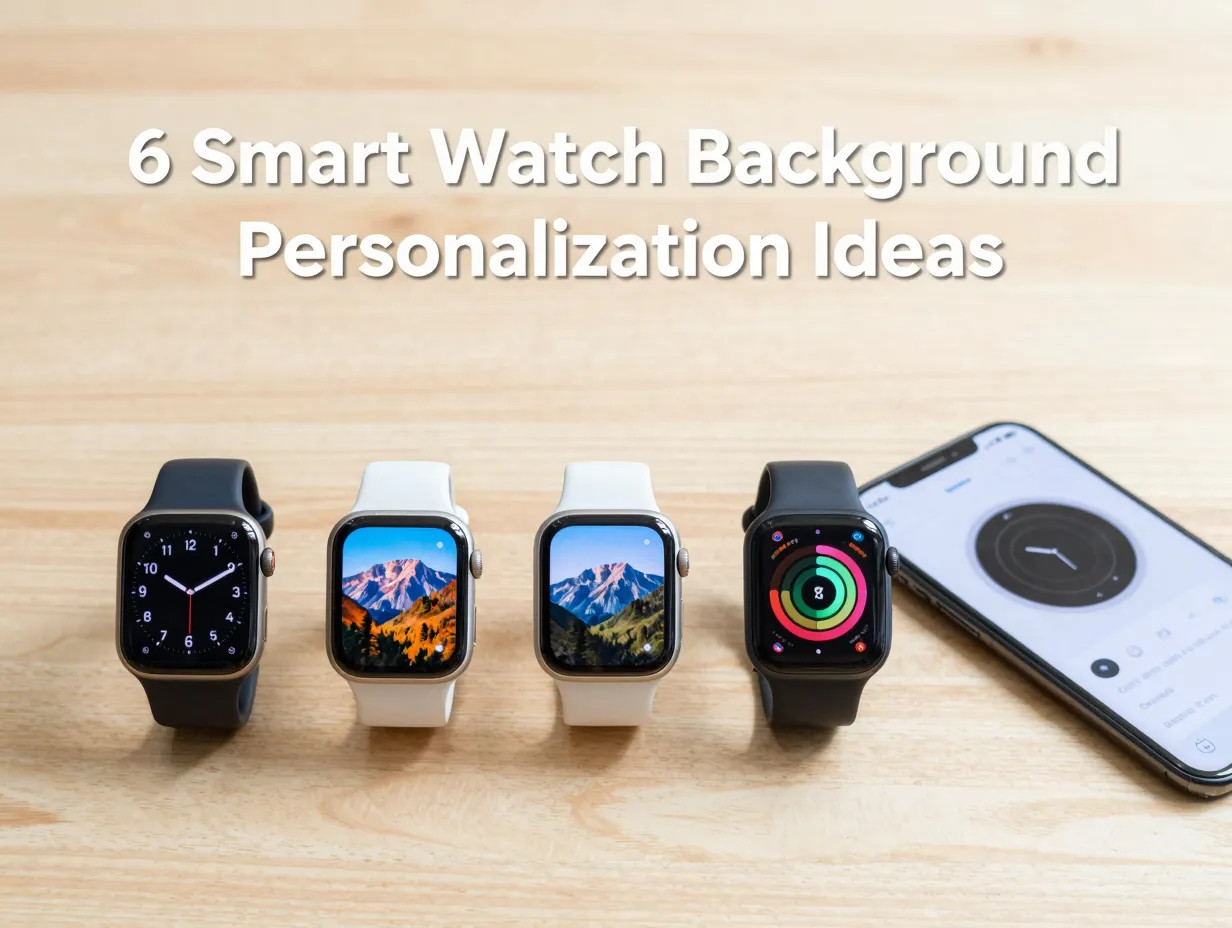
6 Smart Watch Background Ideas To Personalize Your Daily Glance
Smartwatch users unlock their wrists an average of 80 to 100 times per day, yet most never change the default background that shipped with their device. That single, overlooked setting shapes every one of those glances. Choosing the right watch face background is one of the fastest, most impactful ways to make a wearable feel genuinely personal. These 6 Smart Watch Background Ideas To Personalize Your Daily Glance cover everything from minimal art to data-packed dashboards, drawing on the latest tools, platforms, and operating system features available in 2026 to help any user transform a generic screen into something that truly works for their lifestyle.
Disclosure: This post contains affiliate links. As an Amazon Associate, we earn from qualifying purchases, and at no extra cost to you.
Key Takeaways
- Smartwatch background personalization has expanded dramatically, with platforms like Facer offering more than 500,000 faces and WatchMaker providing over 150,000 options [1][3]
- Wear OS 6 and watchOS 26 both include native features for richer, more dynamic backgrounds, including animated transitions and photo watch faces [9][12]
- Samsung’s Watch Face Studio lets users design fully custom Galaxy Watch backgrounds without any coding knowledge [6]
- Scenario-based face switching, fitness, work, evening, is now natively supported on Apple Watch and many Wear OS devices, making it practical to maintain multiple personalized backgrounds [12]
- Legacy watch-face apps are being phased out following Google’s January 2026 cleanup of the Play Store, so choosing updated platforms matters for long-term usability [2]
Why Your Watch Background Deserves More Attention
Most people spend more time choosing a phone wallpaper than a watch face, even though the watch face is the more frequently consulted display. The background is not merely decorative, it determines which data surfaces at a glance, how quickly the eye finds the time, and whether the watch feels like a tool or a burden.
The personalization landscape in 2026 has never been richer. Facer’s main platform now catalogs more than 500,000 watch faces for Apple Watch, Wear OS, and other devices [3]. WatchMaker lists over 150,000 faces in its Google Play entry [1]. At CES 2026, Facer announced a major platform expansion that added support for new smartwatch operating systems and even embedded systems via LVGL, meaning a consistent visual identity can now extend across multiple device categories [5][7]. Meanwhile, Google removed legacy watch-face apps from the Play Store on January 14, 2026, nudging users toward more secure, current-generation personalization solutions [2].
Against that backdrop, the following 6 Smart Watch Background Ideas To Personalize Your Daily Glance offer a structured starting point, from the simplest aesthetic tweaks to fully custom designs built from scratch.
The 6 Smart Watch Background Ideas To Personalize Your Daily Glance
1. Minimalist Time-First Backgrounds
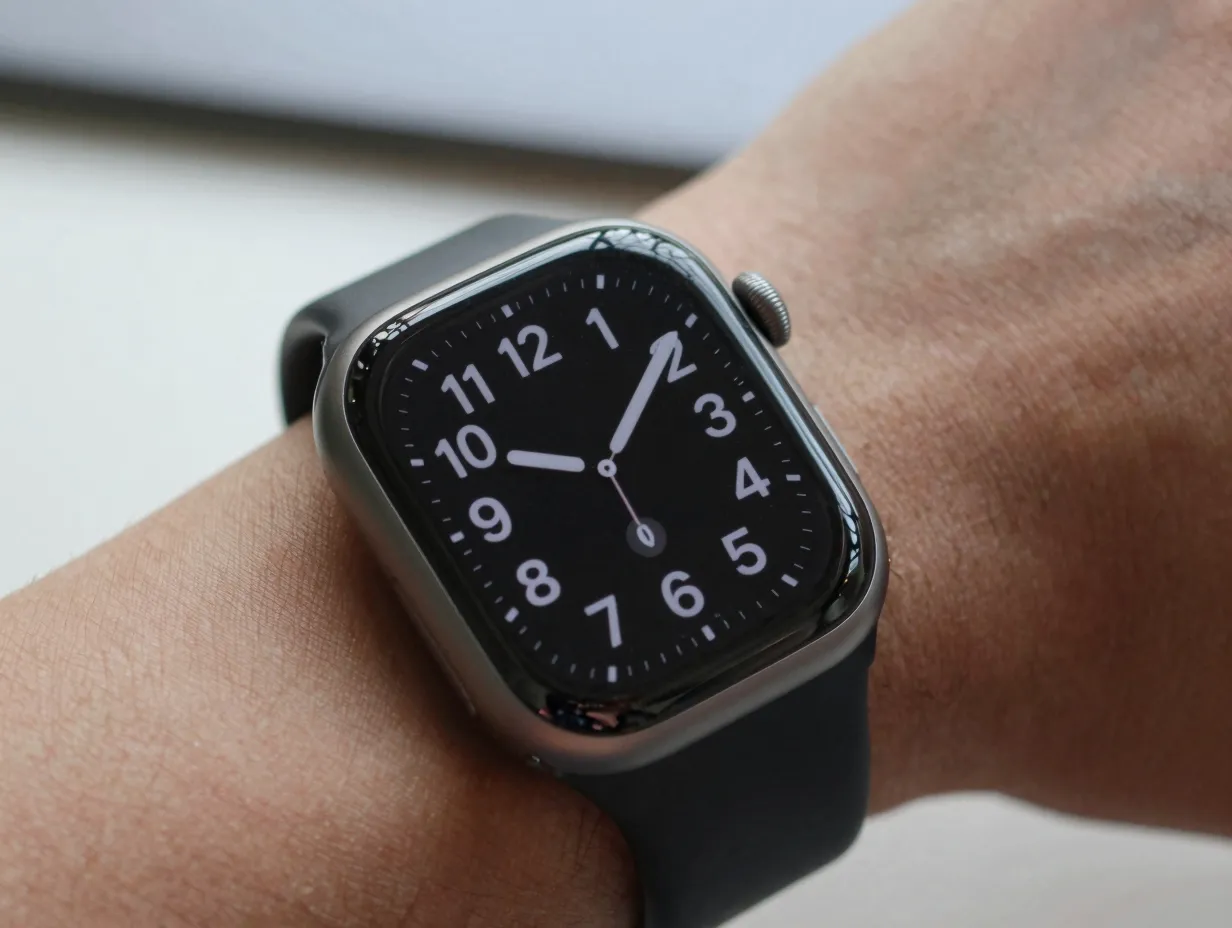
What it is: A clean face that strips everything back to the essentials, time, date, and perhaps one or two complications, set against a solid color, a subtle gradient, or a dark AMOLED-friendly black.
Why it works: Minimalist backgrounds reduce cognitive load. When the wrist is raised, the eye lands on the time in under a second. There is no visual competition from widgets, photos, or animated elements. This style is especially effective for users who wear a watch primarily as a timepiece and want battery life to benefit from a mostly dark display.
How to get it:
- On Apple Watch, the Numerals Duo, Simple, and Modular Compact faces all support stripped-down configurations. watchOS 26 provides 67 built-in faces [12], many of which can be reduced to a single complication or none at all.
- On Wear OS, the built-in face editor and third-party apps like WatchMaker [1] offer hundreds of minimal templates.
- On Galaxy Watch, Samsung’s Watch Face Studio allows the creation of a custom minimal face from a blank canvas [6].
Best for: Professionals in meetings, users who prioritize battery life, and anyone who finds busy screens distracting.
| Feature | Benefit |
|---|---|
| Dark or black base | Saves battery on AMOLED screens |
| Single complication | Reduces distraction |
| High-contrast numerals | Faster time reading |
| No animations | Longer battery and cleaner aesthetic |
2. Personal Photo Backgrounds
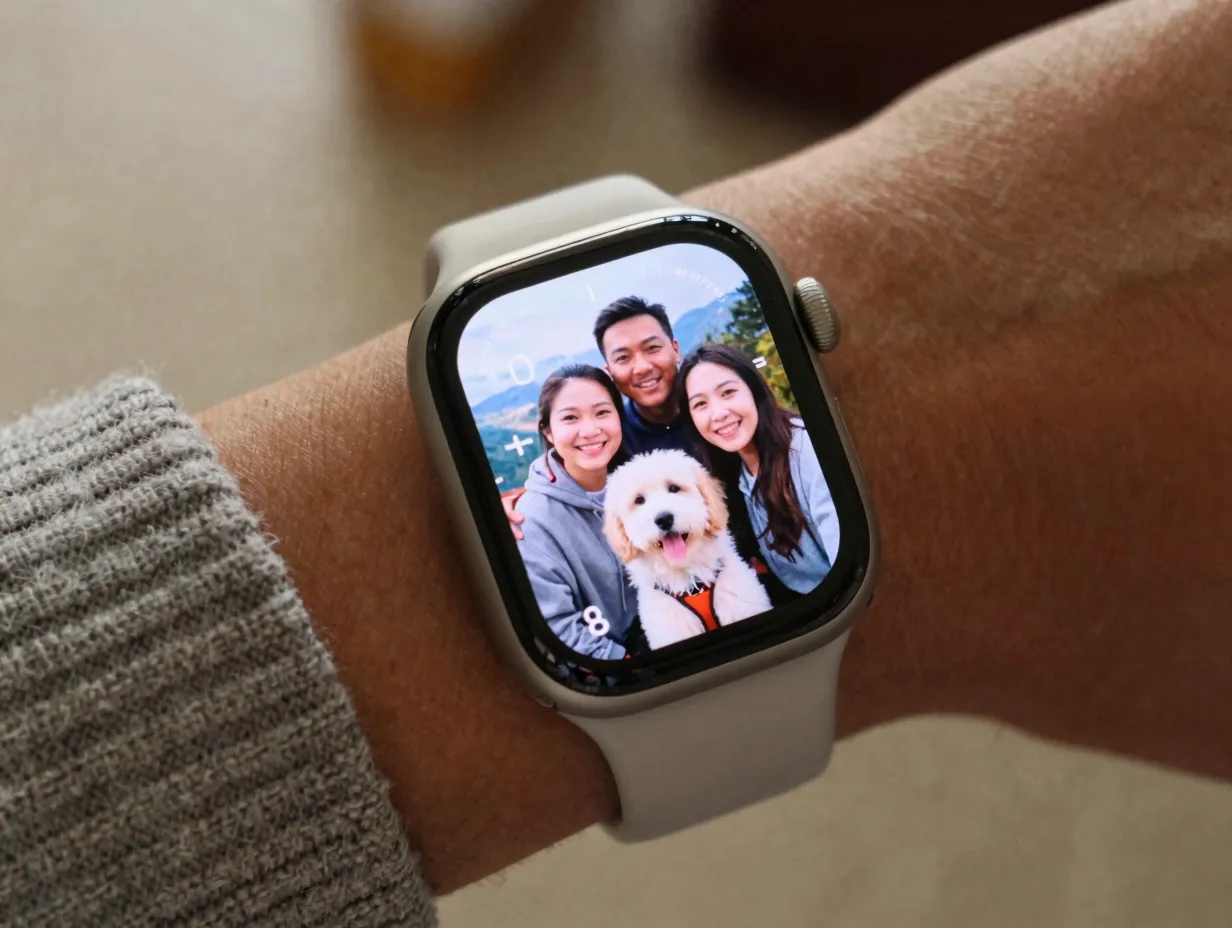
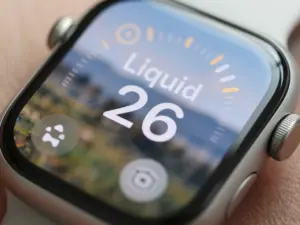
What it is: A watch face that uses a personal photograph, a family portrait, a travel shot, a pet, a landscape, as the background layer, with time and complications overlaid on top.
Why it works: A photo background turns the watch into something emotionally resonant. Every glance at the time becomes a small moment of connection with something meaningful. Wear OS 6, introduced in May 2025 and still the reference standard for most Wear OS devices in 2026, added native “photo watch faces” as part of Watch Face Format version 4, explicitly designed to support richer personal imagery [9].
How to get it:
- On Apple Watch, users can set a photo face directly from the Face Gallery in the iPhone Watch app or by pressing and holding the watch face to enter Edit mode [12][14]. The face automatically adjusts complication placement to avoid obscuring the subject.
- On Wear OS 6 devices, the native photo face feature handles cropping, color matching for complications, and ambient-to-interactive transitions [9].
- Third-party apps like Facer’s Creator platform [8] allow photo layers to be combined with custom complication layouts, giving more control over how the image and data coexist.
Best for: Users who want an emotional connection to their watch, gift recipients, new parents, and frequent travelers.
“A photo background turns the watch into something emotionally resonant. Every glance at the time becomes a small moment of connection.”
3. Fitness and Health Dashboard Backgrounds
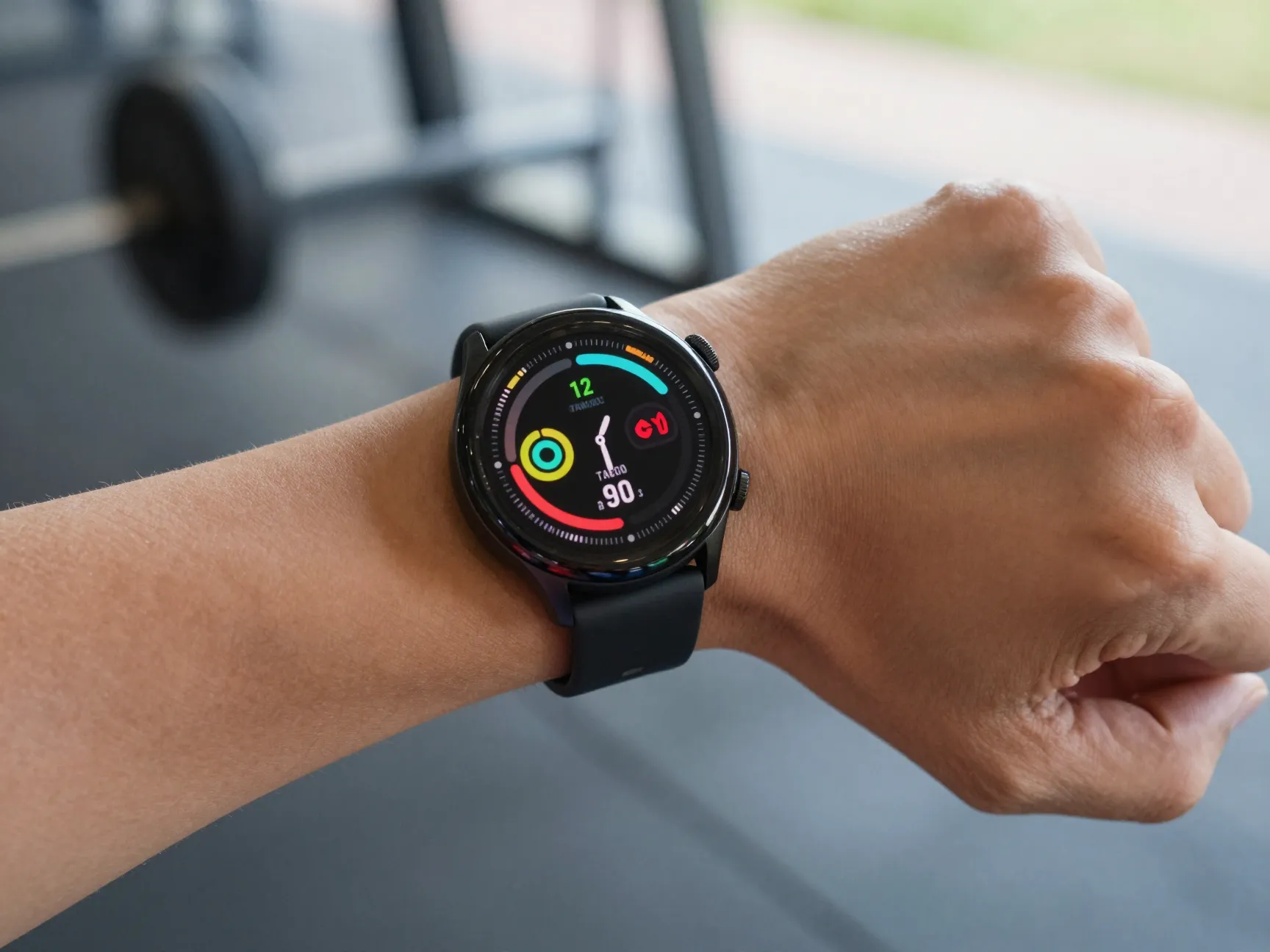
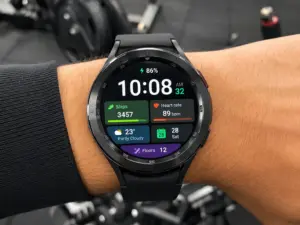
What it is: A data-forward face that surfaces health and activity metrics, heart rate, steps, calories, active minutes, sleep score, or workout rings, as the dominant visual layer, with the time as a secondary element.
Why it works: For users who wear a smartwatch primarily as a fitness tracker, a health dashboard background keeps motivation visible without requiring app navigation. Seeing a step count at 9 a.m. that is already 40 percent of the daily goal creates a behavioral nudge that a minimal face cannot.
How to get it:
- Apple Watch’s Activity Digital and Infograph Modular faces are purpose-built for this use case, showing all three activity rings plus multiple health complications [12][14].
- On Wear OS, WatchMaker [1] and Facer [3] both offer faces specifically tagged as “fitness” or “health” in their catalogs, with pre-configured layouts for common health metrics.
- Galaxy Watch users can use Watch Face Studio [6] to build a custom health dashboard that pulls exactly the complications they track, arranged in a layout that matches their visual preferences.
- Pujie Watch Faces offers “full control” over individual face elements, making it a strong option for power users who want a highly customized, information-dense health display [10].
Best for: Athletes, people managing chronic conditions, users in fitness challenges, and anyone who uses their watch as a primary health monitoring device.
4. Dynamic and Animated Backgrounds
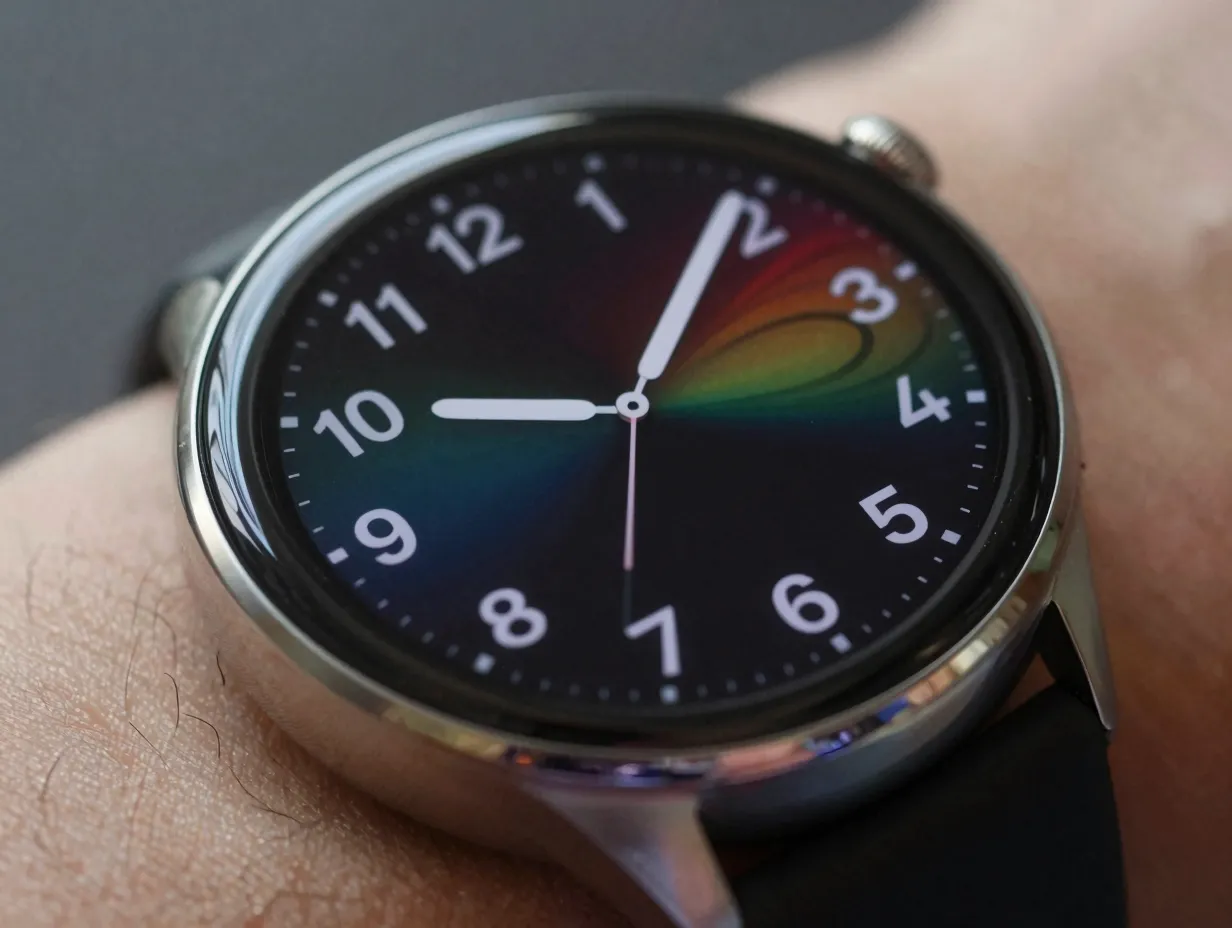
What it is: A watch face background that changes, shifting colors with the time of day, animating on wrist raise, transitioning between ambient and interactive modes, or reacting to movement.
Why it works: Dynamic backgrounds make the watch feel alive. They also carry functional value: a face that shifts from cool blue tones in the morning to warm amber in the evening provides an ambient time cue without requiring a direct glance at the numerals.
Wear OS 6 introduced animated state transitions between ambient and interactive modes as part of Watch Face Format version 4 [9]. This means the background can smoothly animate when the wrist is raised, creating a premium, polished feel that static faces cannot match. Apple’s watchOS 26 includes faces like Flow and the Hermès-exclusive Faubourg Party, which feature movement-reactive and time-of-day-aware backgrounds [12].
How to get it:
- Browse Facer’s catalog [3] filtered by “animated”, the platform’s 500,000-plus faces include a significant animated segment, from subtle particle effects to full motion graphics.
- WatchMaker [1] similarly tags animated faces, and its 150,000-plus library ensures variety.
- For Wear OS, faces built on the Wear OS 6 Watch Face Format natively support smooth transitions [9], so any face from an updated marketplace will perform well.
- Facer’s integration with smart-service ecosystems such as Riiiver allows animated faces to also respond to contextual triggers, blurring the line between a static background and a dynamic micro-app [11].
Best for: Tech enthusiasts, users who want their watch to make a visual statement, and anyone who values a premium, responsive feel on their wrist.
5. Work and Productivity Backgrounds
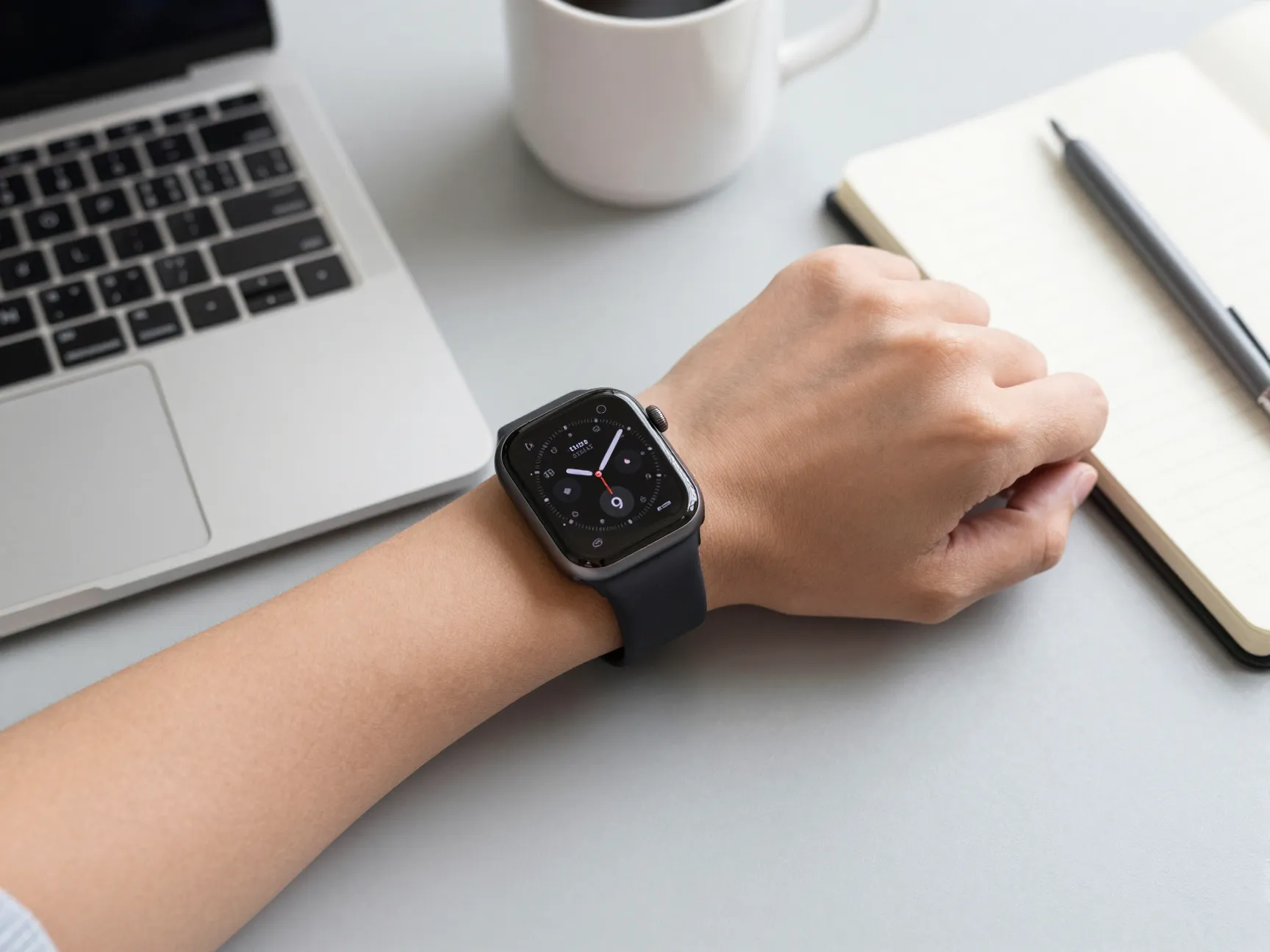
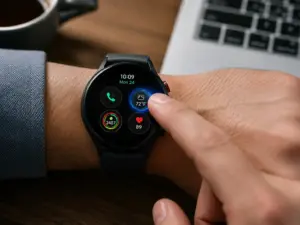
What it is: A face configured to surface calendar events, meeting countdowns, weather, battery status, and communication alerts as the primary background layer, designed to support a workday at a glance.
Why it works: A productivity-oriented background eliminates the need to pull out a phone for routine schedule checks. When the next meeting is always visible on the wrist, context-switching is reduced. This is especially valuable in environments where phone use is discouraged or impractical.
How to get it:
- Apple Watch’s Modular and Infograph faces support up to eight complications simultaneously [12], making them ideal for a work dashboard. TechRadar’s August 2026 editorial picks highlight these as top choices for schedule-focused users [14].
- On Wear OS, Facer’s catalog [3] includes a “productivity” category with faces pre-loaded with calendar, weather, and notification complications.
- Galaxy Watch users can use Watch Face Studio [6] to build a work face that includes exactly the data sources relevant to their workflow, CRM status, task count, or custom data via the complications API.
- Apple Watch users can store an unlimited number of faces and switch between them with a swipe [12], making it practical to keep a dedicated work face active during business hours and switch to a different style afterward.
Suggested complication layout for a work background:
- Top left: Next calendar event
- Top right: Current weather and temperature
- Center: Large digital time display
- Bottom left: Battery percentage
- Bottom right: Unread message count or active timer
6. Themed and Artistic Backgrounds
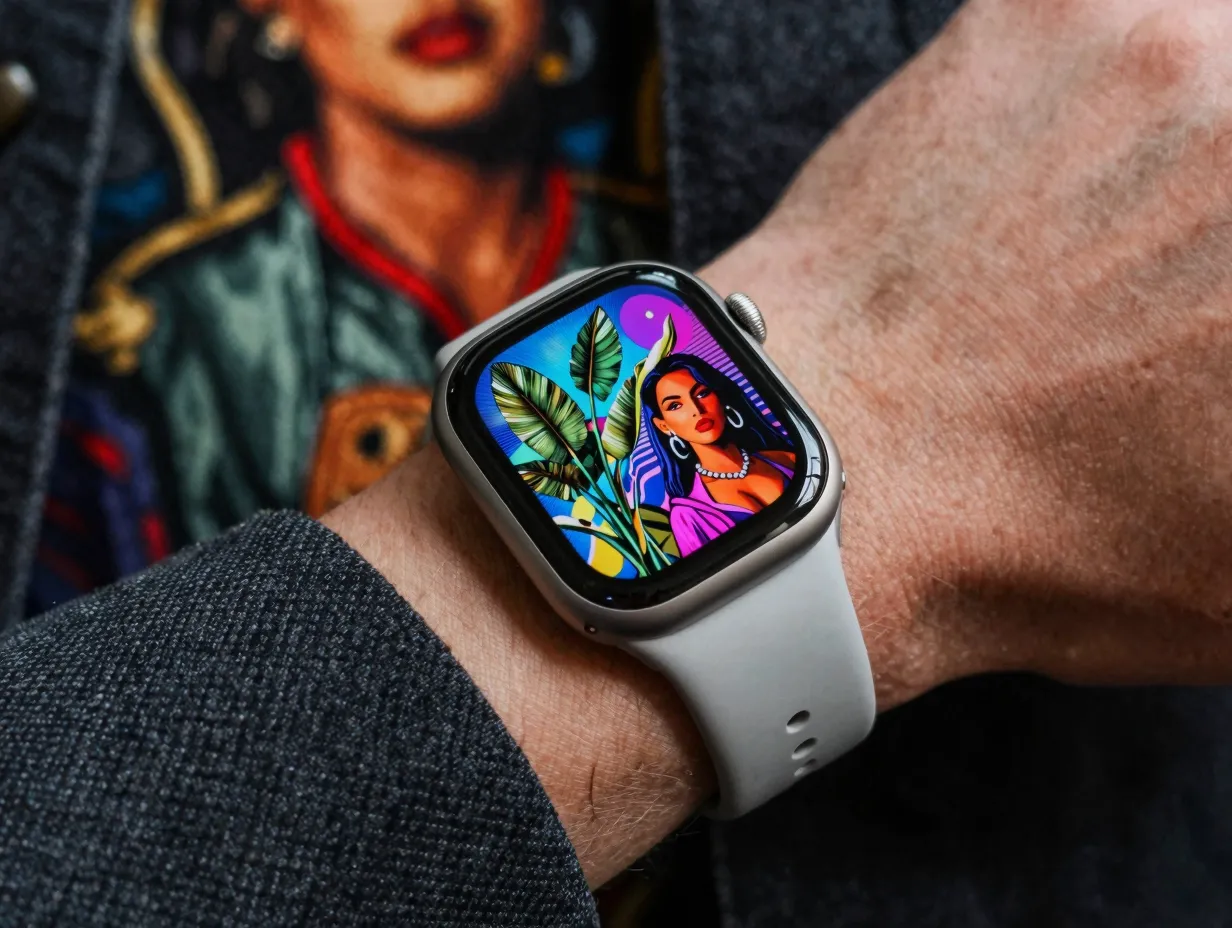
What it is: A watch face that prioritizes visual identity, inspired by art movements, pop culture, seasons, brand aesthetics, or personal interests, where the background itself is the statement.
Why it works: A themed background makes the watch an extension of personal style. It signals interests, affiliations, and aesthetic preferences in the same way clothing or accessories do. For many users, this is the most personally satisfying category of watch face, because it transforms a functional device into something that feels uniquely theirs.
The depth of options available in 2026 makes this category particularly compelling. Facer’s Creator platform [8] gives designers and advanced users a web-based environment to build anything from artistic photo collages to branded utility dashboards, with new designs constantly entering the catalog. The “Galaxy Watch Faces” app on Google Play (updated September 1, 2026) and “Watch Faces for Huawei” (updated August 30, 2026) [4][13] both offer curated themed galleries that make browsing and applying a new artistic face a matter of seconds.
How to get it:
- Search Facer [3] or WatchMaker [1] using interest-based keywords, “botanical,” “retro,” “space,” “architecture,” “anime,” “vintage analog”, to surface faces that match a specific aesthetic.
- Galaxy Watch users can browse the “Galaxy Watch Faces” app [4] for Samsung-optimized themed designs, then apply them directly from the phone.
- For a fully unique result, Facer Creator [8] or Samsung’s Watch Face Studio [6] allow the creation of a one-of-a-kind themed face using uploaded artwork, custom fonts, and personal graphics.
- Facer’s CES 2026 expansion also means themed faces are increasingly available across device categories beyond traditional smartwatches [5][7], so a consistent visual theme can extend to other wearables and embedded displays.
Best for: Fashion-forward users, collectors, hobbyists, brand enthusiasts, and anyone who wants their watch to reflect a specific identity or aesthetic.
Choosing the Right Background for Your Routine
No single background idea suits every user or every moment. The most effective approach in 2026 is scenario-based personalization, maintaining two or three distinct faces and switching between them as the day shifts.
Apple Watch natively supports this with unlimited stored faces and swipe-to-switch functionality (enabled via Settings → Clock) [12]. Wear OS 6 devices support similar multi-face management through the watch’s face picker. Samsung Galaxy Watch users can organize faces in Watch Face Studio [6] and deploy multiple designs for different contexts.
A practical three-face setup might look like this:
- Morning and fitness: A health dashboard background (Idea 3) active during workouts and morning routines
- Work hours: A productivity background (Idea 5) with calendar and meeting data front and center
- Evening: A minimalist or themed background (Ideas 1 or 6) that is visually restful and less data-heavy
This approach draws on the full range of the 6 Smart Watch Background Ideas To Personalize Your Daily Glance without requiring a constant manual change, just a quick swipe at the right moment.
Platforms and Tools at a Glance
| Platform / Tool | Best For | Compatible Devices | Skill Level |
|---|---|---|---|
| Facer [3] | Browsing and installing curated faces | Apple Watch, Wear OS, others | Beginner |
| WatchMaker [1] | Large catalog, animated faces | Wear OS, Samsung | Beginner |
| Facer Creator [8] | Custom artistic and branded designs | Wear OS, Apple Watch | Intermediate, Advanced |
| Watch Face Studio [6] | Fully custom Galaxy Watch faces | Samsung Galaxy Watch | Intermediate |
| Galaxy Watch Faces app [4] | Quick themed installs for Galaxy Watch | Samsung Galaxy Watch | Beginner |
| Pujie Watch Faces [10] | Power-user customization, fine detail control | Wear OS | Advanced |
| watchOS Face Gallery [12] | Native Apple Watch face management | Apple Watch | Beginner |
A Note on Platform Longevity
With Google’s removal of legacy watch-face apps from the Play Store in January 2026 [2], platform choice now carries more weight than it once did. Users who invested time in older, unsupported apps found their faces inaccessible or broken after the transition. Choosing platforms that are actively maintained, Facer [3], WatchMaker [1], Watch Face Studio [6], and the native OS tools, reduces the risk of losing a carefully built collection of personalized backgrounds.
Facer’s CES 2026 announcements [5] and its ongoing integration with new operating systems and embedded platforms [7] suggest it is well-positioned for continued relevance. Wear OS 6’s dedicated marketplace API [9] also signals that Google intends to keep the third-party face ecosystem structured and viable going forward.
Conclusion
The watch face background is the single most visible element of a smartwatch, seen dozens of times every day, yet often left at its factory default. The 6 Smart Watch Background Ideas To Personalize Your Daily Glance outlined here, minimalist, photo-based, fitness-focused, dynamic, productivity-oriented, and themed, represent the full spectrum of what modern platforms and operating systems make possible in 2026.
Actionable next steps:
- Identify which of the six background types matches the primary way the watch is used, fitness tracking, schedule management, or personal expression.
- Visit Facer [3] or WatchMaker [1] and use the search filters to find three candidate faces in that category. Install and live with each for a day before committing.
- Set up at least two faces, one for active or work hours, one for evenings, and enable swipe-to-switch on Apple Watch (Settings → Clock) or the equivalent on Wear OS or Galaxy Watch.
- If none of the premade options feel right, open Facer Creator [8] or Samsung’s Watch Face Studio [6] and spend 30 minutes building a custom face from a blank canvas.
- Revisit the setup every few months. New faces are added to catalogs daily, and OS updates like Wear OS 6 [9] and watchOS 26 [12] continue to unlock new background capabilities.
A personalized watch background is not a cosmetic luxury, it is a small, daily investment in clarity, motivation, and identity. The tools to make it happen are free, powerful, and more accessible than ever.
References
[1] Details – https://play.google.com/store/apps/details?id=slide.watchFrenzy&hl=en_US
[2] Details – https://play.google.com/store/apps/details?id=com.jeremysteckling.facerrel&hl=en_US
[3] facer – https://www.facer.io/
[4] Details – https://play.google.com/store/apps/details?id=com.watchland.studio.galaxy_watch_faces&hl=en_US
[5] Facer Unveils Major Platform Expansions New Partnerships And New Features At Ces 2026 – https://news.facer.io/facer-unveils-major-platform-expansions-new-partnerships-and-new-features-at-ces-2026/
[6] Customize Samsung Galaxy Watch Free Graphic Design Tool Watch Face Studio – https://www.engadget.com/2218758/customize-samsung-galaxy-watch-free-graphic-design-tool-watch-face-studio/
[7] Facer – https://lvgl.io/facer
[8] Creator – https://www.facer.io/creator
[9] Whats New In Wear Os 6 – https://android-developers.googleblog.com/2025/05/whats-new-in-wear-os-6.html
[10] pujie – https://pujie.io/