8 Chic Aesthetic Tips and Wallpapers for Your Samsung Galaxy A35
Only 14% of smartphone owners ever change their default wallpaper, which means the vast majority of people carry around a device that looks identical to everyone else’s. For Samsung Galaxy A35 owners, that is a significant missed opportunity. The A35 ships with one of the most visually capable displays in the midrange segment, a refined glass-and-metal-look body, and One UI software built for deep personalization. These 8 chic aesthetic tips and wallpapers for your Samsung Galaxy A35 are designed to help you turn that potential into a genuinely polished, intentional look that reflects your personal style.
Disclosure: This post contains affiliate links. As an Amazon Associate, we earn from qualifying purchases, and at no extra cost to you.
Key Takeaways
- The Galaxy A35’s 6.6-inch Super AMOLED display with 120Hz refresh rate and near-complete DCI-P3 color coverage makes it an exceptional canvas for vibrant, high-resolution wallpapers.
- Matching your wallpaper palette to the phone’s hardware color, Iceblue, Lilac, Lemon, or Navy, creates a cohesive “phone-as-accessory” effect.
- One UI’s theming tools, including icon packs, color accents, and widget layouts, are central to building a truly chic aesthetic setup.
- Punch-hole-aware wallpapers that incorporate the front camera cutout into the design are a modern, high-end visual trick.
- Long-term software support through 2028 and beyond means your aesthetic setup can evolve without requiring a new device.
Why the Samsung Galaxy A35 Is Built for Aesthetic Customization
Before diving into the 8 chic aesthetic tips and wallpapers for your Samsung Galaxy A35, it helps to understand why this specific device rewards the effort.
The A35 features a 6.6-inch Super AMOLED display running at 2340×1080 resolution with a 120Hz refresh rate and up to 1,000 nits of peak brightness [5]. That combination means wallpapers scroll smoothly, colors appear saturated and deep, and even bold gradients look clean rather than muddy. In direct sunlight, the display holds up well enough that your carefully chosen lock screen still looks intentional rather than washed out.
On the hardware side, the phone uses Gorilla Glass Victus+ on the front and a glass back, with a plastic frame that reviewers consistently describe as premium-looking for the price [4][8]. The squared edges and Samsung’s flowing camera ring design give it a structured silhouette that works well with both minimalist and bold visual themes. IP67 water and dust resistance adds practical durability to that polished exterior [9].
The color lineup, Iceblue, Lilac, Lemon, and Navy, gives every owner a distinct visual starting point [4]. These are not neutral choices; each color has a personality, and the tips below take that into account.
Display specs at a glance:
| Feature | Specification |
|---|---|
| Panel type | Super AMOLED |
| Resolution | 2340 x 1080 |
| Refresh rate | 120Hz |
| Peak brightness | Up to 1,000 nits |
| Color gamut | ~99.2% DCI-P3 (vivid mode) |
| Front camera design | Punch-hole cutout |
8 Chic Aesthetic Tips and Wallpapers for Your Samsung Galaxy A35
1. Match Your Wallpaper Palette to Your Hardware Color
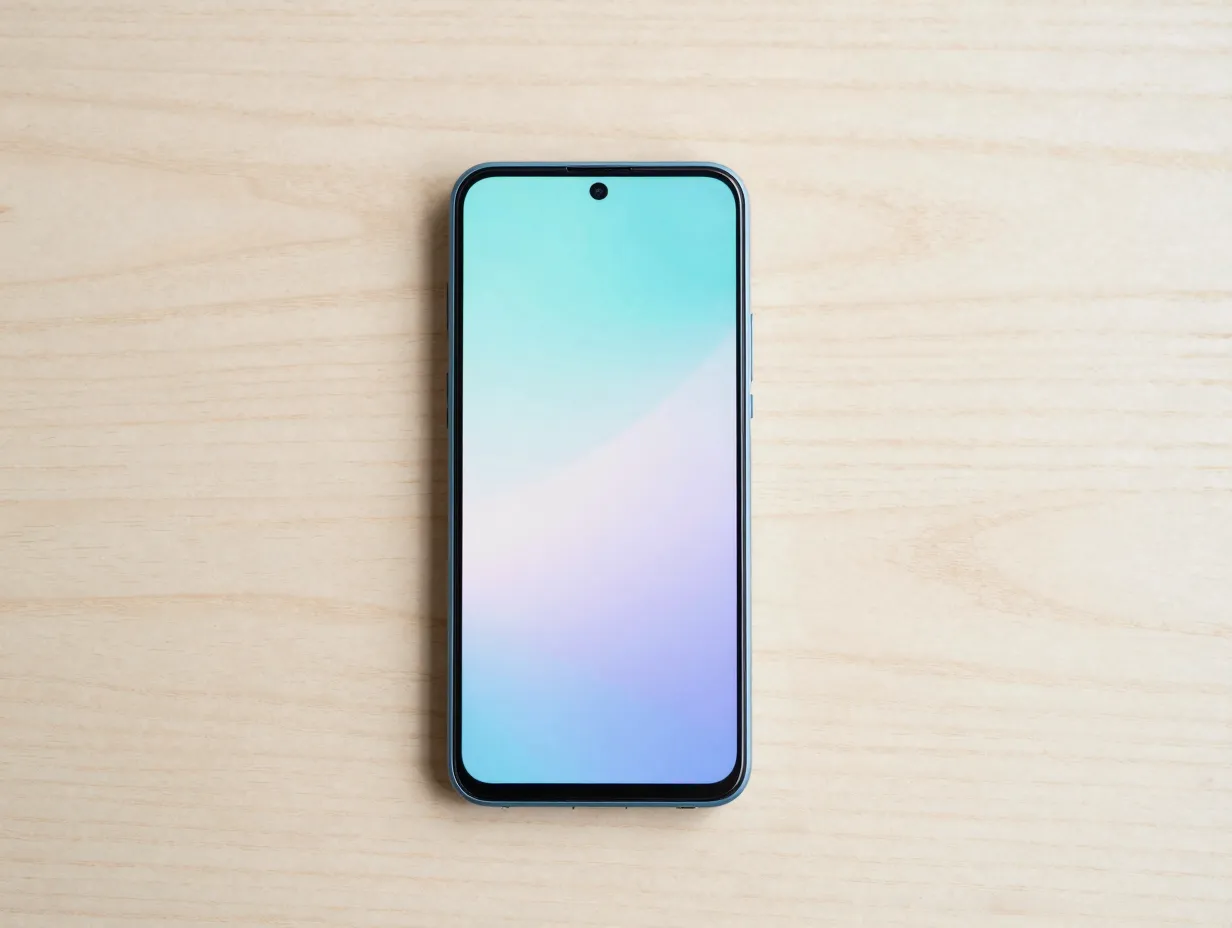
The single most underused aesthetic strategy for the A35 is treating the phone body and wallpaper as one unified design object. Because the A35 comes in four distinct colors, each hardware variant has a natural wallpaper palette that extends and complements it [4][9].
- Iceblue: Soft pastel gradients, watercolor washes, pale cyan-to-white fades, and frosted glass textures feel like a natural extension of the body.
- Lilac: Lavender-to-rose gradients, blush pink abstracts, and soft purple botanical prints create a cohesive, fashion-forward look.
- Lemon: Citrus-toned abstracts, warm yellow-to-cream gradients, and sun-bleached minimalist photography pair naturally with the warm hardware.
- Navy: Dark monochrome setups, deep blue galaxy wallpapers, and neon accent designs, think synthwave or cyberpunk palettes, make the Navy variant feel intentionally dramatic [10].
This approach transforms the phone into a single designed object rather than a screen bolted onto a case. Reviewers note that brighter colors tend to look especially attractive on the A35’s design language, which means Iceblue and Lemon owners have particularly strong visual starting points [4][8].
“Treating your wallpaper as an extension of your hardware color is the fastest way to make a midrange phone look like a considered, premium accessory.”
2. Use Punch-Hole-Aware Wallpapers to Elevate the Front Camera
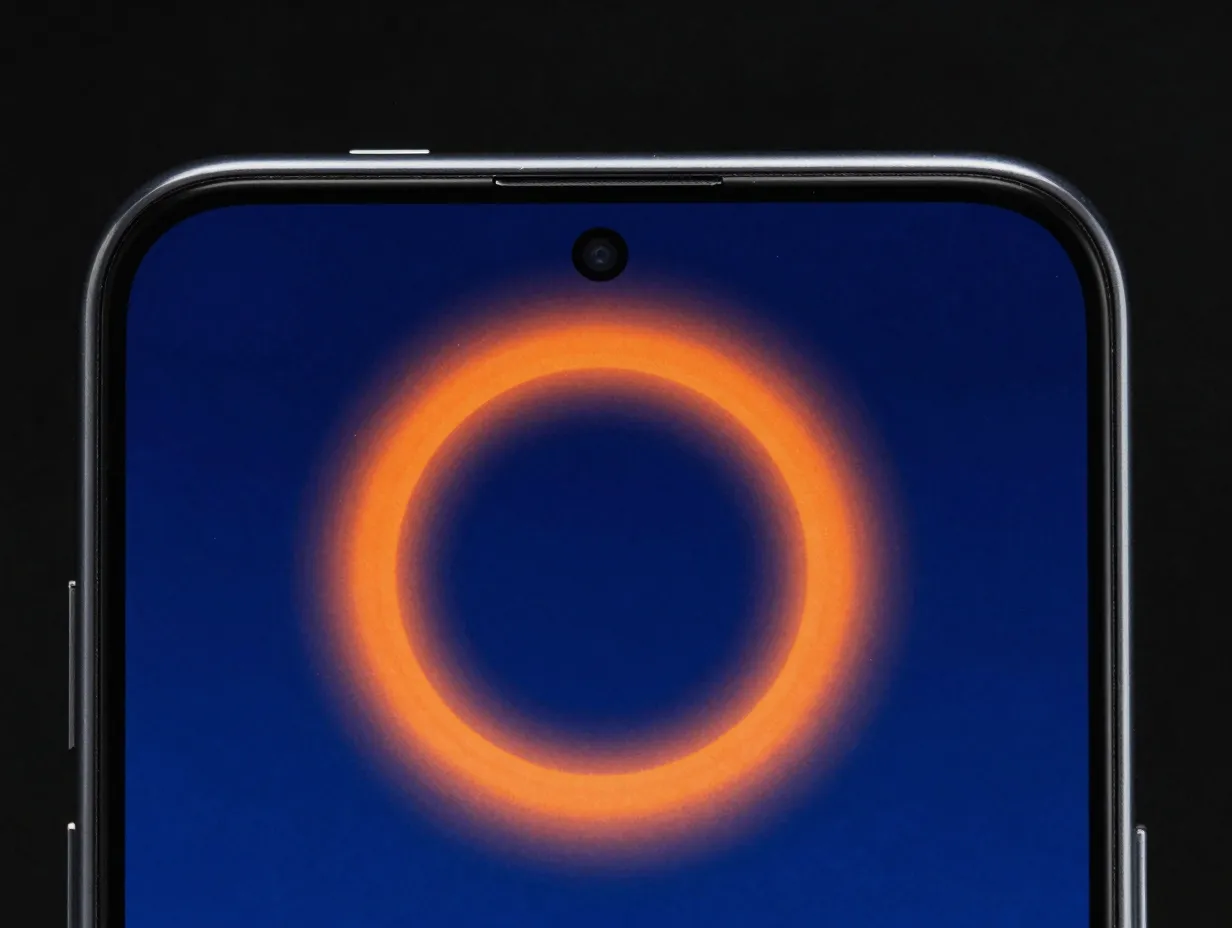
The A35 moved from a notch to a punch-hole front camera compared with the A34, a change that reviewers highlighted as a meaningful visual upgrade that aligns the device with higher-end Samsung models [2][4]. Most users treat the punch hole as something to ignore or hide. A chic approach does the opposite.
Punch-hole-aware wallpapers are designed so the camera cutout becomes part of the artwork:
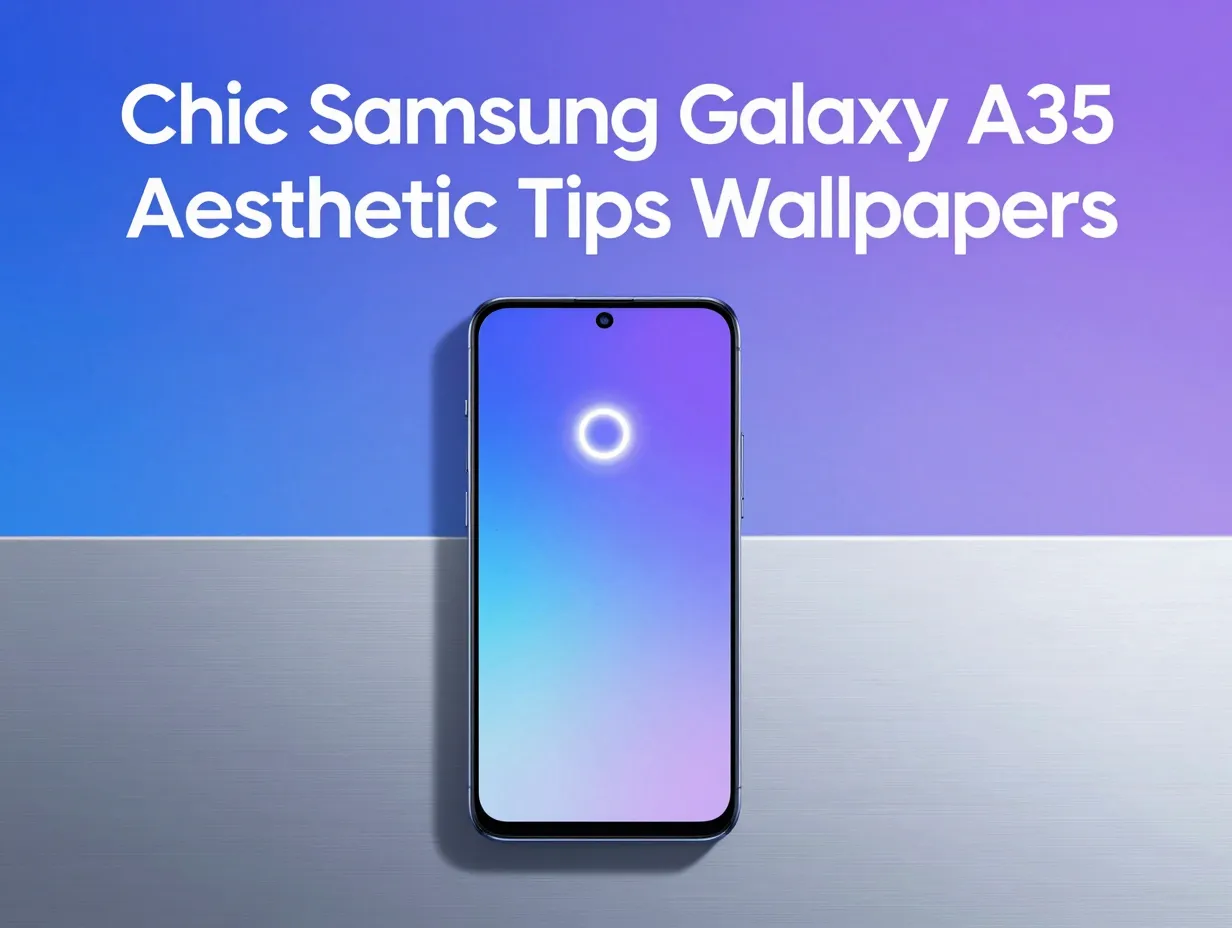
- Orbital halo designs: A glowing ring or planetary orbit centered on the camera cutout makes it look intentional and futuristic.
- Circular gradient halos: A soft radial gradient emanating from the cutout position blends the camera into the overall composition.
- Top-center gradient washes: Wallpapers with a focal point at the top-center naturally frame the punch hole without any forced design element.
- Starfield or bokeh patterns: Small circular light elements distributed across a dark background make the camera cutout disappear into the composition.
Dedicated wallpaper platforms like Zedge host Galaxy A35-specific collections where punch-hole-aware designs are increasingly common [1]. Searching for “punch hole wallpaper” alongside “Galaxy A35” on these platforms will surface compatible options sized to the correct 2340×1080 resolution.
3. Leverage One UI’s Theming Tools for a Cohesive Homescreen
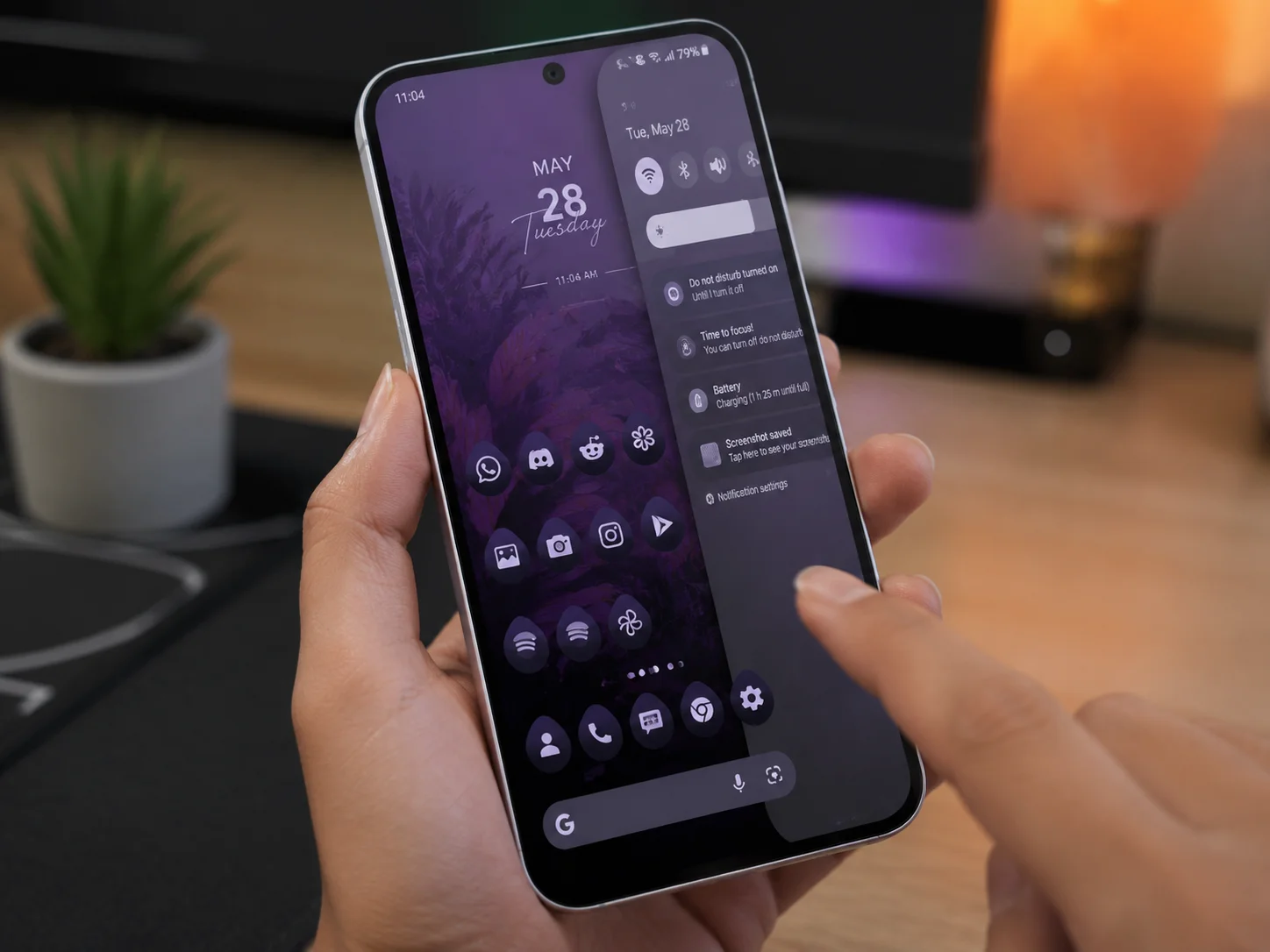
A wallpaper alone does not make an aesthetic. The A35 runs One UI, which multiple reviewers describe as both visually appealing and rich in customization depth [7][9][10]. The software allows users to coordinate every visible element, icons, color accents, font styles, and widget designs, into a single coherent theme.
Key One UI theming tools to use:
- Theme store: Samsung’s built-in theme store offers full packages that swap wallpapers, icons, sounds, and color accents simultaneously.
- Color palette sync: One UI can extract a color palette from your wallpaper and apply it to system UI elements, notification panels, and quick settings.
- Icon shape customization: Change icon shapes from rounded squares to circles or teardrops to match the mood of your aesthetic.
- Good Lock app: Samsung’s Good Lock suite adds granular control over the lock screen, notification shade, and app drawer layout.
- Third-party icon packs: Apps like Whicons, Keka, or Lines MD from the Galaxy Store replace default icons with monochrome or flat-design alternatives.
Expert assessments describe One UI as “highly customizable” with smooth performance on the A35, meaning elaborate setups, monochrome icon packs, coordinated accent themes, minimalist widgets, run without lag [9][10]. This is a meaningful advantage over some competing midrange phones where heavy theming causes perceptible slowdowns.
4. Choose Wallpapers That Exploit the DCI-P3 Color Coverage
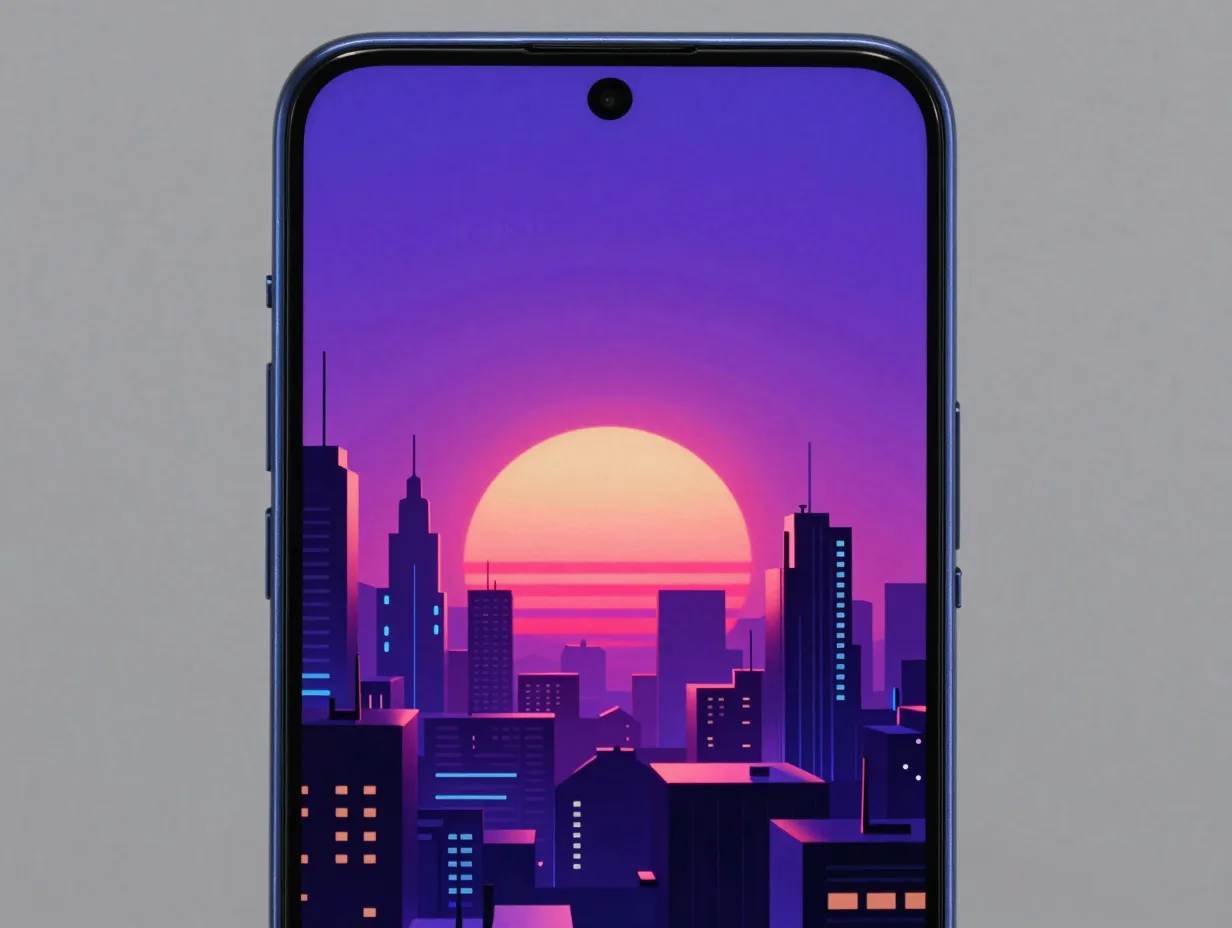
The A35’s display covers approximately 99.2% of the DCI-P3 color gamut in vivid mode, with strong color accuracy [5]. In practical terms, this means the screen can render saturated, cinematic colors without the banding or color wash-out that affects lower-quality panels.
This opens up wallpaper categories that simply do not look good on lesser screens:
- Synthwave and retrowave sunsets: Deep purples, hot pinks, and electric blues rendered against dark backgrounds exploit the AMOLED’s true black capability and the wide color gamut simultaneously.
- Cyberpunk cityscapes: Neon-lit urban scenes with high contrast between dark architecture and glowing signage look cinematic on this display.
- Botanical macro photography: Richly saturated close-up images of flowers or leaves in vivid mode appear almost three-dimensional.
- Gradient art: Multi-stop gradients from teal to magenta or amber to violet show smooth, banding-free transitions that cheaper screens cannot reproduce.
The 120Hz refresh rate also matters here. When swiping between home screens, smooth wallpapers, especially those with subtle motion or parallax effects, feel fluid rather than choppy [5]. This makes the overall aesthetic experience more polished in daily use, not just in static screenshots.
5. Build a “Clean Glass Minimalism” Setup Around the Phone’s Build
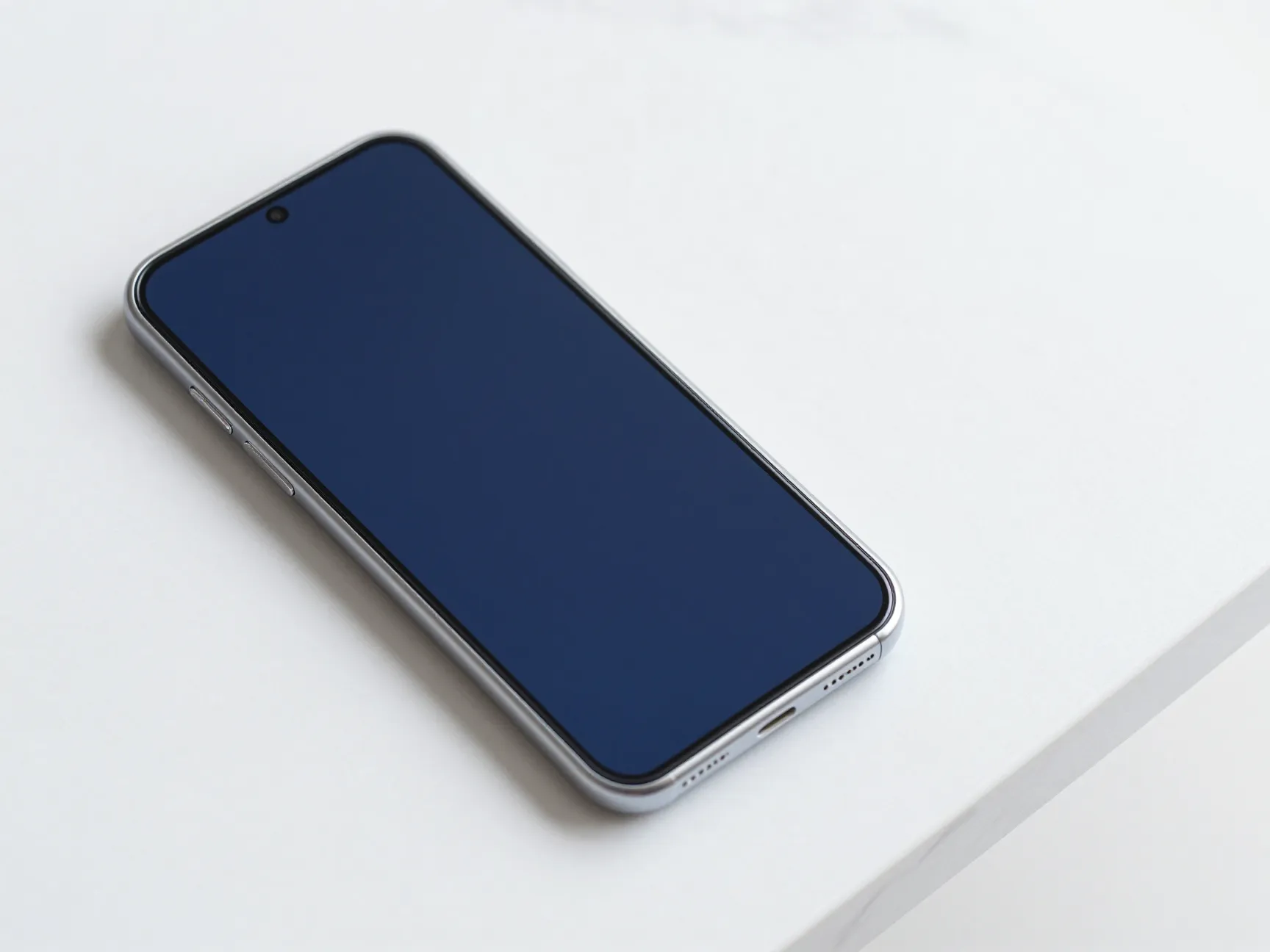
The A35’s glass front and back, combined with its squared edges and flat panels, naturally suits what design-focused reviewers call a “clean glass minimalism” aesthetic [4][8][15]. This style emphasizes the hardware’s physical qualities rather than competing with them.
How to execute this look:
- Case choice: Use a slim, fully transparent case or a matte frosted case. Both options let the hardware color show through while protecting the glass back. Avoid heavy printed cases that cover the phone’s design.
- Wallpaper style: Choose near-monochrome wallpapers, white marble with thin grey veining, brushed aluminum textures, or solid matte colors that match the hardware. The goal is to make the wallpaper feel like a continuation of the physical surface.
- Icon pack: Switch to a monochrome or outline-style icon pack so app icons do not introduce competing colors.
- Widget style: Use minimal, borderless widgets, a simple clock in a clean typeface, a weather widget with no background card.
This aesthetic works especially well on the Navy and Iceblue variants, where the hardware color is already restrained enough to anchor a minimal palette. The result is a phone that looks like a design object rather than a consumer gadget.
6. Explore Curated Platform Collections for Device-Specific Wallpapers
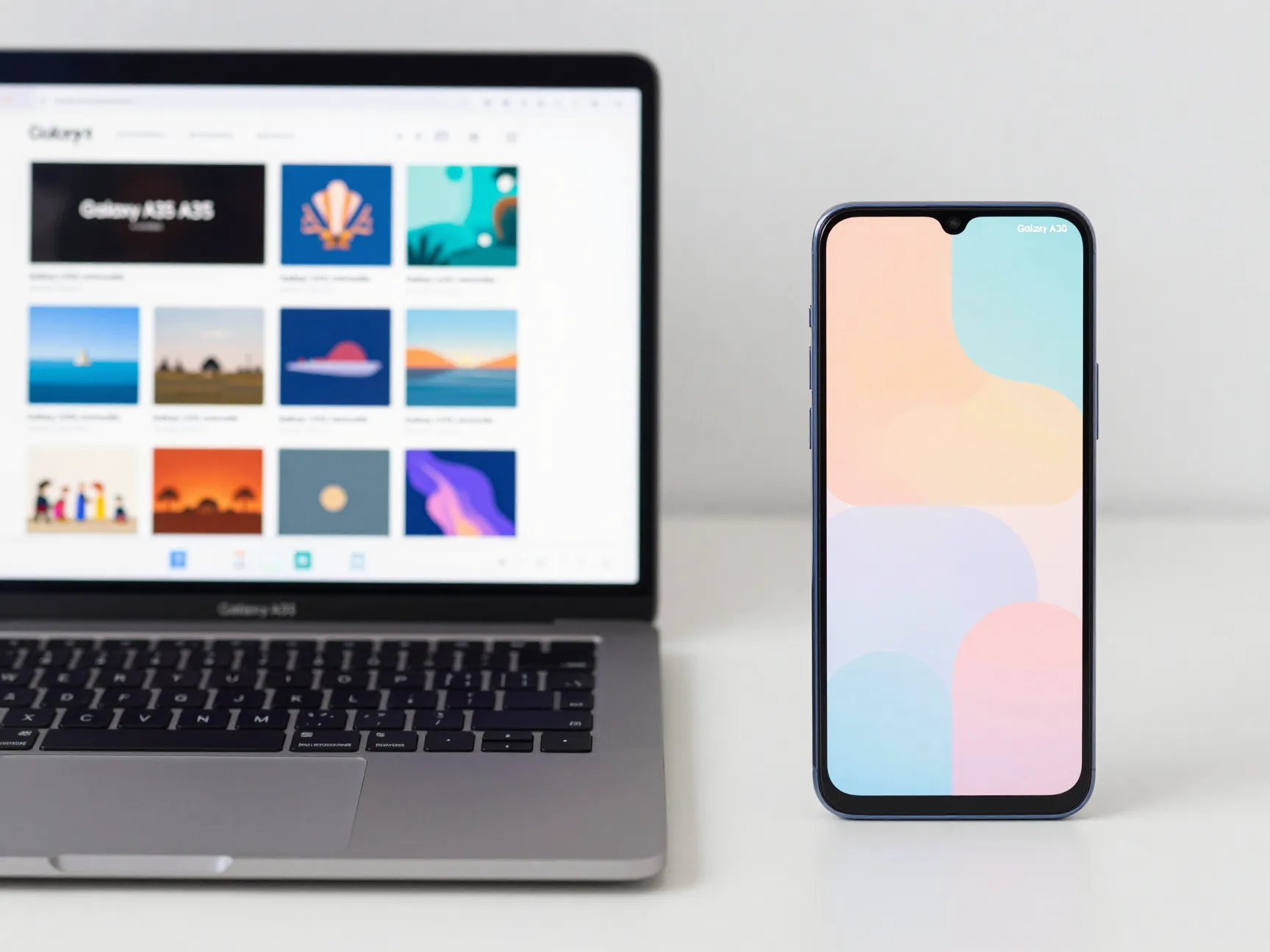
One of the most time-efficient ways to build a chic aesthetic is to use wallpaper platforms that already curate Galaxy A35-specific collections. Zedge, for example, hosts dedicated Galaxy A35 wallpaper categories including preppy, pink aesthetic, minimalist, vintage, and various color-focused themes, with content updated regularly [1].
The advantage of device-specific collections is resolution compatibility. The A35’s 2340×1080 panel has a specific aspect ratio, and wallpapers sourced from generic collections are sometimes cropped awkwardly or appear slightly soft when stretched. Platform-curated sets eliminate that problem.
Recommended search terms on wallpaper platforms:
- “Galaxy A35 minimalist”
- “Samsung A35 pastel gradient”
- “A35 dark aesthetic”
- “Galaxy A35 preppy”
- “punch hole wallpaper 2340×1080”
Beyond Zedge, platforms like Backdrops, Walli, and the Samsung Themes store offer high-quality options. For users who want complete themed homescreen packages, matching lock screen, home screen wallpaper, icon pack, and widget style, searching for “Samsung aesthetic setup” on YouTube or Pinterest provides visual references that can be recreated using the tools described in Tip 3 [3].
7. Apply Seasonal and Rotating Theme Sets for Long-Term Freshness
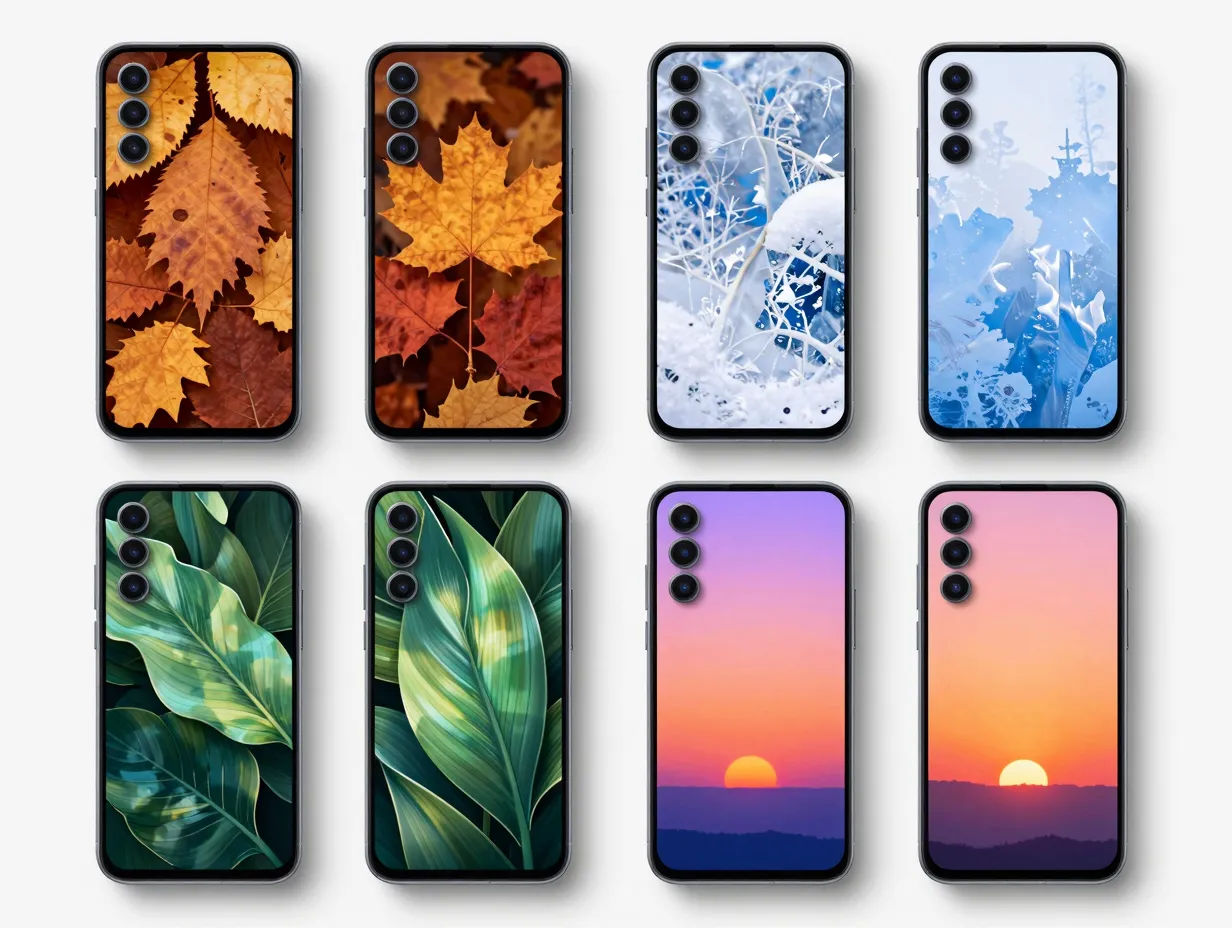
The A35 ships with Android 14 and One UI 6.1 and is eligible for four Android OS upgrades and five years of security updates [8][9]. That is a long runway, and it means your aesthetic setup has room to evolve rather than stagnate.
A rotating theme strategy treats the homescreen as a living design project:
- Seasonal palettes: Swap wallpapers and accent colors with the seasons, warm amber and terracotta in autumn, icy blues and whites in winter, botanical greens in spring, and vivid saturated tones in summer.
- Monthly wallpaper rotation: Set a reminder to update your wallpaper on the first of each month. Platforms like Zedge and Walli release new collections regularly [1].
- Event-based themes: Coordinate your homescreen with major events or personal milestones, a travel theme when planning a trip, a focused minimal theme during busy work periods.
- Icon pack cycling: Keep two or three icon packs installed and switch between them when changing wallpapers to maintain cohesion.
This approach is particularly well-suited to the A35 because the phone’s long software support ensures that new One UI features, improved theming tools, new color palette options, updated widget styles, will continue to arrive over time [9][13]. The aesthetic investment made today will compound rather than become obsolete.
8. Use Texture-Based Wallpapers to Differentiate the Design
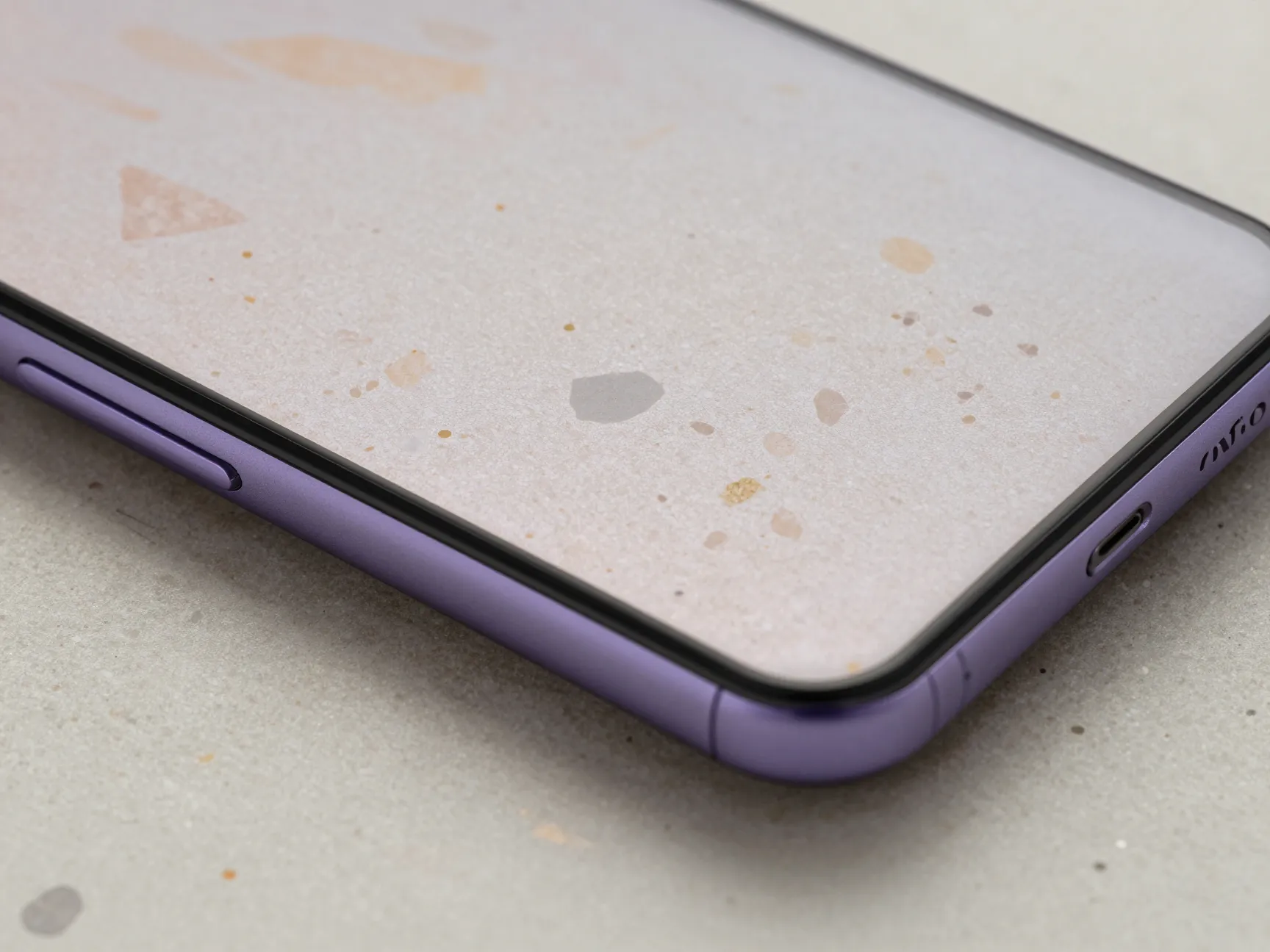
Professional reviews consistently describe the A35 as a “premium-looking” midrange phone whose base design is somewhat generic, a “chocolate bar” form factor shared by many competitors [8][10][14]. The most effective way to differentiate it visually is through texture-based wallpapers that add perceived depth and tactile quality to the screen.
High-performing texture categories for the A35:
- Marble: White Carrara marble with fine grey veining is a perennial choice that reads as expensive and restrained. Works best on Iceblue and Lemon variants.
- Terrazzo: The speckled, multicolor stone pattern adds visual interest without being loud. Particularly effective with the Lilac variant.
- Brushed metal: A horizontal brushed aluminum or brushed gold texture creates an industrial-chic look that contrasts interestingly with the phone’s glass back.
- Woven fabric: Linen, canvas, or fine-weave textile textures add warmth and tactility to the screen, especially effective in neutral tones.
- Sand and stone: Fine-grain sand or smooth stone textures in warm beige or cool grey tones create a calm, spa-like aesthetic.
The A35’s high-resolution display and strong color accuracy mean these textures render with enough detail to look genuinely tactile rather than flat [5][10]. At the phone’s price point, typically around the $400 bracket in most markets [6], investing in a well-designed texture wallpaper or a paid icon pack is a cost-effective way to achieve a look that rivals flagship devices.
Texture wallpaper pairing guide:
| Hardware Color | Recommended Texture | Aesthetic Style |
|---|---|---|
| Iceblue | White marble, frosted glass | Clean luxury |
| Lilac | Terrazzo, blush linen | Soft editorial |
| Lemon | Warm sand, brushed gold | Warm minimalist |
| Navy | Brushed steel, dark slate | Industrial chic |
Practical Setup Checklist
Before finalizing any aesthetic setup on the Galaxy A35, run through this checklist to ensure every element is cohesive:
- Confirm the wallpaper resolution is 2340×1080 or higher to avoid softness on the sharp AMOLED panel.
- Enable vivid display mode in Settings to unlock the full DCI-P3 color range for saturated wallpapers.
- Set the refresh rate to 120Hz to ensure smooth parallax and swipe animations.
- Match the One UI color palette to the dominant hue in your wallpaper using the automatic extraction feature.
- Choose an icon pack that uses no more than two colors to avoid visual noise.
- Test the lock screen and home screen together, they should feel like a matched set, not two separate choices.
- Check the wallpaper positioning so the punch-hole camera sits in a visually intentional area of the composition.
Conclusion
The Samsung Galaxy A35 is not a generic midrange phone that happens to run Android. It is a display-first device with a refined build, a deeply customizable software layer, and a color lineup that rewards intentional aesthetic choices. The 8 chic aesthetic tips and wallpapers for your Samsung Galaxy A35 outlined above cover every layer of that experience, from hardware color matching and punch-hole-aware designs to texture-based wallpapers and long-term rotating theme strategies.
Actionable next steps:
- Identify your phone’s hardware color and select a wallpaper palette from the matching category in Tip 1.
- Visit Zedge’s Galaxy A35-specific collection and download two or three options at the correct resolution [1].
- Open One UI’s theming settings and enable automatic color palette extraction from your chosen wallpaper.
- Install one monochrome or outline-style icon pack from the Galaxy Store to unify the homescreen.
- Set a monthly calendar reminder to refresh the wallpaper and keep the aesthetic current.
The A35’s combination of a vivid Super AMOLED display, long software support, and One UI’s customization depth means the device will remain a capable aesthetic canvas for years [9][15]. The effort invested in building a chic setup today is not wasted, it is a foundation that can evolve with every new One UI release, every seasonal palette shift, and every new wallpaper trend.
References
[1] Galaxy A35 – https://www.zedge.net/category/wallpapers/galaxy-a35
[2] Cb Tests Handy Samsung Galaxy A35 5g Test Review 2025 Preis 38113747 – https://www.computerbild.de/artikel/cb-Tests-Handy-Samsung-Galaxy-A35-5G-Test-Review-2025-preis-38113747.html
[3] Watch – https://www.youtube.com/watch?v=3_r28ZAJPkQ
[4] Samsung Galaxy A35 Review 2682p2 – https://www.gsmarena.com/samsung_galaxy_a35-review-2682p2.php
[5] Samsung Galaxy A35 Review 2682p3 – https://www.gsmarena.com/samsung_galaxy_a35-review-2682p3.php
[6] Samsung Galaxy A35 5g – https://www.wired.com/review/samsung-galaxy-a35-5g/
[7] Samsung Galaxy A35 Review 2682p4 – https://www.gsmarena.com/samsung_galaxy_a35-review-2682p4.php
[8] Samsung Galaxy A35 Review 2682p6 – https://www.gsmarena.com/samsung_galaxy_a35-review-2682p6.php
[9] Review – https://www.sammobile.com/samsung/galaxy-a35/review/
[10] Samsung Galaxy A35 Review – https://www.techradar.com/phones/samsung-galaxy-phones/samsung-galaxy-a35-review