9 Must-Have Phone Wallpaper Collections for Your Samsung Galaxy
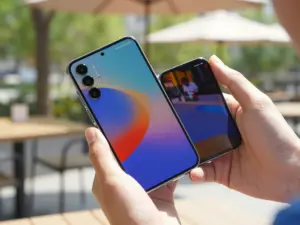
Samsung Galaxy users change their wallpapers more than twice as often as users on other Android platforms, according to usage data compiled by major wallpaper app developers. That single fact explains why the demand for curated, high-resolution Galaxy wallpaper collections has exploded in 2026. Whether the goal is a deep AMOLED black that saves battery or a cinematic landscape that shows off the S26 Ultra’s display, the right collection makes a measurable difference. This guide covers the 9 must-have phone wallpaper collections for your Samsung Galaxy, explaining exactly what each collection offers, where to find it, and why it belongs on your device.
Disclosure: This post contains affiliate links. As an Amazon Associate, we earn from qualifying purchases, and at no extra cost to you.
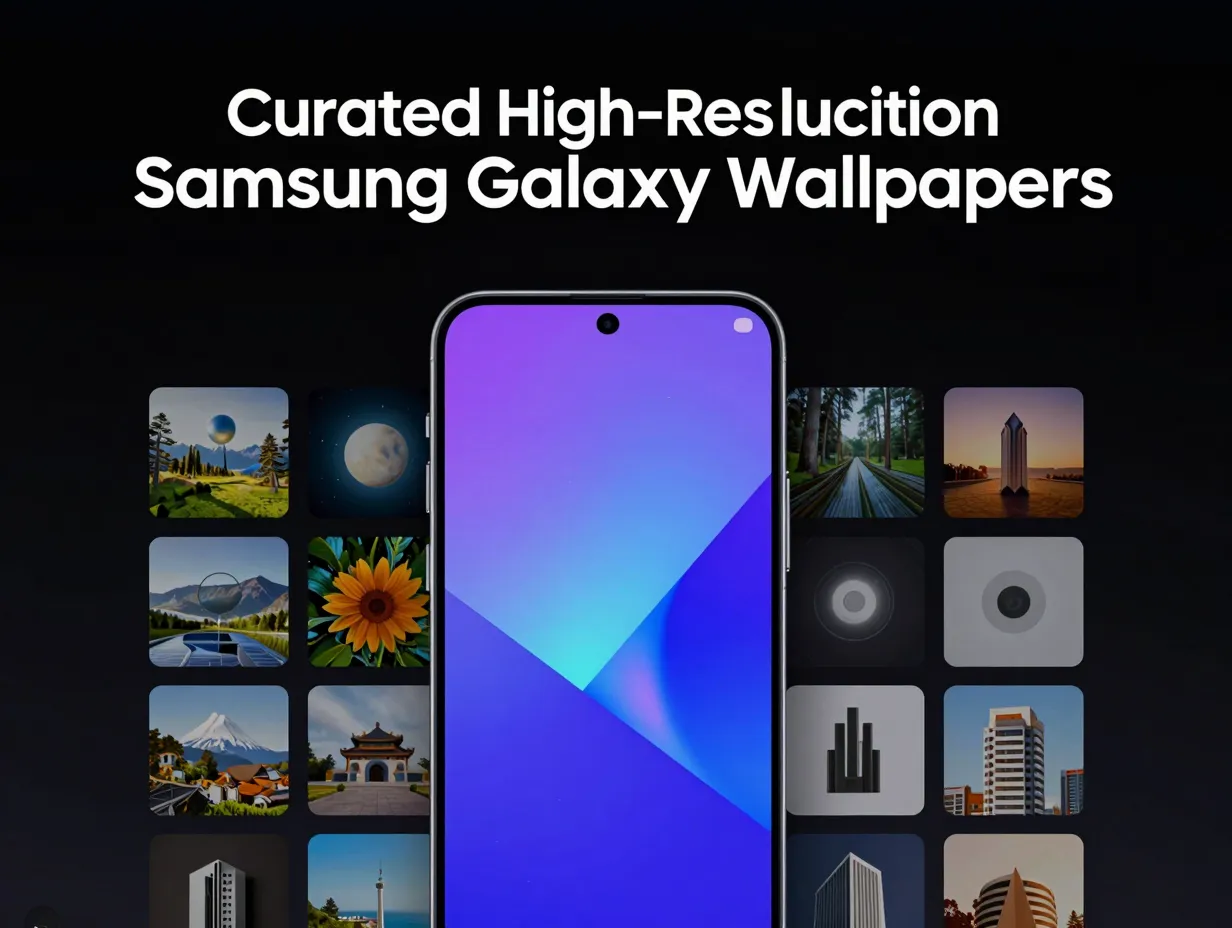
Key Takeaways
- Resolution and aspect ratio matter more on Samsung Galaxy screens than on most other Android devices because of their high pixel density and tall display proportions.
- AMOLED-optimized collections with true black backgrounds actively reduce battery consumption on Galaxy OLED panels.
- Official Samsung sources and trusted third-party platforms each serve different needs, knowing which to use saves time.
- Stock wallpapers from recent Galaxy flagships (S25 and S26 series) are available for older devices through centralized archives.
- Galaxy Themes integration allows seamless wallpaper management directly from Samsung’s native settings menu.
Why Wallpaper Quality Matters on Samsung Galaxy Screens
Samsung Galaxy displays consistently rank among the brightest and most color-accurate panels in the smartphone industry. The Galaxy S26 Ultra, for example, delivers a peak brightness exceeding 2,600 nits and a pixel density above 500 ppi. At that level of clarity, a low-resolution or poorly formatted wallpaper looks visibly blurry and degrades the overall experience.
There are two technical factors every Galaxy owner should understand before downloading any collection.
Resolution, Samsung Galaxy flagships use tall aspect ratios, typically 19.5:9 or higher. Wallpapers designed for older 16:9 screens will be cropped or stretched. Always look for images at or above 1440 x 3200 pixels for flagship models.
Format, JPEG files compress color data, which creates visible artifacts on high-gamut AMOLED panels. PNG and WebP formats preserve color accuracy far better and are preferred for Samsung Galaxy displays [8].
Battery impact, On OLED screens, black pixels are literally switched off. A wallpaper with large areas of true black (#000000) can reduce always-on display power consumption by a meaningful margin compared to a bright white or pastel background.
| Factor | Recommended Standard | Why It Matters |
|---|---|---|
| Resolution | 1440 x 3200 px minimum | Matches Galaxy flagship pixel density |
| Format | PNG or WebP | Preserves AMOLED color accuracy |
| Black depth | True black (#000000) | Reduces OLED battery draw |
| Aspect ratio | 19.5:9 or taller | Prevents cropping on modern screens |
With those fundamentals in place, the 9 must-have phone wallpaper collections for your Samsung Galaxy become much easier to evaluate and choose from.
The 9 Must-Have Phone Wallpaper Collections for Your Samsung Galaxy
1. Samsung Galaxy Collection on Wallpapers.com
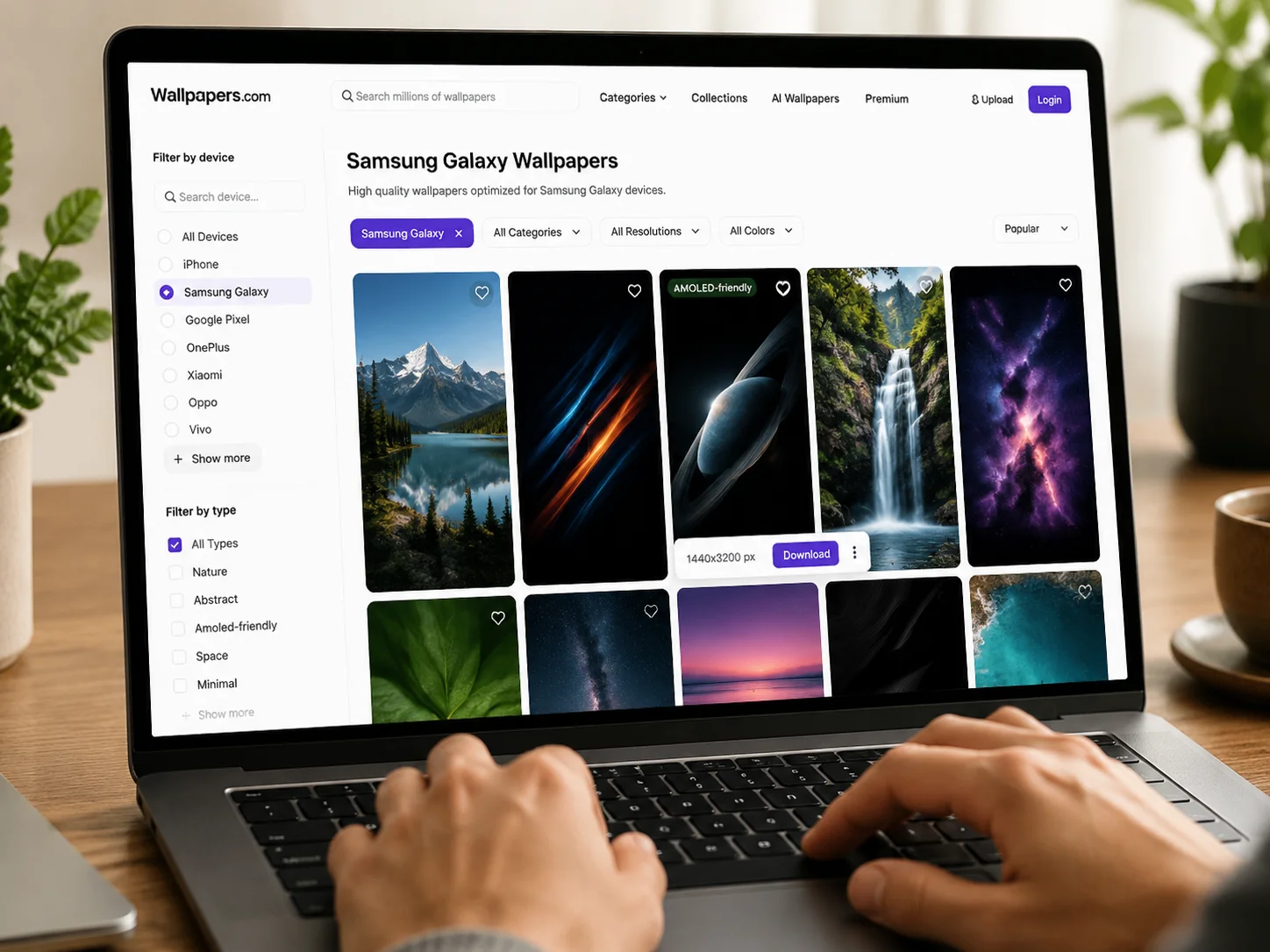
Wallpapers.com maintains a dedicated Samsung Galaxy category that is one of the largest device-specific repositories available in 2026 [5]. The collection is filtered specifically for Galaxy screen dimensions, which eliminates the guesswork around aspect ratio compatibility. Images are organized by theme, nature, abstract, space, architecture, and more, and each download page displays the exact resolution before the file is saved.
What separates this collection from generic wallpaper sites is the active community contribution model. Users submit and rate images, so the highest-quality content rises to the top organically. The platform also tags AMOLED-friendly images separately, making it straightforward to filter for battery-saving options.
Best for: Users who want a large, well-organized library with device-specific filtering.
2. General Samsung Collection on Wallpapers.com
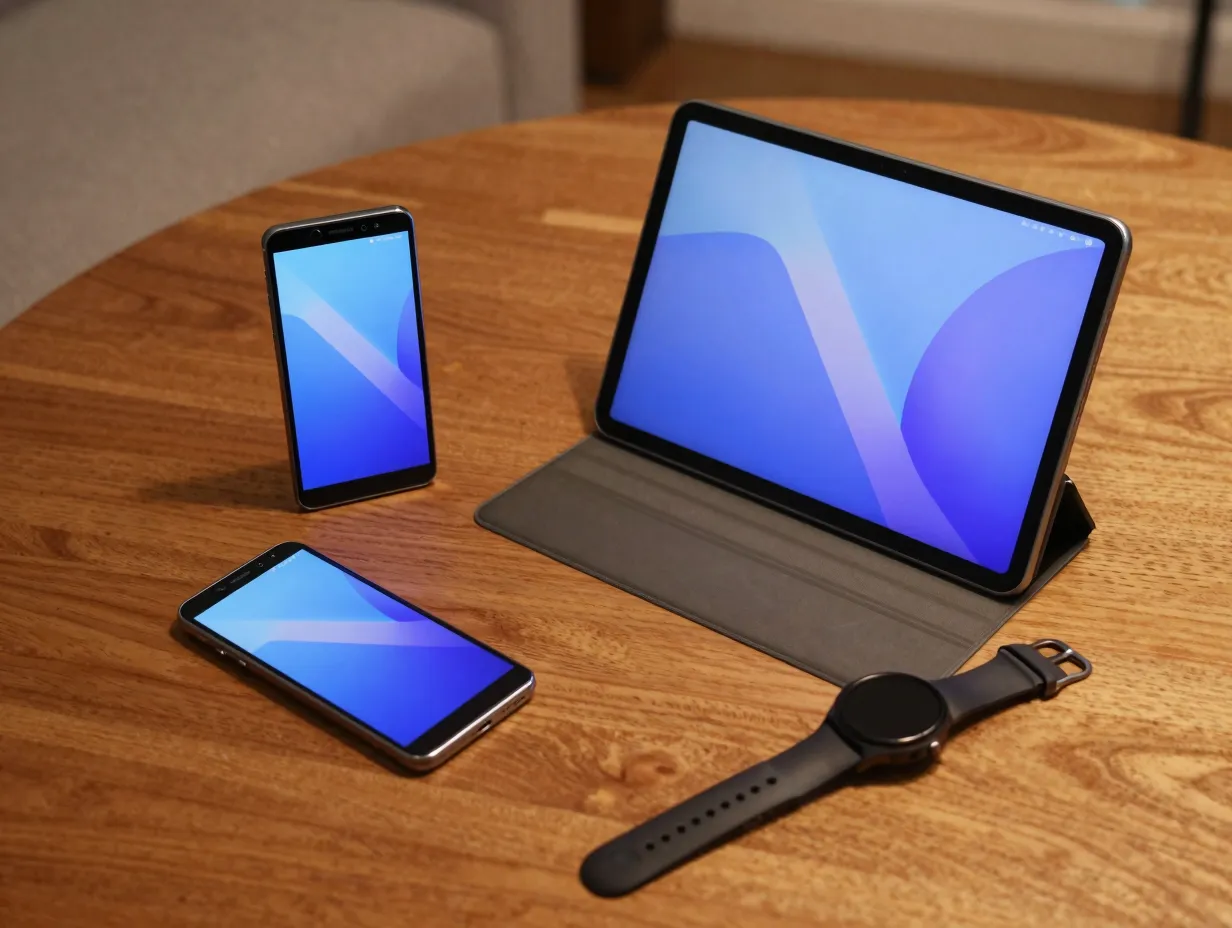
Beyond the Galaxy-specific filter, Wallpapers.com also hosts a broader Samsung collection that covers all Samsung device types and screen sizes [2]. This is particularly useful for users who own multiple Samsung devices, a Galaxy phone, a Galaxy Tab, and a Galaxy Watch, and want visual consistency across all screens.
The general Samsung category pulls from a wider pool of contributors and includes styles that may not appear in the narrower Galaxy-specific section. Abstract digital art, minimalist geometric designs, and high-contrast photography collections all appear here in significant volume [3].
Best for: Multi-device Samsung households seeking a unified visual aesthetic.
3. Zedge Samsung Galaxy Wallpaper Category
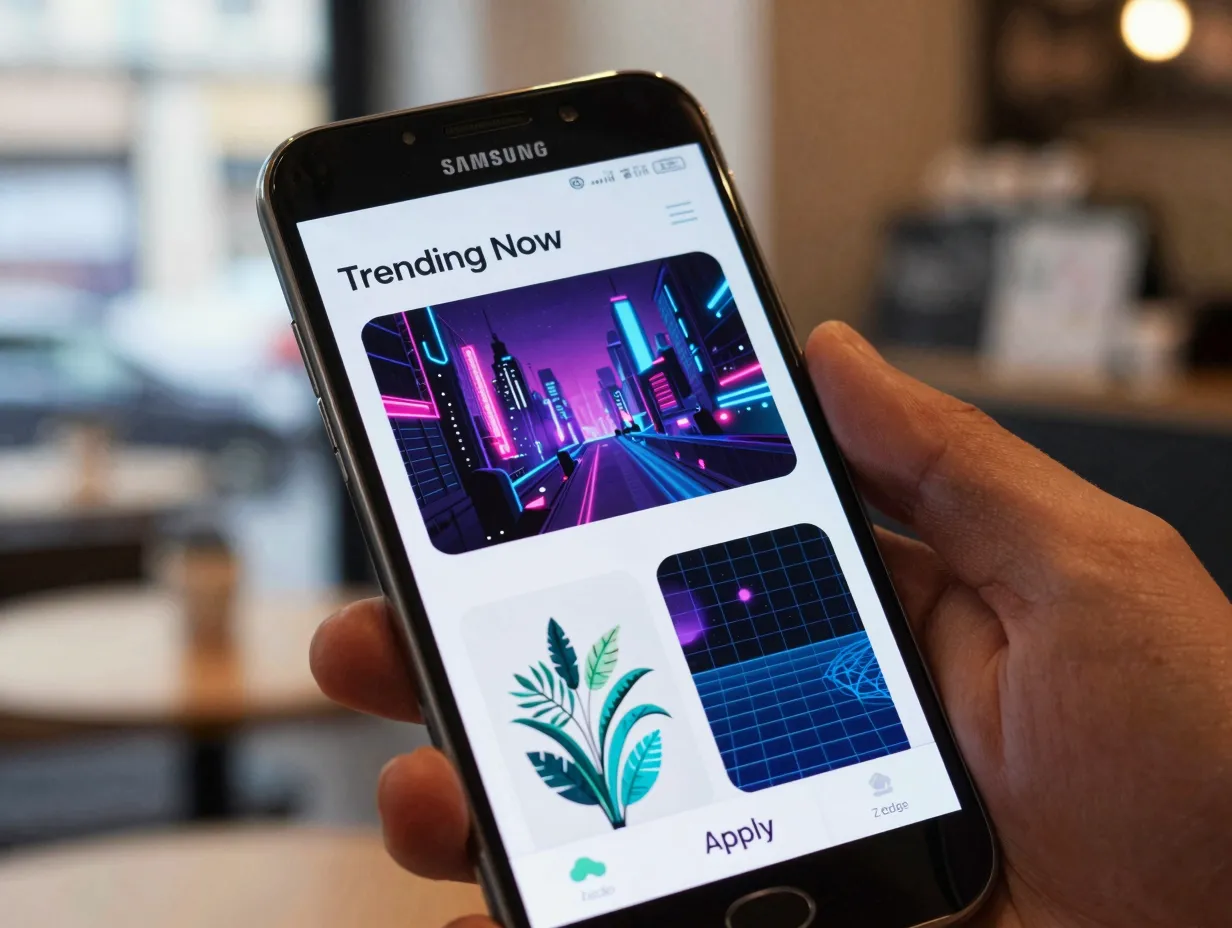
Zedge has operated as one of the most downloaded wallpaper and ringtone platforms globally for over a decade, and its Samsung Galaxy wallpaper category remains one of the most actively curated sections on the platform [4]. The category receives new submissions daily, and a trending algorithm surfaces the most downloaded images from the past 24 hours.
Zedge’s strength lies in its community size. Millions of active users mean that popular styles, cyberpunk cityscapes, botanical illustrations, retro synthwave grids, appear in the Samsung Galaxy section within days of becoming culturally relevant. The platform also supports direct wallpaper application through its Android app, which integrates smoothly with Samsung’s native wallpaper picker.
“A wallpaper collection is only as good as its update frequency. Zedge’s daily refresh cycle means Galaxy users are never stuck with last season’s aesthetic.”
Best for: Trend-conscious users who want fresh content on a daily or weekly basis.
4. AMOLED-Optimized Collections
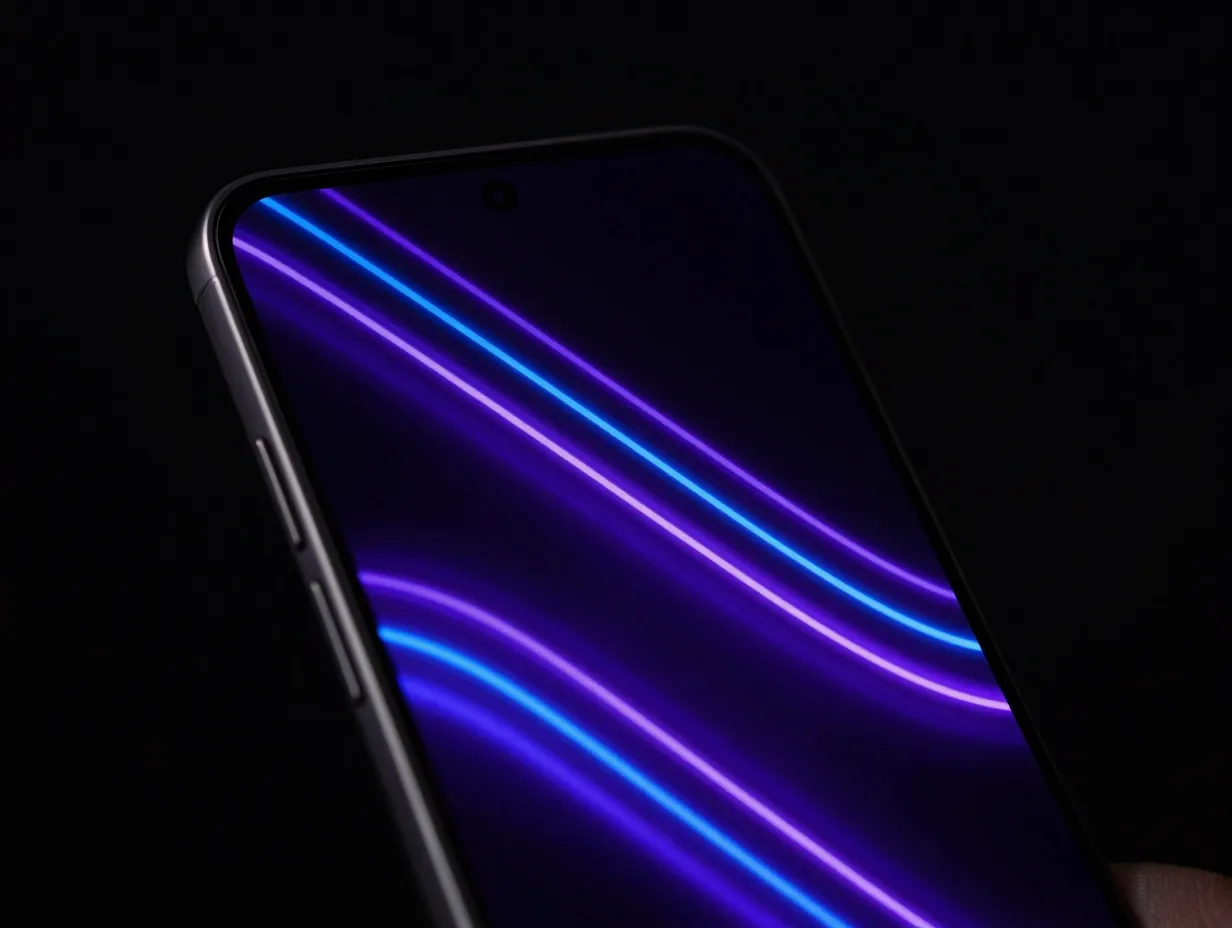
AMOLED-specific wallpaper collections have become a distinct category in their own right, driven by the growing awareness of OLED battery behavior. These collections are built around deep blacks, high-contrast color accents, and minimal bright areas, a combination that looks stunning on Samsung Galaxy displays while actively reducing screen power draw.
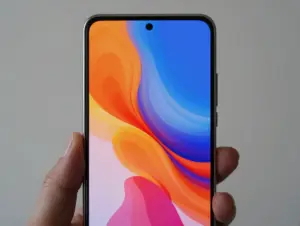
The best AMOLED collections use true black (#000000) as the dominant background color, then layer vivid neon blues, purples, and teals on top. The visual result is a depth effect that standard LCD screens cannot replicate. On the Galaxy S25 and S26 series, these wallpapers appear almost three-dimensional because of the display’s infinite contrast ratio [9].
Key characteristics of a quality AMOLED collection:
- True black backgrounds throughout
- Minimal use of white or near-white tones
- High-saturation accent colors (electric blue, neon purple, vivid teal)
- PNG or WebP format to preserve color depth
- Resolution at or above 1440 x 3200 px
Best for: Battery-conscious users and anyone who wants to maximize visual impact on Galaxy OLED panels.
5. Official Samsung Galaxy Wallpapers
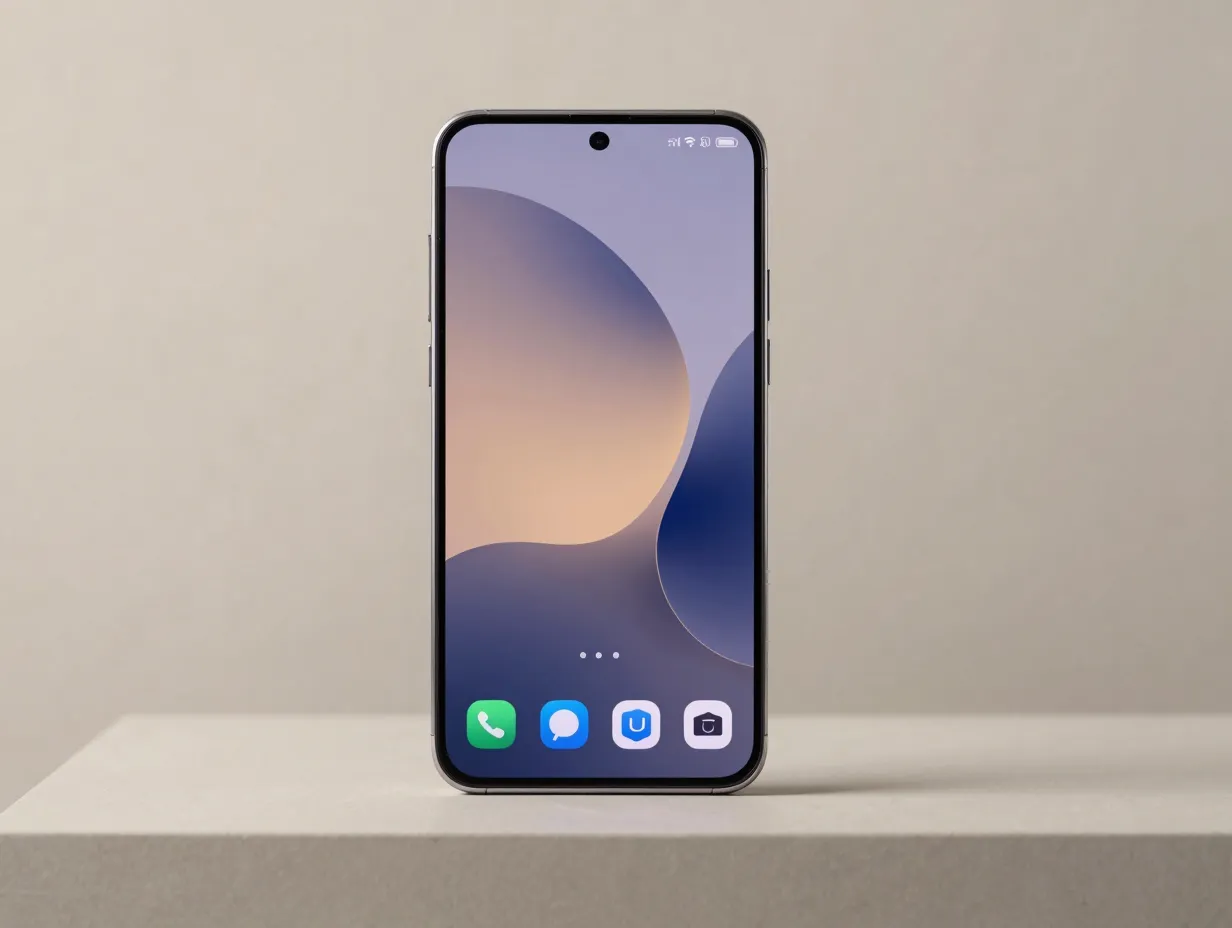
Samsung publishes its own curated wallpaper gallery through the official Samsung website, offering images that are specifically designed and tested for Galaxy displays [10]. These wallpapers are produced by Samsung’s in-house design teams and commissioned artists, which means they meet exact technical specifications for every current Galaxy model.
The official gallery is particularly valuable because it reflects Samsung’s current design language. The wallpapers released alongside the Galaxy S26 series, for example, use a color palette and compositional style that complements the phone’s physical design and the One UI 8 interface. Using official wallpapers creates a cohesive, intentional aesthetic rather than a patchwork of unrelated images.
Samsung also integrates these wallpapers directly into Galaxy Themes, meaning they can be applied, rotated, and managed without leaving the Samsung settings environment [10].
Best for: Users who want a polished, brand-consistent look that aligns with Samsung’s design intent.
6. Galaxy S26 Wallpaper Collection (Google Play)
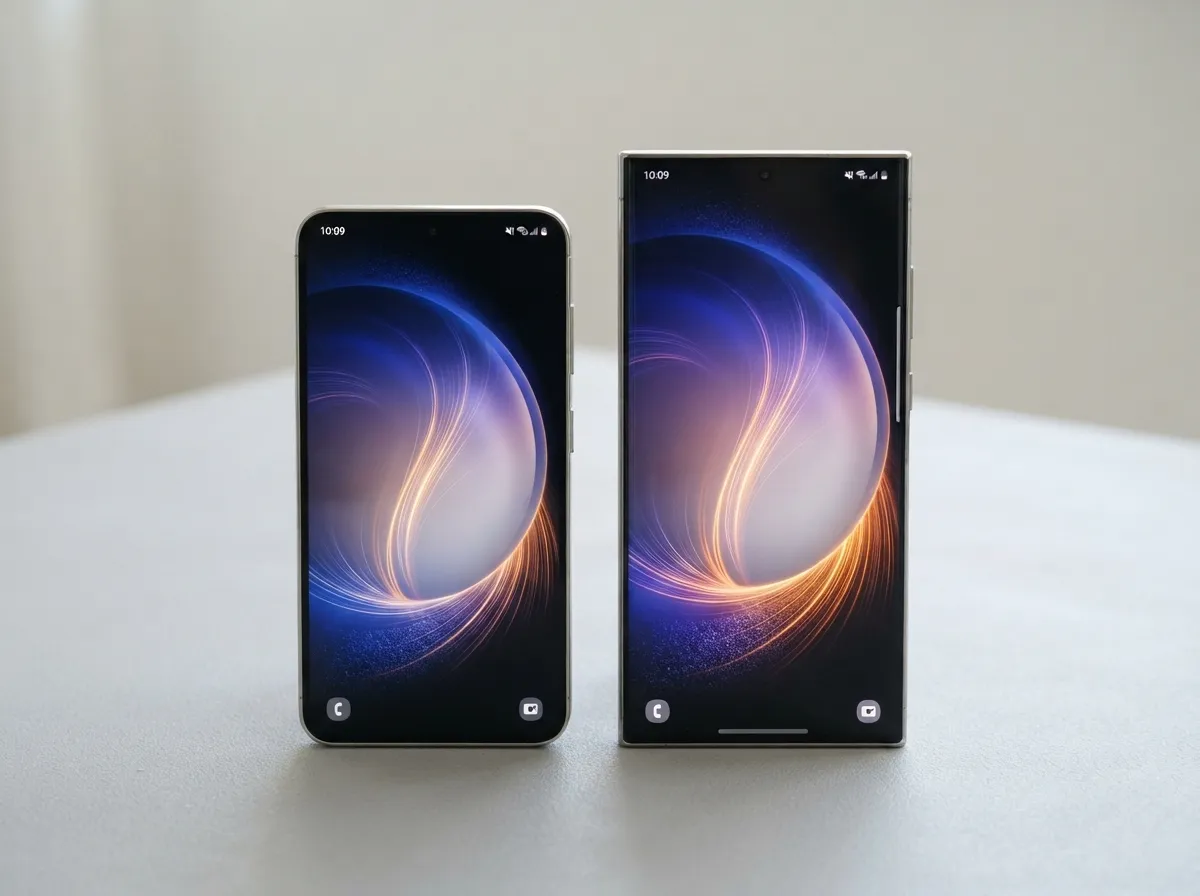
A dedicated Galaxy S26 wallpaper application is available on the Google Play Store, offering the complete stock wallpaper set from Samsung’s 2026 flagship lineup [6]. This app is particularly useful for owners of older Galaxy models, S22, S23, or S24 series, who want access to the newest visual assets without upgrading their hardware.
The app packages the S26 wallpapers in their original resolution and format, preserving the quality that Samsung’s design team intended. Community reviews highlight the accuracy of the color rendering and the variety of styles included, from abstract light sculptures to macro nature photography.
Best for: Owners of older Galaxy devices who want the newest flagship wallpapers without buying new hardware.
7. One4Studio Samsung Galaxy Collection
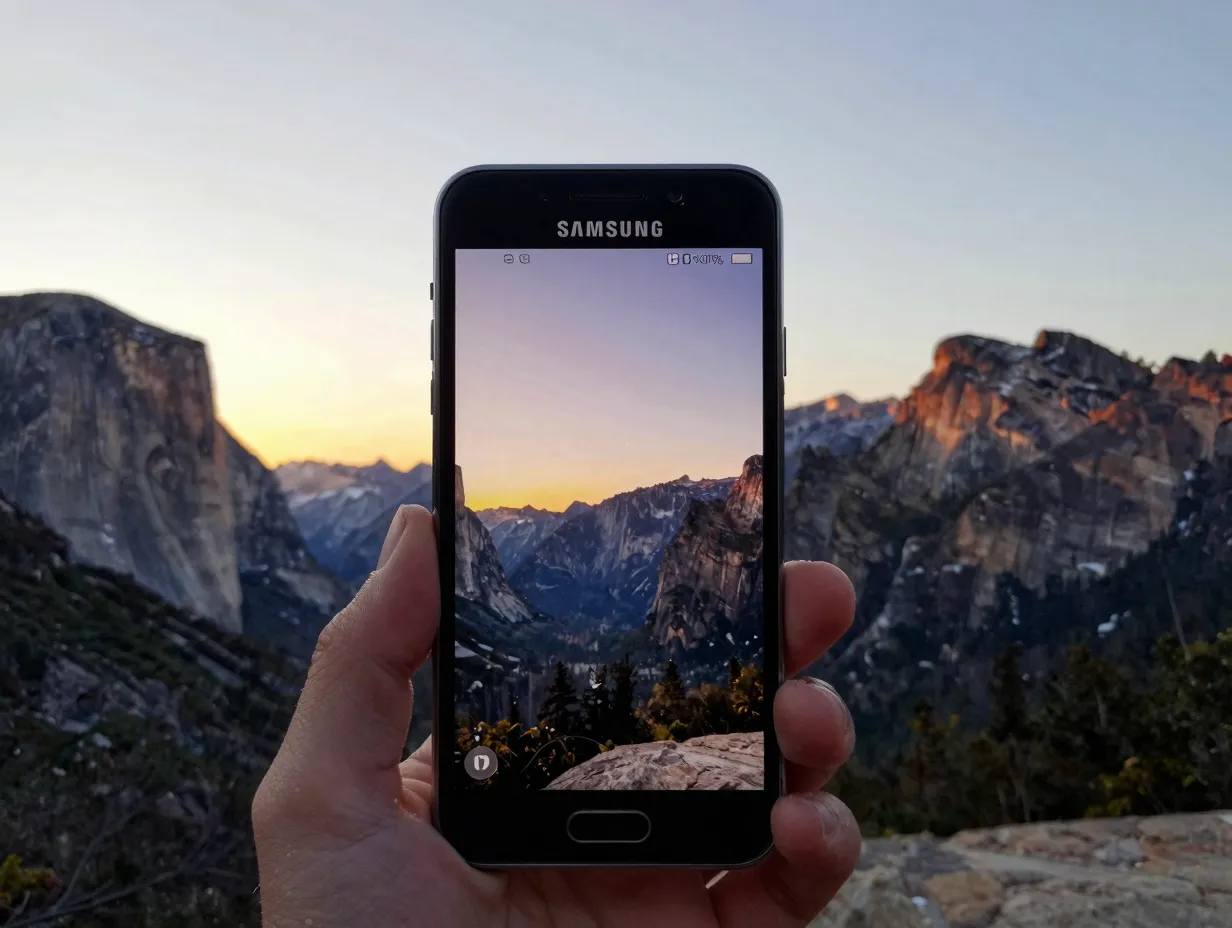
One4Studio maintains a curated wallpaper section optimized specifically for Samsung Galaxy devices [7]. The platform focuses on photographic quality, real-world landscapes, architectural photography, and macro nature shots, rather than digital art or abstract designs.
This makes One4Studio a strong choice for users who prefer realistic imagery over stylized graphics. The Samsung Galaxy filter on the platform ensures that every image is sized and formatted for Galaxy screen proportions. The collection is updated regularly, and the curation standard is noticeably higher than on open-submission platforms, resulting in a smaller but consistently high-quality library.
Best for: Users who prefer photorealistic wallpapers, landscapes, architecture, and nature photography.
8. Stock Wallpaper Archives from Android Authority
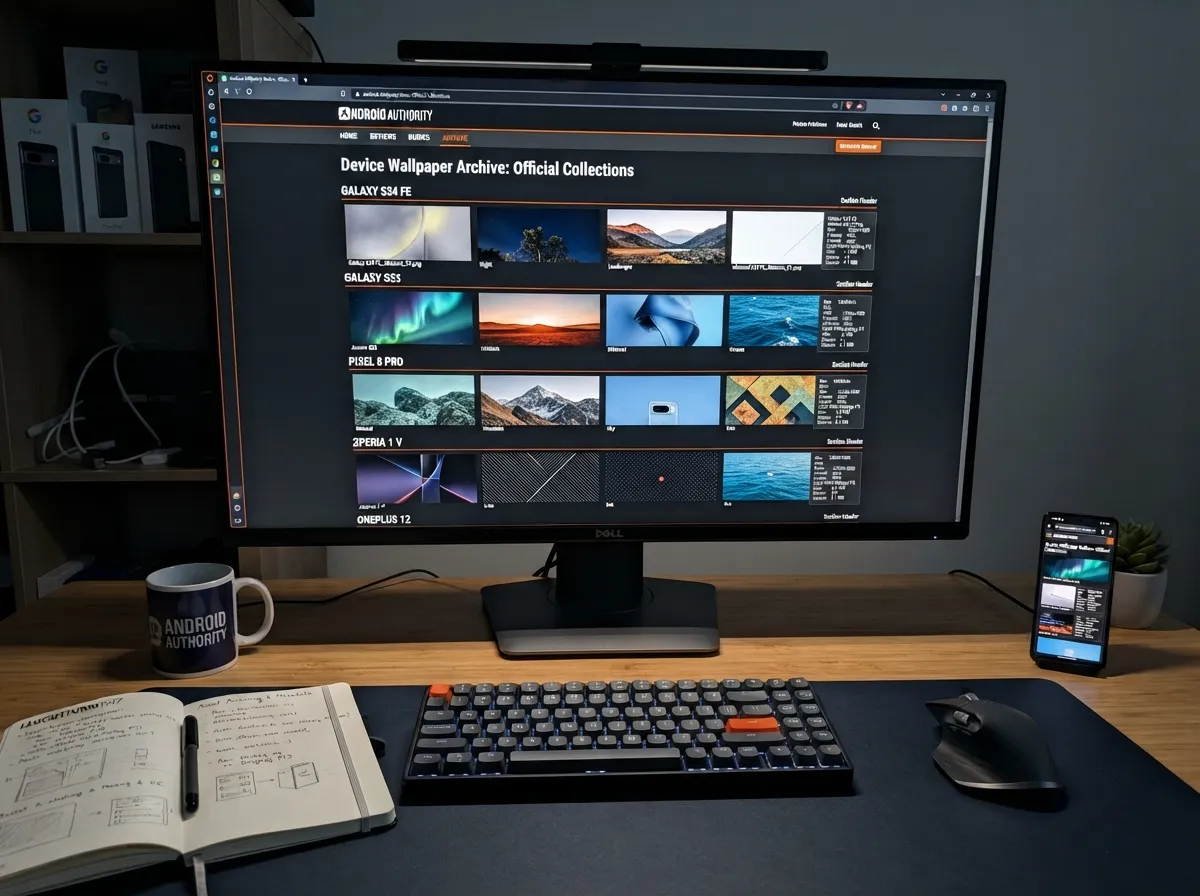
Android Authority maintains a comprehensive stock wallpaper archive that covers nearly every Samsung Galaxy model released in recent years [8]. The archive is organized by device model, making it easy to find the exact wallpapers that shipped with any specific Galaxy phone.
This resource is valuable for two distinct use cases. First, users who have reset or replaced their device can recover the original stock wallpapers that came pre-installed. Second, users who admire the wallpapers from a specific Galaxy model, say, the distinctive gradient designs from the Galaxy S24 FE, can download and apply them to any compatible device.
The archive also provides technical metadata for each wallpaper set, including original resolution, file format, and color profile. That level of detail is rare on consumer-facing wallpaper platforms and makes Android Authority’s archive a go-to resource for technically minded Galaxy users [8].
Best for: Users recovering original stock wallpapers or cross-applying wallpapers from other Galaxy models.
9. Galaxy Themes Integrated Collections
Galaxy Themes is Samsung’s native content platform, built directly into One UI and accessible through the device settings menu. It functions as both a theme store and a wallpaper library, offering collections that are tested and certified for compatibility with every current Galaxy device.
Managing wallpapers through Galaxy Themes offers several practical advantages over third-party apps. Updates are delivered automatically when Samsung releases new content. Collections can be applied to the lock screen, home screen, and always-on display simultaneously with a single tap. And because the platform is native to Samsung’s software, there are no permission conflicts or format compatibility issues.
As of July 2026, Samsung has expanded the Galaxy Themes wallpaper library significantly, adding curated collections tied to seasonal events, major Galaxy product launches, and collaborations with independent artists. The S26 launch collection, for example, includes 24 exclusive wallpapers available only through Galaxy Themes.
Best for: Users who prioritize convenience, automatic updates, and deep integration with Samsung’s native software.
How to Choose the Right Collection for Your Galaxy Device
With the 9 must-have phone wallpaper collections for your Samsung Galaxy now outlined, the practical question is how to match the right collection to a specific device and personal preference. The following framework simplifies that decision.
Step 1, Identify your display type. All Galaxy S and Z series phones from 2021 onward use AMOLED panels. Galaxy A series devices vary, check the spec sheet. AMOLED owners benefit most from collections 4, 5, and 9.
Step 2, Determine your resolution requirement. Galaxy S26 and S25 Ultra models need 1440 x 3200 px or higher. Mid-range Galaxy A series devices can use 1080 x 2400 px images without visible quality loss.
Step 3, Decide on update frequency. Users who want fresh wallpapers weekly should prioritize Zedge (collection 3) or Galaxy Themes (collection 9). Users who want a permanent, curated library should focus on Wallpapers.com (collections 1 and 2) or One4Studio (collection 7).
Step 4, Consider your aesthetic preference.
- Abstract and digital art: Collections 1, 2, 4
- Official Samsung design language: Collections 5, 6, 9
- Photorealistic imagery: Collections 7, 8
- Trend-driven content: Collection 3
Step 5, Apply and test. Samsung’s native wallpaper picker allows preview before application. Always preview at full screen before confirming, as compression artifacts and aspect ratio mismatches are easier to spot in full-screen preview mode than in thumbnail view.
Tips for Getting the Most From Your Galaxy Wallpaper Collection
Downloading a high-quality collection is only the first step. These practical tips help maintain visual quality and organization over time.
Use Samsung’s built-in wallpaper shuffle feature. One UI allows users to set a rotation schedule, cycling through a saved collection automatically. This feature is accessible through Settings > Wallpaper and Style > Change Wallpaper.
Separate lock screen and home screen wallpapers. Samsung Galaxy devices support different images for each surface. Using a bold, high-contrast image on the lock screen and a simpler, less distracting image on the home screen improves both aesthetics and usability.
Maintain a local folder. Saving favorite wallpapers to a dedicated folder in Samsung Gallery makes them easy to access without returning to the source app. Name the folder clearly and back it up to Samsung Cloud or Google Photos.
Check for updates after major One UI releases. Samsung typically adds new wallpaper content to Galaxy Themes alongside major software updates. After installing a new One UI version, open Galaxy Themes and browse the What’s New section before applying the update’s default wallpaper.
Avoid heavy JPEG compression. When downloading from third-party sources, always select the highest available resolution and prefer PNG or WebP formats. Compressed JPEGs introduce color banding that is clearly visible on high-gamut Galaxy displays [8].
What to Expect From Samsung Galaxy Wallpaper Collections in Late 2026 and Beyond
Samsung’s design direction for the second half of 2026 points toward several emerging trends in wallpaper aesthetics. Based on the visual language introduced with the Galaxy S26 series and the expanded Galaxy Themes library, the following directions are gaining momentum.
Generative and AI-assisted wallpapers, Samsung has begun integrating Galaxy AI features into the wallpaper creation process. One UI 8 includes a basic generative wallpaper tool that produces unique, device-specific images based on user-selected themes. Expect this capability to expand significantly in One UI 9.
Dynamic and responsive wallpapers, Beyond traditional live wallpapers, Samsung is developing wallpaper formats that respond to time of day, weather data, and notification status. These formats are currently in limited availability through Galaxy Themes but are expected to reach the broader library by early 2027.
Collaboration collections, Samsung has partnered with independent artists and design studios to produce exclusive wallpaper collections available only through Galaxy Themes. These collaborations bring a level of artistic quality that distinguishes the official platform from open-submission repositories.
Higher resolution assets for foldables, The Galaxy Z Fold 8 and Z Flip 8 introduce new display proportions that require dedicated wallpaper formats. Expect the major platforms, Wallpapers.com, Zedge, and Galaxy Themes, to expand their foldable-specific categories significantly before the end of 2026.
Conclusion
The 9 must-have phone wallpaper collections for your Samsung Galaxy cover every major use case, from battery-saving AMOLED art to official Samsung design assets to community-driven trend collections. Each collection serves a distinct purpose, and the best approach for most Galaxy users is to draw from two or three sources rather than relying on a single platform.
Actionable next steps:
- Start with the official Samsung Galaxy Wallpapers gallery [10] to establish a baseline of high-quality, device-optimized images.
- Install the Zedge app or bookmark the Wallpapers.com Samsung Galaxy category [5] for ongoing fresh content.
- Enable Galaxy Themes automatic updates through Samsung settings to receive new collections without manual effort.
- If owning a flagship Galaxy S25 or S26, download the dedicated S26 wallpaper app [6] for the full flagship asset library.
- Revisit the Android Authority stock wallpaper archive [8] whenever a device reset or model change requires recovering original assets.
A Samsung Galaxy display at its best is one of the finest screens available on any consumer device in 2026. The right wallpaper collection is the simplest and most immediate way to honor that hardware with visuals that match its capability.
References
[1] Galaxy – https://wallpapers.com/galaxy
[2] Samsung – https://wallpapers.com/samsung
[3] Samsung – https://fr.wallpapers.com/samsung
[4] Samsung Galaxy – https://www.zedge.net/category/wallpapers/samsung-galaxy
[5] Samsung Galaxy – https://wallpapers.com/samsung-galaxy
[6] Details – https://play.google.com/store/apps/details?id=com.DivonDev.S26GalaxyWalls&hl=en_GB
[7] Samsung Galaxy – https://www.one4studio.com/wallpapers/best-for/samsung-galaxy
[8] Download Samsung Wallpapers 2734079 – https://www.androidauthority.com/download-samsung-wallpapers-2734079/
[9] Samsung Stock Wallpapers – https://4kwallpapers.com/samsung-stock-wallpapers/
[10] Galaxy Wallpapers – https://www.samsung.com/sg/galaxy-wallpapers/