6 Essential PC Gaming Setup Upgrades for Peak Performance
A four-year-old RTX 3060 and a brand-new budget RTX 5050 are separated by just 13 percent in real-world frame rates. That single statistic exposes the biggest myth in PC gaming right now: buying “new” hardware does not automatically mean buying fast hardware. If a build is going to deliver genuinely elite performance in 2026, every component has to earn its place. This guide breaks down the 6 Essential PC Gaming Setup Upgrades for Peak Performance that actually move the needle, based on current hardware testing and networking benchmarks, so money gets spent where it counts instead of on marginal gains.
Disclosure: This post contains affiliate links. As an Amazon Associate, we earn from qualifying purchases, and at no extra cost to you.
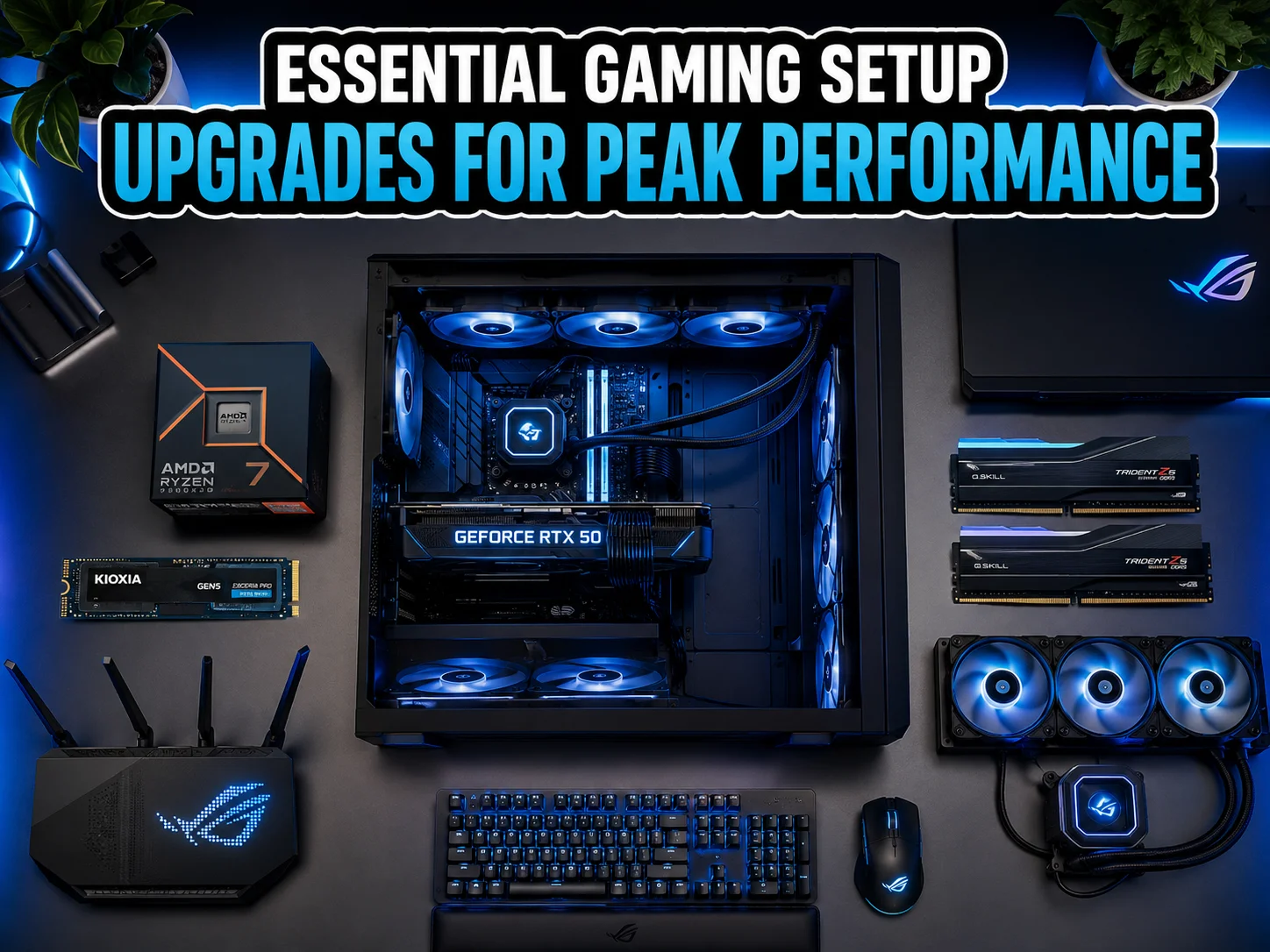
The upgrades below are not a random wish list. They cover the six systems that determine whether a rig feels instant and stable or sluggish and unpredictable: the graphics card, the processor, storage, memory, thermal and power delivery, and the home network. Each one interacts with the others, and skipping even one can quietly cap the performance of an otherwise excellent build.
Key Takeaways
- A high-end RTX 50-series GPU, not a budget model, is the real anchor of any peak-performance build, since entry-level cards like the RTX 5050 barely outpace older generations.[1][3]
- Pairing that GPU with a high-cache CPU such as a Ryzen 9800X3D-class processor prevents bottlenecks and keeps esports titles near 200FPS at 1440p.[3]
- Gen5 NVMe storage and DDR5-6400 32GB memory work together to cut load times dramatically and improve 1 percent low frame rates by roughly 25 percent.[3]
- A 360mm AIO cooler and a 1000W 80+ Platinum PSU are not optional extras; they are what let flagship CPUs and GPUs sustain their advertised speeds.[3]
- Wi-Fi 7 routers are now considered a core upgrade for competitive and online gaming, offering less congestion and up to 40 percent lower latency than older standards.[6][9]
Why These 6 Essential PC Gaming Setup Upgrades for Peak Performance Matter Now
Gaming hardware has hit an unusual moment. Individual components have become powerful enough that a mismatched build can waste most of that power. A flagship GPU paired with a slow SSD still stutters when loading assets. A fast CPU without adequate cooling throttles under sustained load. A brand-new router running an outdated Wi-Fi standard undoes the low-latency benefits of everything else in the rig.
That is why treating these upgrades as a system, rather than a shopping list of isolated parts, is the smarter approach. The following six categories represent the areas where 2026 hardware testing shows the clearest, most measurable performance gains.
1. Upgrade to a High-End RTX 50-Series GPU for True Peak Visual Performance
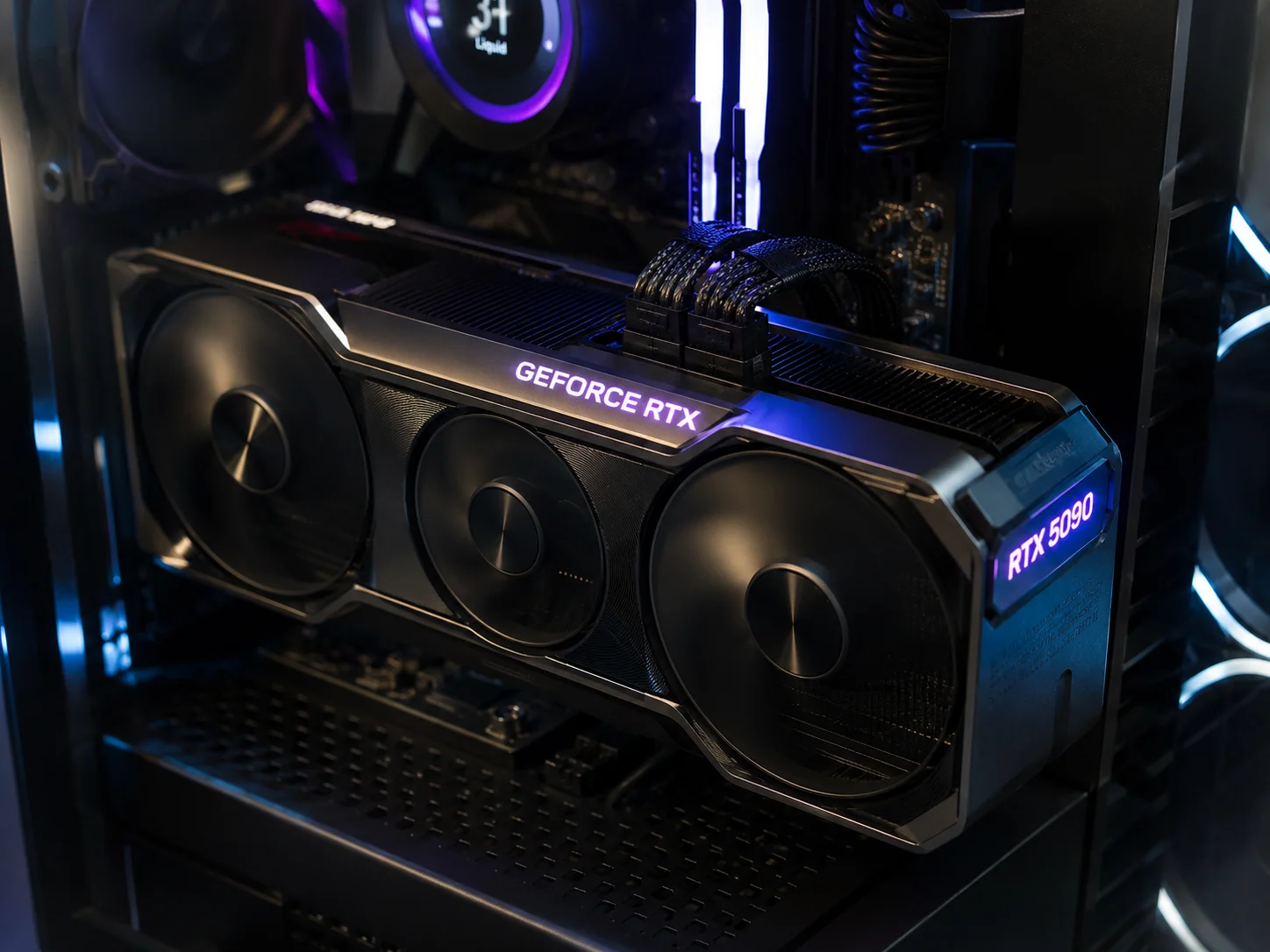
The graphics card remains the single most influential piece of hardware for how a game looks and feels. According to a January 30, 2026 hardware roundup, high-end RTX 50-series cards, particularly the RTX 5080 and RTX 5090, are the primary driver of peak visual performance in modern builds.[3] With DLSS 4 enabled, these cards support smooth 4K gameplay at up to 240Hz and can hold a stable 60FPS even with full path tracing turned on in the most demanding AAA titles.[3]
Budget options tell a very different story. Reviews of the RTX 5050 from May and August 2026 found it averaging just 54 to 61FPS in modern titles, compared to 63 to 65FPS for the older RTX 4060.[1] Even more telling, the RTX 5050 was only about 13 percent faster than the four-year-old RTX 3060.[1] That is a meaningful gap for anyone chasing genuine “peak performance,” and it confirms that mid-range 50-series cards are better suited to casual or budget builds than to a rig built for competitive or visually demanding play.
“Entry-level does not mean entry-level performance improvement anymore. A budget GPU today can trail a flagship from two generations ago by a wide margin.”
What to look for when upgrading the GPU:
- Prioritize01 VRAM capacity of at least 16GB for 4K textures and ray-traced lighting.
- Prioritize02 DLSS 4 or equivalent AI upscaling support for frame generation.
- Prioritize03 A power connector and case clearance check before purchase, since flagship cards are physically large and power-hungry.
2. Pair the GPU With a High-Cache CPU for 6 Essential PC Gaming Setup Upgrades for Peak Performance
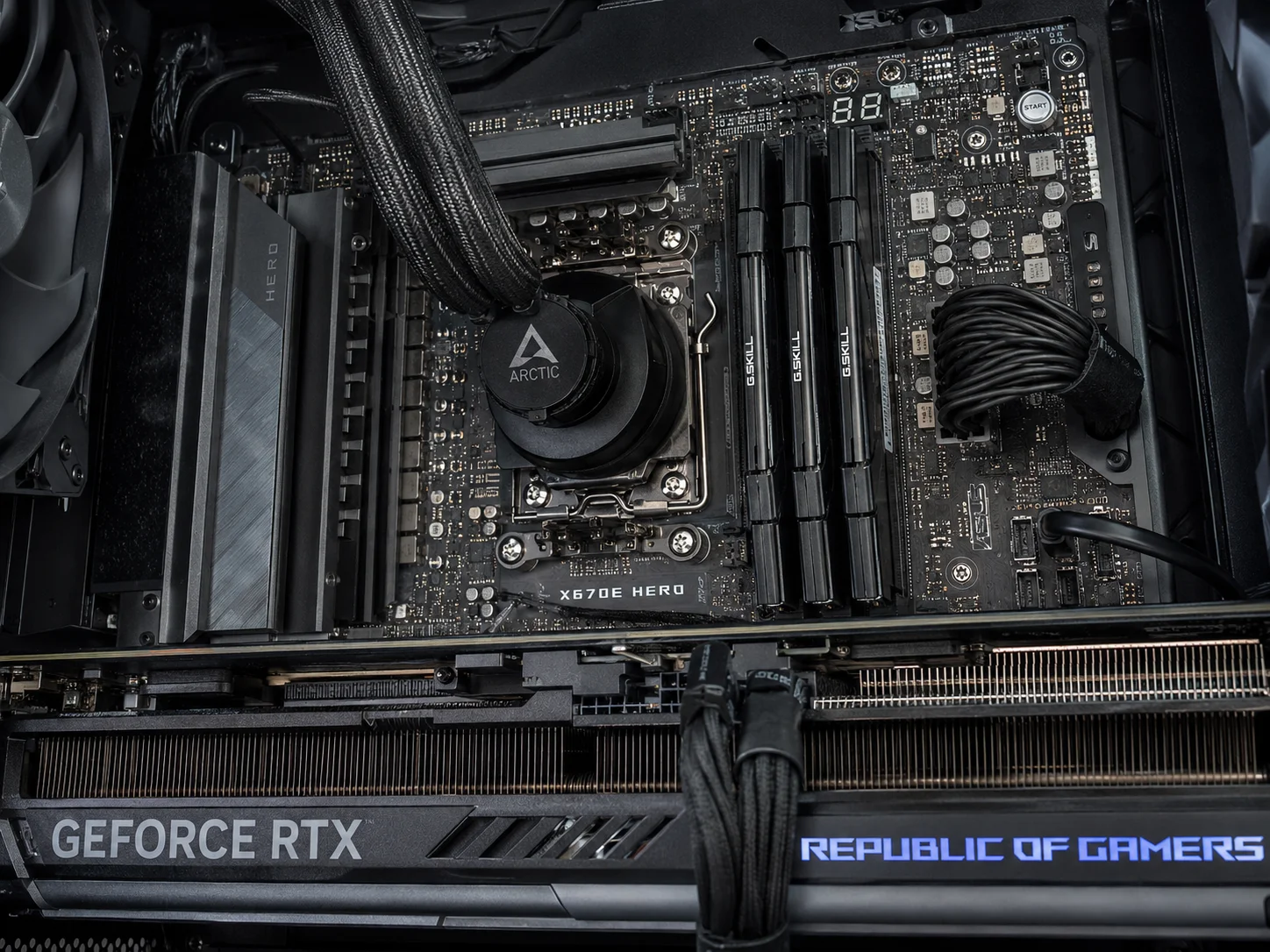
A flagship GPU can only perform as well as the processor feeding it data. This is where a Ryzen 9800X3D-class processor earns its place among the 6 Essential PC Gaming Setup Upgrades for Peak Performance. These chips typically pack sixteen cores and up to 192MB of 3D V-Cache, and January 2026 testing showed esports titles reaching around 200FPS at 1440p on this class of hardware.[3]
The cache advantage matters more than raw clock speed for gaming. Games with heavy simulation elements, large open worlds, or CPU-bound physics calculations benefit disproportionately from the extra cache, since it reduces how often the processor has to fetch data from slower system memory. Testing has shown markedly better performance in simulation-heavy titles and other CPU-bound workloads when paired with a high-cache chip like this.[3]
For streamers and content creators, the many-core design also matters. Recording, encoding, and running background applications alongside a game requires spare processing headroom, and a sixteen-core chip provides that buffer without forcing a choice between smooth gameplay and smooth streaming.
Signs a CPU upgrade is overdue:
- GPU usage sits below 90 percent during gameplay, indicating the processor is the bottleneck.
- Frame times spike noticeably during large on-screen battles or crowded scenes.
- Streaming or recording causes visible frame drops even on a capable GPU.
3. Install a Gen5 NVMe SSD to Eliminate Load Times and Stutter
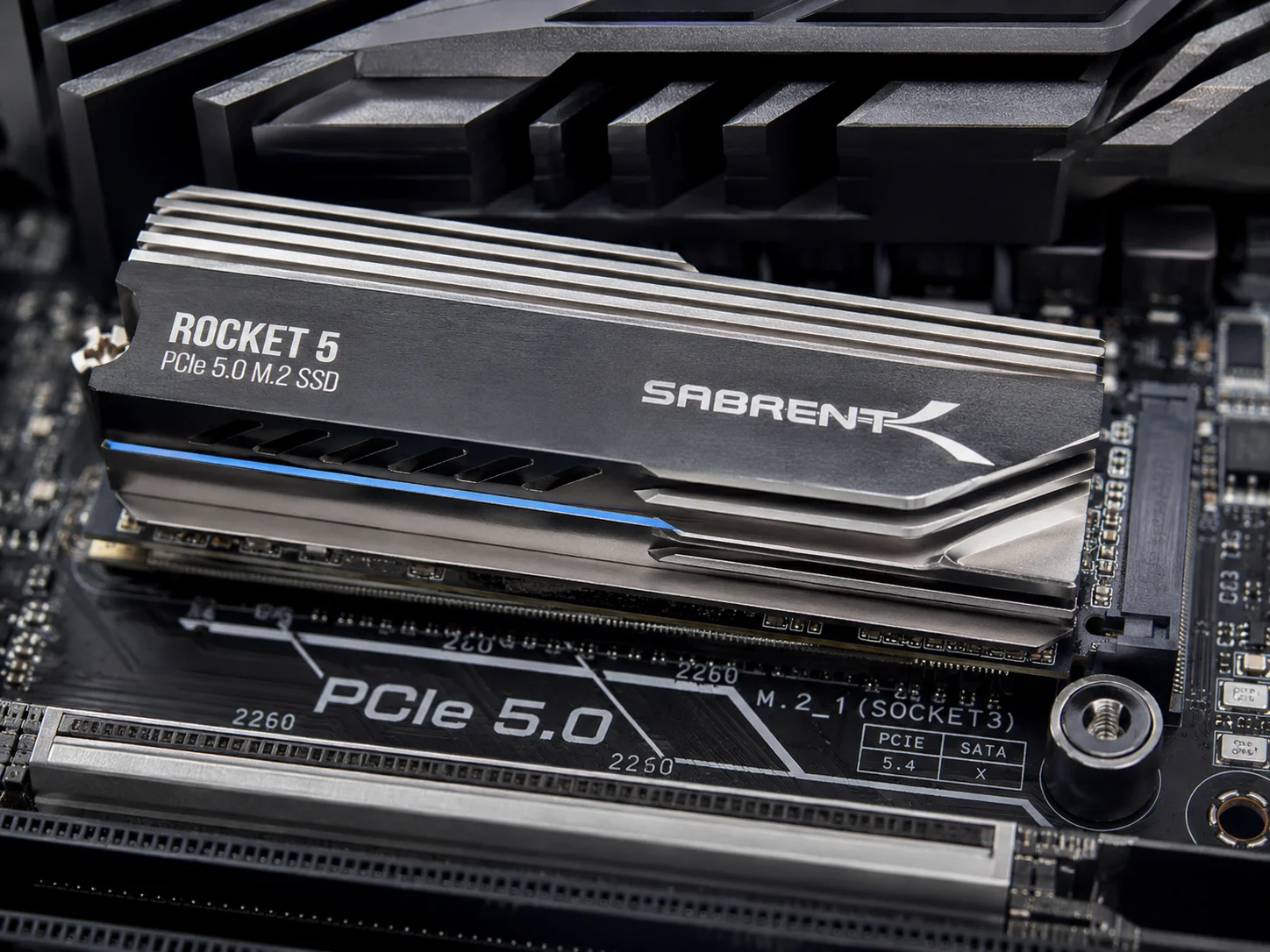
Storage speed used to be a quality-of-life upgrade. In 2026, it is a performance upgrade in its own right. NVMe Gen5 SSDs now reach read speeds of roughly 14GB/s, and January 2026 testing demonstrated the practical impact of that jump: GTA 6 load times dropped from about 70 seconds on an older drive to approximately 8 seconds on a Gen5 NVMe drive.[3]
That speed gain is not just about waiting less at a loading screen. Microsoft DirectStorage, now widely supported, allows near-instant decompression of around 5GB of game assets, which helps eliminate the mid-game stutter that happens when new textures or level sections stream in.[3] For open-world games and titles with seamless streaming environments, this is the difference between a smooth transition and a visible hitch.
| Storage Type | Typical Read Speed | GTA 6-Style Load Time |
|---|---|---|
| Older SATA SSD | Up to 0.5GB/s | 70+ seconds |
| Gen4 NVMe SSD | Up to 7GB/s | 20 to 30 seconds |
| Gen5 NVMe SSD | Up to 14GB/s | About 8 seconds |
This table illustrates why storage is now grouped with GPU and CPU upgrades rather than treated as an afterthought. A “fast-feel” gaming setup depends on rapid asset delivery just as much as raw rendering power.
Practical tip: Pair a Gen5 drive with adequate motherboard cooling, since these drives generate more heat than previous generations and can throttle without a heatsink.
4. Boost Memory to DDR5-6400 32GB for Smooth Multitasking
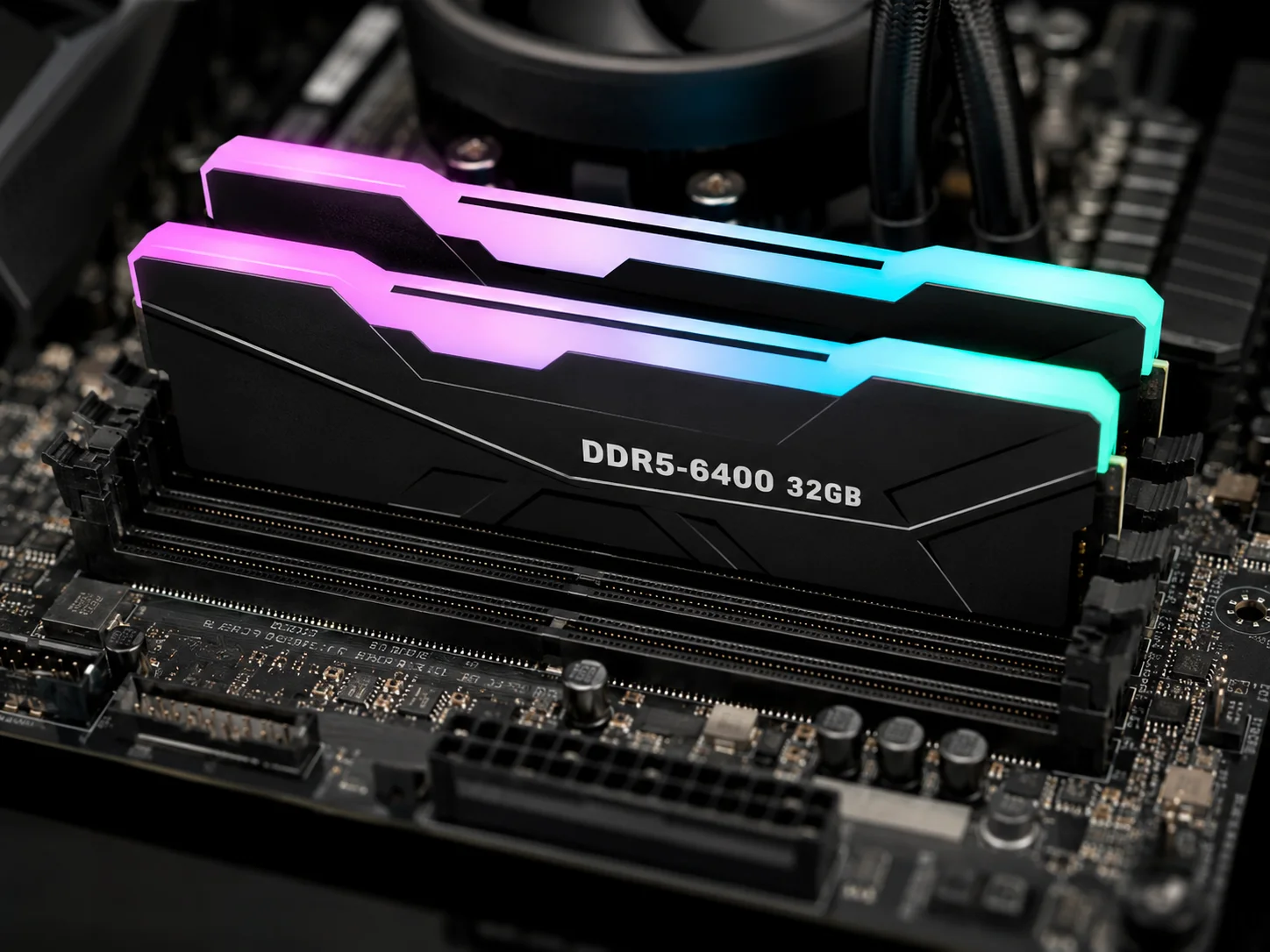
Memory upgrades often get overlooked in favor of flashier components, but 2026 benchmarks make a strong case for DDR5-6400 32GB kits as an essential step in any high-end build. In CPU-heavy games such as Cyberpunk 2077 with RT Overdrive enabled, faster DDR5 configurations delivered roughly a 25 percent improvement in 1 percent low frame rates compared to slower memory setups.[3]
The 1 percent low metric matters because it measures the worst-case frame rate dips during gameplay, which is exactly what players notice as stutter or hitching. A jump of this size means fewer jarring frame drops during intense combat or crowded scenes, even when the average frame rate looks fine on paper.
Capacity matters too. The same analysis found that 32GB of high-speed DDR5 allows heavy multitasking, including recording, streaming, browsers, and background apps, without noticeable lag.[3] For creators running OBS, Discord, a browser with dozens of tabs, and a game simultaneously, 16GB is increasingly a bottleneck rather than a comfortable baseline.
Quick memory upgrade checklist:
- Confirm01 the motherboard supports DDR5-6400 speeds natively or via EXPO/XMP profiles.
- Confirm02 total capacity of at least 32GB for gaming plus streaming workloads.
- Confirm03 matched dual-channel kits rather than mismatched single sticks for stability.
5. Upgrade Cooling and Power Delivery to Unlock Full Performance
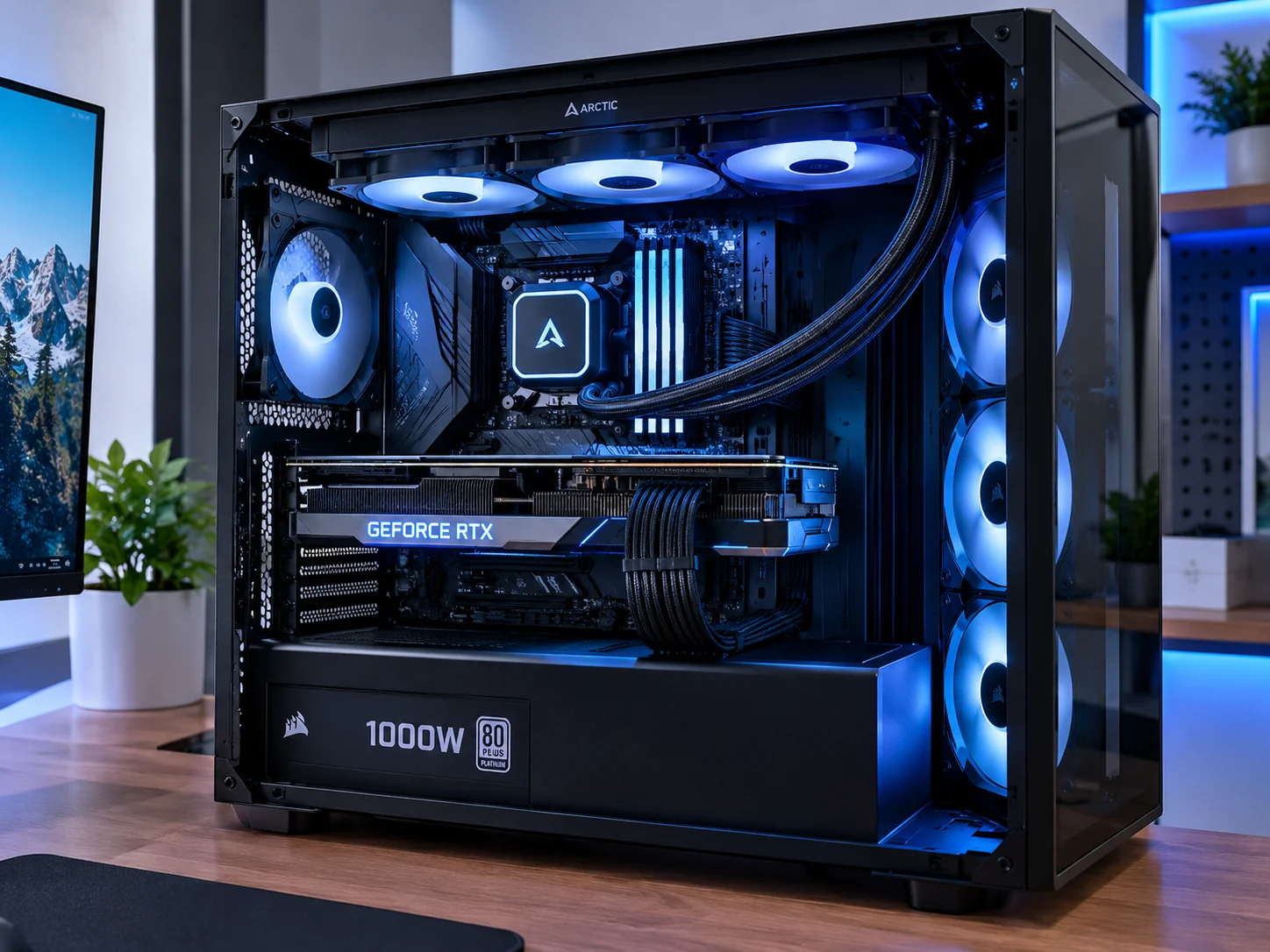
High-end CPUs and GPUs are only as fast as the systems that keep them cool and fed with stable electricity. This is where cooling and power delivery form one of the most overlooked parts of the 6 Essential PC Gaming Setup Upgrades for Peak Performance.
On the cooling side, a 360mm all-in-one liquid cooler is now considered necessary to fully exploit the overclocking and boost potential of current high-end CPUs. January 2026 data showed sustained all-core clocks around 5.8GHz alongside CPU temperatures reduced by about 30 degrees Celsius compared to standard air cooling.[3] That extra thermal headroom does two things: it stabilizes performance during long gaming or streaming sessions, and it reduces long-term wear on the chip itself.
Power delivery deserves equal attention. A 1000W 80+ Platinum PSU is recommended for RTX 50-series systems, and 2026 guidance emphasizes ripple-free power delivery so GPUs can consistently hit their peak boost clocks.[3] This is less about raw wattage headroom, though that matters too, and more about electrical stability. A cheap or aging PSU can cause micro-stutters and voltage sag under load, even if it technically supplies enough total wattage.
| Component | Upgrade | Measured Benefit |
|---|---|---|
| Cooling | 360mm AIO liquid cooler | About 30°C lower temps, 5.8GHz sustained clocks |
| Power | 1000W 80+ Platinum PSU | Stable boost clocks, headroom for future hardware |
Why this pairing matters: A flagship GPU and CPU generate significant heat and draw substantial power together. Upgrading one without the other creates a mismatched system that cannot reach its full potential.
6. Upgrade to a Wi-Fi 7 Router for Peak Online Performance
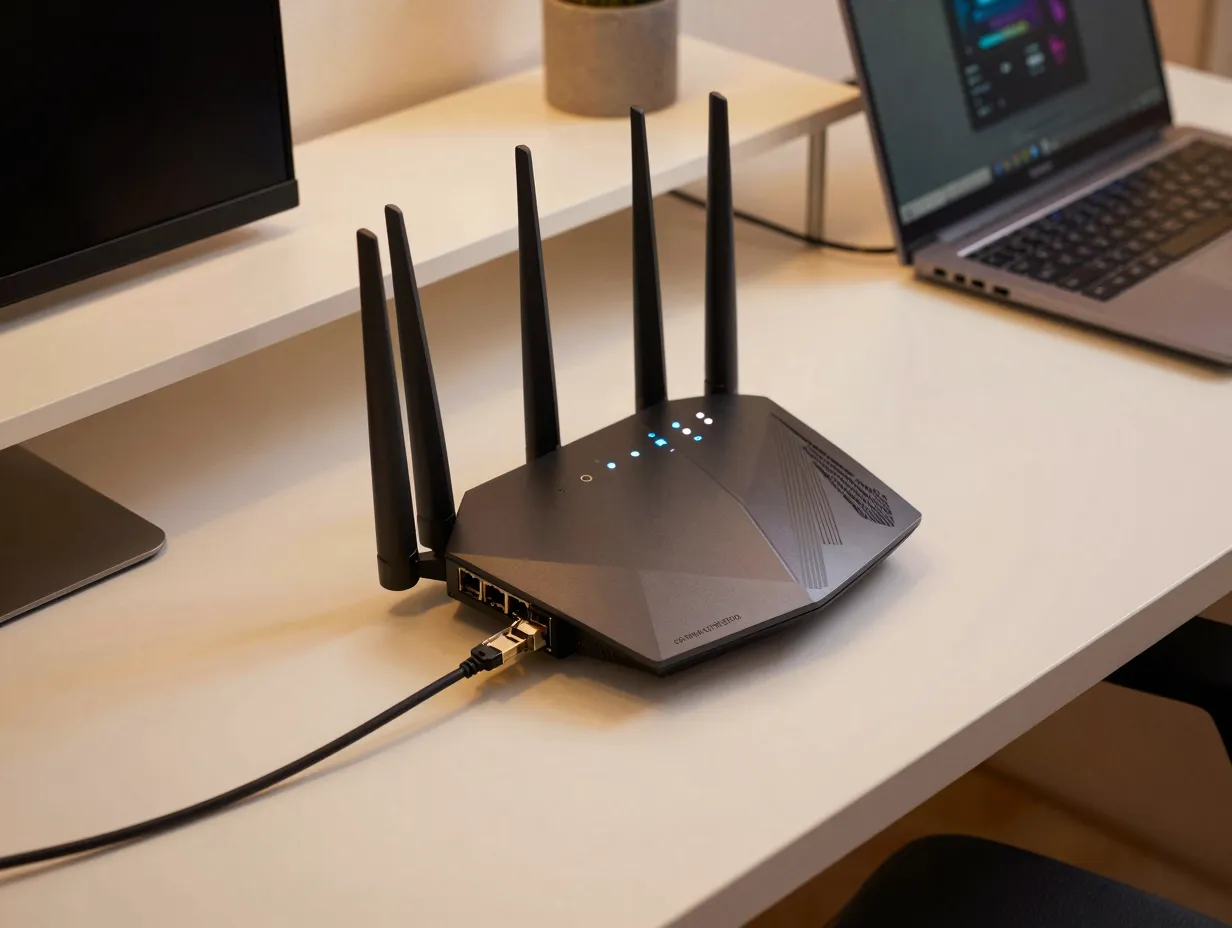
Networking is the sixth major category in any serious plan for peak PC gaming performance, and it is often the most neglected. As of August 19, 2026, Wi-Fi 7 gaming routers, or at minimum Wi-Fi 6E models, are strongly recommended because the newer standard unlocks the far less crowded 6GHz band along with multi-gigabit ports for lower-latency, higher-throughput connections.[2]
Independent testing backs this up with concrete numbers. Reviews of the TP-Link Archer BE800 report Wi-Fi 7 speeds up to about 24Gbps and latency reductions of up to 40 percent compared to standard consumer routers, making it a leading overall gaming choice for 2026.[6] Comparative testing of the TP-Link Archer BE9700 found tri-band Wi-Fi 7 with 6GHz support and gaming-focused Quality of Service delivering around 12 to 17ms in-game latency at a much lower price point, positioning it as a value-oriented but still peak-ready option.[4]
For enthusiast setups, multiple 2026 round-ups consistently place the ASUS ROG Rapture GT-BE98 Pro and the TP-Link GE650 among the top choices, citing quad-band or tri-band Wi-Fi 7, dual 10G ports, and dedicated game-acceleration features.[5][7][8] These expert lists emphasize that a fully optimized gaming setup needs a router that supports high aggregate bandwidth, up to around 30Gbps in some cases, advanced Quality of Service, and multiple multi-gig ports rather than basic gigabit hardware.[5][8]
Rankings from testing-focused outlets reinforce that Wi-Fi 7, multiple 2.5 to 10Gbps Ethernet ports, and explicit gaming Quality of Service are now baseline expectations for high-end gaming networks, not luxuries.[9][10] It is also worth noting that Wi-Fi 7 support requires new radio hardware; it cannot be added to an existing Wi-Fi 6 or 6E router through a firmware update. Upgrading the router is a discrete hardware change, not a software tweak, which is why it belongs on any list of essential setup upgrades rather than being treated as optional.
Router upgrade checklist:
- Confirm the router supports full Wi-Fi 7, not just Wi-Fi 6E, if future-proofing matters.
- Look for at least one 10Gbps port to match multi-gig internet plans.
- Check for a dedicated gaming Quality of Service mode to prioritize game traffic over background downloads.
How the Six Upgrades Work Together
None of these upgrades operates in isolation. A useful way to think about it is that the GPU and CPU set the performance ceiling, storage and memory determine how quickly and smoothly the system reaches that ceiling, and cooling, power, and networking determine how consistently the system can sustain it. Skipping any one link in that chain creates a bottleneck that undermines the others.
| Upgrade Category | Primary Role | Bottleneck If Skipped |
|---|---|---|
| GPU | Rendering and visual fidelity | Low frame rates, poor ray tracing |
| CPU | Game logic, physics, streaming | Frame drops, poor 1% lows |
| Storage | Asset loading speed | Long load times, streaming stutter |
| Memory | Multitasking headroom | Lag under heavy background load |
| Cooling and Power | Sustained performance | Throttling, unstable clocks |
| Networking | Online latency and throughput | High ping, packet loss in multiplayer |
Looking Ahead Beyond 2026
The direction of current hardware suggests these six categories will remain the backbone of essential upgrades for years to come, even as the specific products change. Future GPUs are likely to lean further into AI-driven upscaling and more advanced ray-tracing hardware. CPUs will likely continue expanding 3D-cache designs while improving power efficiency. Storage will keep pushing toward faster, more efficient NVMe standards, and networking will continue the shift toward wider, less congested wireless bands as multi-gig home internet becomes standard. Building around these six categories now creates a foundation that should age gracefully as each individual component gets its next-generation refresh.
Conclusion
Peak PC gaming performance in 2026 is not about chasing a single expensive part. It comes from balancing six interconnected systems: a genuinely high-end GPU, a high-cache CPU to match it, fast Gen5 storage, ample high-speed memory, cooling and power delivery that can sustain the load, and a Wi-Fi 7 router that clears the path for low-latency online play. Skipping any one of these six areas creates a weak link that limits everything else in the build.
The most practical next step is an honest audit of the current setup against these six categories. Identify which link is weakest, whether that is an aging GPU, a router still running Wi-Fi 5, or a PSU that struggles under load, and prioritize that upgrade first. Tackling the 6 Essential PC Gaming Setup Upgrades for Peak Performance in order of impact, rather than all at once, makes the investment more manageable while still delivering measurable gains at every step.
References
[1] Nvidia Rtx 5050 Review 2026 – https://games.gg/news/nvidia-rtx-5050-review-2026/
[2] Best Wi Fi 7 Routers – https://www.tomsguide.com/best-picks/best-Wi-fi-7-routers
[3] 6 Pc Hardware Upgrades That Actually Improve Gaming Productivity 2026 – https://www.techtimes.com/articles/314386/20260130/6-pc-hardware-upgrades-that-actually-improve-gaming-productivity-2026.htm
[4] knowledgelib – https://knowledgelib.io/computing/networking/wifi-7-routers-for-gaming/2026
[5] Best Wi Fi 7 Routers For Gaming – https://zamd.net/best-wi-fi-7-routers-for-gaming/
[6] Best Gaming Routers – https://www.propelrc.com/best-gaming-routers/
[7] Best Wifi 7 Router – https://www.eneba.com/hub/gaming-gear/best-wifi-7-router/
[8] The Best Gaming Routers – https://www.pcmag.com/picks/the-best-gaming-routers
[9] The Best Gaming Routers – https://www.techradar.com/news/the-best-gaming-routers
[10] Best Wi Fi Routers – https://www.tomshardware.com/networking/routers/best-wi-fi-routers