8 Beautiful Wallpaper Selections to Personalize Your Samsung Galaxy S23 FE
The average smartphone user glances at their lock screen more than 80 times per day, yet most people never change the wallpaper that shipped with their device. For Samsung Galaxy S23 FE owners, that is a missed opportunity. The S23 FE ships with a vivid 6.4-inch Dynamic AMOLED display that makes colors pop, gradients glow, and fine details crisp. Choosing the right wallpaper does not just make the phone look better, it transforms how the entire experience feels every time the screen lights up. This guide covers 8 beautiful wallpaper selections to personalize your Samsung Galaxy S23 FE, walking through each category, how to apply it, and where to find the best examples in 2026.
Disclosure: This post contains affiliate links. As an Amazon Associate, we earn from qualifying purchases, and at no extra cost to you.
Key Takeaways
- The Samsung Galaxy S23 FE supports static images, video wallpapers, Galaxy AI generative designs, and full themes, all from the same Wallpaper and style menu.
- Wallpapers can be applied separately to the Home screen, Lock screen, or both, giving layered personalization control.
- Galaxy Themes is Samsung’s official marketplace for curated wallpaper packs, while third-party apps and gallery images expand options further.
- Galaxy AI’s generative wallpaper feature lets users create one-of-a-kind designs directly on the device without any design skills.
- More than 1,160 free Galaxy S23-optimized wallpapers are available from third-party catalogs as of mid-2026, ensuring fresh choices at no cost.
How to Change Wallpapers on the Samsung Galaxy S23 FE
Before exploring the 8 beautiful wallpaper selections to personalize your Samsung Galaxy S23 FE, it helps to understand the two main paths for applying any wallpaper. Both methods are fast, and knowing both means never being stuck.
Method 1, Through Settings:
Open the Settings app, tap Wallpaper and style, then select Change wallpapers. From here, choose a preloaded design, browse Galaxy Themes, or pick a personal photo from the gallery. Confirm whether to apply it to the Home screen, Lock screen, or both. [1]
Method 2, From the Home Screen:
Touch and hold any empty area of the Home screen. Tap Wallpaper and style from the menu that appears. The same selection interface opens, including options for preloaded wallpapers and downloadable content from Galaxy Themes. [10]
Method 3, Directly from the Gallery:
Open any photo in the Gallery app, tap the three-dot menu icon, and select Set as wallpaper. Choose the target screen, then zoom and reposition the image before confirming. [5]
“Videos can also be used as animated wallpapers, select a short clip from the Gallery, tap the three-dot menu, choose Set as wallpaper, and pick the target screen.” [5]
The S23 FE also supports wallpaper changes from the Always-on Display settings and call background options, making visual personalization extend well beyond the standard home and lock screens. [7]
8 Beautiful Wallpaper Selections to Personalize Your Samsung Galaxy S23 FE
The selections below are organized by style and source, covering every major category available to S23 FE owners in 2026. Each entry includes what makes it visually compelling, where to find it, and how to apply it.
1. Samsung Preloaded Wallpapers
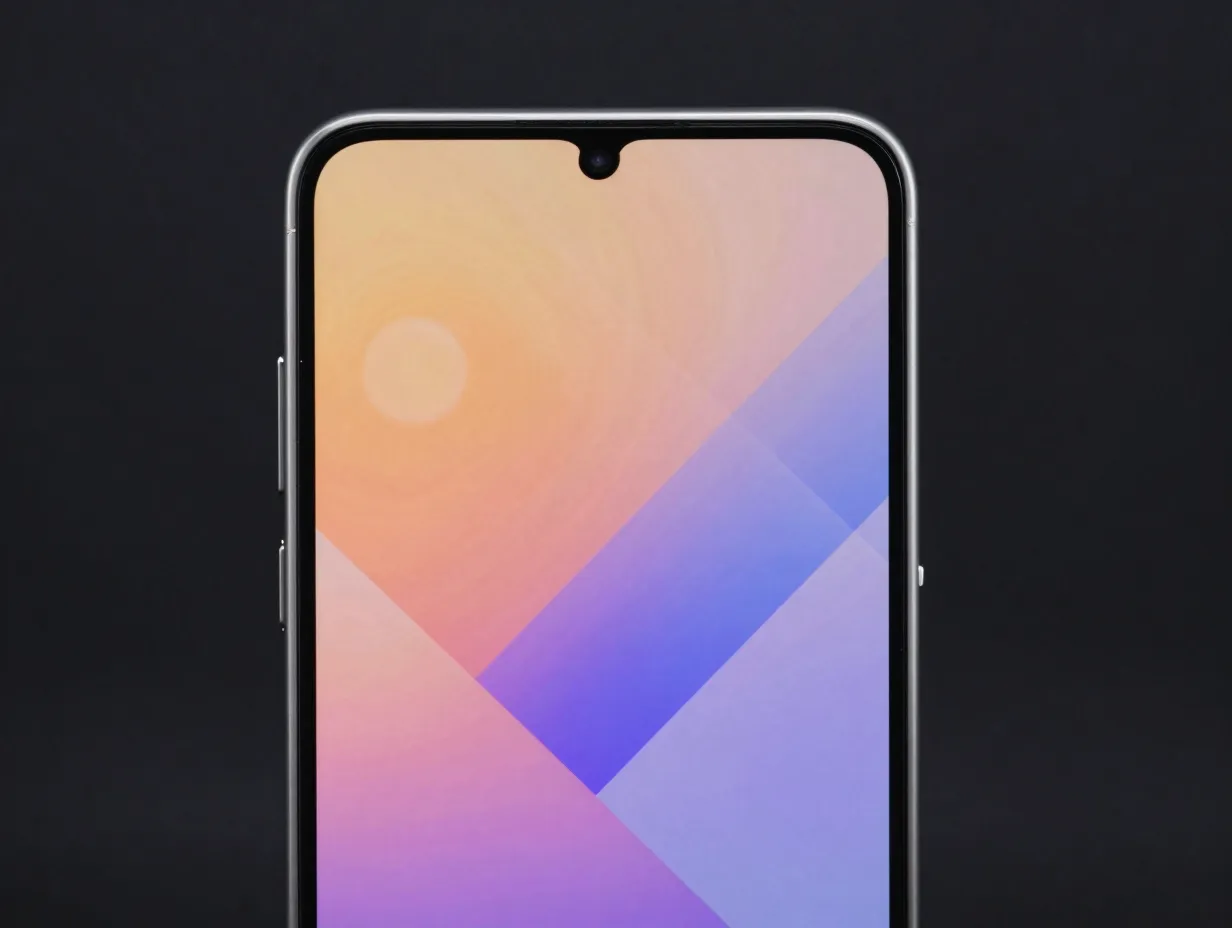
Samsung ships the Galaxy S23 FE with a curated set of preloaded wallpapers designed specifically for the device’s display characteristics. These are not generic filler images. They are optimized for the 6.4-inch Dynamic AMOLED panel, meaning colors are calibrated to look accurate rather than oversaturated.
Where to find them: Settings → Wallpaper and style → Change wallpapers → My wallpapers [1]
Why they work: The preloaded set typically includes abstract gradients, soft bokeh backgrounds, and geometric patterns that avoid visual clutter behind app icons. Because they are tuned for the S23 FE’s resolution and color profile, they render without any stretching or pixelation.
Best for: Users who want a polished, out-of-the-box look without downloading anything.
The preloaded options are the fastest starting point, but they represent only a fraction of what the device supports.
2. Galaxy Themes Wallpaper Packs
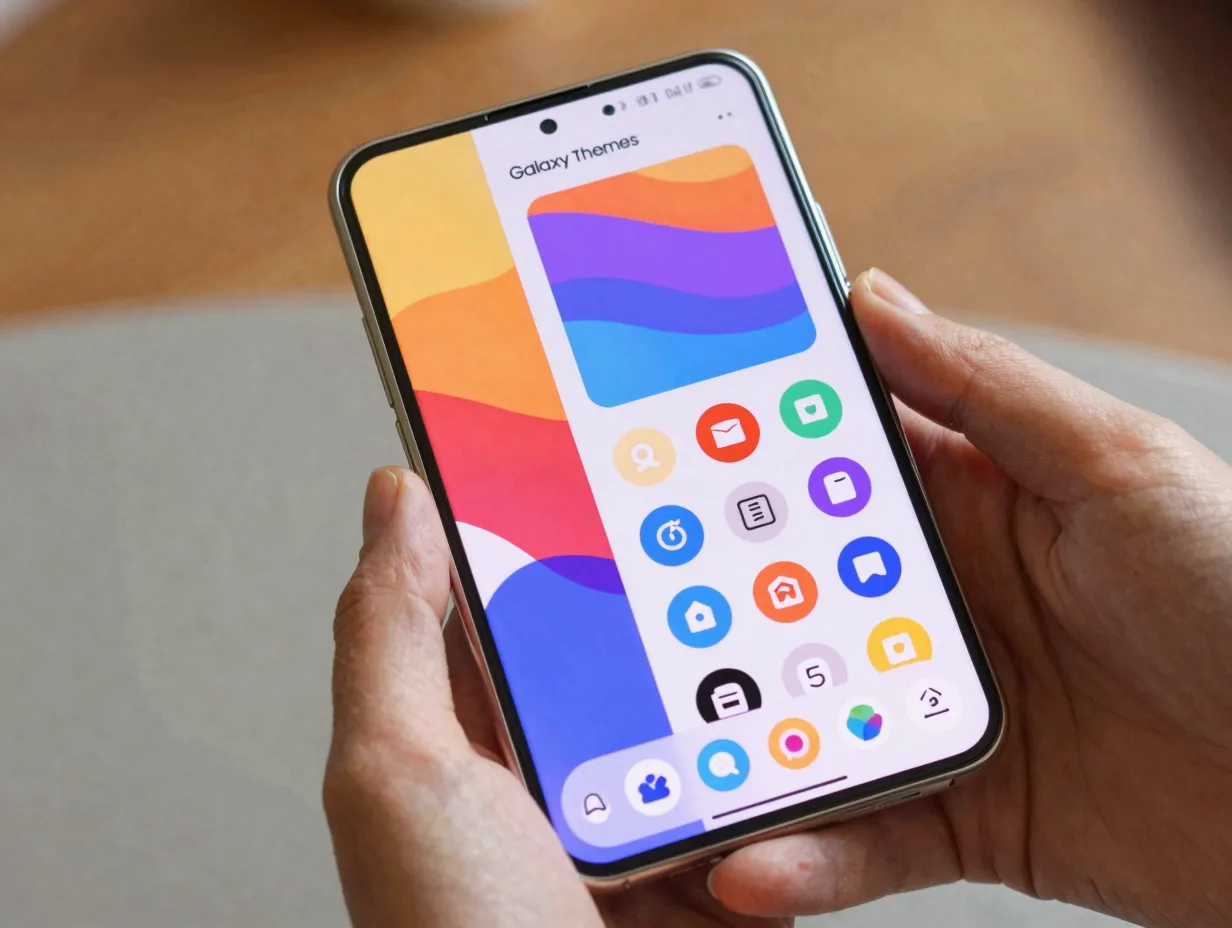
Galaxy Themes is Samsung’s official marketplace and the primary source for additional wallpapers beyond the preloaded set. [10] It offers both free and paid packs, organized into categories such as Top, New, and Free.
How to access it: Touch and hold the Home screen → tap Themes → browse categories → download → apply. [6]
A key advantage of Galaxy Themes is that a downloaded theme bundles wallpapers, icon sets, and color accents into a single package. Applying one theme simultaneously updates the Home screen wallpaper, Lock screen wallpaper, and icon style, creating a fully cohesive visual identity. [6]
Best for: Users who want a complete visual overhaul, wallpaper, icons, and interface colors, in one tap.
3. Galaxy AI Generative Wallpapers
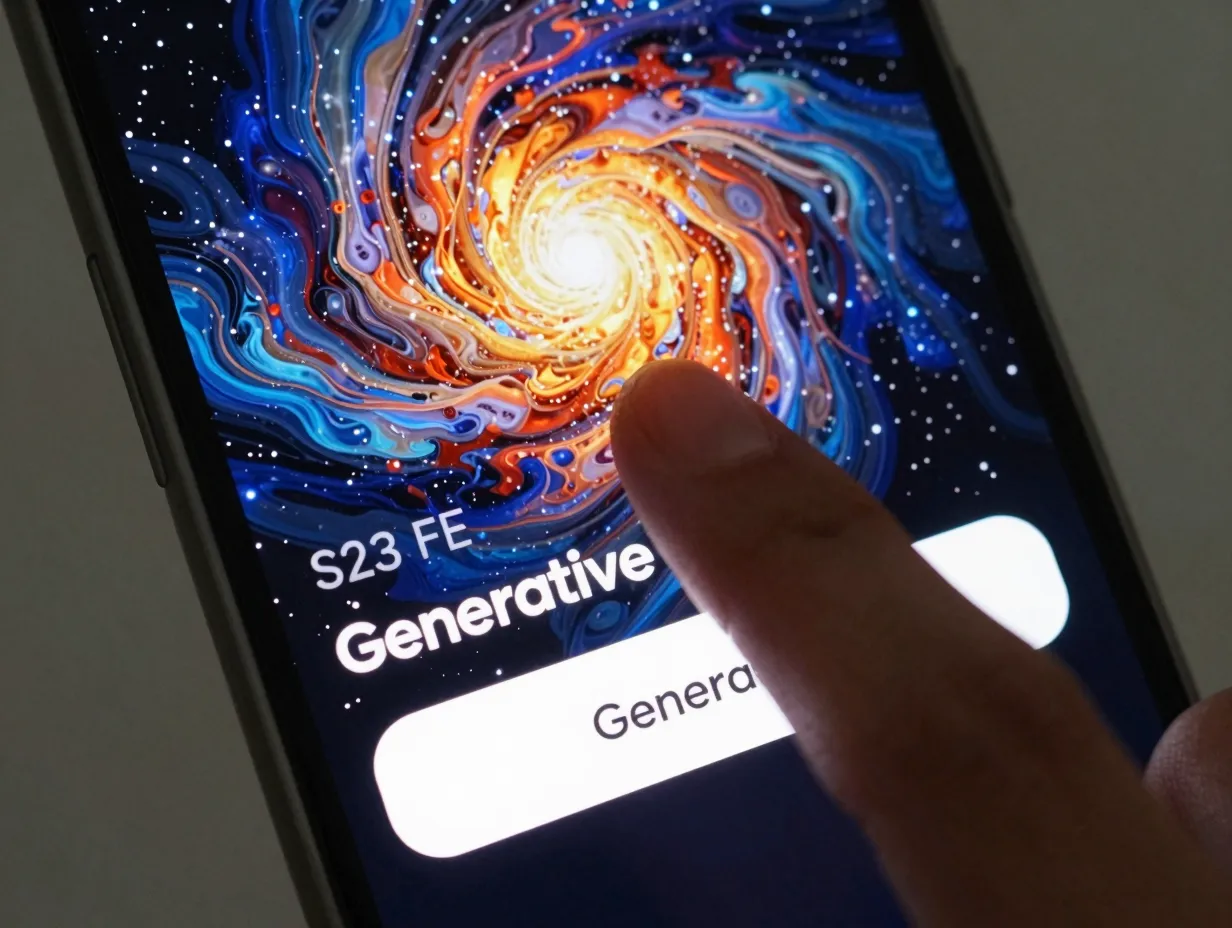
One of the most distinctive features available on the S23 FE in 2026 is the ability to generate completely unique wallpapers using Galaxy AI. No two generated designs are identical, which means the wallpaper on the screen is genuinely one-of-a-kind.
How to access it: Pinch the Home screen or go to Settings → Wallpaper and style → Change wallpapers → select Generative. Tap Generate to produce a new design. Keep tapping to cycle through variations until one feels right. [14]
The generative engine draws on style prompts and produces abstract, painterly, or cosmic designs depending on the selected mood. Users can then set the result directly to the Lock screen, Home screen, or both. [14]
Community adoption of this feature has been strong. A dedicated video demonstrating Galaxy AI wallpaper customization on the S23 FE showed users pinching the screen, entering the Wallpaper and style menu, and applying animated AI-created designs, confirming that the workflow is accessible even for casual users. [9]
Power users in the r/Official_S23FE community have also documented using the “creative” section within the generative wallpaper interface to push designs further, layering animated elements over AI-generated backgrounds. [12]
Best for: Anyone who wants a wallpaper that no one else has.
4. Personal Gallery Photos
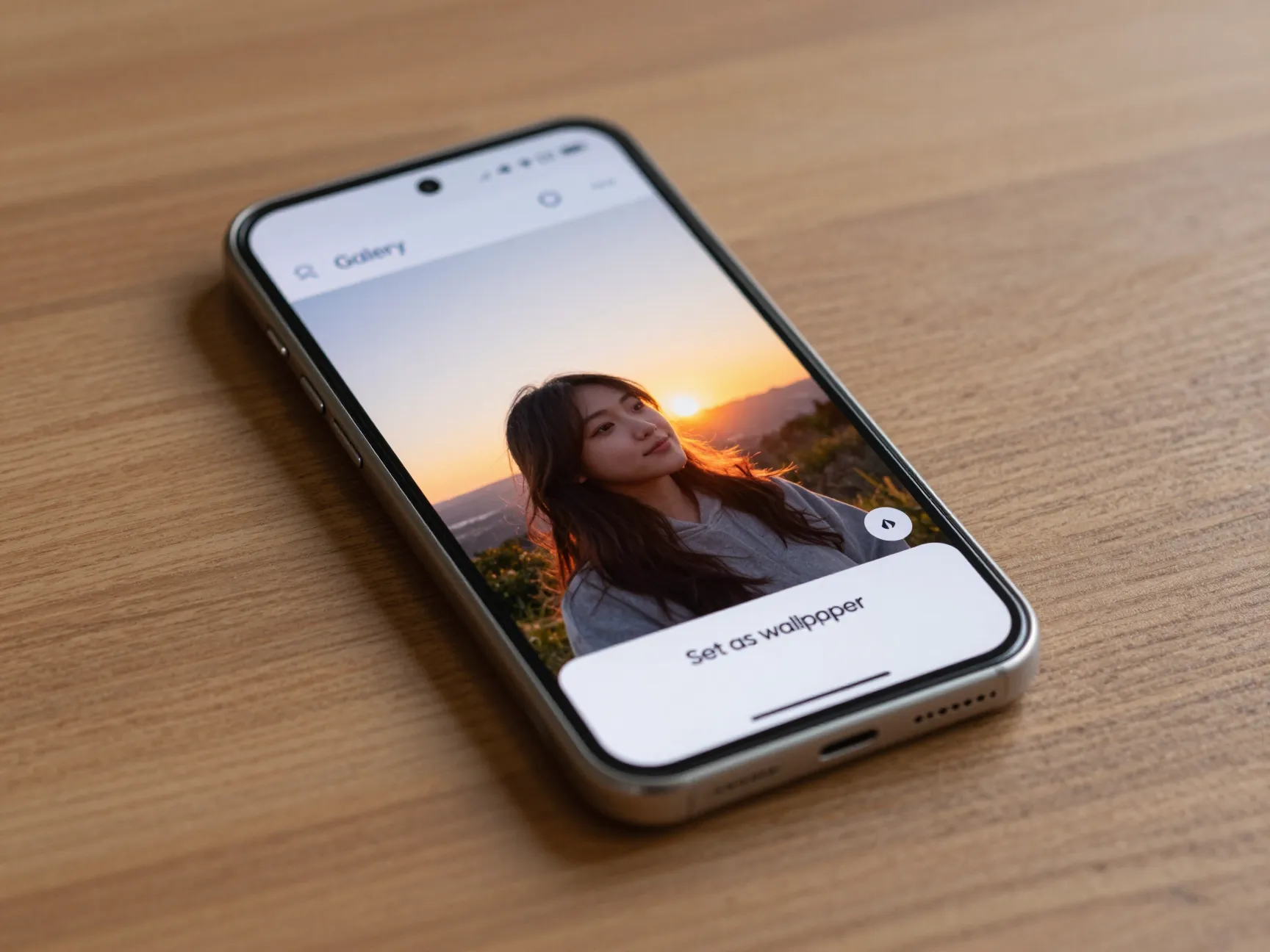
The most personal wallpaper is one that carries meaning, a travel photo, a portrait, a sunset captured at a specific moment. The S23 FE makes it straightforward to use any image from the Gallery as a wallpaper, with built-in tools to crop and reposition before applying.
How to apply:
Open the Gallery app, select the photo, tap the three-dot menu, choose Set as wallpaper, then select Home screen, Lock screen, or both. Use the zoom and drag controls to frame the image exactly as desired before confirming. [5]
Resolution tip: The S23 FE’s display runs at 2340 x 1080 pixels. For the sharpest result, use photos taken with the device’s own camera or any image with a resolution at or above that threshold.
Animated option: Short video clips from the gallery can also be set as wallpapers using the same three-dot menu workflow. [5] This turns a favorite video moment into a living background without requiring any third-party app.
Best for: Users who want their phone to feel personal rather than generic.
5. Third-Party Wallpaper Apps
Beyond Samsung’s own ecosystem, a range of third-party apps on Google Play offer wallpaper packs optimized for Galaxy devices. One dedicated “Galaxy S23 FE” wallpaper app, originally published in November 2023 and updated as recently as June 2026, offers one-tap application of S23 FE-styled wallpapers through a built-in “set as wallpaper” button. [13]
These apps are designed with the device’s specific screen dimensions in mind, which reduces the risk of poorly cropped or blurry backgrounds that can result from using generic wallpaper apps.
What to look for in a third-party wallpaper app:
- Device-specific resolution support (2340 x 1080 for the S23 FE)
- Regular content updates
- Offline availability for downloaded wallpapers
- No intrusive permissions requests
Best for: Users who want a large, regularly refreshed catalog without browsing Galaxy Themes manually.
6. Nature and Landscape Wallpapers
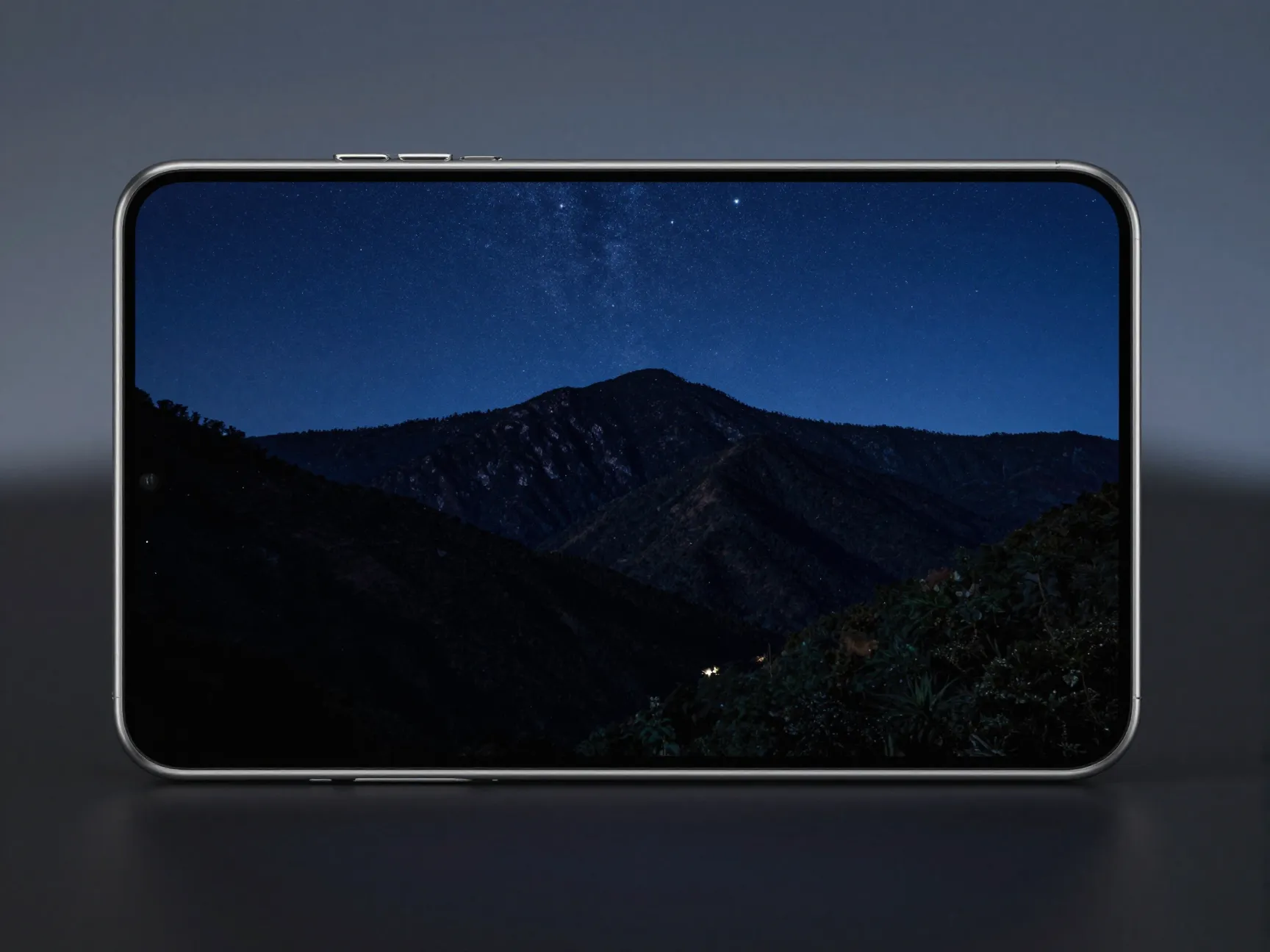
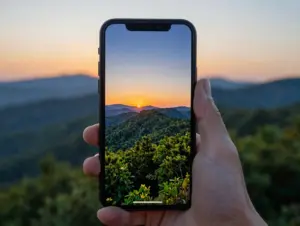
Nature imagery consistently ranks among the most popular wallpaper categories across all smartphone platforms. For the S23 FE’s AMOLED display, nature wallpapers with high contrast, deep forest greens, ocean blues, or golden-hour skies, tend to look especially vivid because AMOLED panels produce true blacks and highly saturated colors.
A third-party wallpaper catalog lists more than 1,160 Samsung Galaxy S23 wallpapers as of May 2026, with nature and landscape designs forming one of the largest subcategories. [11] These range from aerial mountain photography to macro shots of raindrops on leaves.
Display pairing tip: Dark nature scenes, a night sky over a mountain range, a deep ocean floor, work particularly well on AMOLED screens because the display turns off individual pixels for true black areas, which saves battery and creates a striking depth effect.
Recommended sources:
- Galaxy Themes (search “nature” or “landscape”)
- Third-party wallpaper catalogs optimized for Galaxy S23 [11]
- Personal gallery photos taken outdoors
Best for: Users who find calming, organic imagery reduces visual fatigue during heavy daily use.
7. Abstract and Geometric Wallpapers
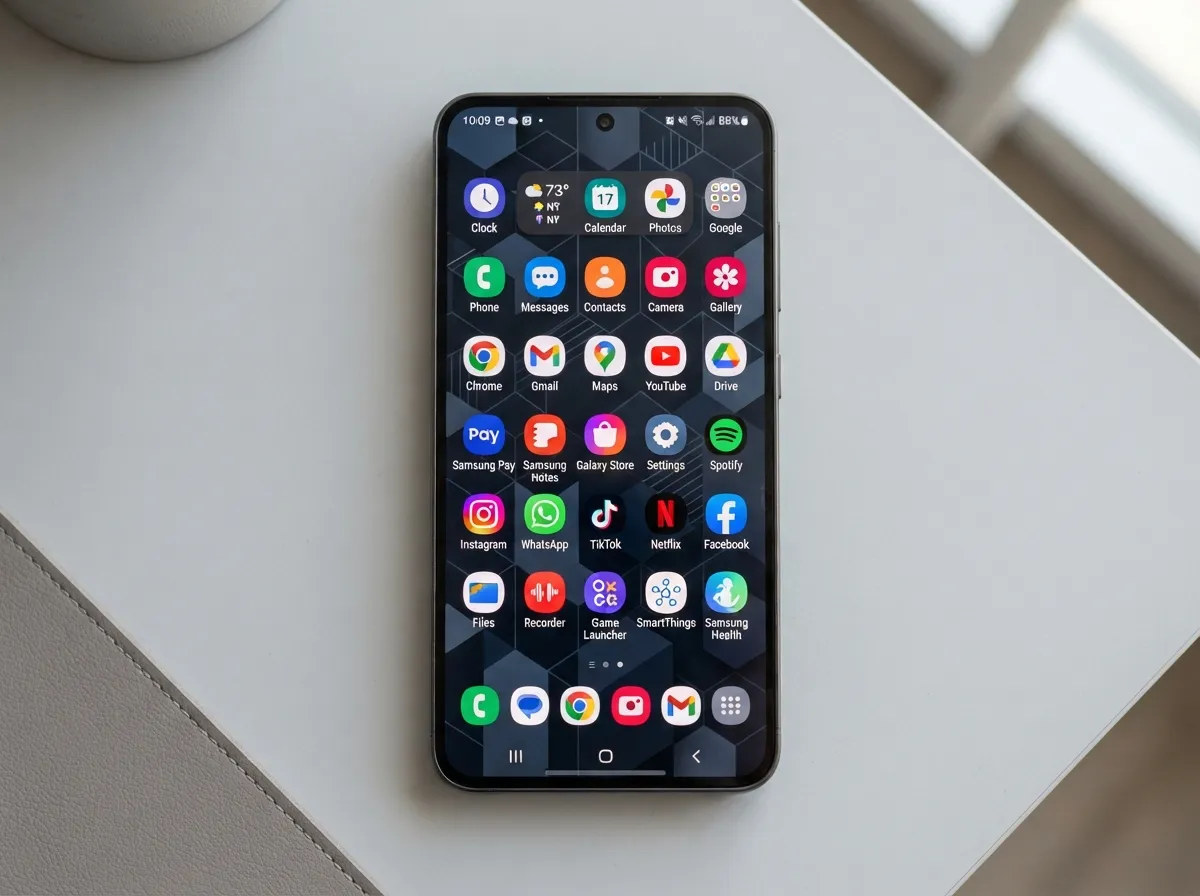
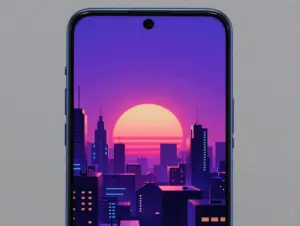
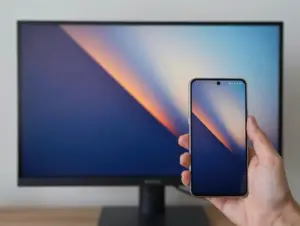
Abstract and geometric designs are the most icon-friendly wallpaper category. Because they use shapes, gradients, and patterns rather than recognizable scenes, app icons sit on top without competing visually with the background.
Samsung’s preloaded wallpaper set includes several abstract options, and Galaxy Themes expands this significantly with artist-created packs. Third-party catalogs also carry a strong selection of abstract designs sized for the S23 FE. [11]
Why abstract works well on the S23 FE:
| Feature | Benefit for Abstract Wallpapers |
|---|---|
| Dynamic AMOLED display | Deep blacks and vibrant gradients render with high fidelity |
| 120Hz refresh rate | Smooth transitions when scrolling between Home screen pages |
| True-black pixel support | Dark abstract backgrounds save battery while looking premium |
Geometric patterns, hexagons, tessellations, line art, also scale cleanly across the S23 FE’s display without any visible compression artifacts, making them a reliable choice for users who change wallpapers frequently.
Best for: Users who prioritize icon readability and a clean, modern aesthetic.
8. Themed and Seasonal Wallpapers
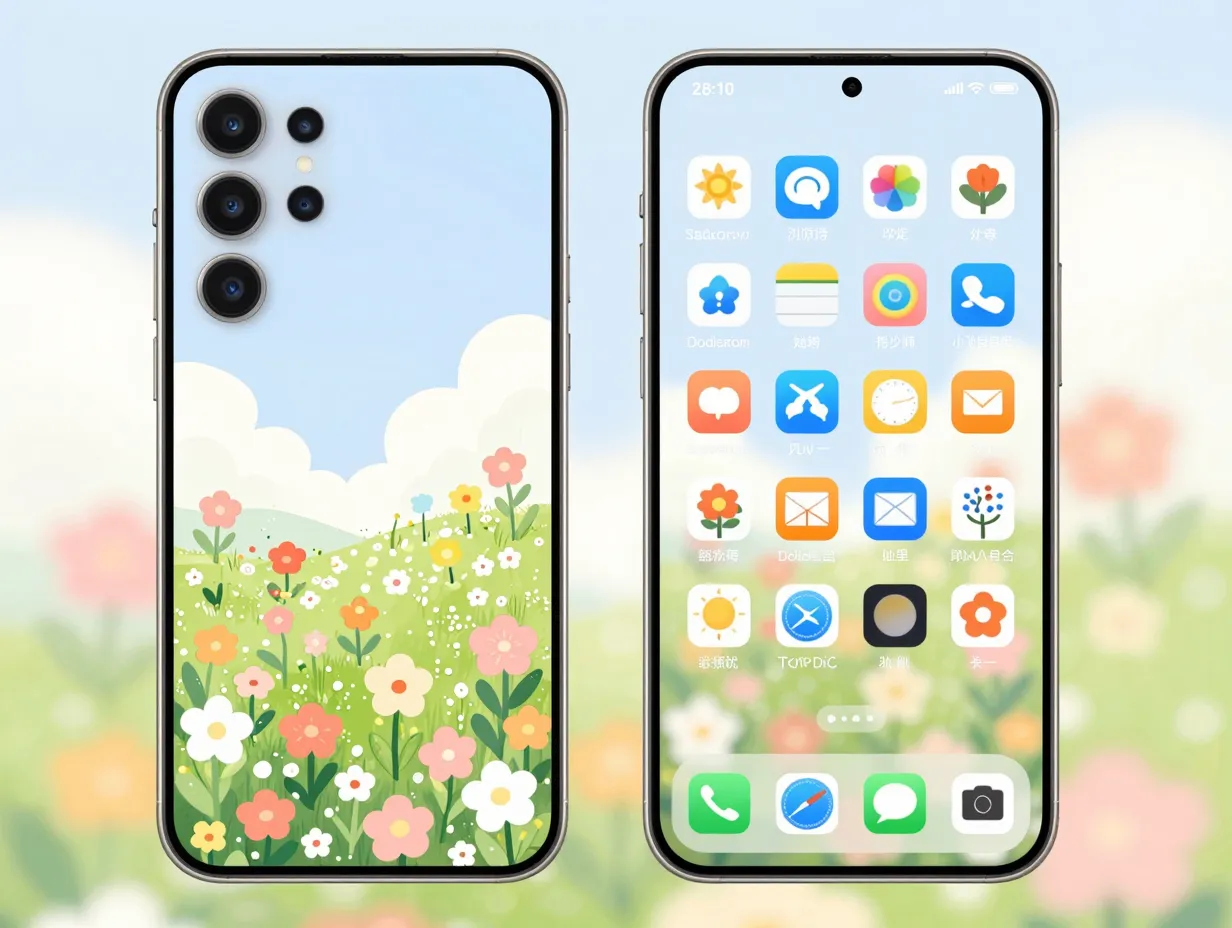
Themed wallpapers tie the device’s appearance to a specific interest, season, or occasion. Galaxy Themes organizes its catalog into categories that include seasonal collections, brand collaborations, and lifestyle themes. [6] These are updated regularly, meaning the catalog in mid-2026 includes designs that were not available at the device’s launch in late 2023.
Examples of themed categories available through Galaxy Themes:
- Seasonal (spring florals, winter minimalism, autumn tones)
- Sports and entertainment
- Architectural and urban photography
- Illustrated and hand-drawn art styles
The advantage of themed wallpaper packs over standalone images is cohesion. A well-designed theme matches the wallpaper to a complementary icon style and color accent, so the entire interface feels intentional rather than assembled from mismatched parts. [10]
How to apply a seasonal theme:
Touch and hold the Home screen → Themes → browse by category → download → apply. The wallpaper, icons, and accent colors update simultaneously. [6]
Best for: Users who enjoy refreshing their device’s look with the seasons or around specific events.
Comparing Wallpaper Sources at a Glance
| Source | Cost | Device-Optimized | Best Feature |
|---|---|---|---|
| Preloaded Wallpapers | Free | Yes | Zero setup required |
| Galaxy Themes | Free and paid | Yes | Full theme bundles |
| Galaxy AI Generative | Free | Yes | Unique, one-of-a-kind designs |
| Personal Gallery | Free | Adjustable | Personal meaning |
| Third-Party Apps | Free and paid | Varies | Large catalogs |
| Third-Party Catalogs | Free | Varies | 1,160+ options |
Advanced Personalization: Combining Wallpapers with Themes
The 8 beautiful wallpaper selections to personalize your Samsung Galaxy S23 FE become even more powerful when combined with Samsung’s broader theming system. Rather than treating the wallpaper as an isolated element, the S23 FE allows users to layer wallpaper choices with custom icon packs, color palettes, and Always-on Display styles.
Layered personalization workflow:
- Start with a Galaxy Themes download to establish a base color palette and icon style.
- Override the theme’s default wallpaper with a personal gallery photo or a Galaxy AI generative design.
- Set a different wallpaper for the Lock screen versus the Home screen to create visual variety between the two surfaces.
- Customize the Always-on Display separately through Settings to match or contrast with the Lock screen wallpaper.
This approach gives full creative control without requiring any design expertise. The S23 FE’s Wallpaper and style menu consolidates all of these options in one place, making it possible to preview changes before committing. [1][10]
Lock screen vs. Home screen strategy:
Many users find that a more detailed or photographic wallpaper works well on the Lock screen, where there are fewer icons competing for attention, while a simpler abstract or dark gradient serves better on the Home screen, where icon readability matters more.
Frequently Asked Questions
Can the Samsung Galaxy S23 FE use videos as wallpapers?
Yes. Short video clips from the Gallery can be set as animated wallpapers using the three-dot menu → Set as wallpaper workflow. The same option is available through Settings → Wallpaper and style. [5][8]
Does changing the wallpaper affect battery life?
Static wallpapers have a negligible effect. Dark or black wallpapers on the AMOLED display can reduce battery consumption because AMOLED panels turn off pixels to display true black. Animated or video wallpapers consume more power than static images.
How many wallpapers come preloaded on the S23 FE?
Samsung does not publish an exact count, but the preloaded set includes both static and motion options. Galaxy Themes significantly expands this through downloadable content. [10]
Can wallpapers be applied to the Always-on Display?
The S23 FE supports Always-on Display customization, including clock styles and background options. Some wallpaper packs from Galaxy Themes include matching Always-on Display designs. [7]
Is Galaxy AI wallpaper generation available on all S23 FE units?
Galaxy AI features depend on the One UI version installed. Ensuring the device runs the latest One UI update through Settings → Software update is the most reliable way to confirm availability. [14]
Conclusion
The Samsung Galaxy S23 FE’s Dynamic AMOLED display is one of its strongest assets, and the right wallpaper makes that hardware work harder for the user every single day. The 8 beautiful wallpaper selections to personalize your Samsung Galaxy S23 FE covered in this guide, from preloaded designs and Galaxy Themes bundles to Galaxy AI generative art, personal gallery photos, third-party apps, nature imagery, abstract patterns, and seasonal themes, represent every major category available in 2026.
Actionable next steps:
- Open Settings → Wallpaper and style today and try the Galaxy AI generative option if it has not been explored yet. Generate at least five variations before deciding.
- Browse Galaxy Themes under the Free category to find a full theme bundle that matches the current season or personal aesthetic.
- For the Lock screen, select a high-resolution personal photo and use the zoom and crop tools to frame it precisely.
- Revisit the wallpaper selection every few weeks. Fresh visuals reduce the sense of routine that comes with using the same device daily.
- If battery life is a priority, switch to a dark abstract or deep nature scene that leverages the AMOLED display’s true-black pixel capability.
The S23 FE is a capable, well-designed device. The wallpaper is the first thing seen every time it is picked up, it deserves the same attention as any other setting on the phone.
References
[1] Galaxy S23 Fe – https://www.att.com/device-support/article/139732/samsung/galaxy-s23-fe/
[5] Samsung Galaxy S23 Fe – https://www.devicesfaq.com/en/wallpaper/samsung-galaxy-s23-fe
[6] Galaxy S23 Fe – https://www.att.com/device-support/article/139735/samsung/galaxy-s23-fe/
[7] Watch – https://www.youtube.com/watch?v=JRR2_FifWpg
[8] Samsung Galaxy S23 Fe – https://www.dispositivos.pt/pt/papel-de-parede/samsung-galaxy-s23-fe
[9] Watch – https://www.youtube.com/watch?v=4Vi4tNQmESI
[10] Galaxy S23 Fe Usermanual – https://media.dustin.eu/media/d2000010011120685/galaxy-s23-fe-usermanual.pdf