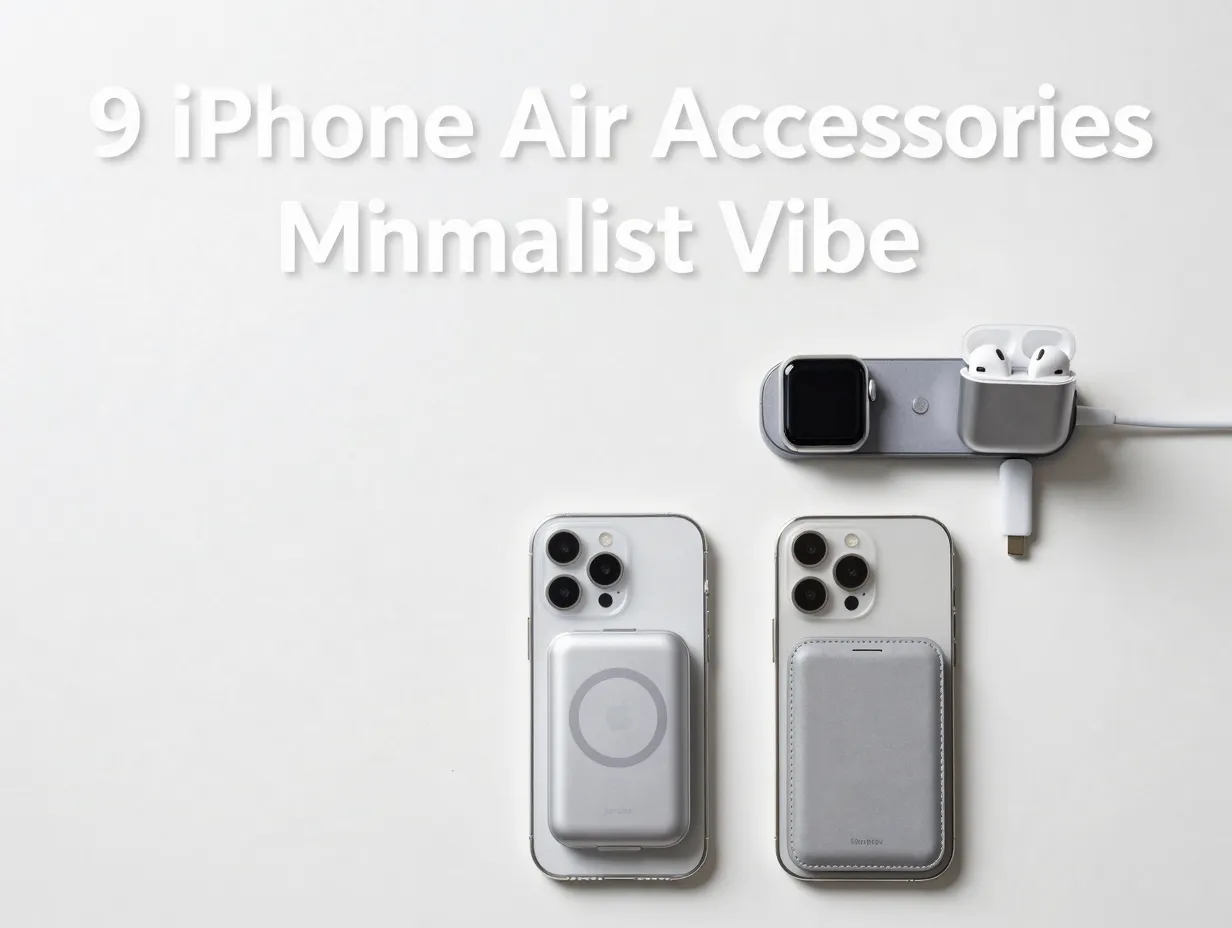
9 iPhone Air Aesthetic Accessories For A Clean & Minimalist Vibe
Only 6% of smartphone users say they actively seek accessories that make their phone look smaller, yet the entire iPhone Air accessory market in 2026 is built around exactly that instinct. The iPhone Air launched as Apple’s thinnest handset ever, and the accessories ecosystem that has grown around it reflects one clear priority: keep it sleek, keep it clean, and never let a bulky add-on undo what Apple’s engineers spent years perfecting. This guide covers the 9 iPhone Air aesthetic accessories for a clean & minimalist vibe that actually deliver on that promise, whether the goal is protection, power, or everyday carry.
Disclosure: This post contains affiliate links. As an Amazon Associate, we earn from qualifying purchases, and at no extra cost to you.
Key Takeaways
- Apple’s own first-party accessories for iPhone Air are purpose-built for slim, MagSafe-compatible minimalism, with most pieces priced between $39 and $99 [8]
- Third-party brands like dbrand and Ringke offer ultra-thin skins and clear cases that add negligible bulk while preserving the phone’s visible design [6]
- Screen protectors, compact power banks, and fold-flat mounts round out a minimalist setup without disrupting the Air’s silhouette
- Community feedback shows growing demand for “bare slab” solutions, accessories that visually disappear rather than compete with the hardware [9]
- The best minimalist accessories for iPhone Air combine function and form: MagSafe compatibility is the common thread across nearly every top pick
What Makes iPhone Air Accessories Different
The iPhone Air is not just a thinner iPhone. It represents a deliberate design philosophy, one that rewards restraint. Apple’s official accessories catalog for the Air foregrounds protection and organization without adding visual noise [8]. Third-party brands have followed suit, positioning their products around words like “clean,” “minimal,” and “invisible.” For accessories to earn a place in a minimalist setup, they need to pass a simple test: does this make the phone feel heavier, bulkier, or more cluttered? If the answer is yes, it does not belong here.
The nine picks below are organized to cover every practical need, protection, power, carry, and workspace, while staying true to the aesthetic that makes iPhone Air worth owning in the first place.
The 9 iPhone Air Aesthetic Accessories For A Clean & Minimalist Vibe
1. Apple Clear Case with MagSafe
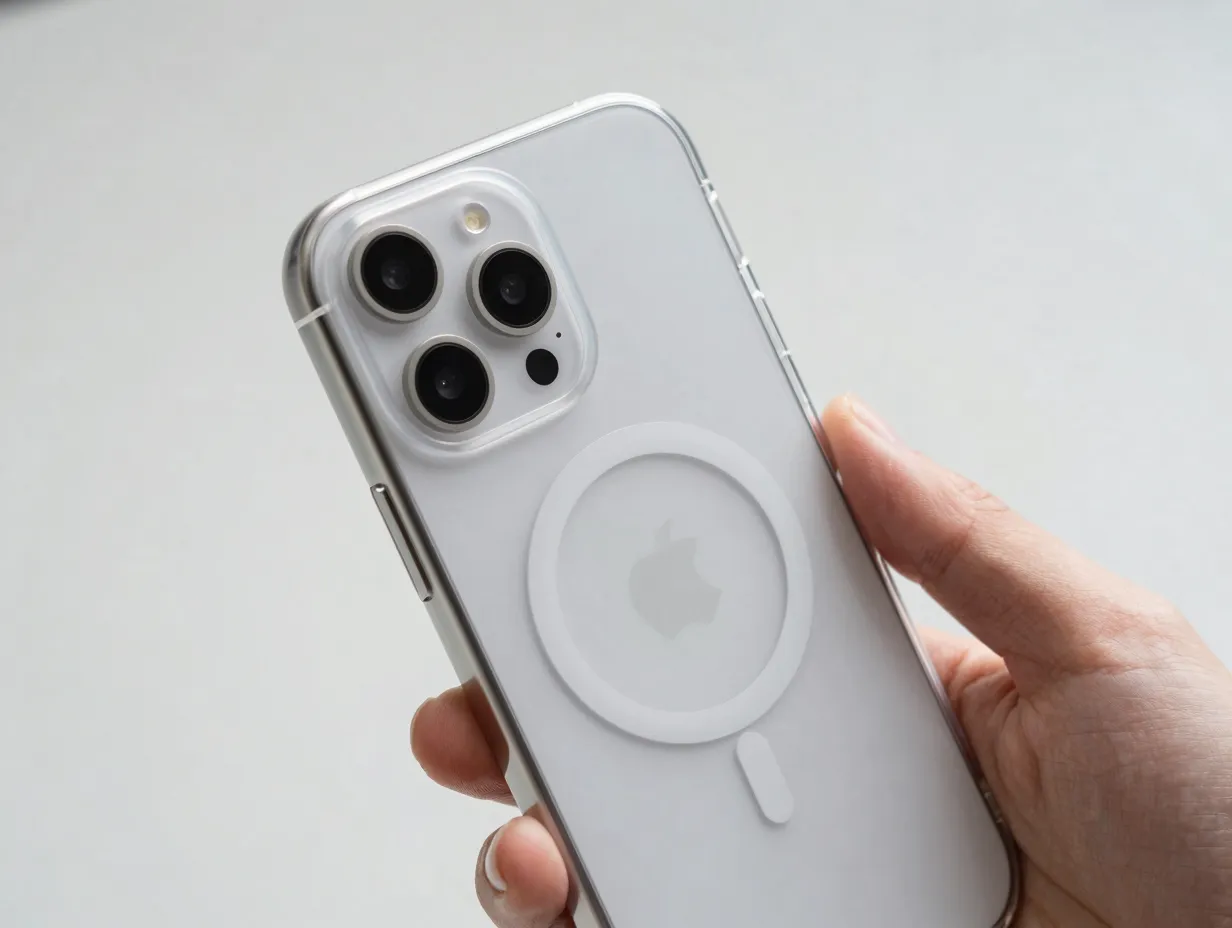
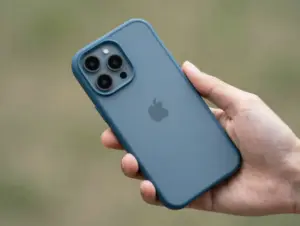
The most direct expression of minimalist iPhone Air ownership is a case that shows the phone rather than hiding it. Apple’s own Clear Case with MagSafe ($49) does exactly that. It is a hard-shell polycarbonate design with full MagSafe compatibility, meaning it snaps onto chargers and wallets without requiring case removal [8].
Why it works for minimalists:
- Preserves the original color and finish of the iPhone Air
- Hard-shell construction keeps the profile slim, unlike thick TPU alternatives
- MagSafe ring is subtly integrated rather than visually dominant
- Scratch-resistant coating maintains clarity over time
For users who want protection without the visual weight of an opaque case, this is the logical starting point. The $49 price point positions it as a mid-range premium item, not a budget compromise, but not an indulgence either [4].
2. Apple iPhone Air Bumper
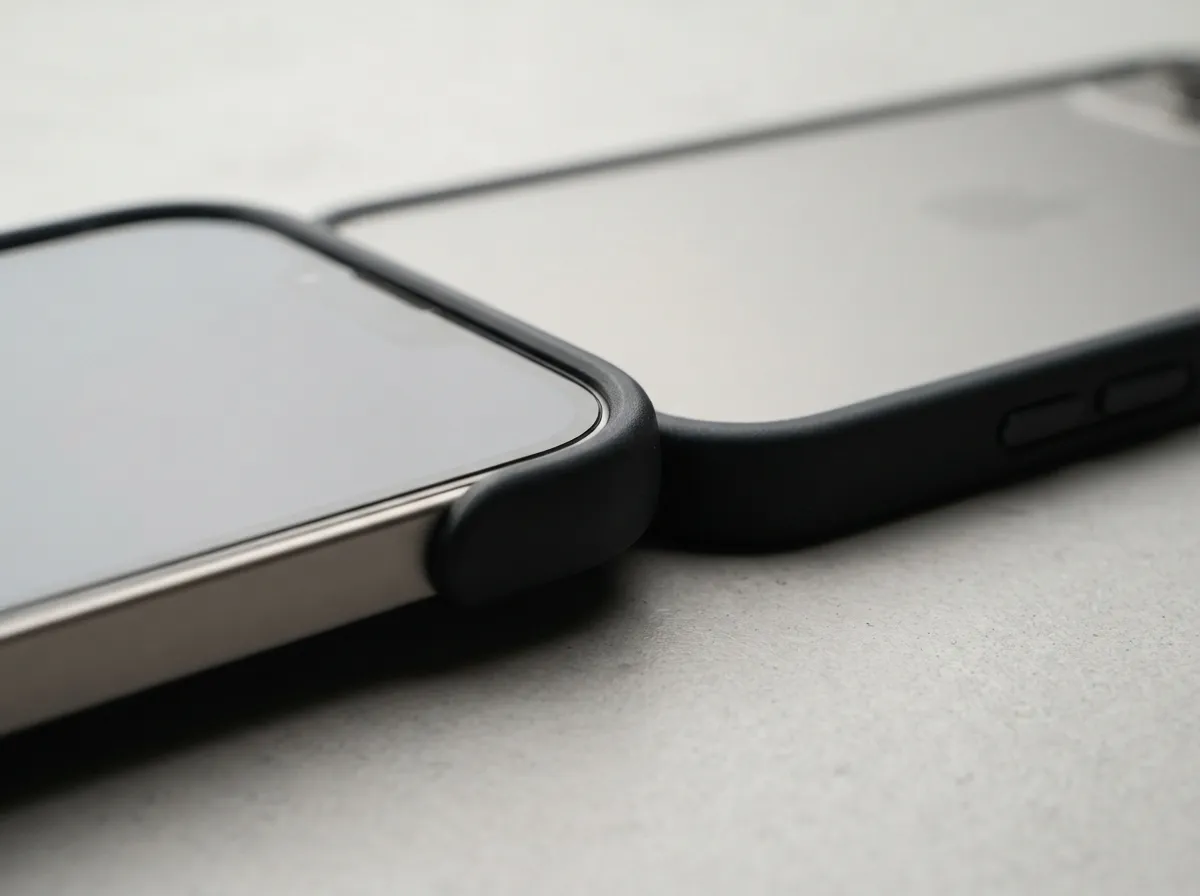
At $39, the Apple Bumper is the most stripped-back first-party case option. It wraps only the edges of the iPhone Air, leaving both the front glass and the back panel fully exposed [8]. This is the closest Apple comes to the “bare slab” aesthetic that many Air owners prefer [9].
Best for: Users who want edge protection during drops but refuse to cover the phone’s back design.
| Feature | Detail |
|---|---|
| Coverage | Edges only |
| Material | Flexible polymer |
| MagSafe | Compatible |
| Price | $39 |
The trade-off is obvious: the back glass remains unprotected. For users who keep their phone on soft surfaces and handle it carefully, that trade-off is acceptable. For everyone else, the Clear Case offers a better balance.
3. dbrand iPhone Air Skin
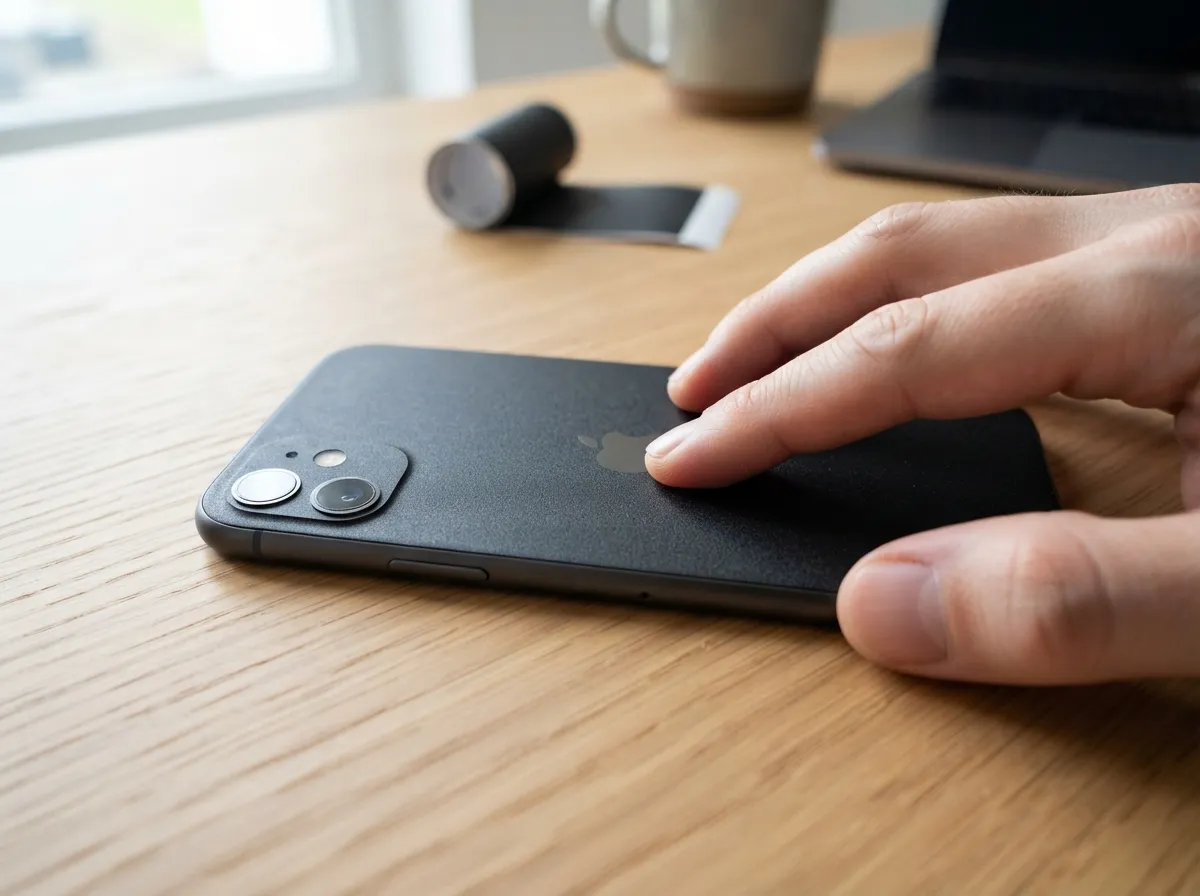
dbrand’s skins for iPhone Air measure approximately 0.25mm thick, thin enough that the brand describes the result as a “factory-fit” finish [6]. A skin is not a case. It does not protect against drops. What it does is add texture, color, and scratch resistance to the back and sides of the phone without any perceptible bulk.
“The appeal of a skin is that it changes how the phone feels in the hand without changing how it looks from across the room.”
dbrand offers matte black, matte white, and a range of textured finishes that complement the Air’s slim form factor. For users who find even the Apple Bumper too visually intrusive, a skin is the logical next step toward the bare-metal aesthetic [6].
Minimalist credentials:
- Sub-0.3mm thickness adds zero visible bulk
- Matte finishes reduce fingerprint visibility
- Precision-cut openings maintain a factory-fresh appearance
- No MagSafe interference
4. Belkin UltraGlass 2 Screen Protector
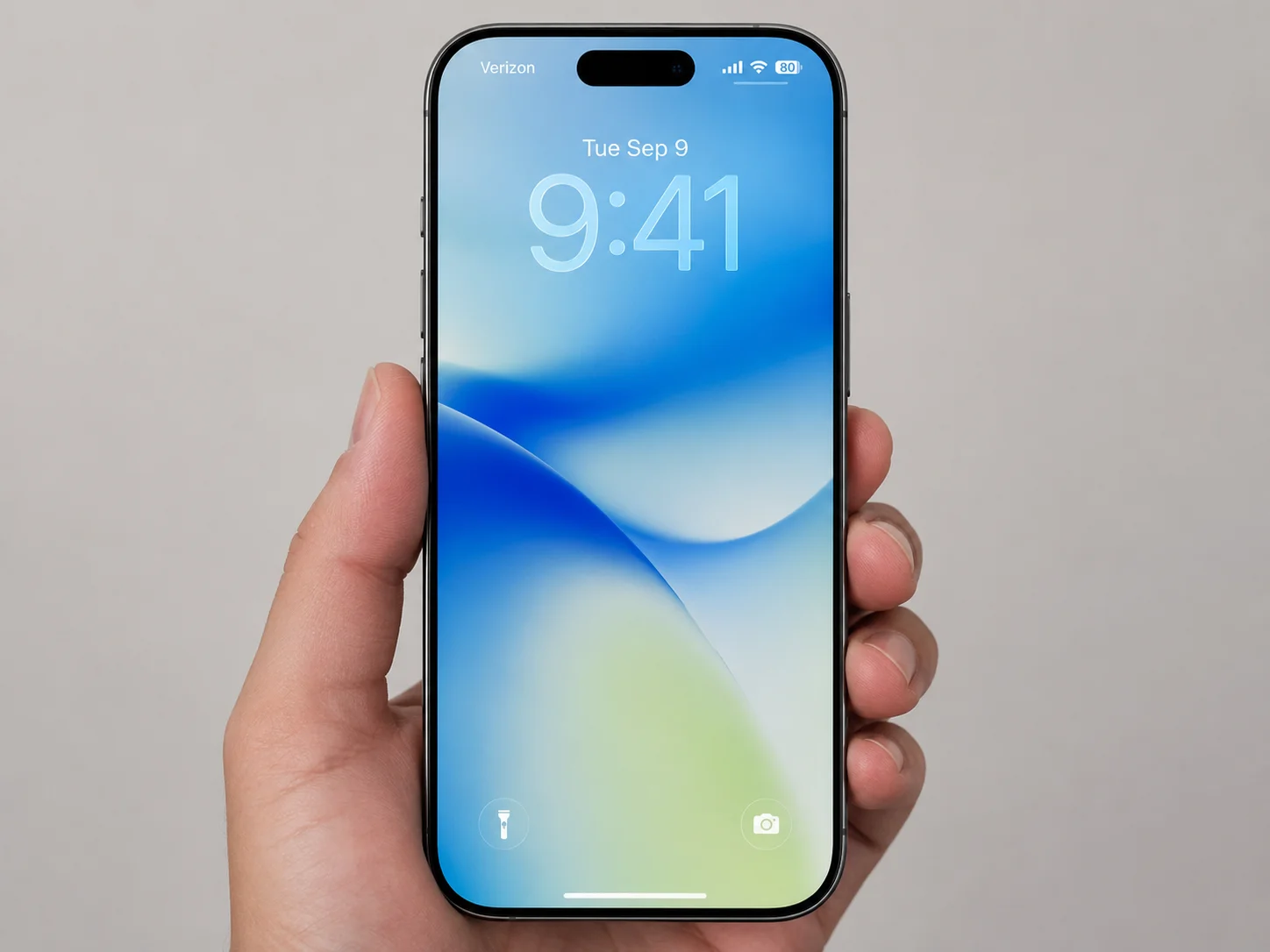
A screen protector is the one accessory that every iPhone Air owner should use, regardless of aesthetic preferences. The Belkin UltraGlass 2 is among the most recommended options for Air in 2026 because it sits flush with the display, adds no visible border, and maintains the original touch sensitivity of the screen [8].
Belkin also offers a privacy variant for users who work in public spaces. The privacy version limits the viewing angle so that only the person directly in front of the screen can see the display clearly.
Key specifications:
- Material: Tempered glass
- Thickness: Ultra-thin profile
- Touch sensitivity: Unaffected
- Privacy option: Available
- Compatibility: Edge-to-edge fit for iPhone Air
For a minimalist setup, a screen protector that is invisible in normal use is the ideal. The Belkin UltraGlass 2 achieves that standard.
5. Apple FineWoven Wallet with MagSafe and Find My
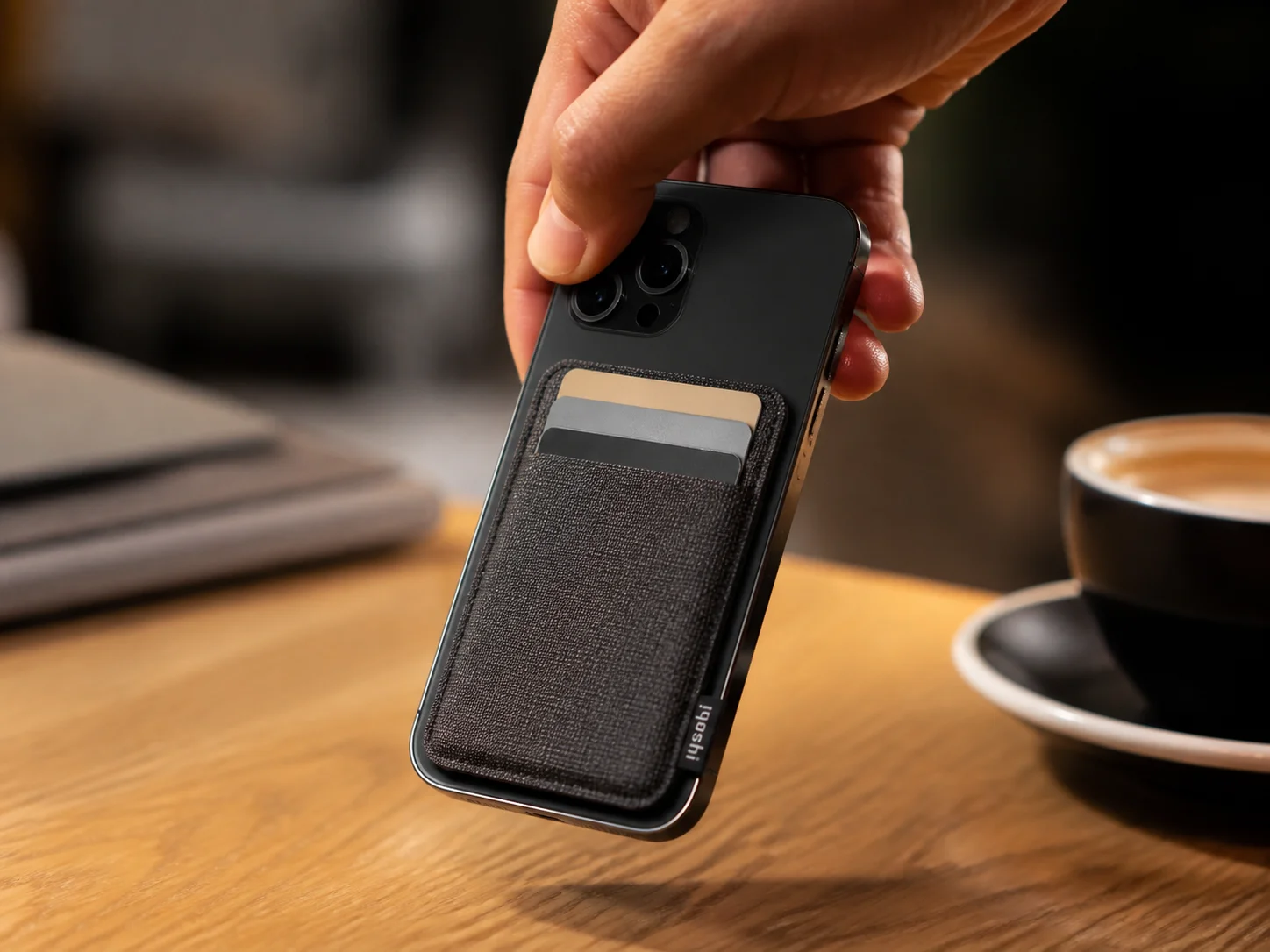
The FineWoven Wallet with MagSafe ($59) is one of the most design-conscious accessories Apple has released for the Air lineup. It snaps magnetically to the back of the phone, holds up to three cards, and includes Apple’s Find My network integration so the wallet can be located if lost [8].
Why it earns a place in a minimalist setup:
- FineWoven material has a matte, textile-like finish that complements the Air’s aluminum frame
- Slim profile adds minimal thickness when attached
- Detaches cleanly when MagSafe charging is needed
- Find My integration removes the need for a separate AirTag in the wallet
The $59 price reflects the premium material and the Find My chip. For users who want to consolidate their carry, phone and cards in one slim unit, this wallet replaces a traditional card holder without adding a separate item to the pocket [4].
6. Anker MagGo Compact Power Bank
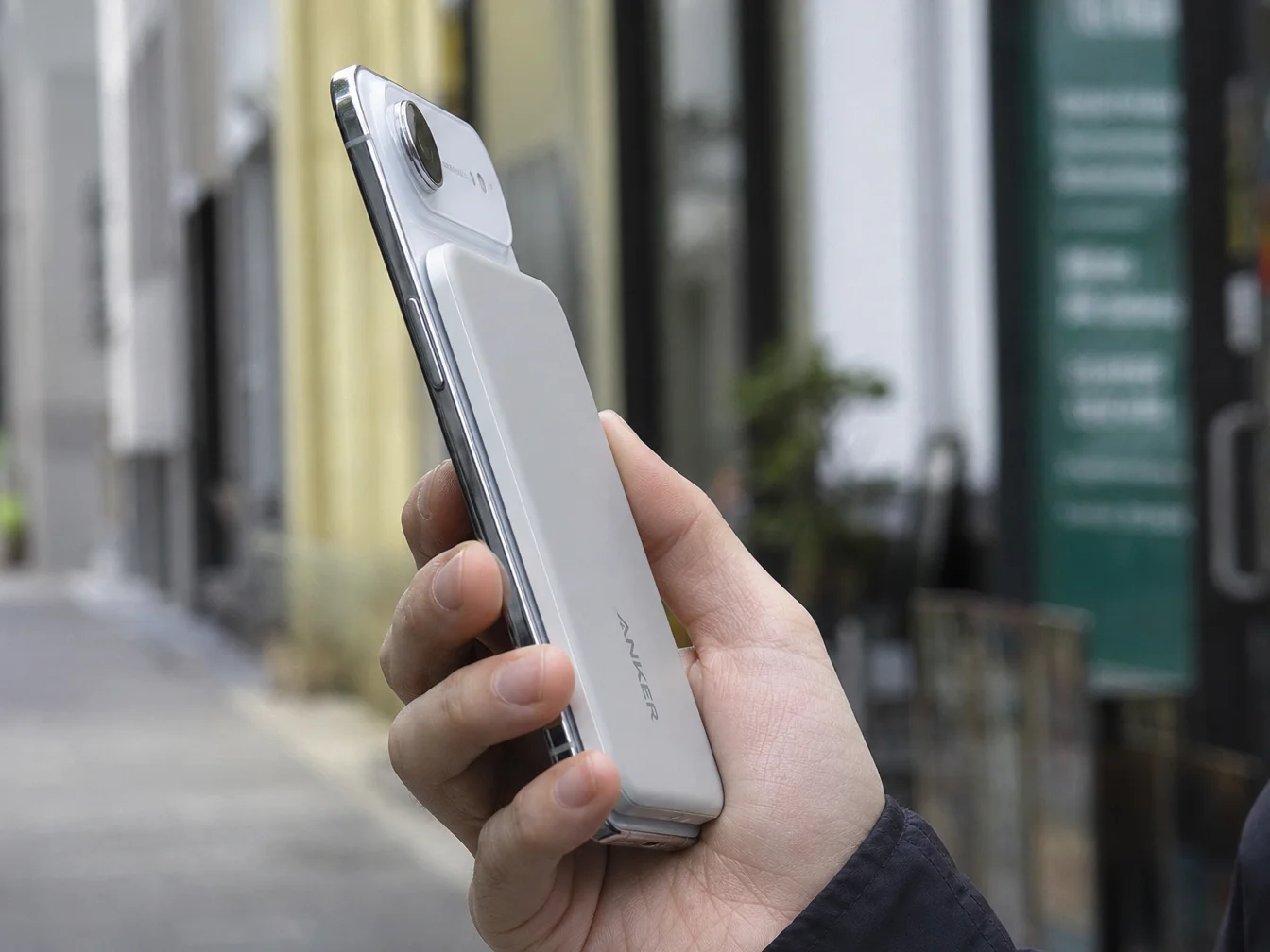
The iPhone Air’s slim chassis comes with a battery capacity trade-off. On heavy-use days, a compact power bank is a practical necessity. The Anker MagGo series offers MagSafe-compatible power banks that snap to the back of the Air and charge wirelessly without cables [3].
What separates a minimalist power bank from a bulky one:
- MagSafe snap-on attachment eliminates dangling cables
- Compact form factor (roughly the footprint of the phone itself)
- Matte finish options that match neutral color palettes
- Lightweight enough to hold the phone single-handed while charging
Apple’s own MagSafe Battery for iPhone Air ($99) also merits mention here. It delivers up to 12W wireless charging and is designed specifically for the Air’s dimensions [8]. The Apple version costs more but integrates seamlessly with iOS battery indicators. The Anker alternative offers similar convenience at a lower price point [5].
7. MOFT MagSafe Wallet Stand with Find My
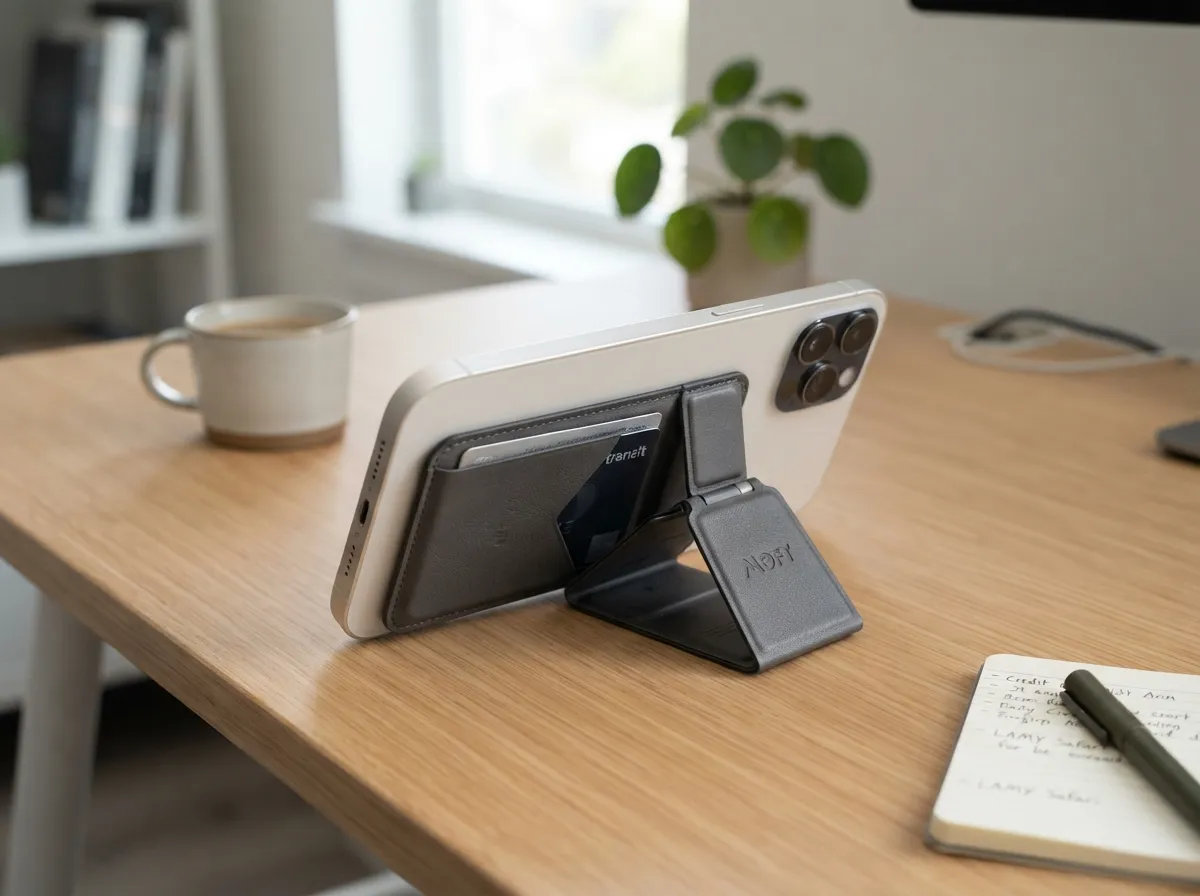
The MOFT MagSafe Wallet Stand occupies a slightly different category than the Apple FineWoven Wallet. It functions as a card holder, a phone stand, and a MagSafe accessory simultaneously [8]. When folded flat against the back of the phone, it adds minimal thickness. When unfolded, it props the phone at a comfortable viewing angle for video calls or content consumption.
Three functions, one slim accessory:
- Card storage (up to two cards)
- Kickstand for landscape or portrait viewing
- MagSafe snap-on attachment
For users who work at a desk and want to avoid a separate phone stand, the MOFT wallet stand is a practical consolidation. It replaces two items, a wallet and a stand, with one slim module that disappears into the back of the phone when not in use [5].
The Find My variant adds location tracking, matching the Apple FineWoven Wallet’s feature set at a competitive price point.
8. Apple MagSafe Crossbody Strap

The Apple Crossbody Strap ($59) is one of the more distinctive accessories in the Air lineup. It attaches to the iPhone Air via MagSafe and converts the phone into a crossbody carry item, no case required, no permanent hardware modification [8].
This accessory appeals to a specific minimalist use case: users who want to carry their phone hands-free without a bag or a belt clip. The strap is adjustable, made from a woven material that complements the FineWoven Wallet, and detaches cleanly when not needed.
Minimalist carry credentials:
- No permanent attachment to the phone
- Woven material has a low-profile, understated appearance
- Adjustable length for crossbody or shoulder carry
- Compatible with MagSafe cases or bare phone (with Bumper for edge protection)
Tech21 also offers wrist lanyard options for Air that take a similar approach at a lower price point [8]. Both solutions serve users who find pockets inconvenient but refuse to carry a bag.
9. Satechi 3-in-1 MagSafe Charging Station
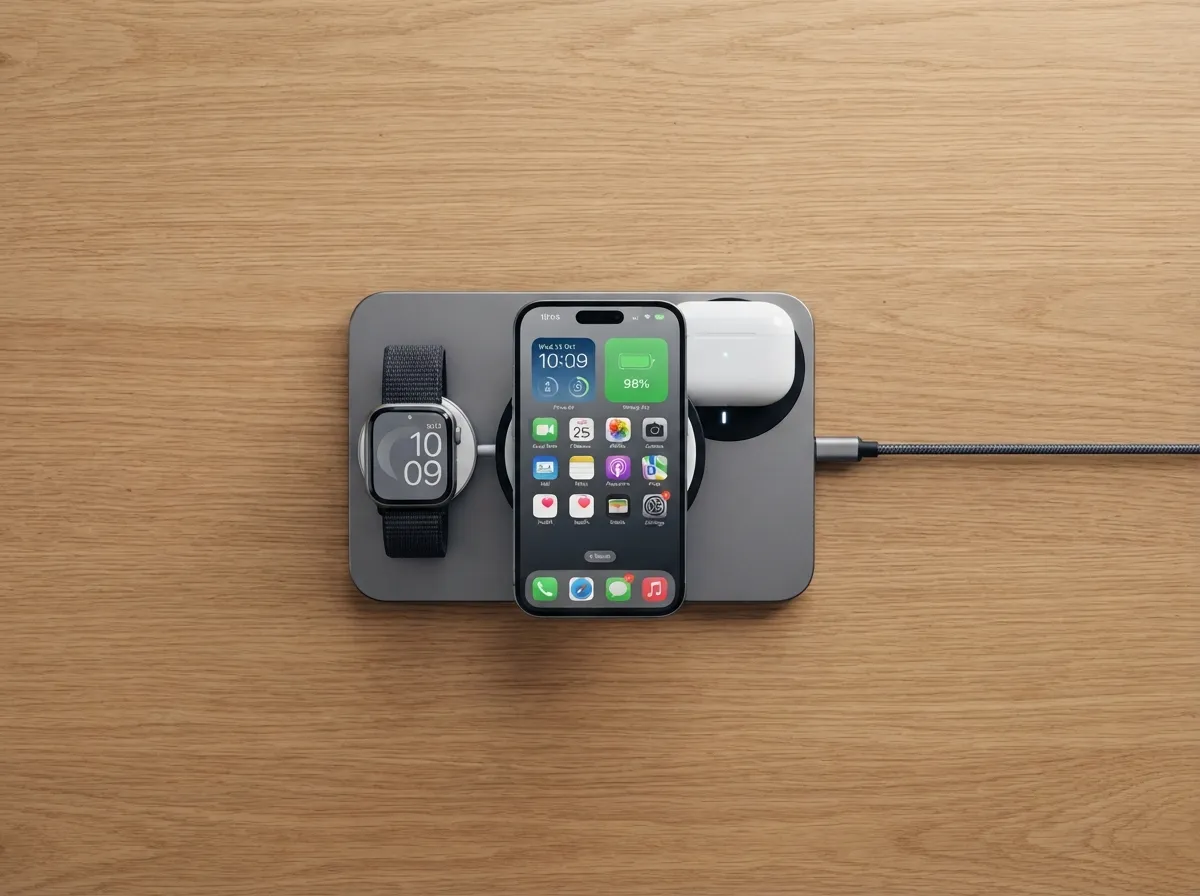
A minimalist desk setup is incomplete without a charging solution that handles multiple devices without a tangle of cables. The Satechi 3-in-1 MagSafe Charging Station charges iPhone Air, Apple Watch, and AirPods simultaneously from a single compact unit [3].
Why this belongs in a clean desk setup:
- Single cable from wall to station eliminates cable clutter
- MagSafe pad for iPhone Air delivers fast wireless charging
- Compact footprint takes up minimal desk space
- Neutral color options (space gray, silver) blend into any workspace
Editorial guides consistently recommend multi-device MagSafe charging stations as the anchor of a minimalist iPhone Air workspace [3][5]. The logic is straightforward: one well-designed charging hub replaces three separate chargers and their associated cables. The desk looks cleaner, the routine is simpler, and the aesthetic holds.
Comparing the Top Picks at a Glance
| Accessory | Category | MagSafe | Bulk Added |
|---|---|---|---|
| Apple Clear Case | Protection | Yes | Minimal |
| Apple Bumper | Protection | Yes | Edges only |
| dbrand Skin | Customization | No | Negligible |
| Belkin UltraGlass 2 | Screen protection | N/A | None |
| Apple FineWoven Wallet | Carry | Yes | Minimal |
| Anker MagGo Power Bank | Power | Yes | Moderate |
| MOFT Wallet Stand | Carry + Productivity | Yes | Minimal |
| Apple Crossbody Strap | Carry | Yes | None |
| Satechi 3-in-1 Station | Charging | Yes | None (desk) |
What to Avoid When Building a Minimalist iPhone Air Setup
The nine picks above represent the best of the current market. But the minimalist vibe is just as much about what to leave out as what to include. A few categories consistently undermine the clean aesthetic:
Avoid these accessory types:
- Thick rugged cases with raised lips, kickstands, and belt clips, these add significant bulk and visual weight
- Large MagSafe battery packs that extend beyond the phone’s footprint
- Patterned or heavily branded cases with logos, prints, or embossed text
- Multi-port USB hubs that sit permanently attached to the phone
- Oversized PopSocket grips (low-profile MagSafe variants are acceptable)
Community discussions among minimalist Air owners in 2026 reveal a recurring theme: even well-intentioned accessories can cross the line from “useful” to “cluttered” [9]. The guiding principle is restraint, every accessory added to the setup should earn its place by solving a specific problem without creating a new aesthetic one.
The Future of Minimalist iPhone Air Accessories
The current generation of accessories already pushes minimalism further than any previous iPhone lineup. But reviewers and industry observers note that the next wave will go further still [4][6].
Trends to watch:
- Even slimmer MagSafe batteries that match the Air’s thickness profile
- Hybrid battery-wallet modules that consolidate two accessories into one
- Expanded eco-conscious materials (recycled textiles, bio-based polymers) that align with minimalist values
- Lighter crossbody and wrist straps using aerospace-grade materials
- Semi-transparent and soft-tone silicone cases in pastel finishes for users who want subtle personalization without busy prints [13]
The direction is clear: accessories for iPhone Air will continue to shrink, consolidate, and refine. The best minimalist setup in 2027 will likely involve fewer items than the best setup in 2026, and each item will do more.
Conclusion
The 9 iPhone Air aesthetic accessories for a clean & minimalist vibe covered in this guide share a single design philosophy: they enhance the iPhone Air without competing with it. From Apple’s own Clear Case and FineWoven Wallet to dbrand’s sub-0.3mm skins and the Satechi 3-in-1 charging station, each pick earns its place by solving a real problem while adding zero visual noise.
Actionable next steps for building a minimalist iPhone Air setup:
- Start with the Belkin UltraGlass 2 screen protector, it is the one accessory with no aesthetic downside
- Choose between the Apple Clear Case, the Bumper, or a dbrand skin based on how much back protection is needed
- Add the Apple FineWoven Wallet or MOFT Wallet Stand to consolidate card carry
- Replace the bedside cable tangle with a Satechi 3-in-1 MagSafe station
- Consider the Crossbody Strap or Anker MagGo power bank only if the use case genuinely requires it, restraint is the point
The goal is not to collect accessories. The goal is to own fewer, better ones, each chosen because it makes the iPhone Air experience cleaner, not more complicated.
References
[1] Watch – https://www.youtube.com/watch?v=VqEnb77GAWA
[2] Watch – https://www.youtube.com/watch?v=uxGTAz_QfFU
[3] Sleek Gadgets For Iphone 17 Air – https://www.slashgear.com/1994552/sleek-gadgets-for-iphone-17-air/
[4] Iphone Air Accessories – https://www.ithinkdiff.com/iphone-air-accessories/
[5] Best Iphone Air Accessories – https://www.igeeksblog.com/best-iphone-air-accessories/
[6] Iphone Air – https://dbrand.com/search/device/iphone-air
[7] gadgets4geeks.com.au – https://www.gadgets4geeks.com.au/accessories-by-brand/apple/apple-iphone/air
[8] Iphone Air – https://www.apple.com/shop/iphone/accessories/cases-protection/iphone-air
[9] The Absolute Only Iphone Air Accessory For – https://www.reddit.com/r/IphoneAir/comments/1ny1k1g/the_absolute_only_iphone_air_accessory_for/
[10] Searchpage – https://www.bestbuy.com/site/searchpage.jsp?browsedCategory=pcmcat191200050015&id=pcat17071&qp=modelcompatibility_facet=Compatibility~Apple%20iPhone%20Air&st=categoryid$pcmcat191200050015