8 Pretty and Playful Pink Wallpaper Themes for Your Samsung Galaxy
Pink is the most searched wallpaper color on major mobile platforms in 2026, with Canva alone hosting over 5,209 pink phone wallpaper templates [1][2]. That single statistic reveals something important: Samsung Galaxy users are not just looking for a background image, they are building a full visual identity for their devices. The good news is that between Samsung’s own Galaxy Themes store, One UI’s AI-powered generative tools, and a growing library of third-party platforms, there has never been a better time to explore the 8 pretty and playful pink wallpaper themes for your Samsung Galaxy. This guide breaks down eight distinct pink aesthetics, explains where to find them, and shows how to apply them using the tools already built into your Galaxy phone.
Disclosure: This post contains affiliate links. As an Amazon Associate, we earn from qualifying purchases, and at no extra cost to you.
Key Takeaways
- Samsung Galaxy phones running One UI 6.1 and later support AI-generated wallpapers, Live Effect video backgrounds, and Creative Studio prompts, all usable for pink themes.
- The Galaxy Themes store offers complete pink theme packages that change icons, fonts, and wallpapers simultaneously.
- Third-party platforms including Canva, Wallpapers.com, and Zedge provide thousands of pink wallpaper options optimized for Samsung screen sizes.
- Eight distinct pink aesthetics, from kawaii pastel to barbiecore bold, each require a slightly different sourcing and setup approach.
- One UI’s built-in color palette tool lets any downloaded pink wallpaper automatically influence accent colors across the entire interface.
Why Pink Wallpapers Work So Well on Samsung Galaxy Screens
Samsung Galaxy displays are known for their vivid AMOLED panels, which render saturated and pastel pinks with exceptional depth. The contrast between deep blacks and soft blush tones looks particularly striking on these screens, making pink one of the most rewarding color choices for wallpaper customization.
Beyond pure aesthetics, One UI’s “Wallpaper and style” feature reads the dominant colors in any wallpaper and applies them as system-wide accent tones. Set a pink wallpaper and the notification shade, widget outlines, and even some app icons will shift toward complementary rose and blush hues. This means a single wallpaper choice can transform the entire look of the phone, not just the home screen.
Samsung’s official Galaxy Themes store extends this further by offering complete theme packages that bundle matching wallpapers, icon sets, and lock screen designs together [10]. A theme like “Pink Teddy Bear On Cloud” by Illustman, distributed through Galaxy Themes, demonstrates how a single download can deliver a cohesive, whimsical pink aesthetic across every surface of the phone [10].
Quick comparison: Wallpaper-only vs. Full Galaxy Theme
| Feature | Wallpaper Only | Full Galaxy Theme |
|---|---|---|
| Home screen background | Yes | Yes |
| Lock screen background | Yes | Yes |
| Icon redesign | No | Yes |
| Font change | No | Yes |
| System color palette | Manual | Automatic |
| Source | Any platform | Galaxy Themes store |
The 8 Pretty and Playful Pink Wallpaper Themes for Your Samsung Galaxy
The following eight themes are organized by aesthetic style. Each one can be achieved using free or low-cost tools available in 2026. Numbered headings follow the order in which the themes are presented.
1. Kawaii Pastel Pink
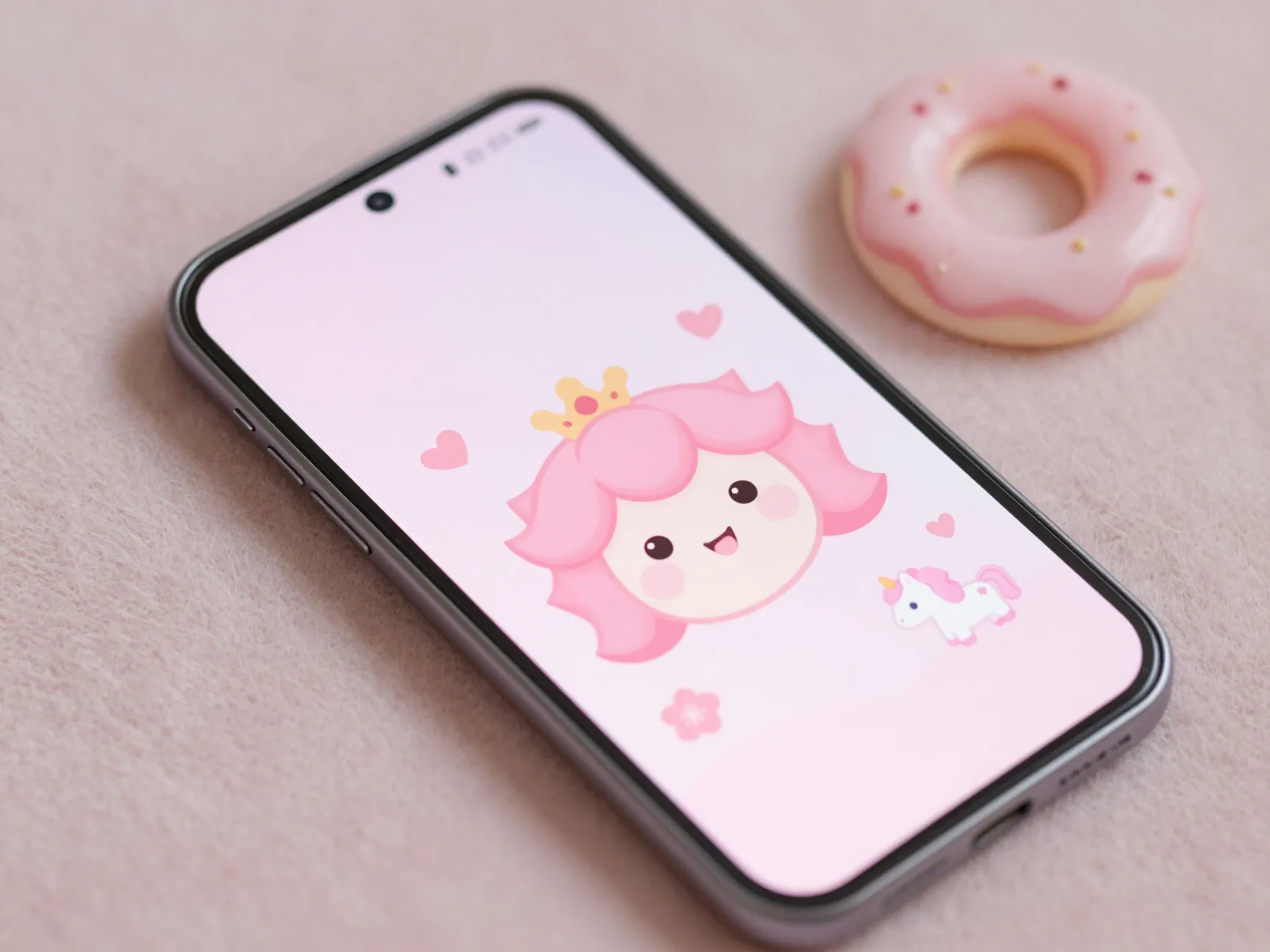
Kawaii-style wallpapers feature soft, rounded characters, muted pastel pinks, and playful motifs like stars, hearts, and small animals. This aesthetic originated in Japanese pop culture and has become one of the most popular mobile wallpaper styles globally.
Where to find it: KawaiiHoshi curates pastel backgrounds featuring characters like Peach and Goma alongside sakura fields, donuts, and unicorns. Canva’s cute pink wallpaper templates [2] also include illustrated kawaii-style options that can be personalized with custom text or color adjustments before downloading.
How to apply it on Galaxy: Download the image, open the Gallery app, tap the three-dot menu, and select “Set as wallpaper.” One UI will then offer the option to set it on the home screen, lock screen, or both.
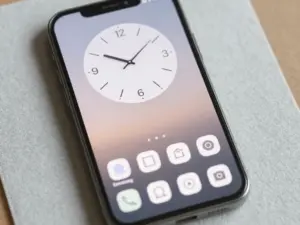
Pro tip: Pair a kawaii wallpaper with Samsung’s “Cute” widget style and a pastel clock widget to complete the aesthetic without installing a third-party launcher.
2. Barbiecore Bold Pink
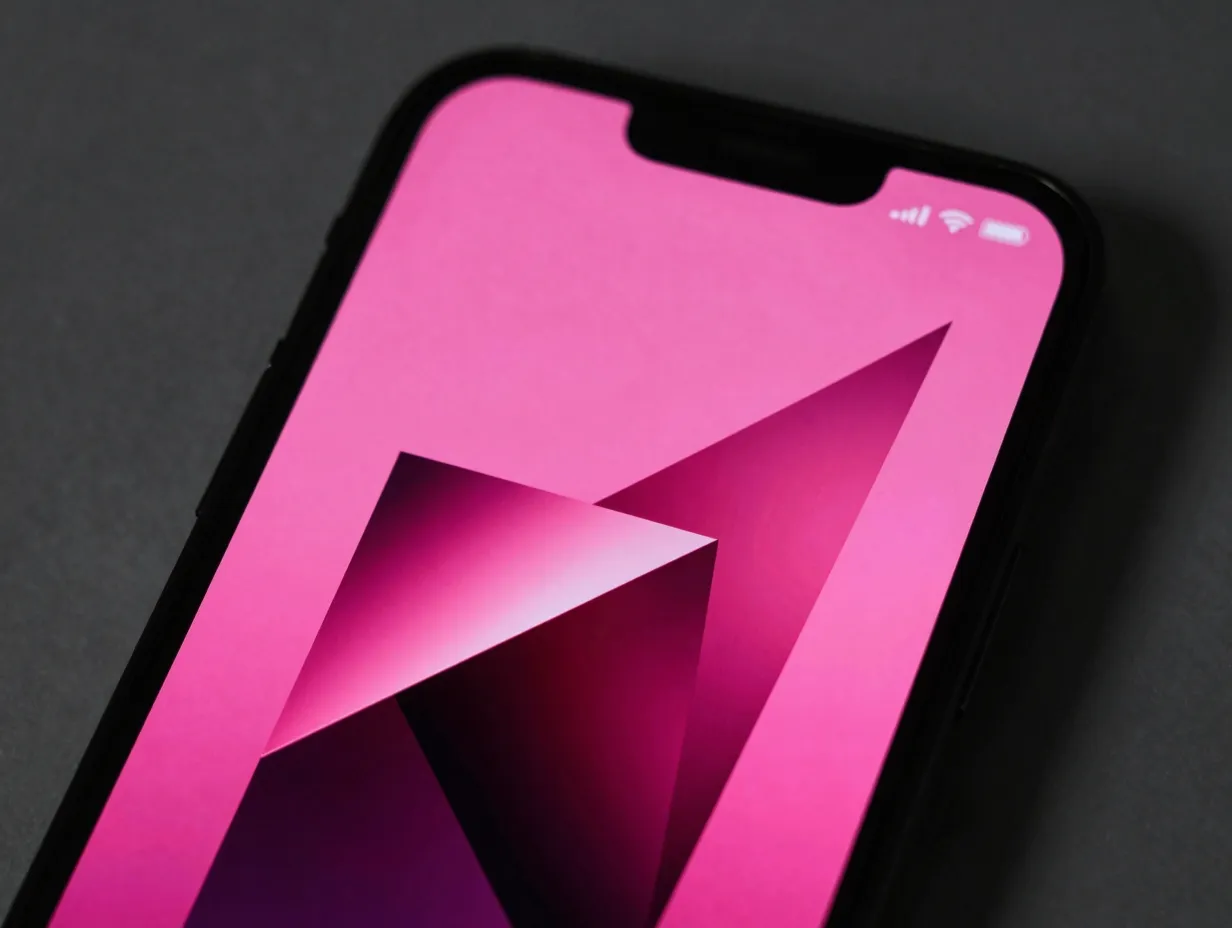
Barbiecore is defined by saturated, unapologetic hot pink, think glossy surfaces, geometric shapes, and high-contrast compositions. This trend surged in popularity and shows no sign of fading, with dedicated sections on platforms like “Pink Mood Wallpaper HD 4K” highlighting it as a top aesthetic for Android phones [9].
Where to find it: Search “barbiecore” or “hot pink aesthetic” on Zedge’s Samsung-optimized wallpaper library, which hosts over 300 wallpapers tagged with pink aesthetic labels [15]. Wallpapers.com also offers HD and 4K options in this style [5].
How to apply it on Galaxy: For maximum impact, use this wallpaper on the lock screen only and pair it with a dark or neutral home screen. This creates a dramatic reveal effect each time the phone is unlocked.
Design note: Barbiecore wallpapers work especially well on Galaxy S-series phones with large, high-brightness displays. The vivid AMOLED panel amplifies the saturation without washing out detail.
3. Floral Romance Pink
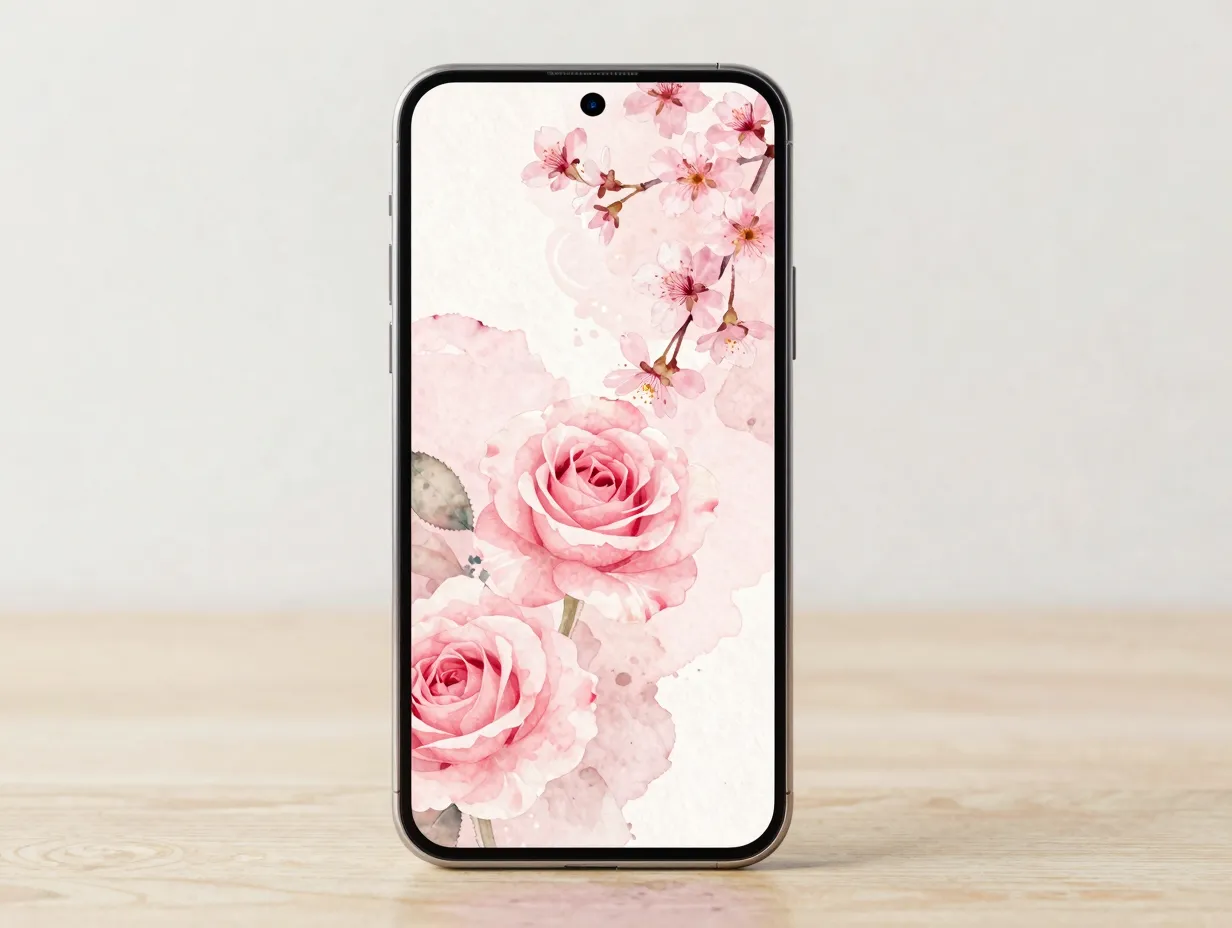
Soft watercolor roses, cherry blossoms, and delicate botanical illustrations define the floral romance aesthetic. This theme suits users who want something elegant rather than bold, a pink that feels sophisticated and timeless.
Where to find it: Canva’s pink phone wallpaper template library [1] includes numerous floral watercolor designs. The “Pink Aesthetic Wallpapers HD” app on Google Play [3] features a dedicated love and romance category with roses and heart motifs, offering 200-plus offline HD wallpapers.
How to apply it on Galaxy: Long-press the home screen, select “Change wallpapers,” then choose “Gallery” to locate the downloaded floral image. Use the crop tool to center the focal bloom on the screen.
Pairing suggestion: Combine a floral lock screen with a blurred or desaturated version of the same image as the home screen. This layered approach keeps the home screen readable while maintaining the romantic theme.
4. Pink Galaxy and Cosmic Nebula
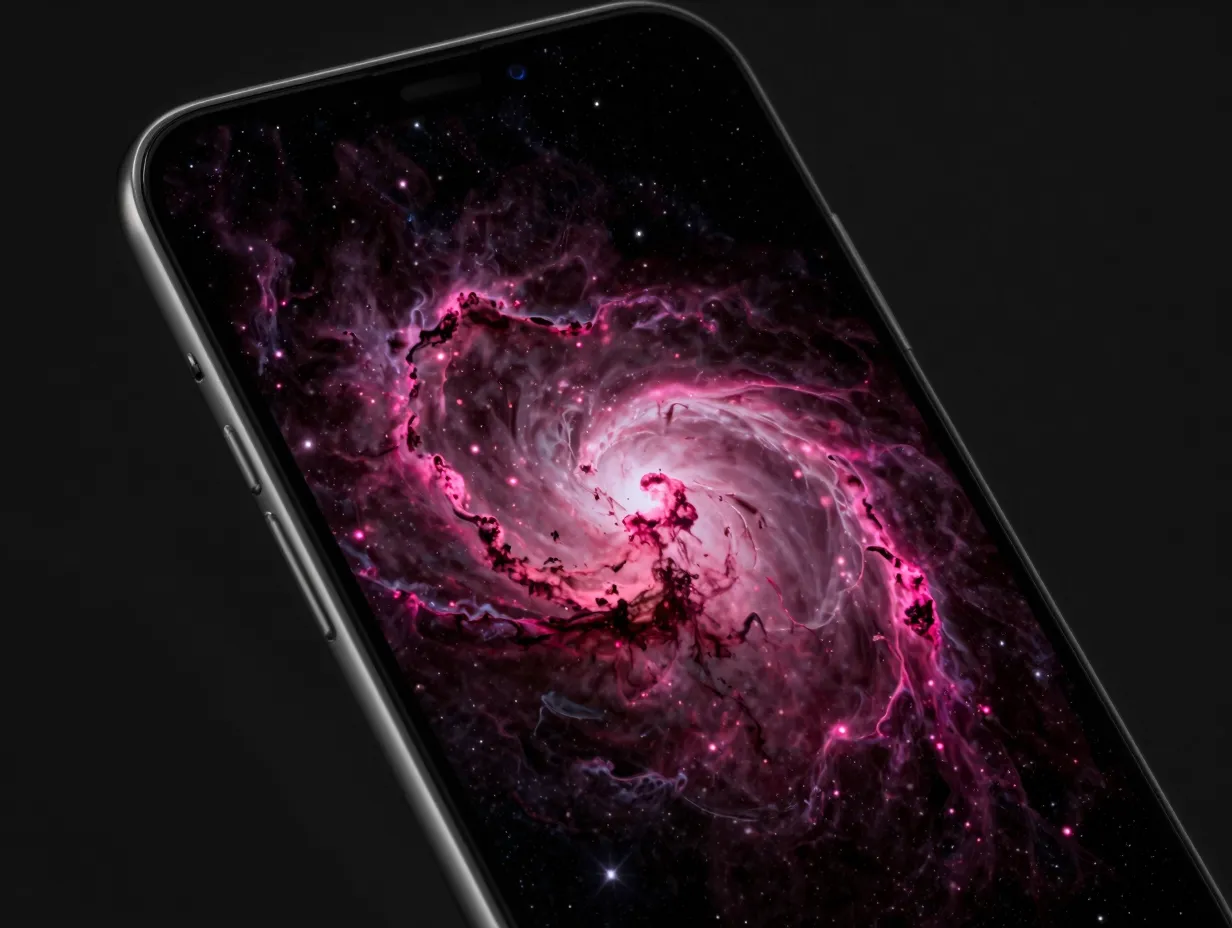
Pink galaxy wallpapers blend deep-space imagery with magenta, rose, and fuchsia tones. Nebula clouds, star fields, and cosmic dust create a dreamy, otherworldly backdrop that feels both playful and awe-inspiring.
Where to find it: Wallpapers.com reports over 100 pink galaxy wallpapers in its catalogue [5], available in HD and 4K resolutions suited to Galaxy screens. WidgetClub also maintains a dedicated “Pink Galaxy” collection with Android-optimized images [8].
How to apply it on Galaxy: These high-resolution images benefit from being set at full quality. In “Wallpaper and style,” disable any compression options and allow One UI to map the deep magenta tones to the system color palette for a space-themed accent scheme.
Why it works: The contrast between dark cosmic backgrounds and bright pink nebula clouds is visually striking on AMOLED screens, where true blacks make the pink elements appear to glow.
5. AI-Generated Dreamy Pink
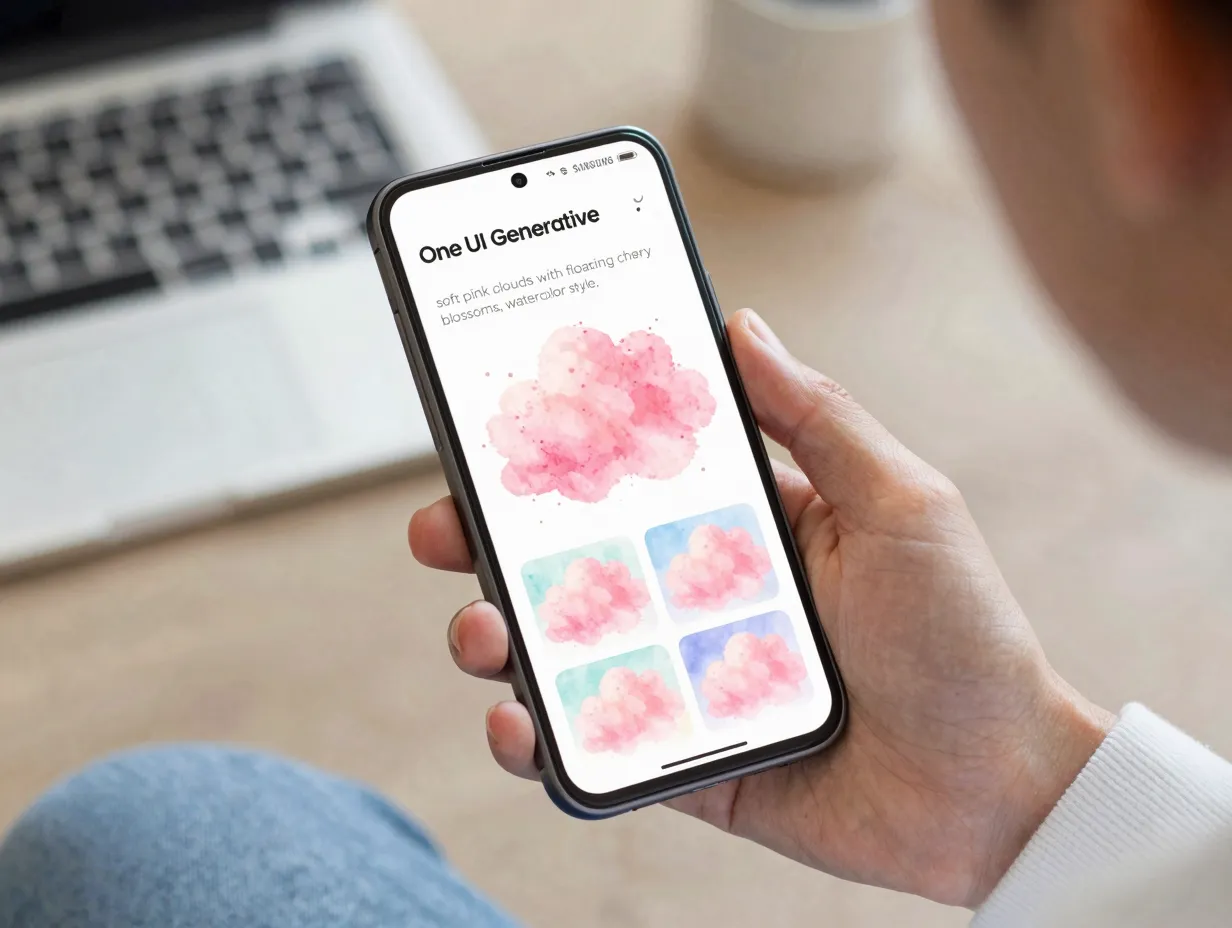
One UI 6.1’s Generative wallpaper feature allows users to describe a scene in text and receive a unique AI-created image. This is one of the most exciting developments in mobile personalization, and it makes the 8 pretty and playful pink wallpaper themes for your Samsung Galaxy entirely customizable at the prompt level.
How to use it: Long-press the home screen, tap “Change wallpapers,” select “Generative,” and enter a prompt such as “soft pink clouds with floating cherry blossoms, watercolor style” or “neon pink cityscape at night, anime aesthetic.” One UI will generate several variations to choose from.
Style options available: Oil painting, 3D comic, watercolor, and photorealistic styles are all supported in One UI 8.5’s Creative Studio. Each style produces a distinctly different interpretation of the same pink prompt.
“AI-generated wallpapers effectively let users become their own theme designers, specifying both color and mood in plain language.”
Best prompts for pink themes:
- “Pastel pink sky at golden hour with soft bokeh”
- “Pink barbiecore room with glossy surfaces and geometric shapes”
- “Kawaii pink animals in a candy-colored forest”
- “Pink and gold abstract fluid art, high resolution”
6. Live Effect Animated Pink
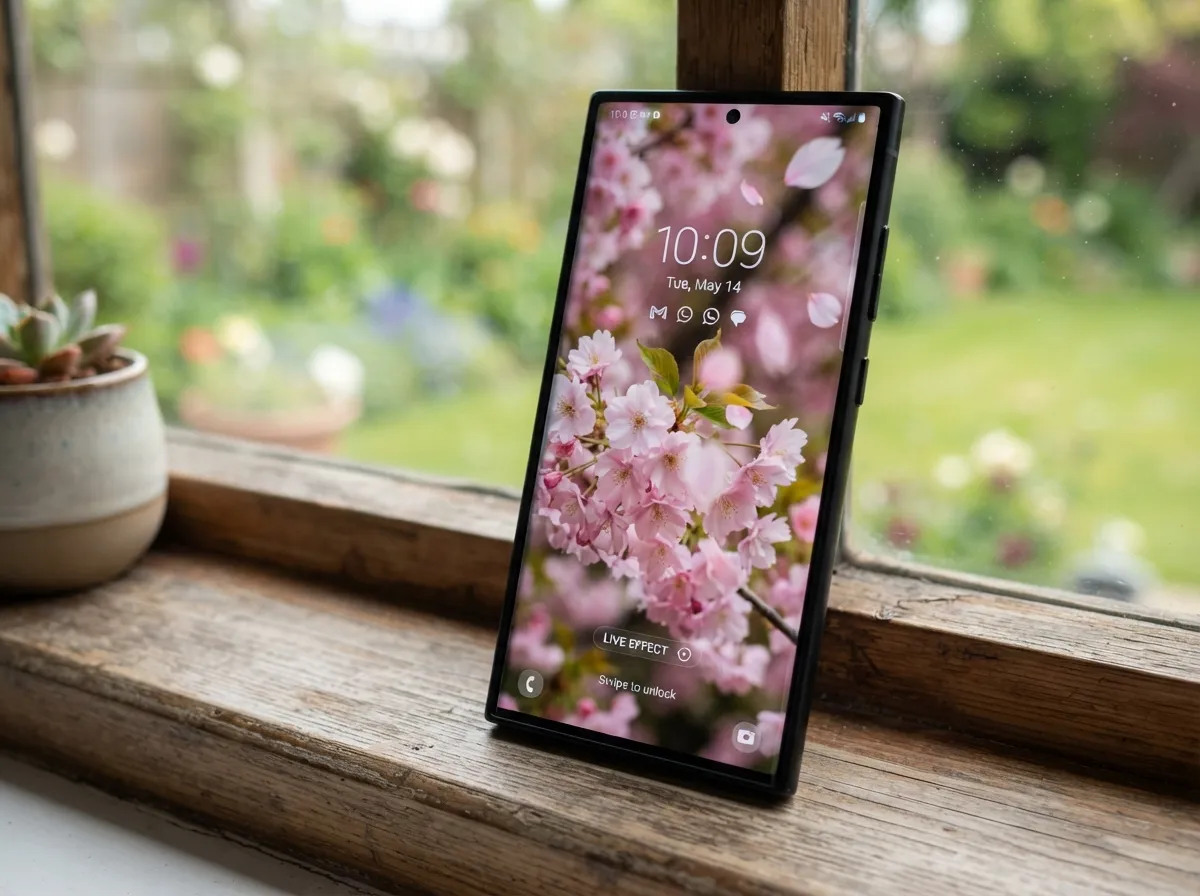
The Live Effect feature introduced in One UI 6.1.1 converts static photos into short animated video wallpapers. For pink themes, this means a photo of a pink sunset, a plush toy, or a field of cherry blossoms can become a gently moving lock screen background.
How to use it: Open the Gallery app, find a pink-toned photo, swipe up on the image, and select “Live Effect.” The feature processes the photo and saves an MP4 file, which can then be set as a dynamic lock screen wallpaper.
Best source images for this effect:
- Pastel pink skies with soft cloud movement
- Close-up shots of pink flowers with depth
- Plush toys or kawaii figurines against pink backgrounds
- Pink bokeh light scenes
Performance note: Video wallpapers consume slightly more battery than static images. Samsung recommends using them on the lock screen only, where they display briefly, rather than as always-on home screen backgrounds.
7. Minimalist Blush Pink
Minimalist blush wallpapers use a single soft pink tone, subtle gradients, or simple geometric shapes to create a clean, uncluttered background. This style is ideal for users who want the pink aesthetic without visual noise competing with app icons and widgets.
Where to find it: Zedge’s pink aesthetic category includes minimalist and preppy pink designs explicitly tuned for Samsung screen dimensions. The “Pink Aesthetic Wallpapers HD” app [3] also features clean, single-tone options in its catalogue of 200-plus wallpapers.
Design principles for minimalist pink:
- Use a single gradient from blush to white
- Avoid patterns or illustrations
- Pair with monochrome or transparent icon packs
- Choose a matching blush clock widget with thin typography
One UI integration: Minimalist pink wallpapers produce the cleanest color palette results in One UI’s “Wallpaper and style” system. The subtle tones generate soft, consistent accent colors that do not overwhelm the interface.
8. Vintage and Preppy Pink
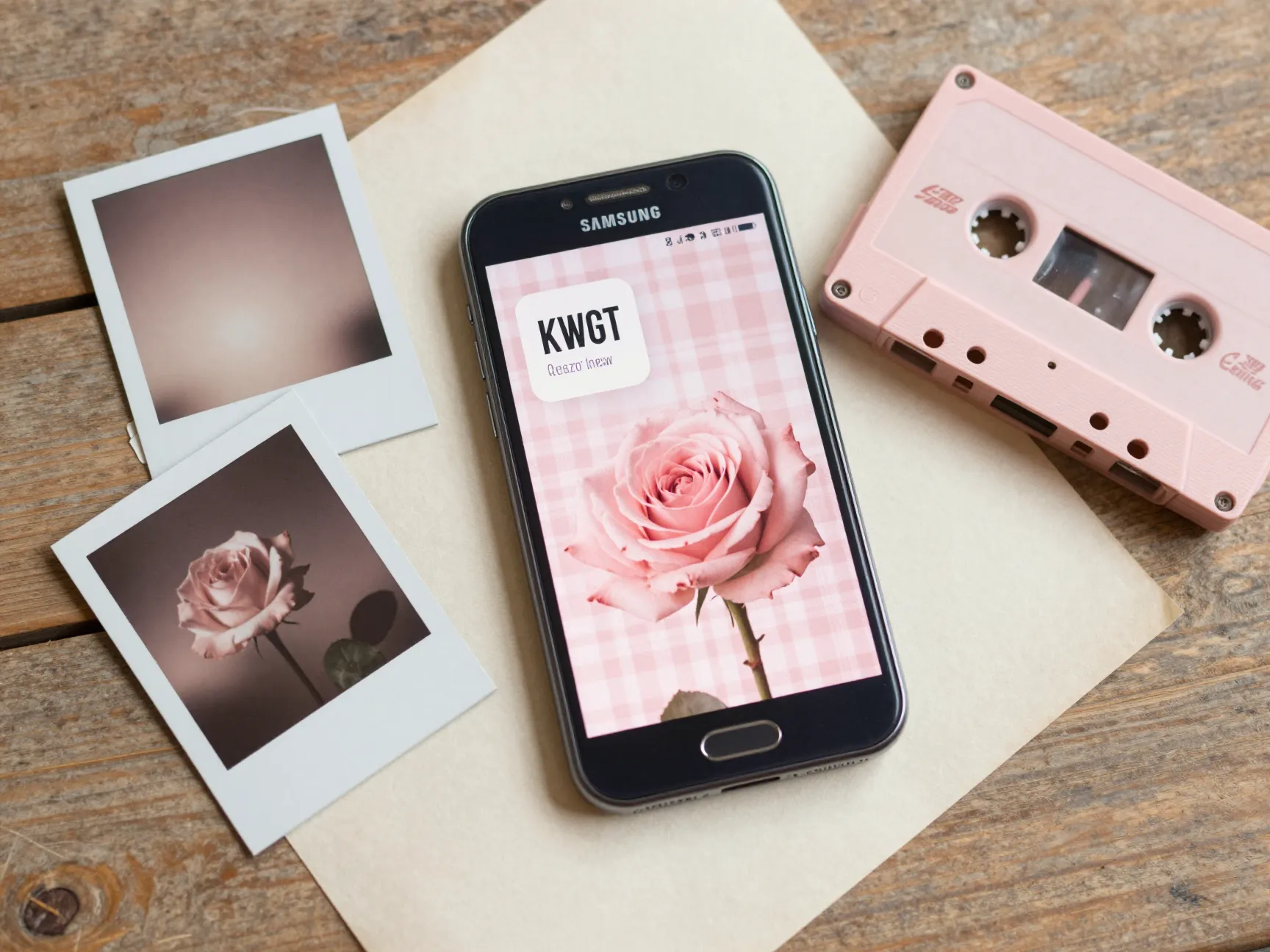
Vintage pink themes draw on retro aesthetics, think faded rose tones, old-school typography, preppy plaid patterns, and nostalgic motifs like cassette tapes, polaroid frames, and retro florals. This style has seen a strong resurgence in 2026, particularly among users who combine it with custom KWGT widgets for a fully styled home screen.
Where to find it: Zedge’s Samsung wallpaper library includes vintage and preppy pink designs alongside its minimalist and valentine-style options. Canva’s template library [1][2] is particularly strong for this aesthetic, offering retro-styled pink templates that can be customized with personal text or imagery before downloading.
How to build a full vintage pink theme:
- Download a vintage pink wallpaper from Canva or Zedge.
- Set it as the home screen background via “Wallpaper and style.”
- Enable One UI’s color palette to extract the muted rose accent tones.
- Install a retro-style KWGT widget pack to add styled clock and date displays.
- Apply a matching icon pack from the Galaxy Themes store [10] to complete the look.
Why this theme stands out: The combination of a nostalgic color palette with modern One UI tools creates a contrast that feels intentional and curated, the phone looks designed rather than simply decorated.
How to Set and Customize Any Pink Wallpaper on Samsung Galaxy
Regardless of which of the 8 pretty and playful pink wallpaper themes for your Samsung Galaxy appeals most, the setup process follows a consistent workflow on One UI devices.
Step-by-step setup guide:
- Download or generate the chosen pink wallpaper image.
- Long-press the home screen to open the customization panel.
- Tap “Wallpaper and style.”
- Select “Change wallpapers.”
- Choose the source: Gallery (for downloaded images), Generative (for AI art), or Featured (for curated Samsung selections).
- Preview the wallpaper and use the crop tool to position it correctly.
- Tap “Set as wallpaper” and choose home screen, lock screen, or both.
- Return to “Wallpaper and style” and open “Color palette” to review the accent tones One UI has extracted from the image.
- Adjust the palette if needed by selecting a different color cluster from the options shown.
Recommended sources by theme type:
| Theme | Best Source |
|---|---|
| Kawaii Pastel | KawaiiHoshi, Canva [2] |
| Barbiecore Bold | Zedge, Wallpapers.com [5] |
| Floral Romance | Canva [1], Pink Aesthetic Wallpapers HD [3] |
| Pink Galaxy Cosmic | Wallpapers.com [5], WidgetClub [8] |
| AI-Generated Dreamy | One UI Generative Wallpaper |
| Live Effect Animated | One UI Gallery Live Effect |
| Minimalist Blush | Zedge, Pink Aesthetic Wallpapers HD [3] |
| Vintage and Preppy | Canva [1][2], Zedge |
Building a Cohesive Pink Theme Beyond the Wallpaper
A wallpaper alone creates a pink home screen. A cohesive theme makes the entire phone feel intentional. Here are the key elements to address beyond the background image.
Icon packs: The Galaxy Themes store [10] offers complete theme packages that include pink-tinted or illustrated icon sets. Themes like the “Pink Teddy Bear On Cloud” package by Illustman bundle wallpapers and icons together, removing the need to source them separately.
Widgets: Custom widget apps like KWGT allow users to create or download styled clock, weather, and shortcut widgets that match any pink aesthetic. A vintage pink theme benefits from serif-font clock widgets; a kawaii theme pairs well with rounded, pastel-colored widgets.
Color palette: One UI’s built-in color palette tool does most of the work automatically once a pink wallpaper is set. For more control, manually select a specific pink cluster from the palette options to ensure accent colors stay within the desired shade range.
Lock screen customization: One UI allows separate wallpapers for the lock screen and home screen. A common approach is to use a bold or detailed pink image (such as a floral or cosmic design) on the lock screen and a simpler, less busy version on the home screen to keep app icons readable.
Always On Display: Samsung’s Always On Display can be set to match the active color palette, adding a subtle pink tint to the clock and notification icons visible when the screen is off.
Frequently Asked Questions
Can these pink themes be used on Samsung Galaxy tablets as well as phones?
Yes. The Galaxy Themes store [10] and One UI’s wallpaper tools work across Galaxy phones and tablets. The main difference is aspect ratio, tablet screens are wider, so wallpapers should be cropped or selected in landscape orientation for the best fit.
Do AI-generated wallpapers require a Samsung account?
Yes. One UI’s Generative wallpaper feature requires a Samsung account to access the AI generation service. The feature is available on Galaxy devices running One UI 6.1 and later.
Are the third-party apps mentioned safe to use?
Apps listed on the Google Play Store [3][9] go through Google’s security review process. Always check app permissions before installing and avoid granting unnecessary access to contacts or location data for a wallpaper app.
Will a video wallpaper drain the battery significantly?
Live Effect and video wallpapers do use more power than static images. Samsung recommends limiting video wallpapers to the lock screen rather than the home screen to minimize battery impact.
Can wallpapers downloaded from Canva be used commercially?
Canva’s free templates [1][2] are licensed for personal use. Commercial use may require a Canva Pro subscription and compliance with Canva’s content license terms.
Conclusion
The 8 pretty and playful pink wallpaper themes for your Samsung Galaxy covered in this guide span a wide range of aesthetics, from the soft sweetness of kawaii pastel to the bold confidence of barbiecore, from the timeless elegance of floral romance to the cutting-edge creativity of AI-generated art. Each theme is achievable today using tools that are either built into One UI or freely available on major platforms.
Actionable next steps:
- Identify which of the eight pink aesthetics best matches the desired mood, playful, bold, romantic, minimalist, or nostalgic.
- Visit the recommended source for that theme (Galaxy Themes store, Canva, Wallpapers.com, or Zedge) and download two or three candidate images.
- Set the chosen wallpaper through One UI’s “Wallpaper and style” panel and review the auto-generated color palette.
- Extend the theme to icons and widgets using Galaxy Themes or a compatible widget app.
- Experiment with One UI’s Generative wallpaper feature to create a fully unique pink design that no one else has.
Pink wallpaper customization on Samsung Galaxy is no longer a matter of simply picking a background. With AI generation, Live Effect animation, and a deep library of third-party designs, every Galaxy user can build a complete, cohesive pink aesthetic that reflects their personality, and update it whenever the mood changes.
References
[1] Pink – https://www.canva.com/phone-wallpapers/templates/pink/
[2] Cute Pink Wallpaper – https://www.canva.com/templates/s/cute-pink-wallpaper/
[3] Details – https://play.google.com/store/apps/details?id=com.ibrahimtornado.PinkAestheticWallpaper&hl=en_US
[5] Pink – https://wallpapers.com/pink
[8] Android – https://widget-club.com/wallpapers/t/pink_galaxy/android
[9] Details – https://play.google.com/store/apps/details?id=com.pinkmood.wallpaperyenyen&hl=my
[10] Galaxy Store Galaxy Themes – https://www.samsung.com/us/support/owners/app/galaxy-store-galaxy-themes/