8 Aesthetic Customization Ideas For Your Samsung A56 Phone
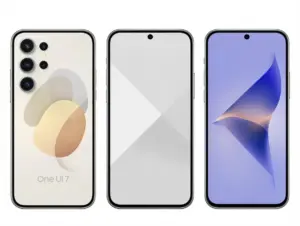
Only 38% of smartphone owners ever change a single visual setting beyond their wallpaper, yet the Samsung Galaxy A56 ships with one of the most customization-ready hardware and software combinations in the mid-range market. From its refined aluminum frame to the deeply configurable One UI 7 interface, this device practically invites personalization. Whether the goal is a sleek, minimal look or a bold, expressive setup, these 8 aesthetic customization ideas for your Samsung A56 phone cover every layer, hardware, software, and desk environment.
Disclosure: This post contains affiliate links. As an Amazon Associate, we earn from qualifying purchases, and at no extra cost to you.
Key Takeaways
- The Galaxy A56 features four official color finishes, a glass back, and an aluminum frame that reward thoughtful case and skin choices [1][3]
- One UI 7 offers deep theming tools, icon packs, color palettes, and Always-On Display customization, for a fully cohesive visual identity
- The 6.7-inch 120Hz AMOLED display and punch-hole camera create a canvas for creative lock screen and wallpaper design [2][4]
- The A56’s mid-range price point makes budget-conscious personalization both practical and rewarding [8]
- Coordinating physical accessories with software themes produces the most polished, intentional aesthetic results
Why the Samsung Galaxy A56 Is Built for Aesthetic Customization
Before diving into the specific ideas, it helps to understand what makes the A56 such a strong platform for personalization. Leaked renders and certification documents confirm a design that borrows heavily from Samsung’s flagship Galaxy S series: a flat 6.7-inch 120Hz AMOLED display, a prominent triple-camera module with a redesigned bump, a glass back, and an aluminum frame [1][5]. The phone is expected in at least four color finishes, including Awesome Iceblue, Awesome Navy, Awesome White, and Awesome Black [3][9].
One UI 7 adds a software layer that is equally generous. Samsung’s long-term update commitment means the theming ecosystem will stay relevant for years. The combination of premium-feeling hardware at a mid-range price, leaks suggest a starting price in the $400,$500 range [8], means owners can invest confidently in accessories and software customization without feeling like they are over-spending on a budget device.
8 Aesthetic Customization Ideas For Your Samsung A56 Phone: Hardware and Physical Accessories
The most immediate and visible layer of personalization is the physical one. The A56’s hardware design gives several clear entry points for accessories that enhance rather than hide the phone’s built-in aesthetic.
1. Color-Coordinated Cases and Skins Matched to Official Finishes
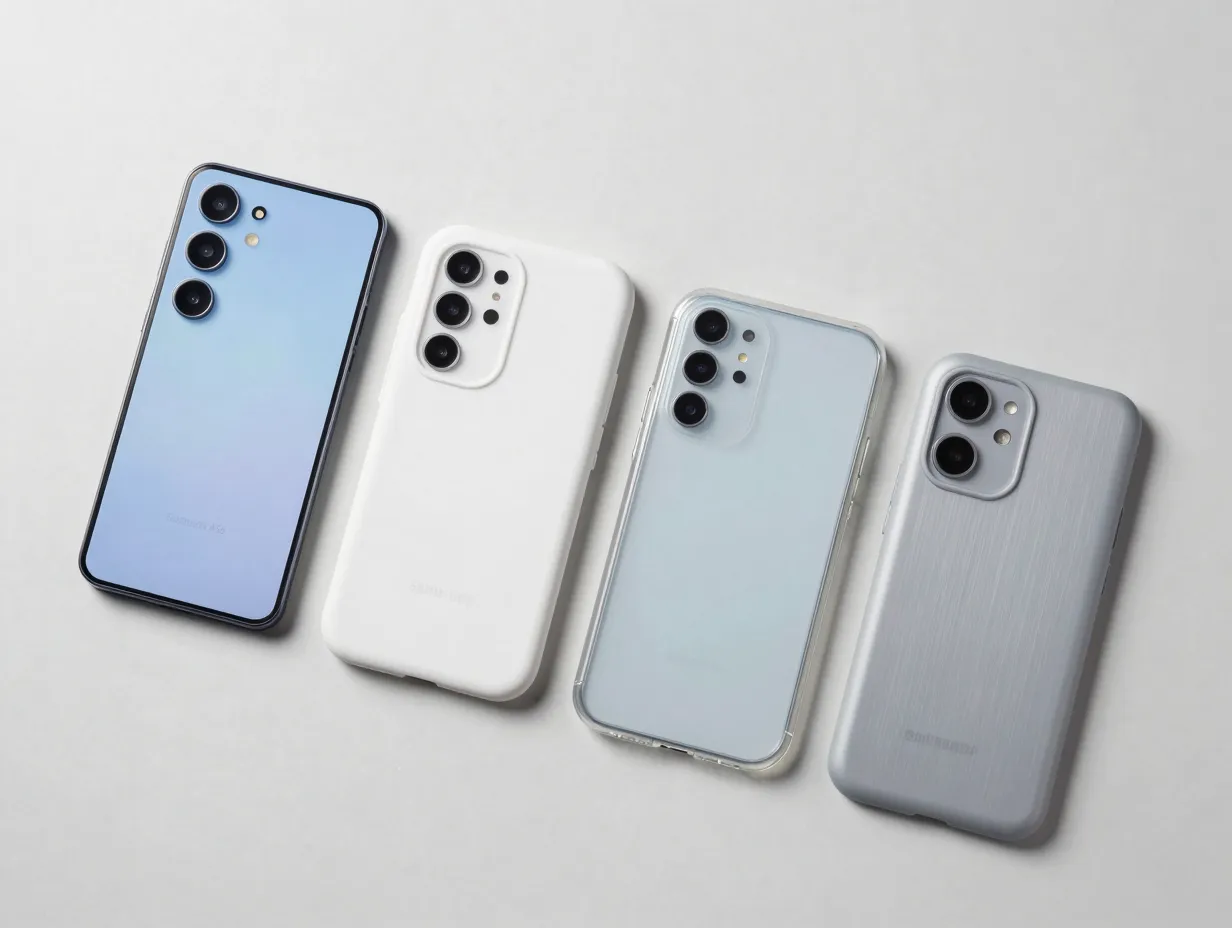
The four confirmed color finishes for the Galaxy A56, Awesome Iceblue, Awesome Navy, Awesome White, and Awesome Black, are not accidental choices [3][9]. Each finish has a distinct undertone that pairs well with specific case and skin colors.
Pairing guide by finish:
| Official Finish | Complementary Case Color | Accent Color to Avoid |
|---|---|---|
| Awesome Iceblue | Soft white, pale gray, frosted clear | Warm yellow, orange |
| Awesome Navy | Deep charcoal, slate, matte black | Neon green, hot pink |
| Awesome White | Sage green, blush, clear | Dark brown, burgundy |
| Awesome Black | Gunmetal, olive, clear | Pastel lavender, baby blue |
Vinyl skins from brands like dbrand or Slickwraps allow owners to change the perceived finish entirely, adding texture like brushed metal, carbon fiber, or matte stone without adding bulk. For the Awesome Iceblue finish in particular, a frosted matte skin preserves the color while eliminating fingerprint smudging on the glass back [5].
2. Accent Rings and Decals That Highlight the Camera Bump
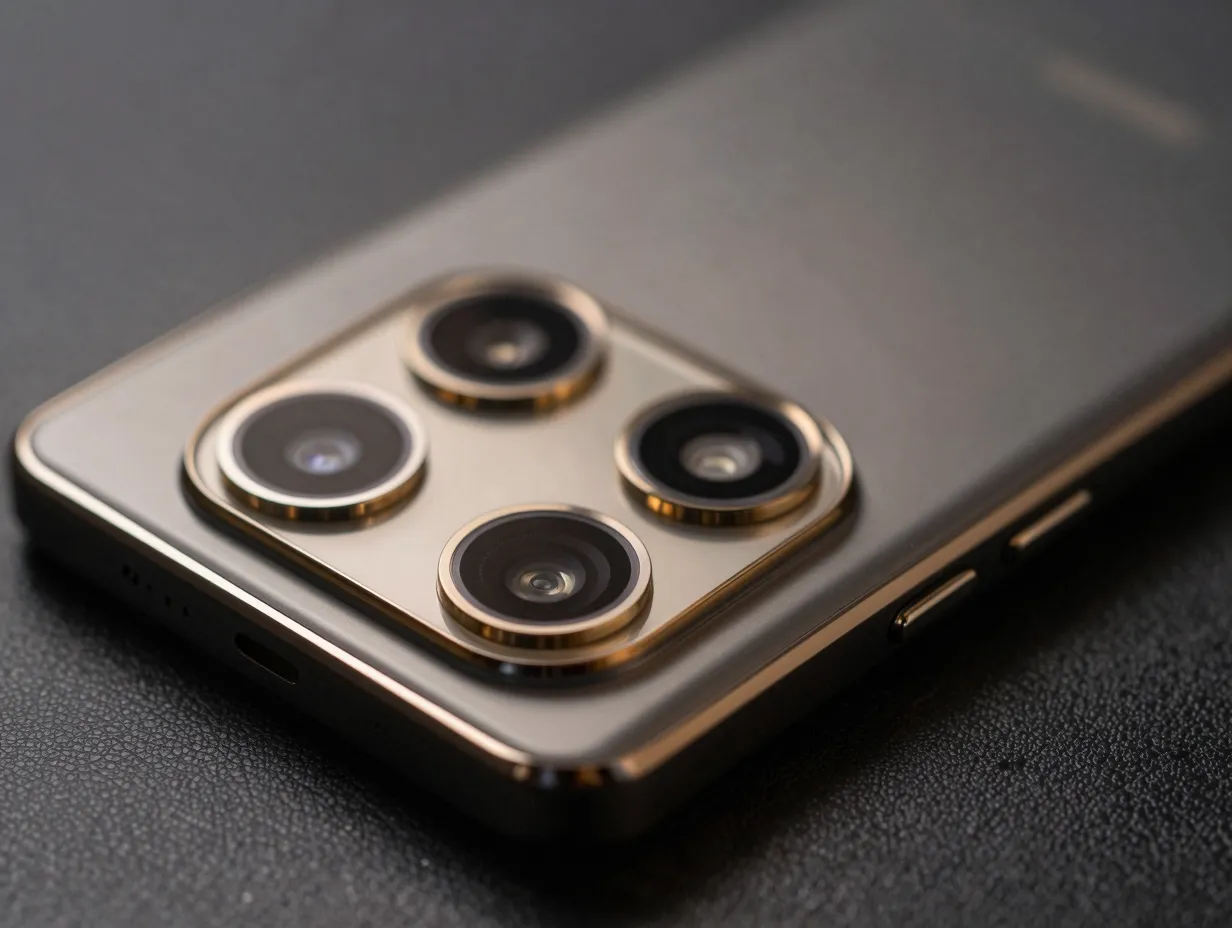
The Galaxy A56’s triple-camera module is one of its most visually distinctive hardware elements. Leaked renders show a redesigned, more prominent camera island compared to its predecessor [1][4]. Rather than hiding this feature, accent rings and precision-cut decals can turn it into a deliberate design statement.
Metallic accent rings, available in gold, rose gold, gunmetal, and chrome, fit around individual camera lenses and create a flagship-tier visual effect. Thin vinyl decals cut specifically for the A56’s camera layout can add geometric patterns or color-blocking to the module area. When paired with a matching case color, this approach draws the eye intentionally to the phone’s most engineering-forward feature.
Pro tip: Order camera ring sets that include the flash surround as well. Matching all three rings plus the flash creates a unified cluster rather than a piecemeal look.
3. Clear and Hybrid Cases That Showcase the Glass Back and Aluminum Frame
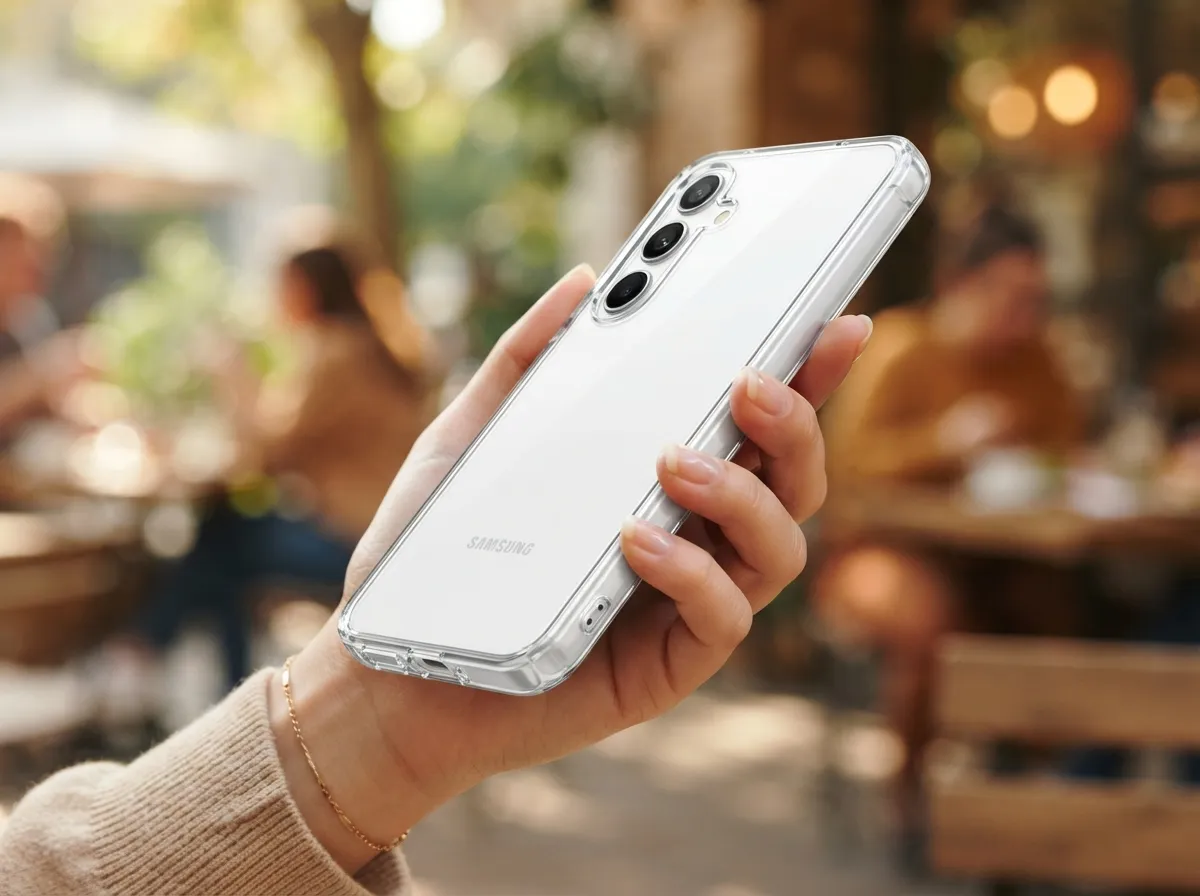
The Galaxy A56 features a glass back and an aluminum frame, materials that signal quality and deserve to be seen [2][6]. A fully opaque case hides both. A clear or hybrid case solves this problem.
Modern hybrid cases use a hard polycarbonate back with a soft TPU bumper. This construction protects the aluminum frame from scratches while keeping the glass back fully visible. For the Awesome Iceblue and Awesome White finishes especially, a clear case lets the official color do the visual work while still providing drop protection.
Tinted clear cases, available in light smoke, light blue, or light green tints, add a subtle color shift without obscuring the hardware. This is one of the most cost-effective ways to personalize the A56 while respecting the design language Samsung built into the device.
4. Designing Wallpapers and Skins Around the Flat 6.7-Inch Display and Punch-Hole Camera
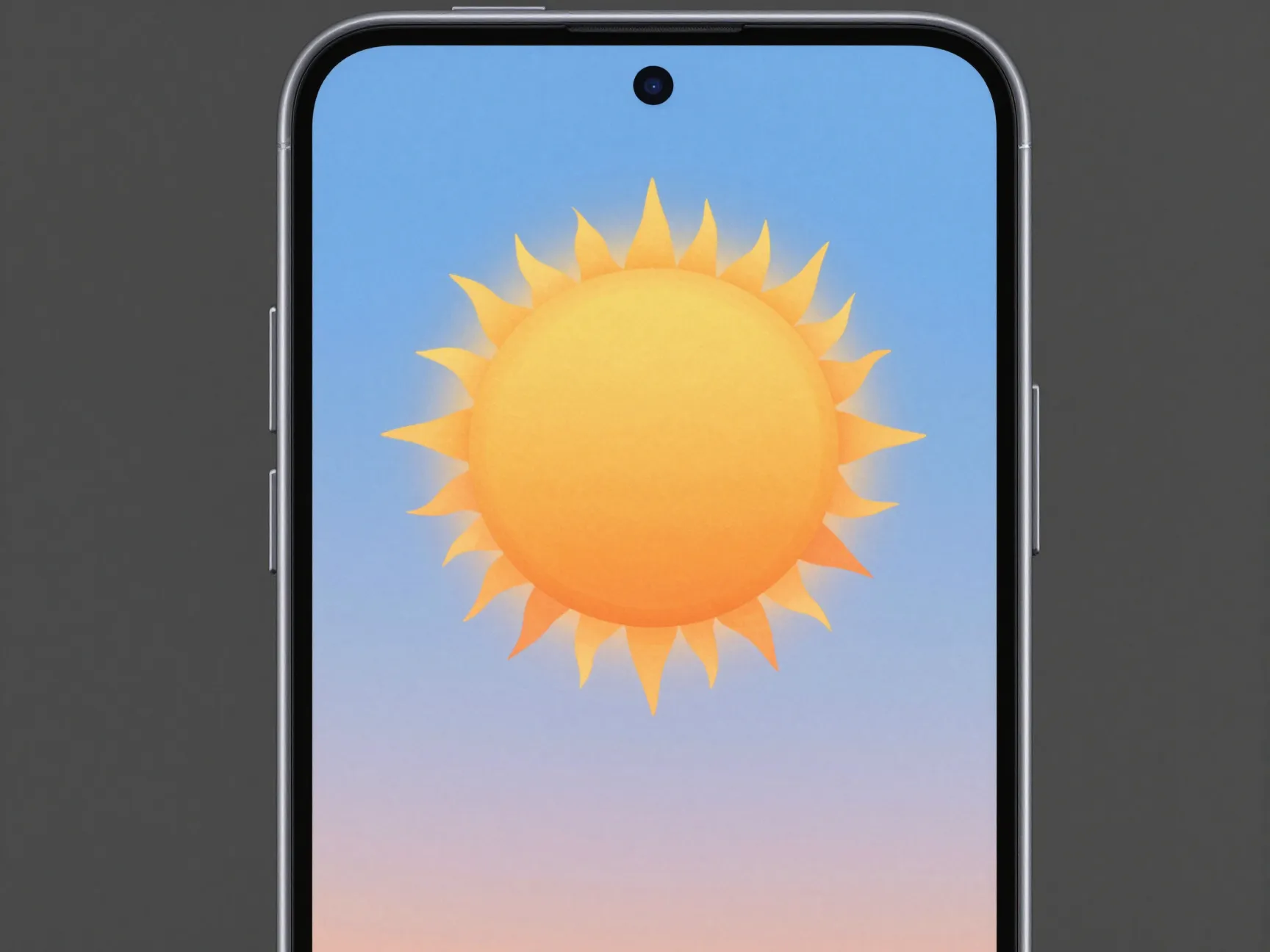
The Galaxy A56’s 6.7-inch flat AMOLED display with a centered punch-hole camera creates a specific canvas [2][4]. Unlike curved-edge displays, the flat screen means wallpapers and lock screen art render exactly as designed, no distortion at the edges.
The centered punch-hole is a design constraint that can become a feature. Wallpapers designed with a sun, moon, planet, or circular motif centered at the top of the frame make the camera cutout feel intentional. Several wallpaper apps, including Zedge, Backdrops, and AI-generated wallpaper tools, offer punch-hole-aware designs specifically for flat-screen Android phones.
For physical customization, precision-cut screen protectors with an anti-glare matte finish change the visual texture of the display entirely, giving the phone a more muted, paper-like appearance when the screen is off.
8 Aesthetic Customization Ideas For Your Samsung A56 Phone: Software and Interface
The hardware is only half the story. One UI 7 on the Galaxy A56 provides a rich set of tools for building a cohesive visual identity that extends from the lock screen to every app icon on the home screen.
5. Leveraging One UI 7 Theming for a Cohesive Visual Identity
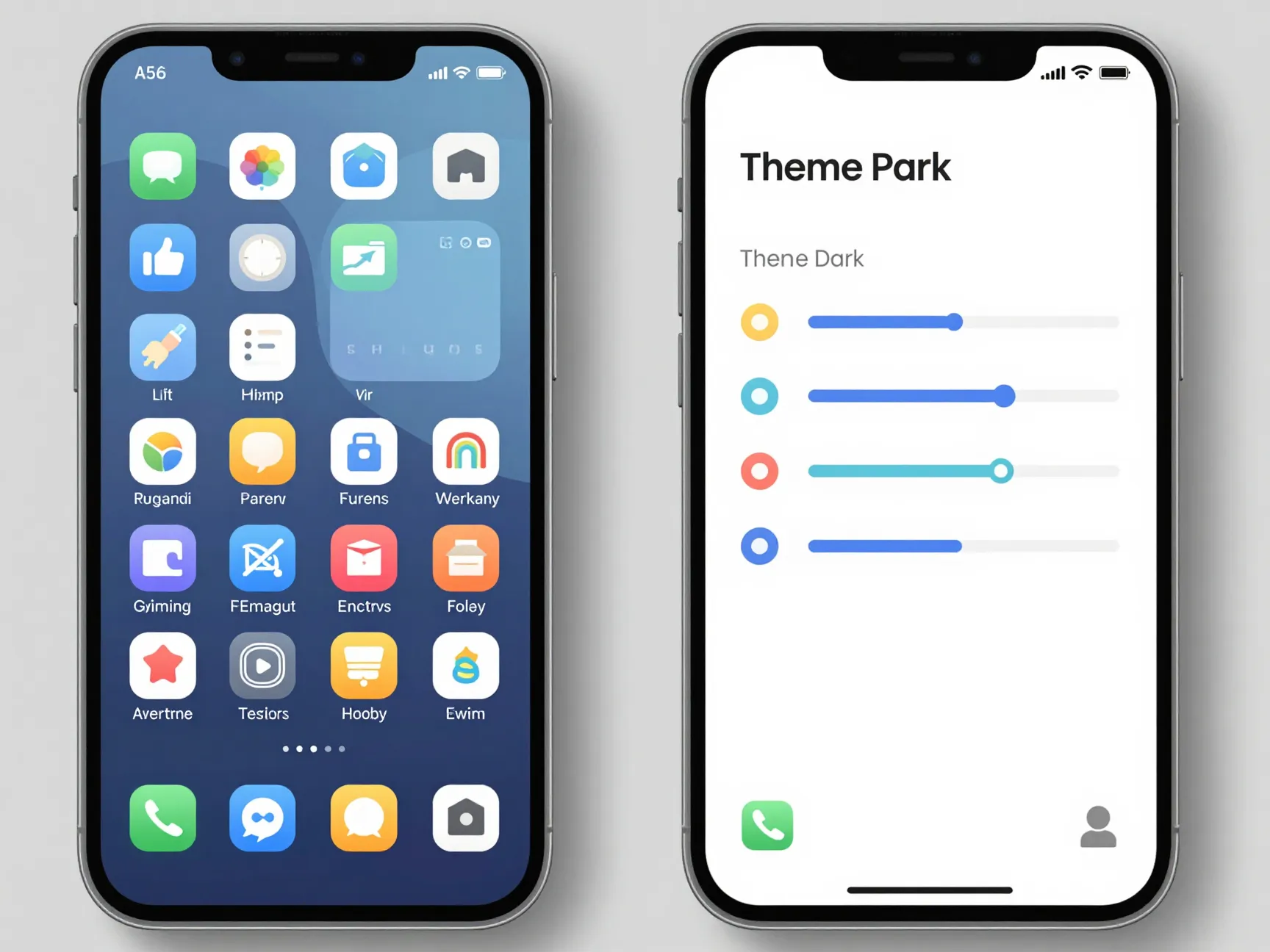
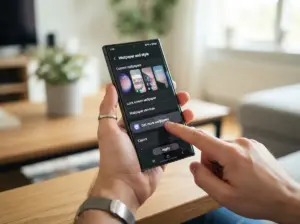
One UI 7 represents Samsung’s most refined approach to system-wide theming. The Good Lock app, available through the Galaxy Store, unlocks granular control over nearly every visual element: icon shapes, color palettes, font styles, notification panel design, and the Quick Settings grid layout.
Key One UI 7 theming tools:
- Theme Park (via Good Lock): Generates a full system color palette from any wallpaper image, ensuring every UI element matches the home screen.
- Icon Pack support: Third-party icon packs from the Galaxy Store replace every app icon with a unified set, eliminating visual clutter from mismatched app branding.
- Font customization: Samsung offers several built-in font options, and additional fonts are available through the Galaxy Store. Pairing a clean sans-serif font with a minimal icon pack creates a cohesive, editorial look.
- Long-term update support: Samsung’s commitment to multi-year OS updates for the A56 means these theming investments remain relevant [7].
6. Customizing the Always-On Display and Lock Screen to Match Hardware Cues
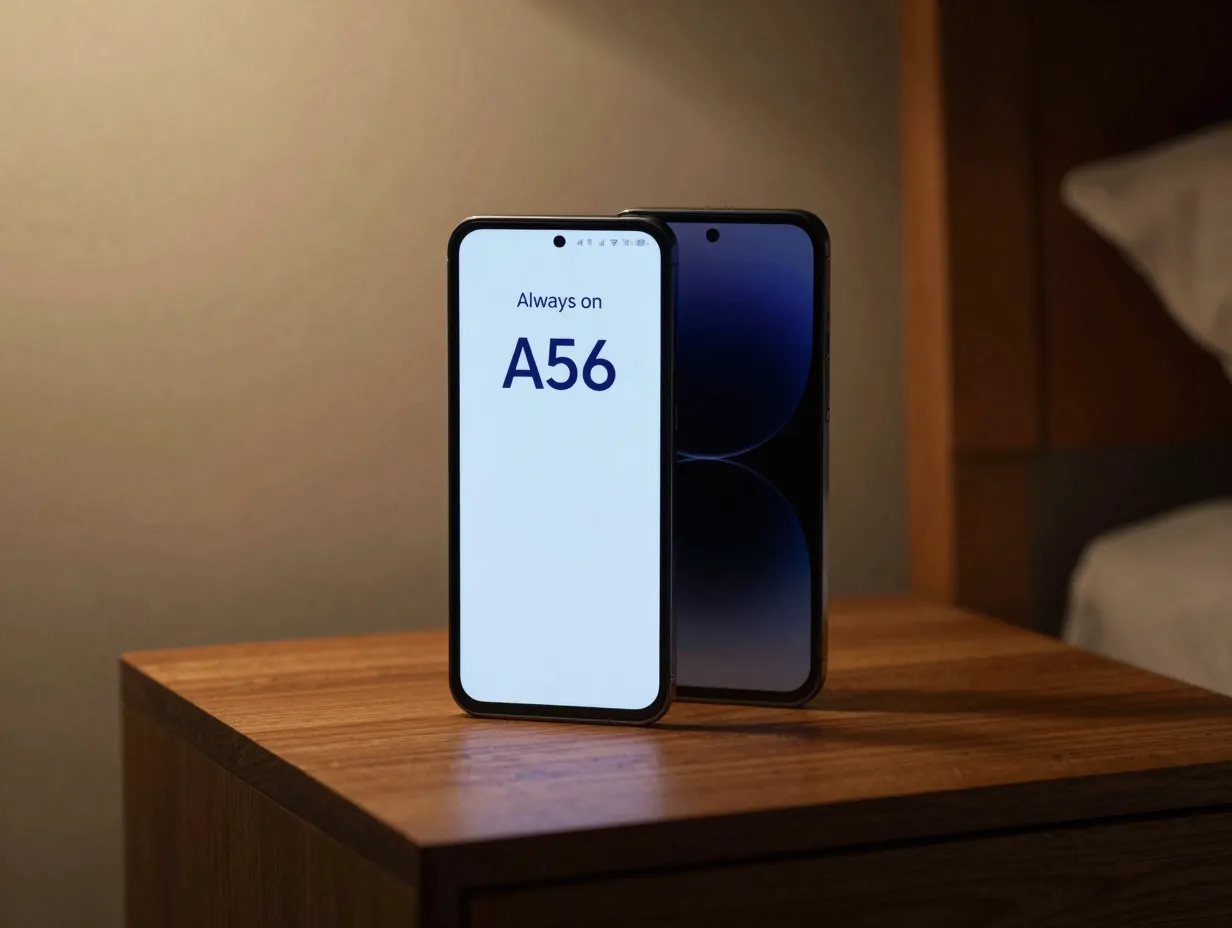
The Always-On Display (AOD) is the face of the phone when it is sitting on a desk or nightstand. On the Galaxy A56′s AMOLED panel, AOD is power-efficient because only lit pixels consume energy, meaning a well-designed AOD adds visual character without meaningfully impacting battery life.
One UI 7 allows full AOD customization:
- Clock styles: Choose from analog, digital, or text-based clocks in multiple font weights.
- Custom images: Upload a personal image or illustration to appear on the AOD.
- Color matching: Set the AOD accent color to match the phone’s physical finish, navy text for the Awesome Navy model, for example.
- Lock screen widgets: Add weather, calendar, or fitness widgets that are styled to match the overall theme.
“The Always-On Display is the one screen element visible more often than any other, it deserves as much design attention as the home screen.”
For the most polished result, align the AOD clock position and color with the lock screen wallpaper. A dark, minimal wallpaper with a centered clock in a matching accent color creates a seamless transition from AOD to lock screen.
7. Integrating Samsung’s AI Features Into the Aesthetic Workflow
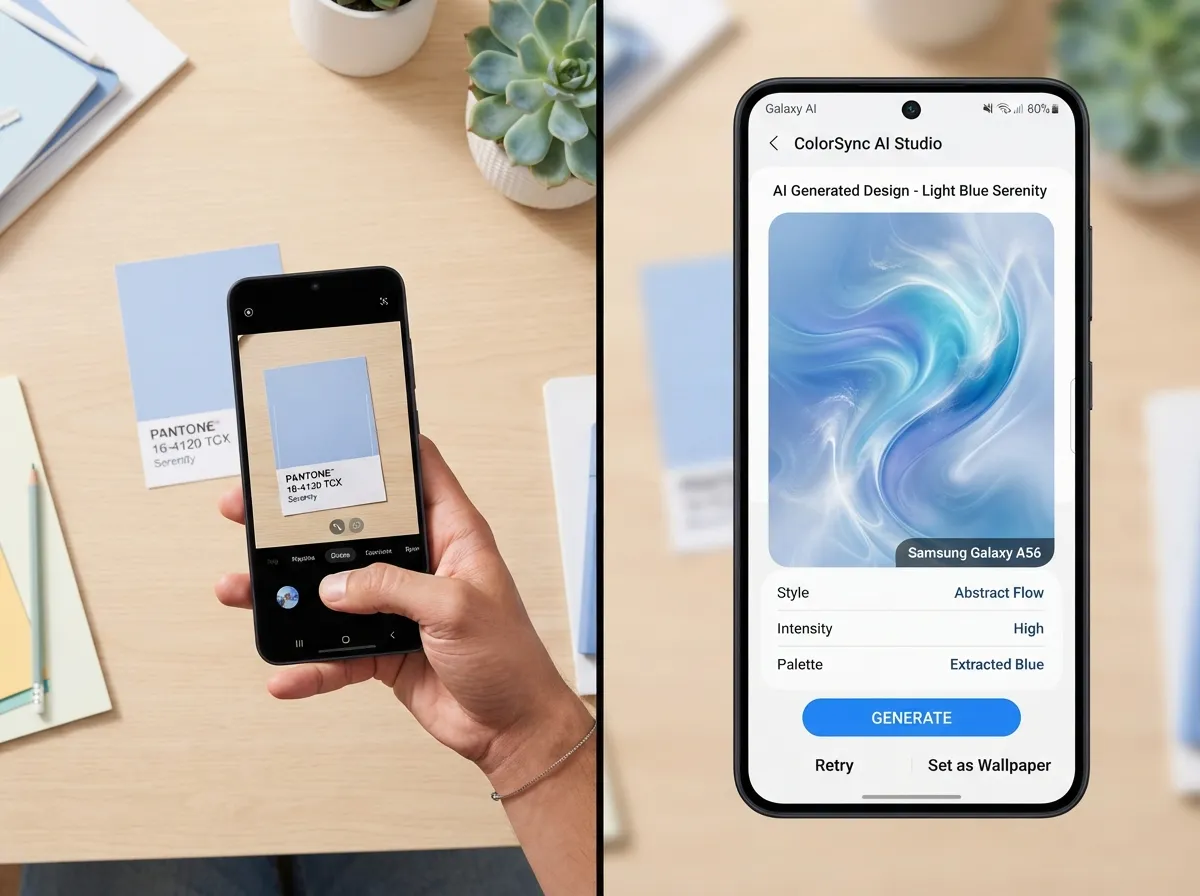
Note: This section reflects current AI feature trajectories and involves some speculation about specific A56 implementations.
Samsung’s Galaxy AI suite, introduced on the S24 series and expanded progressively, is expected to bring generative wallpaper and editing tools to the A56 through One UI 7 [7]. The practical aesthetic application is significant.
Generative wallpaper tools can create custom, one-of-a-kind backgrounds that match a specific color palette, mood, or style. Rather than using a stock image that thousands of other users share, the A56’s AI tools (where available) can produce wallpapers tailored to the phone’s exact finish color.
Speculative but plausible AI aesthetic uses on the A56:
- Generating wallpapers that incorporate the phone’s official color as a dominant hue
- Using AI photo editing to create consistent, stylized versions of personal photos for use as wallpapers
- Applying consistent color grading to home screen folder covers for visual uniformity
These features represent the frontier of software-driven personalization and are worth exploring as One UI 7 matures on the device.
8. Coordinating Charging Accessories and Desk Aesthetics Around the 45W Charging Setup
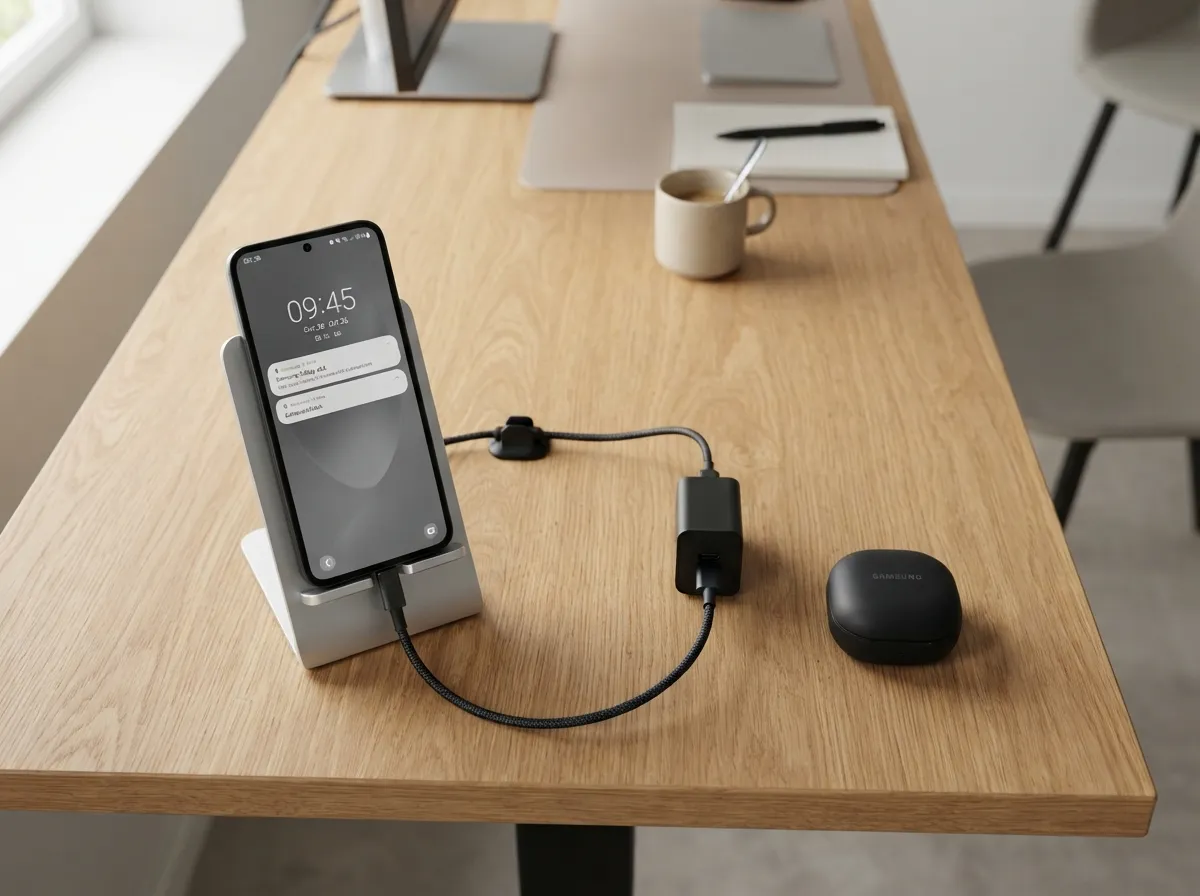
The Galaxy A56 is expected to support 45W wired fast charging, a flagship-grade specification at a mid-range price point [2][8]. This creates an opportunity to build a coordinated desk or nightstand aesthetic around the charging setup.
Coordinated desk aesthetic components:
- Charging stand or dock: A vertical stand that holds the phone while charging keeps the display visible and the setup tidy. Stands in aluminum or matte silicone finishes complement the A56’s hardware materials.
- Cable color: Braided USB-C cables in colors matched to the phone’s finish, navy, white, or black, replace the utilitarian look of standard cables.
- Cable management: A small cable clip or magnetic cable holder in a matching material keeps the desk surface clean.
- Wireless earbuds case: If using Galaxy Buds, a matching or complementary case color creates a unified product family aesthetic on the desk.
- Phone stand finish: Matching the stand material (aluminum for the Awesome Black or Awesome Navy, white ceramic for the Awesome White) to the phone’s frame creates a coherent visual cluster.
The 45W charging speed means the phone spends less time on the charger than slower devices, but the desk setup remains a permanent fixture. Investing in coordinated accessories pays visual dividends every day.
Budget-Conscious Personalization: Getting the Most From the A56’s Mid-Range Positioning
One of the strongest arguments for personalizing the Galaxy A56 is its price positioning. At an expected retail price in the $400,$500 range [8][9], the A56 sits below flagship territory but above true budget phones. This means:
- Case and skin budgets of $15,$40 represent a reasonable percentage of the device’s value
- Galaxy Store theme purchases (typically $1,$3 each) are low-risk experiments
- Desk accessories can be phased in over time without a large upfront investment
Recommended personalization budget allocation:
| Category | Suggested Budget | Priority |
|---|---|---|
| Clear or hybrid case | $15,$30 | High |
| Camera accent rings | $8,$15 | Medium |
| Vinyl skin | $10,$25 | Medium |
| Icon pack + theme | $2,$6 | High |
| AOD customization | Free | High |
| Desk stand + cable | $20,$40 | Low-Medium |
The free customization options, AOD design, One UI 7 theming, wallpaper creation, should always be the first step. They cost nothing and produce the most visible results.
Conclusion
The 8 aesthetic customization ideas for your Samsung A56 phone outlined here span every level of investment and technical effort. Starting with the free options, One UI 7 theming, AOD customization, and punch-hole-aware wallpapers, delivers immediate, high-visibility results without spending a dollar. Adding a clear or hybrid case to showcase the glass back and aluminum frame is the single most impactful hardware step, costing under $30.
For those ready to go further, camera accent rings, coordinated desk accessories, and AI-generated wallpapers build a layered, intentional aesthetic that feels genuinely personal rather than off-the-shelf. The Galaxy A56’s combination of premium hardware design at a mid-range price [8] makes every customization dollar go further than it would on a budget device.
Actionable next steps:
- Download Good Lock from the Galaxy Store and explore Theme Park before buying any physical accessories.
- Choose a base color direction aligned with the phone’s official finish.
- Order a clear or hybrid case first, it is reversible, affordable, and immediately impactful.
- Set a monthly “personalization budget” of $10,$15 to phase in camera rings, skins, and desk accessories over time.
- Revisit the AOD and lock screen design every few weeks to keep the setup feeling fresh.
The most aesthetic Samsung A56 setup is not the most expensive one, it is the most intentional one.
References
[1] Samsung Galaxy A56 Evleaks Renders Design Specs – https://www.theverge.com/news/610794/samsung-galaxy-a56-evleaks-renders-design-specs
[2] Complete Specifications Galaxy A56 A36 A26 Leak – https://www.sammobile.com/news/complete-specifications-galaxy-a56-a36-a26-leak/
[3] Samsung Galaxy A56 A36 And A26 Mega Leak Outs Specs Images Prices News 66728 – https://www.gsmarena.com/samsung_galaxy_a56_a36_and_a26_mega_leak_outs_specs_images_prices-news-66728.php
[4] Galaxy A56 5g Leak Leaves Nothing To The Imagination Id167522 – https://www.phonearena.com/news/galaxy-a56-5g-leak-leaves-nothing-to-the-imagination_id167522
[5] Galaxy A56 Renders Leak Heres What Samsungs Next Budget Phone Could Look Like – https://www.tomsguide.com/phones/samsung-phones/galaxy-a56-renders-leak-heres-what-samsungs-next-budget-phone-could-look-like
[6] Samsung Galaxy A56 Official Certification 3514885 – https://www.androidauthority.com/samsung-galaxy-a56-official-certification-3514885/
[7] Samsung Galaxy A56 Could Launch Soon – https://www.androidcentral.com/phones/samsung-galaxy-a56-could-launch-soon
[8] Samsung Galaxy A56 New Leak Reveals Specifications And Expected Price.939586.0 – https://www.notebookcheck.net/Samsung-Galaxy-A56-New-leak-reveals-specifications-and-expected-price.939586.0.html
[9] Alleged Samsung Galaxy A56 Key Specs Design Leak – https://www.gizguide.com/2025/01/alleged-samsung-galaxy-a56-key-specs-design-leak.html
[10] Samsung Galaxy A56 Leaked Renders 3525323 – https://www.androidauthority.com/samsung-galaxy-a56-leaked-renders-3525323/